


intellisyncai Overview
IntelliSyncAI is a next-generation, AI-powered integration and workflow automation platform that serves as the central nervous system for your business operations. In today's fragmented digital landscape, businesses rely on a multitude of SaaS applications, from CRMs and ERPs to marketing automation and communication tools. IntelliSyncAI bridges the gaps between these disparate systems, eliminating data silos and manual data entry. It empowers teams to create a single, unified source of truth, ensuring data consistency and accuracy across the entire organization. By leveraging advanced artificial intelligence and machine learning algorithms, the platform goes beyond simple task automation. It analyzes data in real-time to uncover hidden patterns, predict future trends, and provide actionable insights that drive strategic decision-making. Whether you're a small business looking to optimize your processes or a large enterprise aiming for digital transformation, IntelliSyncAI provides the tools to build a more connected, efficient, and intelligent organization.
How to use intellisyncai
Using IntelliSyncAI is designed to be intuitive and accessible for users of all technical levels. The process typically follows these steps:
- Connect Your Apps: Start by navigating to the 'Integrations' or 'App Directory' section. Search for the applications you use daily (e.g., Salesforce, Google Sheets, Slack, Mailchimp) and authorize IntelliSyncAI to access them using secure OAuth connections.
- Create a 'Sync' (Workflow): A 'Sync' is an automated workflow. You can start from a pre-built template or create one from scratch using the visual, drag-and-drop editor.
- Set a Trigger: Every Sync starts with a trigger event. This is the event that initiates the automation, such as 'New Lead in Salesforce', 'New Row in Google Sheets', or 'New Email in Gmail'.
- Add Actions & Logic: Chain together a series of actions that should occur after the trigger. You can add conditional logic (if/then statements), data formatting steps, and time delays. For example, 'If lead score > 80, send a notification to the #sales channel in Slack and create a task in Asana for the account executive.'
- Leverage AI Insights: For advanced workflows, you can add an AI module. For instance, use the 'Sentiment Analysis' module on a new support ticket before routing it, or use the 'Predictive Lead Scoring' module to prioritize your sales efforts.
- Activate and Monitor: Once your Sync is configured, activate it. You can monitor all your active workflows from a central dashboard, view execution history, and troubleshoot any errors.
Core Features of intellisyncai
- Extensive App Integration Library: Connect to over 500 popular business applications, including CRMs, marketing platforms, databases, and communication tools.
- Visual Workflow Builder: A no-code, drag-and-drop interface that allows anyone to build simple or complex multi-step automations.
- AI-Powered Insight Engine: Utilizes machine learning for predictive analytics, lead scoring, anomaly detection, and natural language processing to extract value from your data.
- Real-Time Data Synchronization: Ensures that your data is consistent and up-to-date across all connected platforms, eliminating manual errors and data silos.
- Customizable Dashboards & Reporting: Create unified dashboards to monitor key metrics from various sources. Automatically generate AI-powered reports that summarize performance and highlight key trends.
- Enterprise-Grade Security & Governance: Features like data encryption, role-based access control (RBAC), and detailed audit logs ensure your data is secure and compliant.
- Developer API: A robust API allows for custom integrations and embedding IntelliSyncAI's automation capabilities into your own products.
Use Cases for intellisyncai
Sales Teams: Automate lead routing from marketing forms to the correct sales representative based on territory or deal size. Enrich new leads with data from Clearbit or LinkedIn, and automatically create and assign follow-up tasks in your CRM.
Marketing Teams: Create hyper-personalized campaigns by syncing customer segments between your CRM and email marketing platform. Automate social media posting and monitor brand mentions, using AI to analyze sentiment and flag urgent issues.
Operations & HR: Streamline employee onboarding by automatically creating accounts in various systems, assigning training modules, and scheduling welcome meetings when a new employee is added to your HRIS.
Customer Support: Instantly create a support ticket in Zendesk or Jira from a message in a Slack channel. Use AI to categorize the ticket's urgency and route it to the appropriate support tier, improving response times.
Advantages of intellisyncai
The primary advantage of IntelliSyncAI is its fusion of powerful integration capabilities with accessible artificial intelligence. Unlike traditional iPaaS (Integration Platform as a Service) solutions that focus solely on connecting systems, IntelliSyncAI adds a layer of intelligence that transforms automation from a simple task-doer into a strategic asset. Its no-code/low-code approach democratizes automation, empowering business users—not just developers—to solve their own process challenges. This leads to significantly increased operational efficiency, reduced human error, and faster decision-making. By breaking down data silos, it provides a holistic view of the business, enabling proactive strategies rather than reactive fixes.
Pricing and Plans
IntelliSyncAI offers a flexible pricing structure to suit different needs, from individuals to large enterprises. While specific prices are available on the official website, the plans generally follow this model:
- Free Plan: Ideal for individuals and testing. Includes a limited number of active Syncs and monthly tasks, with access to standard app connectors.
- Pro Plan: Designed for professionals and small teams. Offers a higher volume of tasks, multi-step Syncs, access to premium app connectors, and faster polling times.
- Business Plan: Tailored for growing businesses and larger teams. Includes advanced features like conditional logic, AI-powered modules, and priority support.
- Enterprise Plan: A custom solution for large organizations with specific needs for security, compliance (like GDPR and SOC 2), custom integrations, and a dedicated account manager.
intellisyncai Alternatives
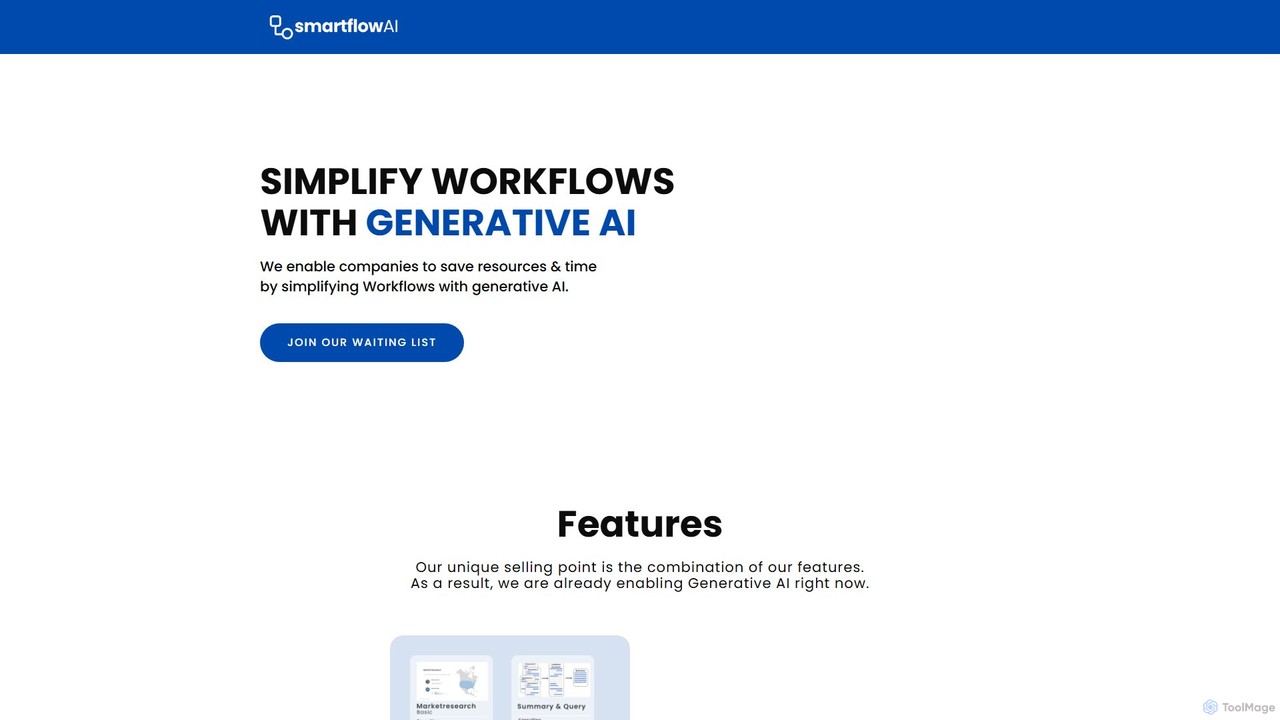
SmartflowAI
SmartflowAI is a generative AI platform designed to help businesses simplify and automate complex workflows. By providing a library of ready-to-use, customizable workflow templates, it enables companies to save significant time and resources. From market research to content creation, SmartflowAI streamlines processes, boosts productivity, and empowers teams to make data-driven decisions without needing extensive technical skills.
Business Intelligence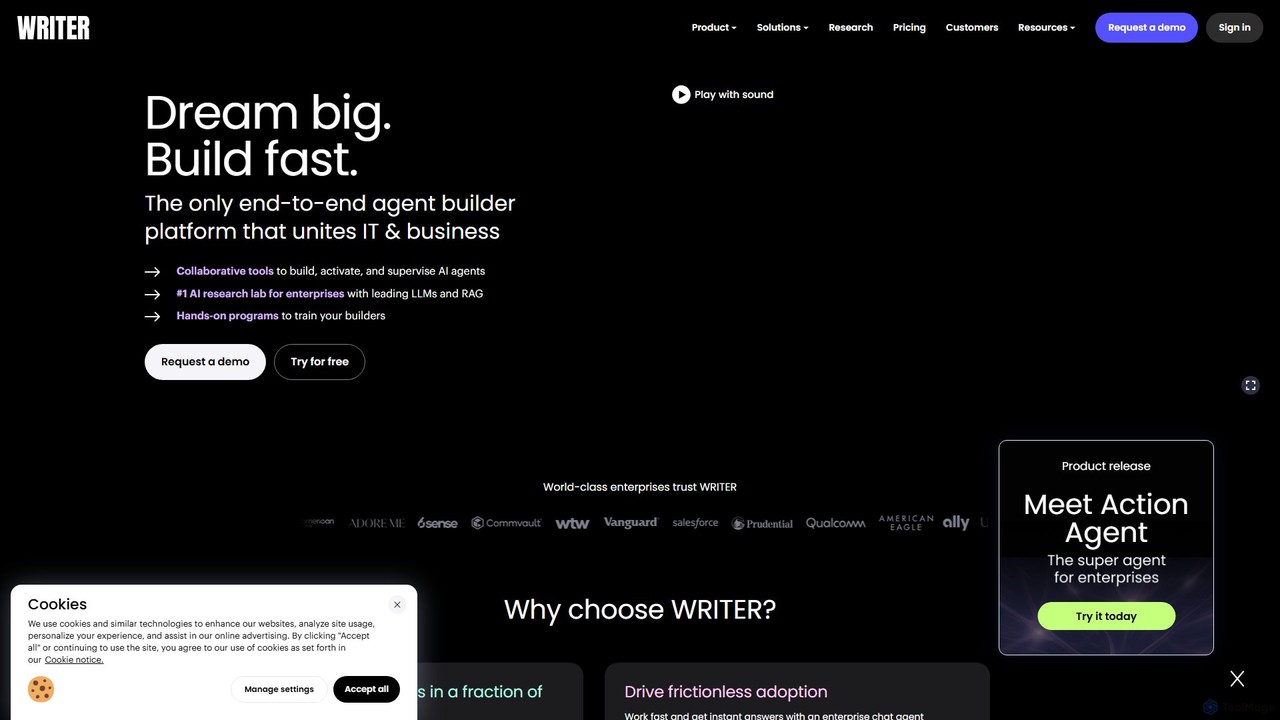
Writer
Writer is an end-to-end, full-stack generative AI platform for enterprises. It enables businesses to build, deploy, and govern custom AI agents grounded in their own data. The platform unites IT and business teams to automate workflows, enhance productivity, and ensure brand and compliance consistency across all content and communications.
Business Intelligence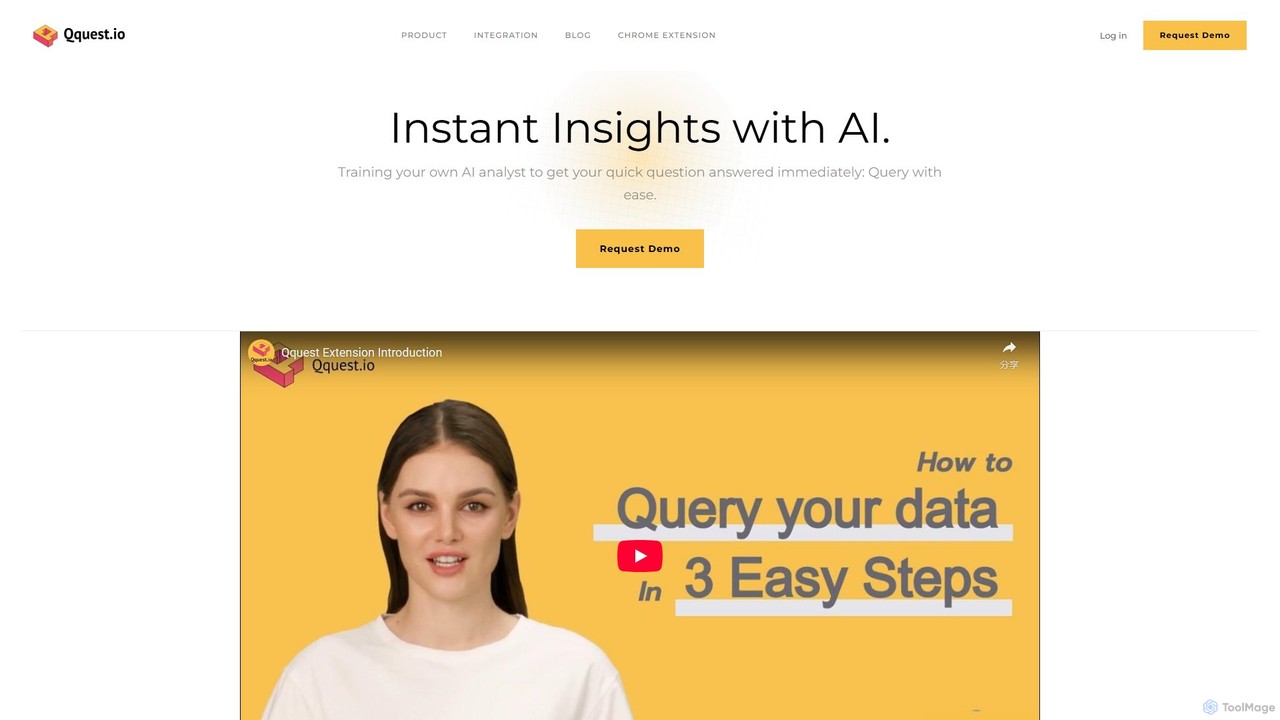
Qquest
Qquest is an AI-powered data assistant that enables teams to get instant insights from their company data using natural language. It allows data leaders to build a custom AI analyst and business users to query databases without any coding knowledge, directly from a Chrome extension.
Business Intelligence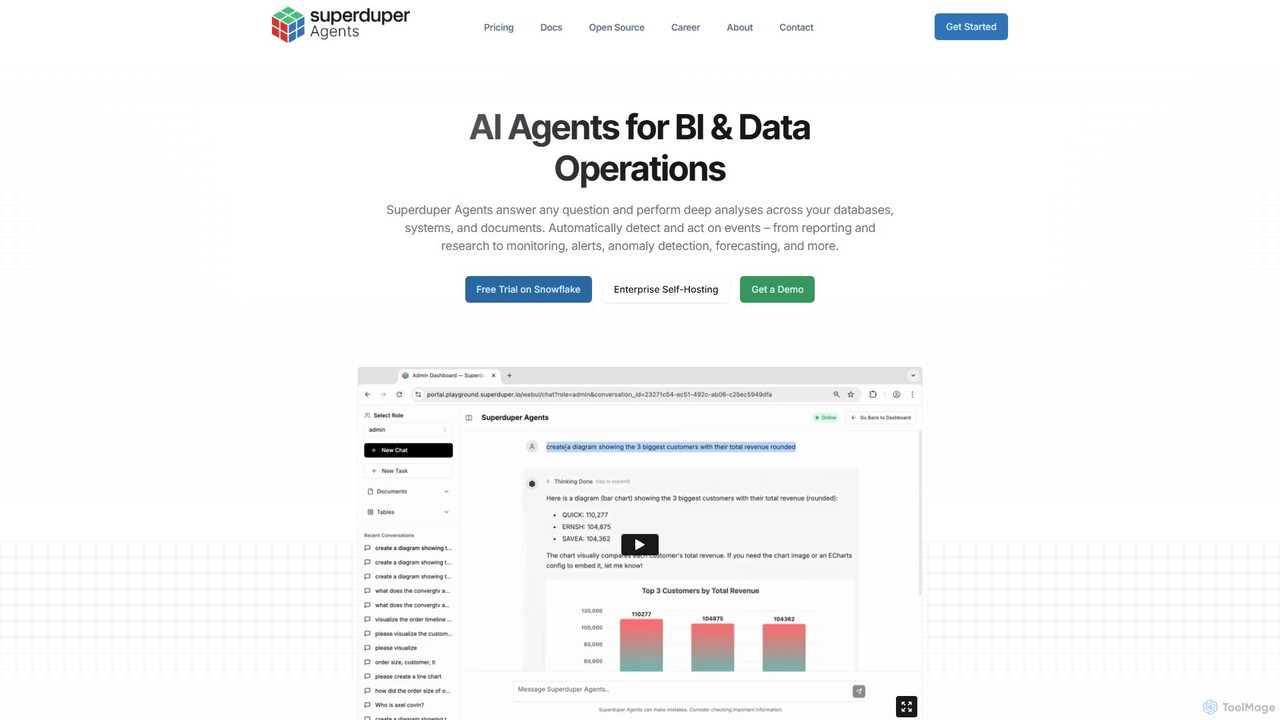
superduperdb
superduperdb is an enterprise AI agent orchestration platform that seamlessly integrates with your existing databases and systems. It allows you to build and deploy AI agents to automate complex tasks, answer data-driven questions, and perform deep analyses across all your structured and unstructured data without data migration. It empowers every department to leverage AI for enhanced productivity and data-driven decision-making.
Orchestration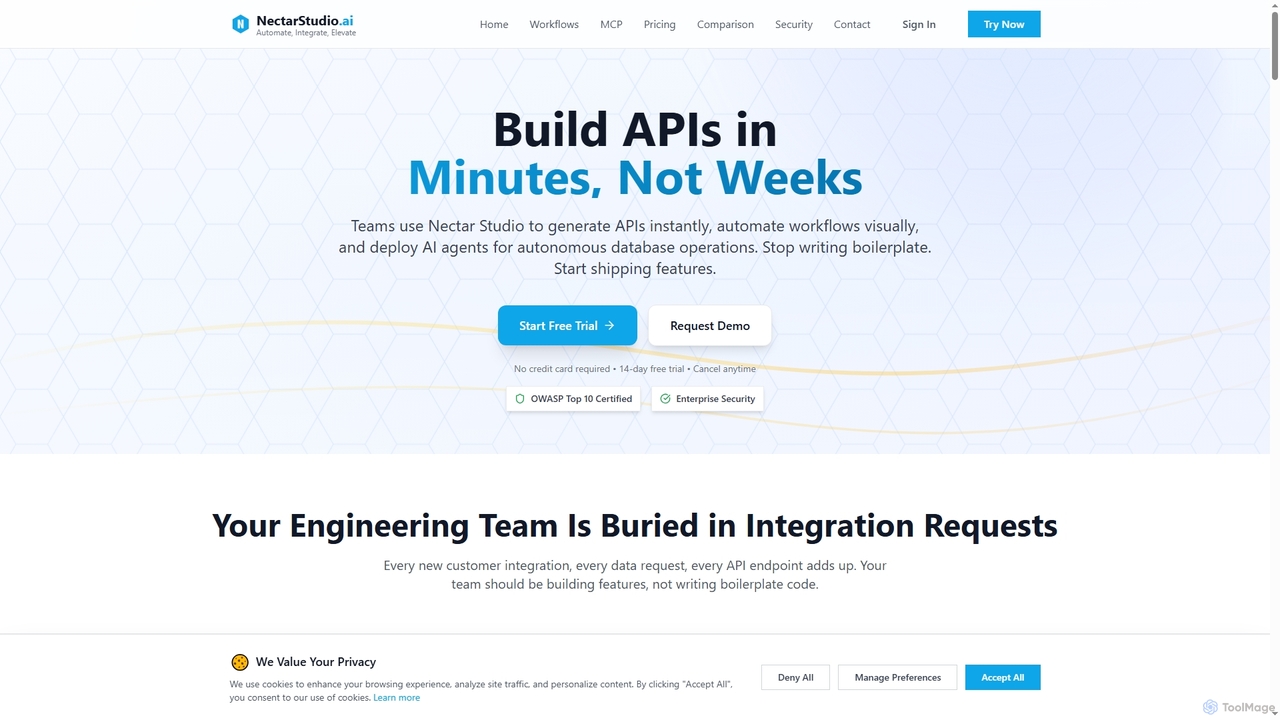
Nectarstudio
Nectarstudio is an AI-powered iPaaS platform designed for engineering teams to instantly generate bulk APIs from databases, automate workflows with a low-code visual builder, and deploy AI agents for autonomous database operations, reducing development time from weeks to minutes.
Business Intelligenceintellisyncai Categories
intellisyncai Embed Widget
Copy this embed code to place the badge on your blog, article, or product site and send readers directly to this ToolMage detail page.

Related AI tools

doflow.io
doflow.io is an AI-native workflow automation platform designed to connect your apps and automate complex tasks. It allows you to build intelligent workflows using a visual canvas, integrating powerful AI models to streamline marketing, sales, and operational processes without writing any code.
Business Intelligence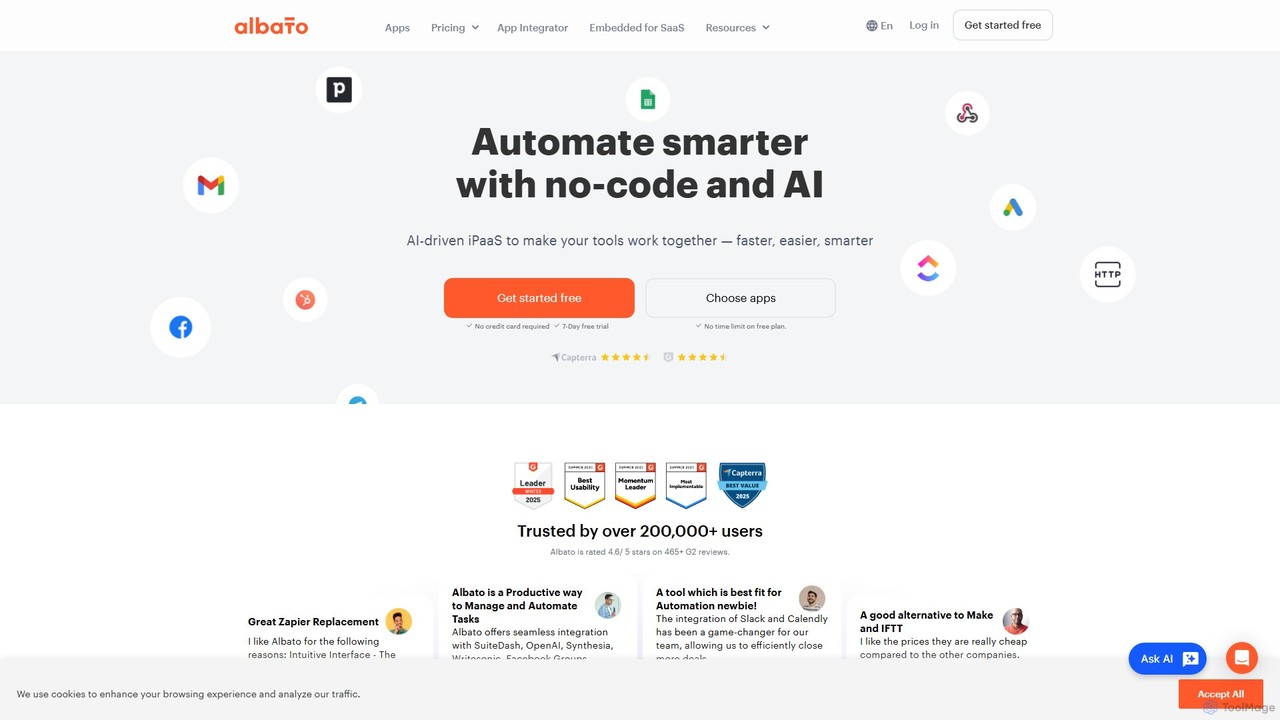
Albato
Albato is an AI-driven, no-code integration platform (iPaaS) that empowers users to connect over 800 applications and automate complex workflows effortlessly. It serves as a powerful alternative to Zapier and Make, offering an intuitive interface, extensive app library, and the ability to build custom integrations. Ideal for businesses of all sizes, Albato simplifies data synchronization, task automation, and process management, enhancing productivity and efficiency without requiring any coding knowledge.
Workflow Management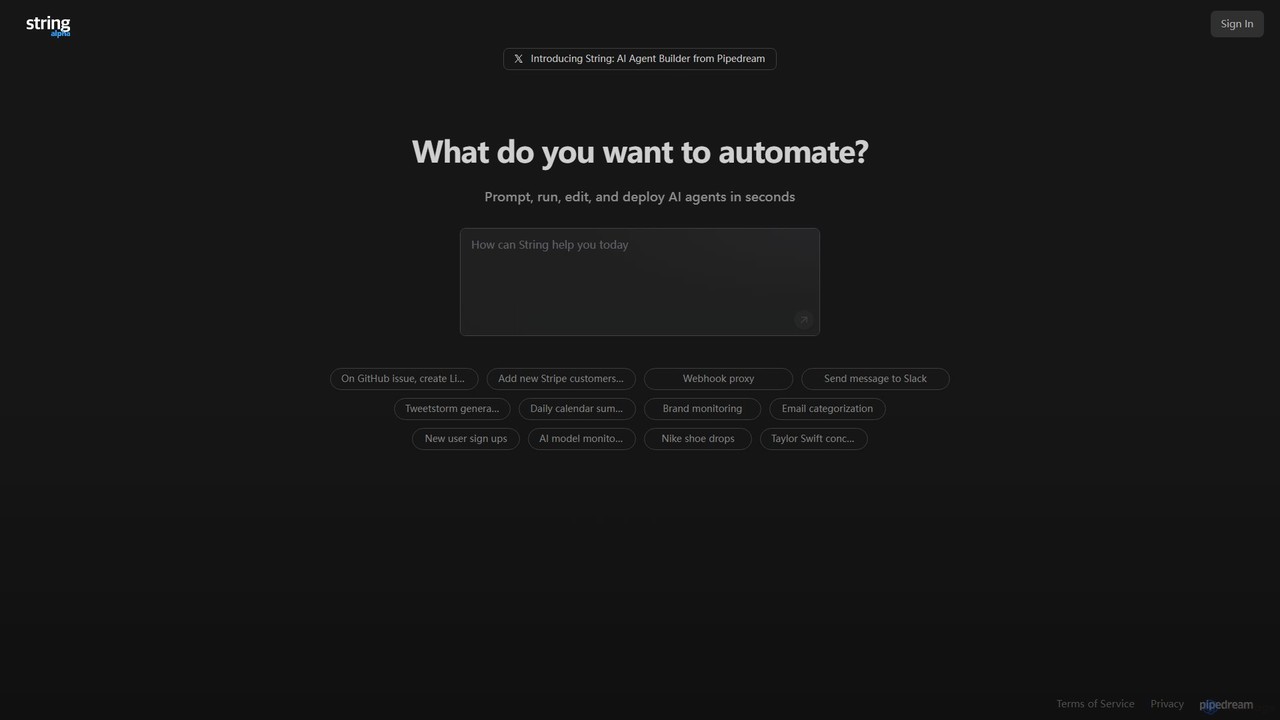
String
String is an AI agent builder from Pipedream that allows you to create, run, and deploy automated workflows in seconds. Using natural language prompts, you can build agents that connect various applications like Google Sheets, GitHub, Stripe, and HubSpot. It's designed for automating complex tasks, from data synchronization and brand monitoring to content generation and custom notifications, without needing extensive coding knowledge.
No Code & Low Code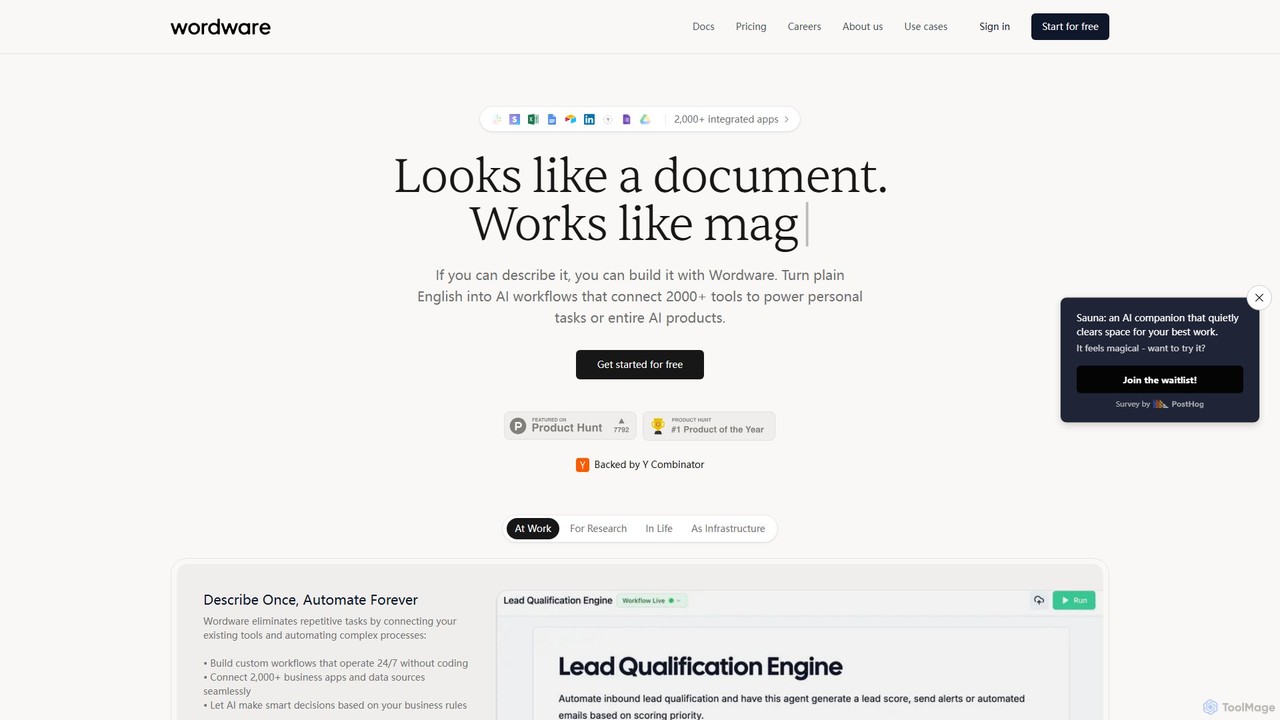
Wordware
Wordware is an AI-first workflow automation platform that lets you build complex automations using plain English. Connect over 2,000 apps and leverage advanced AI models to automate personal tasks, business processes, or even entire AI products without writing code. It's designed for building nuanced, reliable AI agents you can trust and deploy anywhere.
No Code
xantonai
xantonai is an AI-powered, no-code platform designed for business process automation. It enables users to build intelligent workflows, create custom AI agents, and integrate hundreds of applications to streamline operations, enhance productivity, and reduce manual errors without writing a single line of code.
Workflow Management
ionyxai
ionyxai is an all-in-one AI-powered platform designed for businesses. It integrates data analytics, workflow automation, and generative AI to streamline operations, provide actionable insights, and drive growth. Ideal for marketing, sales, and operations teams seeking to enhance productivity and make data-driven decisions.
Data Analysis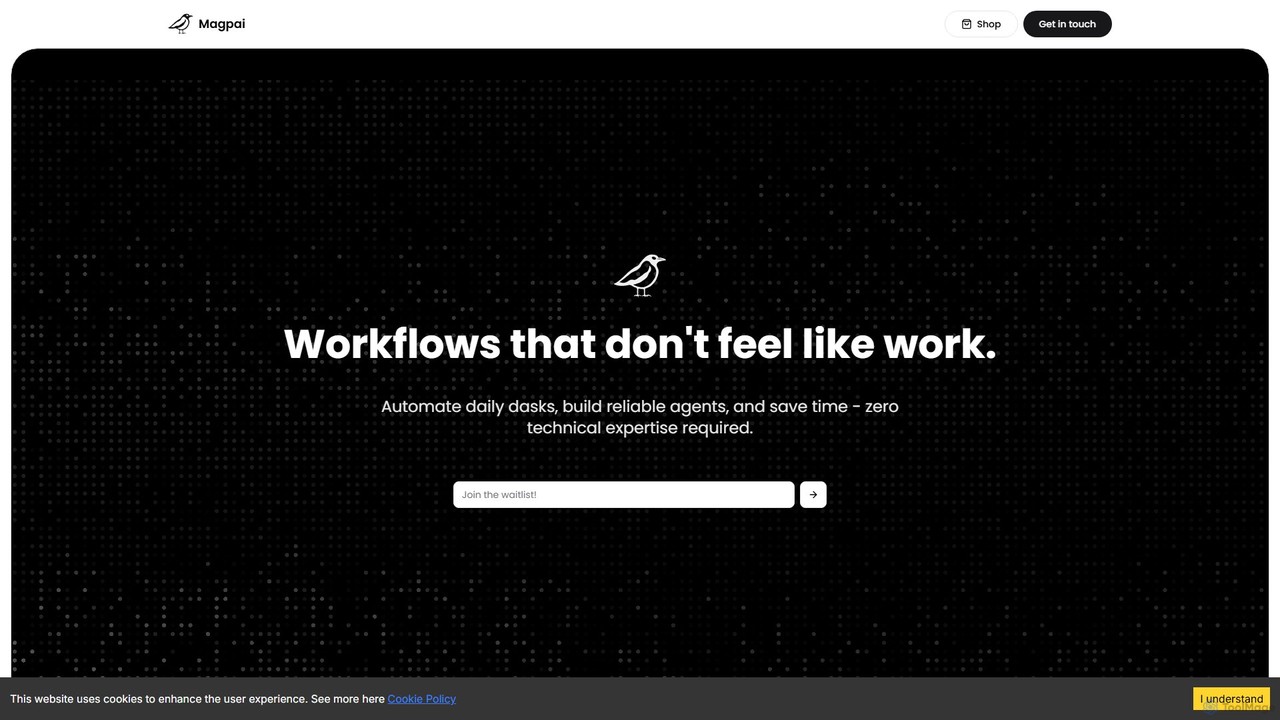
Magpai
Magpai is a user-friendly, no-code AI platform designed to automate daily tasks and build custom workflows. Positioned as the 'Canva of automation,' it allows anyone, regardless of technical skill, to create powerful AI agents and streamline business processes through an intuitive drag-and-drop interface. It serves various industries, from marketing to manufacturing, offering both a DIY platform and expert-built solutions.
Workflow ManagementSmartflowAI
SmartflowAI is a generative AI platform designed to help businesses simplify and automate complex workflows. By providing a library of ready-to-use, customizable workflow templates, it enables companies to save significant time and resources. From market research to content creation, SmartflowAI streamlines processes, boosts productivity, and empowers teams to make data-driven decisions without needing extensive technical skills.
Business Intelligence
OPAX.ai
OPAX.ai is an AI-driven operations and workflow automation platform. It empowers businesses to optimize processes, manage resources, and analyze complex data to enhance efficiency, reduce costs, and drive intelligent decision-making.
Operations Management
zmaticoo
zmaticoo is an AI-powered automation platform that connects your favorite apps and services to streamline workflows. It enables you to automate repetitive tasks without any coding, using an intuitive visual builder to create intelligent, multi-step processes that boost productivity and efficiency for businesses and individuals.
Automation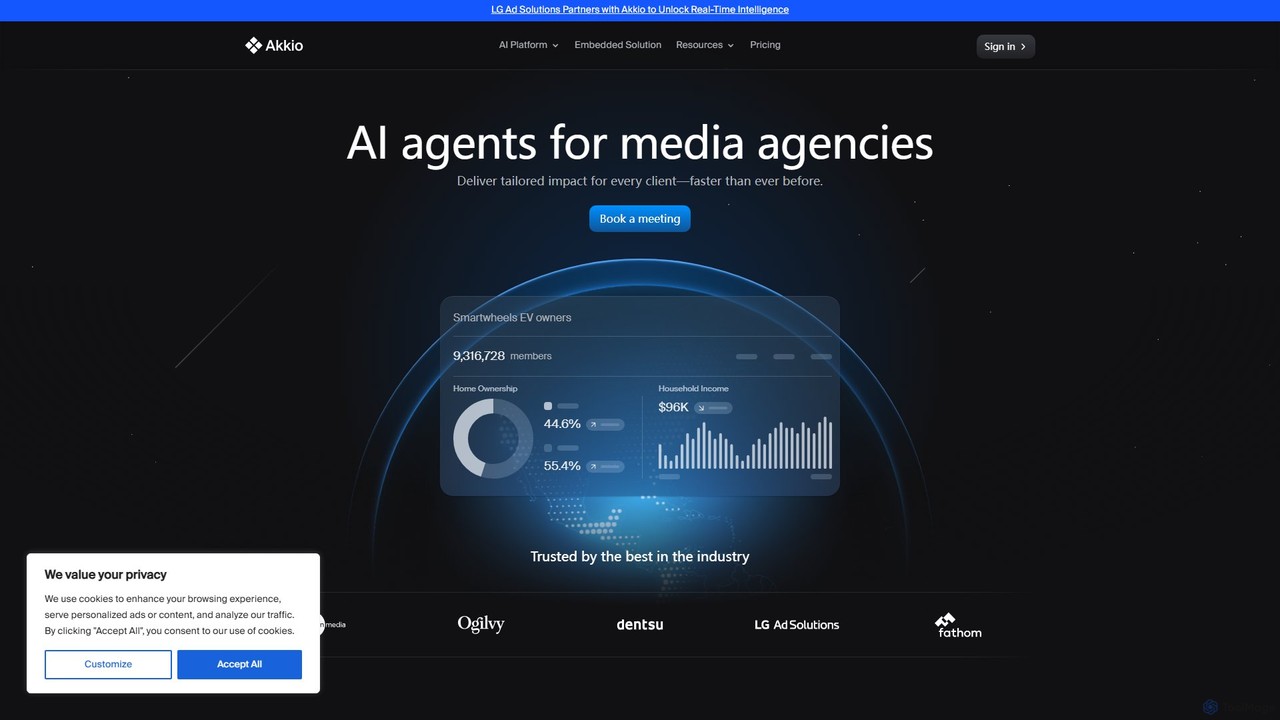
Akkio
Akkio is a no-code AI platform for generative business intelligence and predictive analytics. It empowers users, especially in media and marketing agencies, to connect data, build machine learning models, and generate insights through natural language chat, without needing data science expertise.
Business Intelligence
Crackerjack
Crackerjack is an AI-powered business intelligence and data analytics platform. It automates the process of uncovering insights from complex data, generating expert-level reports, and providing predictive analytics to accelerate strategic decision-making for businesses of all sizes.
Business Intelligence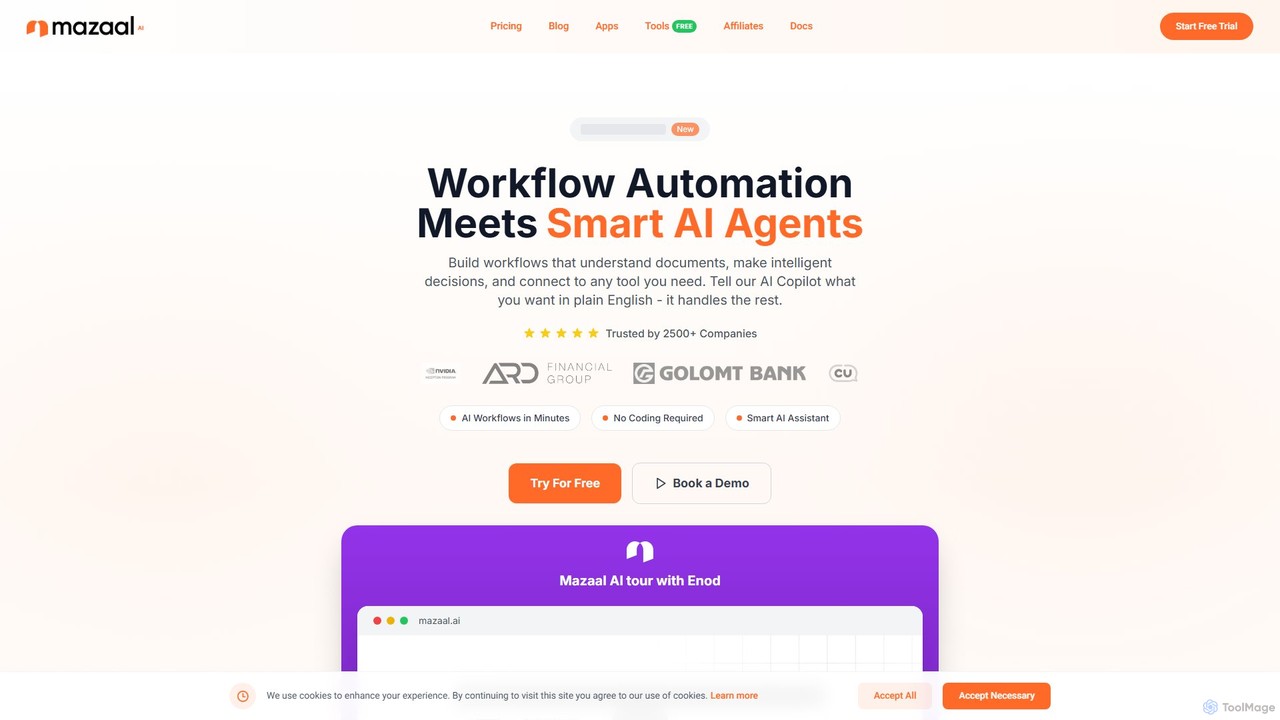
Mazaal AI
Mazaal AI is a no-code, AI-powered platform for building intelligent business process and workflow automations. Using a natural language Copilot, users can describe their needs in plain English to create complex workflows that understand documents, make decisions, and connect to virtually any tool. It's designed to make sophisticated automation accessible to everyone, from small businesses to large enterprises, without needing to write a single line of code.
Business Process Management
Fabi.ai
Fabi.ai is an AI-powered business intelligence and data analysis platform designed for lean teams. It integrates SQL, Python, and AI to help users build dashboards, automate workflows, and explore data 10x faster. The platform offers an all-in-one collaborative environment, reducing context switching and enabling both technical and non-technical users to derive insights from their data sources like data warehouses, Google Sheets, and more.
Business Intelligence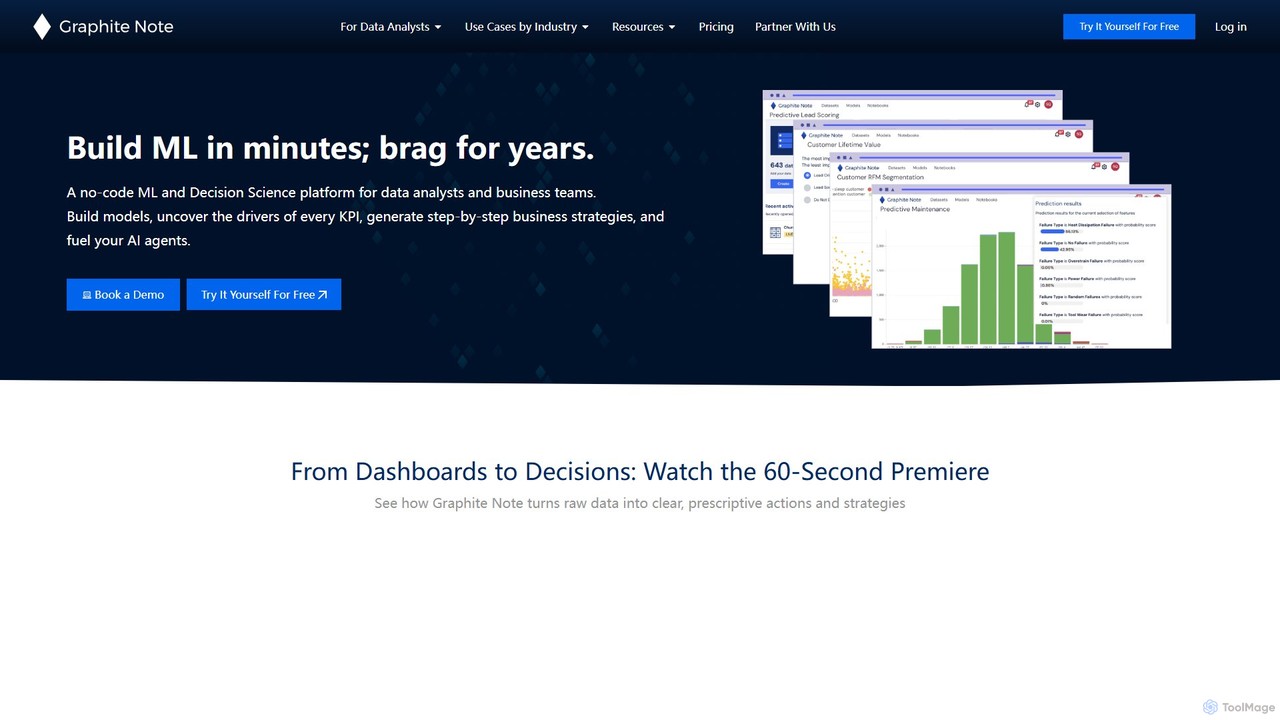
Graphite Note
Graphite Note is a no-code AI platform designed for data analysts and business users to build, deploy, and manage predictive analytics models. It simplifies machine learning, enabling users to gain actionable insights from their data, optimize marketing campaigns, and make data-driven decisions without any coding expertise. The platform supports various data sources and automates model selection to deliver fast and accurate results.
Business Intelligence
intellisyncai Comments (0)
Sign in to comment.
Sign inNo comments yet.