Data Best in category 6 results Data Integration AI Tool

Popular AI tools in the Data Integration field of Data include Merge、Hightouch、Osher、fleak、intellisyncai、DataKriB, etc., helping you quickly improve efficiency.

DataKriB

DataKriB

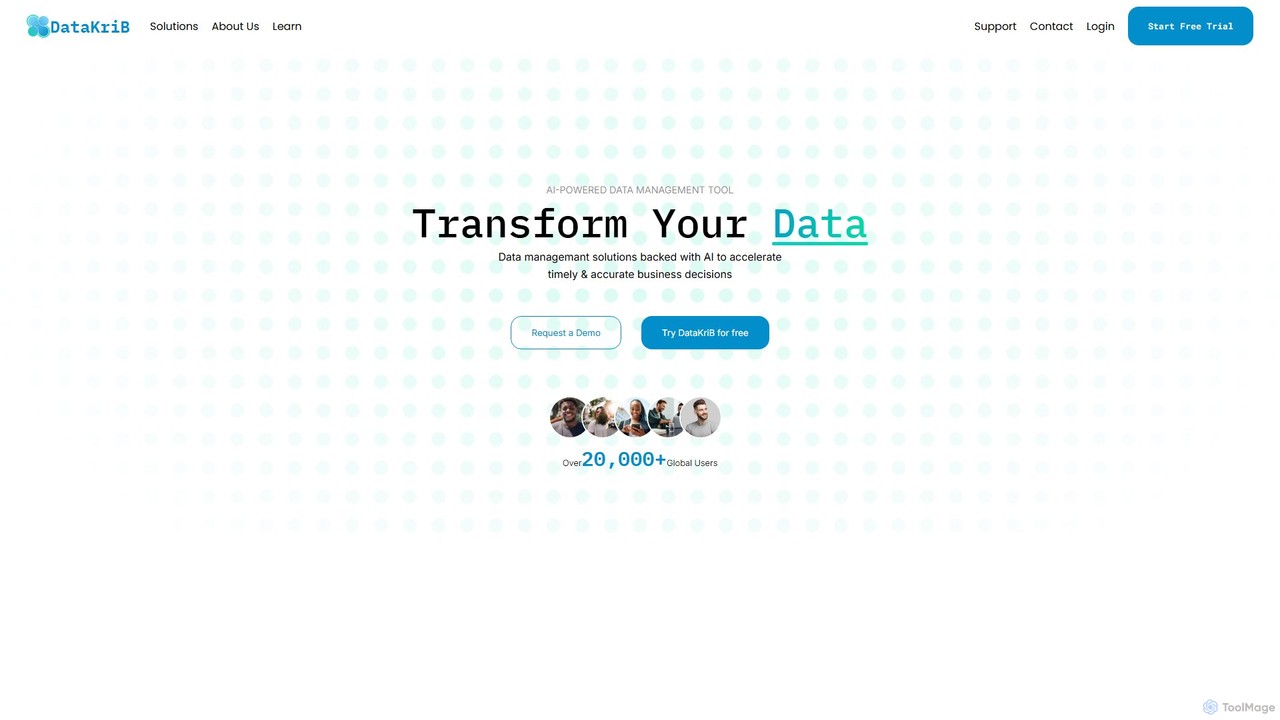
DataKriB is an AI-powered data management platform that seamlessly integrates data from multiple sources like AWS, Azure, and …

2.4K
intellisyncai

intellisyncai

IntelliSyncAI is an intelligent automation and data synchronization platform designed to connect your business applications, automate workflows, and …

2.5K
fleak

fleak

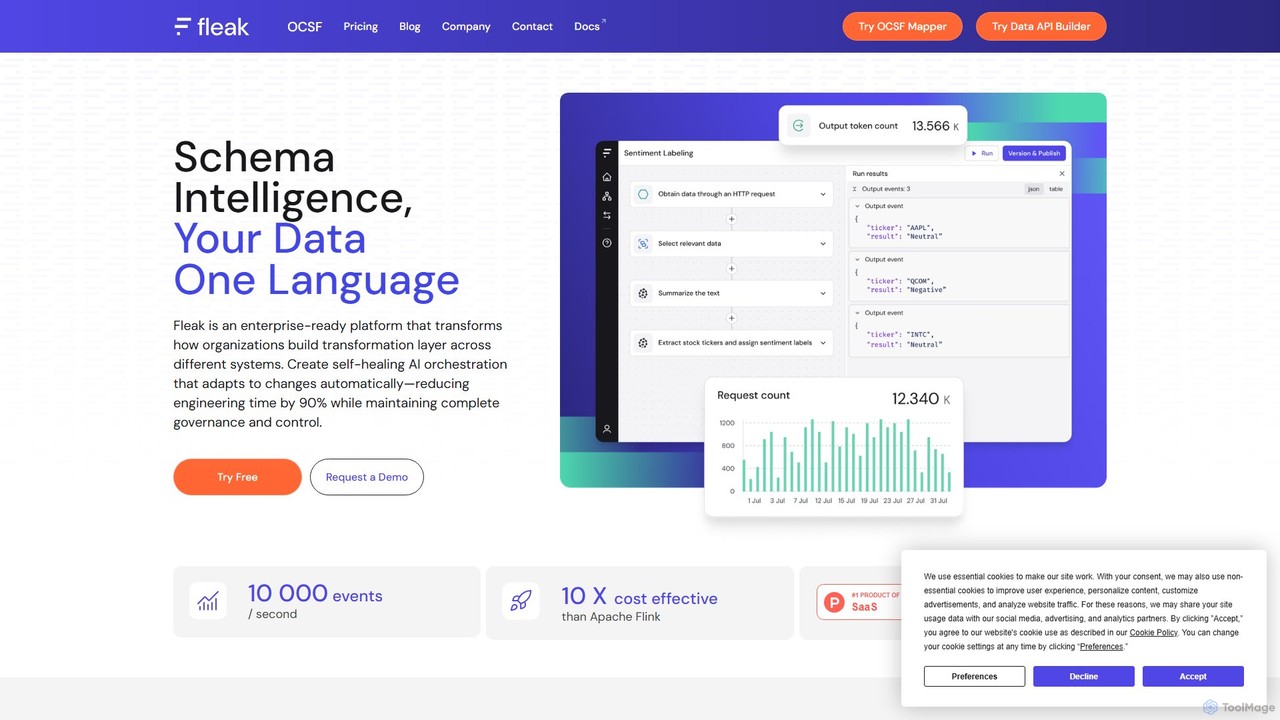
Fleak is an enterprise-ready, serverless platform for building self-healing AI data workflows. It simplifies data transformation and integration …

6.2K
Osher

Osher

Osher is a business process automation consultancy that leverages AI to transform business productivity. They specialize in developing …

9.5K
Merge

Merge

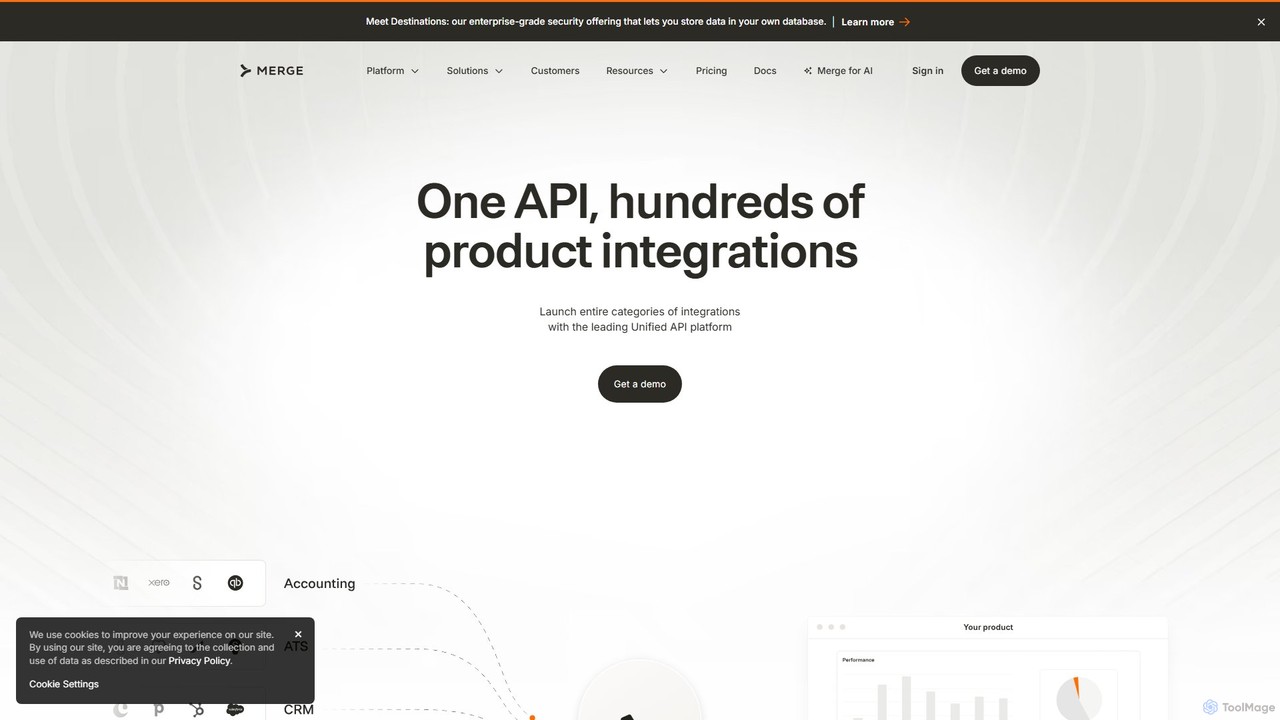
Merge is a leading Unified API platform for B2B companies, enabling them to add hundreds of customer-facing integrations …

318.0K
Hightouch

Hightouch

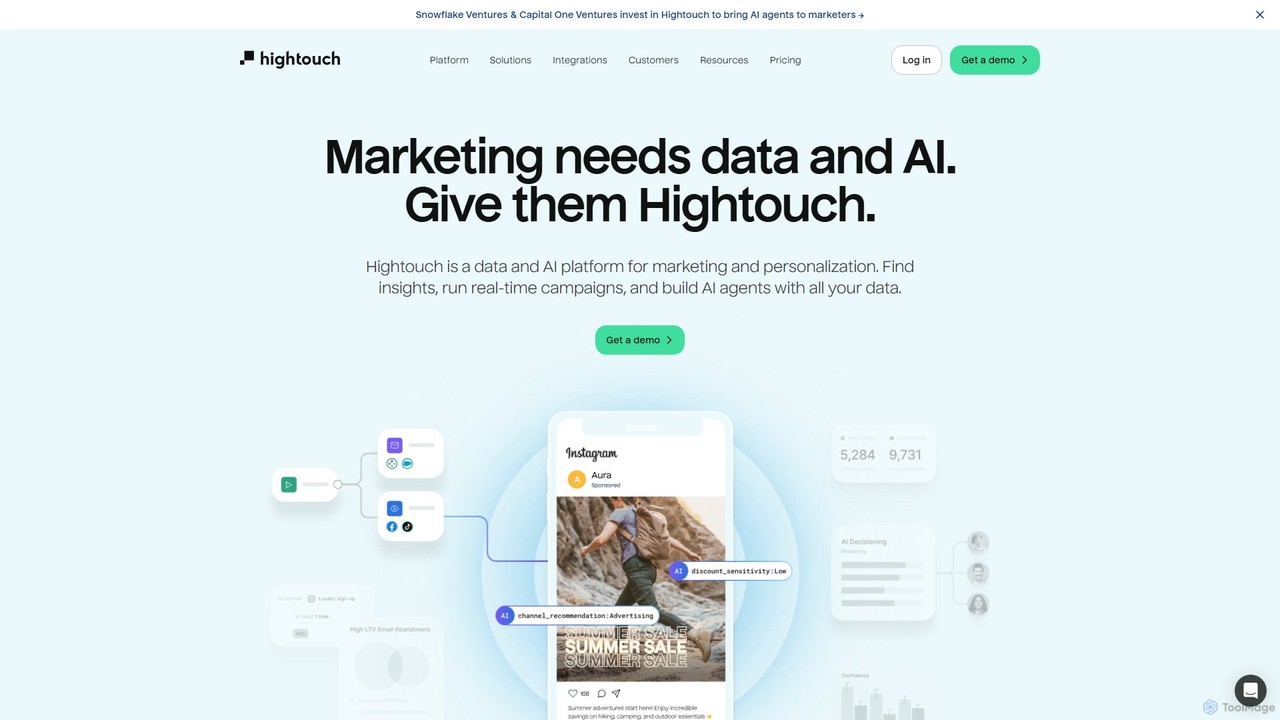
Hightouch is a leading Composable Customer Data Platform (CDP) and AI Decisioning platform. It empowers marketing teams to …

273.6K

About Data Integration

Data Integration tools are a class of software designed to consolidate data from various disparate sources into a single, unified view. These platforms use connectors, APIs, and automated workflows to extract, transform, and load (ETL/ELT) information, breaking down data silos across an organization. The primary value lies in creating a consistent and accessible data foundation for analytics, business intelligence, and operational efficiency. AI-powered versions enhance this process with intelligent schema mapping, anomaly detection, and automated data quality checks.

Core Features

  • Extensive Connector Library: Provides pre-built connectors for a wide range of databases, SaaS applications, cloud storage, and APIs.
  • Data Transformation Engine: Enables cleaning, mapping, enriching, and restructuring data in transit to meet the requirements of the destination system.
  • Workflow Automation & Scheduling: Allows users to build, schedule, and monitor complex data pipelines without extensive coding.
  • Real-time Data Syncing: Supports continuous or near-real-time data replication between systems for up-to-the-minute insights.
  • Data Governance & Security: Includes features for managing data access, ensuring compliance (like GDPR), and monitoring data lineage.

Use Cases

Data Integration tools are crucial for data engineers, business analysts, and IT teams in any data-driven organization. They are commonly used to build and maintain data warehouses, create 360-degree customer profiles by merging CRM and marketing data, or synchronize operational data between e-commerce platforms and ERP systems. This ensures decision-makers have access to comprehensive and trustworthy information.

How to Choose

When selecting a Data Integration tool, first evaluate its connector library to ensure it supports your key data sources and destinations. Consider its data processing capabilities—does it support batch, real-time, or event-driven processing? Also, assess the user interface and technical skill required; some tools are low-code/no-code for business users, while others are developer-focused. Finally, review the pricing model based on data volume, connectors, or users to align with your budget and scalability needs.

Data IntegrationUse Cases

1

Creating a 360-Degree Customer View

A marketing operations manager needs to understand the complete customer journey to personalize campaigns. They use a data integration tool to connect their CRM (e.g., Salesforce), marketing automation platform (e.g., HubSpot), and customer support system (e.g., Zendesk). The tool automatically pulls data from each source, standardizes formats (like names and addresses), and loads it into a central data warehouse. This unified profile allows the marketing team to segment audiences with high precision, track cross-channel behavior, and measure the true ROI of their campaigns, leading to more effective engagement and retention strategies.

2

Automating Business Intelligence (BI) Reporting

A data analyst spends hours each week manually exporting data from various sources like Google Analytics, Facebook Ads, and a production PostgreSQL database to create reports in Tableau. By implementing a data integration tool, they build an automated pipeline. The tool is scheduled to run daily, extracting the latest data, performing necessary transformations like joining tables and calculating metrics, and then loading the clean data directly into Tableau's data source. This eliminates manual, error-prone work, reduces report generation time from hours to minutes, and ensures decision-makers always have access to fresh, reliable data.

3

Synchronizing E-commerce and ERP Systems

An e-commerce business uses Shopify for its storefront and NetSuite as its ERP for inventory and accounting. To prevent stockouts and streamline order fulfillment, they need real-time data synchronization. A data integration platform is configured to create a two-way sync. When a new order is placed on Shopify, the integration tool instantly creates a sales order in NetSuite. Conversely, when inventory levels are updated in NetSuite, the tool pushes the new stock count back to the Shopify store. This automation ensures accurate inventory display, reduces manual data entry, and accelerates the entire order-to-cash process.

4

Building a Centralized Cloud Data Warehouse

A data engineering team is tasked with creating a single source of truth for analytics by building a data warehouse in Snowflake. They need to pull data from dozens of sources, including transactional databases (MySQL, Oracle), application logs, and third-party SaaS tools. Using a data integration platform, they design and deploy ELT (Extract, Load, Transform) pipelines. The tool efficiently extracts raw data from all sources and loads it into Snowflake. Once the data is in the warehouse, they use the platform's transformation capabilities (or Snowflake's own compute) to clean, model, and prepare the data for analysis. This approach centralizes data, improves performance, and empowers analysts to work with a complete, consistent dataset.

5

Migrating Legacy Data to a New Cloud Application

An IT department is replacing an on-premise HR system with a modern cloud-based solution like Workday. They face the challenge of migrating decades of employee data accurately and securely. A data integration tool is used to manage this complex project. It connects to the legacy database, extracts all relevant records, and transforms the data to match the new schema required by Workday. The tool's validation and error-handling features ensure data integrity during the transfer. This automated approach is significantly faster and more reliable than manual scripting, minimizing downtime and ensuring a smooth transition for the HR department.

6

Powering AI/ML Models with Unified Datasets

A data scientist is developing a predictive churn model. To achieve high accuracy, the model requires a comprehensive dataset combining user behavior data from a web analytics tool, subscription details from a billing system, and support ticket history from a helpdesk platform. Using a data integration tool, they create a pipeline that collects, cleans, and merges this data into a single, analysis-ready table. The tool handles tasks like standardizing timestamps, joining data on user IDs, and creating feature-engineered columns. This provides a clean, rich dataset that significantly improves the model's training process and predictive power, all while automating the data preparation workflow.

Data IntegrationFrequently Asked Questions