

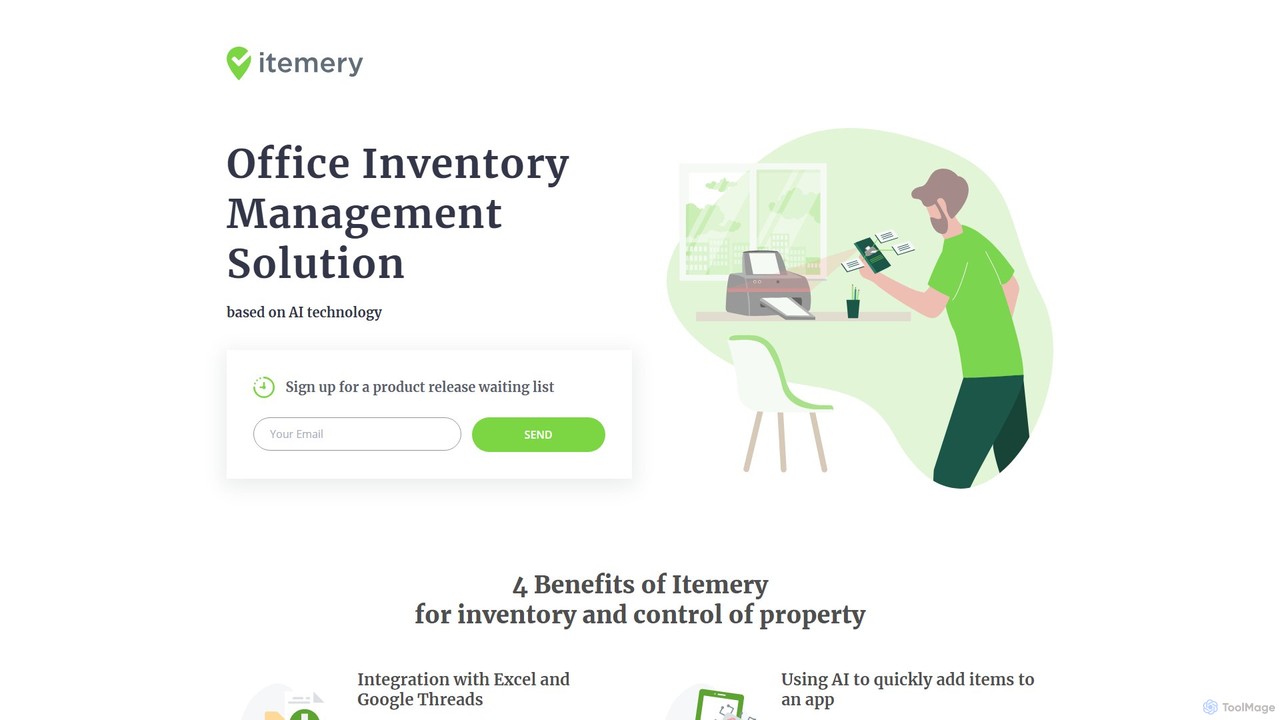
Itemery Overview
Itemery is a modern, AI-driven office inventory and asset management solution specifically designed to meet the needs of small and medium-sized businesses (SMBs). It tackles the common challenges of property control and inventory tracking by replacing cumbersome manual processes with a streamlined, intelligent system. With its intuitive interface, companies can get their entire inventory system organized in as little as 20 minutes. The platform is accessible from any device, ensuring you can manage your company’s assets from anywhere in the world.
The core innovation of Itemery lies in its use of artificial intelligence. The mobile application features a neural network that can automatically recognize and catalog items simply by pointing your phone's camera at them. This significantly speeds up the process of adding new assets to your inventory. Combined with traditional barcode and QR code scanning, Itemery offers a comprehensive and flexible data entry system.
How to use Itemery
Getting started with Itemery is designed to be quick and straightforward. Follow these steps to set up your inventory management system:
- Sign Up & Choose a Plan: Register for an account on the Itemery website. You can start with the free plan to test the features or choose a paid plan that fits your business size.
- Import Existing Data: If you have an existing inventory list in Excel or Google Sheets, you can import it into Itemery with just a few clicks. This allows for a seamless transition from your old system.
- Add New Items: Use the Itemery mobile app to add new assets. You have multiple options: a) Point your phone's camera at an object and let the AI automatically recognize and add it. b) Scan an existing QR code or barcode on the item. c) Manually add the item through the web or mobile app.
- Generate Codes: For items that don't have a barcode, you can generate a unique QR code or barcode directly within Itemery and print it out.
- Organize by Location: Create and manage locations (e.g., 'Main Office', 'Warehouse', 'Floor 2') to keep a structured record of where each asset is physically located.
- Monitor and Audit: Use the central dashboard to get a real-time overview of your company's total assets. Conduct periodic audits using the mobile app's scanner to ensure your database records match your physical inventory.
Core Features of Itemery
- AI-Powered Item Recognition: The mobile app's neural network automatically identifies objects from a photo, saving time and reducing manual data entry.
- Mobile App with Scanner: A dedicated app for iOS and Android allows for quick QR/barcode scanning, item addition, and on-the-go audits.
- Seamless Data Import/Export: Easily import your existing property database from Excel and Google Sheets to get started quickly.
- Centralized Dashboard: Provides a comprehensive overview of the total number and value of company assets, recent activities, and audit statuses.
- Location Management: Structure your inventory by physical locations, making it easy to find and manage assets across different rooms, floors, or buildings.
- Audit Management System: Streamlines the process of inventory counting and verification, helping to maintain accuracy and accountability.
- Unique Code Generation: Create and print unique QR codes or barcodes for any item that lacks one, ensuring every asset is trackable.
- Multi-User Collaboration: Plans support multiple administrators, allowing team members to collaborate on managing the company's inventory.
Use Cases for Itemery
Itemery is versatile and beneficial for a wide range of industries and professionals:
- Office Managers: Efficiently track office furniture, IT equipment, stationery, and other supplies.
- IT Managers: Manage a complete inventory of laptops, monitors, servers, peripherals, and software licenses.
- Co-working Spaces: Keep track of desks, chairs, printers, and shared amenities across various locations.
- Educational Institutions: Catalog and manage lab equipment, library assets, classroom technology, and sports gear.
- Accounting & Law Firms: Maintain a record of physical assets, high-value equipment, and archived files.
- Real Estate & Property Management: Manage assets within multiple properties, including furniture in staged homes and maintenance equipment.
Advantages of Itemery
Itemery offers significant benefits over traditional inventory methods:
- Efficiency: The AI recognition and scanner drastically reduce the time and effort required for inventory management.
- Accuracy: Minimizes human error associated with manual data entry, leading to more reliable inventory records.
- Accessibility: As a cloud-based solution, it's accessible from any web browser or mobile device, anywhere in the world.
- Cost-Effective: Features a scalable pricing model, including a generous free plan, making it affordable for businesses of all sizes.
- User-Friendly: Boasts an intuitive interface that allows for setup and organization in under 20 minutes.
Pricing and Plans
Itemery offers a flexible subscription model to suit different business needs:
- Free: $0.00/month. Includes 50 Items, 1 location, 1 administrator, Data import, QR/Bar-codes, and In-app scanner.
- Basic: $15.00/month. Includes 250 Items, 2 locations, 2 administrators, and all Free features, plus AI recognition and Photos of items.
- Advanced: $40.00/month. Includes 1000 Items, 5 locations, 5 administrators, and all Basic features.
- Professional: $70.00/month. Includes Unlimited Items, Unlimited locations, Unlimited admins, and all Advanced features.
Itemery Alternatives

Odeko
Odeko is an AI-powered, all-in-one operations platform for cafes and coffee shops. It simplifies supply chain management by consolidating orders, providing next-day overnight delivery, and offering smart inventory insights. Using predictive analytics, Odeko helps businesses optimize stock levels, reduce waste, and increase profitability, allowing owners to focus on their customers and growth.
Inventory Management
standardretail
standardretail is an AI-powered platform for e-commerce and retail businesses. It leverages machine learning to optimize inventory management, forecast sales trends, analyze customer behavior, and automate personalized marketing campaigns. The tool helps retailers streamline operations, reduce costs, and increase revenue by providing data-driven insights and actionable recommendations.
Inventory Management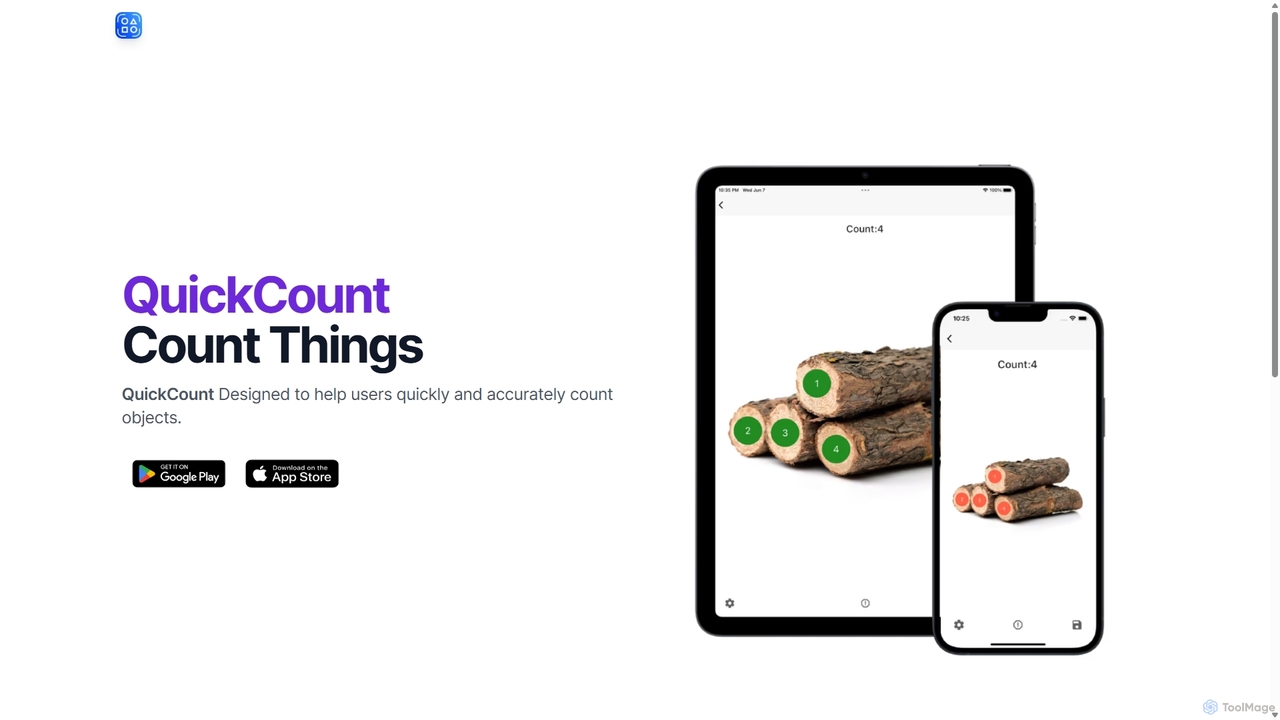
QuickCount
An AI-powered computer vision tool designed for instantly and accurately counting various objects from images. Ideal for inventory, construction, agriculture, and research, it saves time and eliminates manual counting errors.
Inventory Management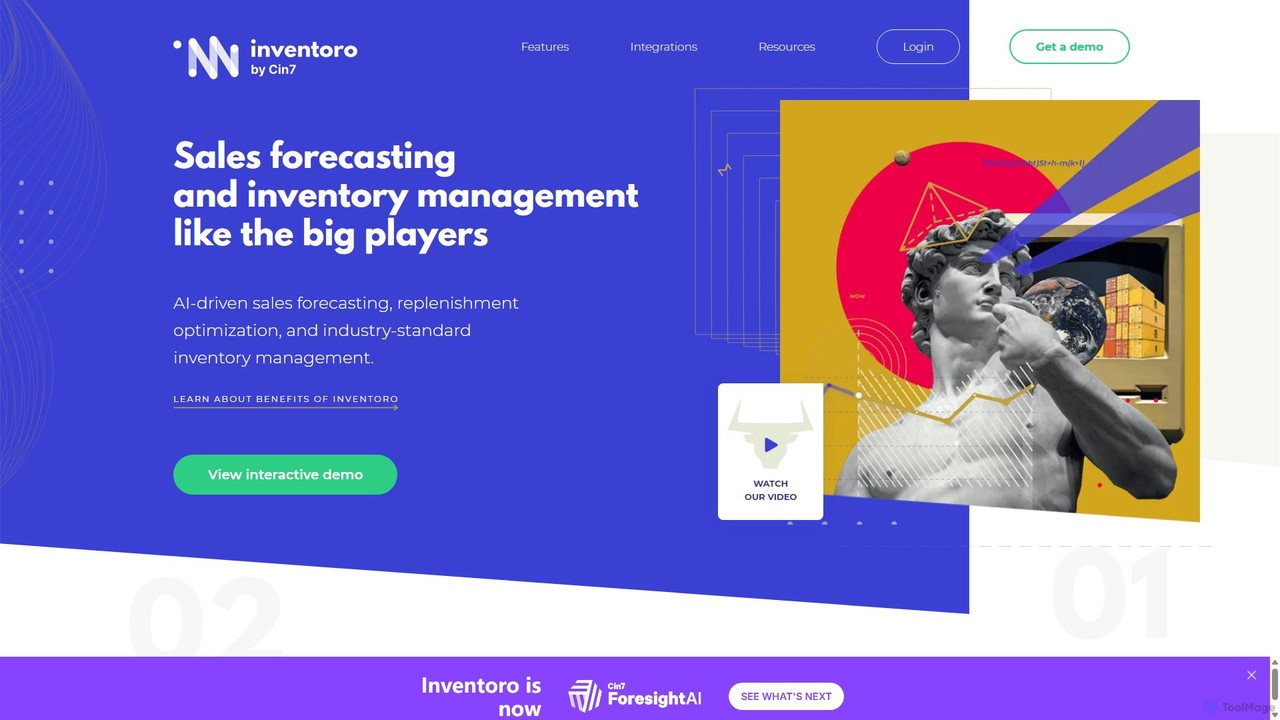
Inventoro
Inventoro is an AI-powered inventory management platform designed for SMEs. It provides smart sales forecasting and replenishment optimization to help businesses reduce inventory, increase revenue, and improve product availability. By analyzing historical sales data, Inventoro automates ordering processes, saving time and freeing up cash flow for growth.
Inventory Management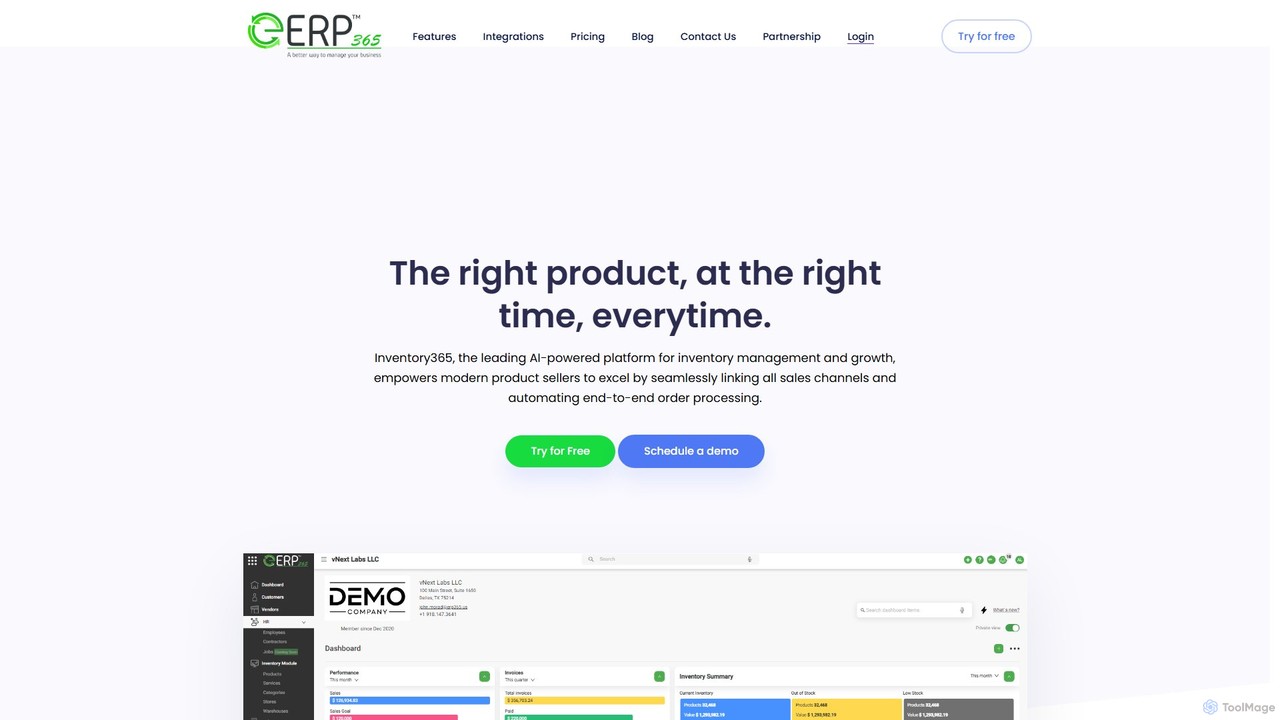
Inventory365
Inventory365 is a leading AI-powered inventory management platform for modern e-commerce and retail businesses. It centralizes operations by integrating all sales channels like Shopify and Amazon into a single dashboard. The system automates end-to-end order processing, provides real-time inventory visibility, and uses machine learning for accurate demand forecasting to prevent stockouts, optimize stock levels, and increase profitability.
E CommerceItemery Categories
Itemery Embed Widget
Copy this embed code to place the badge on your blog, article, or product site and send readers directly to this ToolMage detail page.

Related AI tools
GearChain
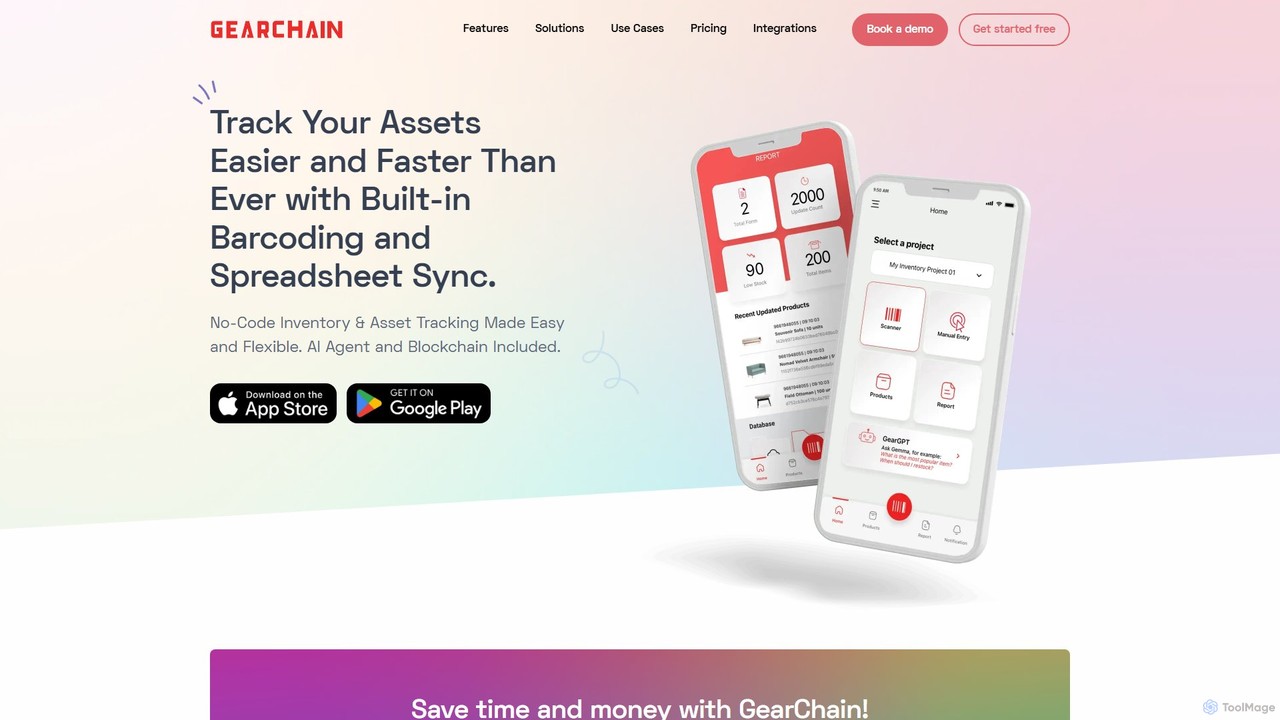
GearChain is an AI-powered, no-code platform for inventory and asset tracking. It simplifies management with features like AI barcode scanning, spreadsheet synchronization, and blockchain technology for enhanced data integrity and supply chain transparency. Build custom mobile apps in minutes without any coding.
Supply Chain Management
Timber POS
Timber POS is a reliable and lightning-fast point of sale system designed for small businesses across various industries. It offers smart analytics, automated operations, and flexible hardware compatibility, enabling businesses to manage sales, inventory, and customer relationships efficiently, both in-store and online.
Loyalty Programs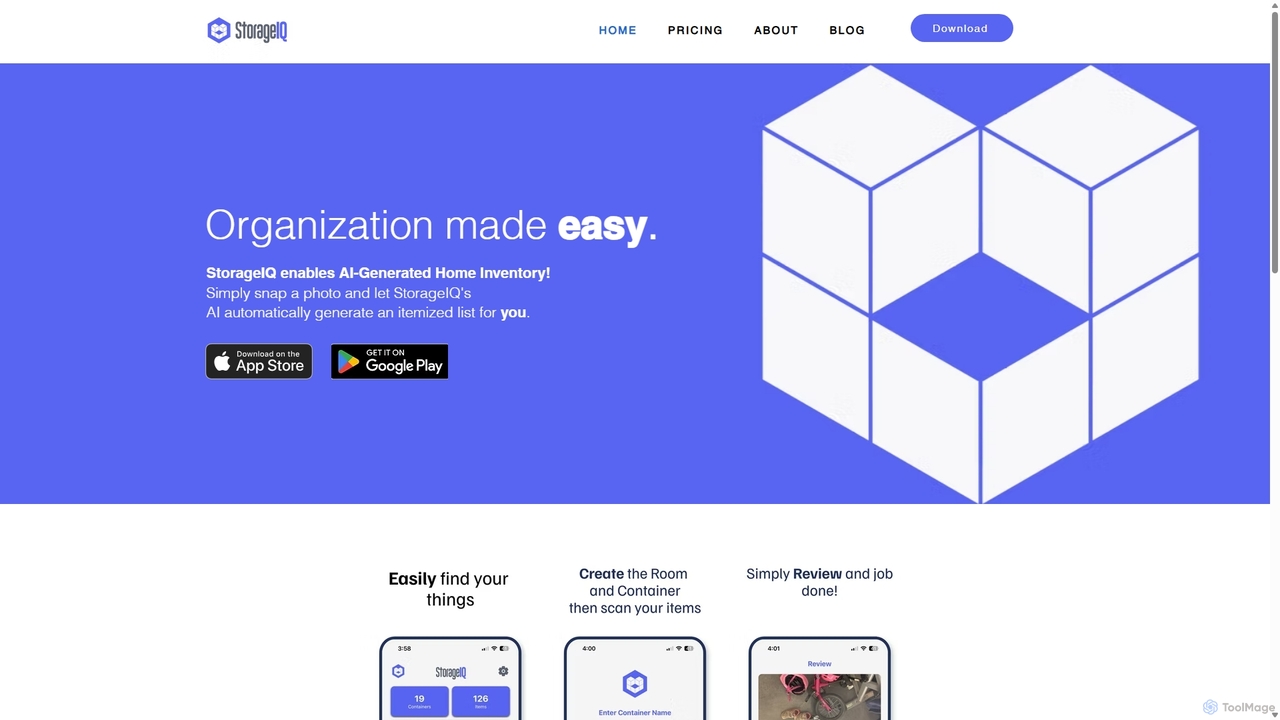
StorageIQ
StorageIQ is an AI-powered mobile app that revolutionizes home inventory management. Simply take a photo of your storage containers, and the app's advanced AI automatically identifies, lists, and catalogs your items. It helps you easily find anything you own, estimate its value, and declutter your life with unprecedented ease.
Home Management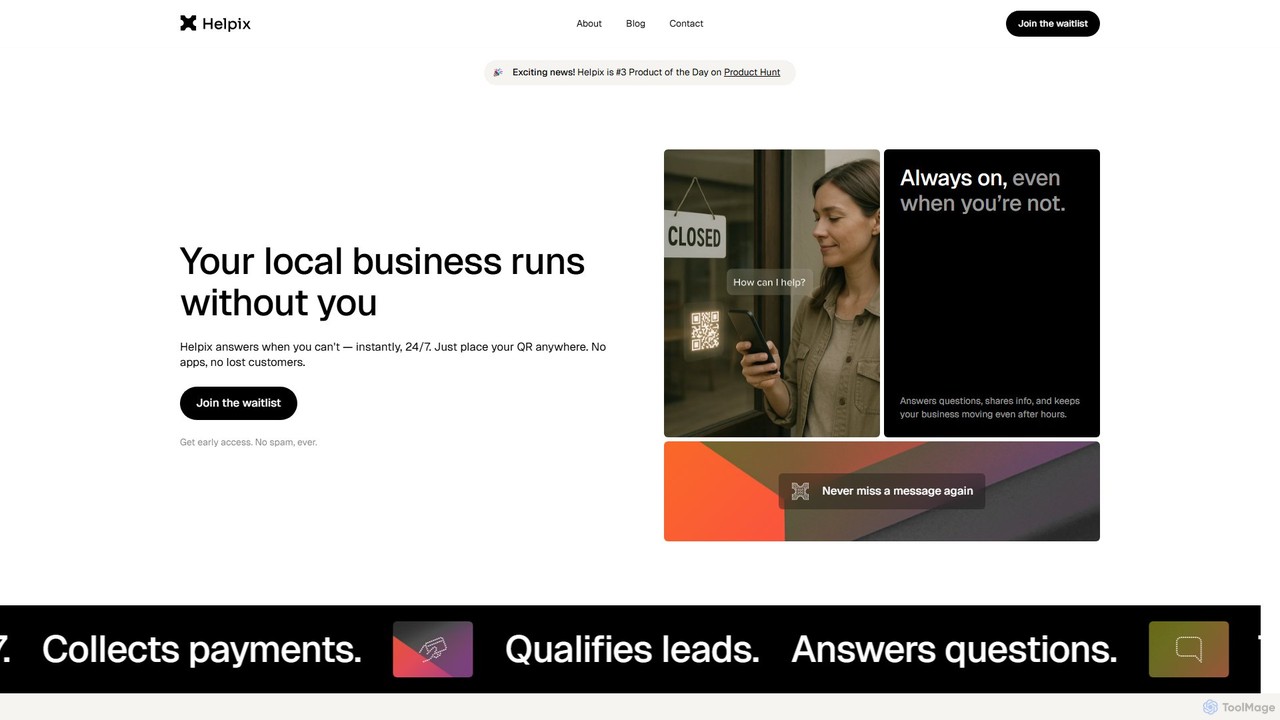
Helpix
Helpix is an AI assistant designed for local businesses. It operates 24/7 using a unique QR code to answer customer questions, manage bookings, collect payments, and capture leads. This ensures businesses never miss an opportunity, even when they are busy or closed. It's a simple, no-code solution perfect for service professionals, retailers, and restaurants.
Chatbot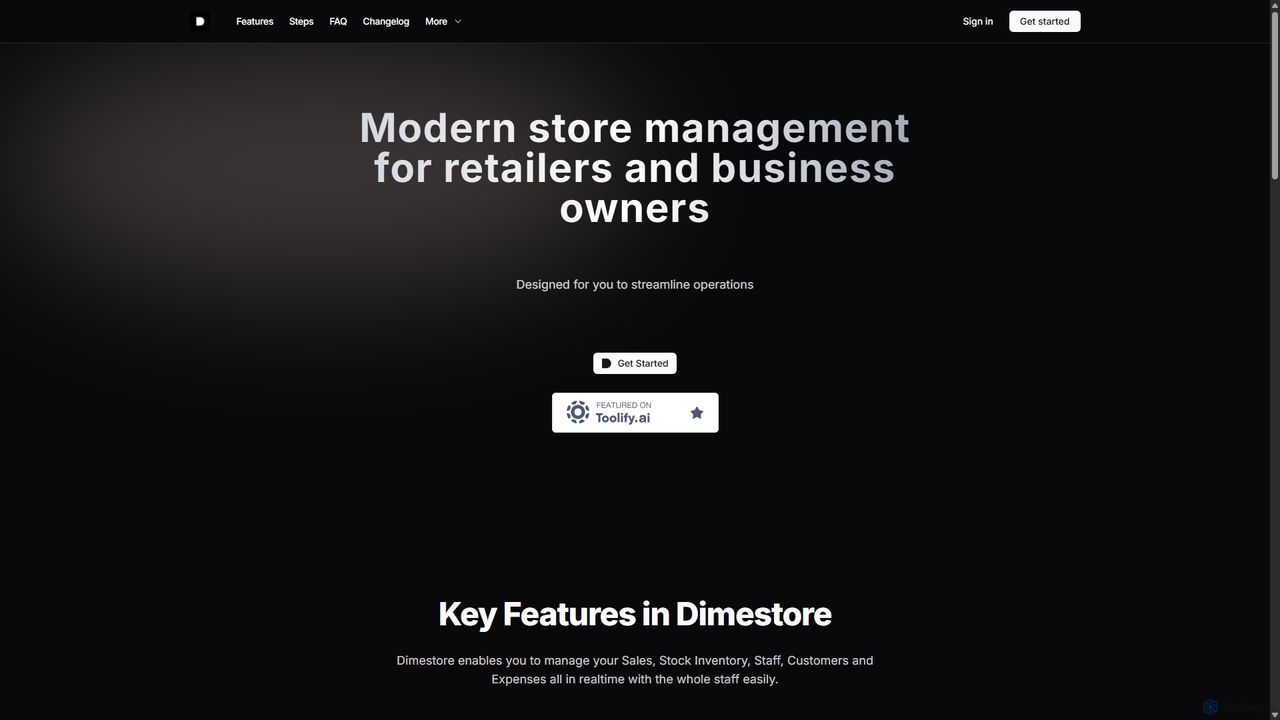
Dimestore
Dimestore is a modern, all-in-one store management solution for retailers and business owners. It streamlines operations by integrating sales processing, real-time inventory tracking, staff management, customer data, and expense reporting into a single, easy-to-use platform. Designed for efficiency, it offers powerful analytics and supports thermal printing, with an upcoming AI-powered assistant to further enhance productivity.
Retail
SmartStow
SmartStow is an innovative mobile application that simplifies item organization and tracking through voice recording. It allows users to verbally log where they store belongings, creating a searchable digital inventory. Say it, stow it, find it – SmartStow ensures you never lose track of your possessions again, making home management and moving stress-free.
Inventory ManagementOdeko
Odeko is an AI-powered, all-in-one operations platform for cafes and coffee shops. It simplifies supply chain management by consolidating orders, providing next-day overnight delivery, and offering smart inventory insights. Using predictive analytics, Odeko helps businesses optimize stock levels, reduce waste, and increase profitability, allowing owners to focus on their customers and growth.
Inventory Managementstandardretail
standardretail is an AI-powered platform for e-commerce and retail businesses. It leverages machine learning to optimize inventory management, forecast sales trends, analyze customer behavior, and automate personalized marketing campaigns. The tool helps retailers streamline operations, reduce costs, and increase revenue by providing data-driven insights and actionable recommendations.
Inventory ManagementQuickCount
An AI-powered computer vision tool designed for instantly and accurately counting various objects from images. Ideal for inventory, construction, agriculture, and research, it saves time and eliminates manual counting errors.
Inventory ManagementInventoro
Inventoro is an AI-powered inventory management platform designed for SMEs. It provides smart sales forecasting and replenishment optimization to help businesses reduce inventory, increase revenue, and improve product availability. By analyzing historical sales data, Inventoro automates ordering processes, saving time and freeing up cash flow for growth.
Inventory Management
Jyek
Jyek is an AI agent platform that understands objectives, creates execution plans, uses tools, and delivers verifiable results for complex, multi-step tasks.
AutomationInventory365
Inventory365 is a leading AI-powered inventory management platform for modern e-commerce and retail businesses. It centralizes operations by integrating all sales channels like Shopify and Amazon into a single dashboard. The system automates end-to-end order processing, provides real-time inventory visibility, and uses machine learning for accurate demand forecasting to prevent stockouts, optimize stock levels, and increase profitability.
E Commerce
Intuit
Intuit is a global financial technology platform that leverages AI through its assistant, Intuit Assist. Integrated across QuickBooks, TurboTax, Mailchimp, and Credit Karma, it provides personalized financial insights, automates complex tasks like accounting and tax preparation, and generates marketing content. It's designed to empower small businesses, self-employed individuals, and consumers to manage their finances with confidence and achieve prosperity.
Accounting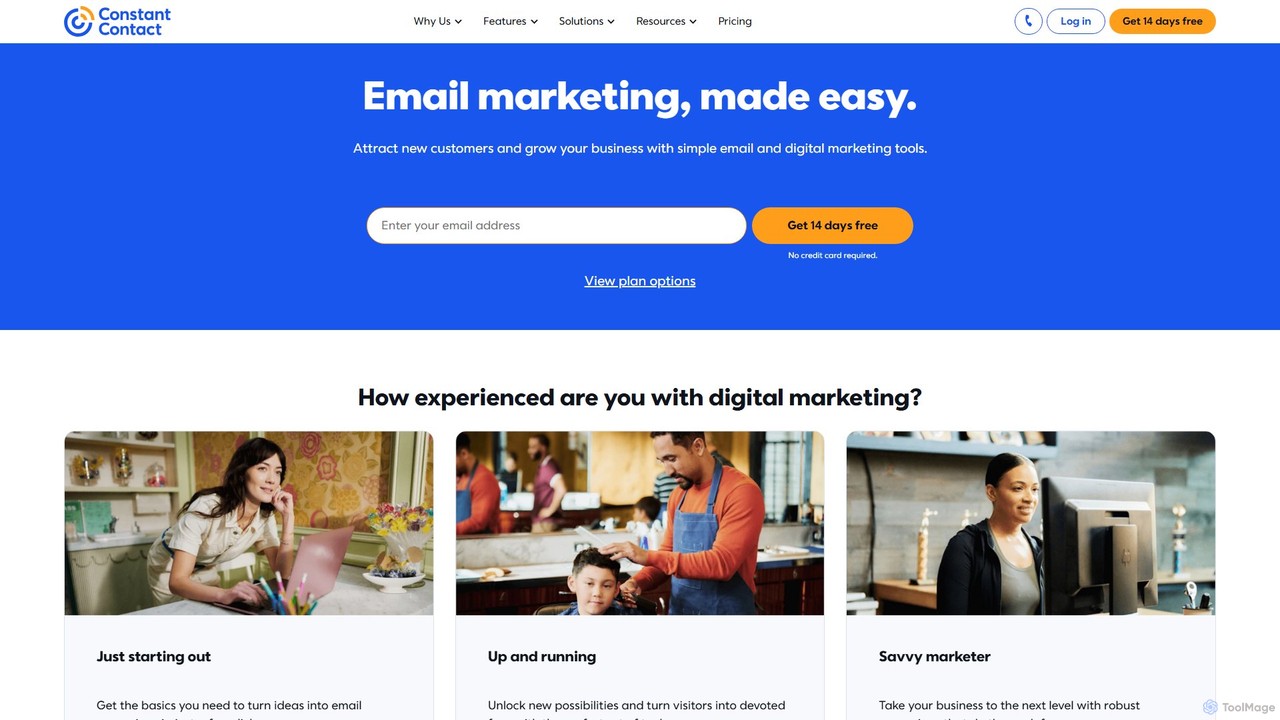
Constant Contact
Constant Contact is an all-in-one digital and email marketing platform designed for small businesses. It leverages AI to simplify content creation, automates marketing campaigns, and provides integrated tools for social media management, landing pages, and e-commerce to help users attract customers and grow their business effectively.
Email Marketing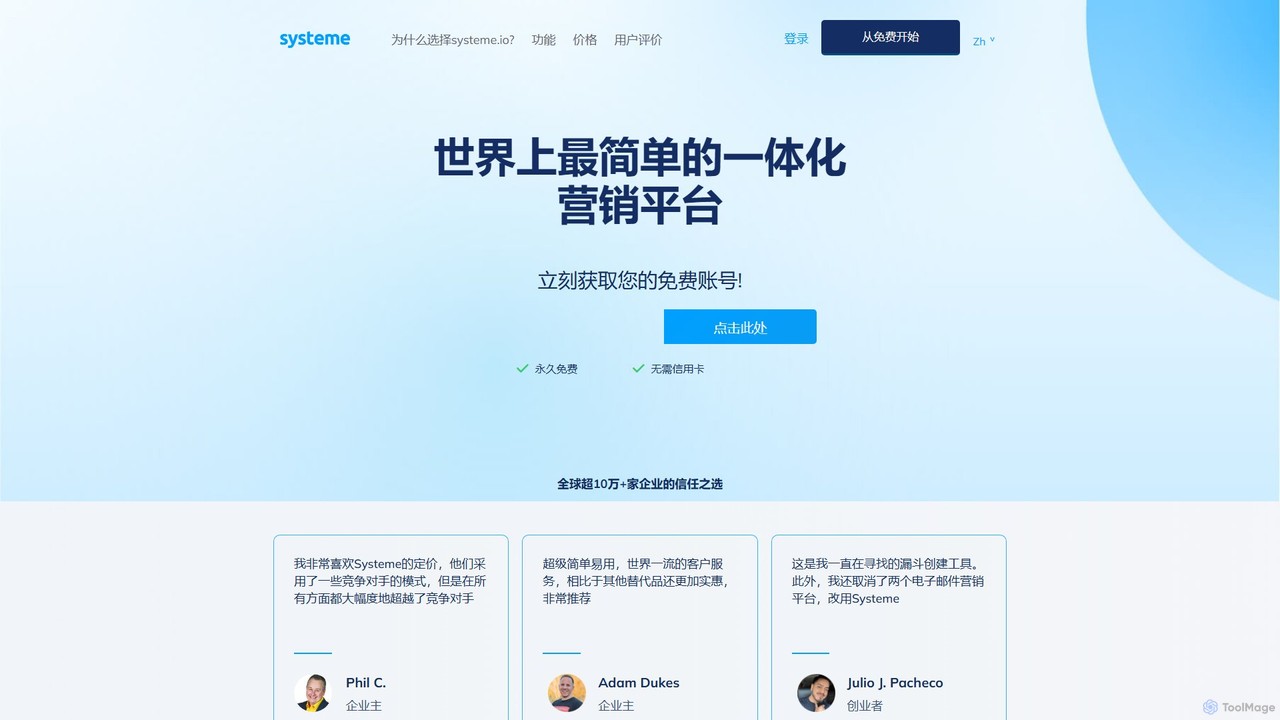
systeme.io
Systeme.io is an all-in-one marketing platform designed to help entrepreneurs and small businesses launch, grow, and scale their online operations. It combines sales funnels, email marketing, website building, affiliate program management, and online course creation into a single, user-friendly, and highly affordable tool, eliminating the need for multiple complex and expensive subscriptions.
Entrepreneurship
Itemery Comments (0)
Sign in to comment.
Sign inNo comments yet.