
OnTheFly Overview
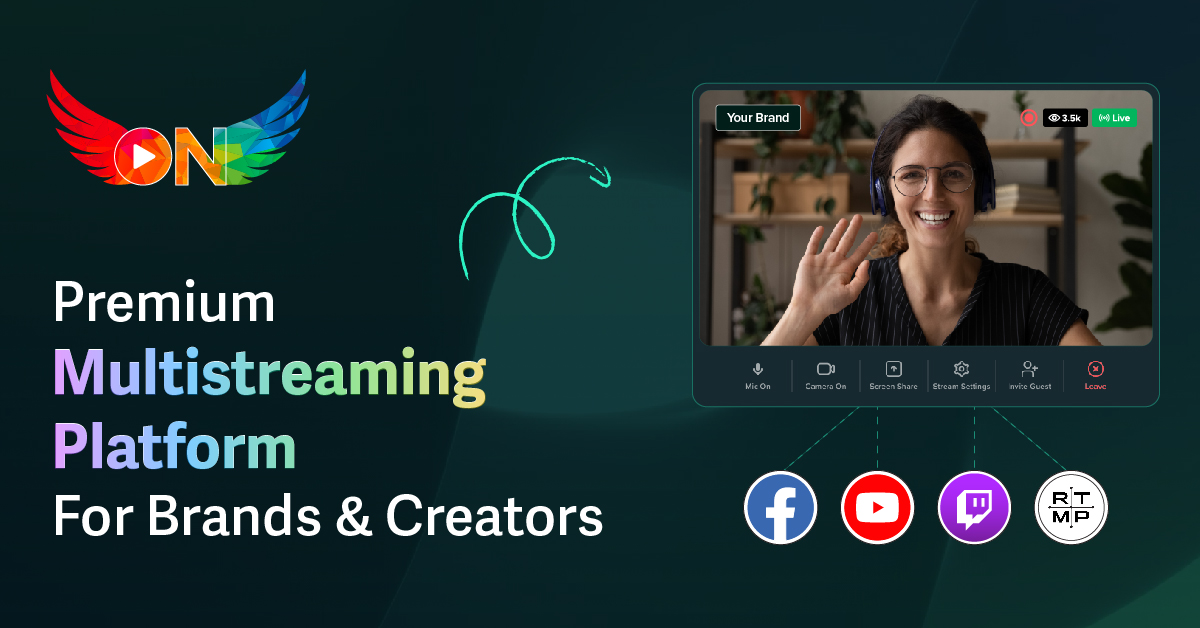
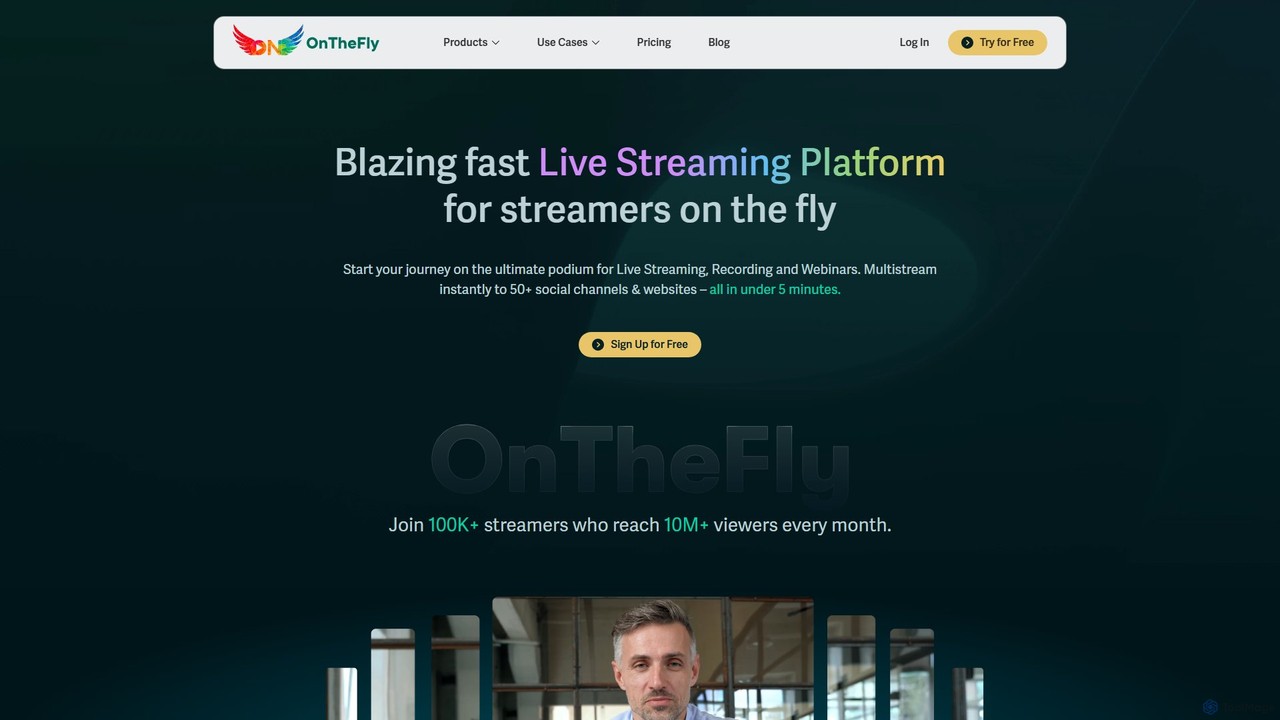
OnTheFly is a powerful and intuitive browser-based studio designed to simplify the world of live streaming and multistreaming. It empowers content creators, gamers, brands, and educators to broadcast their content to a global audience across more than 50 social media platforms simultaneously, including major players like YouTube, Twitch, Facebook, and Instagram. The platform is built for accessibility, eliminating the need for complex software installations or specialized equipment. All you need is a computer with a camera, a microphone, and an internet connection to start creating professional-grade live streams and webinars.
OnTheFly is more than just a broadcasting tool; it's a comprehensive solution for live content management. From scheduling streams in advance to build anticipation, to customizing your broadcast with brand logos and colors, the platform provides all the necessary tools to create a polished and professional look. Its integrated webinar functionality further extends its utility, allowing users to host interactive sessions with features like polls and Q&A, making it ideal for online classes, corporate training, and marketing events.
How to use OnTheFly
Getting started with OnTheFly is a straightforward process designed to get you live in minutes:
- Sign Up: Create your account on the OnTheFly website. The registration process is quick and takes only about 5 minutes.
- Connect Your Channels: In your dashboard, connect all the social media accounts you wish to stream to. This includes platforms like YouTube, Facebook, Twitch, as well as any custom RTMP destinations for other services.
- Set Up Your Stream: Choose to either 'Go Live' instantly or schedule a stream for a future date and time. You can set up a standard live stream or a webinar.
- Customize Your Studio: Before going live, personalize your stream's appearance. Add your brand logo, choose custom colors, and set up overlays or backgrounds to create a unique and professional look.
- Invite Guests: Use the simple guest invitation feature to bring co-hosts, interviewees, or collaborators into your stream. They can join directly from their browser with a single link.
- Start Broadcasting: Once everything is set, click the 'Go Live' button. OnTheFly will simultaneously broadcast your stream to all connected platforms.
- Engage and Analyze: During the stream, interact with your audience using integrated chat and interactive features. After the session, review the detailed analytics to understand your stream's performance and audience engagement.
- Repurpose Your Content: Your live stream is automatically recorded. Access the recording from your dashboard to download it and repurpose it into video-on-demand (VOD), social media clips, or other marketing materials.
Core Features of OnTheFly
- Multistreaming (Simulcasting): Broadcast your live stream to over 50 social media platforms and custom RTMP destinations at the same time, maximizing your reach.
- Browser-Based Studio: No software downloads required. Access and manage your entire streaming setup from a web browser on any computer or mobile device.
- Guest & Co-host Invitation: Easily invite up to several guests to join your live stream, creating dynamic and collaborative content.
- Full HD Streaming: Deliver high-quality content with support for Full HD (1080p) streaming, ensuring a crisp and clear viewing experience for your audience.
- Automatic Stream Recording: Every live session is automatically recorded and stored on secure servers, available for download and repurposing shortly after the stream ends.
- Advanced Scheduling: Plan your live streams and webinars in advance, allowing you to promote them across platforms and build an audience.
- Integrated Webinar Platform: Host engaging webinars with interactive features like polls, Q&A sessions, and custom branding, complete with attendee management.
- Performance Analytics: Gain valuable insights into your stream's performance with detailed reports on viewership, engagement, and audience demographics.
- Website Embedding: Easily embed your live stream directly onto your personal or business website with a simple integration code.
- Custom Branding: Maintain brand consistency by adding your own logos, color schemes, and custom backgrounds to your streams and webinars.
Use Cases for OnTheFly
OnTheFly is a versatile tool suitable for a wide range of applications:
- Content Creators & Gamers: Simultaneously stream gameplay, tutorials, or live vlogs to Twitch, YouTube, and Facebook Gaming to grow their community across all platforms.
- Businesses & Marketers: Host professional product launches, brand announcements, live Q&A sessions, and marketing webinars to engage with customers and generate leads.
- Educators & Coaches: Deliver online courses, virtual workshops, and fitness classes with interactive features that enhance the learning experience for students worldwide.
- Event Organizers: Broadcast virtual conferences, panel discussions, and hybrid events to a global audience, extending the reach far beyond a physical venue.
- Non-profits & Community Groups: Stream fundraisers, community meetings, and awareness campaigns to multiple social channels to maximize visibility and participation.
Advantages of OnTheFly
OnTheFly offers several key advantages over traditional streaming setups:
- Simplicity and Accessibility: The intuitive, browser-based interface makes professional streaming accessible to everyone, regardless of technical skill.
- Efficiency: Save time and effort by managing one stream that goes live everywhere, instead of setting up multiple streams on different platforms.
- Increased Reach: Multistreaming exponentially increases your potential audience by meeting them on their preferred platforms.
- Enhanced Engagement: Features like guest invitations and interactive webinar tools foster a more dynamic and participatory experience for viewers.
- Content Repurposing: Automatic recording provides a valuable asset that can be edited and reused, maximizing the value of every live broadcast.
Pricing and Plans
OnTheFly operates on a freemium model, providing a 7-day free trial that allows new users to explore the full range of platform features. After the trial period, users can select from a variety of paid subscription plans designed to fit different needs and scales of use. The plans are typically tiered based on factors such as the maximum streaming duration per session, the number of recording hours stored, and the maximum number of attendees for webinars. This flexible structure ensures that both individual creators and large organizations can find a plan that suits their budget and requirements. For the most up-to-date and detailed information on plan features and pricing, please visit the official OnTheFly website.
Traffic
Latest traffic
Status
Monthly traffic trend
- 2025-9: 7.9K
- 2026-1: 1.5K
- 2026-2: 1.4K
- 2026-3: 862
- 2026-4: 1.6K
- 2026-5: 1.3K
Geography
Top 5 countries / regions
- 🇮🇳India41.8%
- 🇧🇷Brazil33.1%
- 🇺🇸United States25.1%
Top keywords
| Keyword | Cost per click |
|---|---|
| best software to make your videos look better on the fly for pc | $0.00 |
| how to stream on youtube | $0.77 |
| on the fly | $2.24 |
| onthefly | $0.00 |
| youtube alternative | $1.10 |
OnTheFly Alternatives
Ivipop
Ivipop is an upcoming AI-powered live event sharing platform from France, designed for creators and businesses to broadcast video streams. It focuses on fostering community engagement through interactive features, real-time translation, and automated content moderation, with a planned launch in August 2025.
Event Management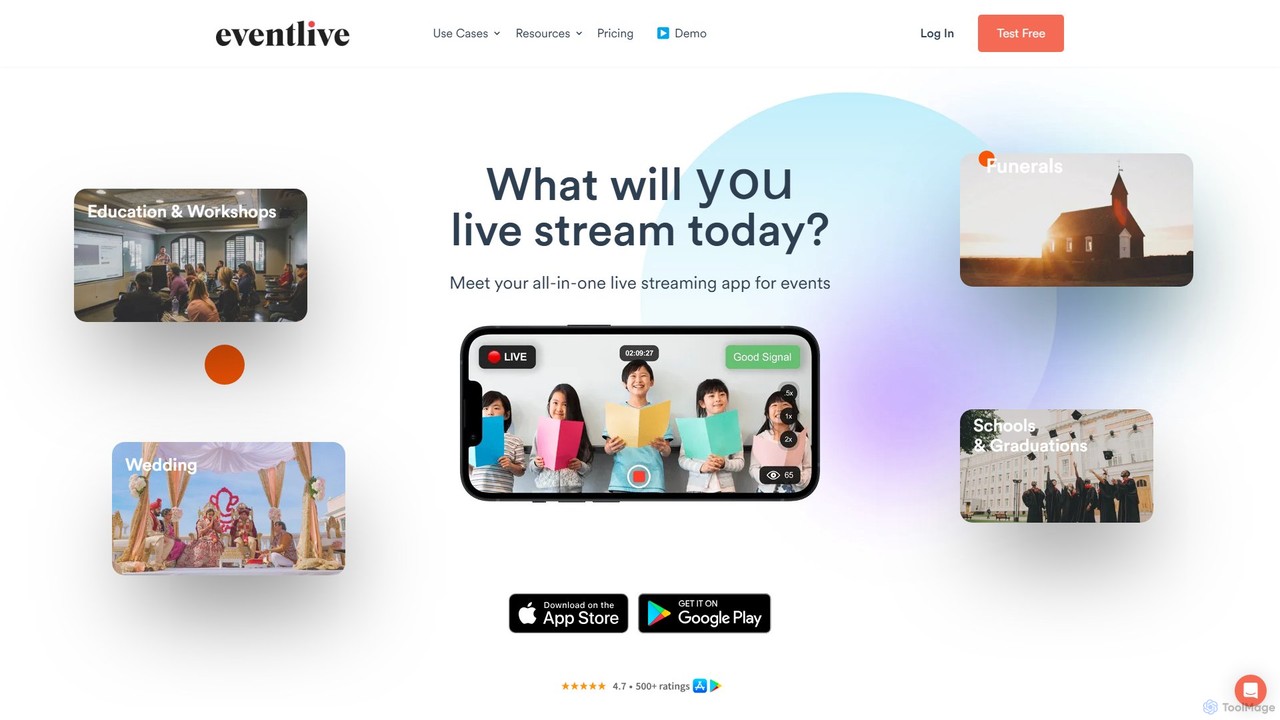
EventLive
EventLive provides a simple, private, and professional platform for live streaming events like weddings, sports, and workshops. It allows hosts to stream from a smartphone or professional camera, while guests can watch with a single click, no app or registration required. Features include customizable event pages, HD replay, a digital guestbook, and integrated ticket sales.
Streaming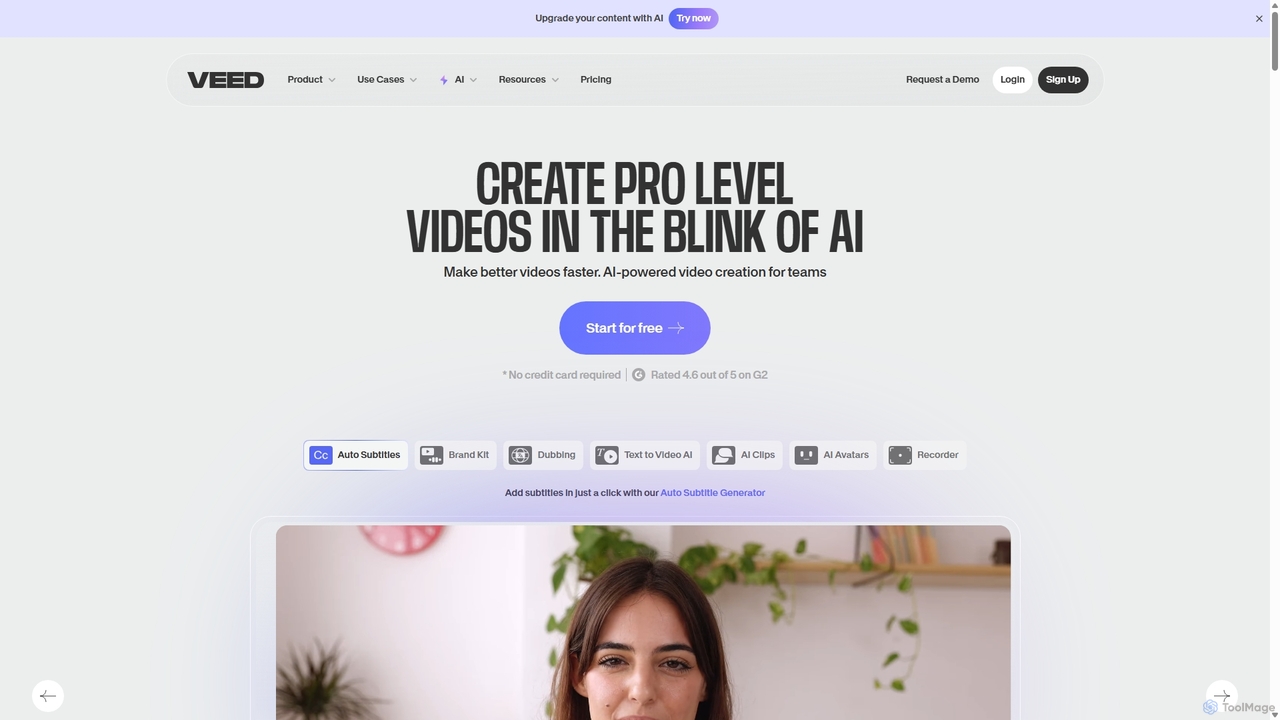
VEED.IO
VEED.IO is a powerful, AI-driven online video editor designed for teams and creators. It simplifies professional video creation with a suite of intuitive tools, including auto-subtitling, text-to-video, AI avatars, and collaborative workspaces. Create, edit, and share high-quality videos directly from your browser, no complex software required.
Social Media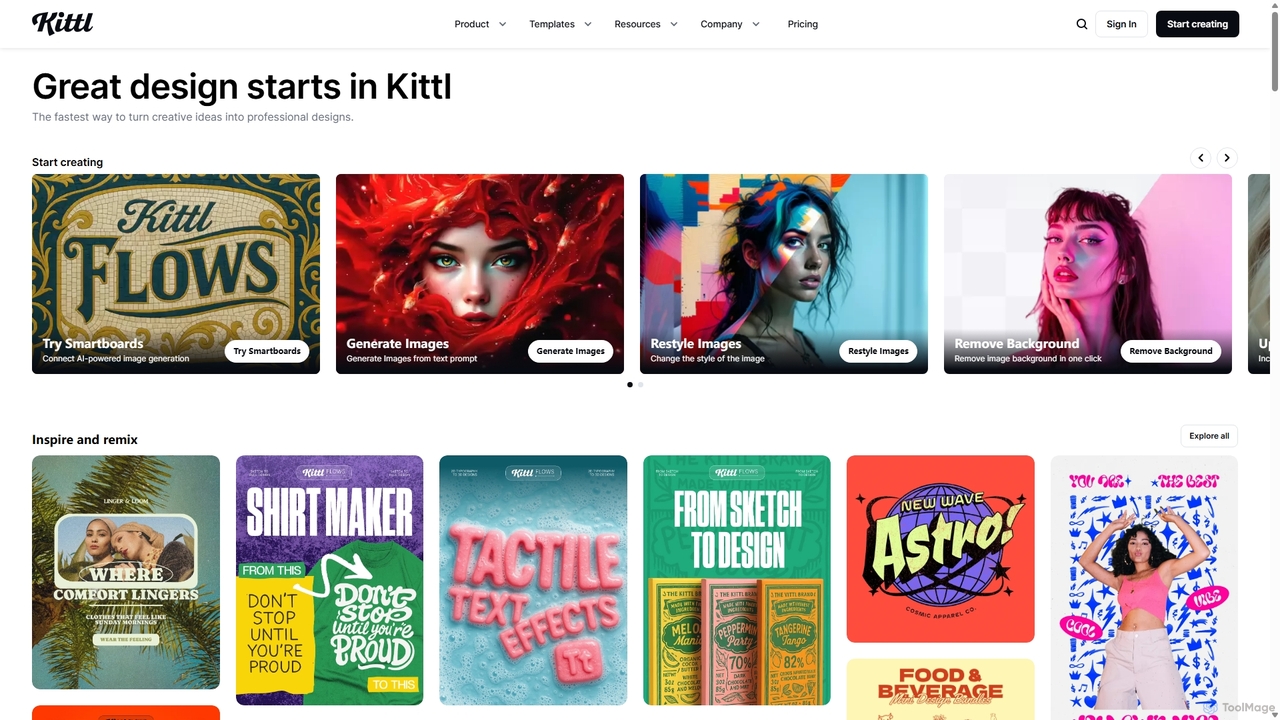
Kittl
Kittl is an intuitive, AI-powered collaborative design platform that simplifies the creation of professional graphics. It combines an advanced editor, powerful AI tools, a vast asset library, and unique text effects, making it ideal for everything from logos and t-shirts to social media posts and marketing materials.
Graphic Design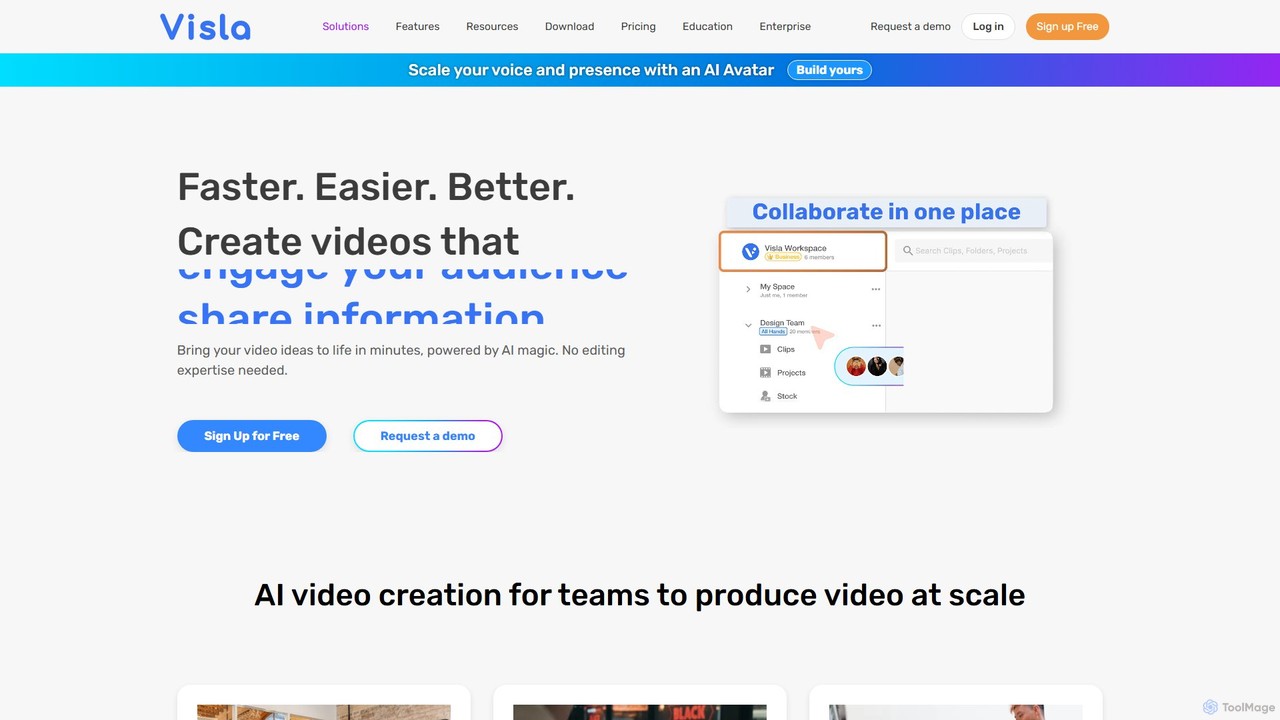
Visla
Visla is an all-in-one AI video platform designed for businesses. It empowers teams to effortlessly create, edit, record, and collaborate on professional-quality videos. Featuring AI-driven tools like text-to-video generation, realistic AI avatars, and an intelligent editor, Visla makes video production scalable and accessible to everyone, regardless of their technical expertise.
TrainingOnTheFly Categories
OnTheFly Embed Widget
Copy this embed code to place the badge on your blog, article, or product site and send readers directly to this ToolMage detail page.

Related AI tools
LiveReacting
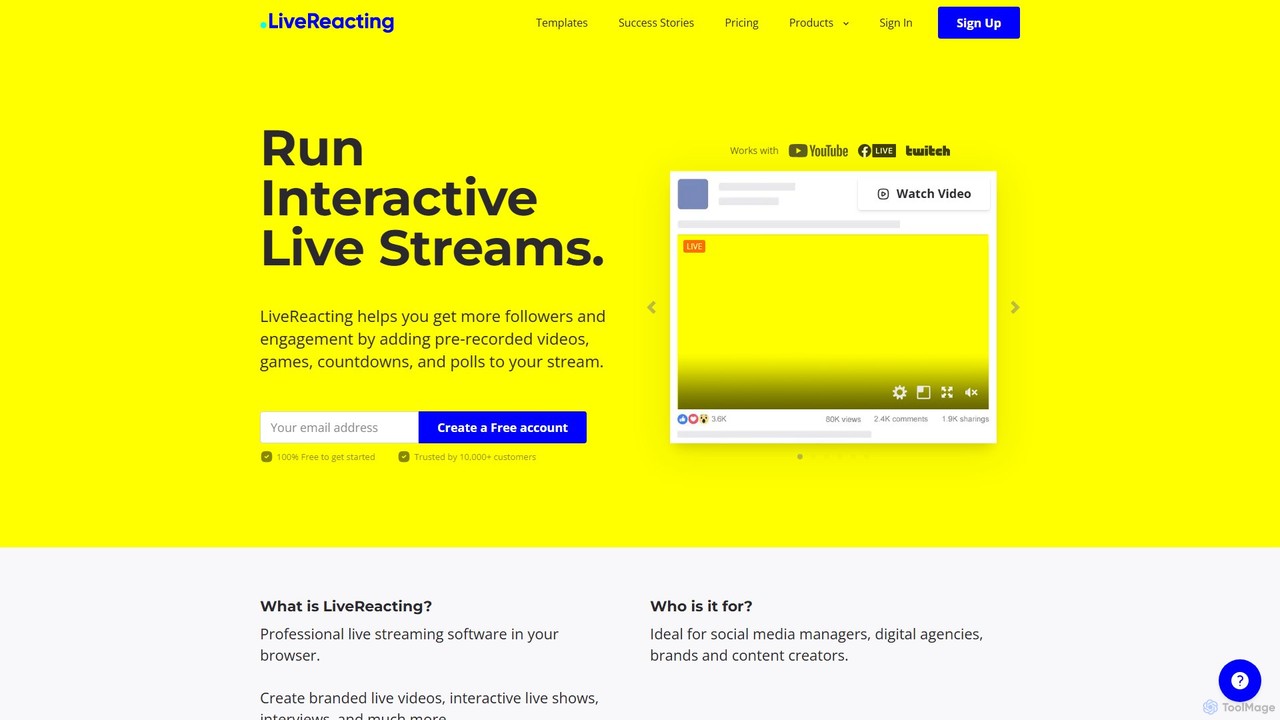
LiveReacting is a browser-based live streaming studio designed to boost audience engagement. It allows users to enrich their live streams with interactive elements like polls, games, and countdowns, stream pre-recorded videos, invite guests, and multistream to platforms like Facebook, YouTube, and Twitch. Ideal for marketers, content creators, and brands looking to create professional, interactive live content without complex software.
Engagement Tools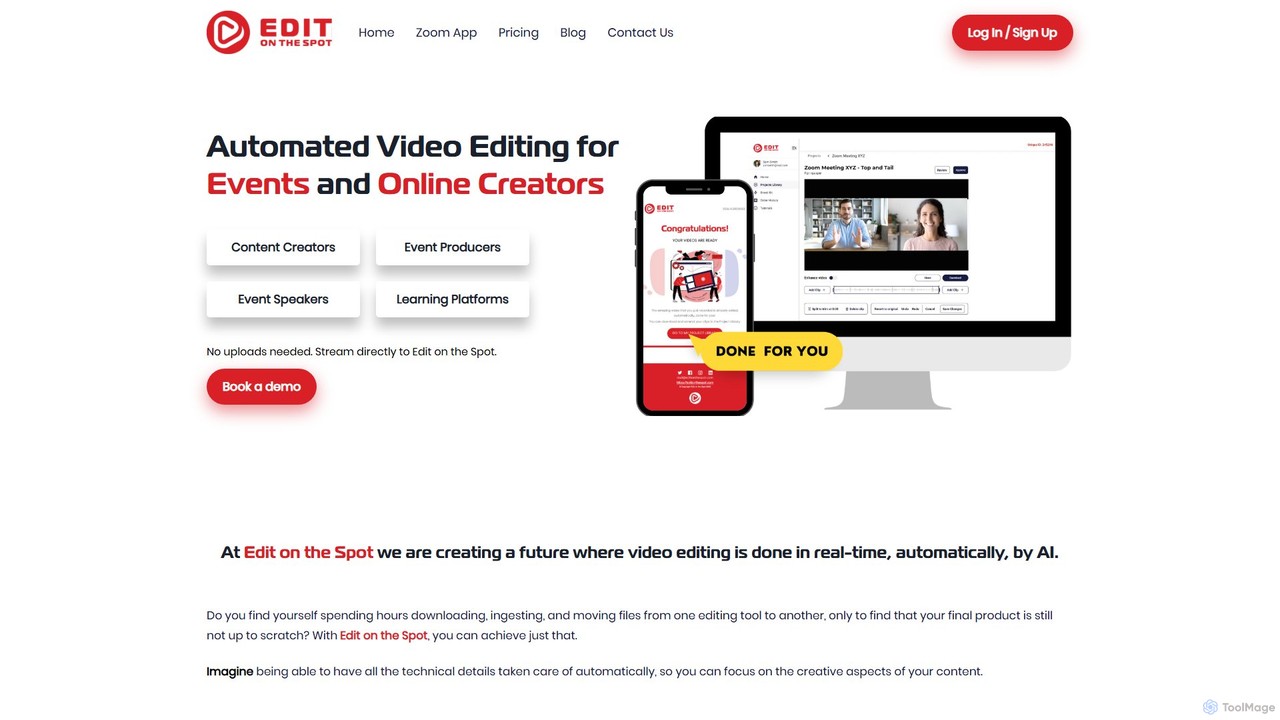
Edit on the Spot
Edit on the Spot is an AI-powered video editing tool designed for online creators. It automatically trims silence from the beginning and end of recordings from platforms like Zoom, MS Teams, and OBS. Users can instantly add custom intros and outros, receiving a download link for a professionally polished, full HD video within minutes of finishing their session.
Content CreationIvipop
Ivipop is an upcoming AI-powered live event sharing platform from France, designed for creators and businesses to broadcast video streams. It focuses on fostering community engagement through interactive features, real-time translation, and automated content moderation, with a planned launch in August 2025.
Event Management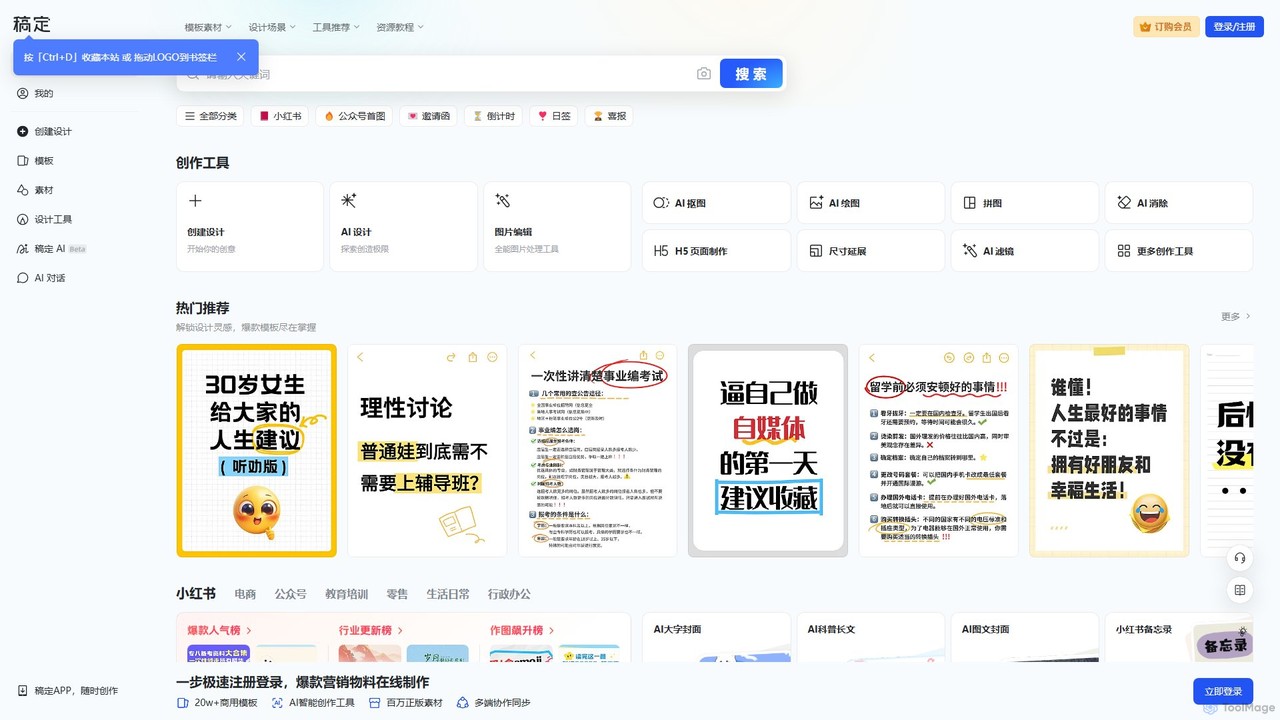
Gaoding Design
Gaoding Design is an all-in-one AI-powered online design platform. It offers a vast library of templates, AI-driven tools for image and video editing, content generation, and smart design automation. Ideal for marketers, content creators, and businesses, it simplifies the creation of professional marketing materials, social media posts, and presentations with collaborative workflows.
Graphic Design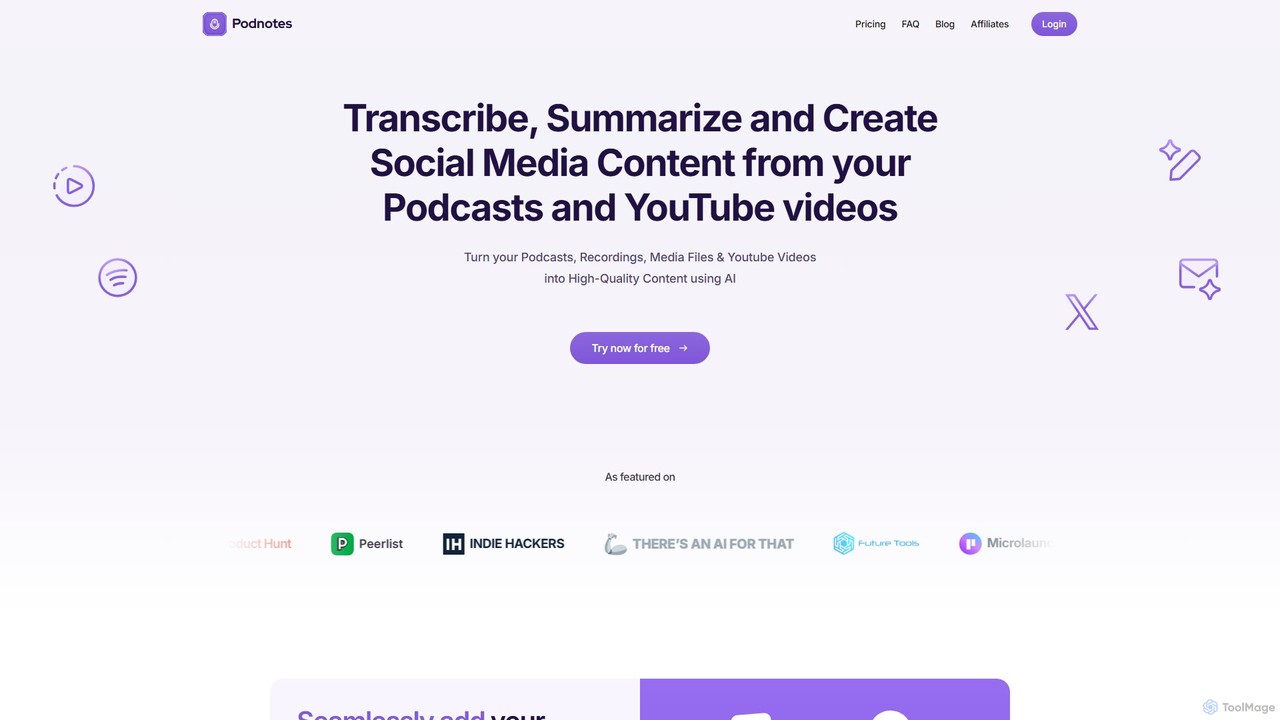
Podnotes
Podnotes is an AI-powered platform that transcribes, summarizes, and repurposes podcasts and YouTube videos into high-quality written content. It helps creators, marketers, and agencies effortlessly generate show notes, blog posts, social media content, and newsletters to expand their audience reach.
Repurposing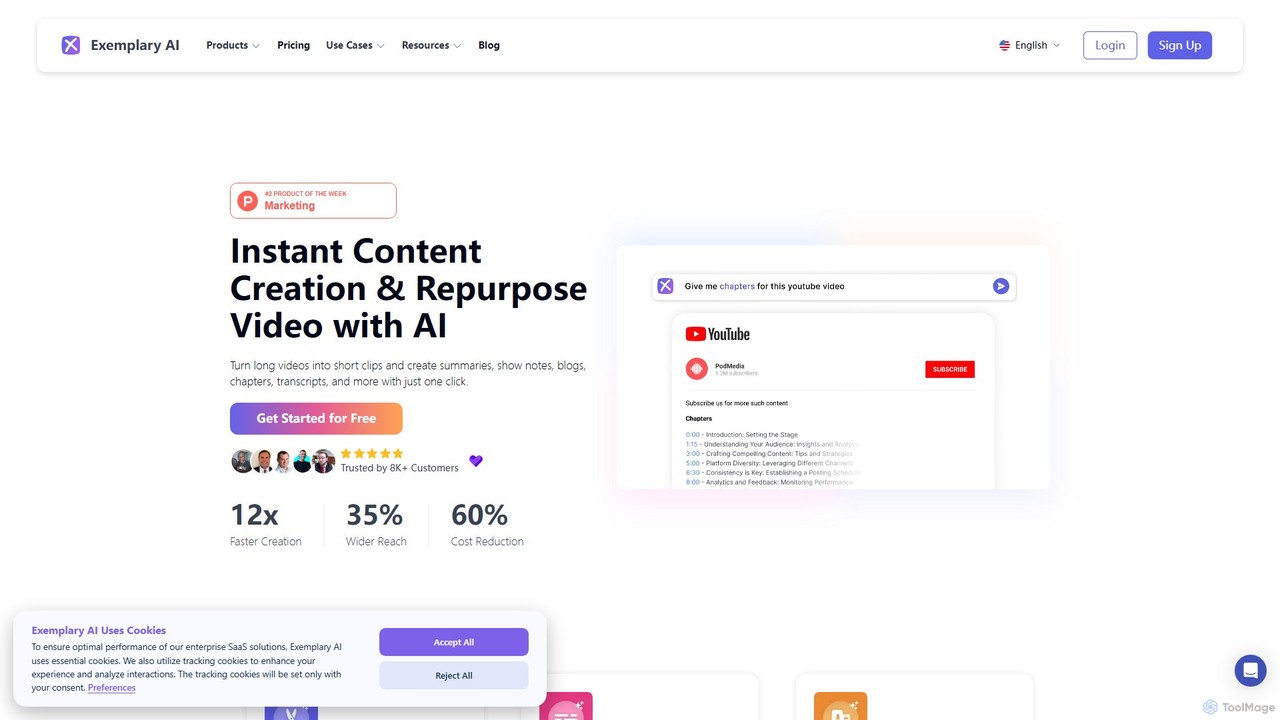
Exemplary AI
Exemplary AI is an all-in-one content repurposing toolkit designed for creators, marketers, and businesses. It uses AI to automatically transcribe, translate, and summarize audio and video content. Key features include a video clip generator, text-based video editing, and automatic subtitle creation, enabling users to effortlessly transform long-form content into engaging social media posts, blogs, and more in over 120 languages.
Repurposing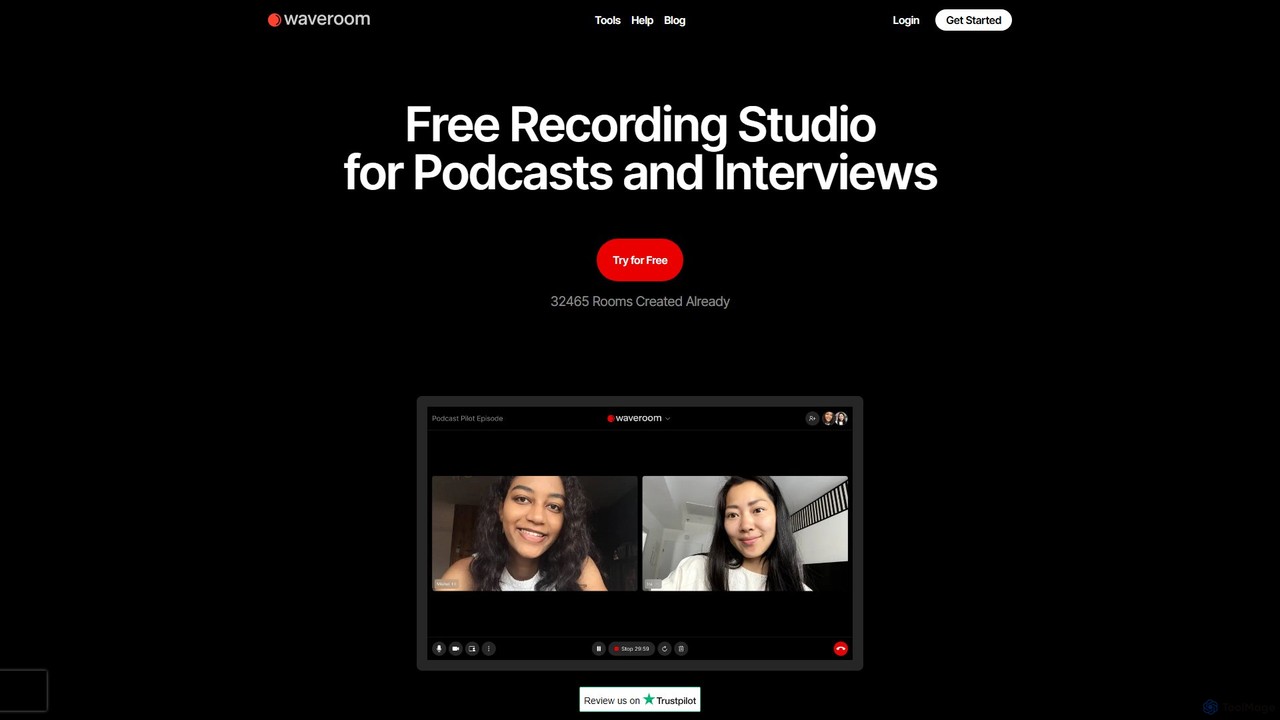
Waveroom
Waveroom is a free, browser-based online recording studio designed for high-quality remote podcasts and video interviews. It uses local recording technology to capture crystal-clear, multi-track audio and video from each participant, ensuring top-notch quality regardless of internet connection stability. Key features include AI noise removal, transcription, and support for up to 2K video and uncompressed WAV audio.
Podcast Recording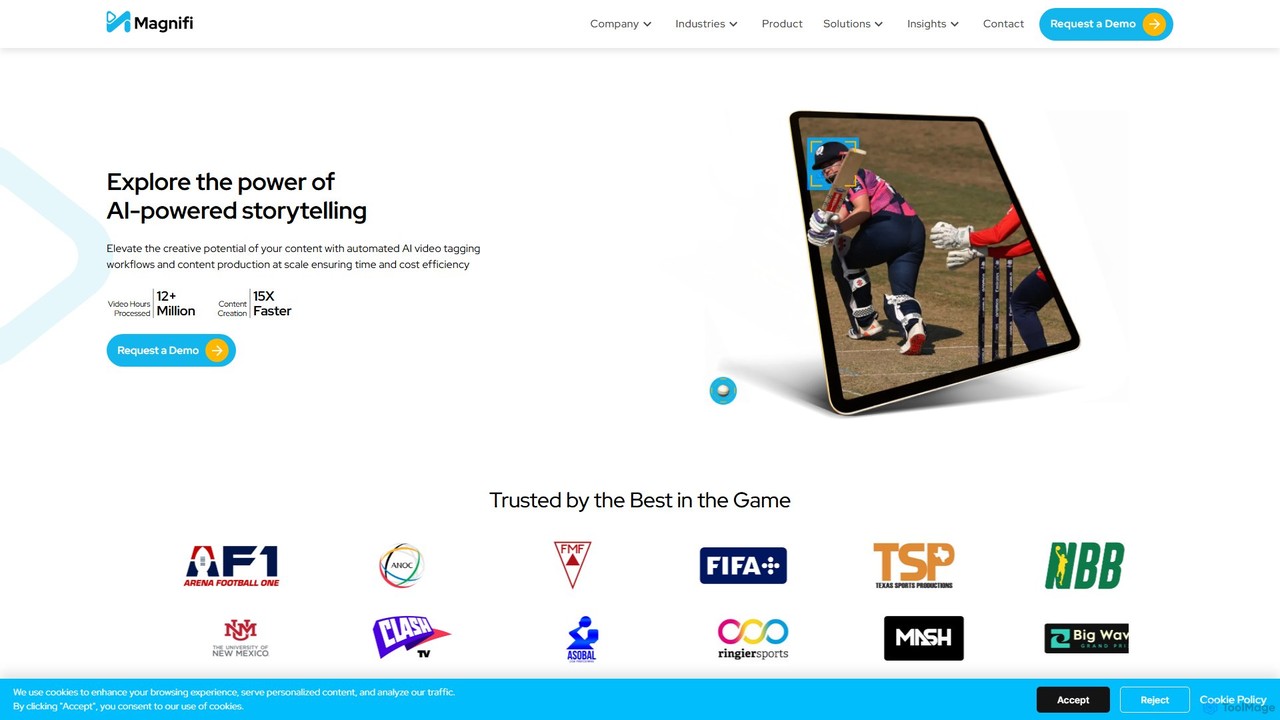
Magnifi
Magnifi is an AI-powered video platform that automates the creation of highlights and summaries from long-form content. Ideal for sports, news, and media broadcasters, it uses AI to detect key moments, automatically generate engaging clips, resize them for social media, and distribute them across multiple channels, saving significant time and cost.
Social Media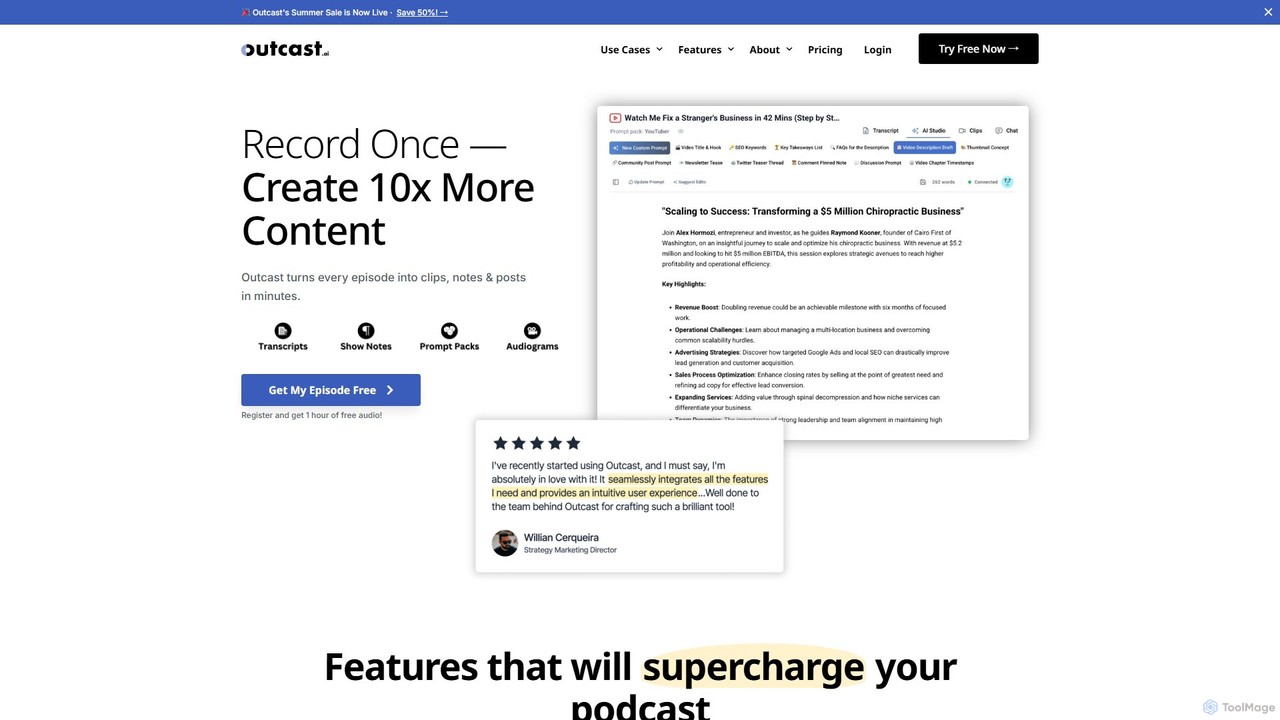
Outcast
Outcast is an AI-powered platform for podcasters to repurpose content effortlessly. Record once and generate 10x more content, including social media clips, show notes, blog posts, and audiograms. It features an AI writer, a clip creator, and a chatbot to interact with your entire episode library, streamlining your content creation workflow and maximizing your reach.
Transcription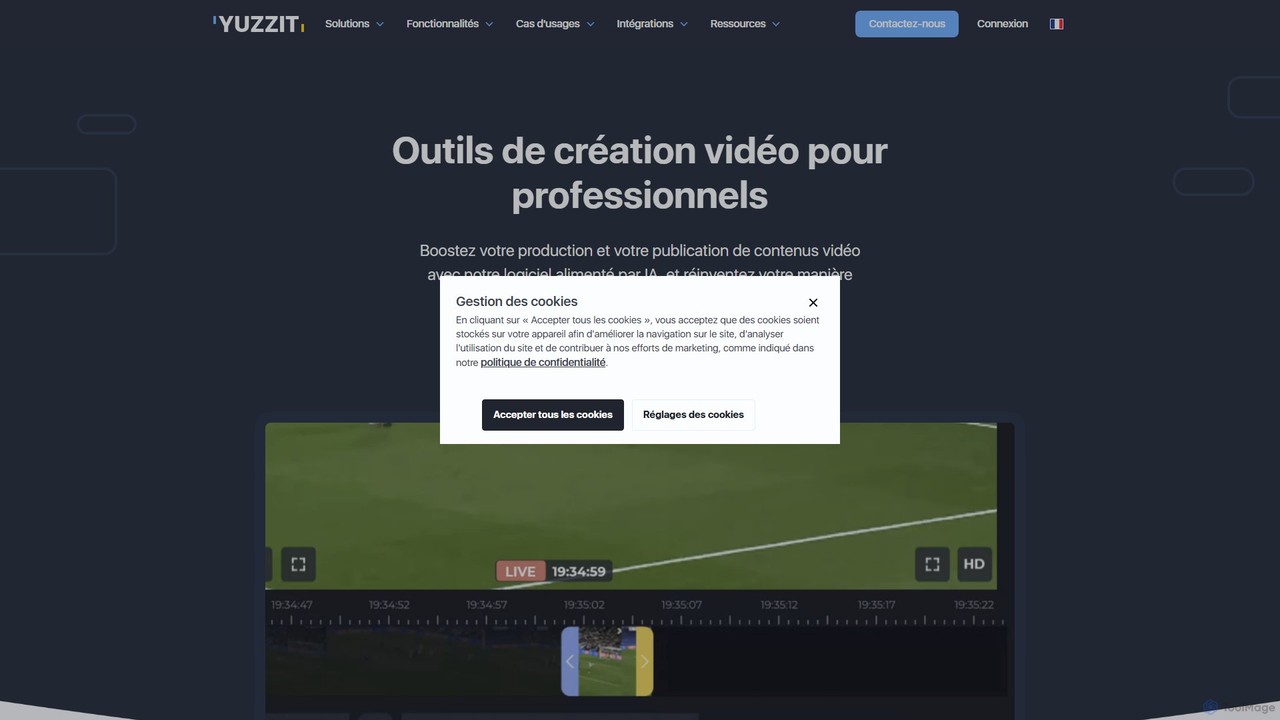
Yuzzit
Yuzzit is an AI-powered online video editing platform for professionals. It specializes in real-time clipping of live streams, automated editing, and multi-platform publishing. Designed for speed and collaboration, it helps media, sports, and marketing teams create and distribute engaging video content effortlessly.
Collaboration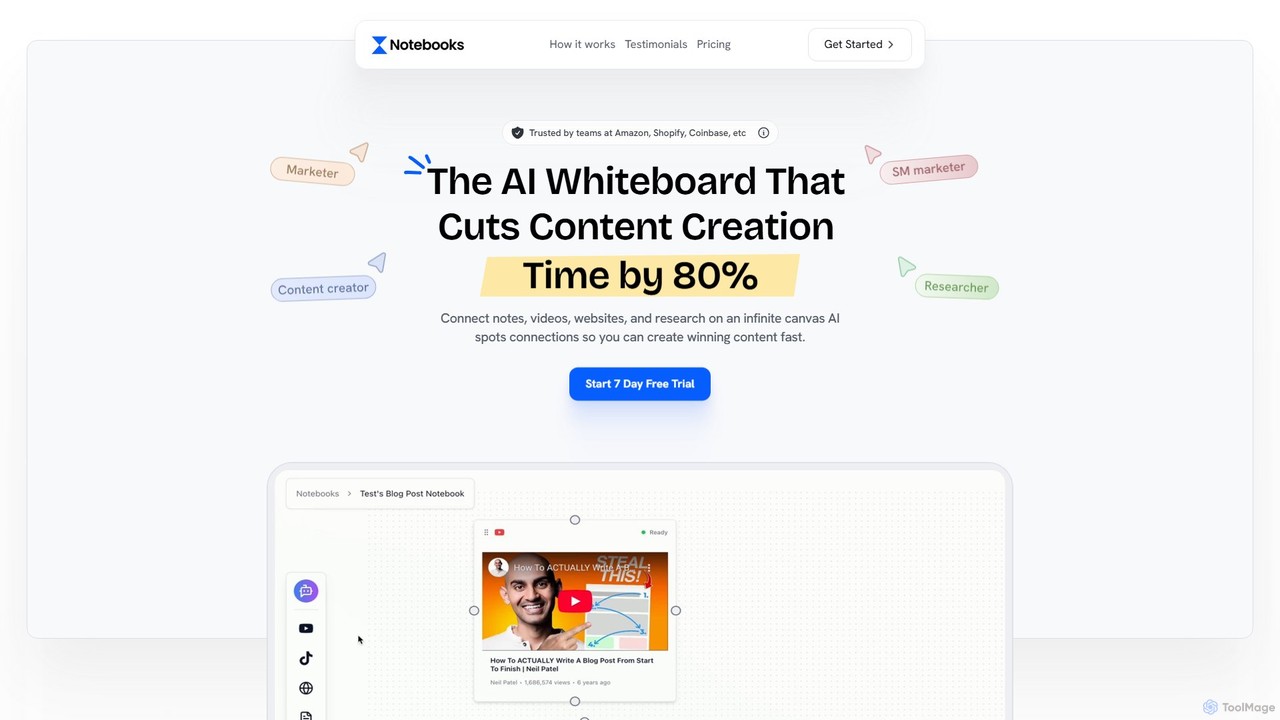
Notebooks.app
Notebooks.app is an AI-powered whiteboard designed for content creation. It centralizes research, notes, videos, and websites on an infinite canvas, enabling users to generate high-quality, context-aware content 80% faster. It's ideal for marketers, creators, and agencies looking to streamline their workflow, repurpose content, and maintain brand consistency with a customizable AI.
Content Creation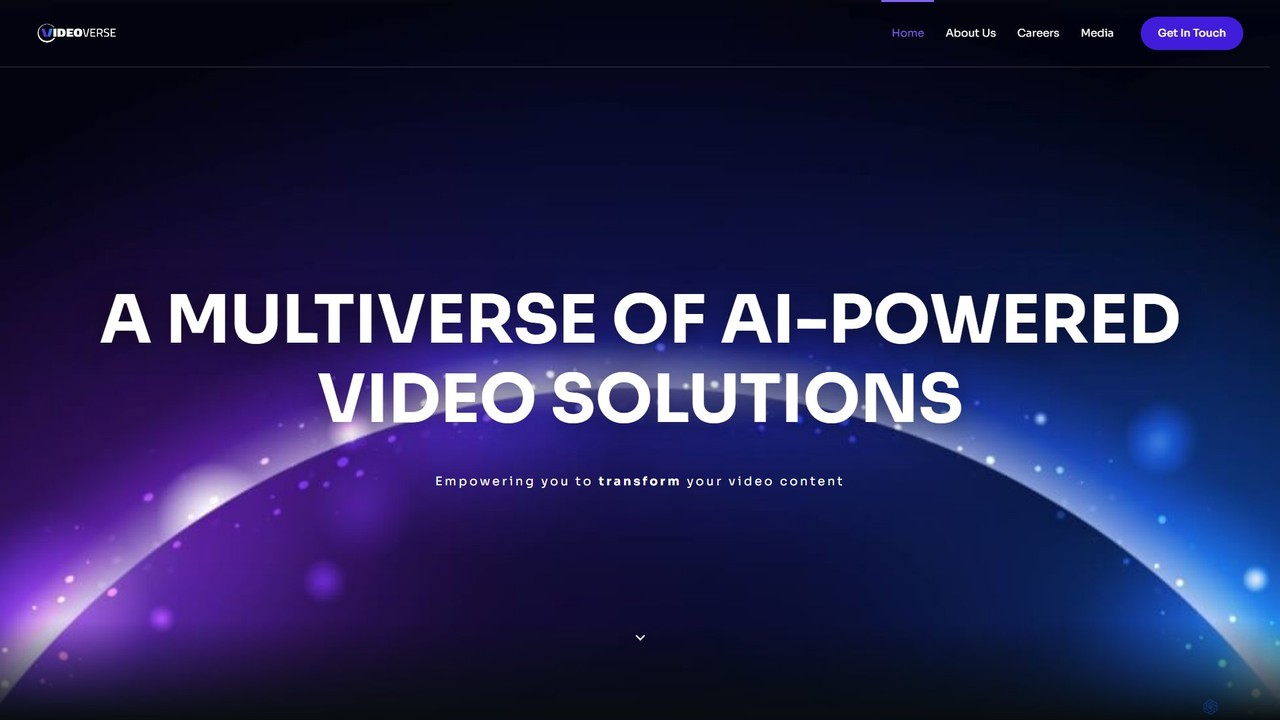
vverse
vverse is an AI-powered video solutions platform for enterprises, broadcasters, and content creators. It automates the creation of engaging short-form video highlights from long-form content like live sports and esports. Using advanced AI, vverse streamlines content production, boosts fan engagement, and opens new monetization avenues with remarkable speed and efficiency.
Social Media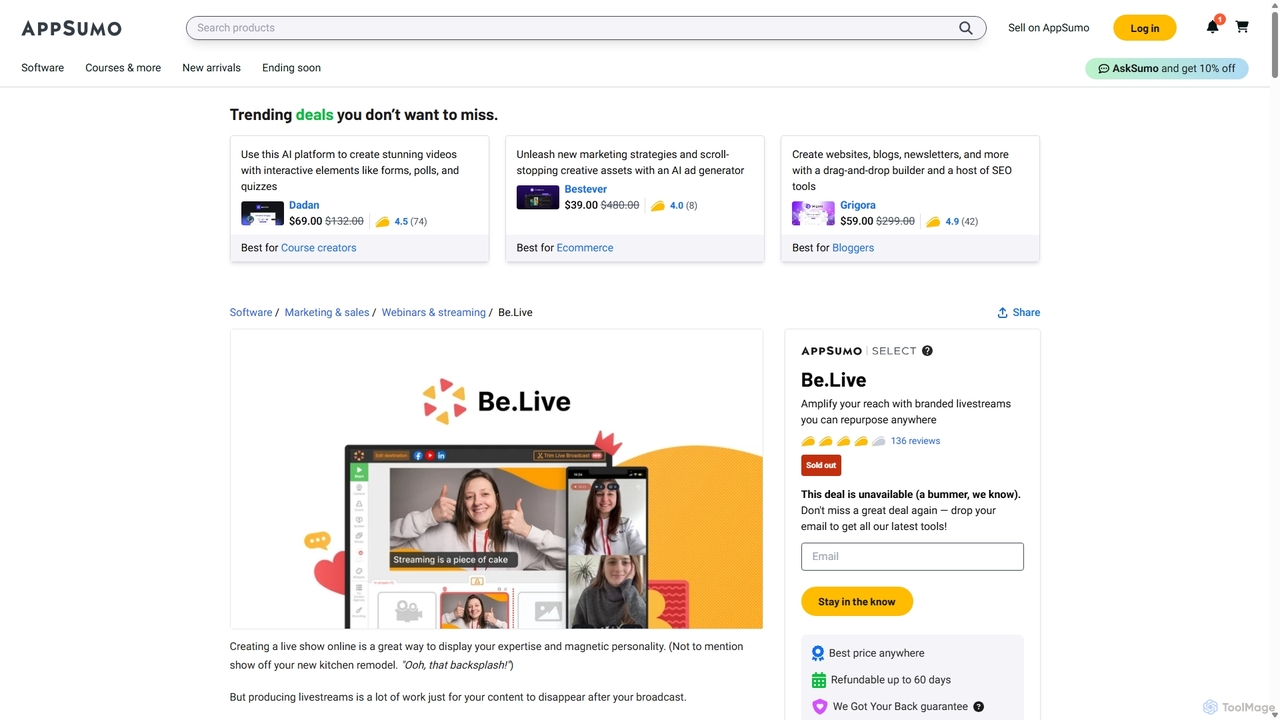
Be.Live
Be.Live is a powerful yet user-friendly livestreaming studio designed for creators, coaches, and businesses. It enables you to produce professionally branded live broadcasts on platforms like Facebook, YouTube, and LinkedIn. Key features include multi-guest hosting, extensive customization options, audience engagement tools, and the ability to repurpose live content into short videos and podcasts. With its intuitive web platform and mobile app, Be.Live simplifies the entire process of creating, distributing, and maximizing the value of your video content.
Content Creation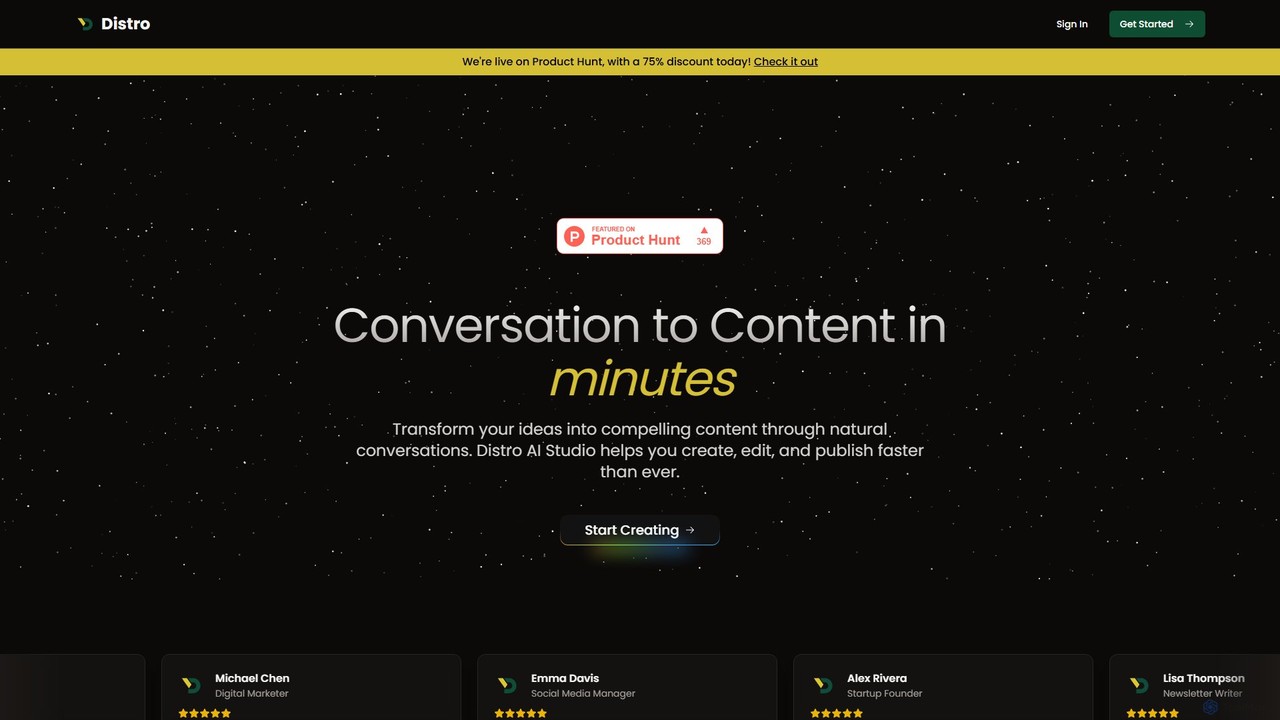
Distro
Distro is an AI-powered content creation platform that transforms natural conversations and ideas into polished, ready-to-publish content. It helps creators, marketers, and experts generate articles, social media posts, and newsletters faster by acting as an intelligent content partner.
Writing Assistant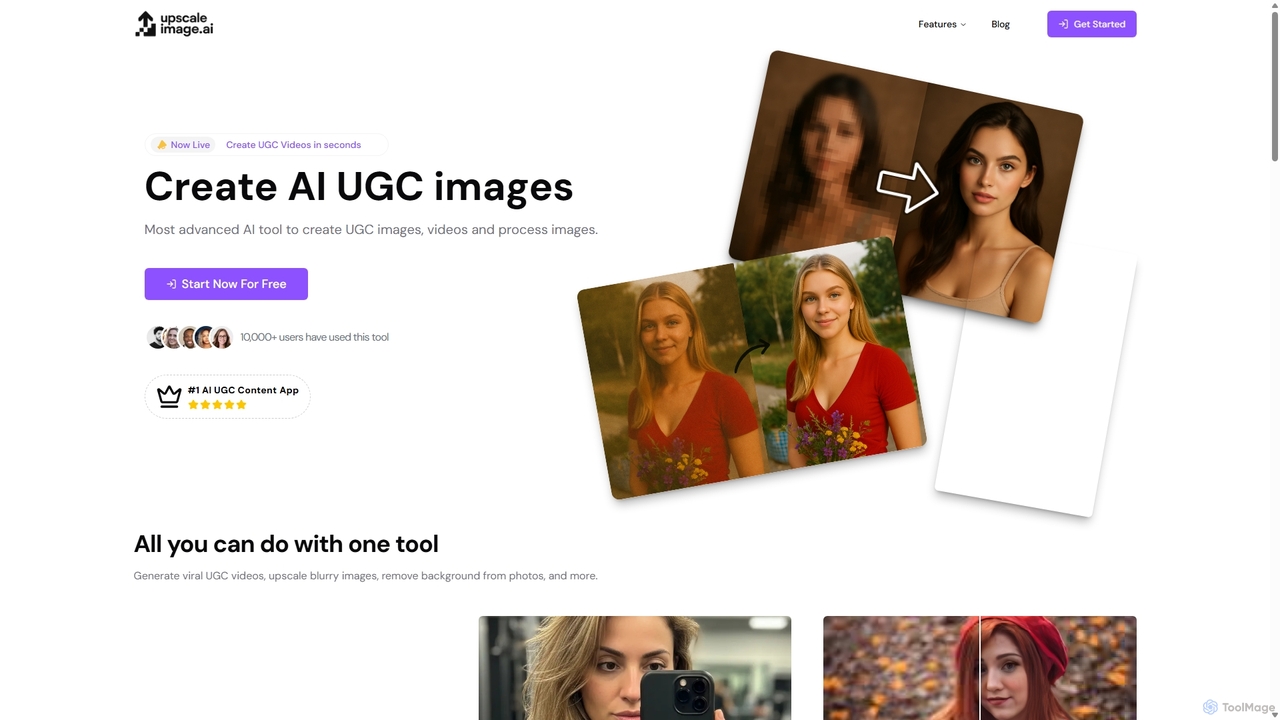
UpscaleImage.AI
UpscaleImage.AI is an all-in-one AI content creation platform. It enables users to generate viral UGC videos and images, create custom AI models, upscale images up to 8x without quality loss, remove backgrounds, and restore old or blurry photos in seconds. It's designed for marketers, brands, and content creators to save time and reduce costs.
Social Media
OnTheFly Comments (0)
Sign in to comment.
Sign inNo comments yet.