
Pamor Overview
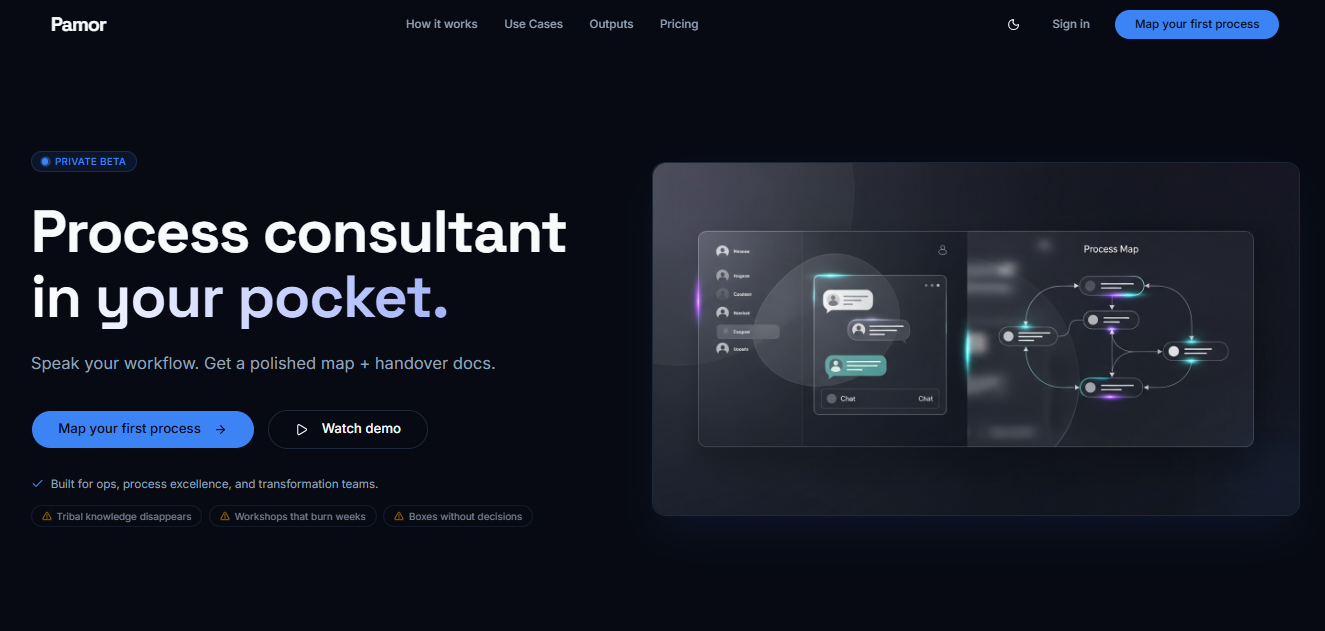
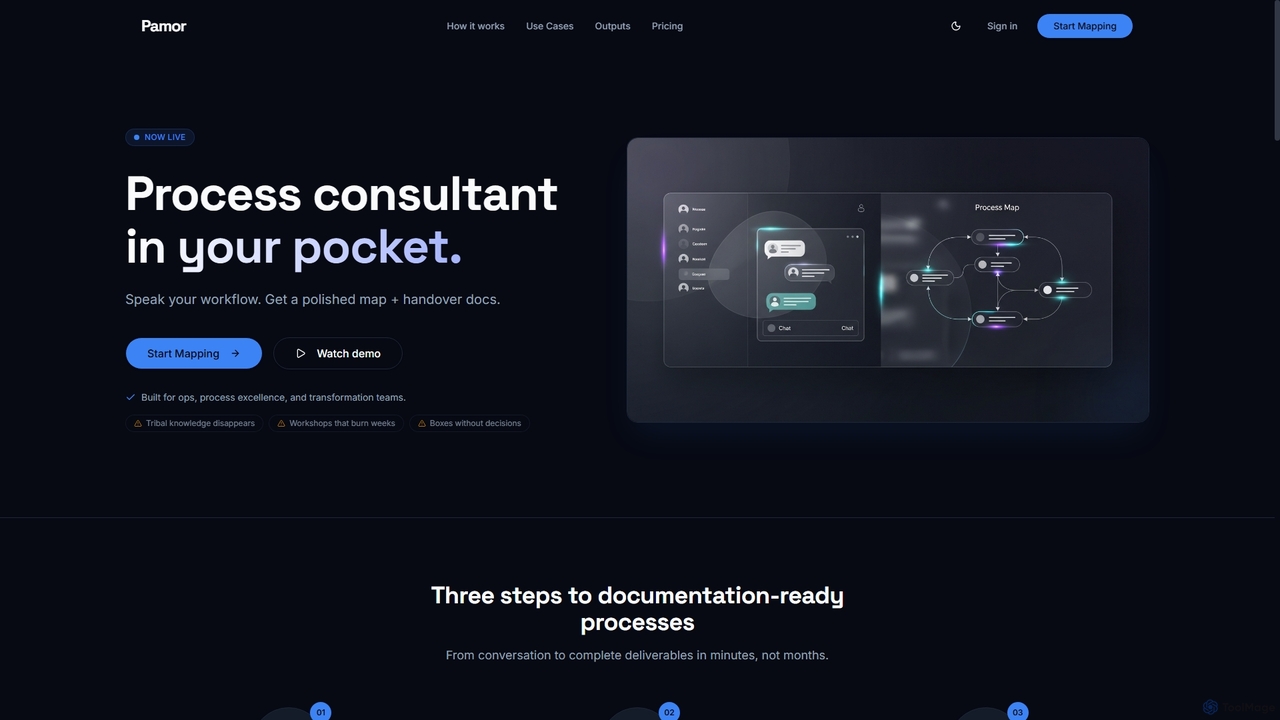
Pamor positions itself as an "AI Process Interviewer," acting as a process consultant in your pocket. It's engineered to streamline the often-cumbersome task of documenting workflows and institutional knowledge. By engaging users through natural voice or text conversations, Pamor efficiently captures "as-is" processes, identifies hidden pain points, and suggests optimizations. The platform then generates polished, consultant-grade deliverables such as process maps, RACI matrices, and improvement briefs, transforming weeks of workshops and ambiguous documentation into clear, actionable insights in minutes.
How to use Pamor
Using Pamor involves a straightforward three-step process:
- Map: Begin by speaking your workflow or typing it out. Pamor conducts an interview, much like a senior consultant, to capture the existing process.
- Improve: After mapping, Pamor automatically analyzes the workflow to suggest optimizations, identify exceptions, and surface underlying pain points.
- Deliver: Instantly export a suite of professional deliverables, including detailed process maps, RACI matrices, exception lists, and improvement briefs, ready for sharing and implementation.
Core Features of Pamor
- Natural Conversation Interface: Capture workflows through intuitive voice or text interactions.
- Automated Process Mapping: Generates interactive flowcharts with steps, decision points, owners, systems, and timing.
- Comprehensive Deliverables: Produces process maps, RACI matrices, exception lists, and improvement suggestions.
- Optimization Suggestions: Automatically identifies bottlenecks, exceptions, and areas for improvement.
- Decision and Ownership Capture: Goes beyond simple diagrams to capture critical decisions, ownership, and exceptions within processes.
- Enterprise-grade Security: Features end-to-end encryption for data in transit and at rest, SOC 2 Type II compliance (in progress), and GDPR readiness with full data privacy controls.
- Scalable Architecture: Built to adapt to unique workflows across any industry and company size.
- Team Collaboration: Supports role-based access and real-time workflow sharing for effective teamwork.
- High Availability: Ensures reliability with a 99.9% uptime SLA and redundant infrastructure.
Use Cases for Pamor
Pamor is built to address real operational challenges across various organizational functions:
- Onboarding: Document how work is done to ensure new hires ramp up consistently and efficiently.
- Handovers: Capture institutional knowledge and critical processes before team transitions occur, preventing loss of expertise.
- Process Excellence: Make work explicit by defining owners, handoffs, and exceptions, transforming ambiguity into operational clarity.
- Automation Strategy: Convert detailed process maps into a prioritized automation backlog, ranking opportunities by ROI, risk, and effort.
- Audit Readiness: Generate structured process documentation essential for compliance, governance, and audit requirements.
Advantages of Pamor
- Speed and Efficiency: Transforms conversations into complete, consultant-grade deliverables in minutes, significantly reducing the time and effort typically spent on workshops and manual documentation.
- Depth of Capture: Unlike basic diagramming tools, Pamor captures not just shapes, but critical decisions, ownership, and exceptions, providing a richer, more accurate representation of how work truly happens.
- Actionable Insights: Automatically suggests optimizations and surfaces hidden pain points, enabling informed decisions for process improvement and automation investments.
- Enhanced Collaboration: Facilitates team sharing and role-based access, ensuring everyone has access to up-to-date process documentation.
- Robust Security: Provides enterprise-grade security and compliance features, giving organizations peace of mind regarding data privacy and protection.
Pricing and Plans
Pamor offers simple, transparent pricing with a free tier and scalable paid plans:
- Free: $0. Allows users to try it out with no commitment, including 2 processes, 20 voice messages per process, and export to Markdown and CSV.
- Starter (Pay as you go): $7.99 per process. Offers unlimited voice messages per process, no monthly commitment, and access to all export formats.
- Pro (Most Popular): $29 per month. Includes 10 processes per month, unlimited voice messages, priority processing, and discounted rates for additional processes.
- Enterprise: Custom pricing. Designed for large teams, offering volume discounts, dedicated support & SLA, custom integrations, and advanced security features like SSO.
All plans include basic support. Users on the Free plan can upgrade anytime to get more voice messages.
Pamor FAQ
Pamor Alternatives
Scribe
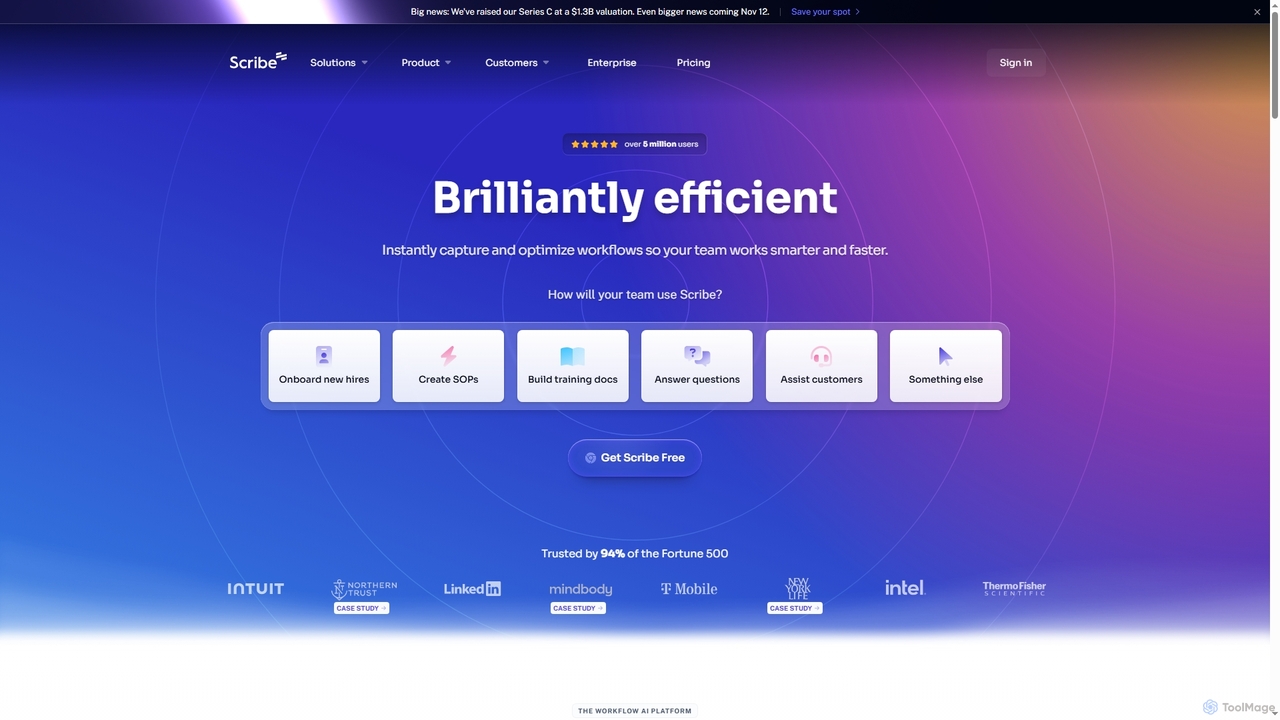
Scribe is an AI-powered workflow documentation tool that automatically captures any process—web, desktop, or mobile—and instantly transforms it into a step-by-step guide. It helps teams create SOPs, training materials, and customer support guides faster, enhancing efficiency and knowledge sharing across organizations.
Training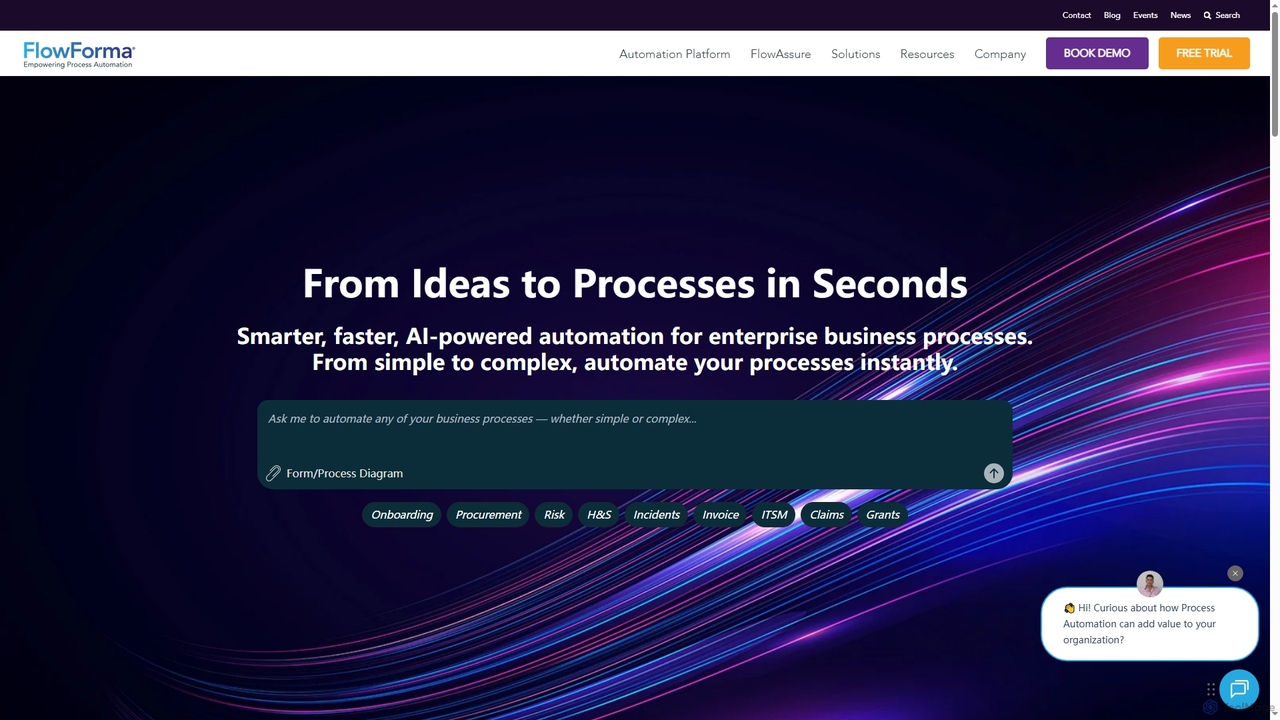
FlowForma
FlowForma is an AI-powered Digital Process Automation (DPA) platform designed for enterprises to rapidly automate business processes. It leverages AI Copilot and Agents to streamline workflows, manage routine tasks, and generate documents, enabling faster delivery, improved compliance, and significant operational efficiency across various departments.
3D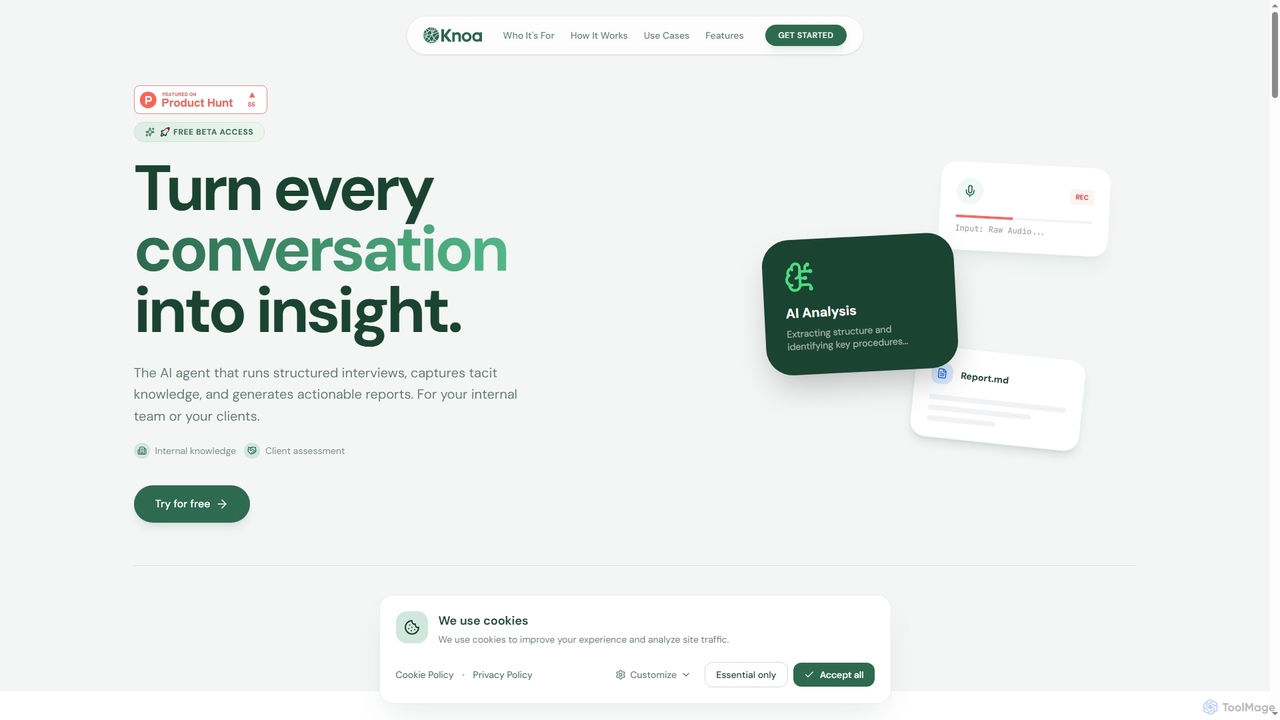
Knoa
Knoa is an advanced AI agent designed to transform conversations into actionable insights. It conducts structured interviews, captures tacit knowledge from internal teams or clients, and automatically generates comprehensive, actionable reports, streamlining knowledge management and scaling expert services.
Client Assessment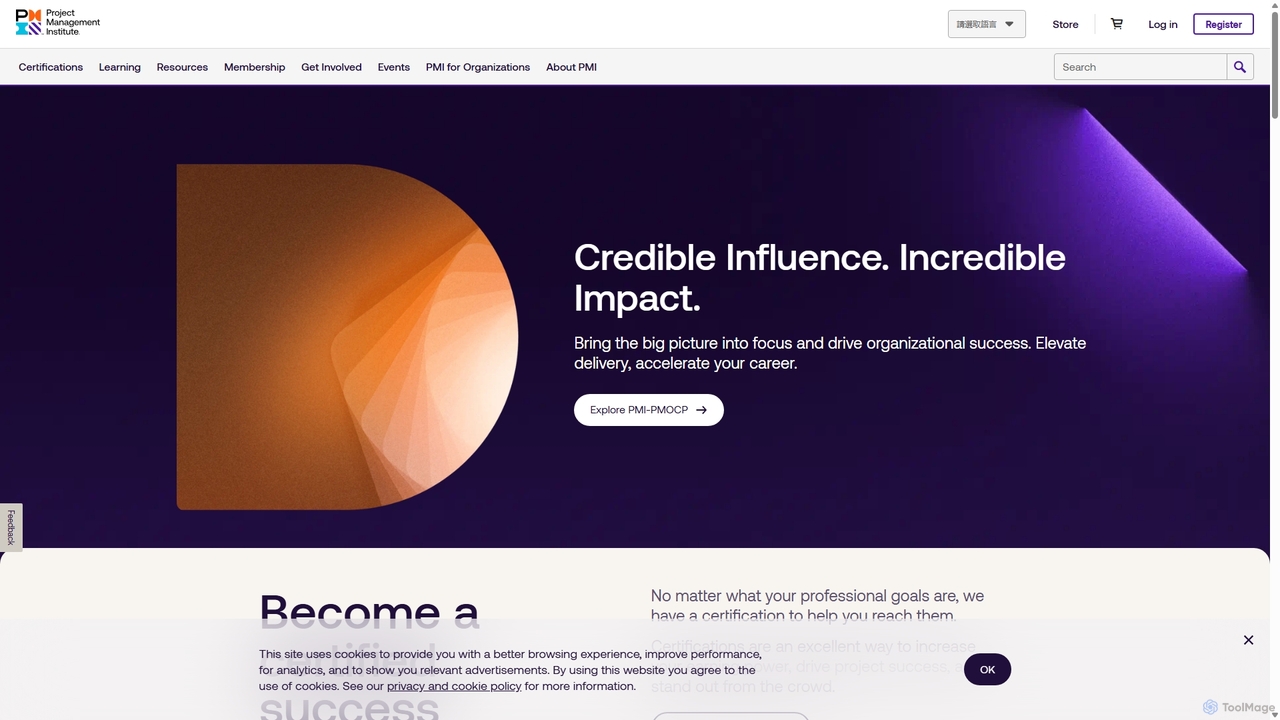
PMI
The Project Management Institute (PMI) is the world's leading authority for project management professionals. It offers globally recognized certifications like PMP®, professional development resources, and a vast community network. PMI empowers individuals and organizations to excel by providing standards, research, education, and networking opportunities, with a growing focus on modern practices like Agile and AI project management.
Certification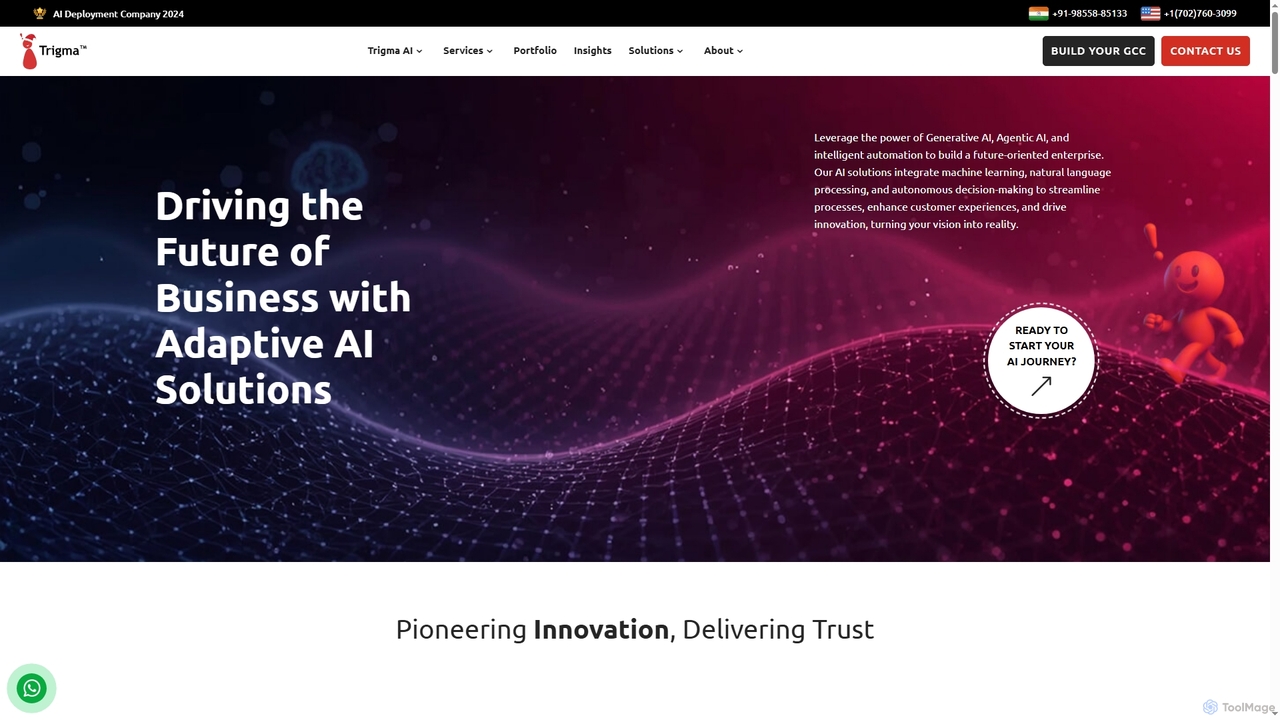
Trigma
Trigma is a global AI development company specializing in custom AI and tech solutions for businesses. They leverage Generative AI, Agentic AI, machine learning, and natural language processing to create adaptive solutions that streamline processes, enhance customer experiences, and drive innovation across various industries, from healthcare to real estate.
Agentic AiPamor Categories
Pamor Jobs
Pamor Embed Widget
Copy this embed code to place the badge on your blog, article, or product site and send readers directly to this ToolMage detail page.

Related AI tools
Scribe
Scribe is an AI-powered workflow documentation tool that automatically captures any process—web, desktop, or mobile—and instantly transforms it into a step-by-step guide. It helps teams create SOPs, training materials, and customer support guides faster, enhancing efficiency and knowledge sharing across organizations.
TrainingFlowForma
FlowForma is an AI-powered Digital Process Automation (DPA) platform designed for enterprises to rapidly automate business processes. It leverages AI Copilot and Agents to streamline workflows, manage routine tasks, and generate documents, enabling faster delivery, improved compliance, and significant operational efficiency across various departments.
3DKnoa
Knoa is an advanced AI agent designed to transform conversations into actionable insights. It conducts structured interviews, captures tacit knowledge from internal teams or clients, and automatically generates comprehensive, actionable reports, streamlining knowledge management and scaling expert services.
Client Assessment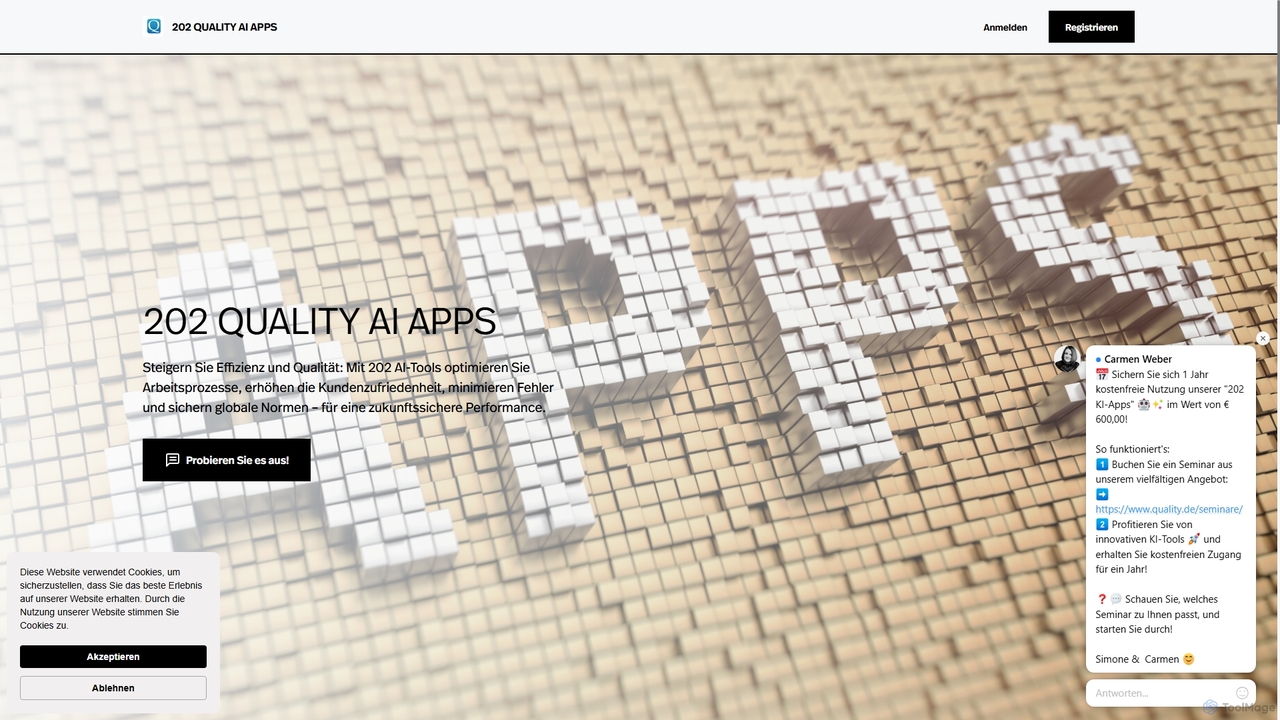
202 QUALITY AI APPS
A comprehensive suite of 202 specialized AI tools designed for quality management, continuous improvement (KVP), and operational excellence (OPEX). It empowers businesses to optimize work processes, minimize errors, enhance customer satisfaction, and adhere to global standards using AI-driven methodologies like Ishikawa diagrams, 5 Whys, and FMEA.
Quality Management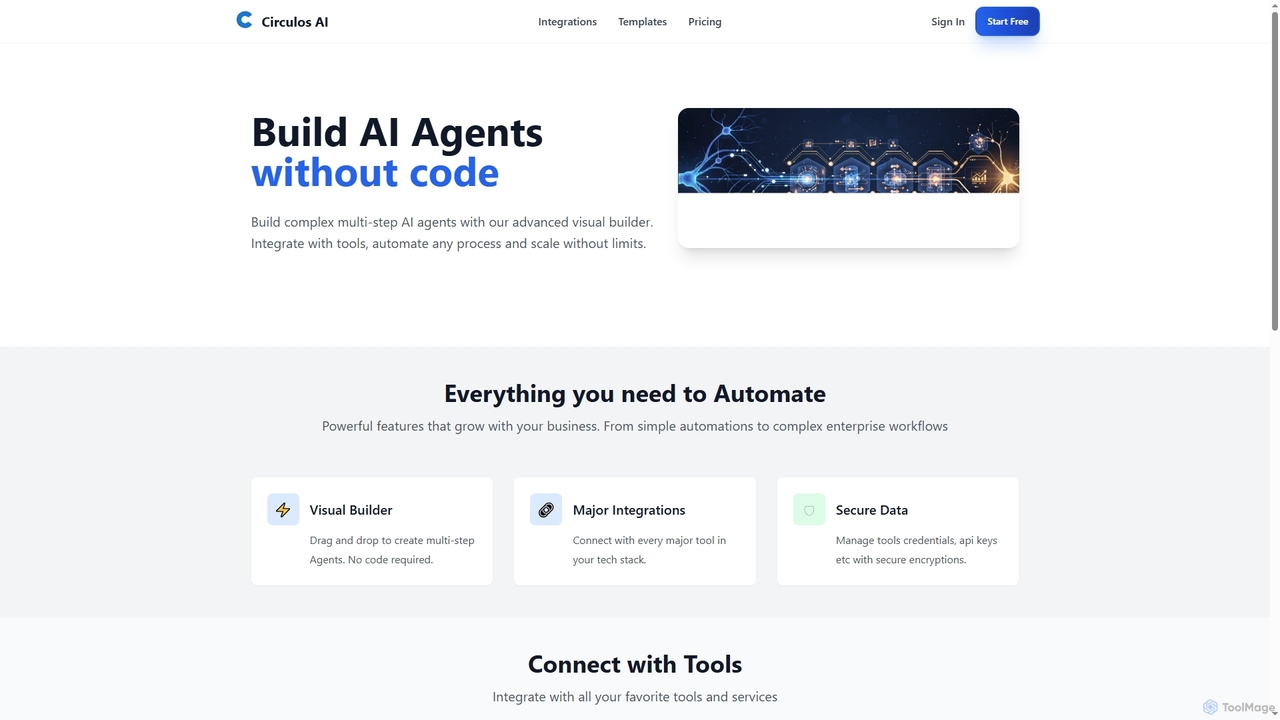
Circulos
Circulos is a no-code AI automation platform that empowers businesses to build complex, multi-step AI agents using an intuitive visual builder. It integrates with over 100 popular tools, automates diverse workflows, and offers scalable solutions for various business needs, from lead qualification to social media publishing.
Ai AutomationTrigma
Trigma is a global AI development company specializing in custom AI and tech solutions for businesses. They leverage Generative AI, Agentic AI, machine learning, and natural language processing to create adaptive solutions that streamline processes, enhance customer experiences, and drive innovation across various industries, from healthcare to real estate.
Agentic Ai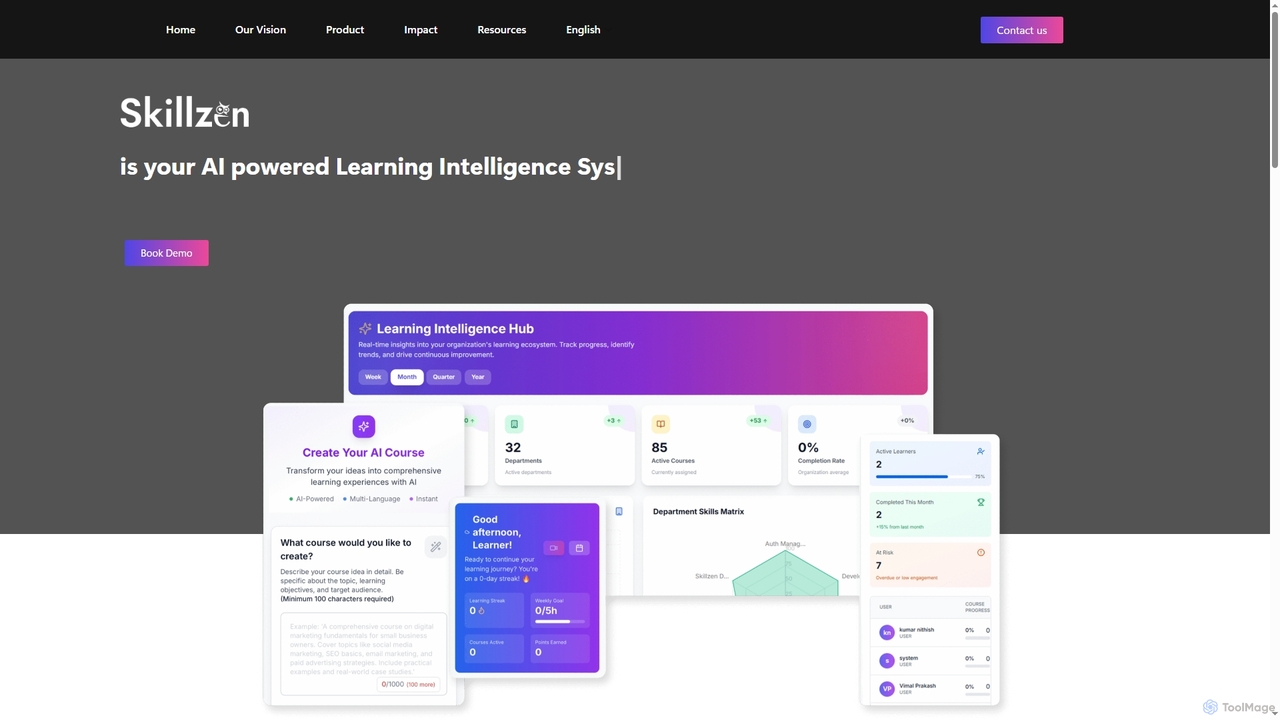
Skillzen
Skillzen is an AI-powered Learning Intelligence System designed for enterprises to transform static knowledge like SOPs and manuals into dynamic, interactive, and role-based learning experiences. It accelerates onboarding, ensures continuous workforce readiness, and enhances compliance across diverse industries through multilingual and multimodal content generation.
Knowledge Management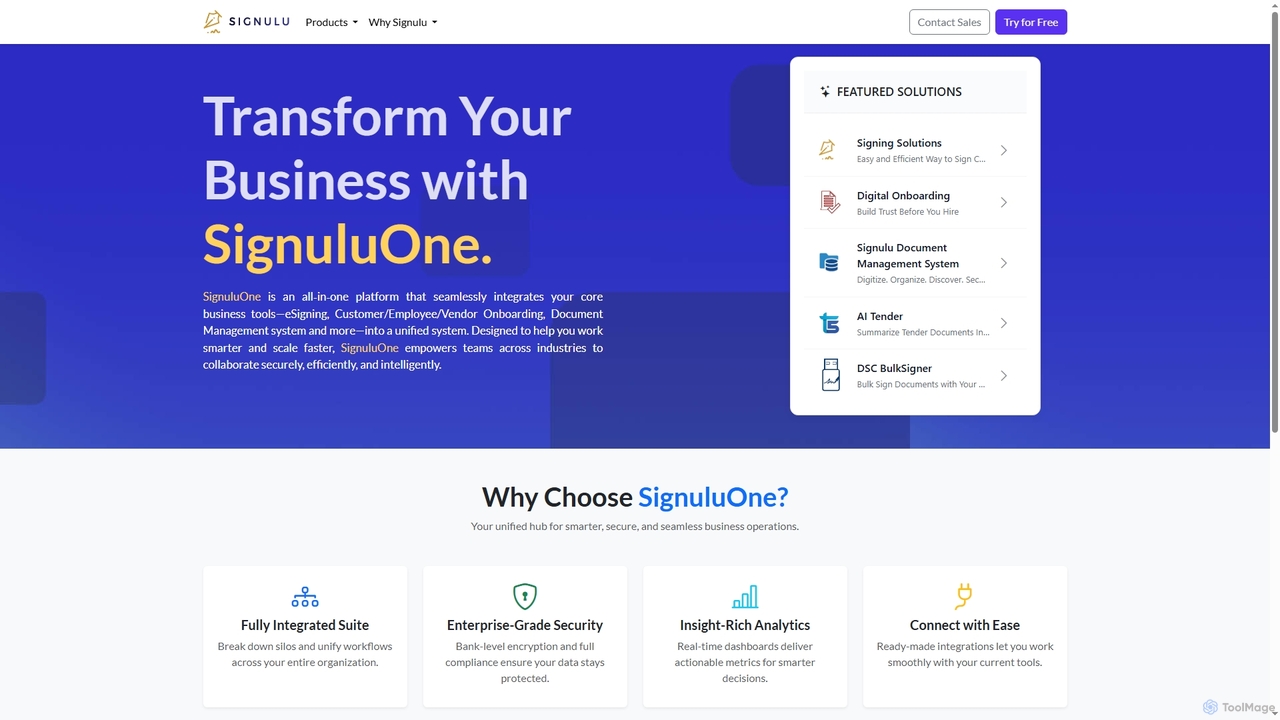
SignuluOne
SignuluOne is an all-in-one platform designed to transform business operations by integrating core tools like eSigning, customer/employee/vendor onboarding, and document management into a unified system. It empowers teams across various industries to collaborate securely, efficiently, and intelligently, helping businesses work smarter and scale faster.
Text Summarization
Jyek
Jyek is an AI agent platform that understands objectives, creates execution plans, uses tools, and delivers verifiable results for complex, multi-step tasks.
Automation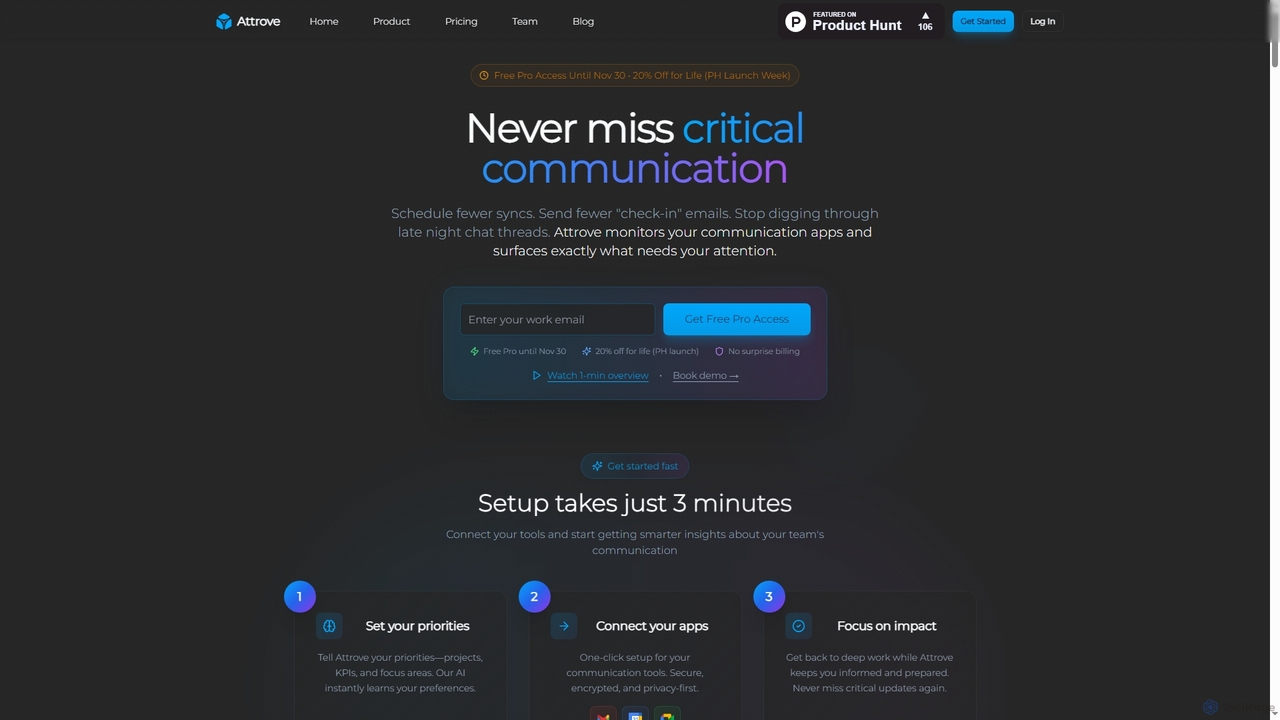
Attrove
Attrove is an AI-powered communication intelligence platform designed to eliminate noise from work communication. It monitors apps like Slack, Gmail, and Calendar to surface critical updates, reduce meetings, and provide real-time insights, enabling teams to focus on high-impact work.
Workplace Insights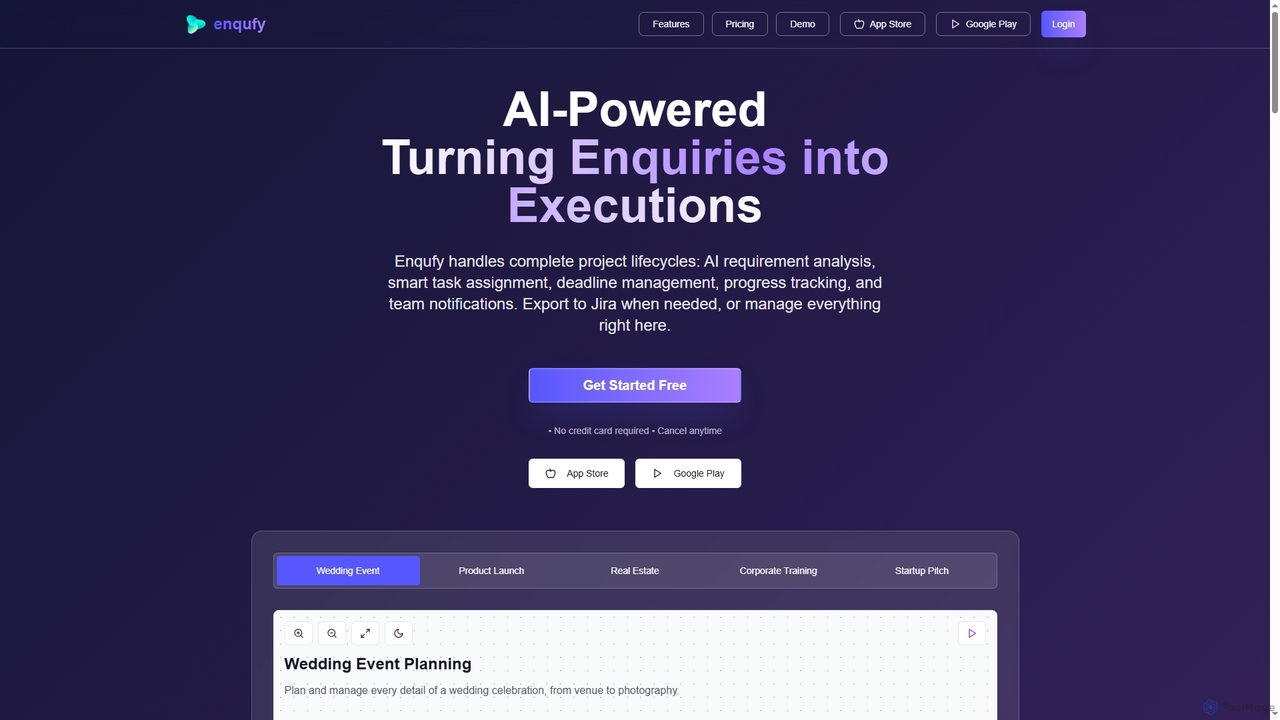
Enqufy
Enqufy is an AI-powered workflow automation platform designed to transform enquiries into structured, actionable project lifecycles. It streamlines task assignment, deadline management, and team collaboration, offering real-time progress tracking and performance analytics for businesses of all sizes. Available on web and mobile, it enhances efficiency and productivity across diverse industries.
Planning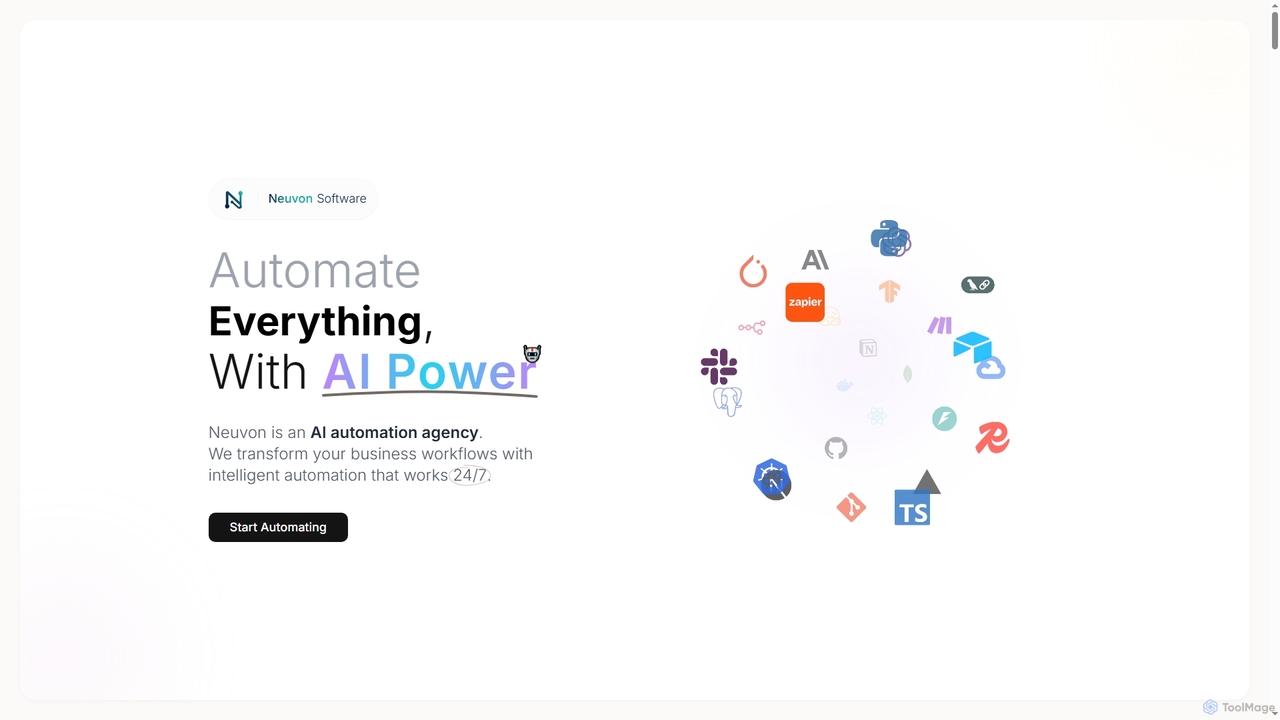
NeuvonSoftware
NeuvonSoftware is an AI automation and software development agency specializing in transforming business workflows with intelligent, 24/7 automation. They offer custom AI solutions, workflow automation, data integration, and bespoke software development to enhance efficiency, reduce errors, and drive data-driven decisions for businesses across various sectors.
3D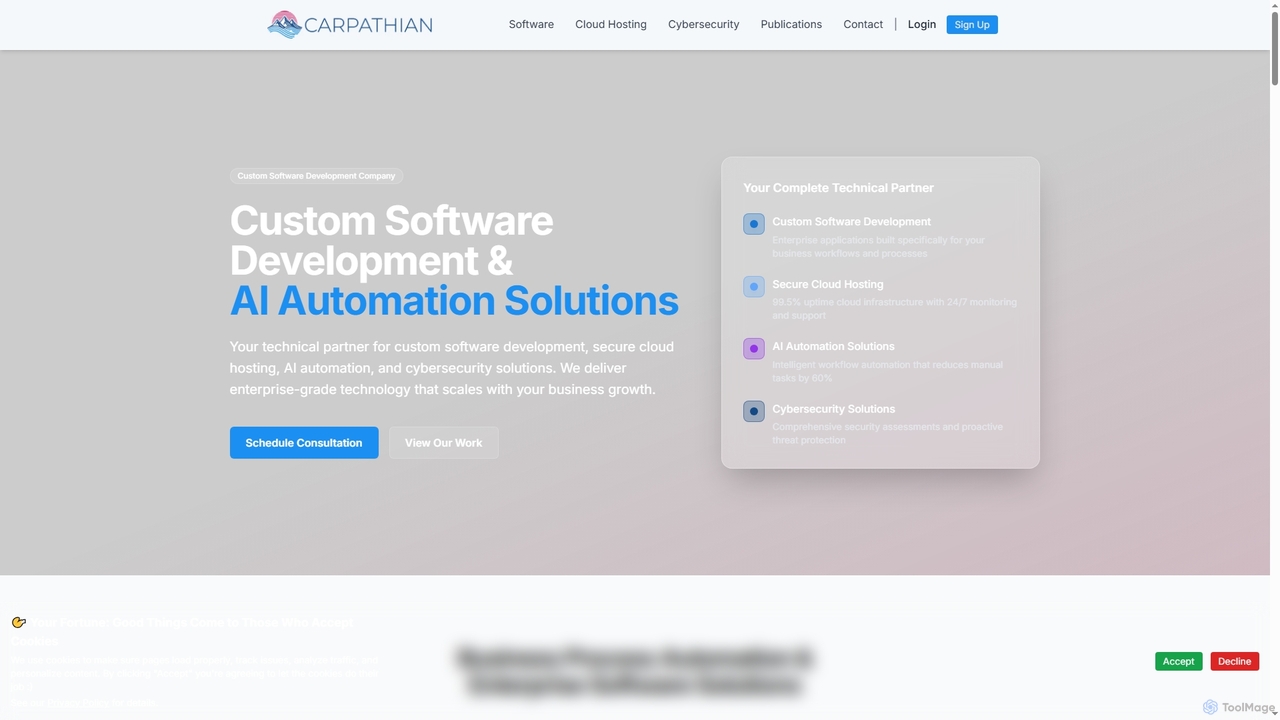
Carpathian
Carpathian is a comprehensive technical partner specializing in custom software development, AI automation solutions, secure cloud hosting, and robust cybersecurity services. They deliver enterprise-grade technology designed to scale with business growth, reduce manual tasks, enhance efficiency, and protect digital assets.
Machine Learning OperationsPMI
The Project Management Institute (PMI) is the world's leading authority for project management professionals. It offers globally recognized certifications like PMP®, professional development resources, and a vast community network. PMI empowers individuals and organizations to excel by providing standards, research, education, and networking opportunities, with a growing focus on modern practices like Agile and AI project management.
Certification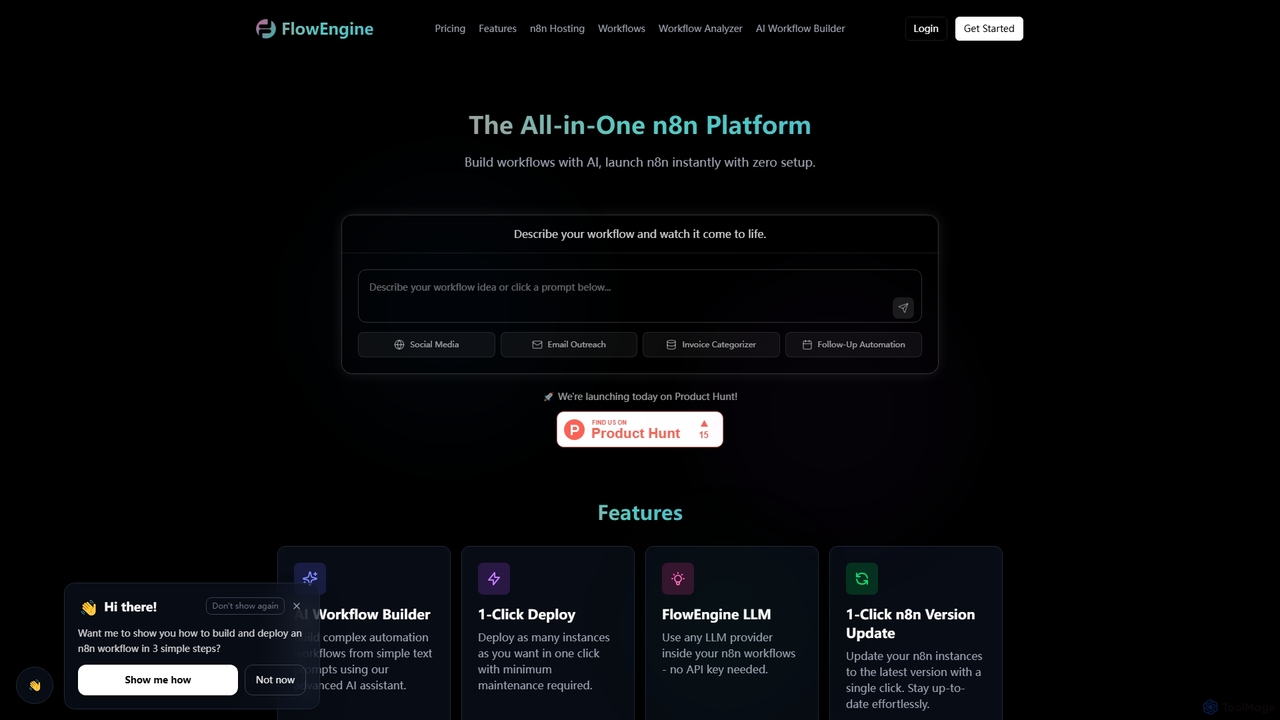
FlowEngine
FlowEngine is an all-in-one n8n hosting platform that simplifies workflow automation with AI. It allows users to build complex automation workflows from simple text prompts, deploy n8n instances instantly with zero setup, and manage them with ease. It integrates over 100 pre-loaded LLMs and offers managed hosting, ensuring security and reliability for all your automation needs.
Ai Workflow Generation
Pamor Comments (0)
Sign in to comment.
Sign inNo comments yet.