

rasterscan Overview
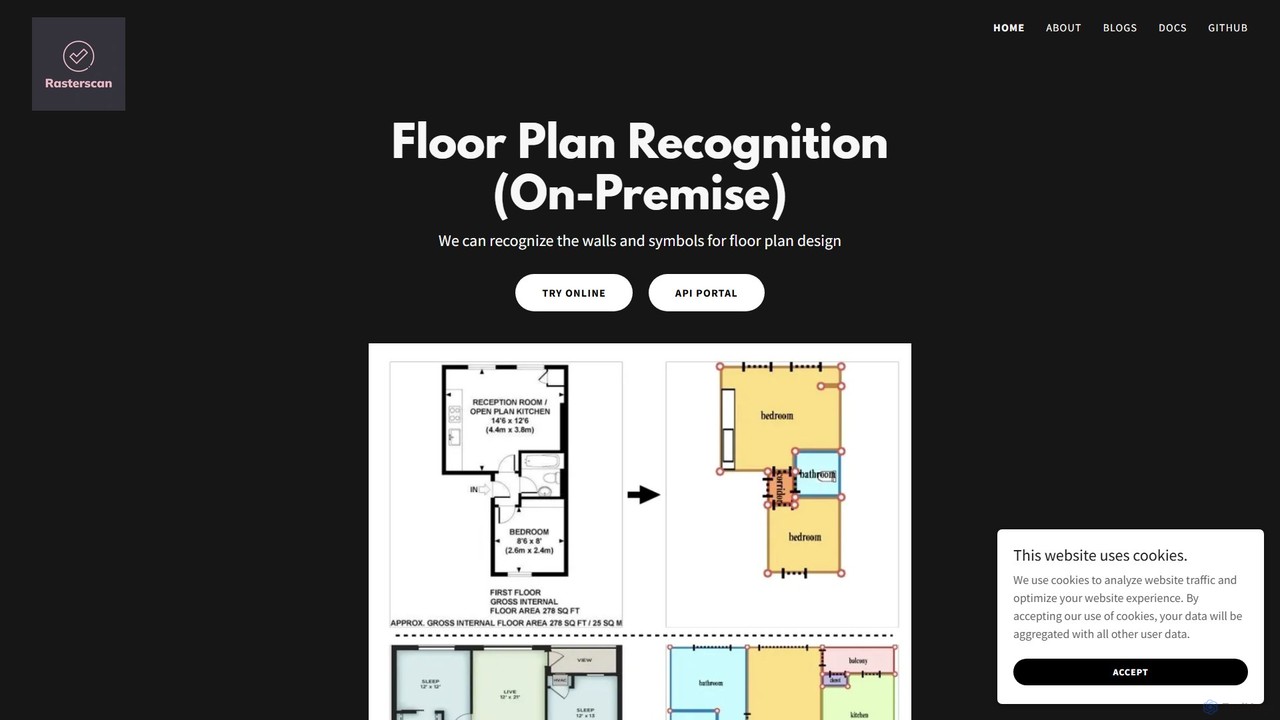
Rasterscan is an innovative technology firm at the forefront of architectural and interior design solutions. Its core mission is to revolutionize how professionals interact with floor plans by converting static, traditional plans into dynamic, digital assets. Using a sophisticated combination of deep learning models and advanced image processing algorithms, Rasterscan can accurately identify walls, symbols, and other elements from various raster image formats like JPEG, PNG, and BMP. This includes both professional blueprints and informal hand-drawn sketches, making it a highly versatile tool for a wide range of projects.
The platform's primary function is its raster-to-vector conversion capability. This technology allows users to take an old or static floor plan image and transform it into a scalable, editable vector graphic. This eliminates the need for tedious manual redrawing, significantly accelerating project timelines and reducing the potential for human error. The resulting vector files can be easily modified and enhanced in standard CAD or design software, providing a new level of flexibility and creativity.
How to use rasterscan
Using Rasterscan is a straightforward process designed for efficiency. Users can access the service through multiple channels depending on their needs, including an online portal, a developer API, or a secure on-premise solution.
- Upload Your Plan: Begin by uploading your floor plan image. This can be a scanned blueprint, a photograph of a drawing, or a hand-drawn sketch. The platform supports common image formats.
- AI Recognition: Once uploaded, Rasterscan's AI engine analyzes the image. It identifies key architectural elements such as walls, doors, windows, and other standard symbols with high precision.
- Conversion and Output: The system processes the recognized data and converts it into a clean, structured digital format. Users receive a precise vector file (e.g., DXF, SVG) that is ready for editing or a detailed 3D model for visualization.
- Edit and Visualize: The output files can be imported into your preferred design software for further modification, or the 3D model can be used for client presentations, virtual tours, and spatial planning.
Core Features of rasterscan
- Advanced Floor Plan Recognition: Utilizes deep learning to accurately detect walls, doors, windows, and other symbols from blueprints and sketches.
- Raster-to-Vector Conversion: Transforms static images (JPEG, PNG, BMP) into precise, scalable, and editable vector graphics.
- 2D to 3D Model Rendering: Automatically generates immersive 3D models from 2D floor plans, providing a realistic visual representation for better spatial understanding.
- Hand-Sketch Digitization: Capable of interpreting and digitizing hand-drawn floor plans, not just professional blueprints.
- On-Premise Solution: Offers a self-hosted option for businesses that require maximum data security and control over their IT infrastructure.
- Developer API: Provides an API for seamless integration into existing workflows, applications, and services.
Use Cases for rasterscan
Rasterscan is invaluable for various professionals in the design and construction industries.
- Architects: Can quickly digitize legacy blueprints for renovation or extension projects, avoiding hours of manual tracing.
- Interior Designers: Can convert a client's rough sketch into a professional plan and generate a 3D model to help clients visualize the final space.
- Real Estate Agents: Can enhance property listings by converting basic 2D floor plans into engaging 3D virtual tours.
- Construction Firms: Can standardize and digitize plans from various sources to improve collaboration and project management.
Advantages of rasterscan
The key advantages of using Rasterscan lie in its efficiency, accuracy, and flexibility.
- Time-Saving: Drastically reduces the time required to digitize and rework floor plans compared to manual methods.
- High Accuracy: AI-driven recognition minimizes errors and ensures precise conversion of architectural details.
- Enhanced Creativity: By providing editable digital files, it frees professionals to focus on design and innovation rather than tedious redrawing.
- Data Security: The on-premise option caters to enterprises with strict data privacy and compliance requirements.
- Versatility: Its ability to process both formal blueprints and informal sketches makes it adaptable to any project stage.
Pricing and Plans
Rasterscan's pricing is primarily tailored to professional and enterprise needs. The company offers custom solutions, especially for its on-premise deployment and API access. Interested parties are encouraged to contact the Rasterscan team directly through their website to discuss their specific requirements and receive a personalized quote. An online trial is available on the website, allowing potential users to test the technology's capabilities before committing to a plan.
rasterscan Alternatives
Vectorizer.AI
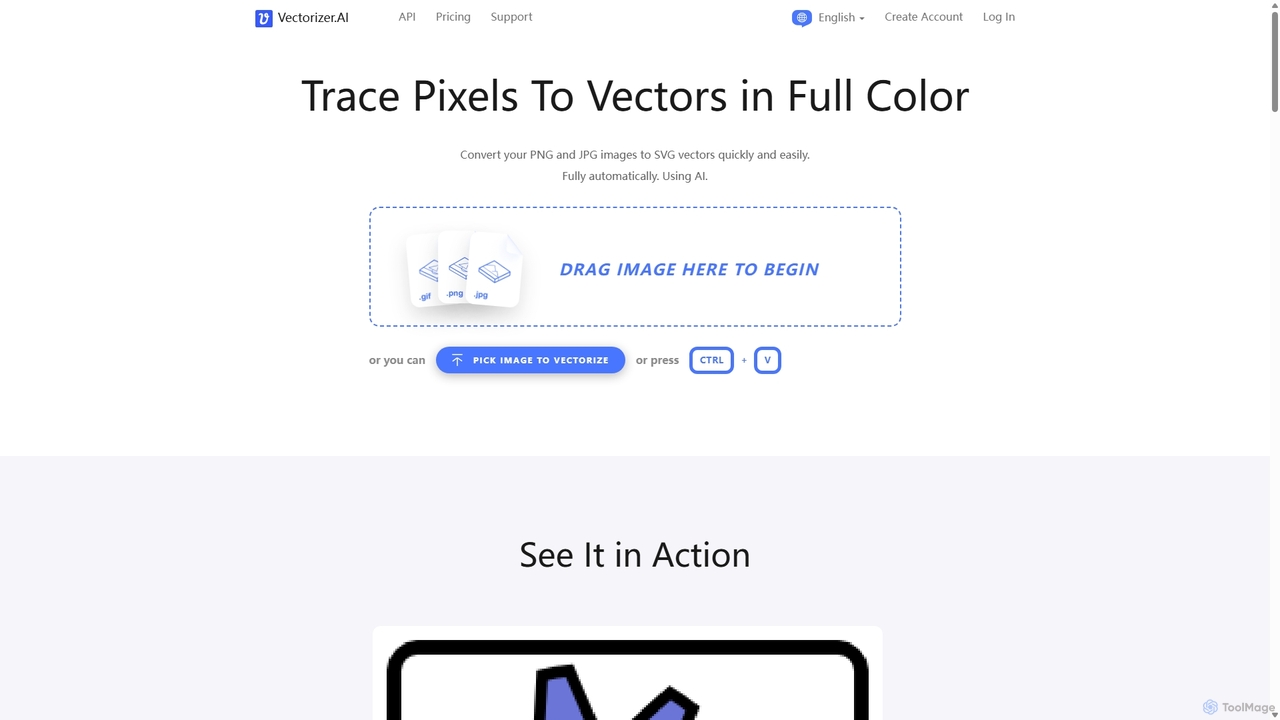
Vectorizer.AI is an advanced online tool that uses deep learning AI to convert raster images (PNG, JPG, GIF) into high-quality, scalable vector graphics (SVG, PDF, EPS, DXF). It excels at capturing fine details missed by traditional methods, making it ideal for designers, printers, and creators who need clean, editable vector files for logos, illustrations, and various printing processes.
Image Editing
ArchitectGPT
ArchitectGPT is an AI-powered design platform for architects, interior designers, and real estate professionals. Instantly transform photos of spaces, convert CAD drawings into photorealistic renders, and explore endless design variations. Features include a Magic Editor for targeted changes, text-based editing, 4K upscaling, and a suite of tools to streamline the design and visualization workflow, saving time and costs.
Architecture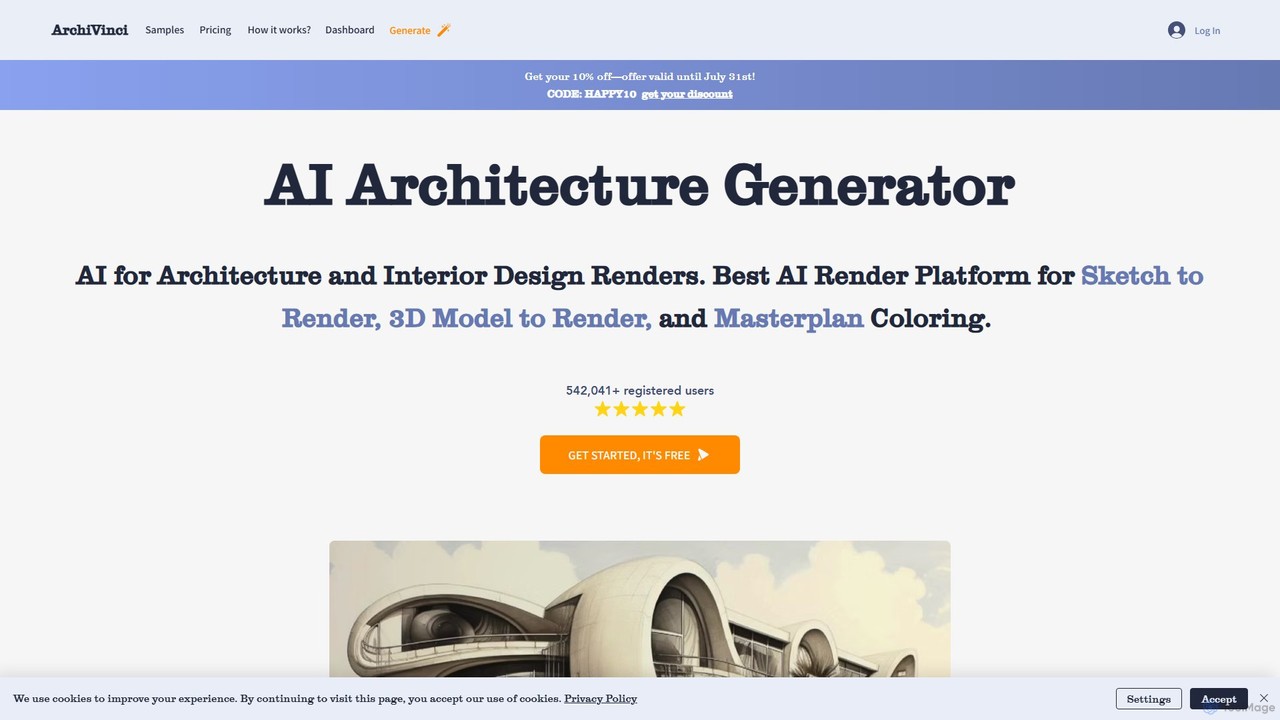
ArchiVinci
ArchiVinci is an AI-powered design platform for architects and interior designers. It transforms sketches, photos, and 3D models into stunning, photorealistic renders in seconds. With features for exterior design, interior redesign, virtual staging, and masterplan coloring, ArchiVinci streamlines the entire architectural visualization process, offering a wide range of styles and powerful modification tools to bring creative visions to life effortlessly.
Architecture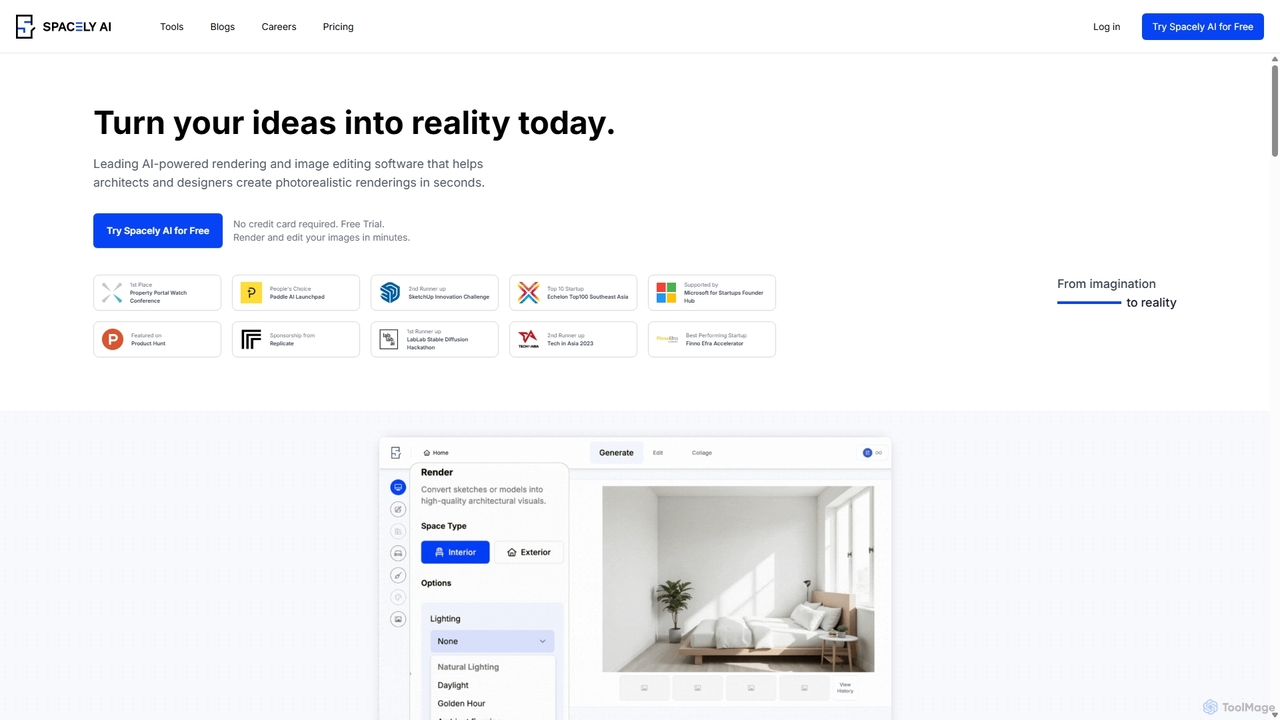
Spacely
Spacely is an AI-powered design platform that enables architects, interior designers, and real estate professionals to generate photorealistic interior and exterior renderings in seconds. It offers a suite of tools for virtual staging, style transfer, and precise image editing, transforming sketches or photos into stunning visualizations effortlessly.
Architecture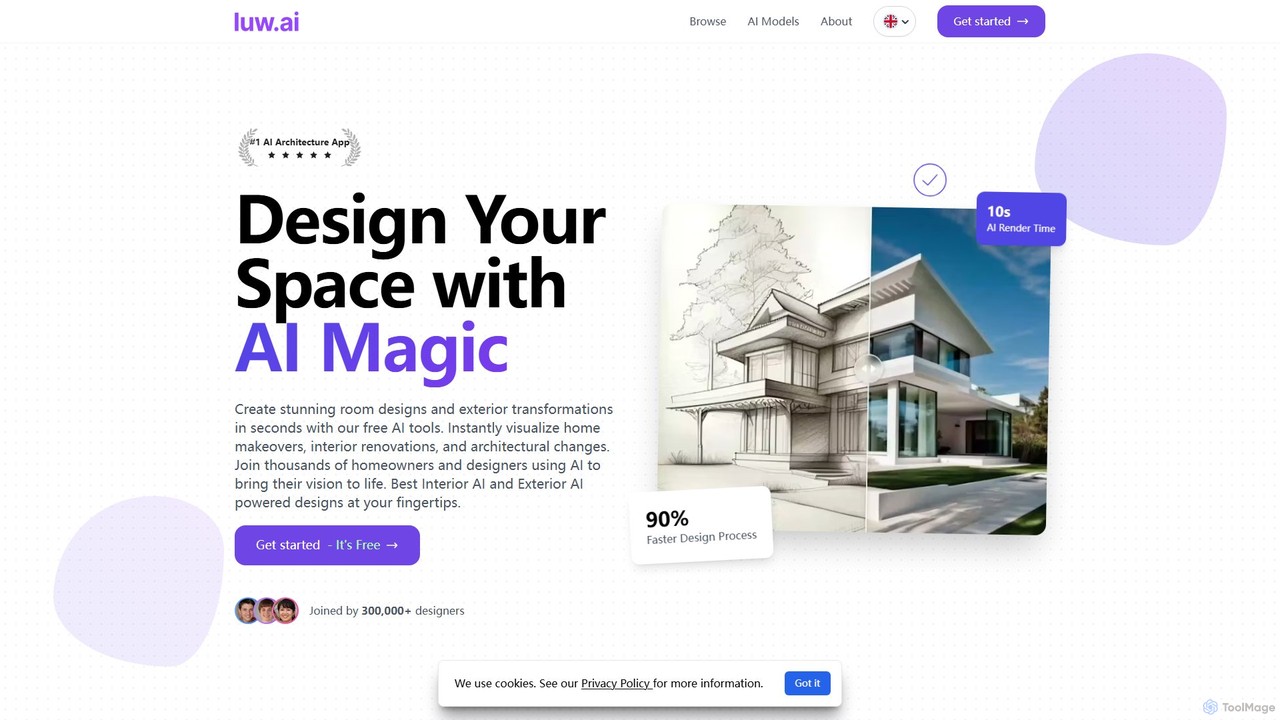
Luw.ai
Luw.ai is a comprehensive AI-powered design suite for architects, designers, and homeowners. It instantly transforms photos, sketches, or 3D models into stunning interior and exterior designs, architectural renders, and 3D flythrough videos. Featuring a wide array of tools like Interior AI, Exterior AI, Sketch to Render, and ArchiGPT, it streamlines the design process, making professional-quality visualizations accessible to everyone in seconds.
Architecturerasterscan Categories
rasterscan Embed Widget
Copy this embed code to place the badge on your blog, article, or product site and send readers directly to this ToolMage detail page.

Related AI tools
ArchitectGPT
ArchitectGPT is an AI-powered design platform for architects, interior designers, and real estate professionals. Instantly transform photos of spaces, convert CAD drawings into photorealistic renders, and explore endless design variations. Features include a Magic Editor for targeted changes, text-based editing, 4K upscaling, and a suite of tools to streamline the design and visualization workflow, saving time and costs.
ArchitectureArchiVinci
ArchiVinci is an AI-powered design platform for architects and interior designers. It transforms sketches, photos, and 3D models into stunning, photorealistic renders in seconds. With features for exterior design, interior redesign, virtual staging, and masterplan coloring, ArchiVinci streamlines the entire architectural visualization process, offering a wide range of styles and powerful modification tools to bring creative visions to life effortlessly.
ArchitectureSpacely
Spacely is an AI-powered design platform that enables architects, interior designers, and real estate professionals to generate photorealistic interior and exterior renderings in seconds. It offers a suite of tools for virtual staging, style transfer, and precise image editing, transforming sketches or photos into stunning visualizations effortlessly.
ArchitectureLuw.ai
Luw.ai is a comprehensive AI-powered design suite for architects, designers, and homeowners. It instantly transforms photos, sketches, or 3D models into stunning interior and exterior designs, architectural renders, and 3D flythrough videos. Featuring a wide array of tools like Interior AI, Exterior AI, Sketch to Render, and ArchiGPT, it streamlines the design process, making professional-quality visualizations accessible to everyone in seconds.
Architecture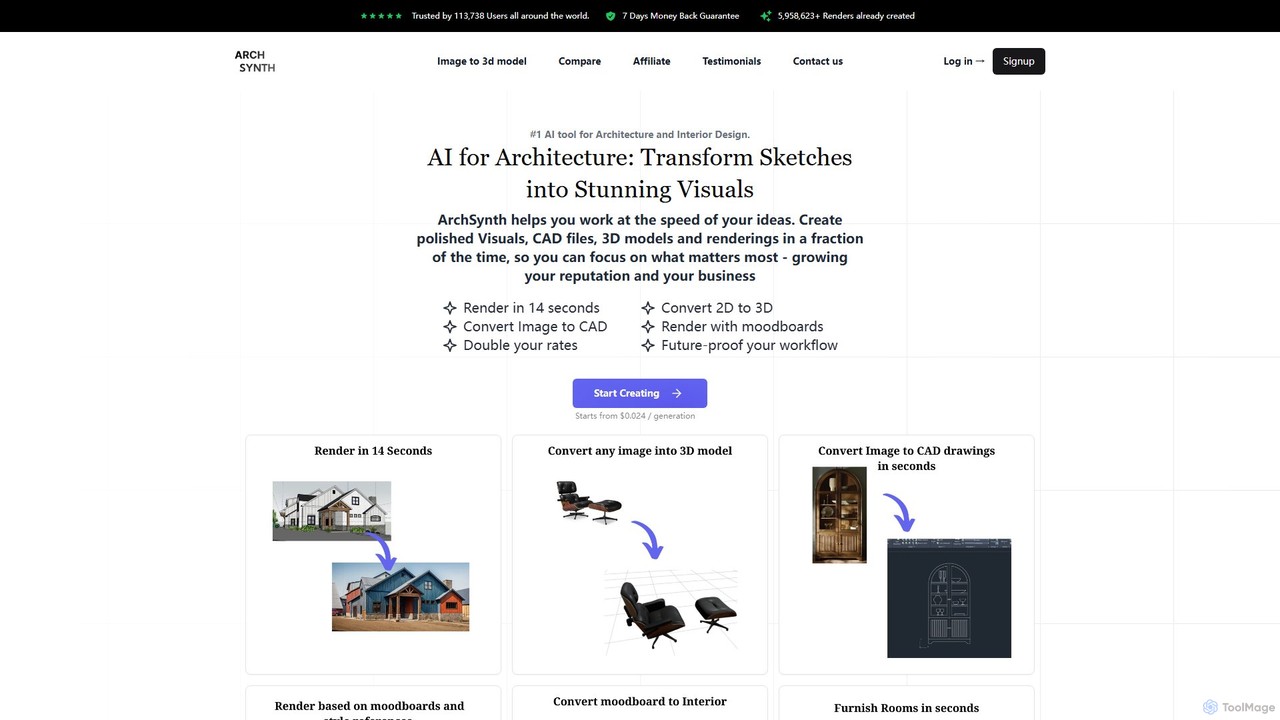
Archsynth
Archsynth is an all-in-one AI platform for architects and interior designers, transforming sketches, images, and text into stunning renders, 3D models, and CAD files in seconds. It streamlines the design workflow with features like AI remodeling, virtual staging, and landscape design, boosting productivity and creativity.
Generation
Jyek
Jyek is an AI agent platform that understands objectives, creates execution plans, uses tools, and delivers verifiable results for complex, multi-step tasks.
Automation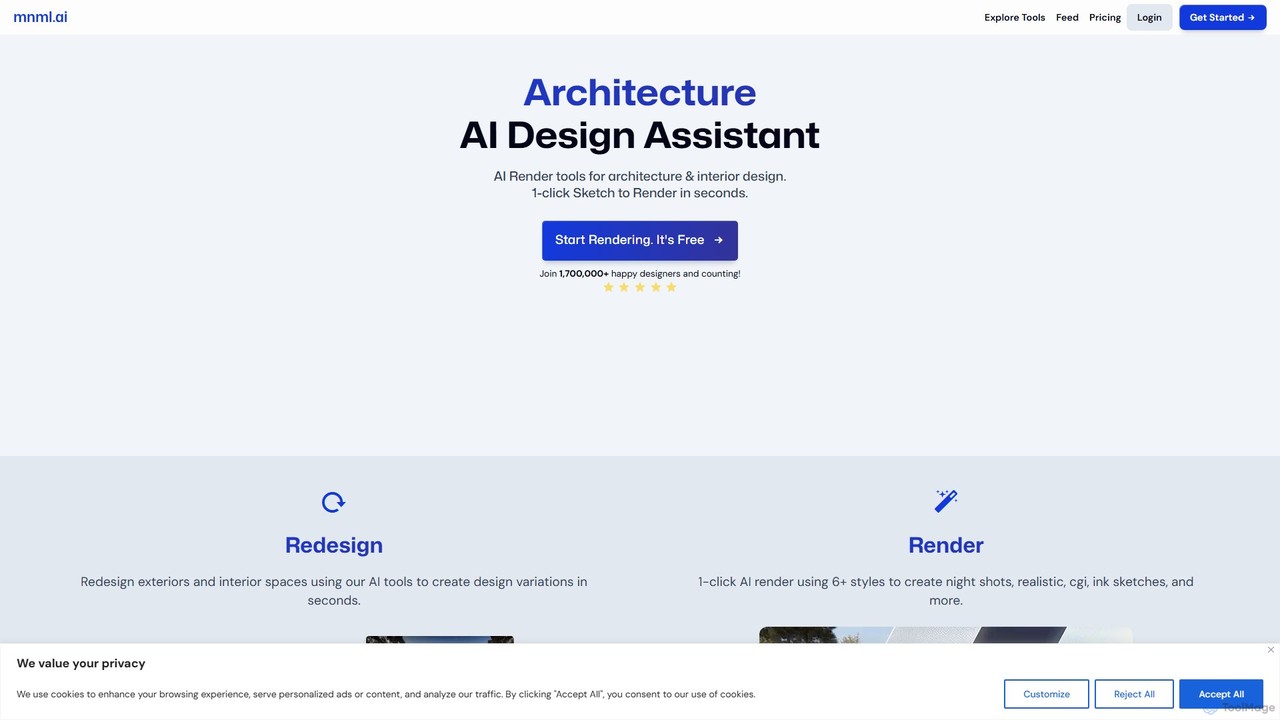
mnml.ai
An AI-powered design assistant for architects and interior designers. It transforms sketches, 3D models, and text prompts into high-quality architectural and interior renderings in seconds. Featuring over 12 specialized tools, it facilitates rapid redesign, style exploration, and visualization for exteriors, interiors, landscapes, and masterplans, streamlining the entire design workflow.
Interior Design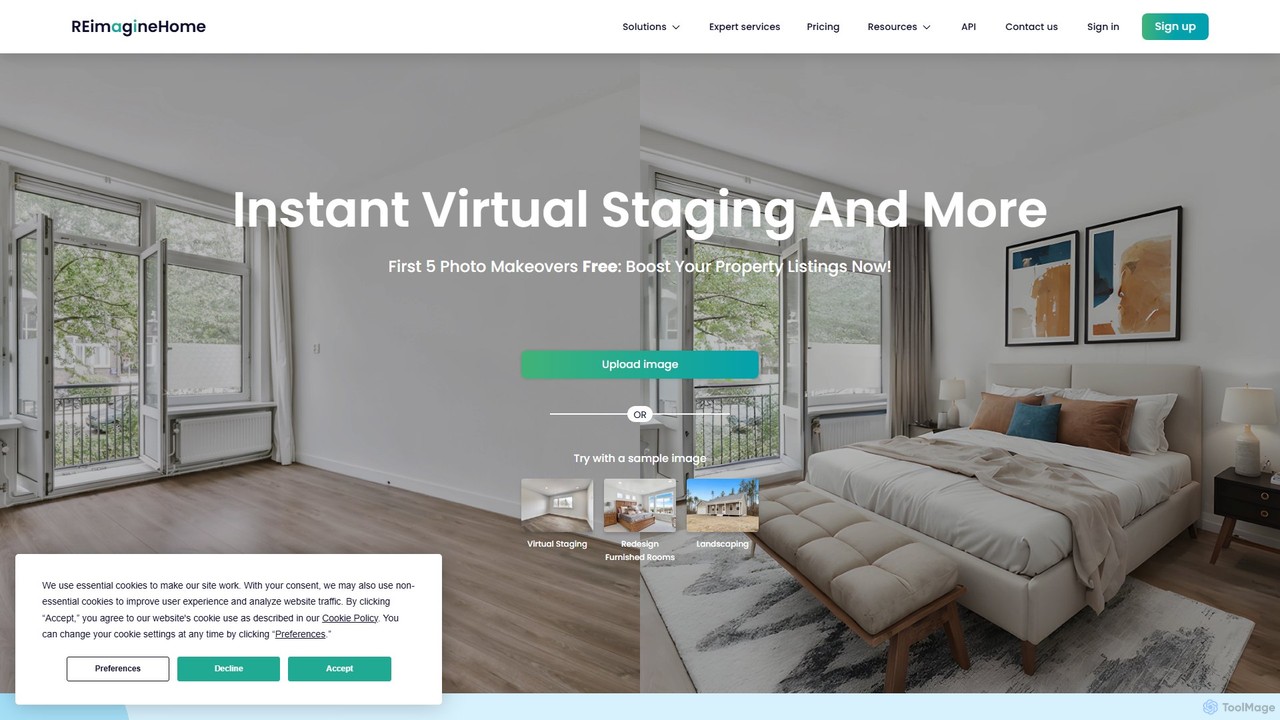
reimaginehome
reimaginehome is an AI-powered design tool that instantly generates ideas for interior design, virtual staging, landscaping, and exterior rendering. It helps real estate agents, designers, and homeowners transform property photos in seconds, showcasing potential and accelerating sales with photorealistic visuals.
Interior Design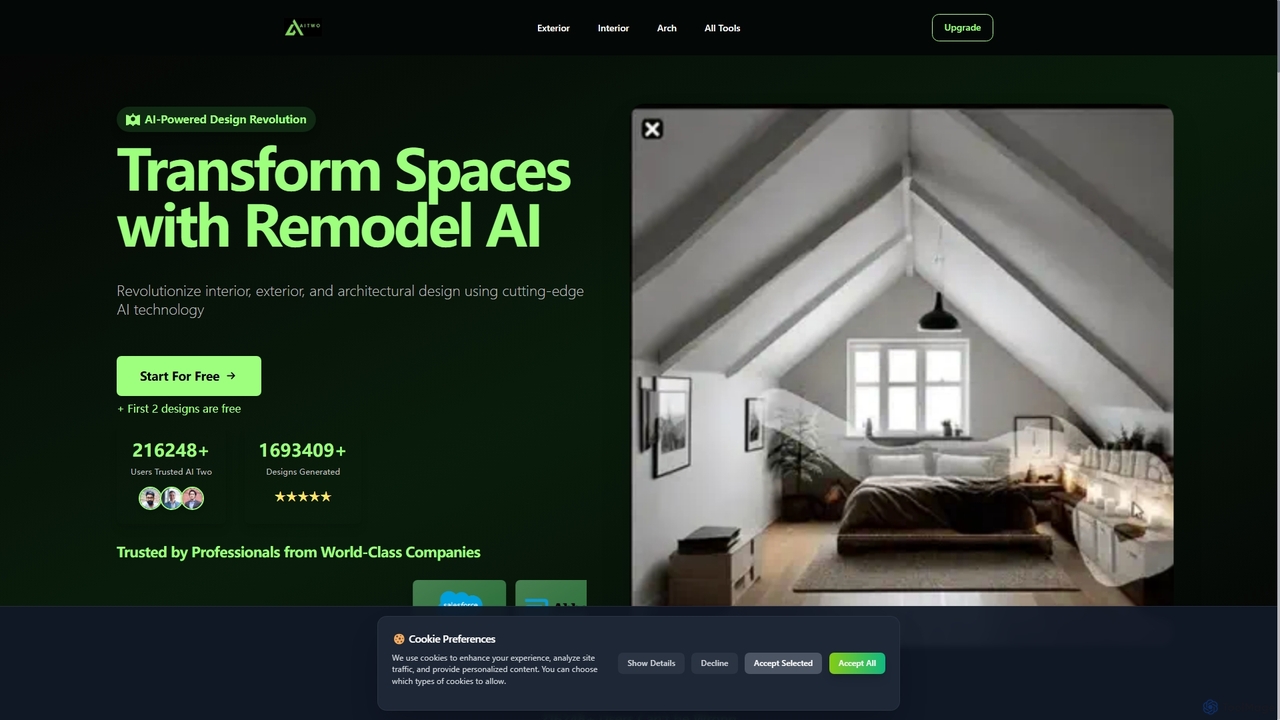
Aitwo
Aitwo is an AI-powered design platform that revolutionizes interior, exterior, and architectural design. Effortlessly generate stunning redesigns, virtual staging, and landscaping concepts in seconds. Ideal for homeowners, designers, architects, and real estate agents, it offers over 60 styles to transform any space, from a simple photo upload to a photorealistic render, saving time and money.
Architectural Design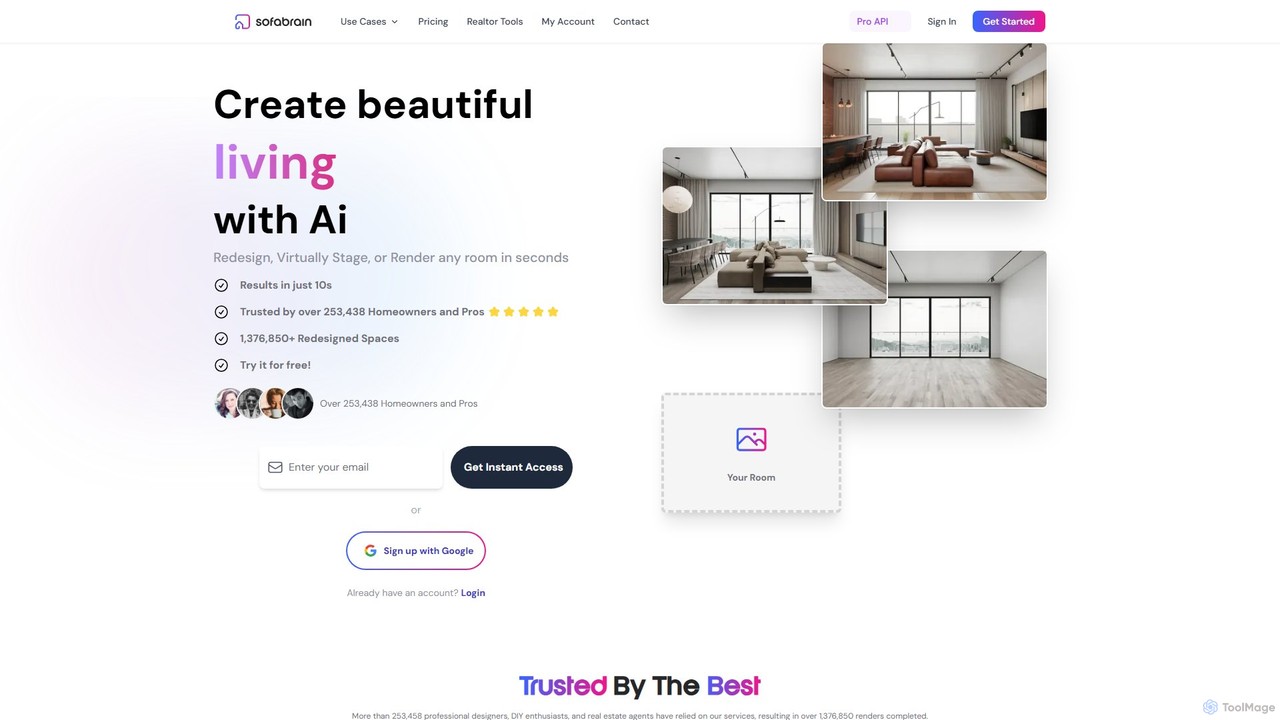
sofabrain
sofabrain is an AI-powered interior design and virtual staging platform that enables users to redesign, stage, and render any room in seconds. It's designed for interior designers, real estate agents, and homeowners to visualize property potential, create stunning designs from over 40 styles, and accelerate sales and decoration processes. The tool offers specialized features for real estate, including virtual staging, decluttering, and curb appeal enhancement.
Interior Design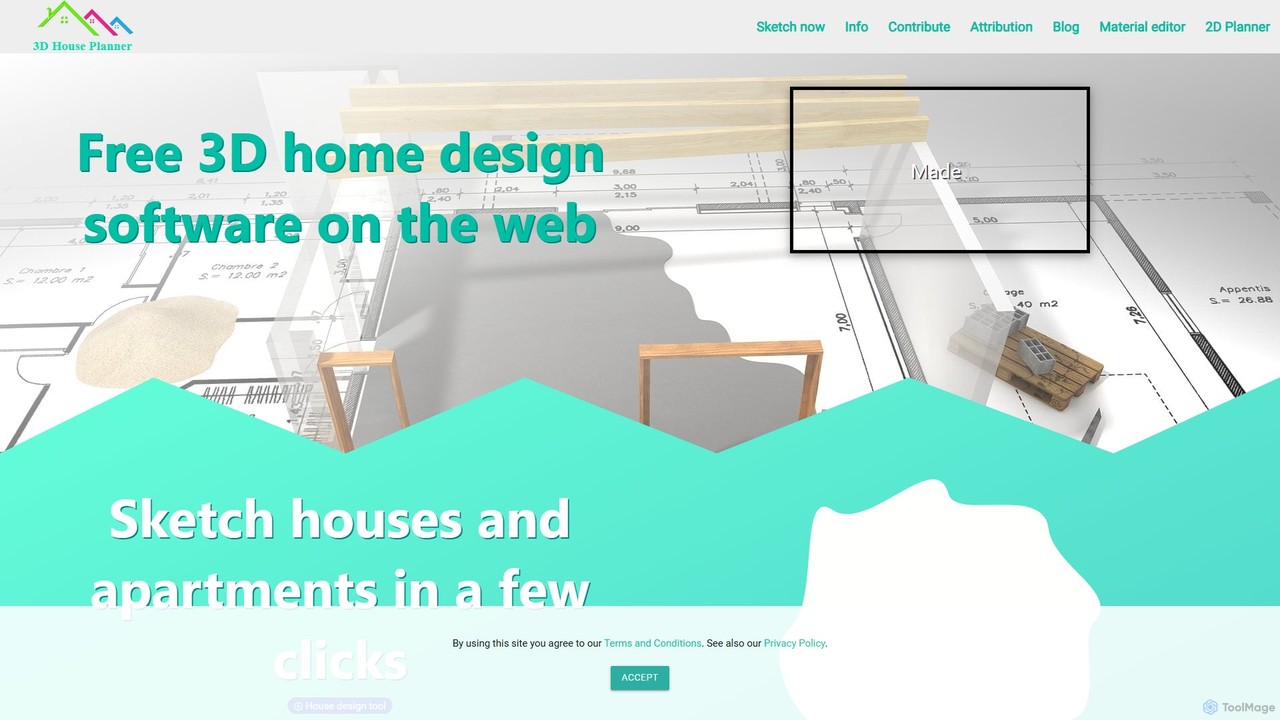
3dhouseplanner
A free, web-based 3D home design tool that uses AI to instantly convert 2D floor plans into detailed 3D models. It offers an extensive library of furniture and materials, requires no installation or login, and prioritizes user privacy by saving all work locally.
3D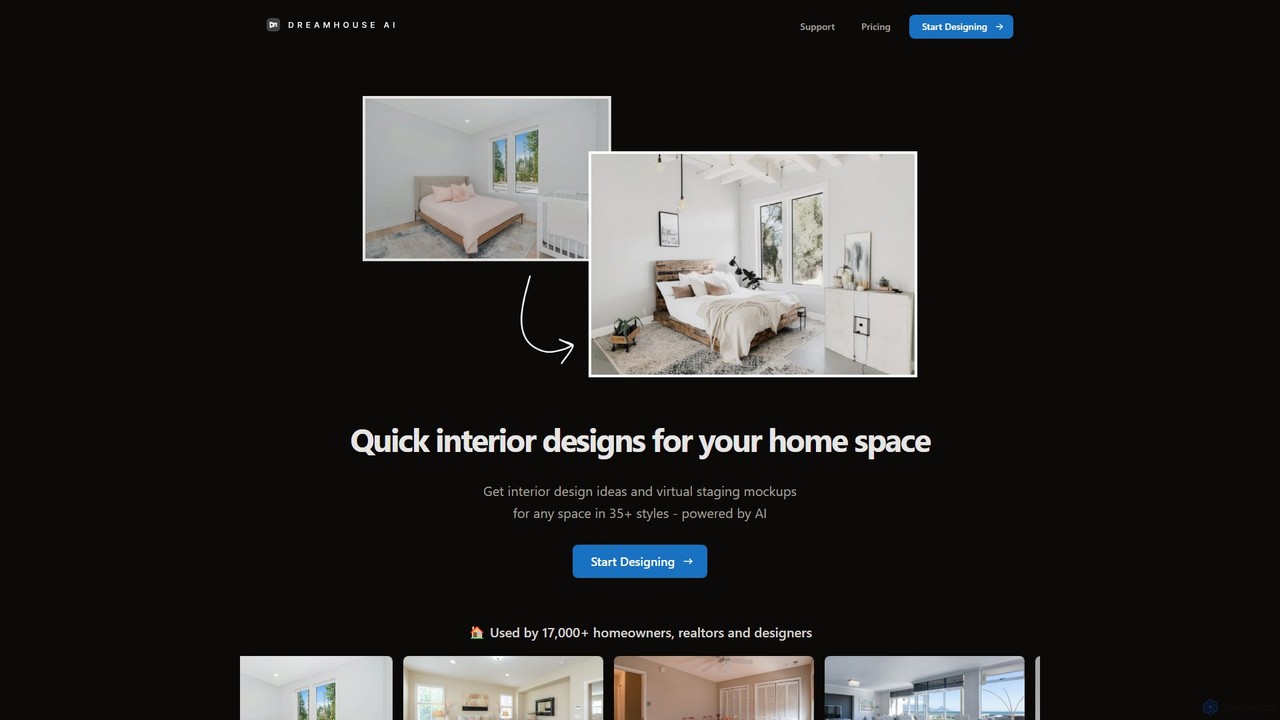
Dreamhouse AI
Dreamhouse AI is an AI-powered platform for interior design and virtual staging. Instantly generate design ideas and mockups for any room in over 35 styles. Perfect for homeowners, real estate agents, and designers looking to visualize spaces quickly and affordably.
Interior Design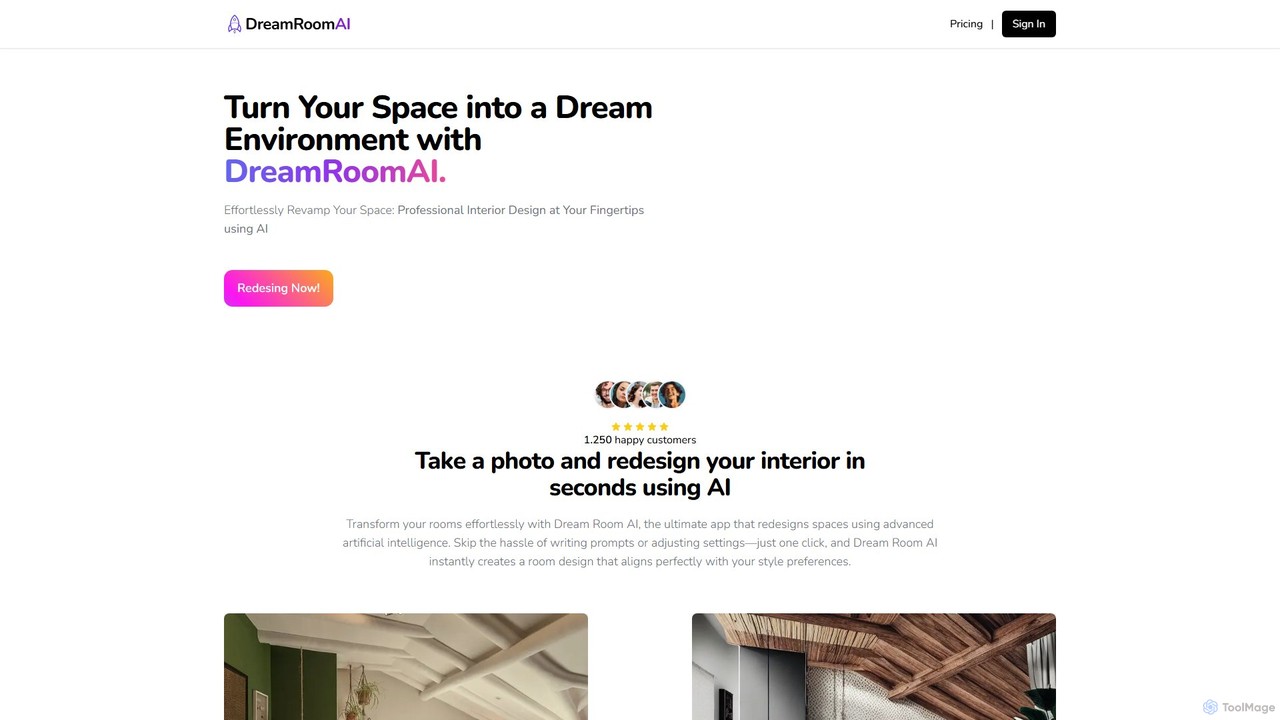
DreamRoomAI
DreamRoomAI is an AI-powered interior design tool that transforms your spaces in seconds. Simply upload a photo of any room or garden, choose from over 70 design styles, and let the AI generate stunning, customized redesign concepts. It's a fast, affordable, and user-friendly way to visualize your dream home or office without needing any design experience.
Interior Design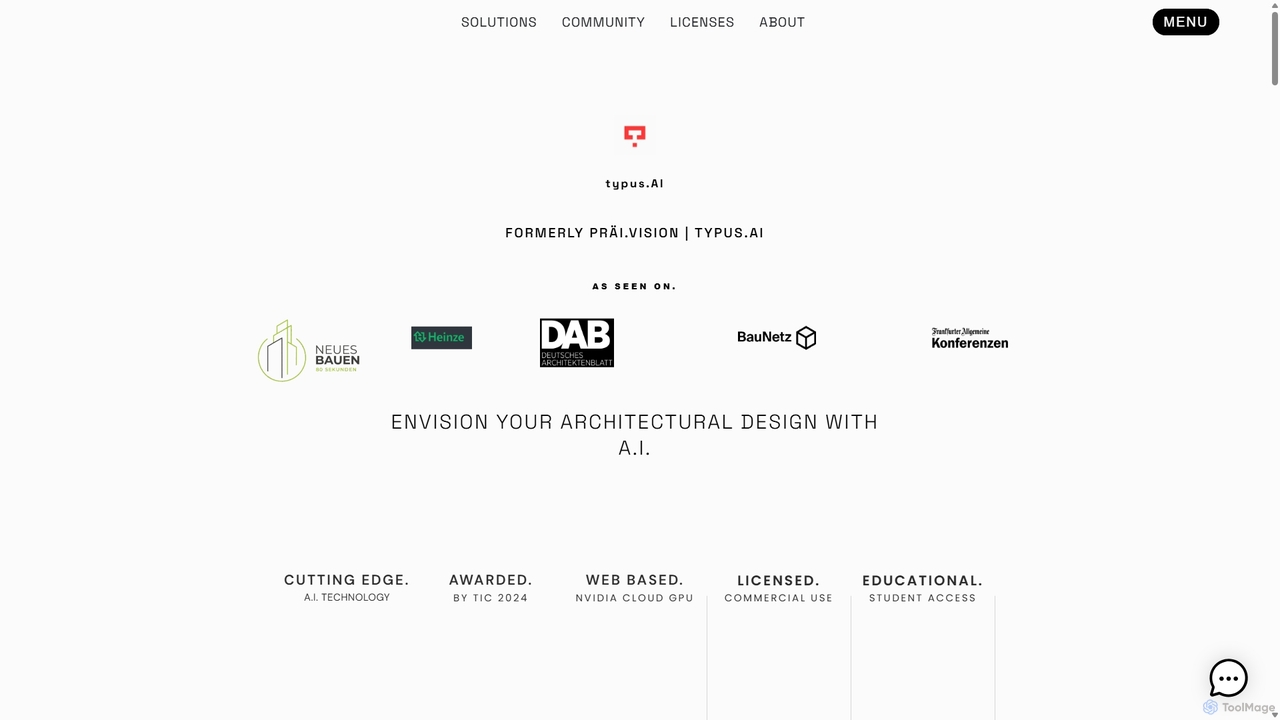
TYPUS.AI
TYPUS.AI is an advanced AI visualization platform for architects, designers, and 3D artists. It instantly transforms CAD drawings, 3D models, and simple sketches into stunning, photorealistic or stylized architectural renderings. The tool preserves the core design structure while offering powerful features like regional prompting for material control, style transfer, and high-resolution upscaling, streamlining the entire visualization workflow.
3D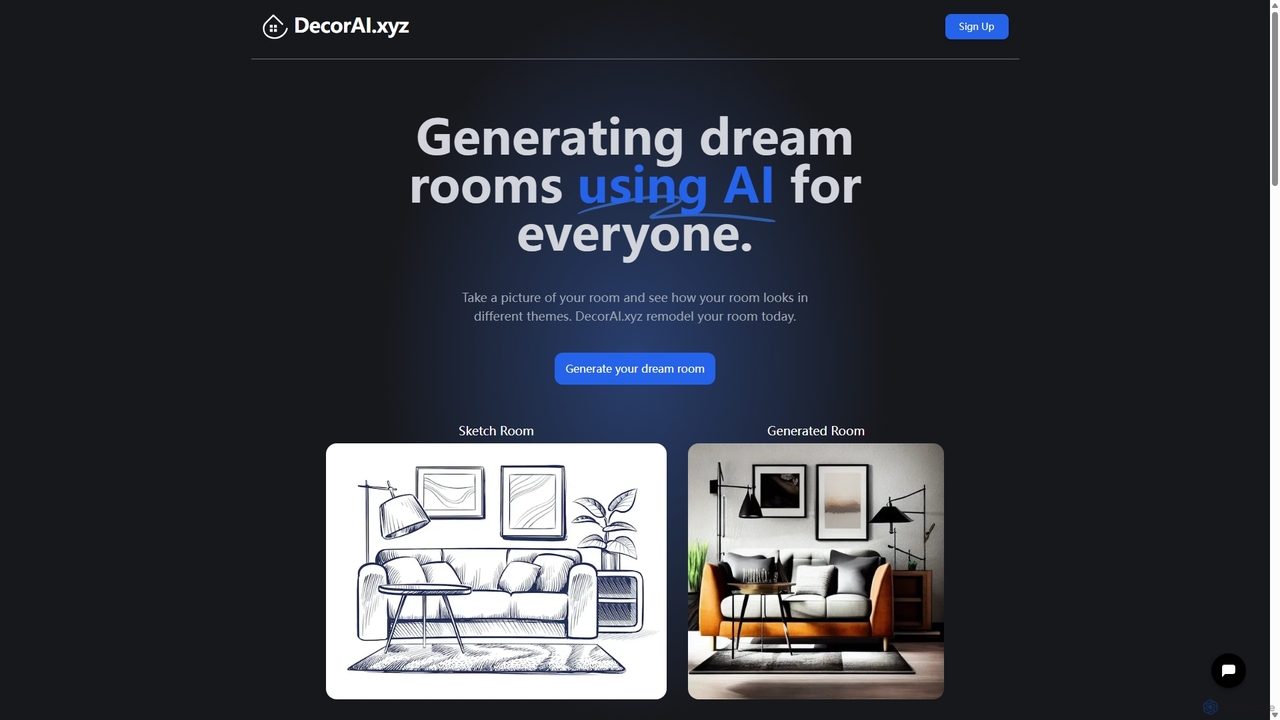
DecorAI
DecorAI is an AI-powered interior design tool that transforms your living spaces. Simply upload a photo of your room, and the AI will generate multiple stunning design concepts in various themes within seconds. It's a fast, cost-effective solution for homeowners, renters, and small businesses looking to visualize and create their dream rooms without hiring an expensive designer.
Interior Design
rasterscan Comments (0)
Sign in to comment.
Sign inNo comments yet.