

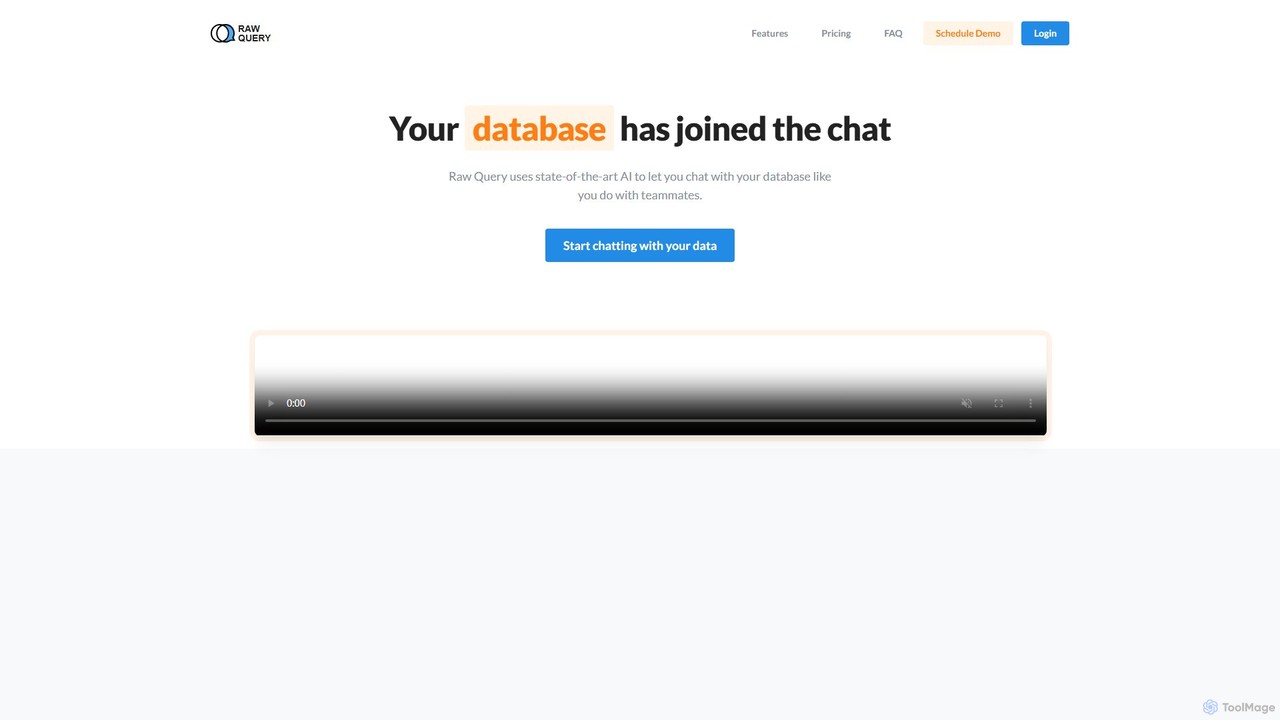
Raw Query Overview
Raw Query transforms the way you interact with your databases by introducing a conversational AI interface. It acts as your personal data assistant, allowing you to 'chat' with your data just as you would with a teammate. This innovative approach removes the barrier of complex query languages like SQL, making data accessible to everyone on the team, from developers and data analysts to business intelligence professionals and marketers. The core idea is to let the database learn your language, not the other way around. By simply connecting your database via a connection string, you can immediately start asking questions, requesting data modifications, and even inserting new records using plain English.
This tool is designed to be a massive time-saver for entire organizations. Developers no longer need to spend valuable time building and maintaining a multitude of single-purpose internal tools. Business users can get the answers they need instantly without waiting for a technical team member to build a report or dashboard. Raw Query streamlines data operations, making them faster, more intuitive, and more efficient.
How to use Raw Query
Getting started with Raw Query is designed to be incredibly simple and fast, taking only a few seconds to set up:
- Connect Your Database: The only thing you need is your database's connection string. Copy and paste this string into Raw Query to establish a secure connection. The platform supports a wide range of popular databases.
- Start Chatting: Once connected, a chat interface appears. You can immediately start typing your requests in natural language. For example, you can ask, "Show me the last 5 customers who signed up for the Pro plan" or "What was our total revenue last month?"
- Query, Update, or Add Data: You are not limited to just retrieving information. You can also perform actions. For instance, you could say, "Update the email for customer ID 12345 to [email protected]" or "Add a new sale for product XYZ with a value of $500."
- Confirm and Execute: For any action that modifies data (like updating or inserting), Raw Query is smart enough to ask for your confirmation before executing the command, preventing accidental changes.
- Export Data: If you need to use the queried data elsewhere, you can easily ask Raw Query to export the results as a CSV file for further analysis or reporting.
Core Features of Raw Query
- Natural Language Processing (NLP): Utilizes state-of-the-art AI to understand and process queries written in plain English.
- Data Querying: Ask complex questions about your data and receive instant, accurate answers without writing a single line of SQL.
- Data Modification: Securely update existing records in your database through simple chat commands.
- Data Insertion: Add new rows of data to your tables. The AI intelligently prompts for confirmation before making changes.
- CSV Export: Easily export query results into CSV format for use in spreadsheets or other business intelligence tools.
- Secure Connection: Connects to your database using a standard connection string, ensuring your data's security and integrity.
- Role-Based Access Control: The Team plan allows for setting specific access permissions per database, ensuring users can only see and interact with the data they are authorized to.
- Cross-Platform Accessibility: The web-based interface is accessible from any device, including mobile phones, allowing you to interact with your data on the go.
Use Cases for Raw Query
Raw Query is versatile and can be applied across various roles and departments:
- For Developers: Drastically reduce the time spent building internal dashboards and admin panels. Instead of creating a new app for every data need, developers can empower the team to self-serve, freeing up engineering resources for core product development.
- For Business Intelligence & Analysts: Bypass the need to learn complex BI software or wait for data exports. Analysts can directly converse with the database to explore hypotheses, track KPIs, and generate ad-hoc reports in real-time.
- For Sales & Marketing Teams: Quickly access customer information, track campaign performance, or update lead statuses without navigating complex CRM interfaces. For example, a sales manager could ask, "Who are the top 10 performing sales reps this quarter?"
- For Founders & Management: Get a quick pulse on the business by asking high-level questions like "What is our monthly recurring revenue?" or "Show me the user growth trend over the last six months."
Advantages of Raw Query
The primary advantage of Raw Query is its simplicity and efficiency. It democratizes data access, empowering non-technical users and saving valuable time for technical teams. By eliminating the need for specialized software or custom-built tools, it reduces operational overhead and accelerates decision-making. The conversational interface is intuitive, requiring virtually no training. Furthermore, its flexible pricing plans make it an accessible solution for everyone from solo founders to large enterprises.
Pricing and Plans
Raw Query offers a range of plans to fit different business needs:
- Free Plan: $0/month. Includes 300 successful queries per month, 1 seat, and connectivity for up to 2 databases.
- Starter Plan: $39/month. Includes 1,500 successful queries per month, 5 seats, unlimited databases, and priority support.
- Pro Plan: $79/month. Includes 5,000 successful queries per month, 10 seats, unlimited databases, and priority support.
- Team Plan: $149/month. Includes 20,000 successful queries per month, unlimited seats, unlimited databases, priority support, and role-based access control per database.
A 'successful query' refers to any request that the AI successfully understands and executes against your database.
Traffic
Latest traffic
Status
Monthly traffic trend
- 2025-9: 1.2K
- 2026-1: 1.5K
- 2026-2: 303
- 2026-3: 643
- 2026-4: 427
- 2026-5: 753
Geography
Top 5 countries / regions
- 🇮🇳India76.3%
- 🇺🇸United States23.7%
Top keywords
| Keyword | Cost per click |
|---|---|
| what is a raw query | $0.00 |
Raw Query Alternatives
Quadratic
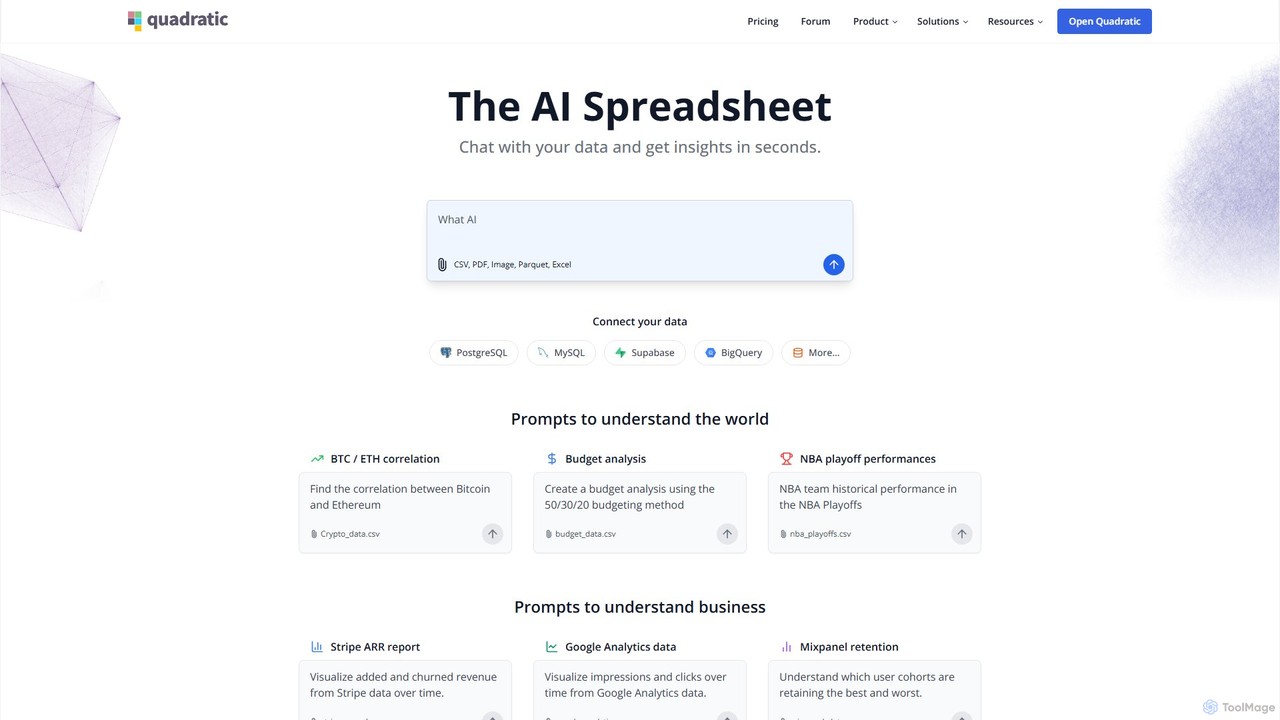
Quadratic is a powerful AI spreadsheet that integrates a familiar interface with Python, SQL, and natural language prompts. Connect directly to live databases, analyze data, extract information from PDFs, and create visualizations instantly. It's a secure, collaborative platform for data analysts, business professionals, and developers.
Business Intelligence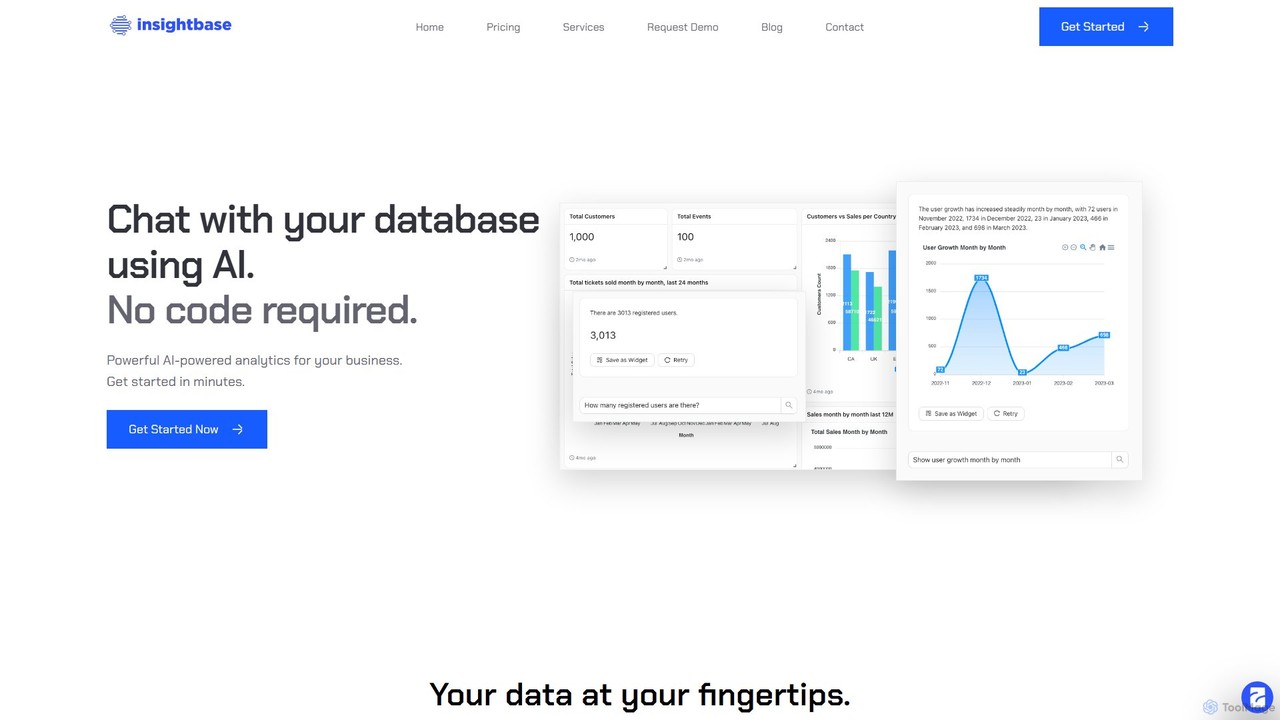
InsightBase
InsightBase is an AI-powered business intelligence platform that allows you to chat with your database using natural language. It empowers both non-technical and technical users to build dashboards, generate reports, and gain data-driven insights in minutes, without needing to write complex SQL queries.
Business Intelligence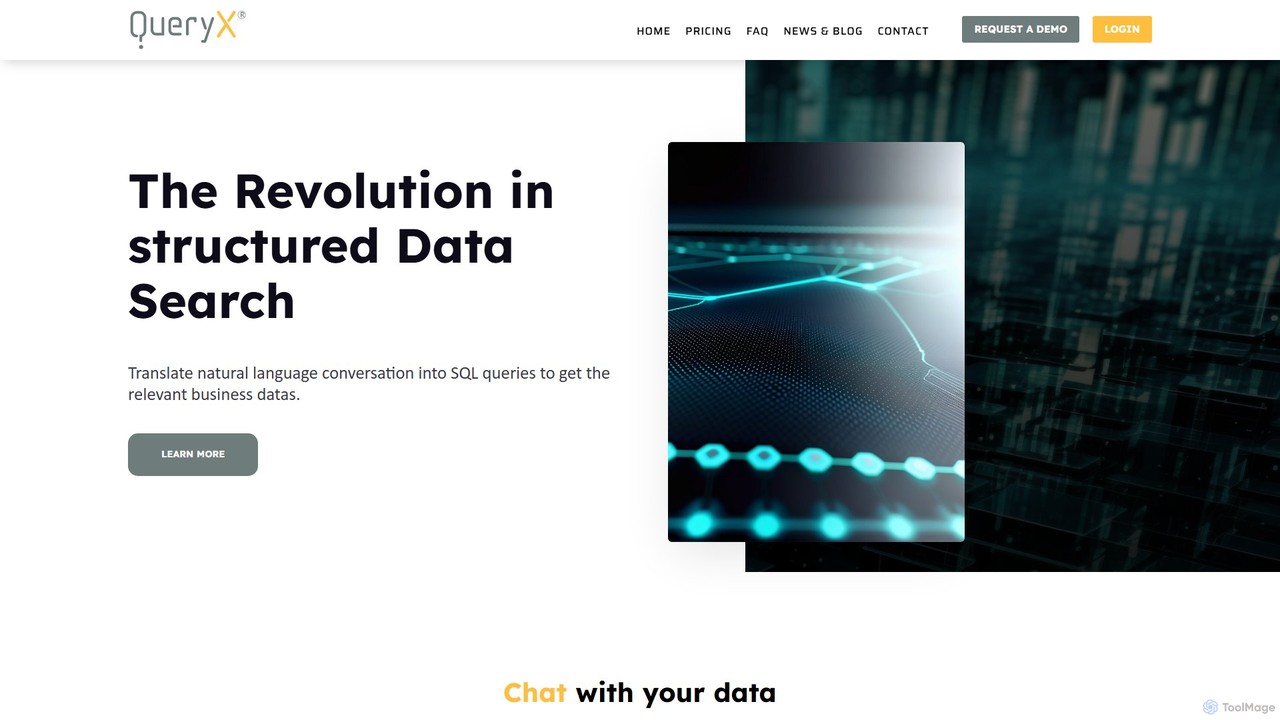
QueryX
QueryX is an AI-powered platform that translates natural language conversations, including voice commands, into complex SQL queries. It enables both technical and non-technical users to interact with structured databases effortlessly, accelerating data analysis and decision-making while ensuring data confidentiality and high accuracy.
Business Intelligence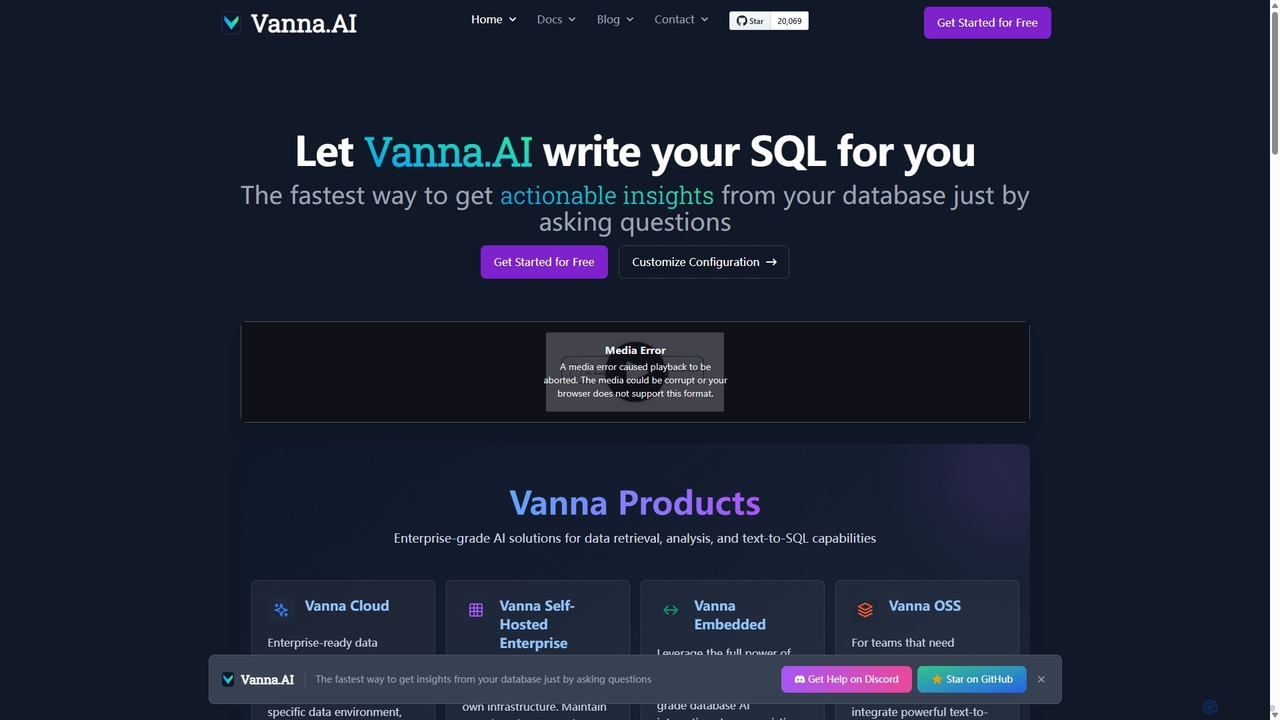
Vanna.AI
Vanna.AI is an open-source, personalized AI SQL agent that transforms natural language questions into accurate SQL queries. It uses a Retrieval-Augmented Generation (RAG) model trained on your specific database schema, documentation, and past queries to achieve high accuracy on complex datasets. It's designed for security, flexibility, and easy integration into any application, empowering both technical and non-technical users to gain insights from their data effortlessly.
Business Intelligence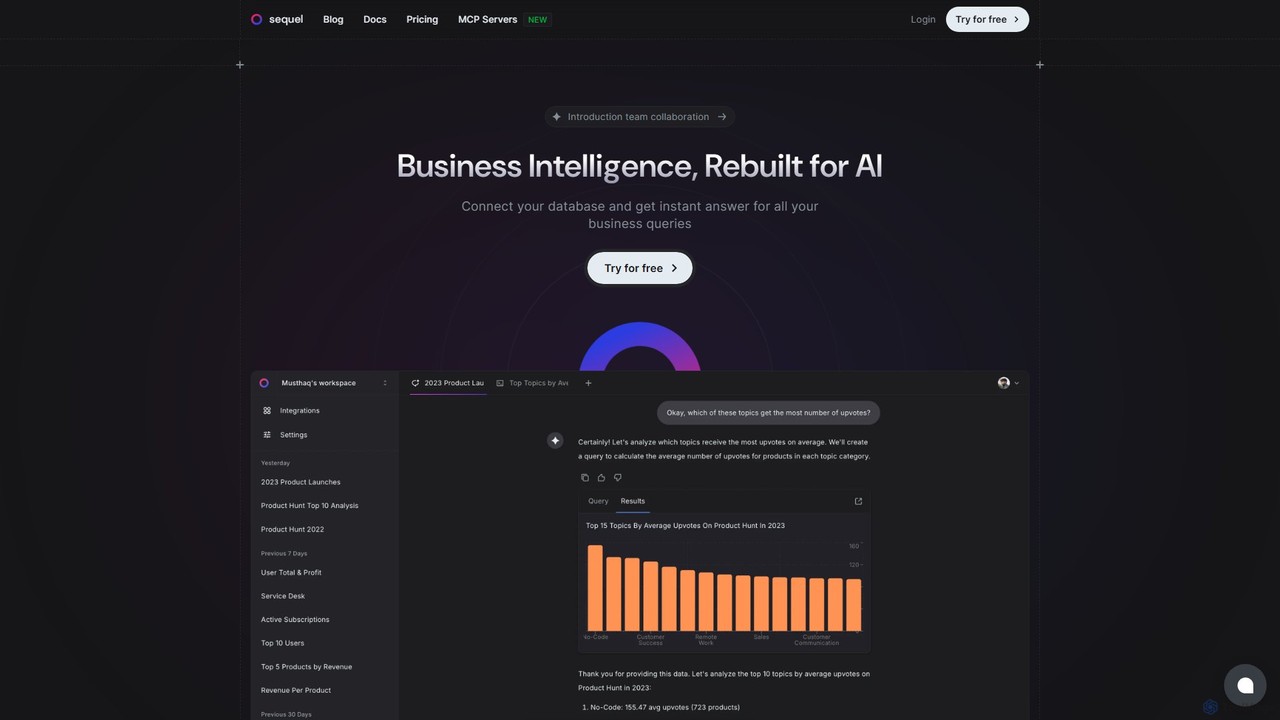
Sequel
Sequel is an AI-powered Business Intelligence platform that allows you to interact with your databases using natural language. Connect your data, ask questions in plain English, and instantly receive reports, visualizations, and insights without writing a single line of SQL.
Business IntelligenceRaw Query Categories
Raw Query Embed Widget
Copy this embed code to place the badge on your blog, article, or product site and send readers directly to this ToolMage detail page.

Related AI tools
Vanna.AI
Vanna.AI is an open-source, personalized AI SQL agent that transforms natural language questions into accurate SQL queries. It uses a Retrieval-Augmented Generation (RAG) model trained on your specific database schema, documentation, and past queries to achieve high accuracy on complex datasets. It's designed for security, flexibility, and easy integration into any application, empowering both technical and non-technical users to gain insights from their data effortlessly.
Business IntelligenceSequel
Sequel is an AI-powered Business Intelligence platform that allows you to interact with your databases using natural language. Connect your data, ask questions in plain English, and instantly receive reports, visualizations, and insights without writing a single line of SQL.
Business Intelligence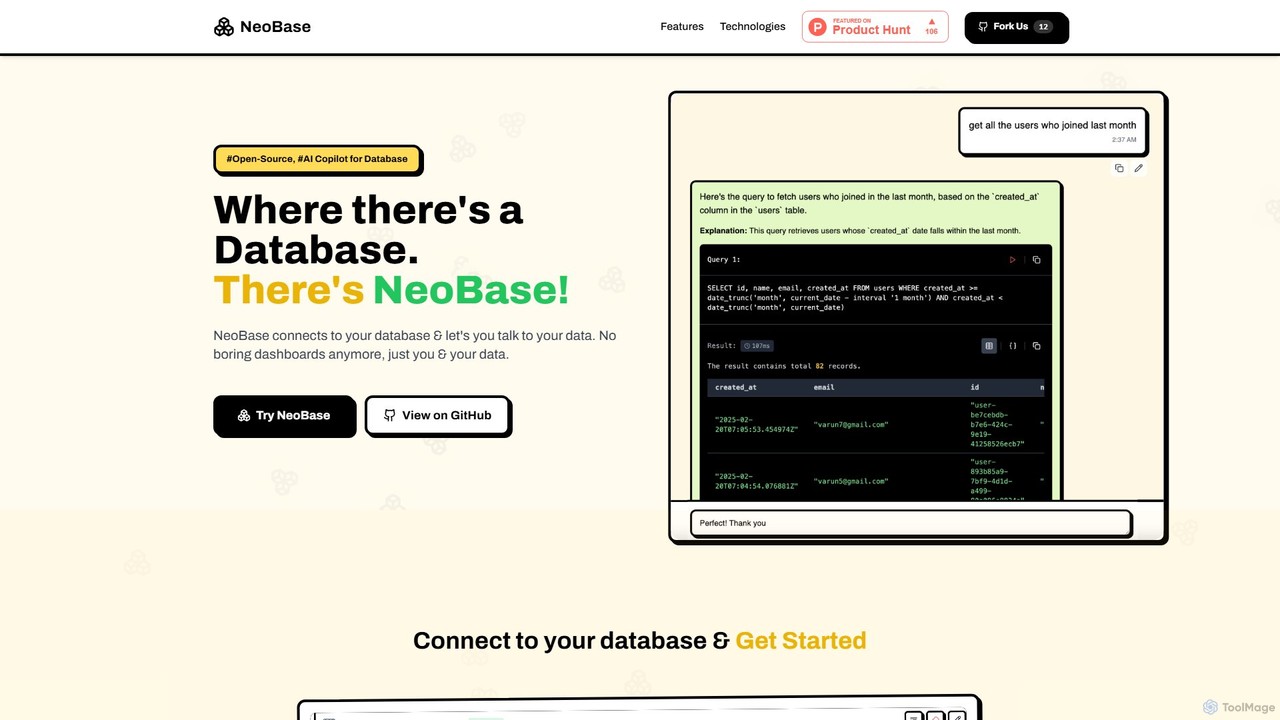
NeoBase
NeoBase is an open-source AI copilot for databases, enabling users to interact with their data using natural language. It connects to various SQL and NoSQL databases, translates plain English queries into optimized code, and visualizes the results. Designed for both technical and non-technical users, it streamlines data analysis, debugging, and reporting, eliminating the need for complex query writing and providing full data control through self-hosting.
Data Analysis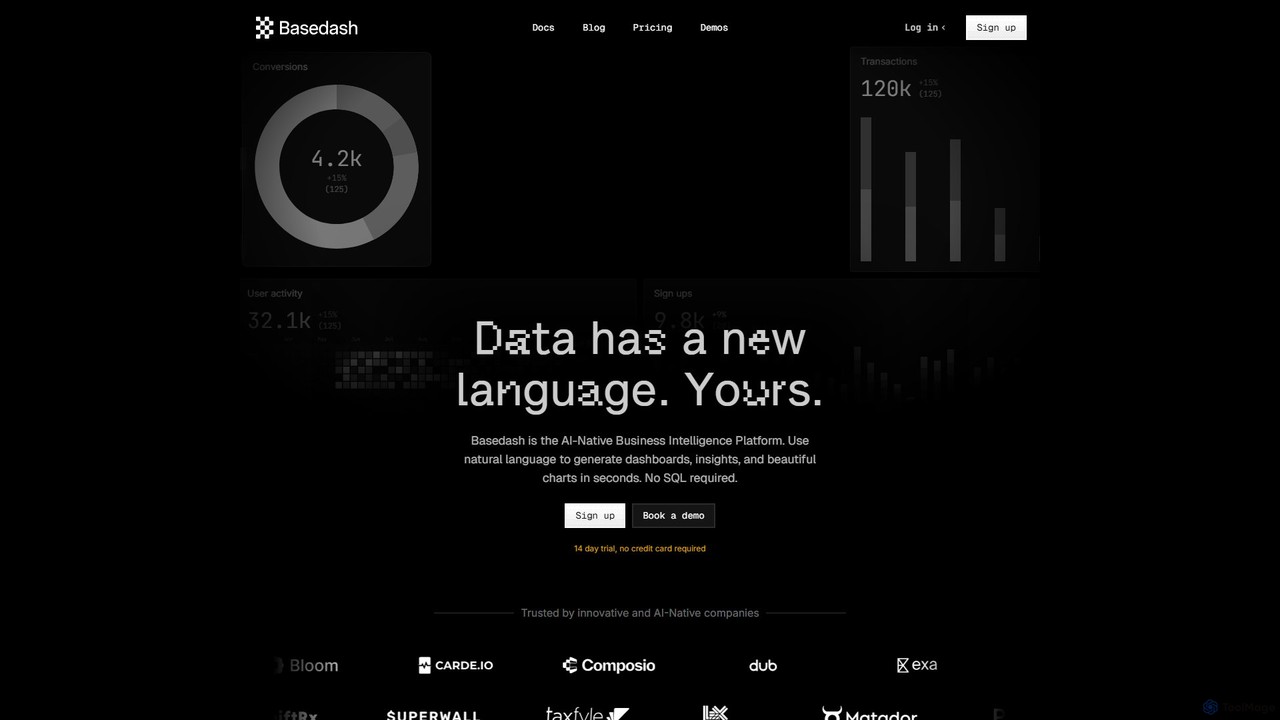
Basedash
Basedash is an AI-native business intelligence platform that allows teams to interact with their data using natural language. Generate beautiful dashboards, charts, and insights in seconds without writing any SQL code. Connect your data sources and simply ask questions to get answers.
Business Intelligence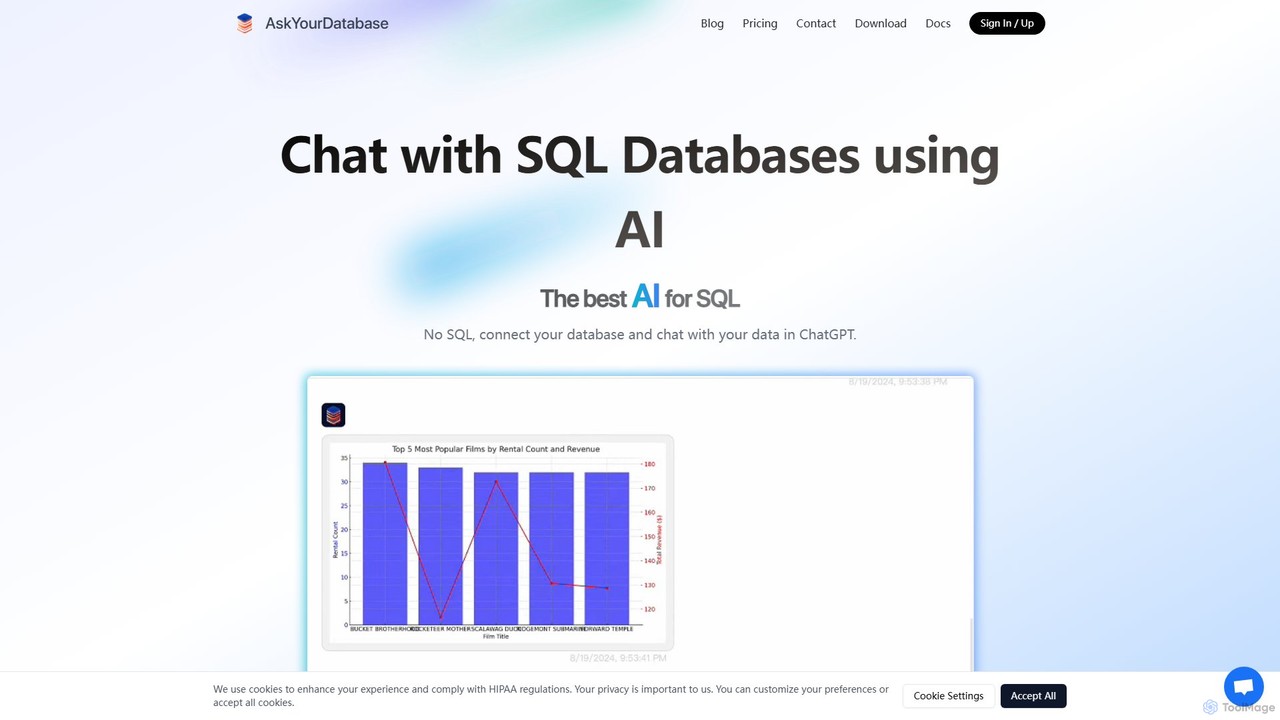
AskYourDatabase
AskYourDatabase is a powerful AI SQL assistant that allows you to interact with your databases using natural language. Query data, create visualizations, and build interactive dashboards without writing a single line of SQL. It supports various databases, offers both desktop and embeddable chatbot versions, and prioritizes data security with on-premise deployment options.
Data Analysis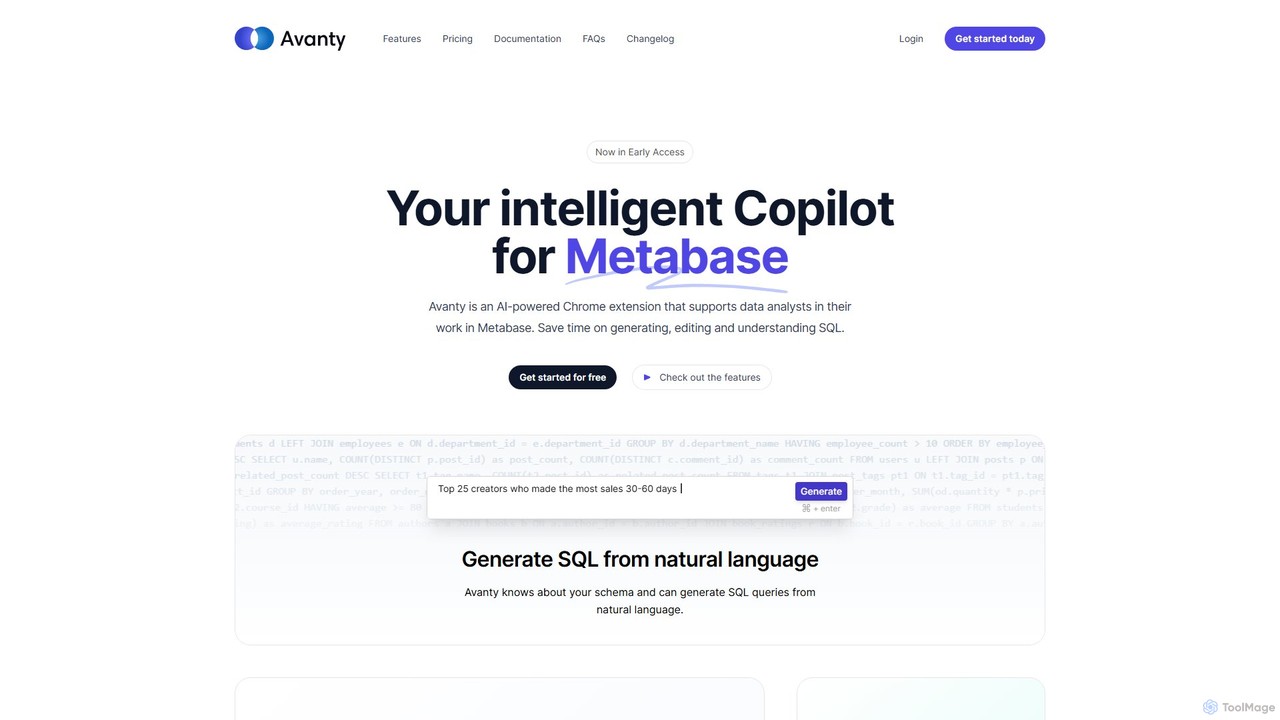
Avanty
Avanty is an AI-powered Chrome extension designed as an intelligent copilot for data analysts using Metabase. It streamlines workflows by enabling users to generate, edit, explain, and format SQL queries using natural language. This tool significantly saves time, enhances productivity, and helps in understanding complex data queries, making data analysis faster and more intuitive.
Business Intelligence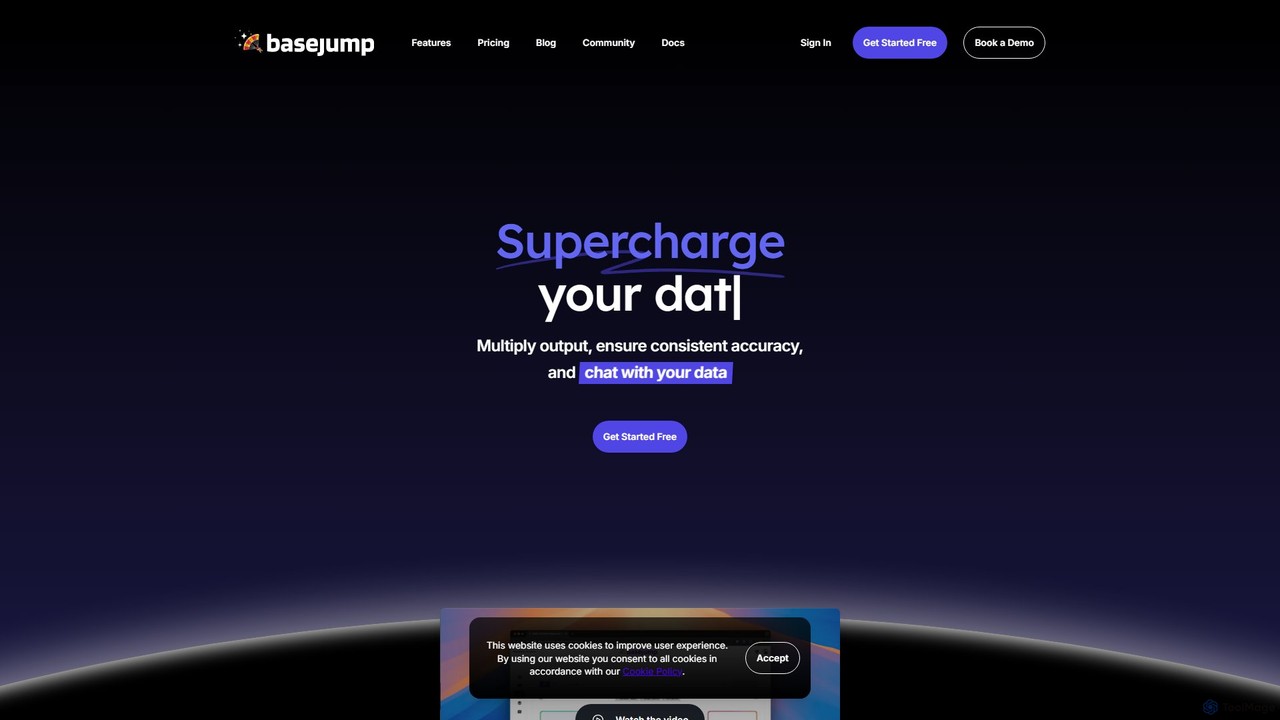
Basejump AI
Basejump AI is a conversational AI data analytics platform that enables teams to query databases and gain insights using natural language. It translates everyday questions into SQL queries, providing fast, accurate, and auditable data without the need for complex dashboards or coding skills.
Business Intelligence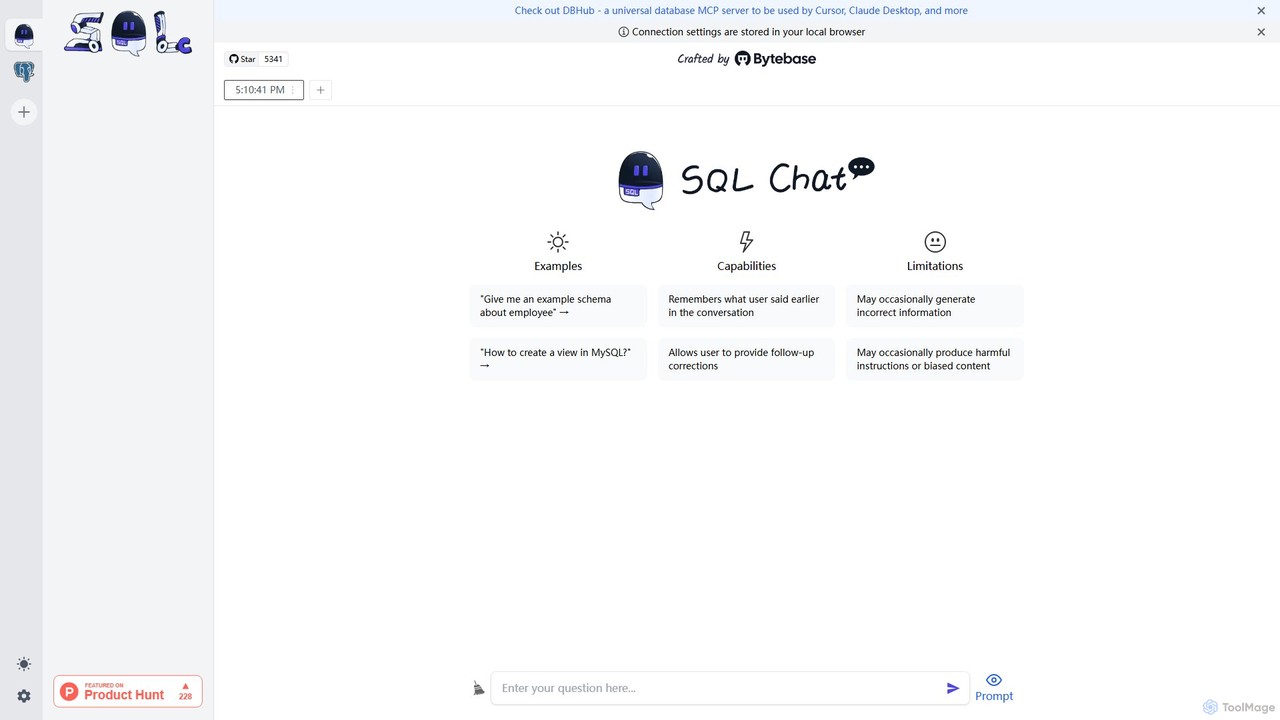
SQL Chat
SQL Chat is an open-source, chat-based SQL client and editor that uses AI to translate natural language questions into SQL queries. Connect to your database, ask questions in plain English, and get results instantly, democratizing data access for both technical and non-technical users.
Code Assistant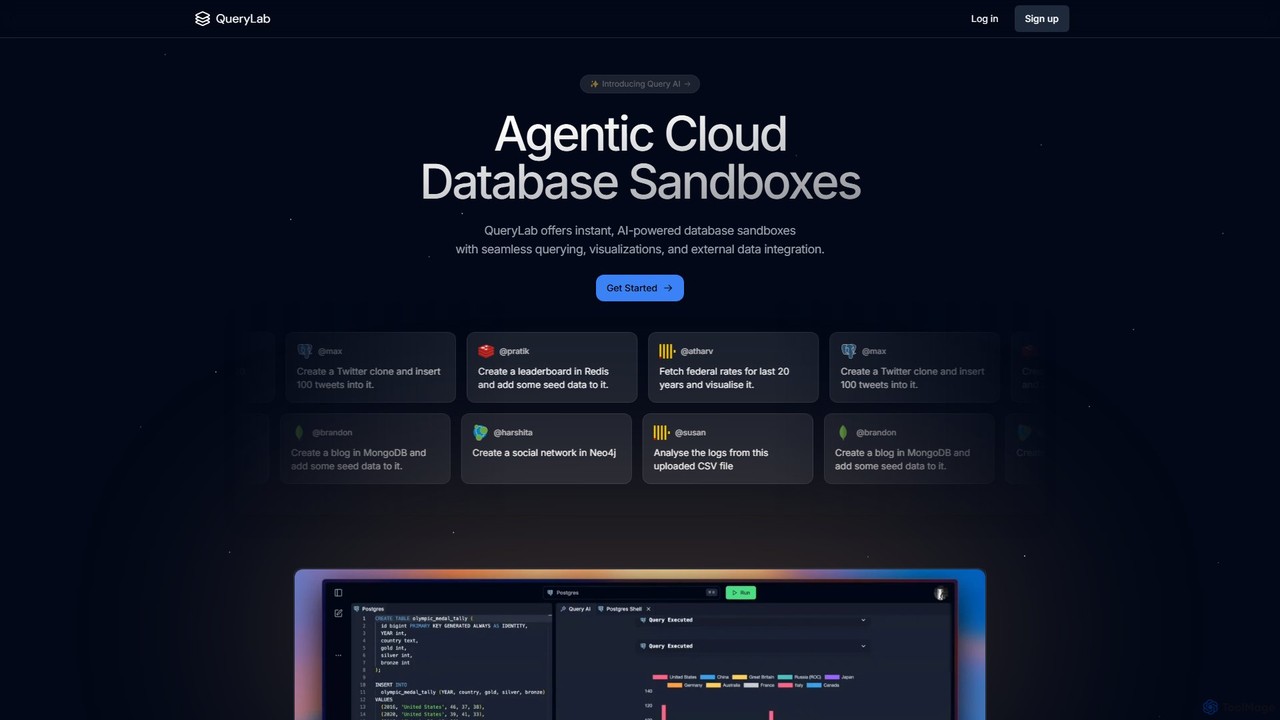
QueryLab
QueryLab is an AI-powered platform that provides instant database sandboxes. It allows users to interact with databases like PostgreSQL, MongoDB, and Redis using natural language, seamlessly integrate external data, and automatically generate visualizations from query results.
Visualization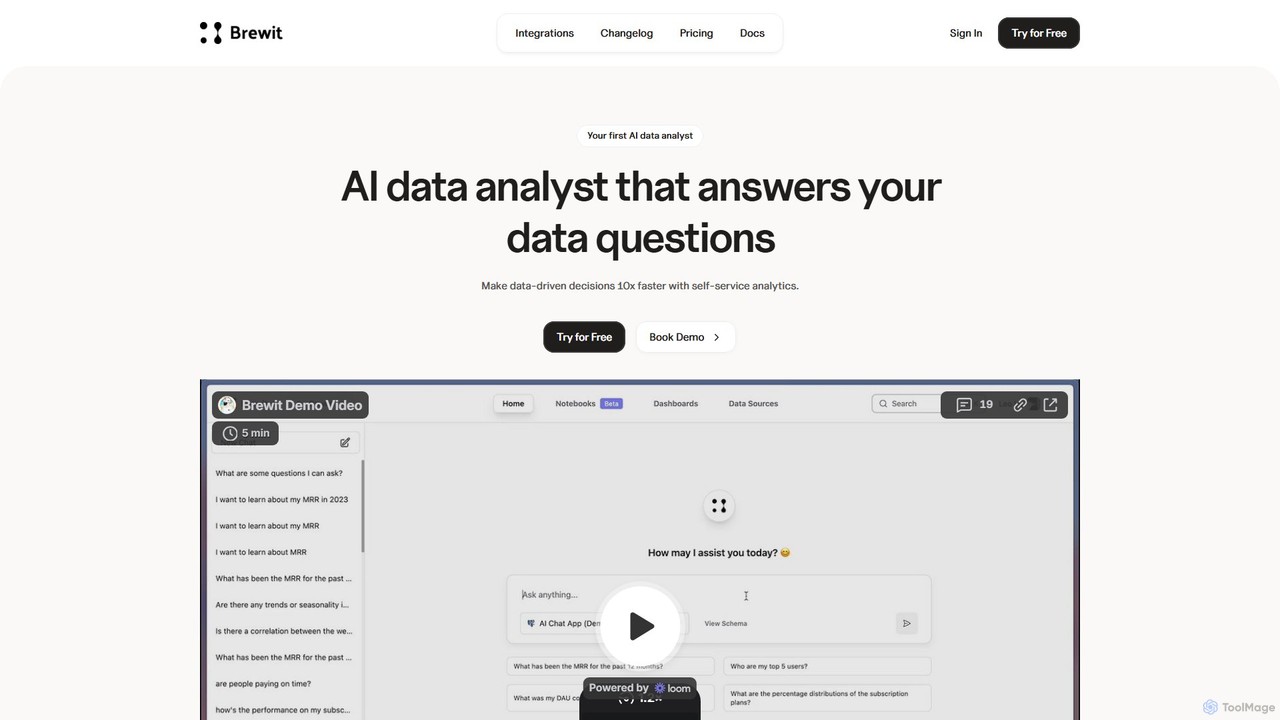
Brewit
Brewit is an AI-powered analytics platform that enables users to perform self-service data analysis. Connect to your databases, chat in natural language to query data, generate SQL, and create interactive visualizations and reports. It simplifies business intelligence, making data accessible to everyone in the organization, regardless of their technical skills.
Database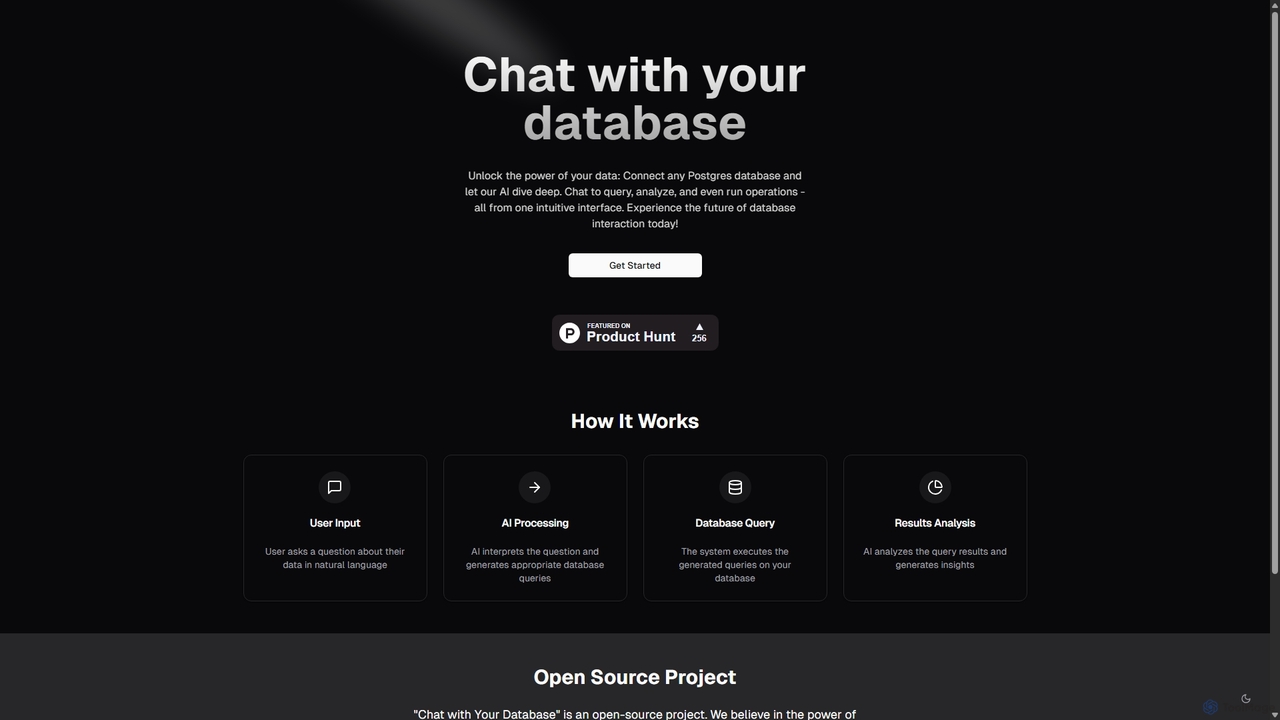
Chat With Your Database
An open-source AI tool that allows you to interact with your PostgreSQL database using natural language. Ask questions, get insights, and perform operations through a simple chat interface, eliminating the need for complex SQL queries.
Business IntelligenceQuadratic
Quadratic is a powerful AI spreadsheet that integrates a familiar interface with Python, SQL, and natural language prompts. Connect directly to live databases, analyze data, extract information from PDFs, and create visualizations instantly. It's a secure, collaborative platform for data analysts, business professionals, and developers.
Business IntelligenceInsightBase
InsightBase is an AI-powered business intelligence platform that allows you to chat with your database using natural language. It empowers both non-technical and technical users to build dashboards, generate reports, and gain data-driven insights in minutes, without needing to write complex SQL queries.
Business IntelligenceQueryX
QueryX is an AI-powered platform that translates natural language conversations, including voice commands, into complex SQL queries. It enables both technical and non-technical users to interact with structured databases effortlessly, accelerating data analysis and decision-making while ensuring data confidentiality and high accuracy.
Business Intelligence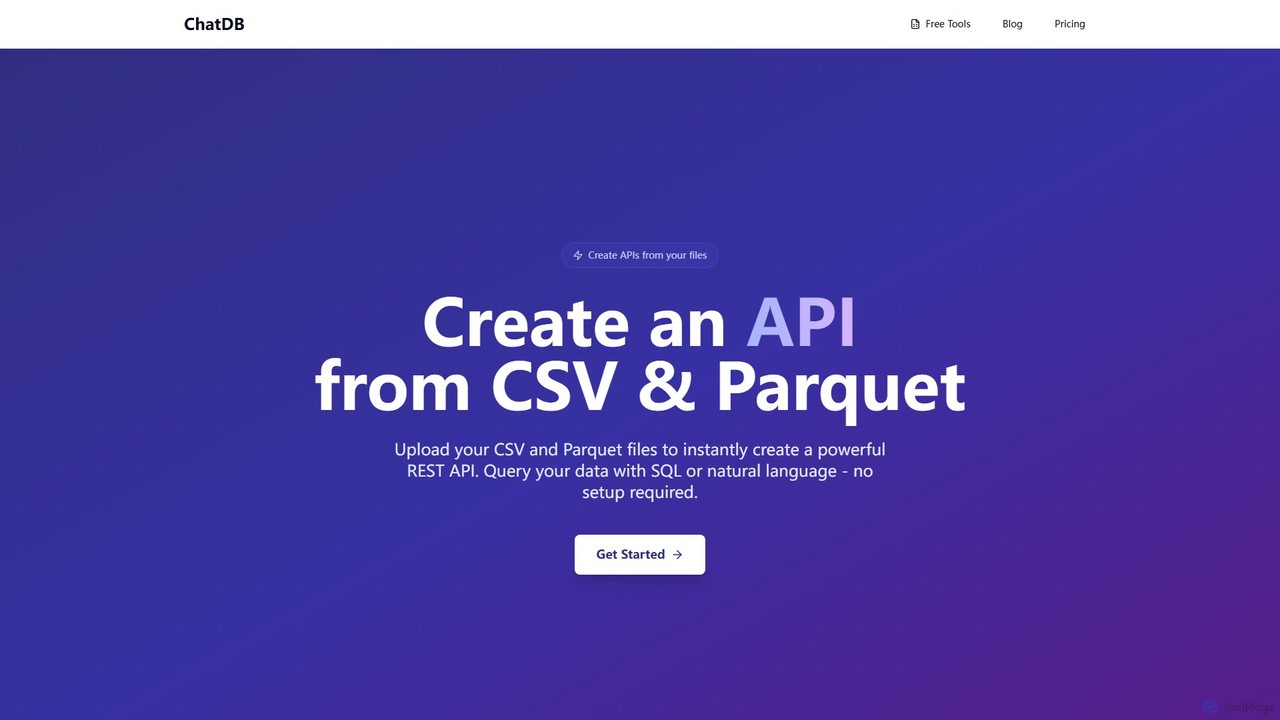
ChatDB
ChatDB is a powerful platform that instantly converts CSV and Parquet files into a fully functional REST API. Users can query their data using both standard SQL and AI-powered natural language, with no setup or infrastructure management required. It offers lightning-fast response times and a suite of free in-browser tools for data conversion, editing, and analysis, making it ideal for developers, data scientists, and rapid prototyping.
Api & Backend
Raw Query Comments (0)
Sign in to comment.
Sign inNo comments yet.