

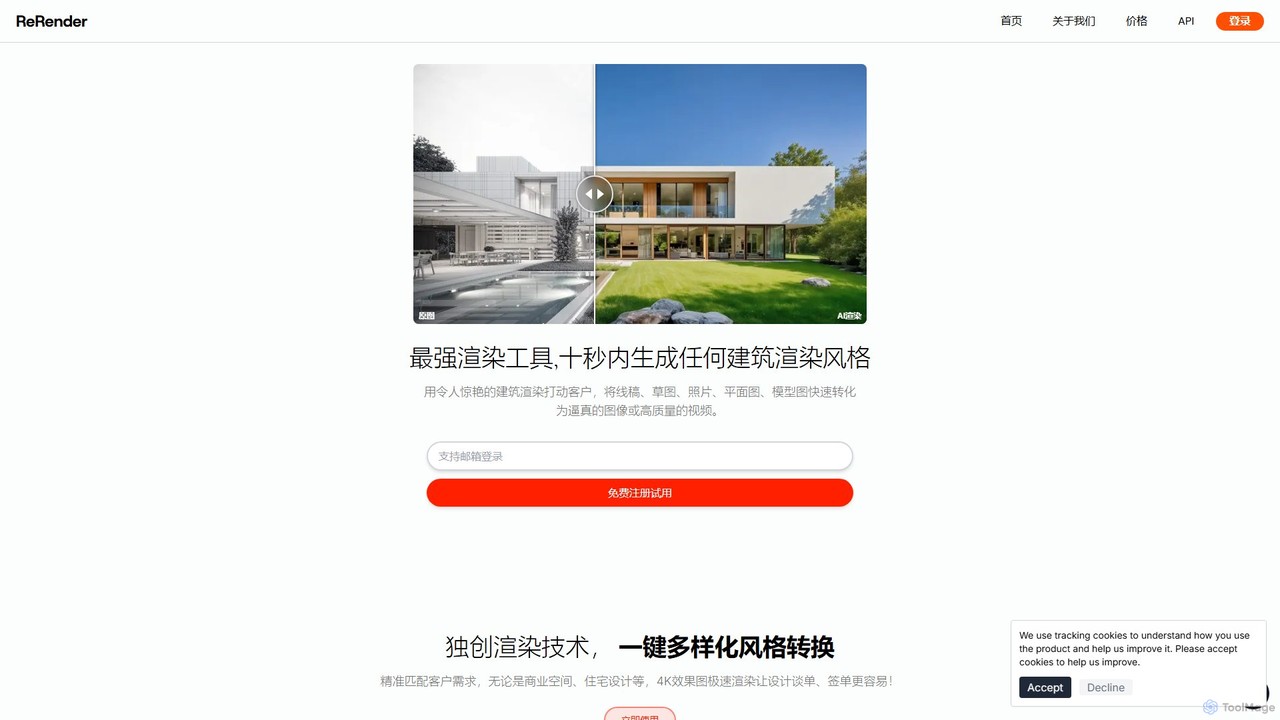
ReRender AI Overview
ReRender AI is a state-of-the-art platform designed to revolutionize the architectural and interior design process. By leveraging advanced artificial intelligence, it empowers architects, designers, and creators to transform their concepts into stunning, photorealistic visuals with unprecedented speed and ease. Whether you're starting with a simple line sketch, a photograph, a floor plan, or a 3D model, ReRender AI can generate high-quality, 4K resolution images and dynamic videos in mere seconds. This tool is built to streamline workflows, enhance client presentations, and unlock new creative possibilities.
The platform is engineered by a team with deep expertise in computer science, AI, and architecture, ensuring that the technology is both powerful and intuitively aligned with real-world design needs. It aims to make high-end rendering accessible to everyone, from seasoned professionals to students just beginning their creative journey.
How to use ReRender AI
The workflow in ReRender AI is designed for simplicity and efficiency, allowing users to bring their visions to life in a few easy steps:
- Upload Your Source: Begin by uploading your input file. ReRender AI supports a wide range of formats, including JPG, PNG, sketches, 3D model screenshots, and photographs of existing spaces.
- Choose Your Style: Select from a vast library of preset architectural and interior styles. You can also provide a reference image or use text prompts to define a custom aesthetic.
- Define Details: Fine-tune the rendering by specifying environmental conditions. Adjust the season (e.g., summer, winter), weather (e.g., sunny, overcast), and lighting (e.g., daylight, night scene, golden hour). You can also guide the color palette.
- Refine with Prompts: Use natural language prompts to describe specific modifications or enhancements you want to see in the final image. An 'Auto-Prompt' feature is also available to let the AI refine your wording for optimal results.
- Select a Mode: Choose between three creative modes: 'Precise' for results that closely follow the input, 'Balance' for a harmonious mix of accuracy and AI creativity, or 'Creative' for more imaginative and artistic interpretations.
- Render: Click the 'Render' button to start the generation process. Your high-quality rendering will be ready in approximately 10-20 seconds.
- Post-Processing: Utilize additional tools to enhance your image further, including HD upscaling, local repainting (inpainting), or even generating a video from your still image.
Core Features of ReRender AI
- AI-Powered Rendering: Instantly converts various inputs like sketches, photos, and floor plans into realistic images and videos.
- Multi-Angle Consistency: Upload up to six images of a single design to generate multiple, stylistically consistent views of the same interior or exterior space.
- Diverse Style Library: Access a wide range of predefined styles for commercial spaces, residential designs, landscapes, and more.
- Advanced Editing Suite: Includes powerful post-processing tools such as inpainting (local repainting), object replacement (e.g., swapping furniture, changing materials), and outpainting.
- High-Resolution Upscaling: Enhance the resolution of your renderings up to 4K, ensuring crisp, professional-quality visuals for presentations and marketing.
- Image-to-Video Generation: Transform static renderings into dynamic video clips, perfect for creating engaging social media content or client presentations.
- Detailed Environmental Control: Precisely adjust lighting, weather, season, and time of day to match the desired mood and context.
- API Access: Offers an API for businesses and developers to integrate ReRender AI's powerful rendering capabilities into their own applications and workflows.
Use Cases for ReRender AI
ReRender AI is a versatile tool suitable for a wide range of professional applications:
- Architects: Quickly visualize and iterate on building exteriors and interiors, creating compelling presentations to win client approval.
- Interior Designers: Experiment with different styles, color schemes, furniture layouts, and materials in seconds, helping clients visualize the final space.
- Real Estate Marketers: Generate high-impact marketing images, virtual staging for empty properties, and promotional videos from simple photos or floor plans.
- Contractors and Builders: Create realistic visualizations of finished projects to share with clients and stakeholders before construction begins.
- Design Students: An accessible and powerful tool for learning architectural visualization and building a professional portfolio without the steep learning curve of traditional software.
Advantages of ReRender AI
The primary advantage of ReRender AI is its combination of speed, quality, and accessibility. It dramatically reduces rendering times from hours or days to mere seconds. This efficiency allows for rapid design iteration and faster project turnarounds. The platform's intuitive interface makes it usable by professionals and novices alike, democratizing high-quality architectural visualization. By producing stunning, 4K visuals, it helps users impress clients, communicate their vision more effectively, and ultimately secure more projects.
Pricing and Plans
ReRender AI operates on a freemium model. It offers a Free Trial that allows new users to test the core features and generate a limited number of images. For professional and commercial use, there are several Paid Plans available. These subscription-based plans typically offer a larger number of rendering credits, access to all advanced features (like API access and 4K upscaling), faster processing times, and priority support. For the most up-to-date information on pricing tiers and features, please visit the official ReRender AI website.
Traffic
Latest traffic
Status
Monthly traffic trend
- 2025-8: 0
- 2025-9: 1.4K
- 2026-2: 198
- 2026-3: 0
- 2026-4: 568
- 2026-5: 535
Geography
Top 5 countries / regions
- 🇯🇵Japan100.0%
Top keywords
| Keyword | Cost per click |
|---|---|
| ai rendering of 3d model files | $0.00 |
| ai渲染 | $0.00 |
| pupuseria sketchup | $0.00 |
| retrofuturism | $3.43 |
| varys ai | $0.00 |
ReRender AI Alternatives
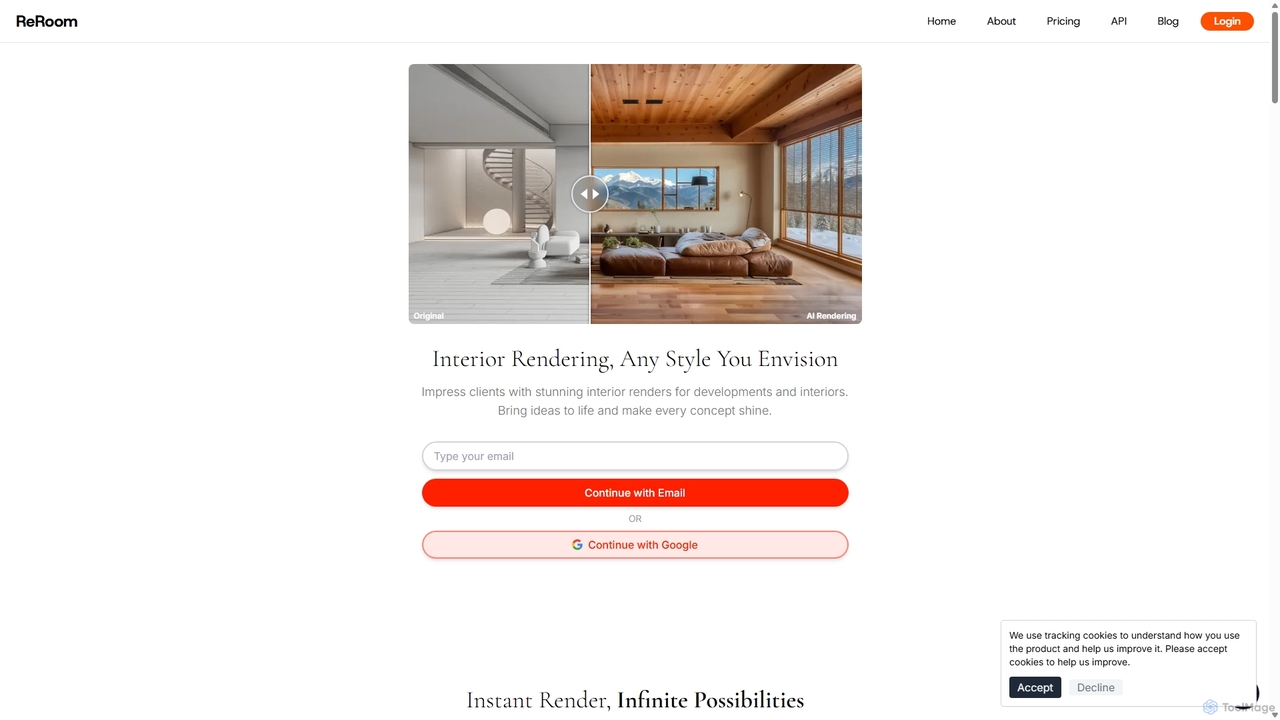
ReRoom AI
ReRoom AI is a powerful AI-driven platform for architects, interior designers, and real estate professionals. It instantly transforms sketches, 3D models, and photos into photorealistic interior and exterior renders. Offering a wide range of styles and detailed customization, it streamlines the design visualization process, bringing creative visions to life in seconds.
Architecture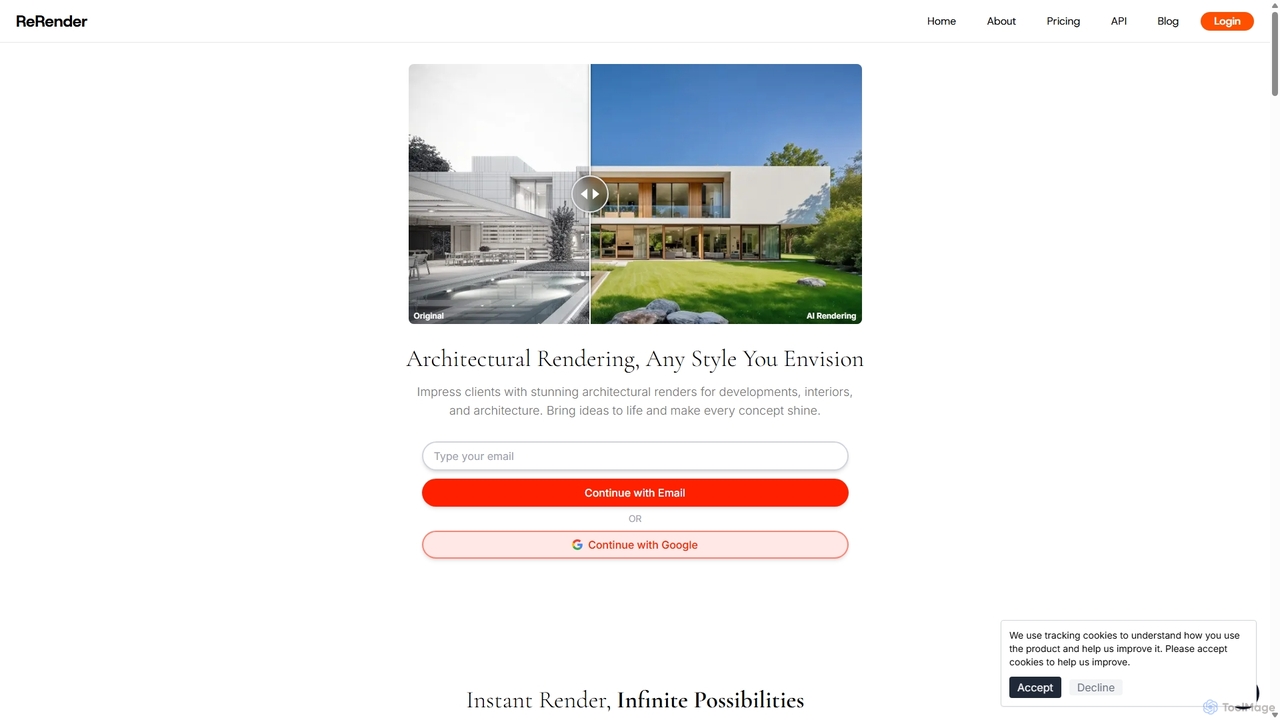
ReRender AI
ReRender AI is a powerful AI-driven platform that transforms architectural sketches, 3D models, and photos into stunning, photorealistic renderings in seconds. Designed for architects, interior designers, and real estate developers, it streamlines the design visualization process with customizable styles, detailed environmental controls, and rapid generation speeds.
Architecture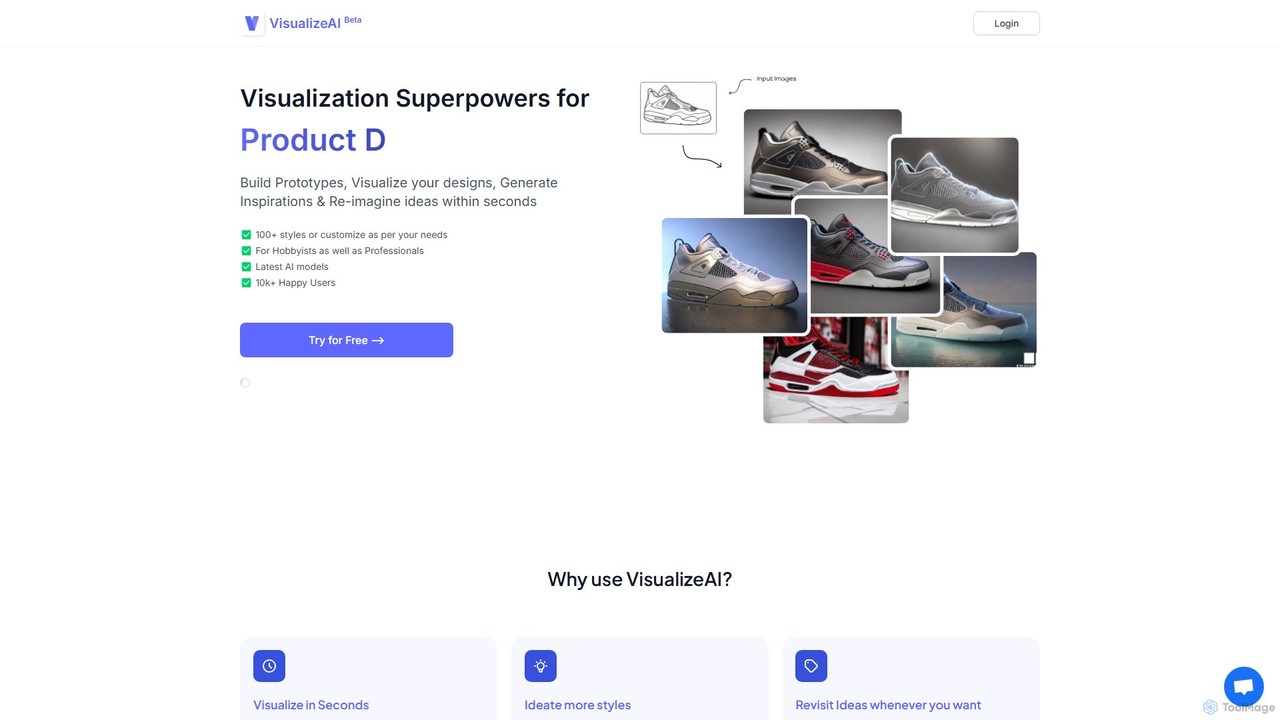
VisualizeAI
VisualizeAI is an AI-powered design visualization tool that transforms sketches, images, and basic models into high-quality renders in seconds. It's designed for architects, interior designers, and product designers to rapidly prototype, generate inspiration, and re-imagine ideas with over 100 styles.
Architecture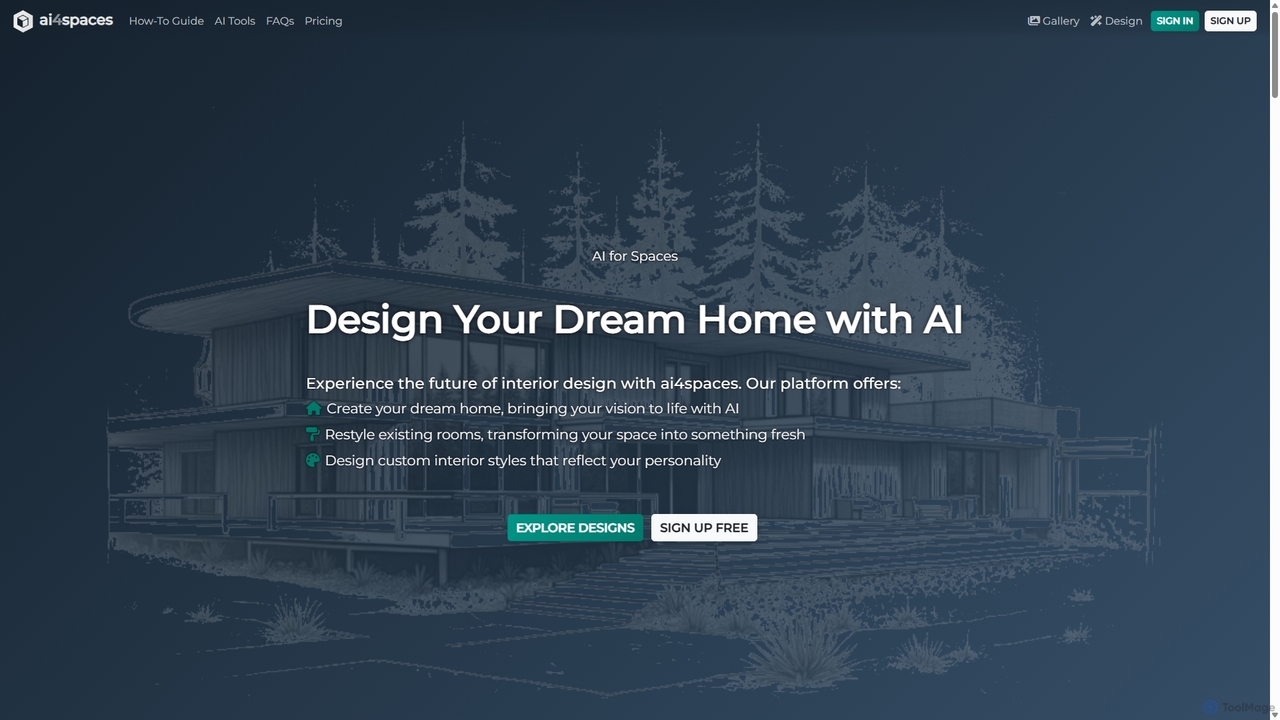
Ai4spaces
Ai4spaces is an AI-powered platform for interior design, architecture, and home renovation. It transforms photos, sketches, or text prompts into stunning, photorealistic visualizations. Generate designs, create video walkthroughs, 360° panoramas, and upscale images, making it ideal for interior designers, architects, real estate agents, and homeowners.
Architecture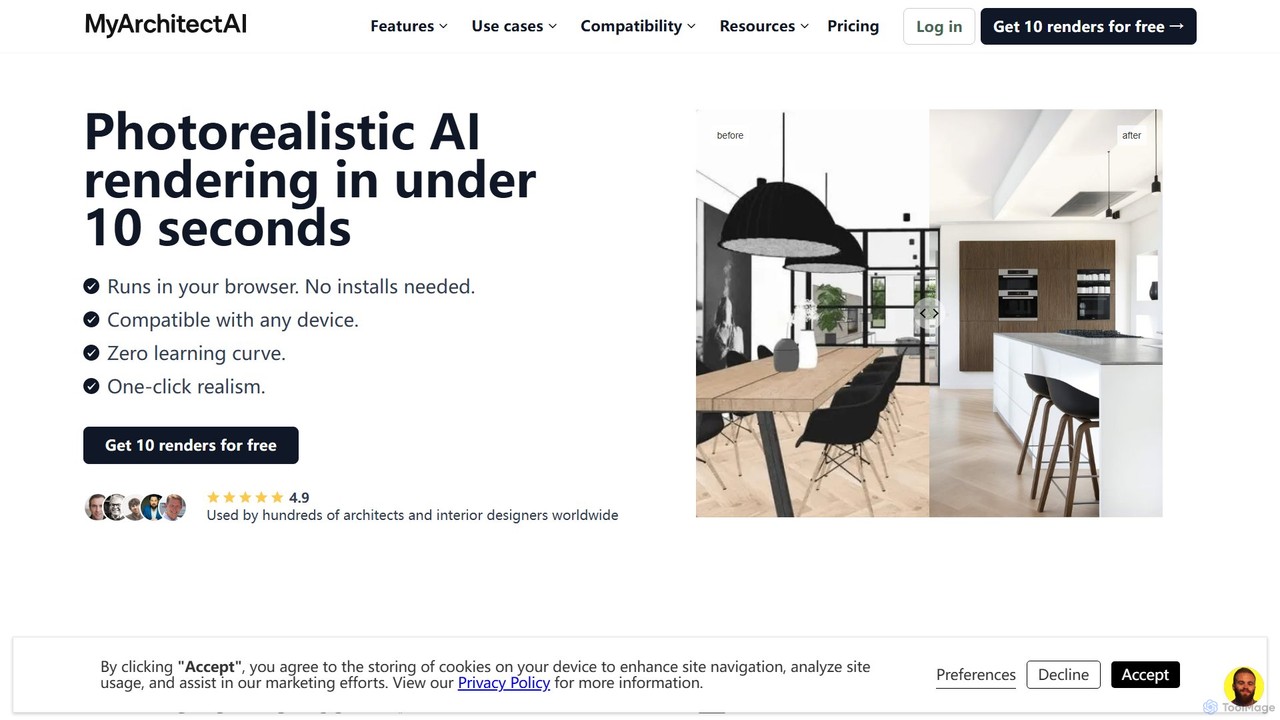
MyArchitectAI
MyArchitectAI is an AI-powered rendering software designed for architects and interior designers. It transforms sketches, CAD designs, and line drawings into photorealistic visualizations in seconds. The platform requires no specialized skills or expensive hardware, making high-quality rendering accessible to all. It offers a free trial of 10 renders.
ArchitectureReRender AI Categories
ReRender AI Embed Widget
Copy this embed code to place the badge on your blog, article, or product site and send readers directly to this ToolMage detail page.

Related AI tools
ReRender AI
ReRender AI is a powerful AI-driven platform that transforms architectural sketches, 3D models, and photos into stunning, photorealistic renderings in seconds. Designed for architects, interior designers, and real estate developers, it streamlines the design visualization process with customizable styles, detailed environmental controls, and rapid generation speeds.
ArchitectureReRoom AI
ReRoom AI is a powerful AI-driven platform for architects, interior designers, and real estate professionals. It instantly transforms sketches, 3D models, and photos into photorealistic interior and exterior renders. Offering a wide range of styles and detailed customization, it streamlines the design visualization process, bringing creative visions to life in seconds.
ArchitectureMyArchitectAI
MyArchitectAI is an AI-powered rendering software designed for architects and interior designers. It transforms sketches, CAD designs, and line drawings into photorealistic visualizations in seconds. The platform requires no specialized skills or expensive hardware, making high-quality rendering accessible to all. It offers a free trial of 10 renders.
Architecture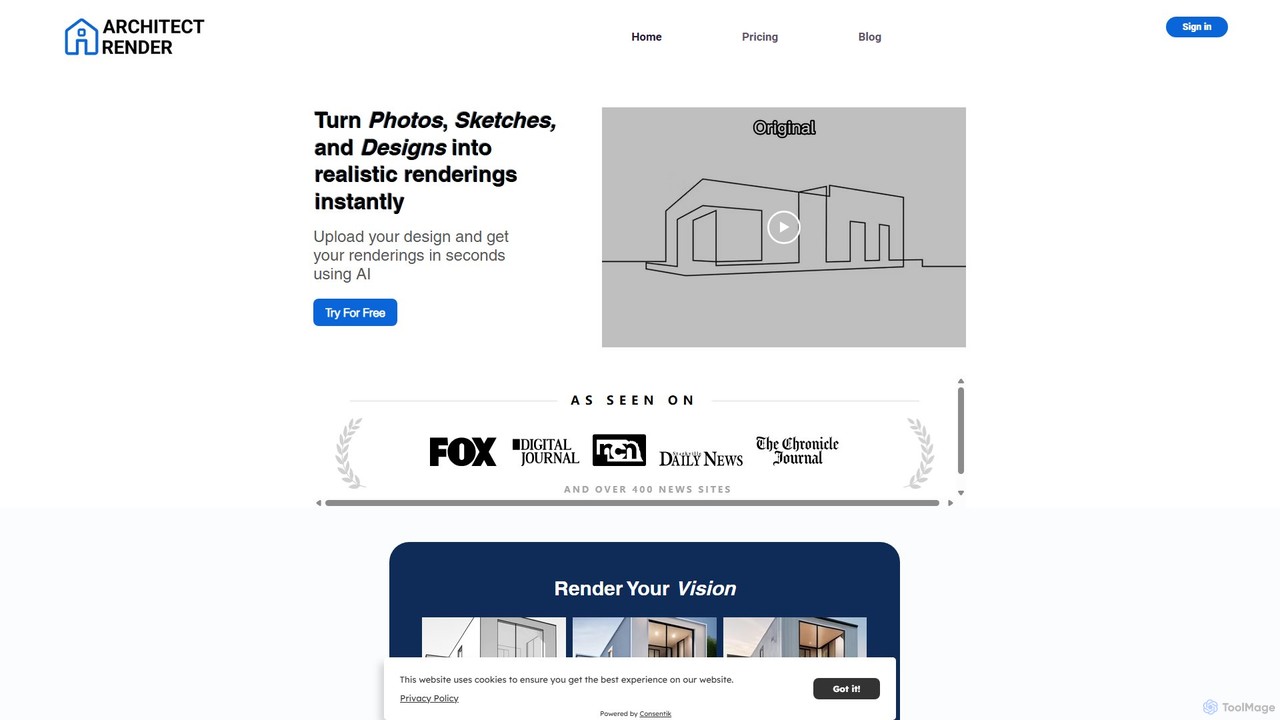
architectrender
ArchitectRender is an AI-powered platform that instantly transforms photos, sketches, and design files into photorealistic 3D renderings. Designed for architects, interior designers, and real estate professionals, it simplifies the visualization process with features like virtual staging, style customization, and ultra-fast generation. Users can experiment with design ideas, create stunning marketing materials, and present professional-grade visuals to clients in seconds, boosting creativity and productivity.
Architecture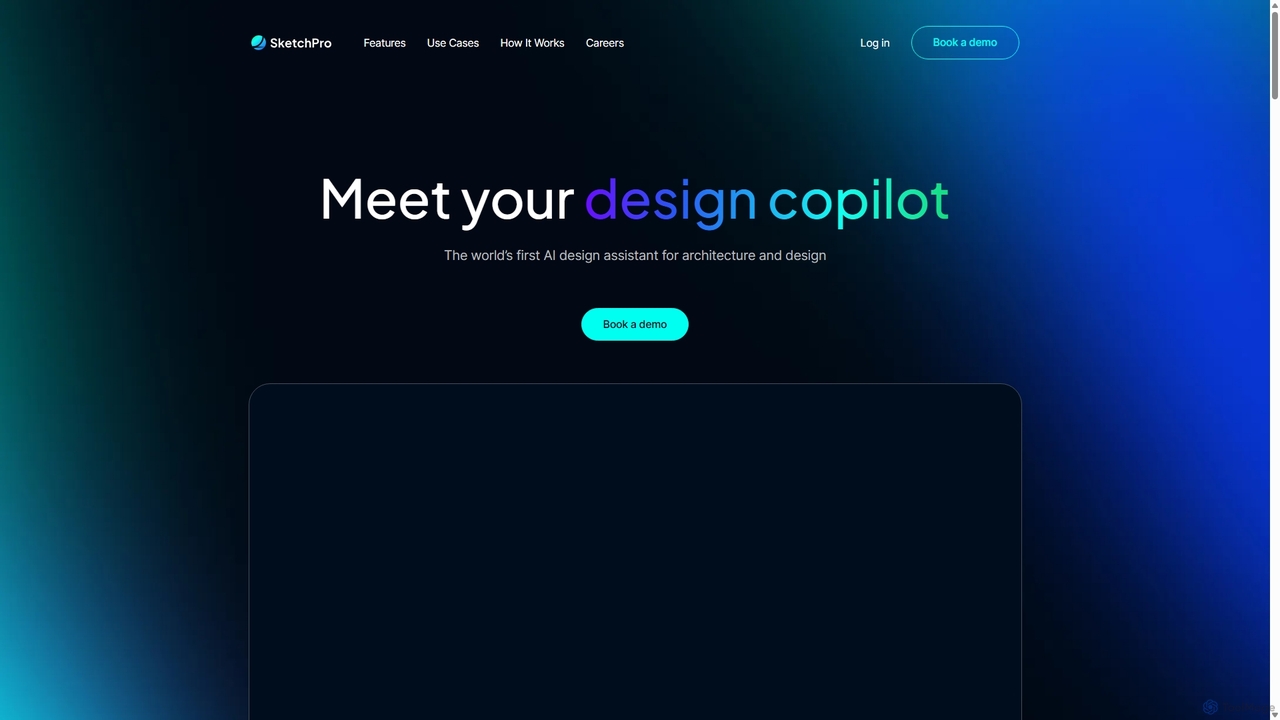
SketchPro
SketchPro is an AI-powered design copilot for architects, interior designers, and real estate developers. It transforms sketches, 3D models, or photos into high-quality, realistic renders in seconds. Users can apply style references, give text-based instructions for edits, and instantly change materials to accelerate their design workflow and visualize concepts with unprecedented speed and flexibility.
Architectural VisualizationVisualizeAI
VisualizeAI is an AI-powered design visualization tool that transforms sketches, images, and basic models into high-quality renders in seconds. It's designed for architects, interior designers, and product designers to rapidly prototype, generate inspiration, and re-imagine ideas with over 100 styles.
ArchitectureAi4spaces
Ai4spaces is an AI-powered platform for interior design, architecture, and home renovation. It transforms photos, sketches, or text prompts into stunning, photorealistic visualizations. Generate designs, create video walkthroughs, 360° panoramas, and upscale images, making it ideal for interior designers, architects, real estate agents, and homeowners.
Architecture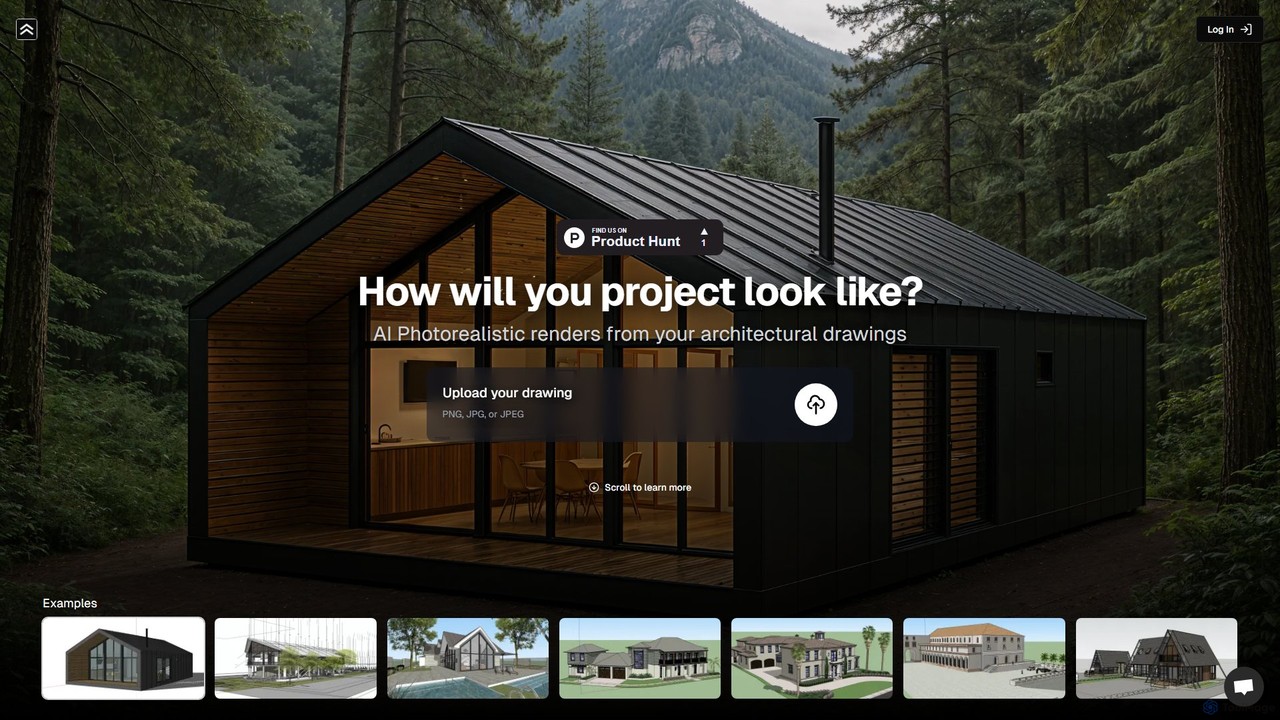
renderahouse
renderahouse is an AI-powered platform that transforms architectural drawings, sketches, and blueprints into stunning, photorealistic renders in seconds. It offers various environmental settings, accurate lighting, and material textures, making it ideal for architects and designers to visualize and present projects without complex software or long rendering times.
Architecture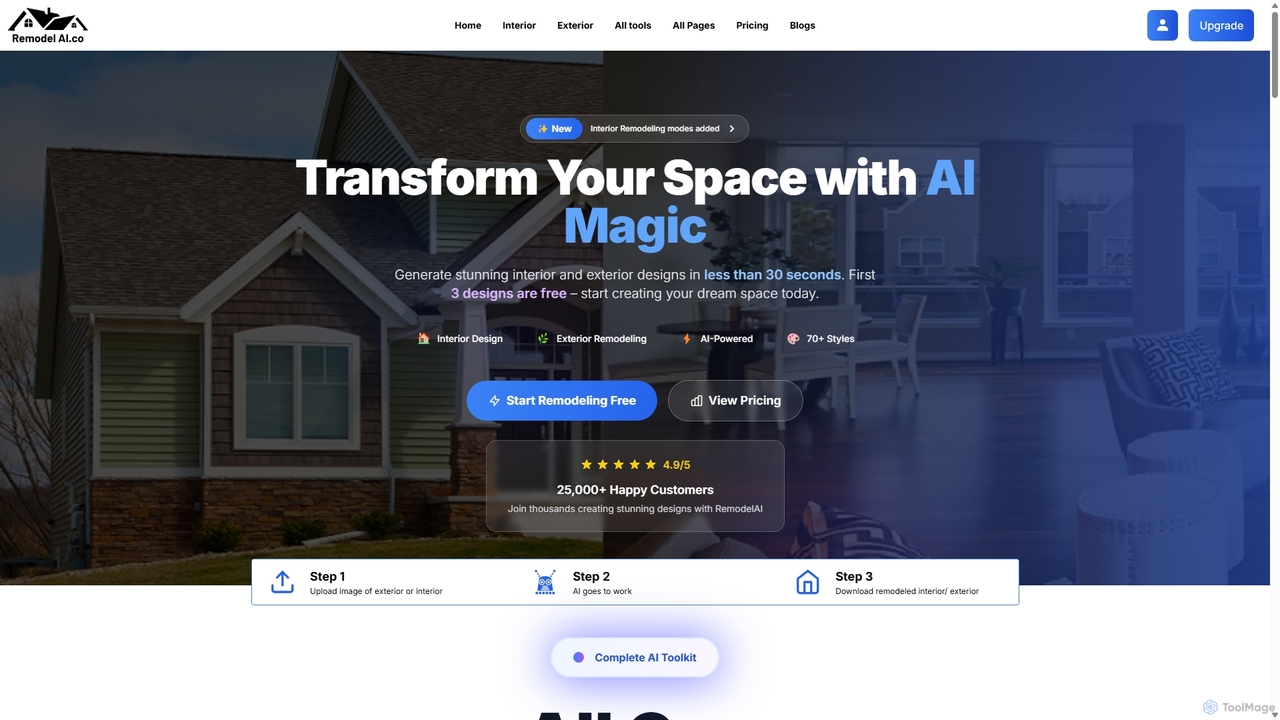
Remodel AI
Remodel AI is an AI-powered design platform that transforms home remodeling. Generate stunning interior and exterior designs, visualize architectural changes, and create landscape plans in under 30 seconds. With over 70 styles, it's perfect for homeowners, interior designers, and real estate agents to bring their vision to life effortlessly and affordably. Start with three free designs.
Architecture
Interior AI
Interior AI is a powerful AI-driven tool for interior design and virtual staging. It transforms photos of rooms, sketches, and SketchUp models into photorealistic renders in seconds. With over 50 design styles and multiple modes, it's perfect for interior designers, real estate agents, and homeowners looking to visualize new spaces effortlessly.
Interior Design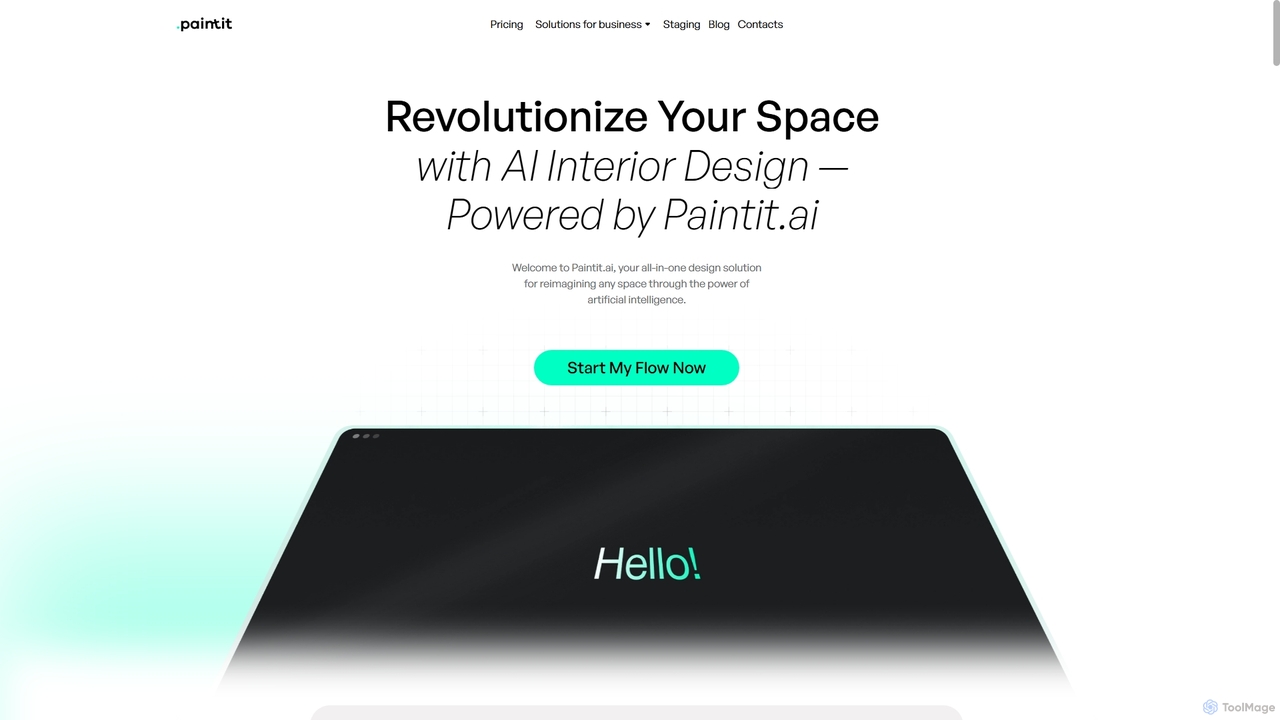
Paintit.ai
Paintit.ai is an AI-powered interior design and virtual staging platform that transforms room photos, sketches, or blueprints into photorealistic 3D visualizations. It enables users to experiment with various styles, furniture, and materials, generating complete room designs in minutes.
Interior Design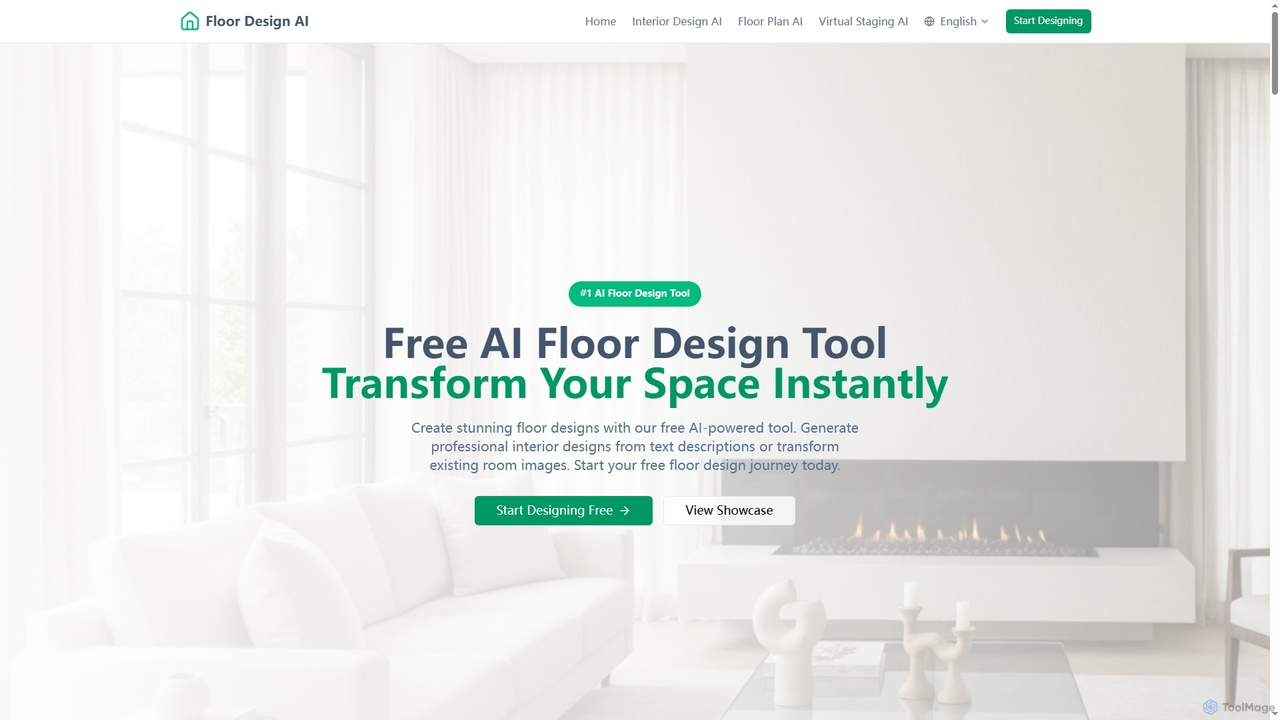
FloorDesign
FloorDesign is a comprehensive AI-powered platform offering free tools for floor design, interior design, floor plan generation, and virtual staging. It transforms spaces instantly from text descriptions or uploaded images, providing photorealistic renders and smart recommendations for various design styles. Ideal for homeowners, designers, and real estate professionals seeking quick, professional-grade visualizations.
Floor Planning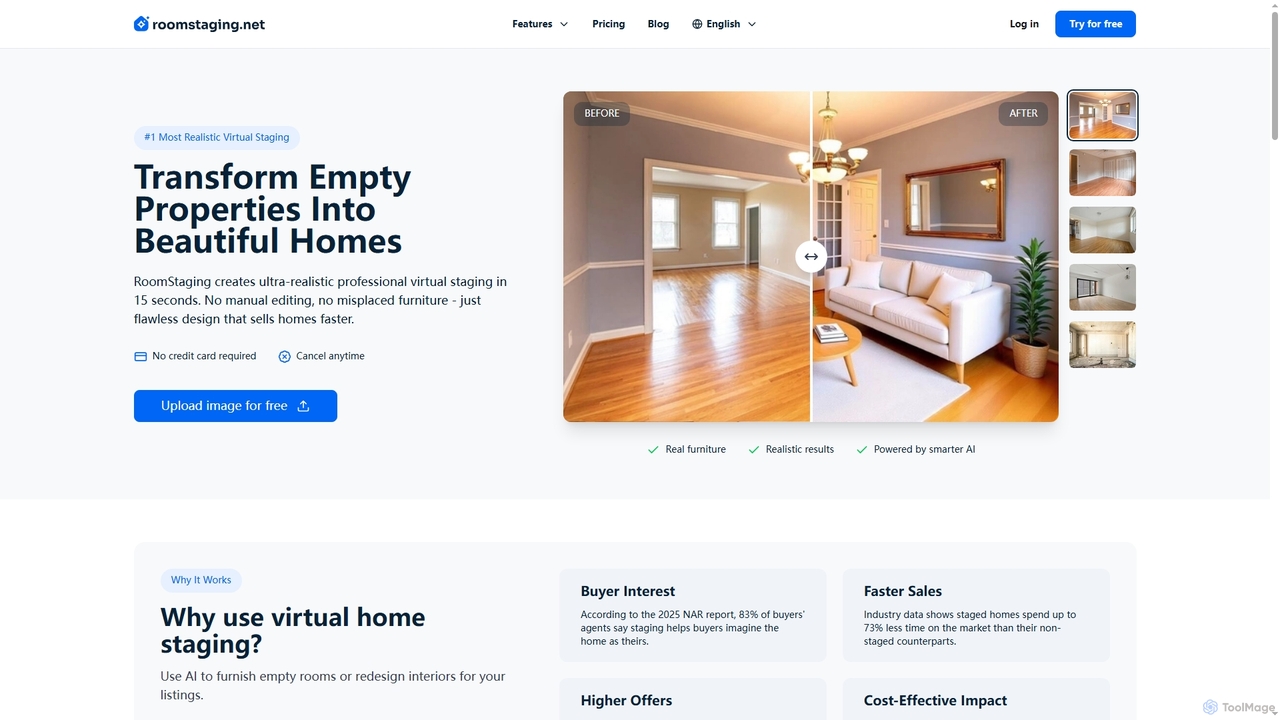
RoomStaging
RoomStaging is an AI-powered virtual home staging platform that transforms empty or outdated properties into beautifully furnished, photorealistic spaces in just 15 seconds. Designed for real estate professionals, it helps attract buyers, accelerate sales, and increase offer values by digitally enhancing property listings with realistic interior designs and furniture arrangements.
Interior Design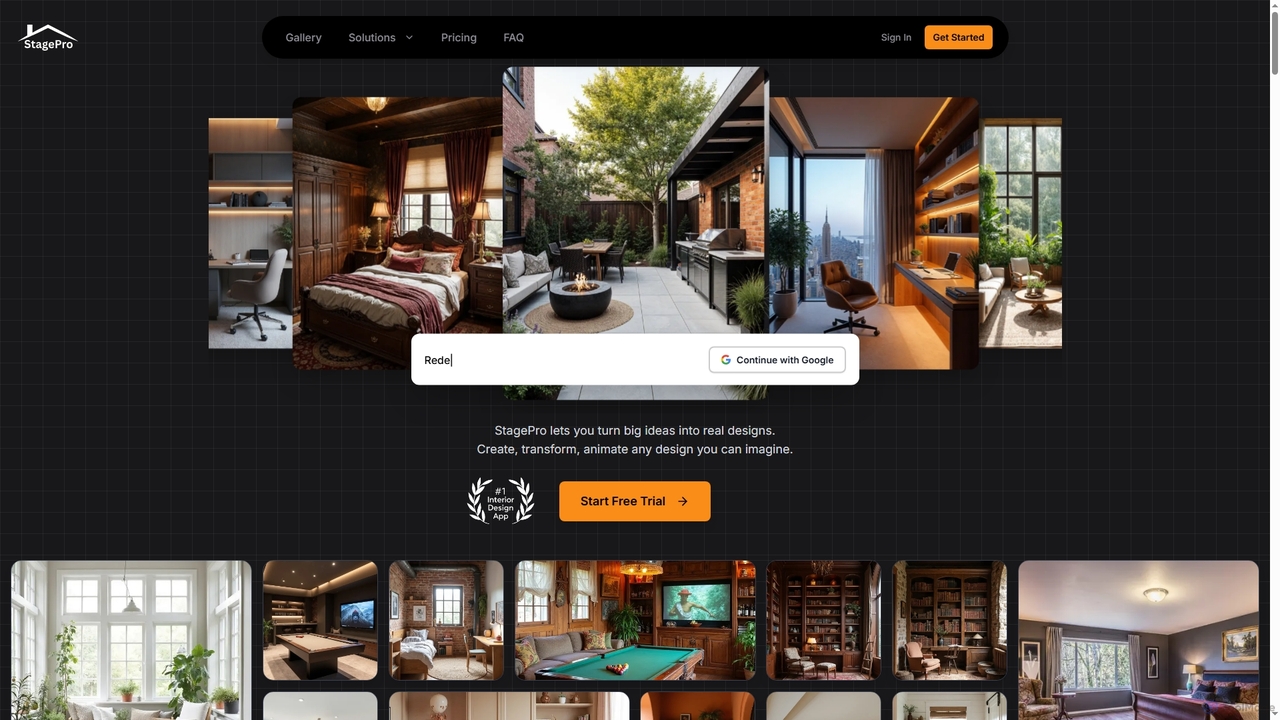
StagePro
StagePro is an advanced AI-powered interior and exterior design tool that transforms any space into photorealistic visualizations in seconds. It offers over 100 design styles, virtual staging, landscape planning, furniture try-on, and video generation, empowering real estate agents, designers, and homeowners to create stunning, market-ready visuals with ease.
Visualization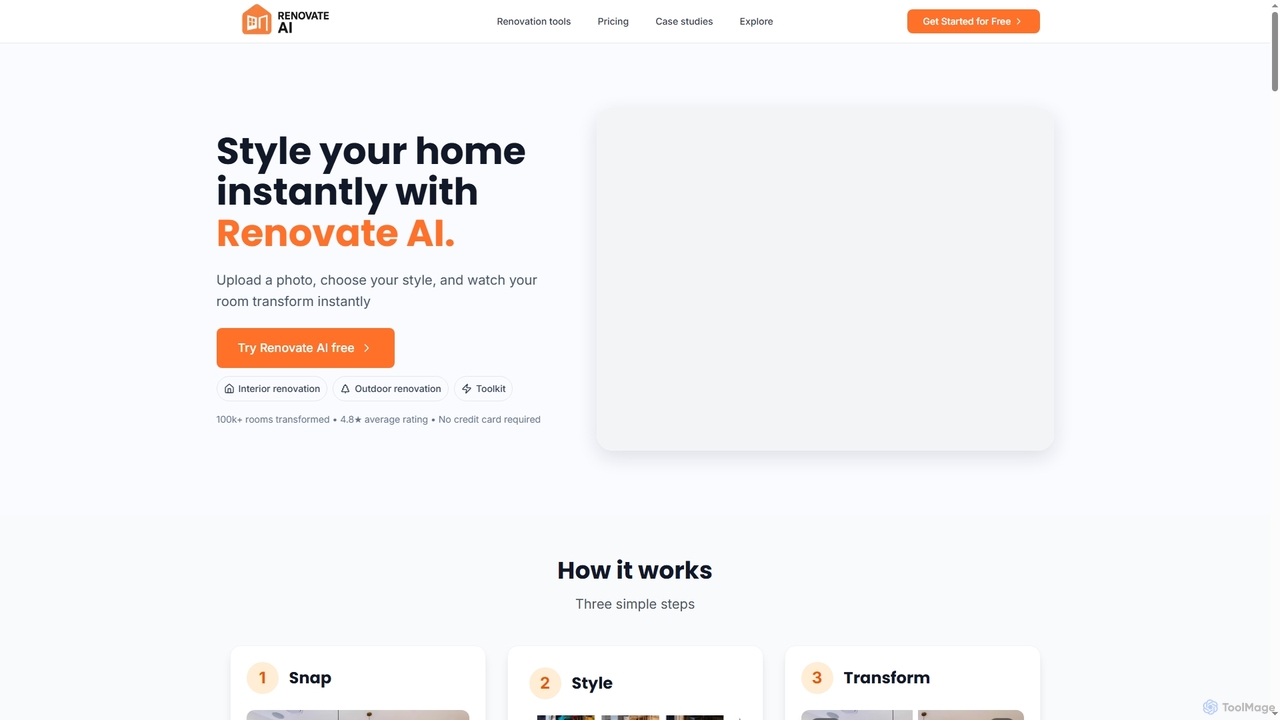
Renovate AI
Renovate AI is an innovative AI-powered tool that instantly transforms interior and exterior spaces. Users can upload a photo, select a design style, and visualize stunning renovations, virtual staging, and design concepts in seconds, making home improvement and property visualization effortless.
Architectural Visualization
ReRender AI Comments (0)
Sign in to comment.
Sign inNo comments yet.