

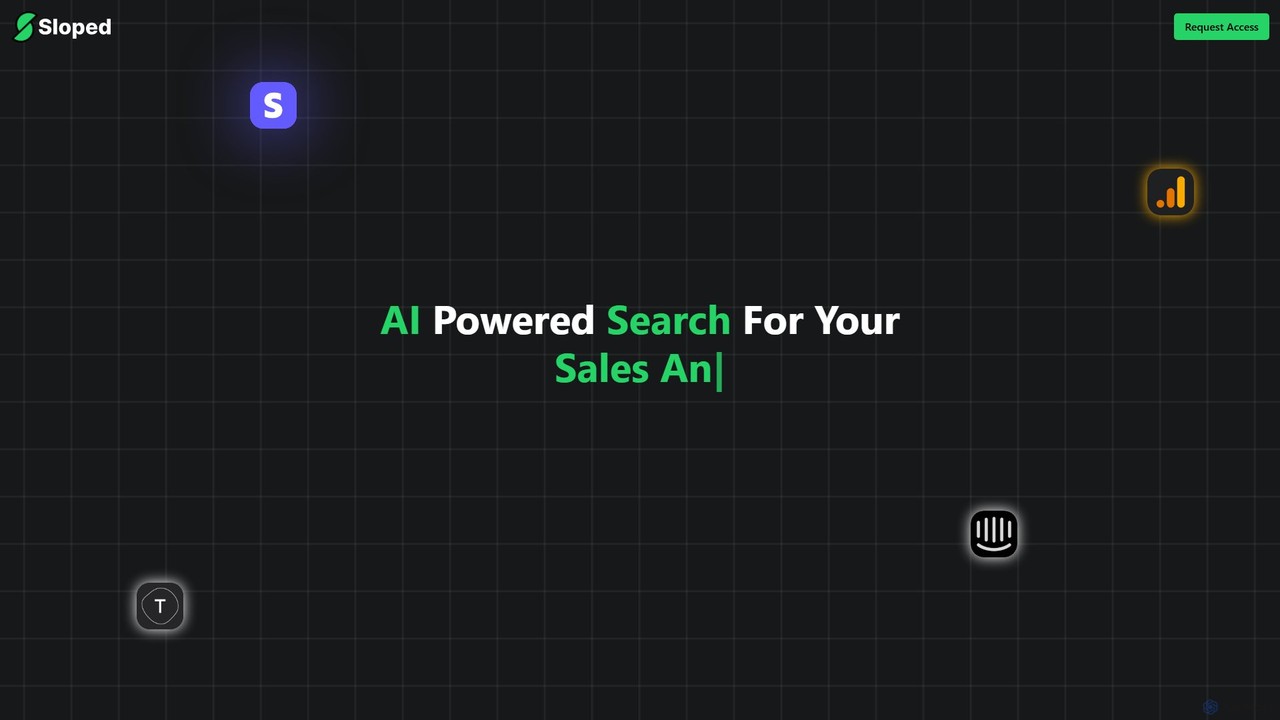
Sloped Overview
Sloped is a revolutionary AI-powered analytics platform designed to democratize data access for teams of all sizes. It fundamentally changes how businesses interact with their data by transforming complex data APIs into a simple, intuitive search bar. Instead of writing complicated API queries or relying on data analysts for every request, users can now ask questions in plain, natural language and receive immediate, actionable insights. This approach empowers everyone, from marketers and product managers to support agents and executives, to explore data effortlessly and make data-driven decisions with unprecedented speed and ease.
The core philosophy behind Sloped is to eliminate the technical barriers that often prevent non-technical team members from accessing valuable customer data. By connecting seamlessly with popular services like Google Analytics, Intercom, and Stripe, Sloped acts as a unified intelligence layer. It understands the user's intent behind a plain text query, automatically interacts with the relevant APIs in the background, and presents the findings in a clear, easily digestible format, often including charts and graphs for better visualization.
How to use Sloped
Using Sloped is designed to be a straightforward and intuitive process, enabling users to get from question to insight in just a few steps:
- Connect Your Data Sources: Begin by securely connecting your existing business applications to the Sloped platform. This is typically done through a simple authentication process (OAuth) or by providing API keys. The platform has built-in integrations for major services like Google Analytics, Stripe, and Intercom, and also offers the flexibility to connect to custom APIs.
- Ask Questions in the Search Bar: Once your data sources are connected, you can start exploring. Simply type your question into the search bar, just as you would in a web search engine. For example, you could ask, "What was our total revenue from new customers last month?" or "Show me the top 5 landing pages by session count from organic traffic in the last 30 days."
- Receive Instant AI-Powered Answers: Sloped's AI engine instantly processes your natural language query. It identifies the key entities, metrics, and timeframes, determines which API(s) to call, and retrieves the necessary data. The answer is then presented back to you in a user-friendly format, which could be a single metric, a table of data, or a visual chart (e.g., a line graph showing trends).
- Explore and Refine: The initial answer is often just the starting point. You can refine your query to dig deeper, ask follow-up questions, or click on data points within the visualizations to get more granular information, facilitating a conversational and exploratory approach to data analysis.
Core Features of Sloped
- AI-Powered Natural Language Search: The platform's core is its ability to understand and process queries written in plain English, eliminating the need for SQL or specific query syntax.
- Seamless API Integration: Offers out-of-the-box integrations with key business tools like Google Analytics, Intercom, and Stripe, with the capability to connect to custom internal APIs.
- Automated Data Visualization: Automatically generates appropriate charts, graphs, and tables to best represent the data, making insights easy to understand at a glance.
- Unified Data Exploration: Query data from multiple sources through a single interface, providing a holistic view of your business performance without switching between tabs and tools.
- Effortless Insight Generation: Moves beyond simple data retrieval by helping users uncover trends, patterns, and correlations they might not have thought to look for.
- Secure and Scalable: Built with enterprise-grade security to ensure your data is always protected, and designed to scale with your company's growing data needs.
Use Cases for Sloped
Sloped is versatile and can be used by various teams within an organization:
- Marketing Teams: Can track campaign performance by asking, "Compare the conversion rates of our Google Ads and Facebook Ads campaigns for Q2."
- Sales Teams: Can monitor revenue and customer trends with queries like, "List all new subscriptions from the US with a value over $200 this month."
- Product Teams: Can understand user behavior by asking, "How many active users engaged with the new dashboard feature last week?"
- Customer Support Teams: Can analyze support metrics by querying, "What is the average response time for high-priority tickets in Intercom over the past 7 days?"
- Leadership & Executives: Can get a high-level overview of business health with questions like, "What is our monthly recurring revenue trend for the last year?"
Advantages of Sloped
The primary advantage of Sloped is its ability to make data accessible to everyone, regardless of their technical expertise. This leads to a more agile and informed organization. Key benefits include a significant reduction in the time it takes to get answers from data, the empowerment of non-technical users to self-serve their data needs, and the freeing up of data analysts and engineers from handling routine ad-hoc requests to focus on more strategic initiatives. By providing a single, intuitive interface for all data queries, Sloped breaks down data silos and fosters a stronger data-driven culture throughout the company.
Pricing and Plans
Currently, Sloped is available via a "Request Access" model. There is no public pricing information available on their website, which suggests a focus on early-access partners or enterprise clients. Pricing is likely customized based on factors such as the number of users, the volume of queries, and the specific data source integrations required. To get detailed pricing information and a potential demo, interested parties should contact the Sloped team directly through their website.
Sloped Alternatives

QueryHub
QueryHub is an AI-powered business intelligence platform that allows users to query their data using natural language. Connect to various data sources, ask complex questions in plain English, and instantly receive answers, visualizations, and reports. It democratizes data analysis, making it accessible to non-technical team members.
Business Intelligence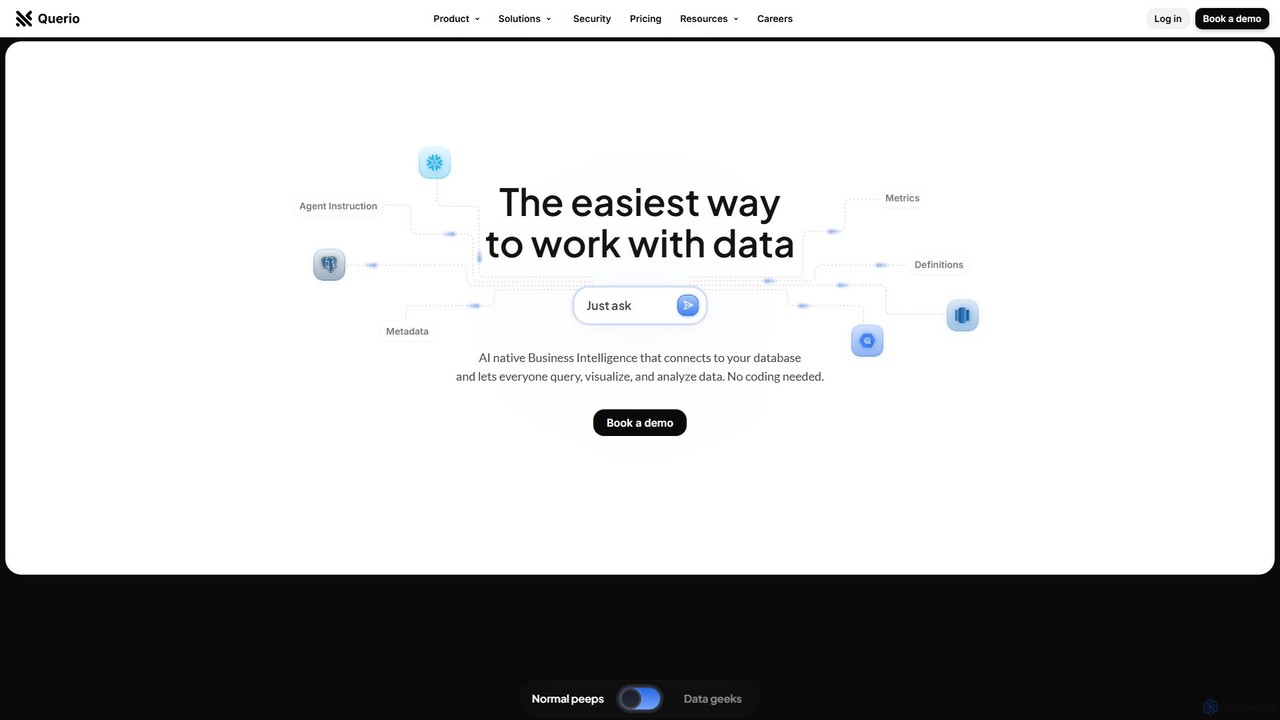
Querio
Querio is an AI-native Business Intelligence (BI) platform that allows teams to analyze their data using natural language. Connect directly to your database and ask questions to generate queries, visualizations, and reports without writing any code. It's designed for both technical and non-technical users to make data-driven decisions quickly.
Business Intelligence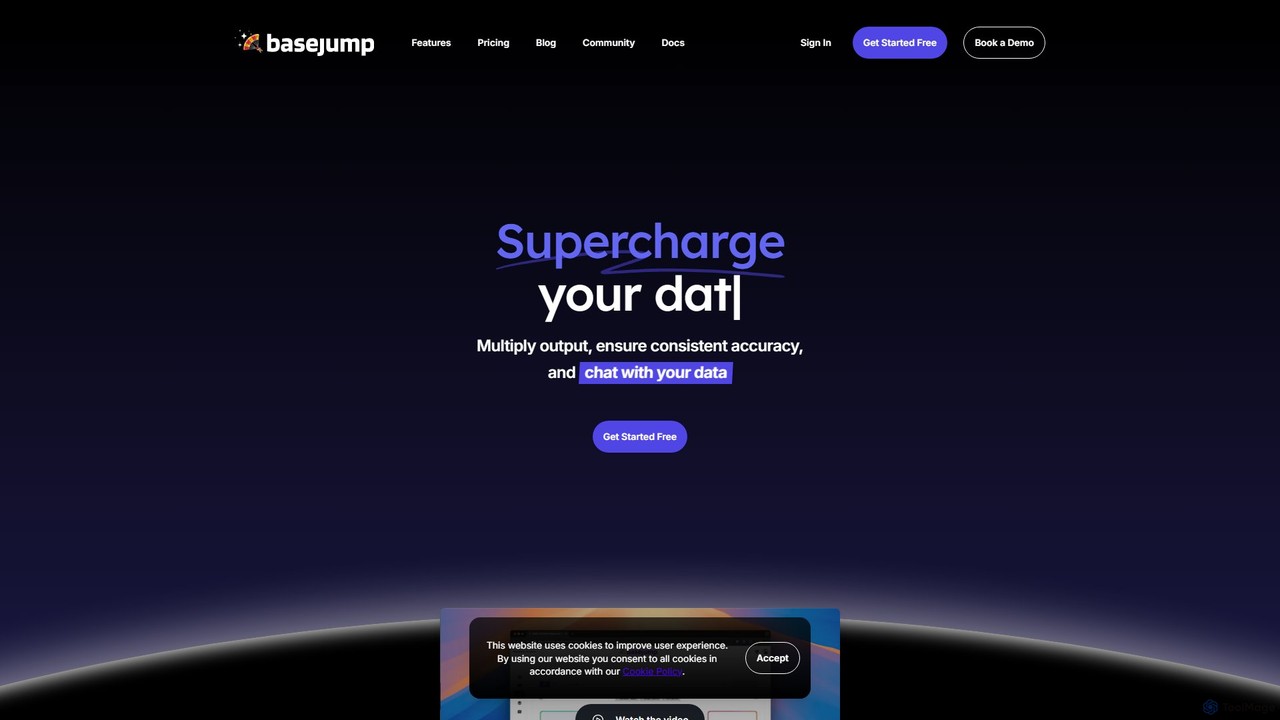
Basejump AI
Basejump AI is a conversational AI data analytics platform that enables teams to query databases and gain insights using natural language. It translates everyday questions into SQL queries, providing fast, accurate, and auditable data without the need for complex dashboards or coding skills.
Business Intelligence
prisms.ai
Prisms.ai is an AI-powered data analytics and visualization platform that transforms complex data into clear, interactive dashboards. It allows users to ask questions in natural language and receive instant, AI-generated insights, charts, and reports, making data-driven decision-making accessible to everyone in an organization.
Business Intelligence
insyte
insyte is an AI-powered business intelligence platform that transforms complex data into clear, actionable insights. Ask questions in natural language, create interactive dashboards, and uncover hidden trends to drive business growth without needing a data scientist.
Business IntelligenceSloped Categories
Sloped Embed Widget
Copy this embed code to place the badge on your blog, article, or product site and send readers directly to this ToolMage detail page.

Related AI tools
Onvo AI
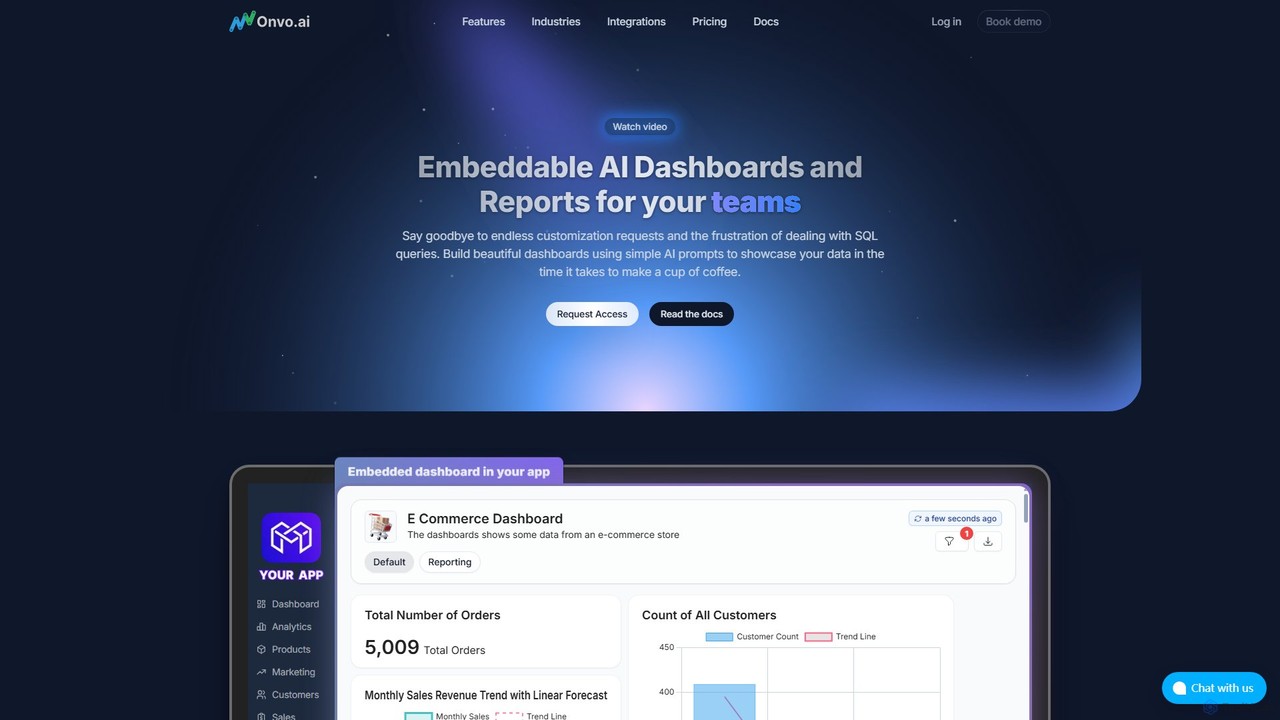
Onvo AI is a powerful platform for building and embedding AI-driven dashboards and reports directly into your applications. It replaces complex SQL queries with simple natural language prompts, allowing both technical and non-technical users to create stunning data visualizations effortlessly. This solution saves significant engineering resources and empowers your teams and customers with secure, self-service analytics.
Business Intelligence
Jyek
Jyek is an AI agent platform that understands objectives, creates execution plans, uses tools, and delivers verifiable results for complex, multi-step tasks.
AutomationQueryHub
QueryHub is an AI-powered business intelligence platform that allows users to query their data using natural language. Connect to various data sources, ask complex questions in plain English, and instantly receive answers, visualizations, and reports. It democratizes data analysis, making it accessible to non-technical team members.
Business Intelligence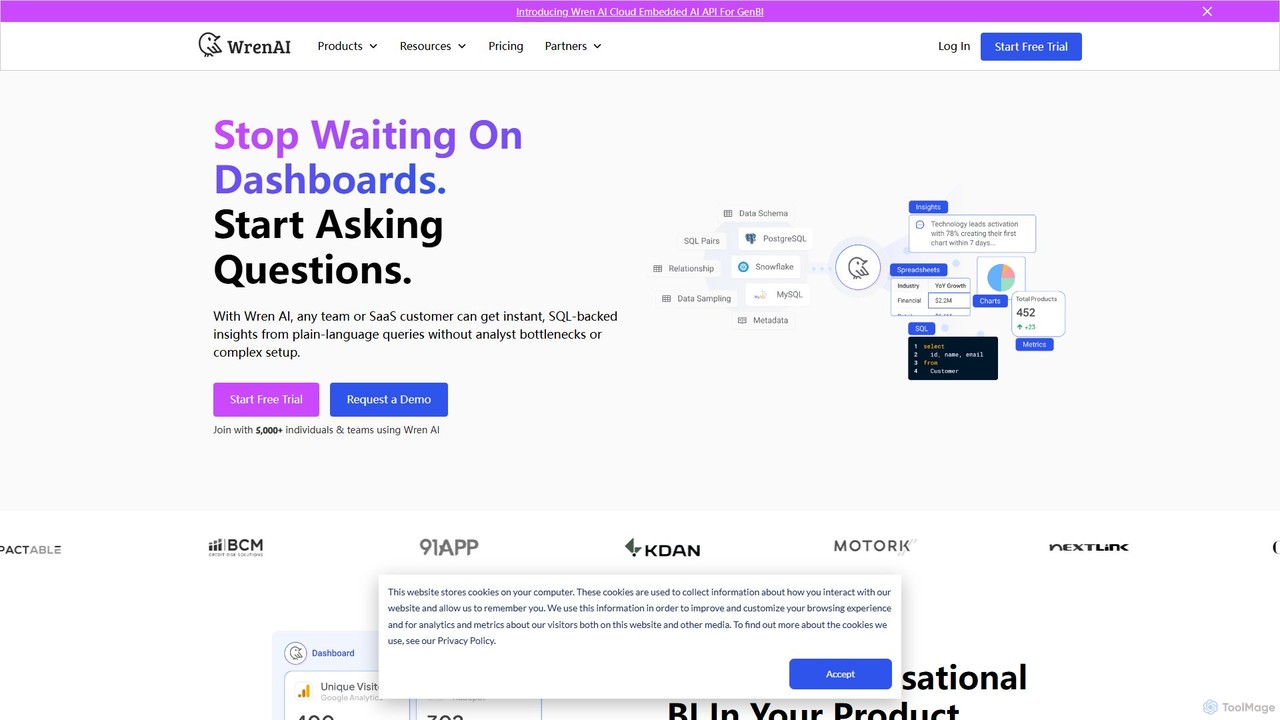
Wren AI
Wren AI is a Generative Business Intelligence (GenBI) platform that transforms natural language questions into SQL, charts, and summaries. It empowers business, product, and customer success teams to get instant data insights without coding. It also offers an embeddable API for SaaS platforms to provide white-label conversational analytics to their own customers.
Business Intelligence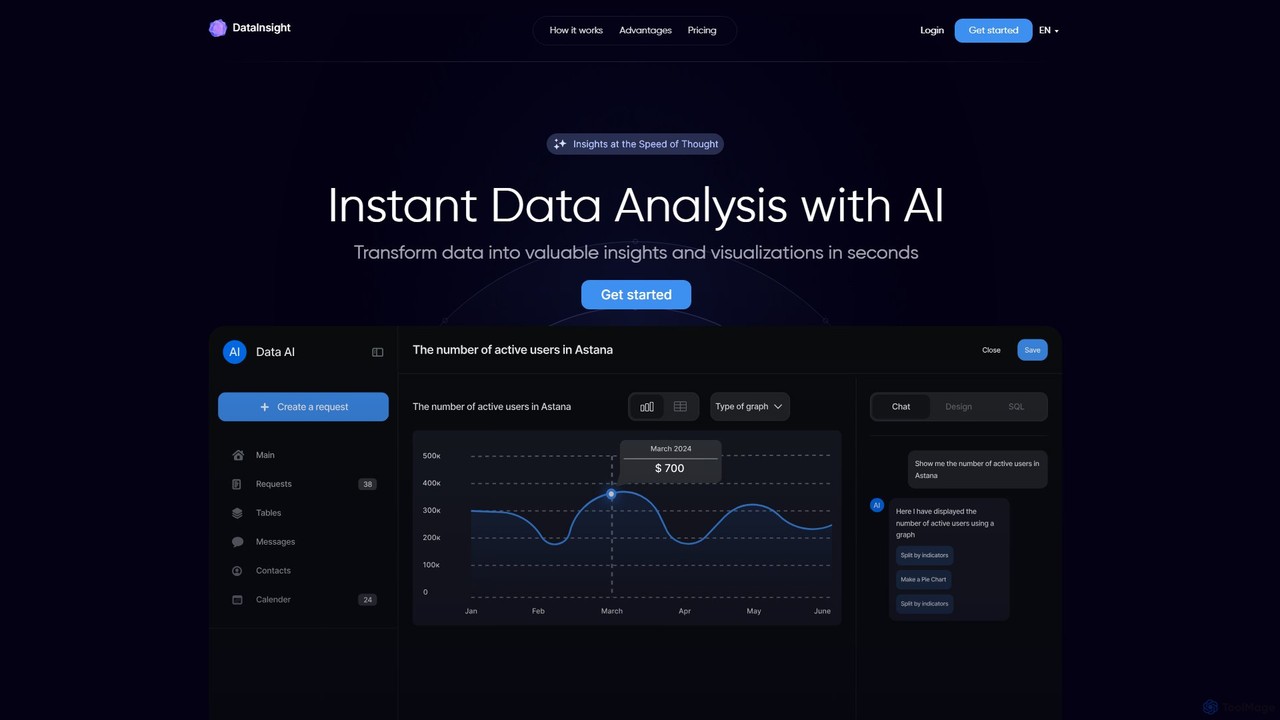
DataInsight
DataInsight is an AI-powered platform that transforms your business data into actionable insights and visualizations in seconds. Connect your databases like Postgres, MySQL, and BigQuery, and ask questions in plain English to receive instant answers. Generate custom graphs and tables, export reports, and replace the need for multiple analytics tools or a dedicated data analyst. It's a fast, secure, and cost-effective solution for data-driven decision-making.
Business Intelligence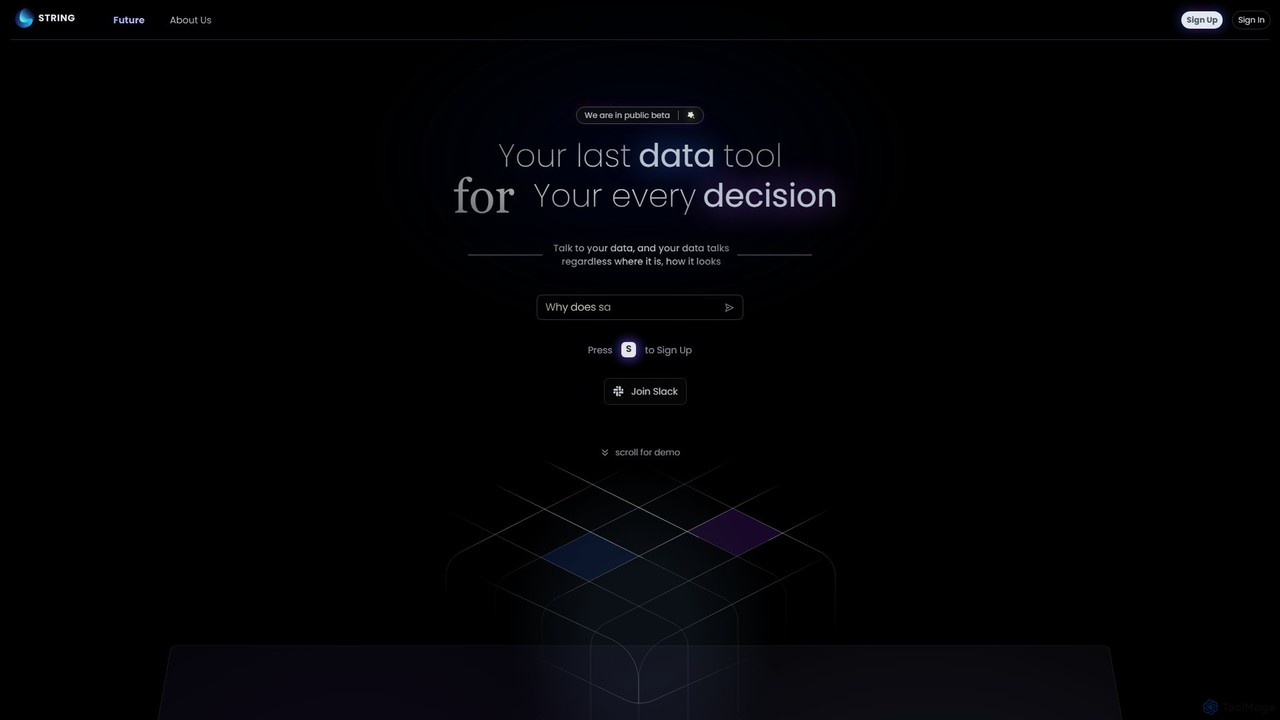
STRING
STRING is an AGI-powered data analytics platform that allows you to talk to your data. It unifies structured and unstructured data sources, enabling users to ask complex questions in natural language and receive instant, intelligent insights. It's designed to be the last data tool you'll ever need.
Data Management
alta
alta is an AI-powered business intelligence platform that transforms complex data into clear, actionable insights. Ask questions in natural language, get instant visualizations, and uncover future trends without writing a single line of code. It's data analysis, democratized for your entire team.
Data AnalysisQuerio
Querio is an AI-native Business Intelligence (BI) platform that allows teams to analyze their data using natural language. Connect directly to your database and ask questions to generate queries, visualizations, and reports without writing any code. It's designed for both technical and non-technical users to make data-driven decisions quickly.
Business IntelligenceBasejump AI
Basejump AI is a conversational AI data analytics platform that enables teams to query databases and gain insights using natural language. It translates everyday questions into SQL queries, providing fast, accurate, and auditable data without the need for complex dashboards or coding skills.
Business Intelligenceprisms.ai
Prisms.ai is an AI-powered data analytics and visualization platform that transforms complex data into clear, interactive dashboards. It allows users to ask questions in natural language and receive instant, AI-generated insights, charts, and reports, making data-driven decision-making accessible to everyone in an organization.
Business Intelligenceinsyte
insyte is an AI-powered business intelligence platform that transforms complex data into clear, actionable insights. Ask questions in natural language, create interactive dashboards, and uncover hidden trends to drive business growth without needing a data scientist.
Business Intelligence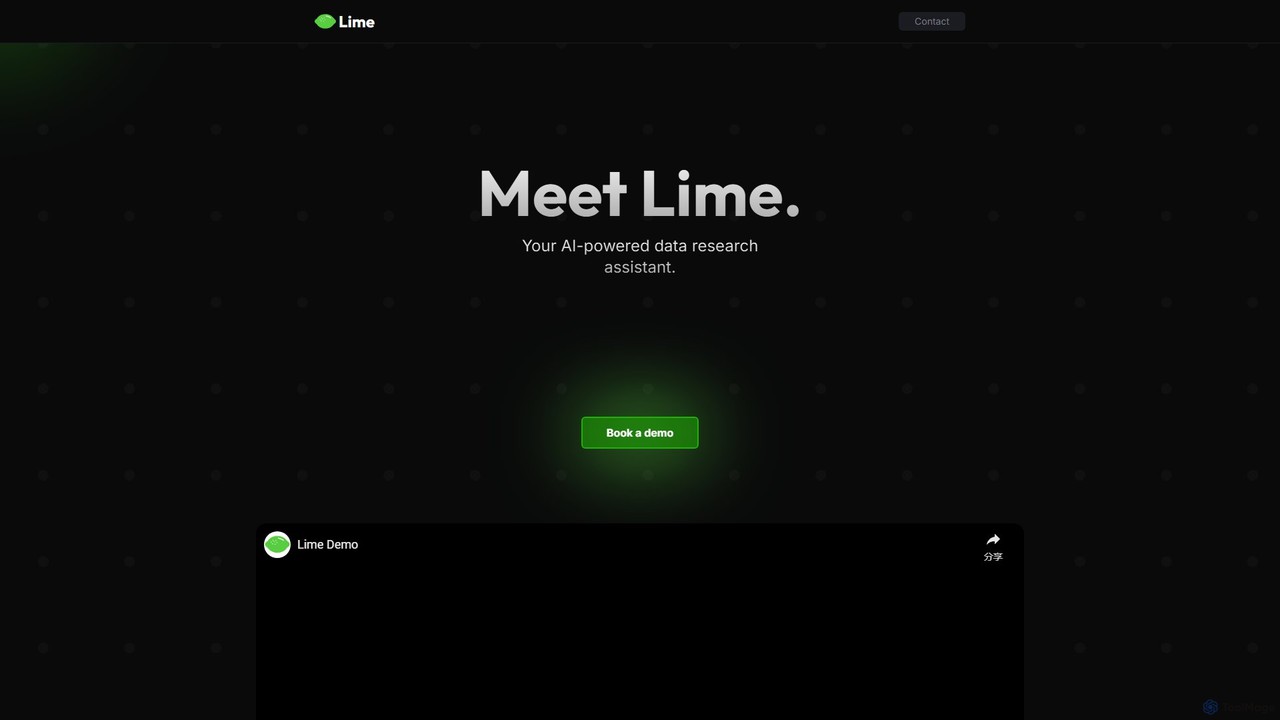
datalimeai
datalimeai is an AI-powered data research assistant that simplifies complex data analysis. It allows users to ask questions in natural language, automates data collection and visualization, and generates insightful reports to accelerate business intelligence and decision-making.
Business Intelligence
Microsoft Power BI
Microsoft Power BI is a leading business analytics and data visualization platform that empowers users to connect to, model, and visualize their data. It leverages AI-powered features like natural language Q&A and automated insights to uncover hidden patterns, create interactive reports and dashboards, and facilitate data-driven decision-making across an organization.
Business Intelligence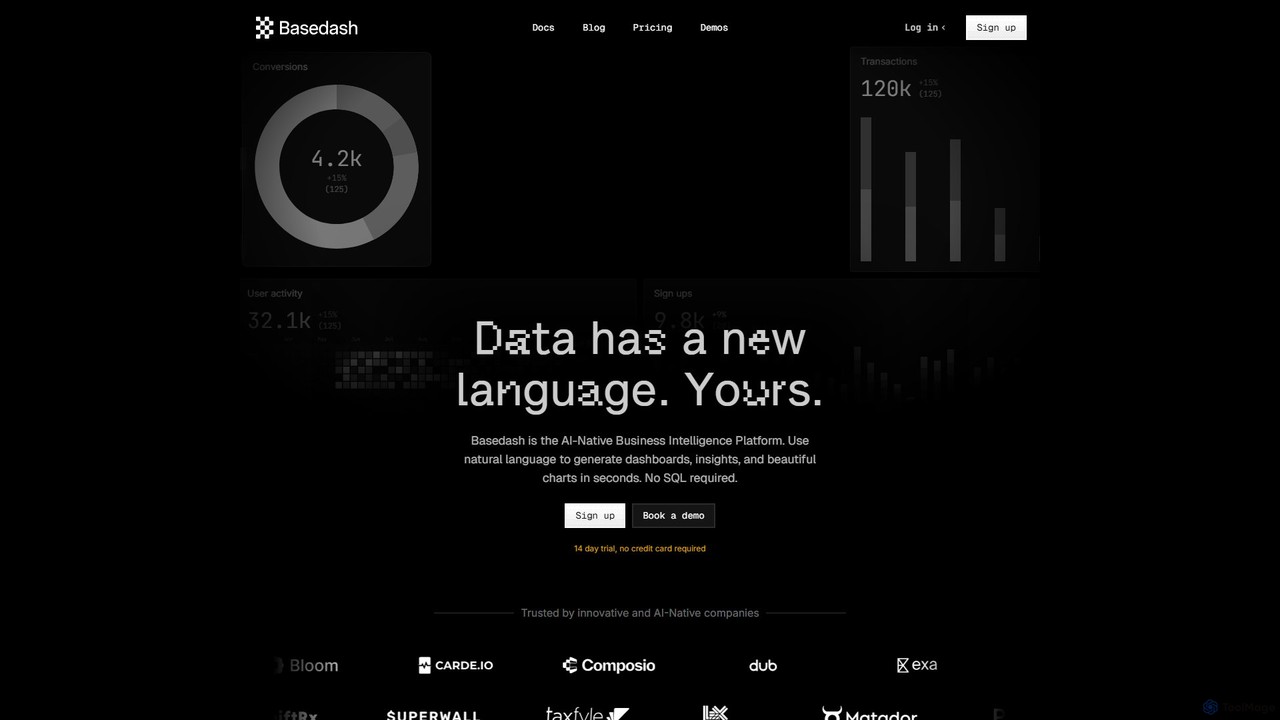
Basedash
Basedash is an AI-native business intelligence platform that allows teams to interact with their data using natural language. Generate beautiful dashboards, charts, and insights in seconds without writing any SQL code. Connect your data sources and simply ask questions to get answers.
Business Intelligence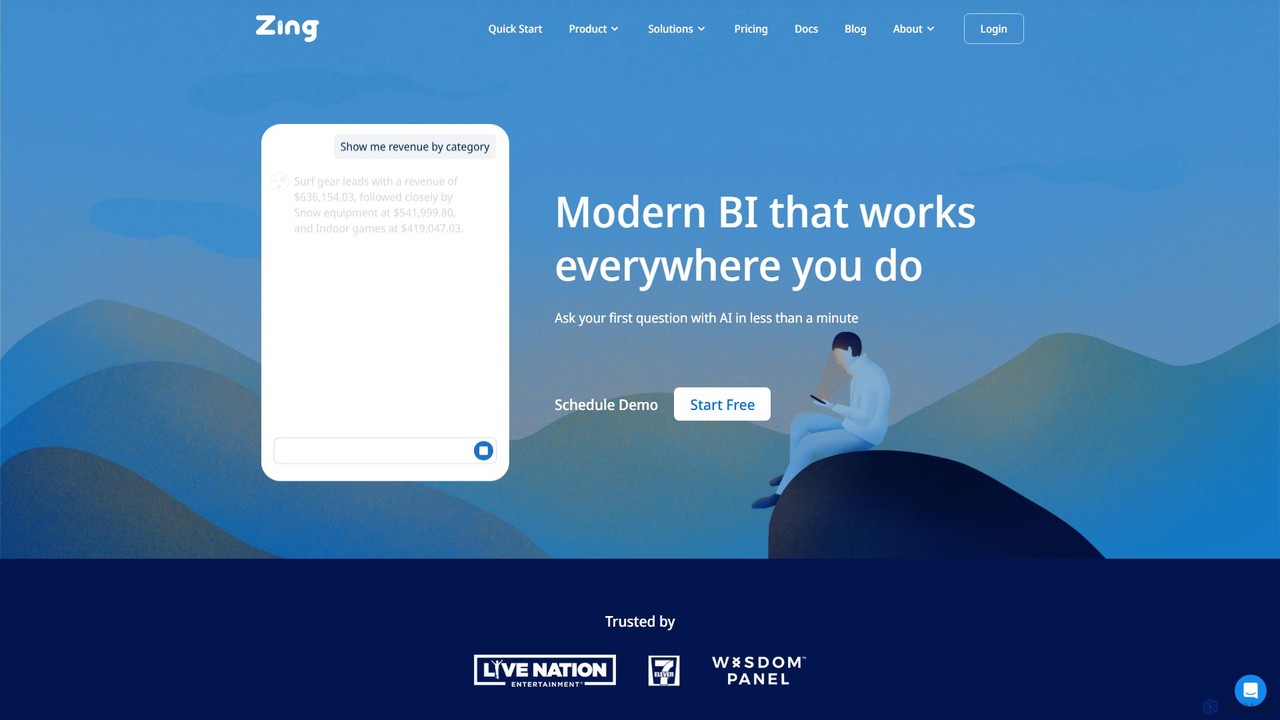
Zing Data
Zing Data is a GenAI-powered business intelligence (BI) platform that enables users to query data using natural language. It works across web and mobile, connecting to various data sources to create interactive visualizations and real-time alerts without complex data modeling, making data analysis accessible to everyone.
Business Intelligence
Sloped Comments (0)
Sign in to comment.
Sign inNo comments yet.