

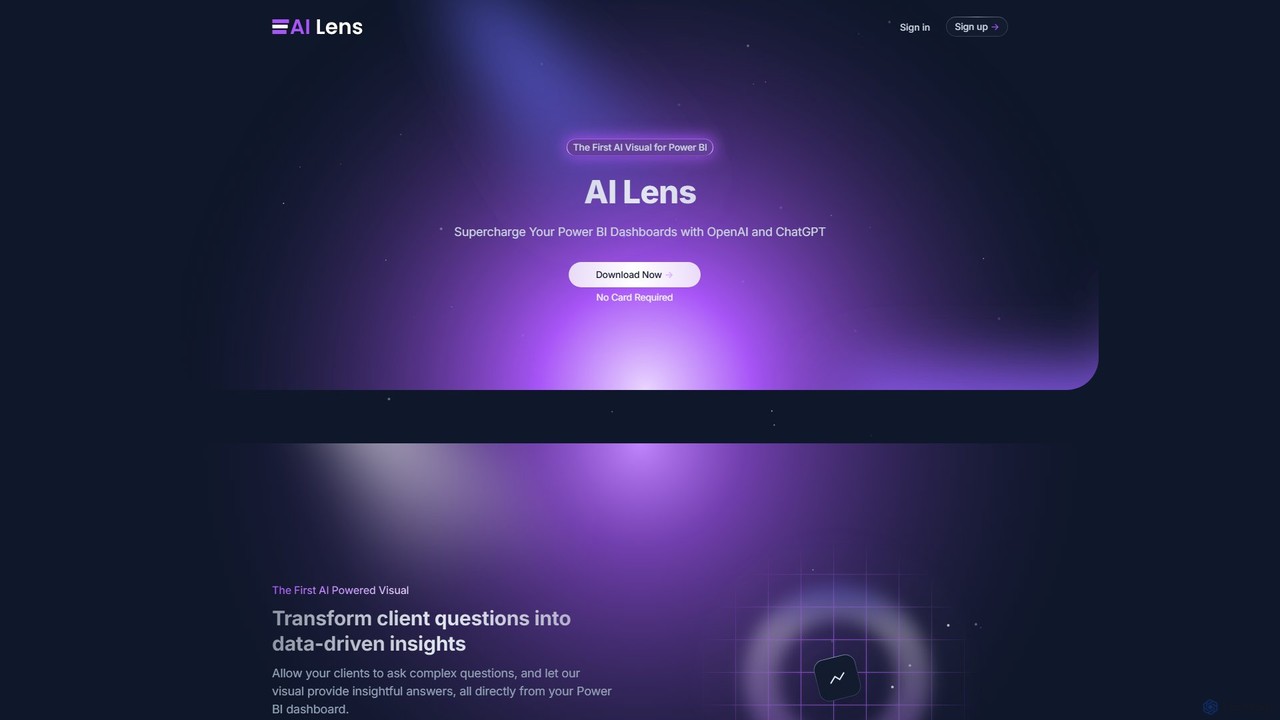
AI Lens For Power BI Overview
AI Lens For Power BI is a revolutionary custom visual that integrates the power of large language models, like OpenAI's ChatGPT, directly into the Microsoft Power BI environment. It serves as the first dedicated AI visual for the platform, designed to supercharge dashboards by transforming them from static reports into dynamic, conversational analytics tools. Instead of relying on complex filters or DAX queries, users can simply ask questions in plain English (or other natural languages) and receive immediate, insightful answers derived from their own data. This democratizes data analysis, allowing non-technical stakeholders, executives, and clients to self-serve their data needs effortlessly.
The core philosophy of AI Lens is to make data-driven decision-making easier and more intuitive. It bridges the gap between complex datasets and actionable insights, providing a human-like interaction layer on top of your reports. The visual is designed with security and privacy as a top priority, ensuring that your data is never stored, logged, or used for model training, giving you full control and peace of mind.
How to use AI Lens For Power BI
Using AI Lens is a straightforward process designed for seamless integration into any Power BI project:
- Download and Install: First, download the AI Lens visual from the official source and add it to your Power BI visuals pane.
- Integrate into Report: Drag and drop the AI Lens visual onto your Power BI report canvas, just like any other visual element.
- Assign Data: Select the visual and assign the relevant data fields from your dataset that you want the AI to analyze. You have granular control over which data sources the visual can access.
- Configure and License: In the format settings of the visual, you will need to enter your AI Lens license key to activate its full capabilities.
- Customize Appearance: Tailor the visual's aesthetics to match your brand. You can customize colors, icons, and the initial welcome message for a cohesive and professional look.
- Start Querying: Once set up, users can immediately start interacting with the dashboard by typing questions into the AI Lens interface to explore the data and uncover insights.
Core Features of AI Lens For Power BI
- Natural Language Conversations: Ask complex questions in everyday language and receive clear, data-driven answers. Eliminates the need for technical query languages.
- Seamless Power BI Integration: Functions as a native-like custom visual that can be easily added and configured within any Power BI report.
- Real-Time Analysis: The visual dynamically interacts with your live, up-to-date data sources, ensuring that the insights provided are always relevant and timely.
- High Customizability: Offers extensive customization options for colors, icons, and welcome messages to align with your company's branding and report design.
- Granular Data Control: Allows report creators to specify exactly which data tables and columns the AI can access, ensuring data governance and privacy.
- Enterprise-Grade Security: Built with a strong commitment to data privacy. AI Lens does not store, log, or monitor your data. It leverages OpenAI's secure API in alignment with their enterprise privacy policies.
Use Cases for AI Lens For Power BI
AI Lens is versatile and can be applied across various business functions:
- Executive Dashboards: C-level executives can ask high-level questions like, "What was our profit margin by region last quarter?" or "Show me the sales trend for our top product over the past year" without needing an analyst.
- Sales and Marketing Analysis: Sales teams can quickly identify top-performing representatives or regions, while marketing teams can query campaign effectiveness by asking, "Compare the conversion rates of our recent email and social media campaigns."
- Client-Facing Reports: Empower your clients with interactive dashboards where they can explore their own data and find answers to their questions, reducing support requests and increasing client satisfaction.
- Operational Intelligence: Operations managers can monitor KPIs by asking questions like, "Which production line had the most downtime yesterday?" or "What is the average order fulfillment time this month?"
Advantages of AI Lens For Power BI
The primary advantage of AI Lens is its ability to democratize data. It empowers all users, regardless of their technical expertise, to engage with data directly. This leads to faster decision-making, increased efficiency, and a more data-literate culture within an organization. By transforming dashboards into interactive experiences, it significantly enhances the value and usability of your Power BI reports. Furthermore, its strong focus on security and customizability makes it a trustworthy and professional solution for any business.
Pricing and Plans
AI Lens For Power BI is a premium, licensed product. To use the visual, you need to purchase a license key and apply it in the format settings within Power BI. While a download may be available for trial purposes, full functionality requires a valid license. For detailed information on pricing, plans, and how to purchase a license, please visit the official lensvisual.io website.
Traffic
Latest traffic
Status
Monthly traffic trend
- 2025-9: 2.5K
- 2026-1: 2.9K
- 2026-2: 1.7K
- 2026-3: 1.3K
- 2026-4: 1.4K
- 2026-5: 1.0K
Geography
Top 5 countries / regions
- 🇺🇸United States64.4%
- 🇮🇳India18.7%
- 🇲🇽Mexico16.9%
Top keywords
| Keyword | Cost per click |
|---|---|
| ai lens | $1.29 |
| lens ai | $0.79 |
| power bi ai | $1.07 |
| powerbi ai | $0.00 |
| scope lens ai | $0.00 |
AI Lens For Power BI Alternatives
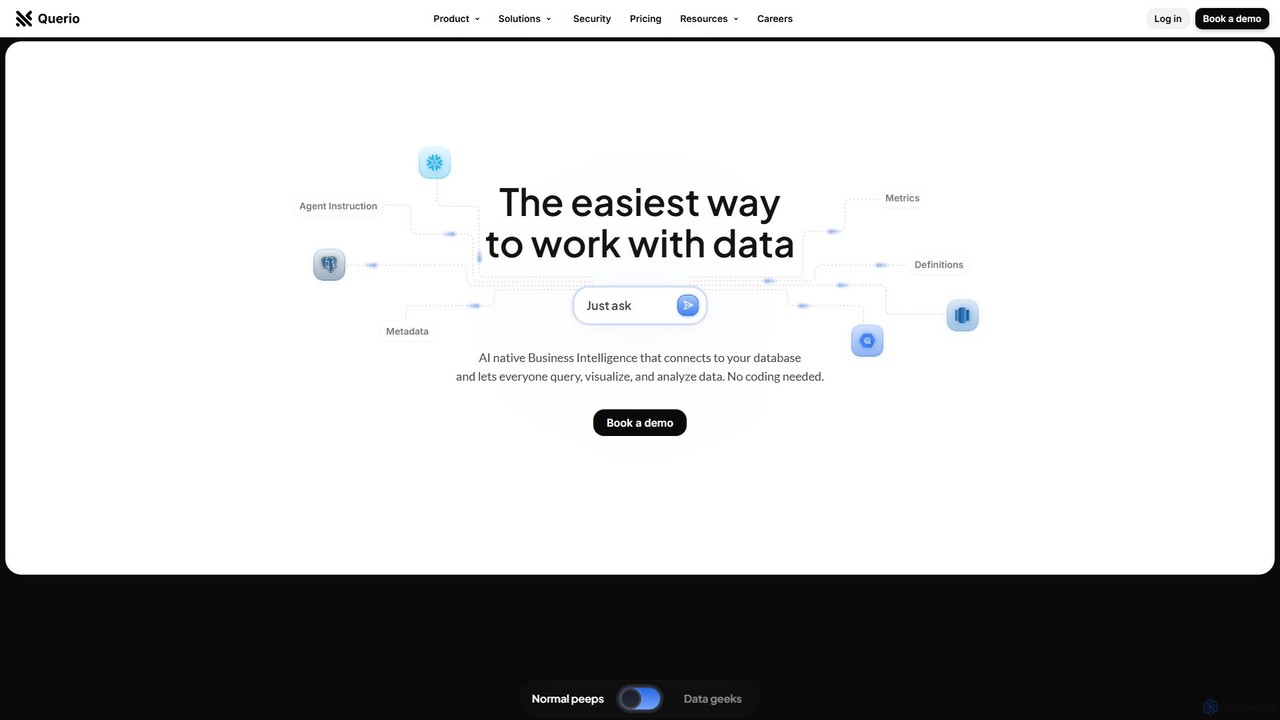
Querio
Querio is an AI-native Business Intelligence (BI) platform that allows teams to analyze their data using natural language. Connect directly to your database and ask questions to generate queries, visualizations, and reports without writing any code. It's designed for both technical and non-technical users to make data-driven decisions quickly.
Business Intelligence
prisms.ai
Prisms.ai is an AI-powered data analytics and visualization platform that transforms complex data into clear, interactive dashboards. It allows users to ask questions in natural language and receive instant, AI-generated insights, charts, and reports, making data-driven decision-making accessible to everyone in an organization.
Business Intelligence
insyte
insyte is an AI-powered business intelligence platform that transforms complex data into clear, actionable insights. Ask questions in natural language, create interactive dashboards, and uncover hidden trends to drive business growth without needing a data scientist.
Business Intelligence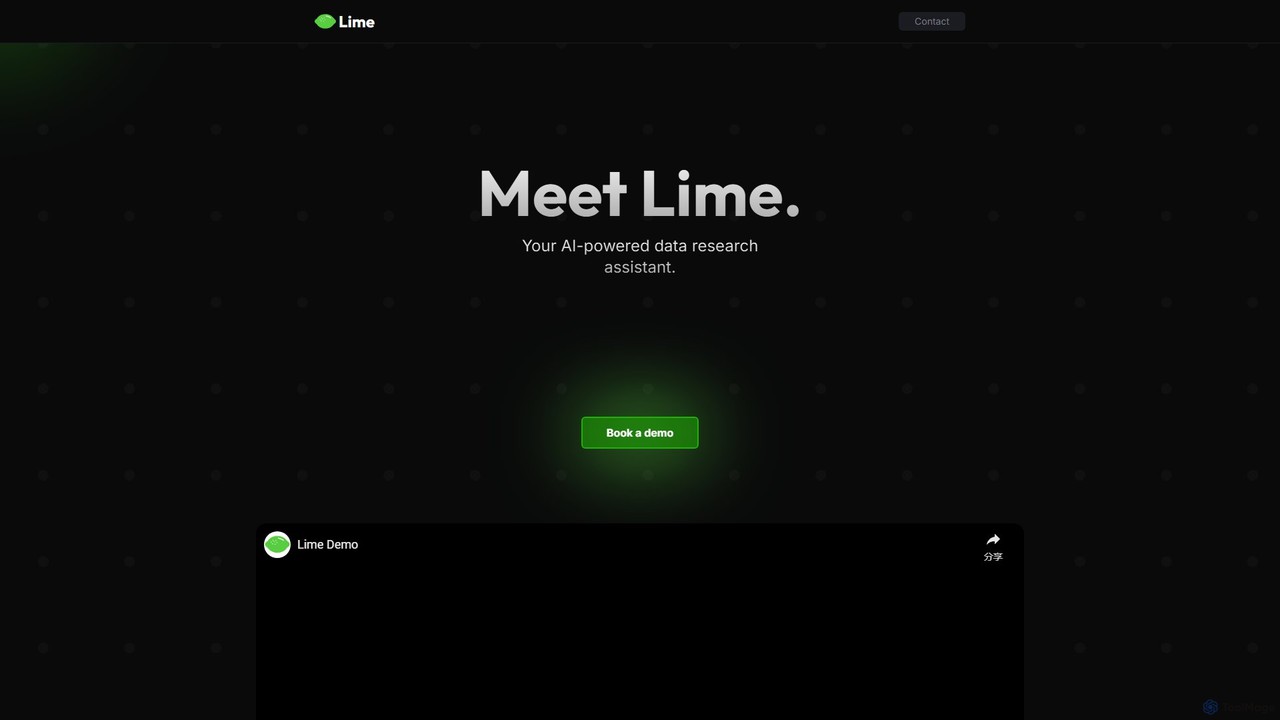
datalimeai
datalimeai is an AI-powered data research assistant that simplifies complex data analysis. It allows users to ask questions in natural language, automates data collection and visualization, and generates insightful reports to accelerate business intelligence and decision-making.
Business Intelligence
QueryHub
QueryHub is an AI-powered business intelligence platform that allows users to query their data using natural language. Connect to various data sources, ask complex questions in plain English, and instantly receive answers, visualizations, and reports. It democratizes data analysis, making it accessible to non-technical team members.
Business IntelligenceAI Lens For Power BI Categories
AI Lens For Power BI Embed Widget
Copy this embed code to place the badge on your blog, article, or product site and send readers directly to this ToolMage detail page.

Related AI tools
Querio
Querio is an AI-native Business Intelligence (BI) platform that allows teams to analyze their data using natural language. Connect directly to your database and ask questions to generate queries, visualizations, and reports without writing any code. It's designed for both technical and non-technical users to make data-driven decisions quickly.
Business Intelligenceprisms.ai
Prisms.ai is an AI-powered data analytics and visualization platform that transforms complex data into clear, interactive dashboards. It allows users to ask questions in natural language and receive instant, AI-generated insights, charts, and reports, making data-driven decision-making accessible to everyone in an organization.
Business Intelligenceinsyte
insyte is an AI-powered business intelligence platform that transforms complex data into clear, actionable insights. Ask questions in natural language, create interactive dashboards, and uncover hidden trends to drive business growth without needing a data scientist.
Business Intelligencedatalimeai
datalimeai is an AI-powered data research assistant that simplifies complex data analysis. It allows users to ask questions in natural language, automates data collection and visualization, and generates insightful reports to accelerate business intelligence and decision-making.
Business IntelligenceQueryHub
QueryHub is an AI-powered business intelligence platform that allows users to query their data using natural language. Connect to various data sources, ask complex questions in plain English, and instantly receive answers, visualizations, and reports. It democratizes data analysis, making it accessible to non-technical team members.
Business Intelligence
Microsoft Power BI
Microsoft Power BI is a leading business analytics and data visualization platform that empowers users to connect to, model, and visualize their data. It leverages AI-powered features like natural language Q&A and automated insights to uncover hidden patterns, create interactive reports and dashboards, and facilitate data-driven decision-making across an organization.
Business Intelligence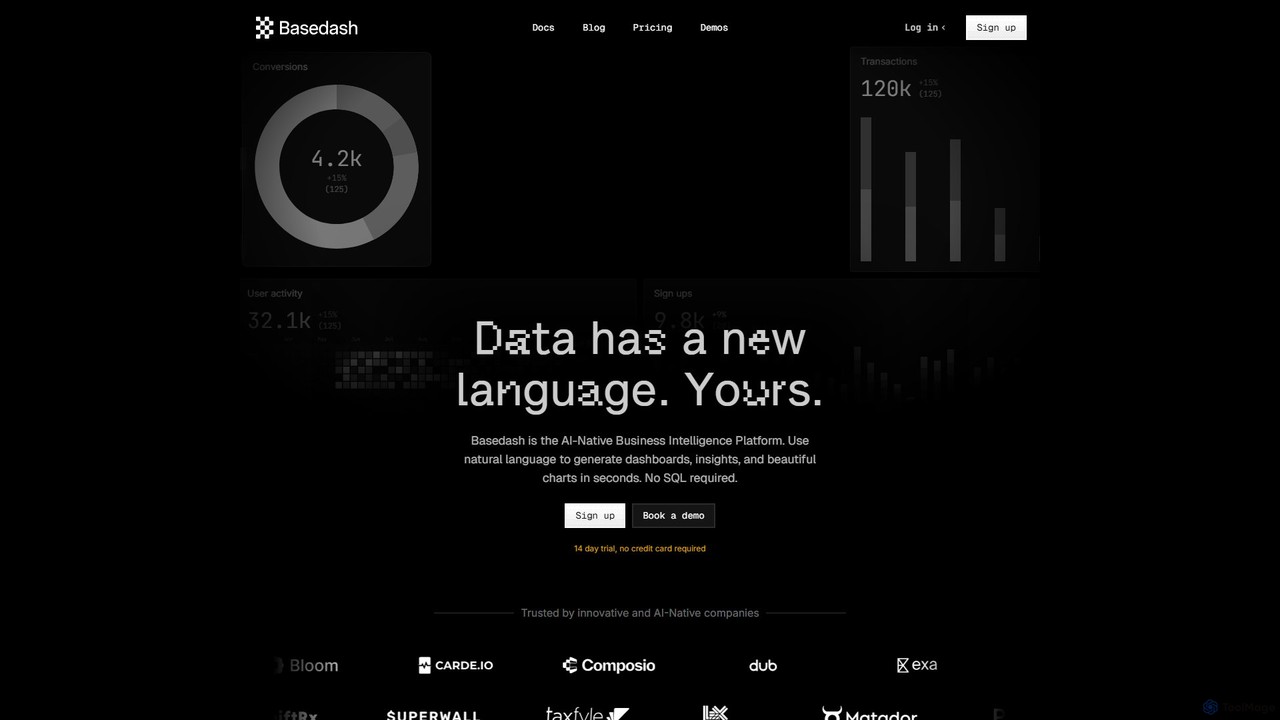
Basedash
Basedash is an AI-native business intelligence platform that allows teams to interact with their data using natural language. Generate beautiful dashboards, charts, and insights in seconds without writing any SQL code. Connect your data sources and simply ask questions to get answers.
Business Intelligence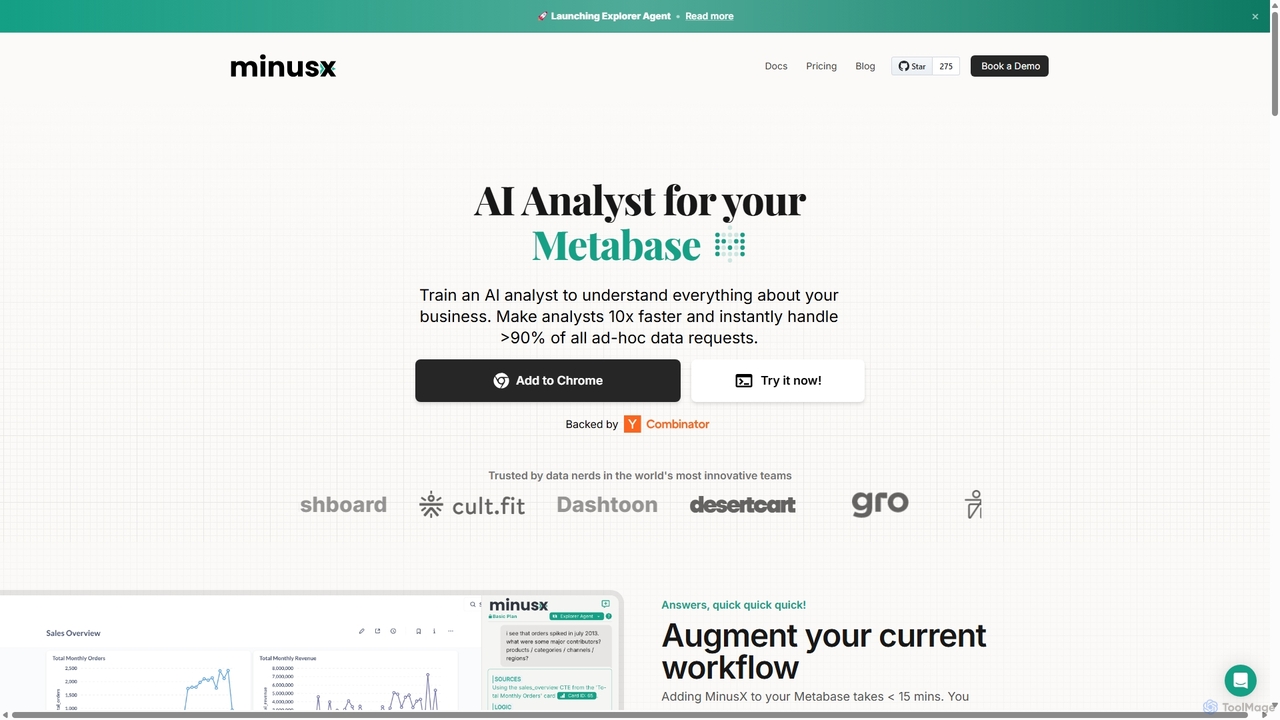
Minusx
Minusx is an AI data analyst designed to integrate seamlessly with Metabase. It empowers data analysts, business users, and executives to query data using natural language, handling over 90% of ad-hoc requests instantly. By acting as a Chrome extension within your existing workflow, Minusx enhances productivity, codifies business knowledge through 'Context Engineering', and provides quick, accurate insights directly from your dashboards and reports, all while ensuring data security.
Analytics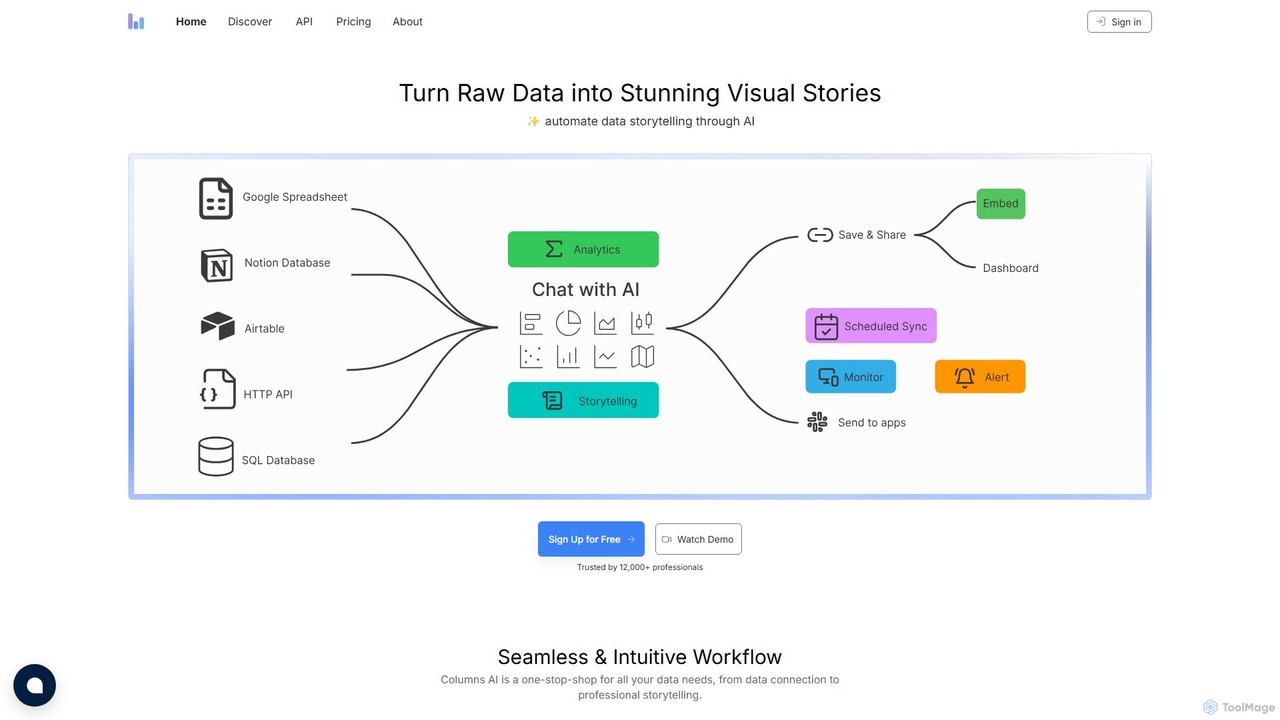
Columns
Columns is an AI-powered data storytelling platform that transforms raw data into stunning visual narratives. Using natural language, users can ask questions, generate insightful charts, and create professional presentations. It connects to various data sources like Google Sheets, SQL databases, and APIs, automating the entire process from data connection to visual storytelling.
Analytics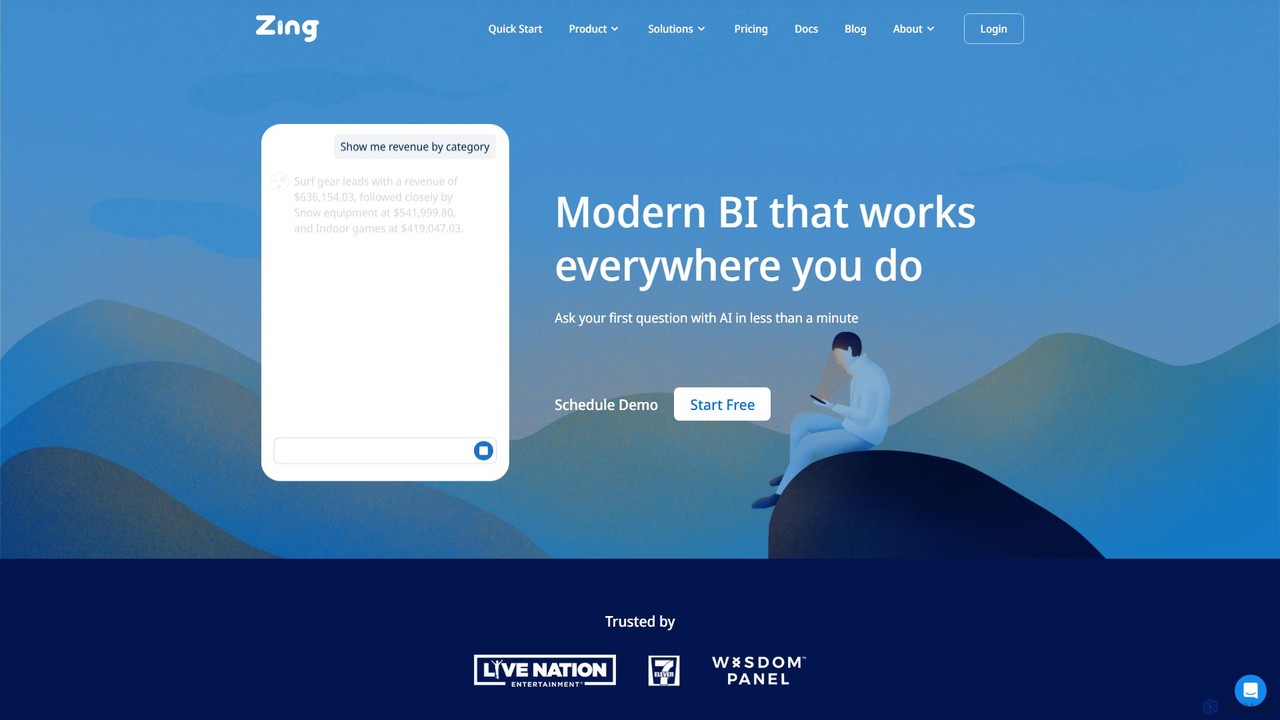
Zing Data
Zing Data is a GenAI-powered business intelligence (BI) platform that enables users to query data using natural language. It works across web and mobile, connecting to various data sources to create interactive visualizations and real-time alerts without complex data modeling, making data analysis accessible to everyone.
Business Intelligence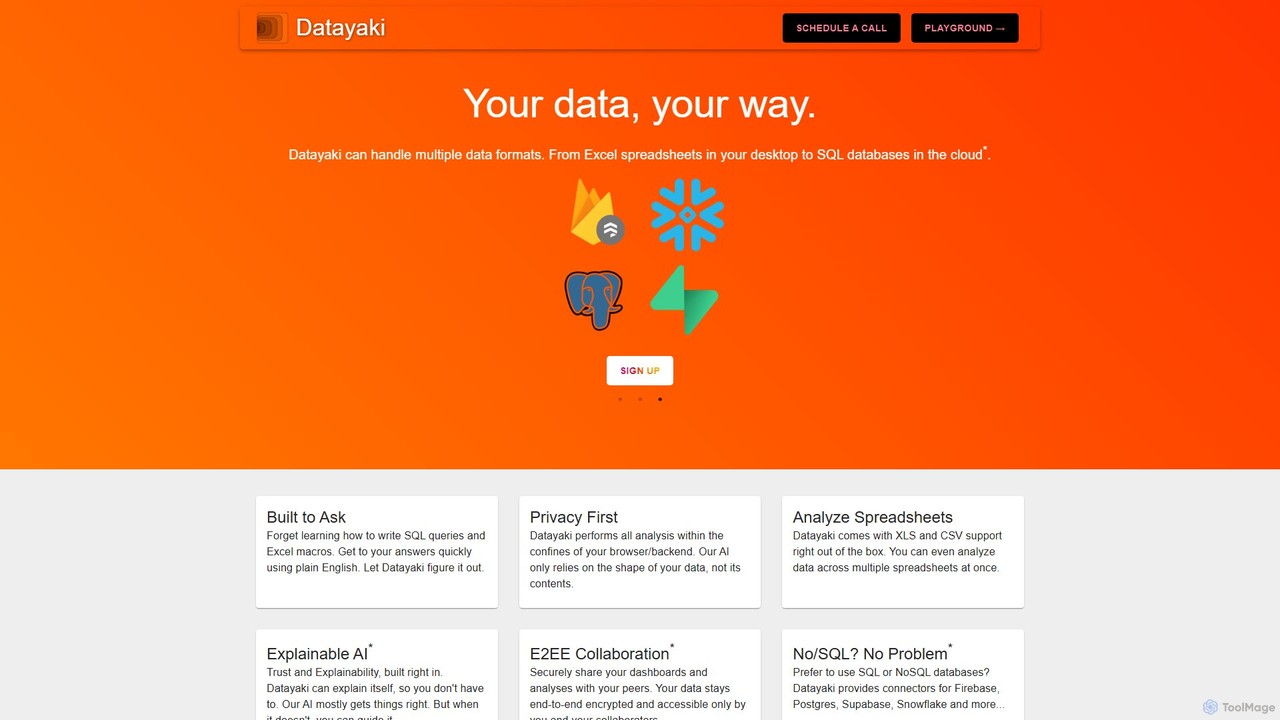
Datayaki
Datayaki is an AI-powered data analyst that lets you find insights from your data by asking questions in plain English. It supports formats like Excel and CSV, eliminating the need for SQL or complex formulas. With a strong focus on privacy, all analysis is performed locally in your browser, ensuring your data remains secure and confidential. It's designed for professionals and teams who need fast, accessible, and secure data analysis.
Data Visualization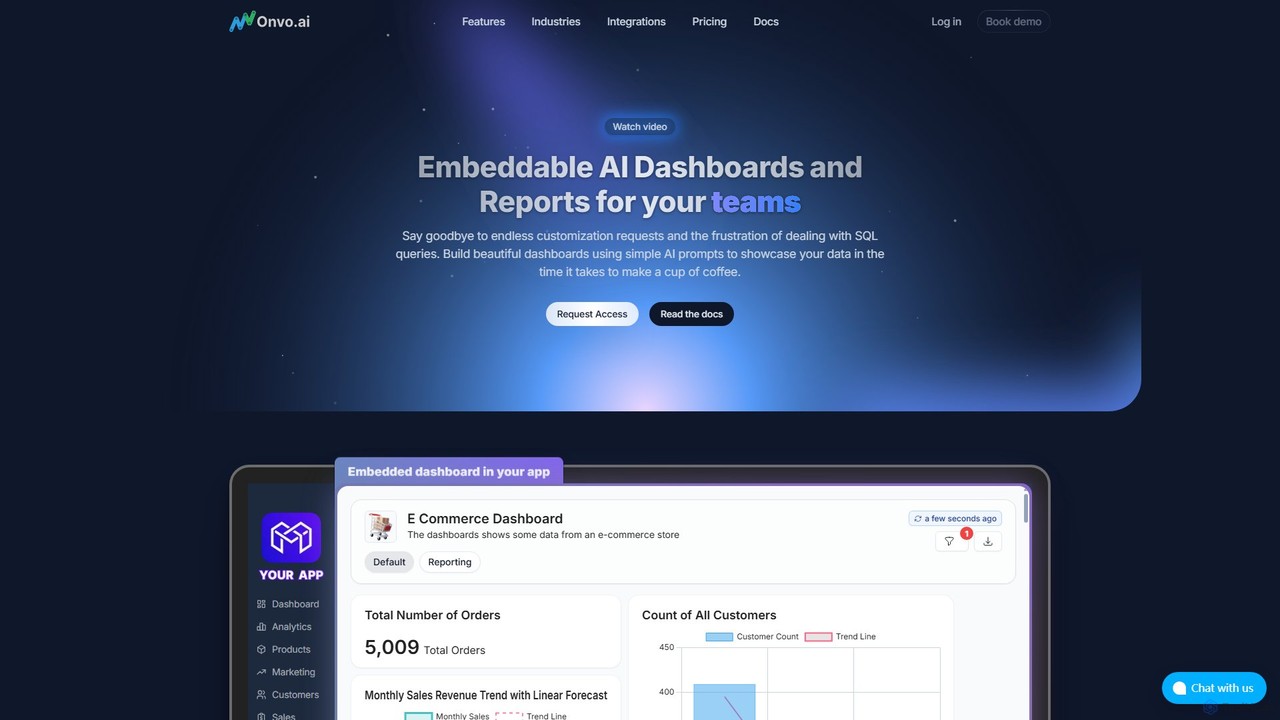
Onvo AI
Onvo AI is a powerful platform for building and embedding AI-driven dashboards and reports directly into your applications. It replaces complex SQL queries with simple natural language prompts, allowing both technical and non-technical users to create stunning data visualizations effortlessly. This solution saves significant engineering resources and empowers your teams and customers with secure, self-service analytics.
Business Intelligence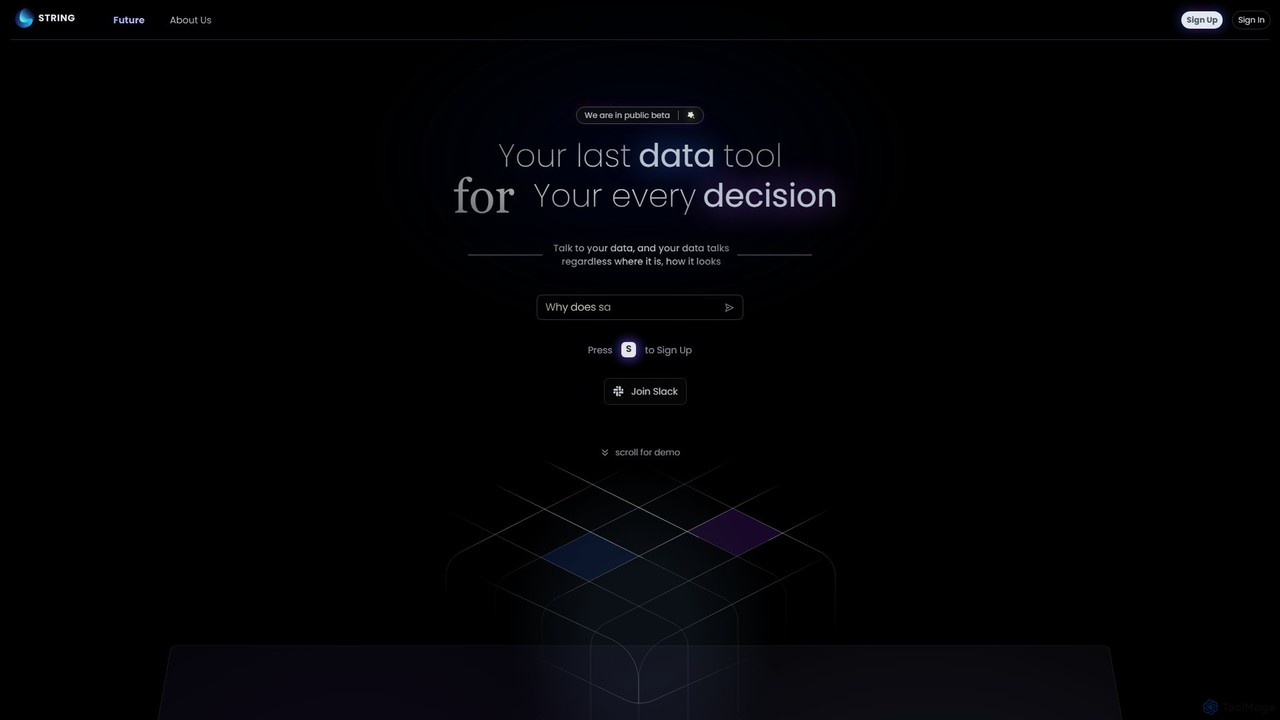
STRING
STRING is an AGI-powered data analytics platform that allows you to talk to your data. It unifies structured and unstructured data sources, enabling users to ask complex questions in natural language and receive instant, intelligent insights. It's designed to be the last data tool you'll ever need.
Data Management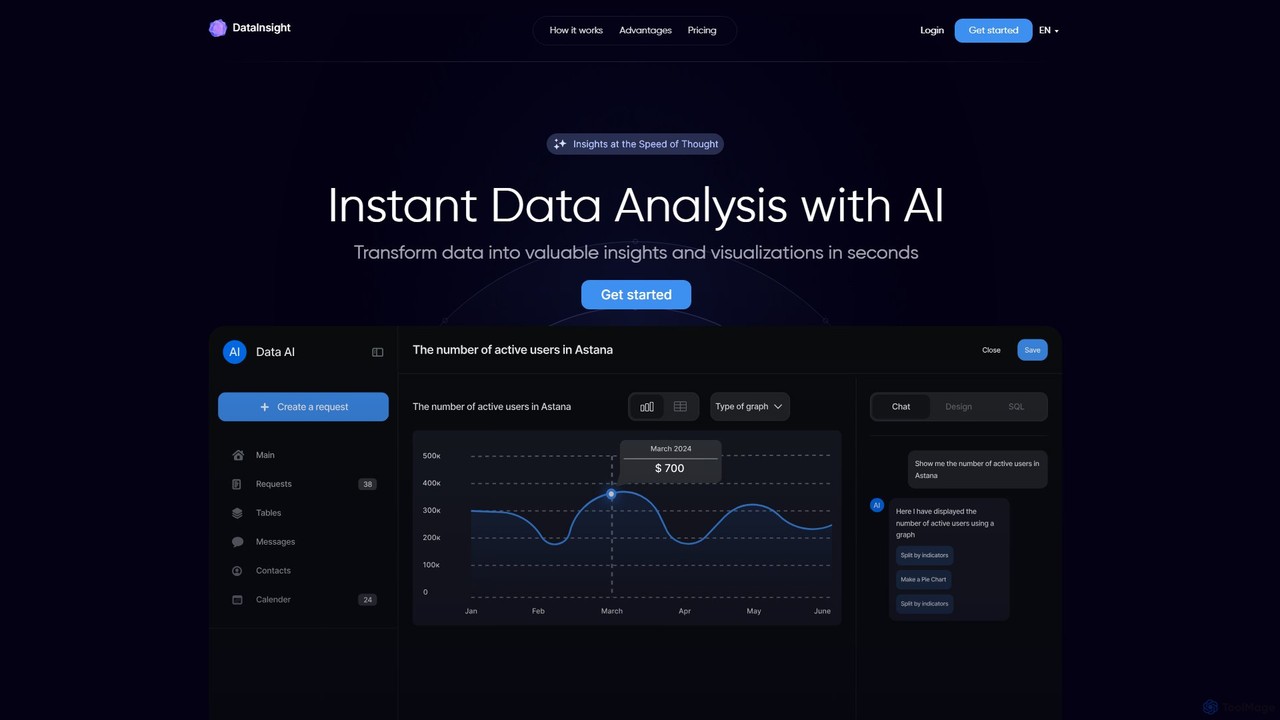
DataInsight
DataInsight is an AI-powered platform that transforms your business data into actionable insights and visualizations in seconds. Connect your databases like Postgres, MySQL, and BigQuery, and ask questions in plain English to receive instant answers. Generate custom graphs and tables, export reports, and replace the need for multiple analytics tools or a dedicated data analyst. It's a fast, secure, and cost-effective solution for data-driven decision-making.
Business Intelligence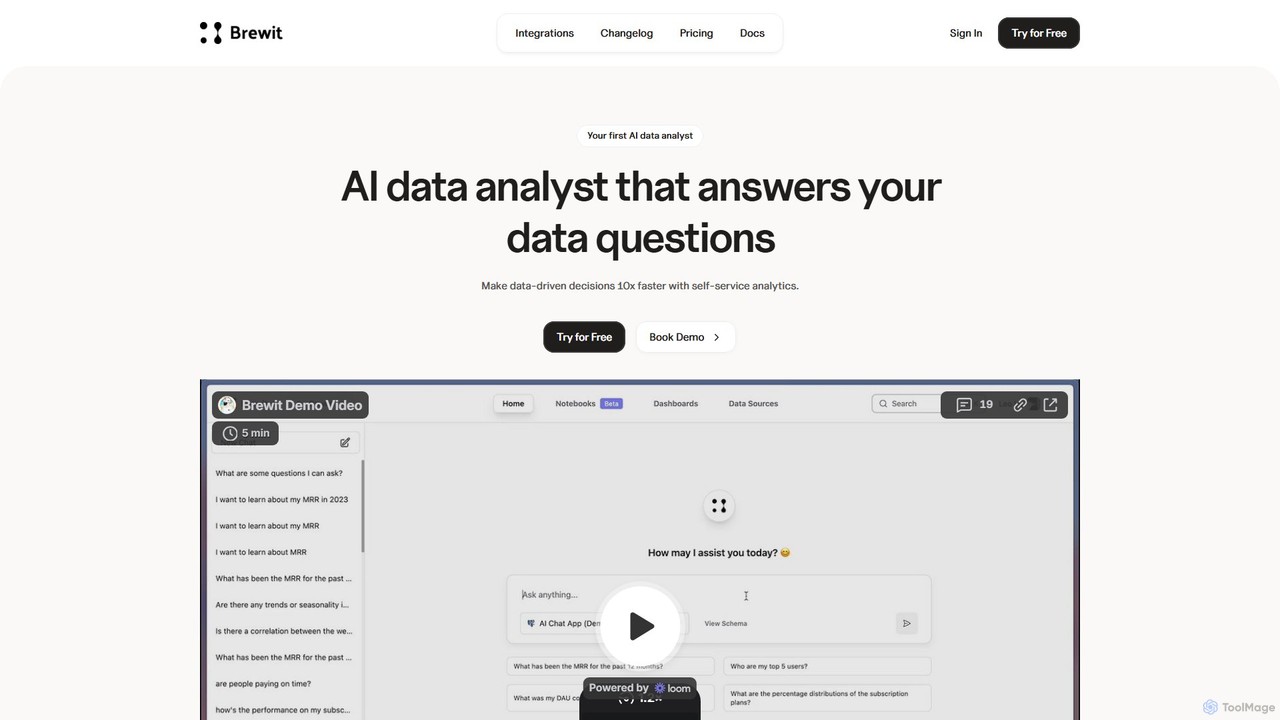
Brewit
Brewit is an AI-powered analytics platform that enables users to perform self-service data analysis. Connect to your databases, chat in natural language to query data, generate SQL, and create interactive visualizations and reports. It simplifies business intelligence, making data accessible to everyone in the organization, regardless of their technical skills.
Database
AI Lens For Power BI Comments (0)
Sign in to comment.
Sign inNo comments yet.