

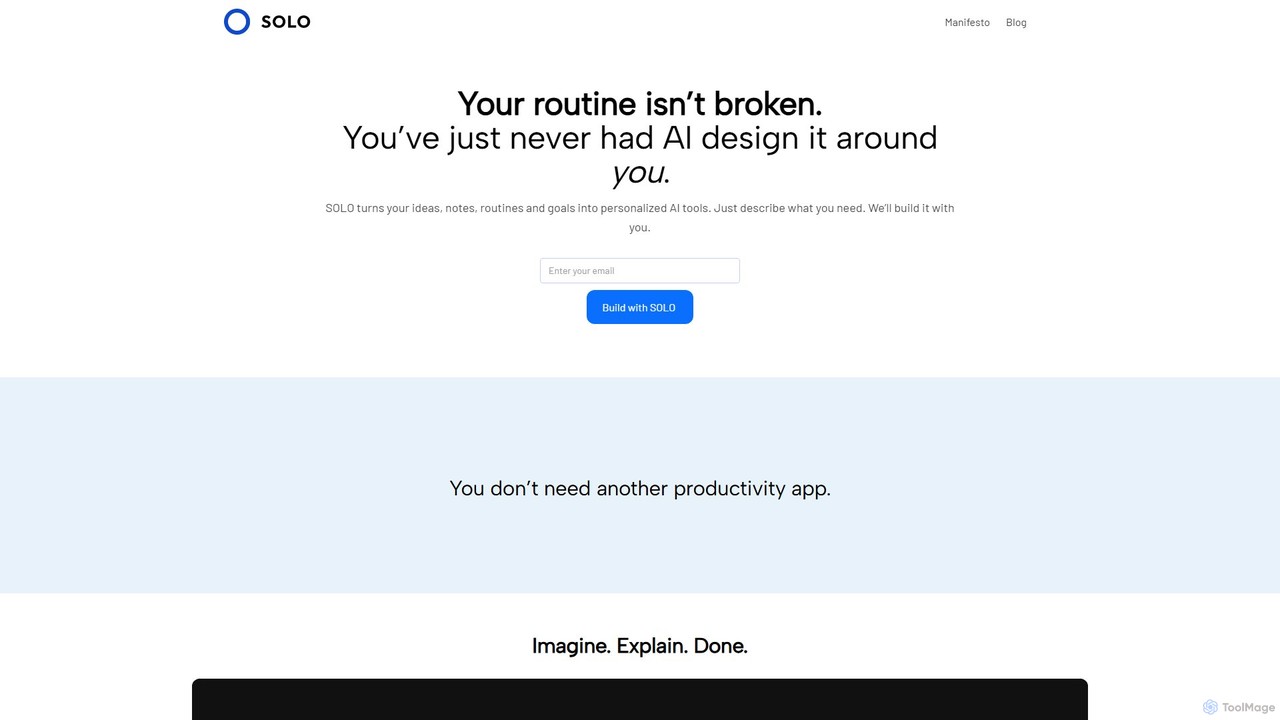
Solo Overview
Solo is a next-generation AI-powered productivity tool designed to act as your personal intelligence layer. In a world where our digital information is fragmented across countless apps, documents, and platforms, Solo brings everything together into a single, searchable, and intelligent space. It connects seamlessly with your existing tools—like Google Drive, Notion, Slack, and email—to create a unified knowledge base that understands you and your work. By leveraging advanced AI, Solo allows you to query your own information using natural language, get instant answers, and automate repetitive tasks, ultimately freeing you up to focus on what truly matters.
The core philosophy behind Solo is personalization. It's not a one-size-fits-all solution; instead, it learns and adapts to your unique workflow, preferences, and communication style. This adaptive experience ensures that the answers and assistance it provides are not just accurate but also highly relevant to your specific context, making it an indispensable partner for professionals, researchers, students, and anyone looking to enhance their personal efficiency.
How to use Solo
Getting started with Solo is designed to be an intuitive and straightforward process:
- Sign Up for the Beta: As Solo is currently in its early stages, the first step is to visit the official website and sign up for the beta program. This will grant you early access to its cutting-edge features.
- Integrate Your Data Sources: Once you're in, you can begin connecting your various applications and data sources. Solo supports a wide range of integrations, including cloud storage, email clients, note-taking apps, and communication platforms. The integration process is secure and authenticated, ensuring your data privacy.
- Ask Natural Language Questions: With your data connected, you can start interacting with Solo. Simply type your questions into the search bar as if you were talking to a human assistant. For example, you could ask, "What were the key action items from my meeting with the marketing team last Tuesday?" or "Find the presentation file for the Q3 review."
- Receive Synthesized Answers: Solo doesn't just return a list of links. It analyzes the relevant documents, emails, and messages to provide a direct, synthesized answer, often including source links for verification.
- Automate Your Tasks: Explore Solo's automation capabilities. You can ask it to summarize long documents, draft emails based on your notes, or create a to-do list from a project brief.
Core Features of Solo
- Unified Knowledge Hub: Consolidates all your information from disparate sources like Google Workspace, Microsoft 365, Slack, Notion, and more into one centralized, queryable hub.
- Intelligent Natural Language Search: Go beyond keyword search. Ask complex, conversational questions and get precise, context-aware answers from your personal data.
- Personalized & Adaptive AI: The system learns from your interactions, priorities, and workflow to deliver increasingly tailored and proactive assistance over time.
- Seamless Integrations: Effortlessly connects with the tools you already use every day, ensuring a smooth and non-disruptive setup.
- Task Automation: Automates routine and time-consuming tasks such as summarizing articles, drafting communications, and organizing information.
- Proactive Insights: Can surface relevant information or connections you might have missed, helping you stay ahead of your tasks and projects.
- Privacy-First Design: Built with data security at its core, ensuring your personal and professional information remains private and secure.
Use Cases for Solo
Solo is versatile and can be adapted to various professional and personal needs:
- For Project Managers: Instantly track down project briefs, client communications, and team updates across emails, chats, and documents without switching between apps.
- For Researchers & Academics: Create a unified library of research papers, notes, and data. Query complex topics and find connections across your entire body of research instantly.
- For Executives & Team Leads: Prepare for meetings in minutes by asking Solo to summarize recent conversations, key metrics, and relevant documents related to the agenda.
- For Students: Organize lecture notes, assignments, and reading materials. Quickly find specific information for exam preparation or essay writing.
- For Freelancers: Manage multiple clients and projects seamlessly by keeping all contracts, communications, and files in one easily searchable place.
Advantages of Solo
The primary advantage of Solo is its ability to act as an extension of your own memory and intellect. It dramatically reduces cognitive load by eliminating the need to remember where information is stored. This leads to significant time savings, reduced friction in daily tasks, and enhanced focus on deep, meaningful work. Its personalized nature ensures it becomes more valuable over time, evolving into a truly indispensable personal assistant.
Pricing and Plans
Solo is currently available through an exclusive beta program, which is free to join. By signing up, early adopters can explore its full range of features and provide feedback to shape the future of the product. Following the beta period, Solo is expected to launch with a tiered pricing model, which will likely include:
- A free plan for basic personal use with limited integrations.
- One or more paid premium plans for professionals and power users, offering unlimited integrations, advanced features, and priority support.
Specific pricing details will be announced closer to the official public launch.
Traffic
Latest traffic
Status
Monthly traffic trend
- 2025-8: 77
- 2025-9: 419
- 2026-2: 0
- 2026-3: 0
- 2026-4: 324
- 2026-5: 1.7K
Geography
Top 5 countries / regions
- 🇷🇺Russia100.0%
Solo Alternatives
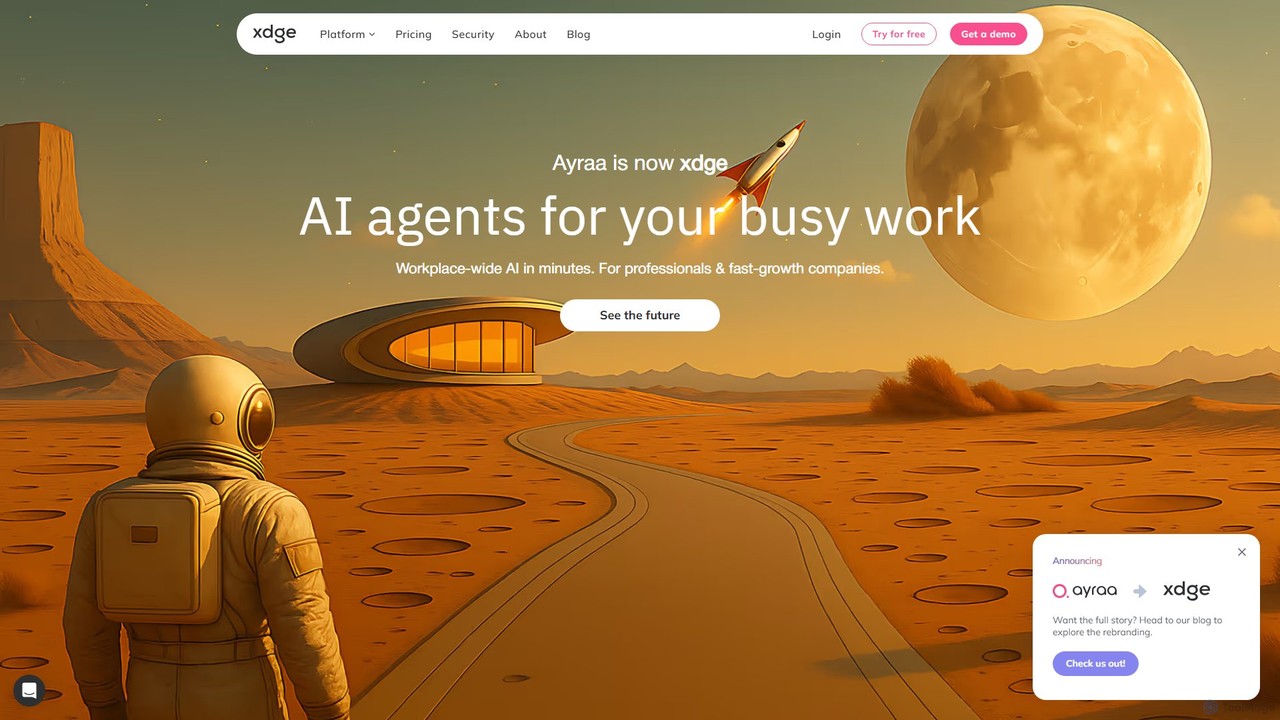
Ayraa
Ayraa is an AI-powered knowledge assistant for workspaces. It integrates with tools like Slack and your browser to centralize information, providing instant answers, summaries, and insights. It acts as a unified search engine for all your company's knowledge, boosting team productivity and collaboration.
Collaboration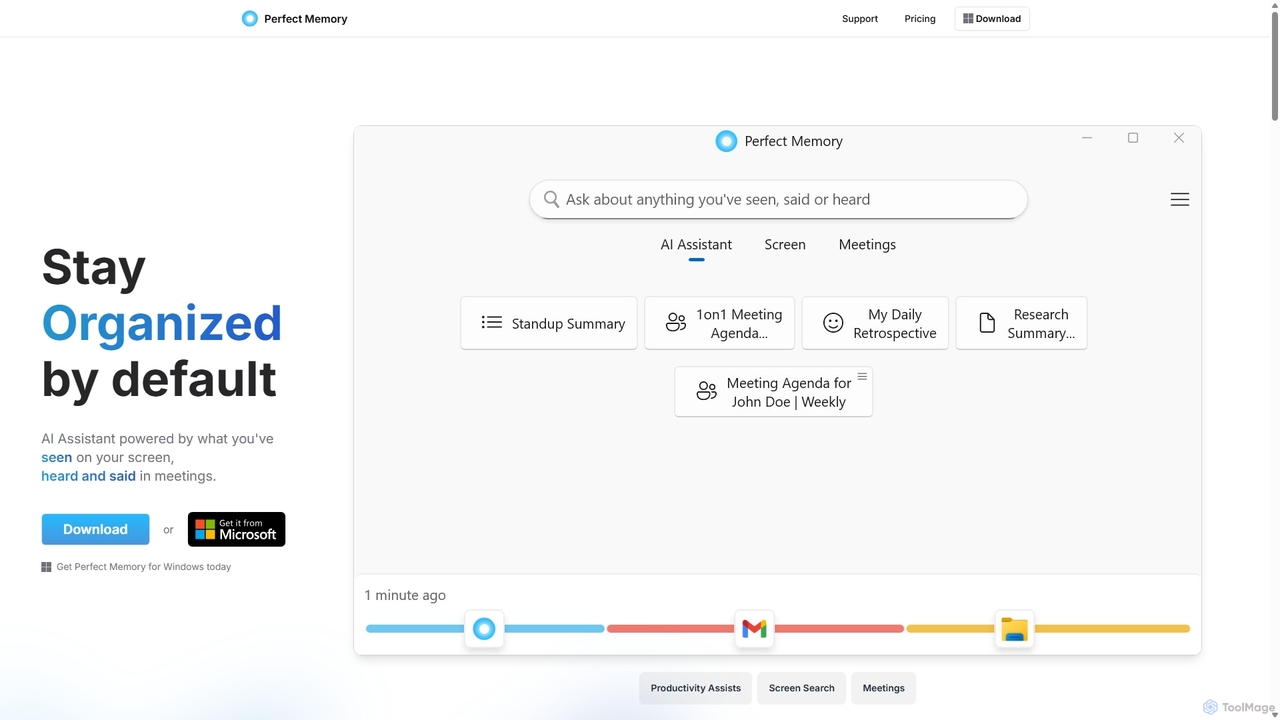
Perfect Memory AI
Perfect Memory AI is a privacy-focused productivity assistant that acts as your second brain. It records your screen activity and meetings, making everything you've seen or heard fully searchable. With a powerful AI assistant, it helps you recall information, summarize research, and prepare for meetings, all while keeping your data securely on your local device.
Local Processing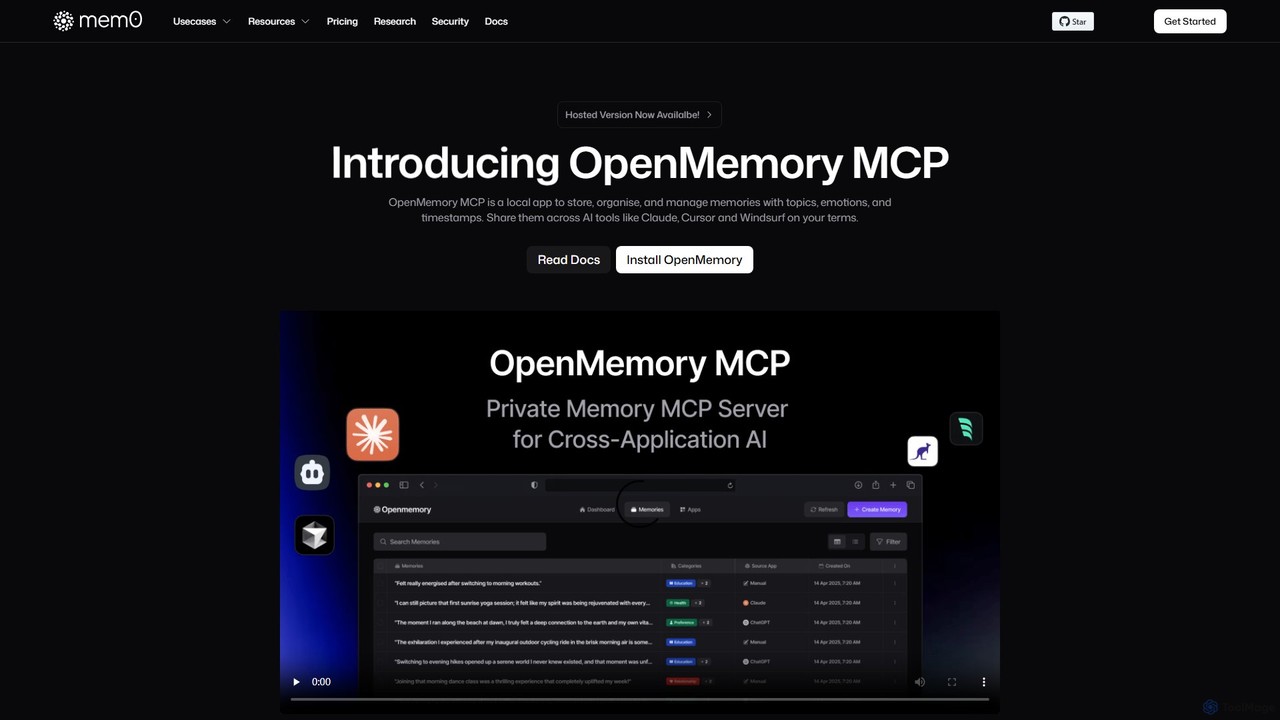
OpenMemory MCP
OpenMemory MCP is a local-first application that provides a persistent, private memory for your AI tools. It stores, organizes, and manages your interactions, preferences, and context securely on your device, enabling personalized and continuous conversations across different AI platforms like Claude and Cursor.
Coding Assistant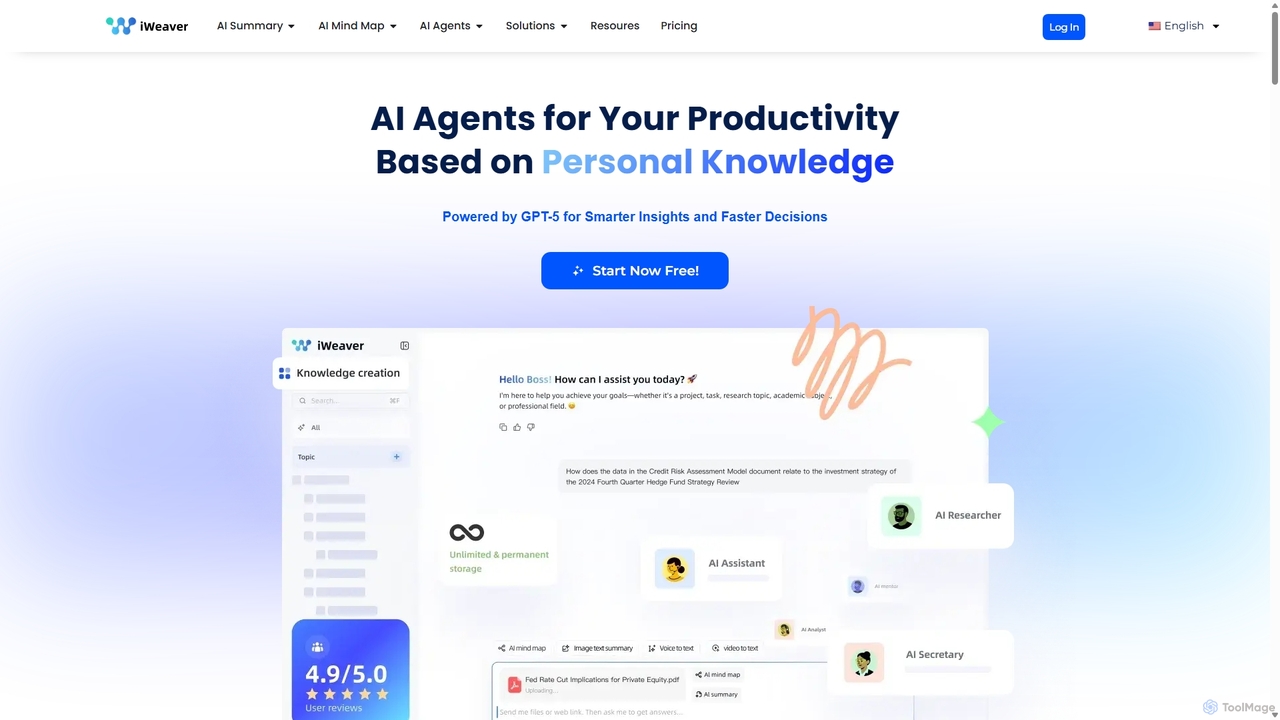
Iweaver
Iweaver is an AI-powered personal knowledge management platform that transforms your documents, images, and videos into an intelligent knowledge base. Utilize over 200 specialized AI agents to automate tasks, generate summaries, create mind maps, and get precise answers from your data. It learns your work habits to provide personalized, context-aware assistance, streamlining workflows for professionals in finance, research, law, and content creation.
Study Tools
Mem
Mem is an AI-powered, self-organizing workspace designed to act as your personal knowledge base. It captures your notes, ideas, and meeting transcripts, then uses AI to connect related information, summarize content, and help you generate new insights without manual organization.
PersonalSolo Categories
Solo Embed Widget
Copy this embed code to place the badge on your blog, article, or product site and send readers directly to this ToolMage detail page.

Related AI tools
Ayraa
Ayraa is an AI-powered knowledge assistant for workspaces. It integrates with tools like Slack and your browser to centralize information, providing instant answers, summaries, and insights. It acts as a unified search engine for all your company's knowledge, boosting team productivity and collaboration.
CollaborationOpenMemory MCP
OpenMemory MCP is a local-first application that provides a persistent, private memory for your AI tools. It stores, organizes, and manages your interactions, preferences, and context securely on your device, enabling personalized and continuous conversations across different AI platforms like Claude and Cursor.
Coding AssistantIweaver
Iweaver is an AI-powered personal knowledge management platform that transforms your documents, images, and videos into an intelligent knowledge base. Utilize over 200 specialized AI agents to automate tasks, generate summaries, create mind maps, and get precise answers from your data. It learns your work habits to provide personalized, context-aware assistance, streamlining workflows for professionals in finance, research, law, and content creation.
Study ToolsMem
Mem is an AI-powered, self-organizing workspace designed to act as your personal knowledge base. It captures your notes, ideas, and meeting transcripts, then uses AI to connect related information, summarize content, and help you generate new insights without manual organization.
Personal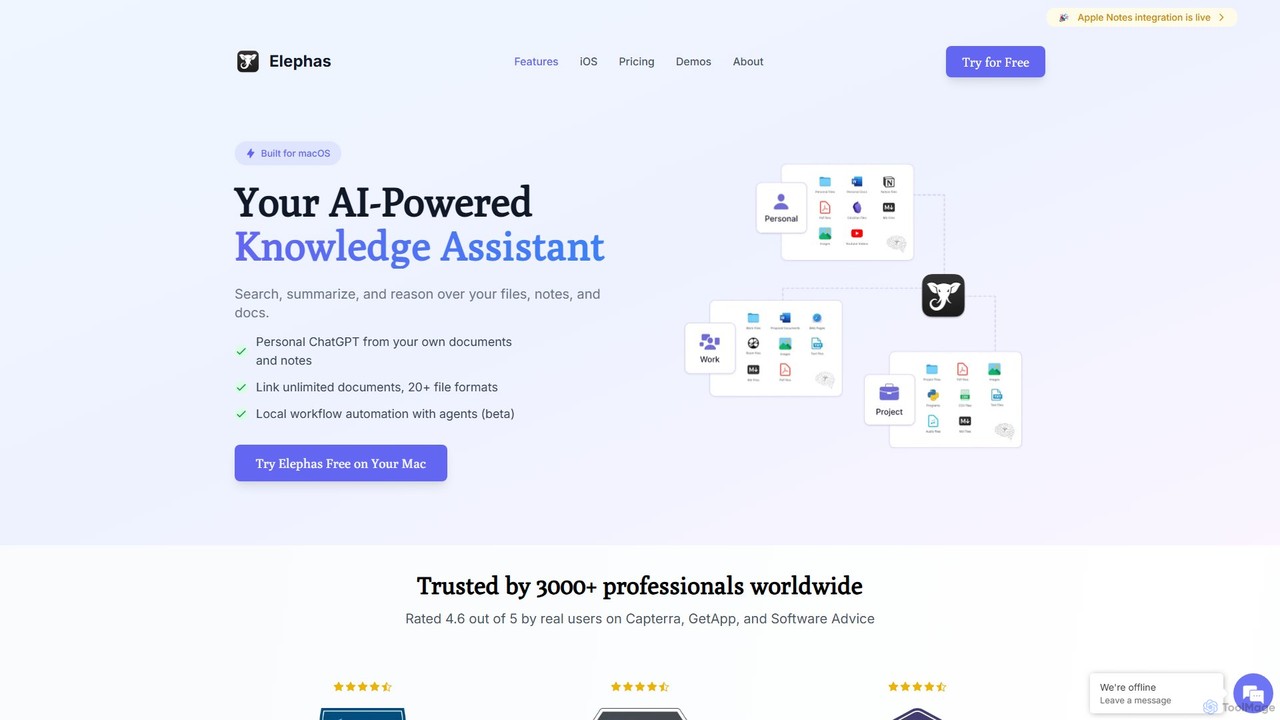
Elephas
Elephas is a personal AI knowledge assistant for Mac, iPhone, and iPad. It transforms your scattered notes, documents, and files into a searchable "Super Brain," allowing you to chat with your data, get instant answers, and supercharge your writing and research across all your apps with a focus on privacy and offline capabilities.
Code Assistant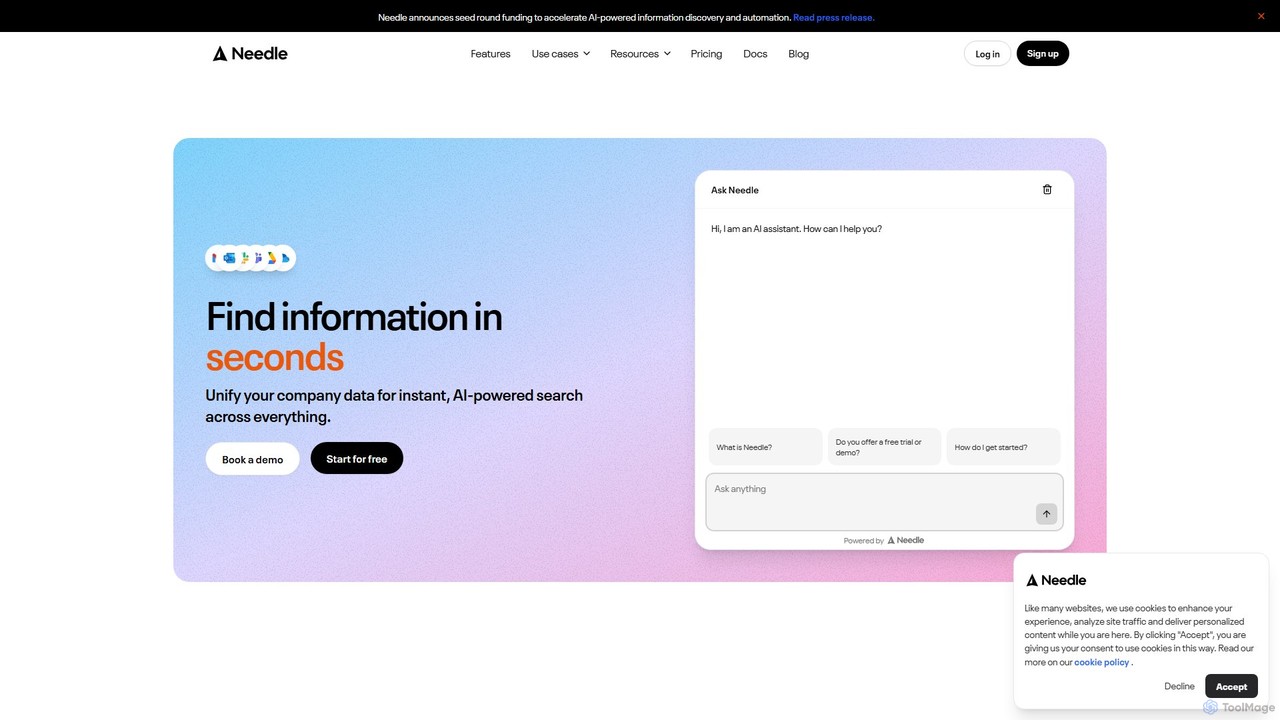
Needle
Needle is an enterprise AI platform that unifies all your company's data into a single, searchable knowledge base. Using advanced RAG technology, it allows teams to ask questions in natural language and get instant, referenced answers from sources like Slack, Google Drive, Notion, and more. It automates workflows, enhances customer support, and provides enterprise-grade security to break down information silos and boost productivity.
Enterprise Search
Personal.ai
Personal.ai is a platform for creating your own personal AI model. By training it on your unique data, notes, and communications, you build a digital twin that thinks, writes, and recalls information like you. It's designed for professionals, creators, and teams to scale their authentic voice, automate content, and access their personal knowledge base.
Chatbot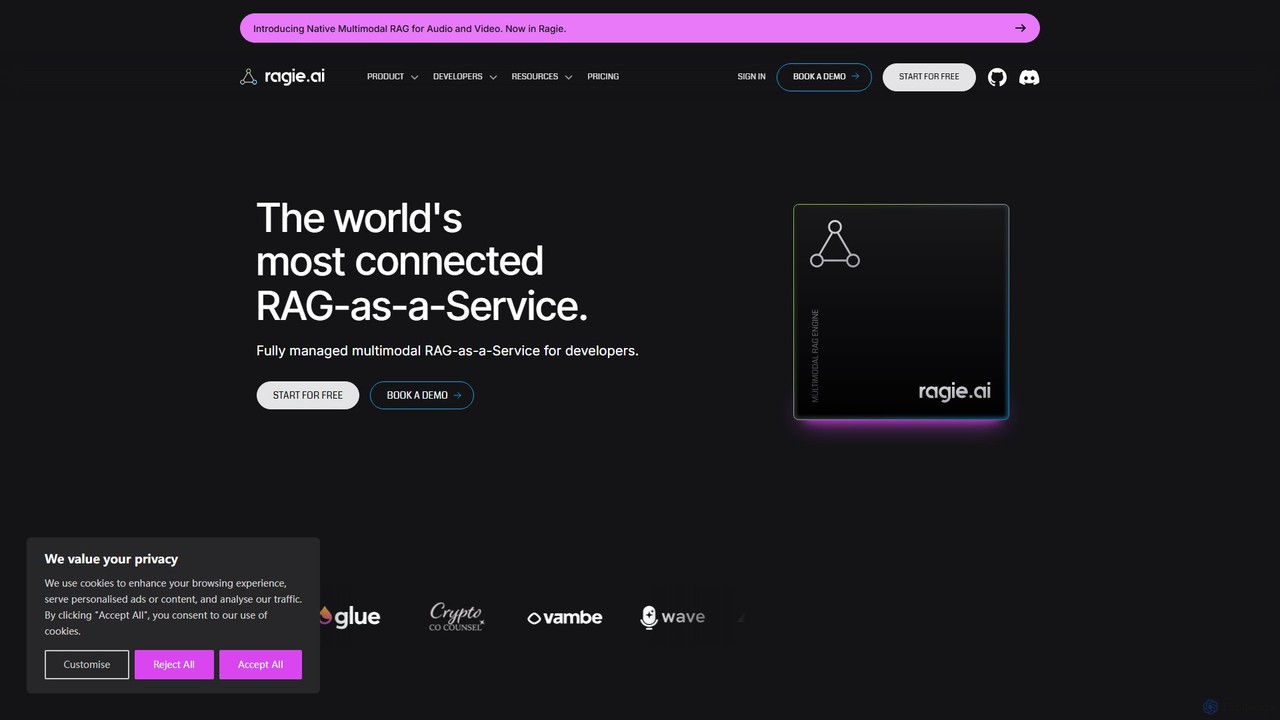
ragie
Ragie is a fully managed RAG-as-a-Service platform designed for developers. It simplifies the process of building and deploying AI applications by handling the entire Retrieval-Augmented Generation pipeline. Connect your data sources, and use a simple API to power accurate, context-aware chatbots, semantic search, and knowledge management systems without the complexity of managing infrastructure.
Machine Learning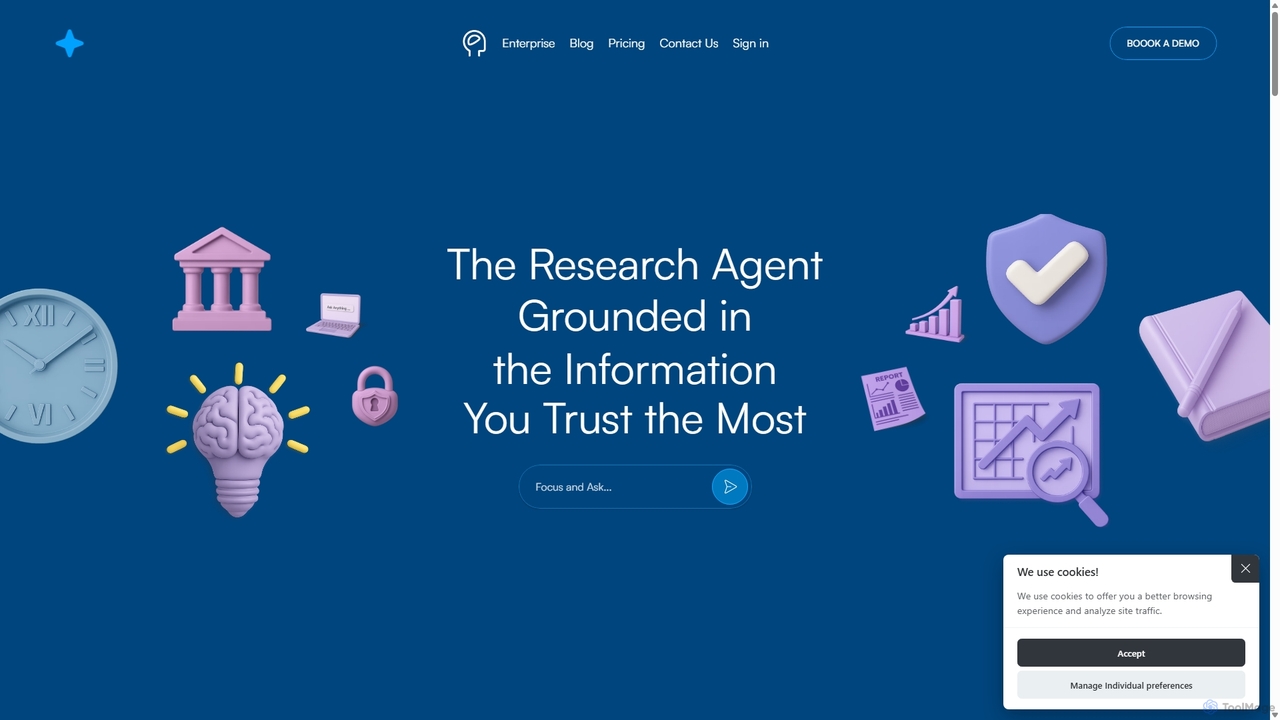
Nouswise
Nouswise is an AI-powered research agent that transforms your trusted documents and data into a verifiable, intelligent answer engine. It delivers precise, source-grounded responses, ensuring credibility and eliminating misinformation. Ideal for enterprises and professionals who rely on accurate information for decision-making.
Enterprise Solutions
Retrieve
Retrieve is an AI-powered knowledge management and enterprise search platform. It unifies your company's scattered information from apps like Slack, Google Drive, and Confluence, allowing teams to ask natural language questions and get instant, accurate answers. Boost productivity and break down data silos with a single source of truth.
Enterprise Search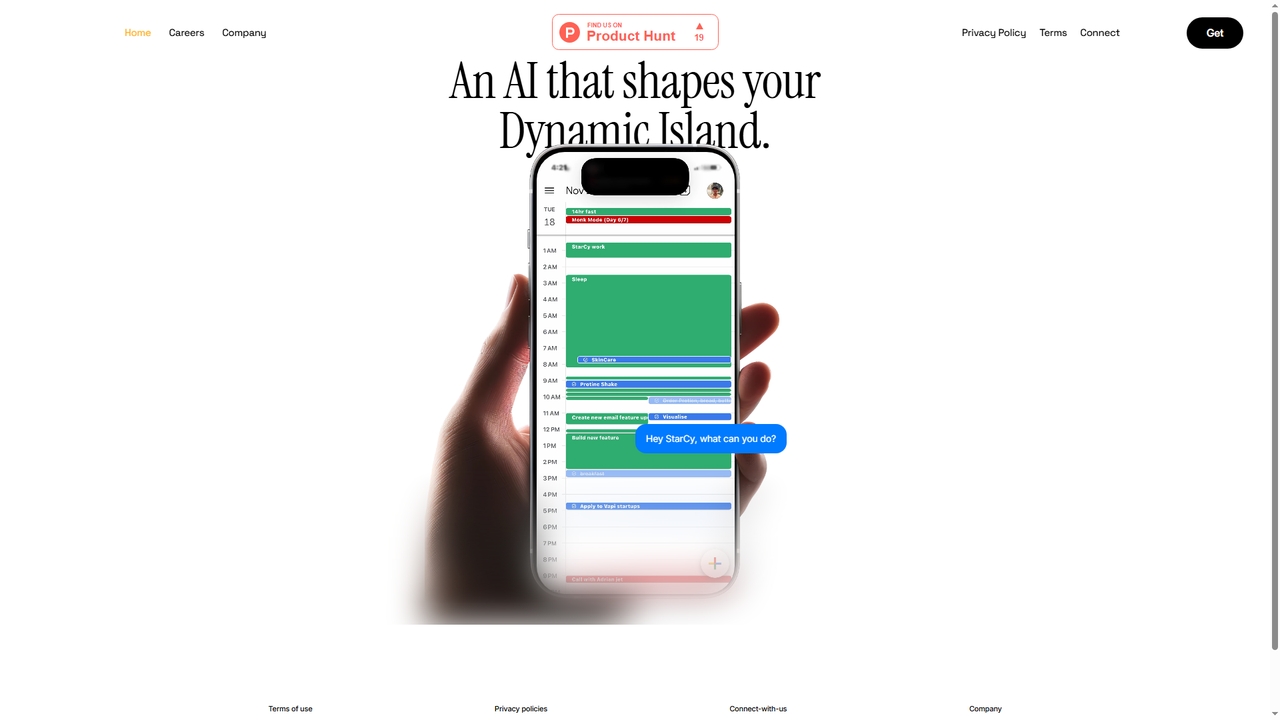
StarCy
StarCy is a conversational AI assistant designed to help users efficiently obtain information and accomplish tasks through natural language dialogue. It aims to simplify workflows and provide intelligent support by understanding user queries and delivering relevant responses.
Customer Support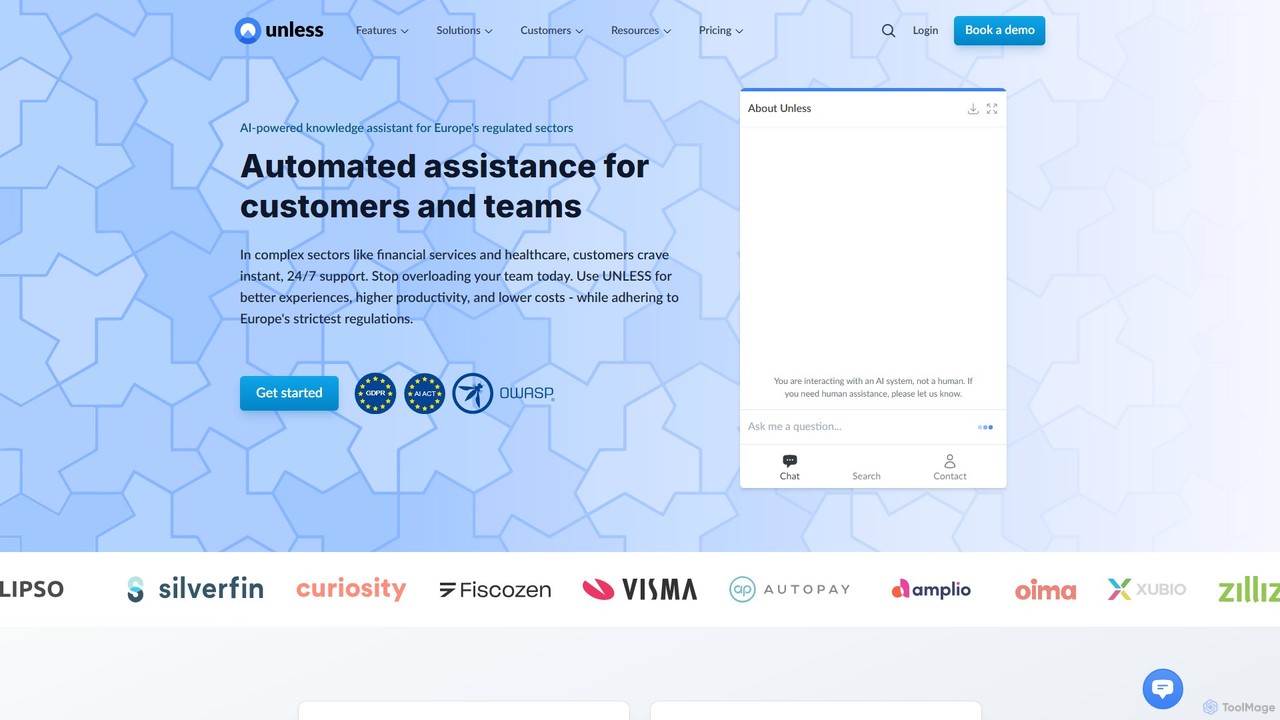
UNLESS
UNLESS is an enterprise-grade AI platform designed for Europe's regulated industries, such as finance and healthcare. It provides a compliant, all-in-one solution for customer success, featuring AI-powered assistants, automated task handling, and a unified knowledge base to enhance user experiences, boost team productivity, and reduce operational costs while adhering to strict GDPR and EU AI Act regulations.
Chatbot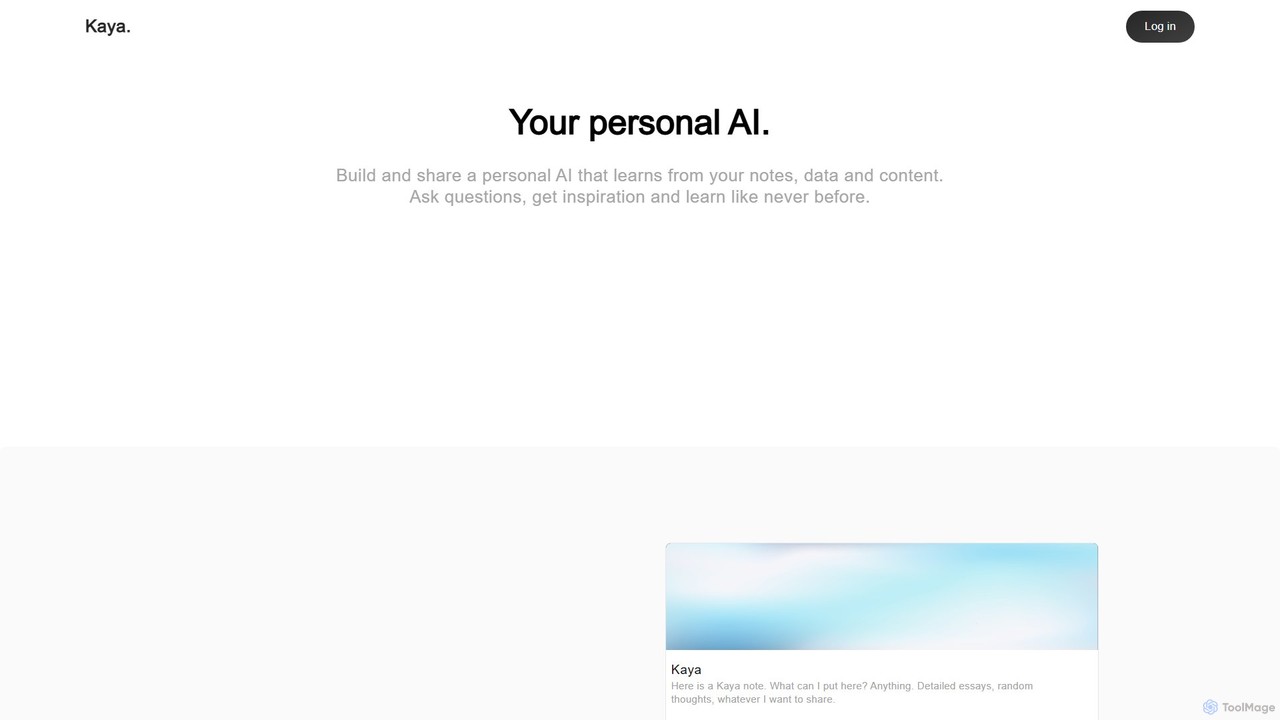
Kaya
Kaya is a personal AI platform that transforms your notes, data, and content into an interactive, conversational AI. Build a digital version of your mind, ask it questions, gain insights, and share your knowledge in a completely new way.
Personal Assistant
Jyek
Jyek is an AI agent platform that understands objectives, creates execution plans, uses tools, and delivers verifiable results for complex, multi-step tasks.
Automation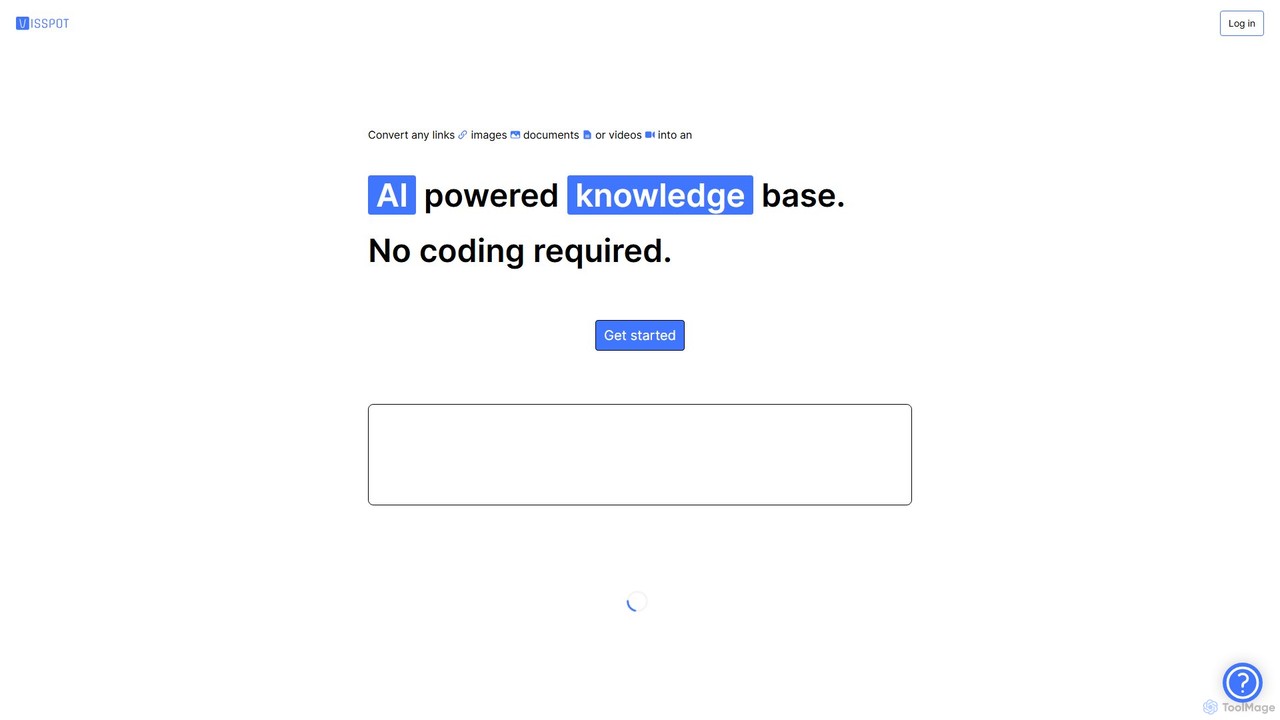
Visspot
Visspot is a no-code AI platform that transforms various content types—including links, images, documents, and videos—into an intelligent, interactive knowledge base. Ask questions in natural language and get instant, accurate answers from your own data, streamlining information access and team collaboration.
Document Management
Solo Comments (0)
Sign in to comment.
Sign inNo comments yet.