


Voice Inbox Overview
Voice Inbox reimagines the way you capture thoughts, ideas, and tasks on the go. It serves as a dedicated, low-friction inbox for your mind, allowing you to speak naturally and have your words transcribed with exceptional accuracy. Designed for users of the popular note-taking app Obsidian, Voice Inbox acts as a 'magical pen,' writing directly into your daily journal without you ever needing to open the notebook. This seamless integration is built on a foundation of privacy and data ownership, ensuring your thoughts remain yours.
The core of Voice Inbox is its powerful AI transcription engine, which supports mixed languages and achieves human-level accuracy. This means you can dictate complex ideas, meeting summaries, or fleeting thoughts, and trust that the text will be captured precisely. The app is more than just a transcriber; it's an intelligent assistant that simplifies your life.
How to use Voice Inbox
Using Voice Inbox is designed to be intuitive and fast, minimizing cognitive load. The process is straightforward:
- Record Your Voice: Simply open the app and tap the record button. Speak your thoughts, a new idea, a to-do list item, or mention an upcoming appointment. There's no need for special commands or syntax.
- Automatic Transcription: Once you finish recording, Voice Inbox's AI model gets to work, converting your speech into text. The process is quick and highly accurate.
- Obsidian Integration: The transcribed text is automatically appended to your daily note in your Obsidian vault. It's formatted with a timestamp, creating a clear timeline of your day. You can customize the formatting, such as using bullet points for short entries and subheadings for longer, multi-line notes.
- Calendar Event Creation: If you mention an event with a date and time (e.g., "Meeting with the design team next Tuesday at 2 PM"), Voice Inbox recognizes it and automatically creates an event in your default calendar app. You can review the event details within the app.
- Manage Your Inbox: The app's inbox view shows the status of each entry—from pending transcription to completion in both your journal and calendar—so you can easily track what has been processed.
Core Features of Voice Inbox
- Human-Level AI Transcription: Powered by a best-in-class AI model, it provides highly accurate transcriptions, even with mixed-language speech.
- Seamless Obsidian Integration: Notes are sent directly to your Obsidian daily note. It supports standard and even git-based vaults, respecting your data ownership.
- Automatic Calendar Event Recognition: Intelligently detects dates, times, and event details from your voice notes and adds them to your calendar, saving you manual entry time.
- Customizable Journal Formatting: Configure how your entries appear in Obsidian, with options for timestamps, bullet points for single-line notes, and subheadings (H2, H3) for multi-line entries.
- Privacy-First Design: Your privacy is a core value. The app avoids collecting personal data, performs as much processing on-device as possible, and does not sell user information. Your notes and thoughts are your own.
- Effortless Workflow: The entire experience is optimized for speed and simplicity, allowing you to capture information with minimal friction and stay in your flow.
Use Cases for Voice Inbox
Voice Inbox is ideal for a variety of individuals who value productivity and efficient knowledge capture:
- Busy Professionals: Dictate meeting summaries, action items, and follow-up reminders on the move, ensuring they are logged in your PKM system and calendar.
- Writers and Creatives: Capture story ideas, dialogue snippets, or brainstorming sessions the moment inspiration strikes, without breaking your creative flow.
- Students and Researchers: Record lecture notes, research thoughts, and citations directly into your study log in Obsidian.
- Anyone Practicing GTD (Getting Things Done): Use it as the ultimate collection tool to clear your mind and dump all incoming tasks and ideas into a trusted system.
- Daily Journaling: Effortlessly create a rich, timestamped log of your day by simply talking about your activities, feelings, and reflections.
Advantages of Voice Inbox
The primary advantage of Voice Inbox is its ability to significantly reduce the cognitive load associated with capturing information. It bridges the gap between thought and text seamlessly. By integrating directly with a powerful, user-owned platform like Obsidian, it enhances existing workflows rather than trying to replace them. Its commitment to privacy in an era of data-hungry apps is a significant differentiator, giving users peace of mind. The combination of high-quality transcription and intelligent calendar integration makes it a uniquely powerful productivity tool.
Pricing and Plans
While specific pricing tiers are not detailed on the website, Voice Inbox appears to operate on a freemium model. The app may offer basic functionality for free, such as using the iPhone's built-in dictation for transcription. The premium features, including the high-accuracy, human-level AI transcription and automatic calendar event recognition, would likely require a one-time purchase or a subscription. This model allows the one-person team to sustainably cover the costs of the advanced AI models while offering a core experience to all users.
Traffic
Latest traffic
Status
Monthly traffic trend
- 2025-8: 70
- 2025-9: 386
- 2026-2: 152
- 2026-3: 0
- 2026-4: 49
- 2026-5: 459
Geography
Top 5 countries / regions
- 🇦🇹Austria100.0%
Top keywords
| Keyword | Cost per click |
|---|---|
| does obsidian have built in dictation | $0.00 |
| obsidian voice notes | $0.00 |
| obsidian with voice | $0.00 |
| obsidian with voivde | $0.00 |
| voice inbox for obsidian | $0.00 |
Voice Inbox Alternatives
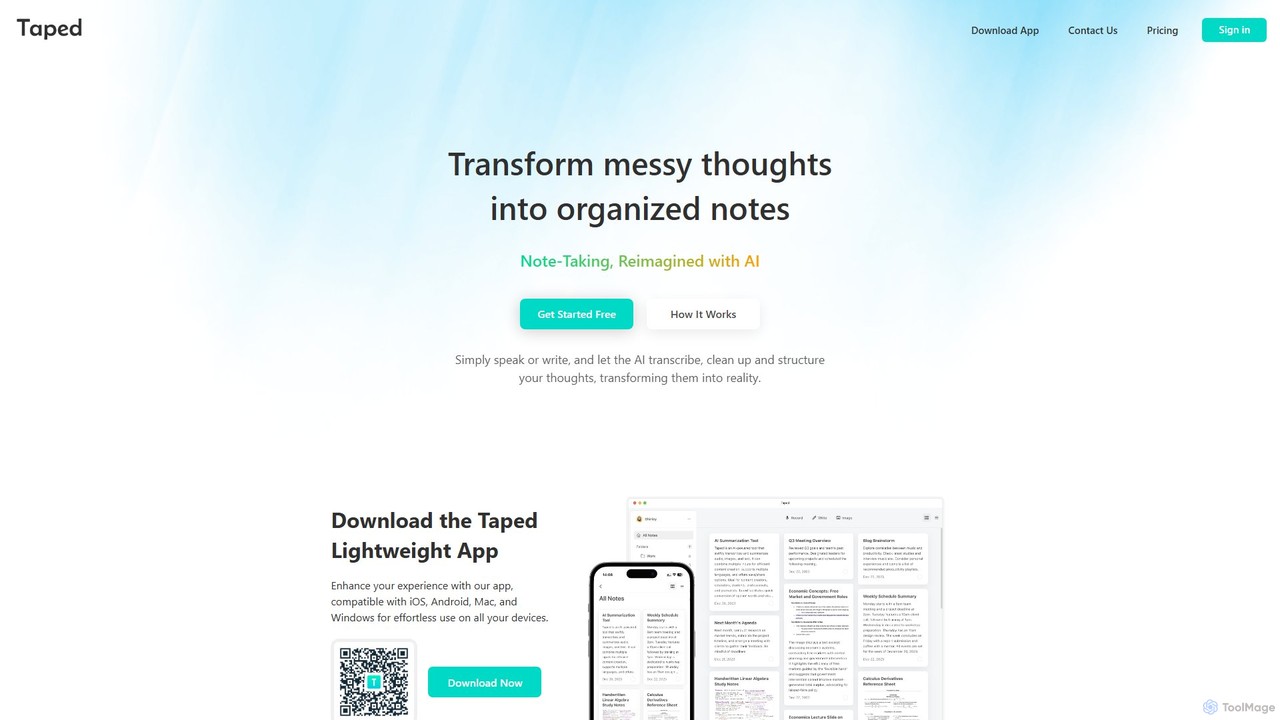
Taped
Taped is an AI-powered note-taking application that transforms your spoken or written thoughts into structured, organized, and summarized notes. It uses advanced AI to transcribe, clean up, and format your ideas, making it easy to capture and act on them across all your devices.
Transcription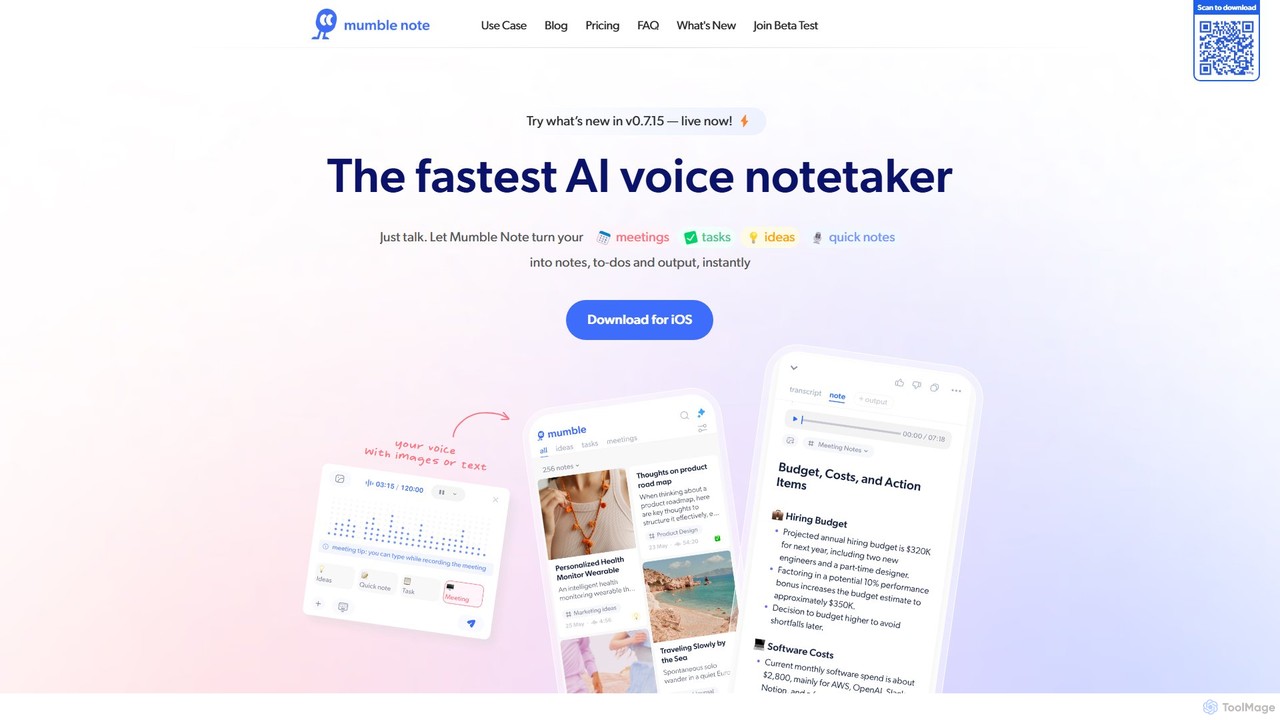
Mumble Note
Mumble Note is an AI-powered voice notetaker for iOS that instantly transcribes, summarizes, and organizes your meetings, ideas, and tasks. Just talk, and let the AI turn your scattered speech into structured, actionable notes, complete with to-dos and insights.
Transcription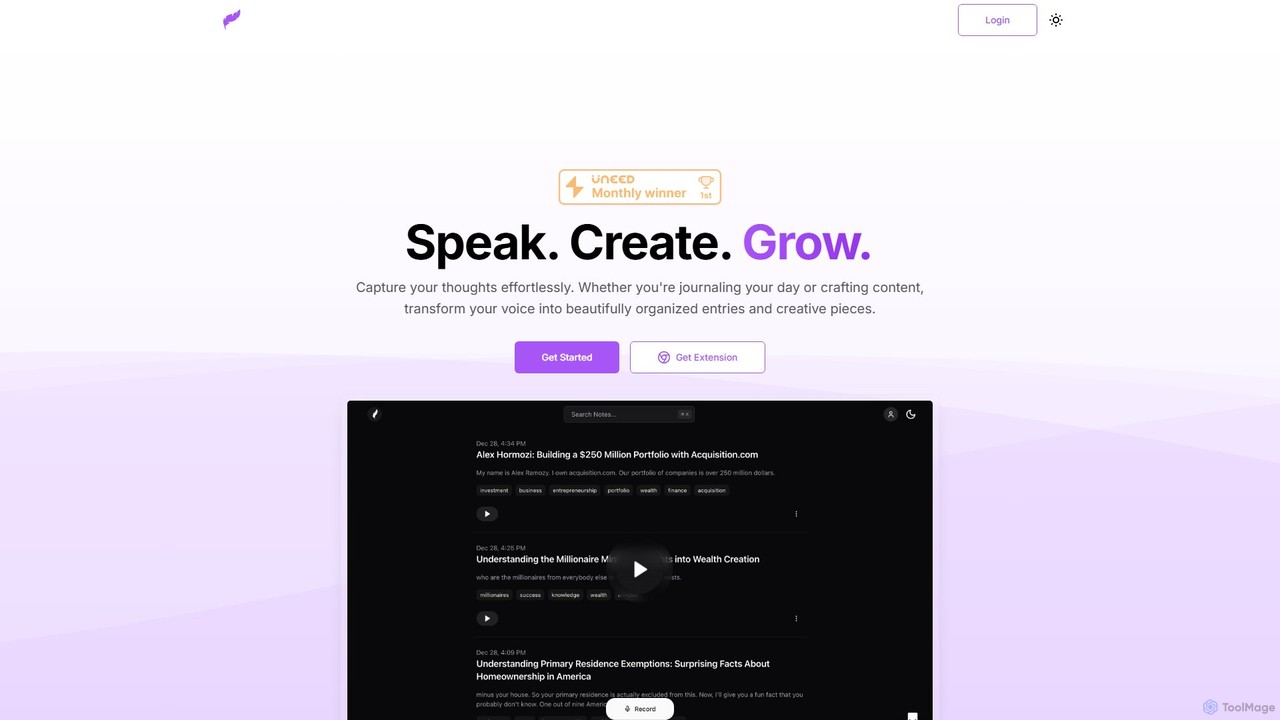
Klarity
Klarity is an AI-powered note-taking assistant that transforms your voice into structured text. Effortlessly capture thoughts, meeting notes, lecture content, and creative ideas, and automatically organize them. It integrates seamlessly with productivity tools like Notion, Obsidian, and Readwise to supercharge your workflow.
Transcription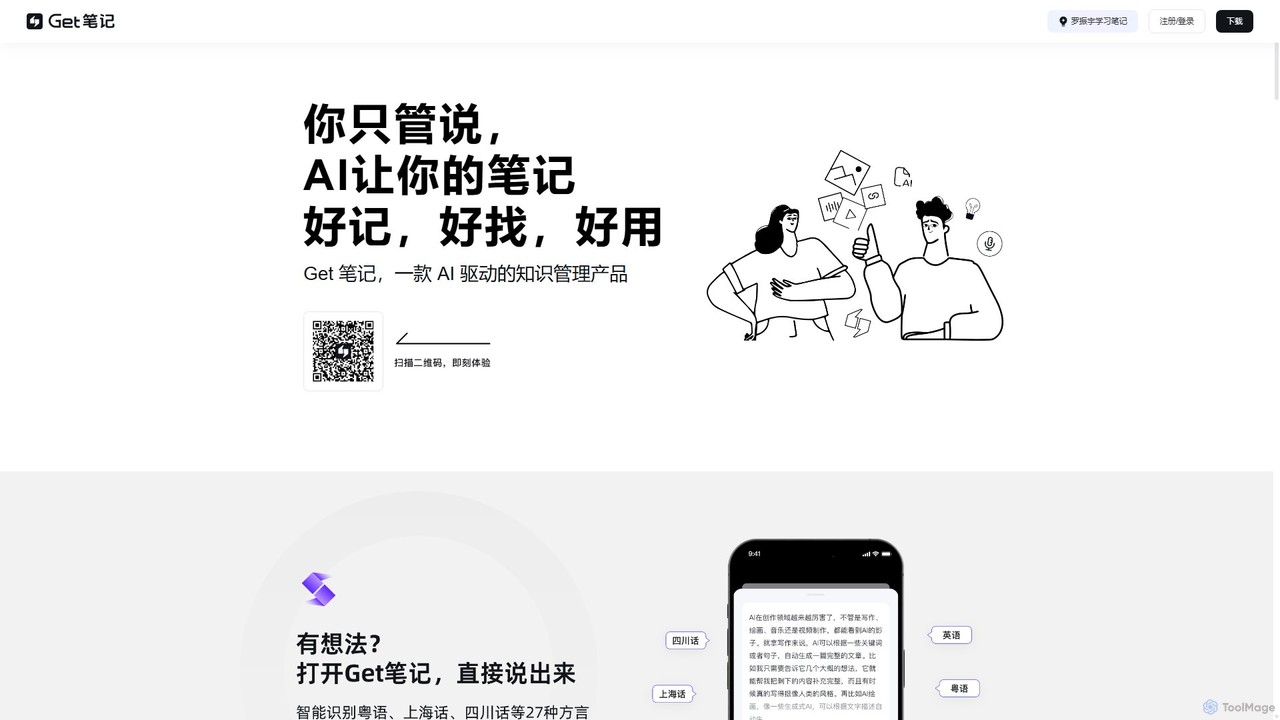
biji
biji is an AI-driven knowledge management app that transforms your spoken ideas into structured, searchable, and usable notes. Just talk, and biji's AI will handle transcription, summarization, and organization, making it effortless to capture and manage your thoughts, meetings, and learnings.
Transcription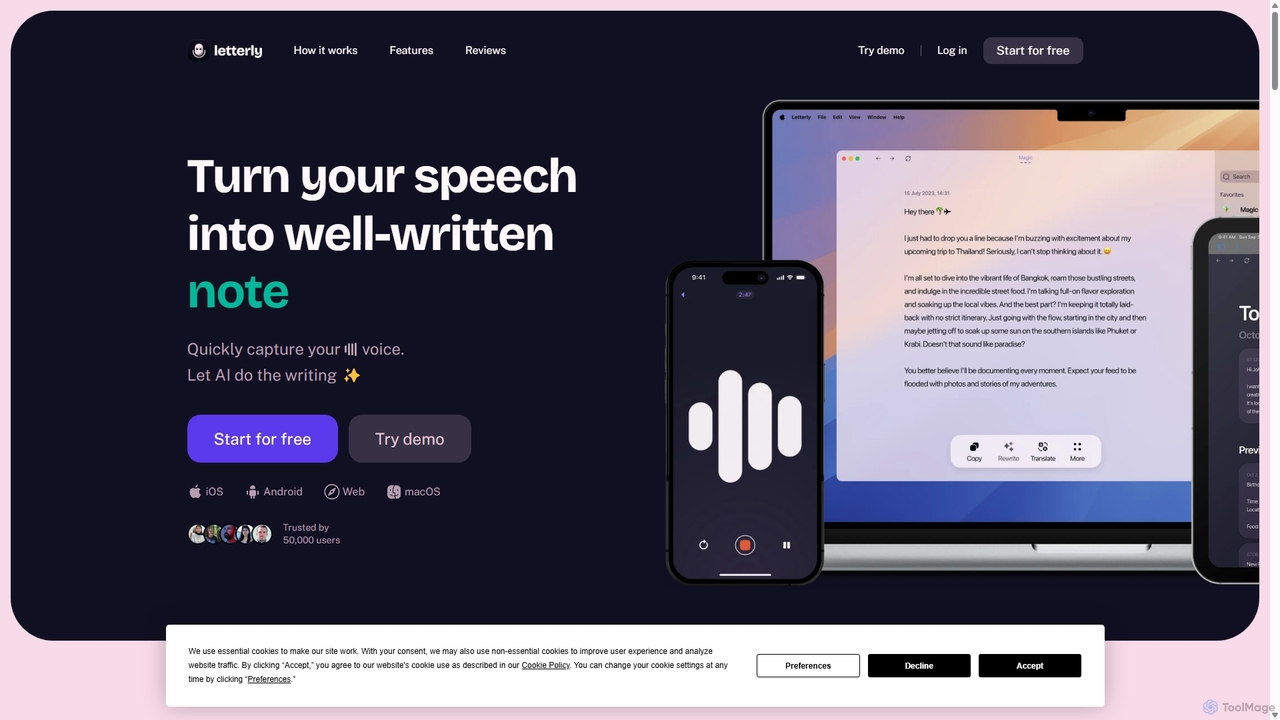
Letterly
Letterly is an AI-powered mobile and desktop app that transforms your spoken words into clear, well-written text. It's more than just transcription; it uses AI to structure, rewrite, and format your voice notes into ready-to-use emails, social media posts, journal entries, to-do lists, and more, supporting over 90 languages.
TranscriptionVoice Inbox Categories
Voice Inbox Embed Widget
Copy this embed code to place the badge on your blog, article, or product site and send readers directly to this ToolMage detail page.

Related AI tools
Klarity
Klarity is an AI-powered note-taking assistant that transforms your voice into structured text. Effortlessly capture thoughts, meeting notes, lecture content, and creative ideas, and automatically organize them. It integrates seamlessly with productivity tools like Notion, Obsidian, and Readwise to supercharge your workflow.
Transcription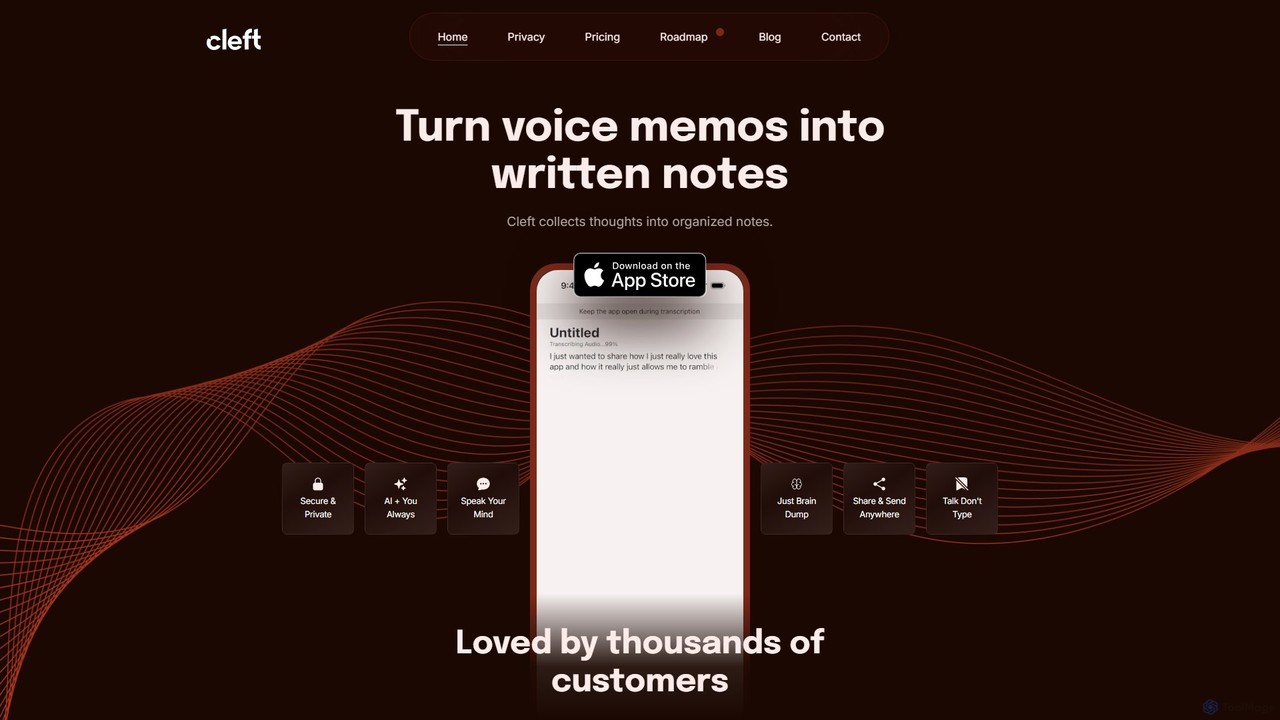
Cleft Notes
Cleft Notes is an AI-powered voice scribe that transforms your spoken thoughts into organized, summarized, and structured written notes. Available on iPhone, iPad, and Mac, it's designed to capture ideas effortlessly, making it ideal for professionals, creatives, and neurodivergent individuals. Just talk, and Cleft turns your ramblings into coherent text, checklists, and outlines.
Voice RecordingTaped
Taped is an AI-powered note-taking application that transforms your spoken or written thoughts into structured, organized, and summarized notes. It uses advanced AI to transcribe, clean up, and format your ideas, making it easy to capture and act on them across all your devices.
Transcriptionbiji
biji is an AI-driven knowledge management app that transforms your spoken ideas into structured, searchable, and usable notes. Just talk, and biji's AI will handle transcription, summarization, and organization, making it effortless to capture and manage your thoughts, meetings, and learnings.
TranscriptionLetterly
Letterly is an AI-powered mobile and desktop app that transforms your spoken words into clear, well-written text. It's more than just transcription; it uses AI to structure, rewrite, and format your voice notes into ready-to-use emails, social media posts, journal entries, to-do lists, and more, supporting over 90 languages.
Transcription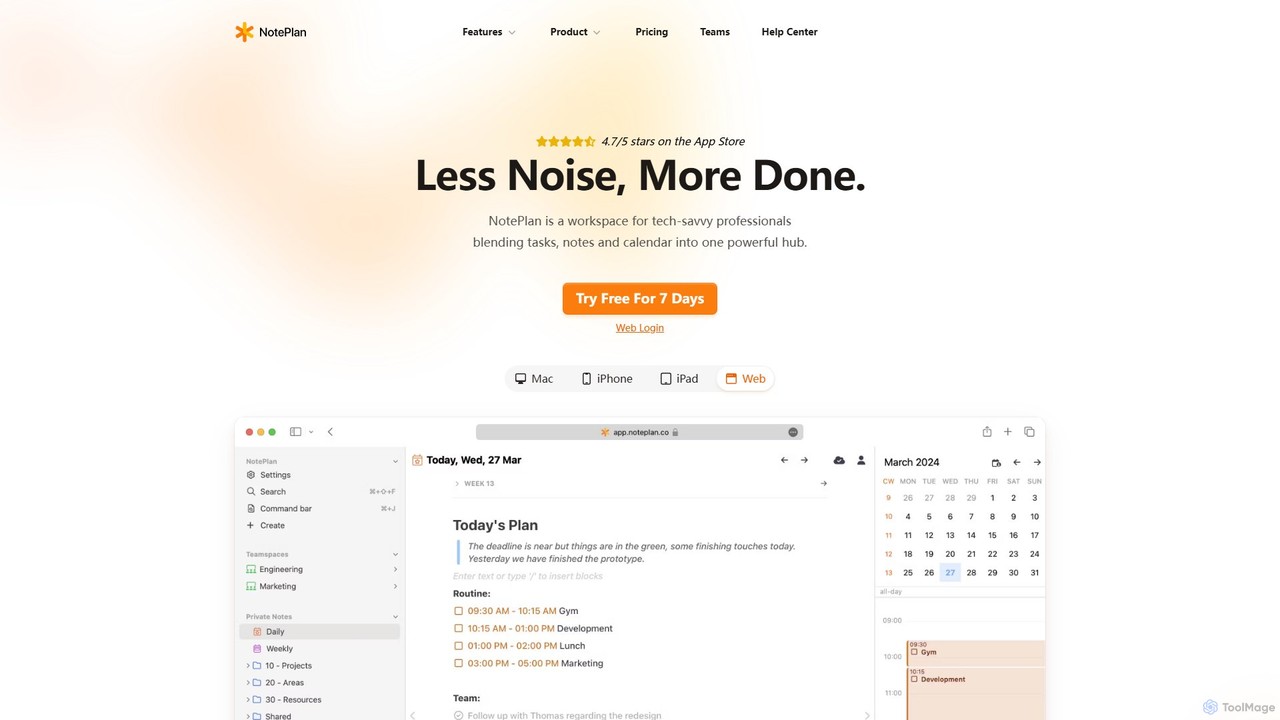
NotePlan
NotePlan is an all-in-one productivity workspace for professionals, blending tasks, notes, and calendar into a single, powerful hub. It supports Markdown, personal knowledge management (PKM) with bi-directional links, and features integrated AI for summarizing, rewriting, and transcribing. Available on Mac, iOS, and Web, it keeps you organized and focused.
Calendar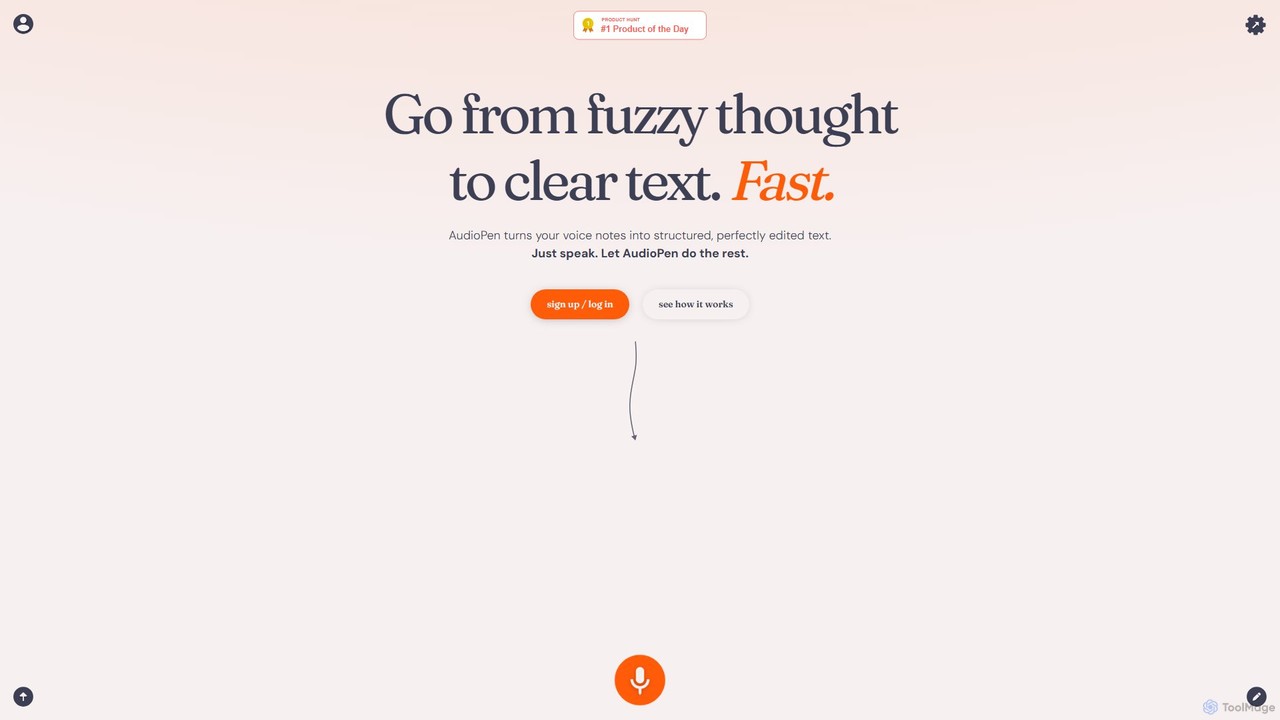
AudioPen
AudioPen is an AI-powered tool that converts unstructured voice notes into clear, well-written text. Simply record your thoughts, and AudioPen will transcribe, summarize, and rewrite them into coherent summaries, blog posts, emails, or lists. It's designed to help you capture ideas on the go without the hassle of typing.
Transcription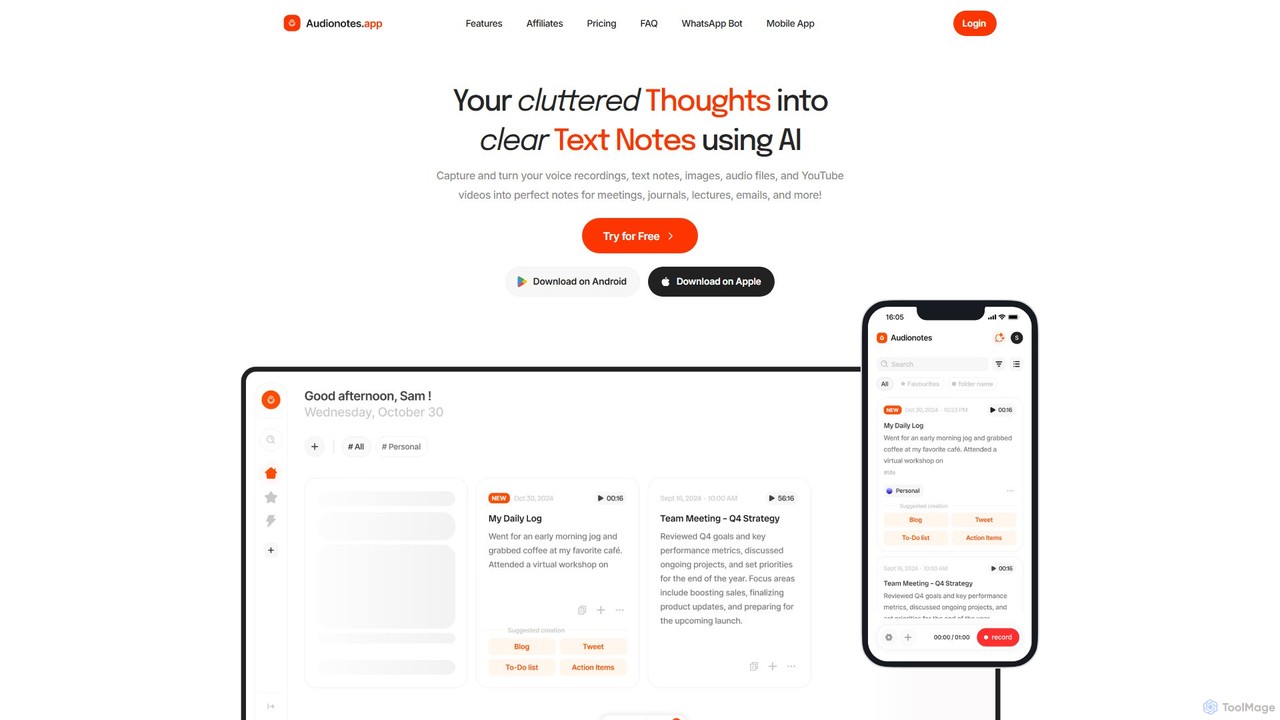
Audionotes.app
Audionotes.app is an AI-powered assistant that transforms your voice notes, text, images, audio/video files, and YouTube videos into clear, structured text. It's designed for professionals, students, and creators to capture ideas, transcribe meetings, summarize lectures, and generate content effortlessly across multiple platforms.
Transcription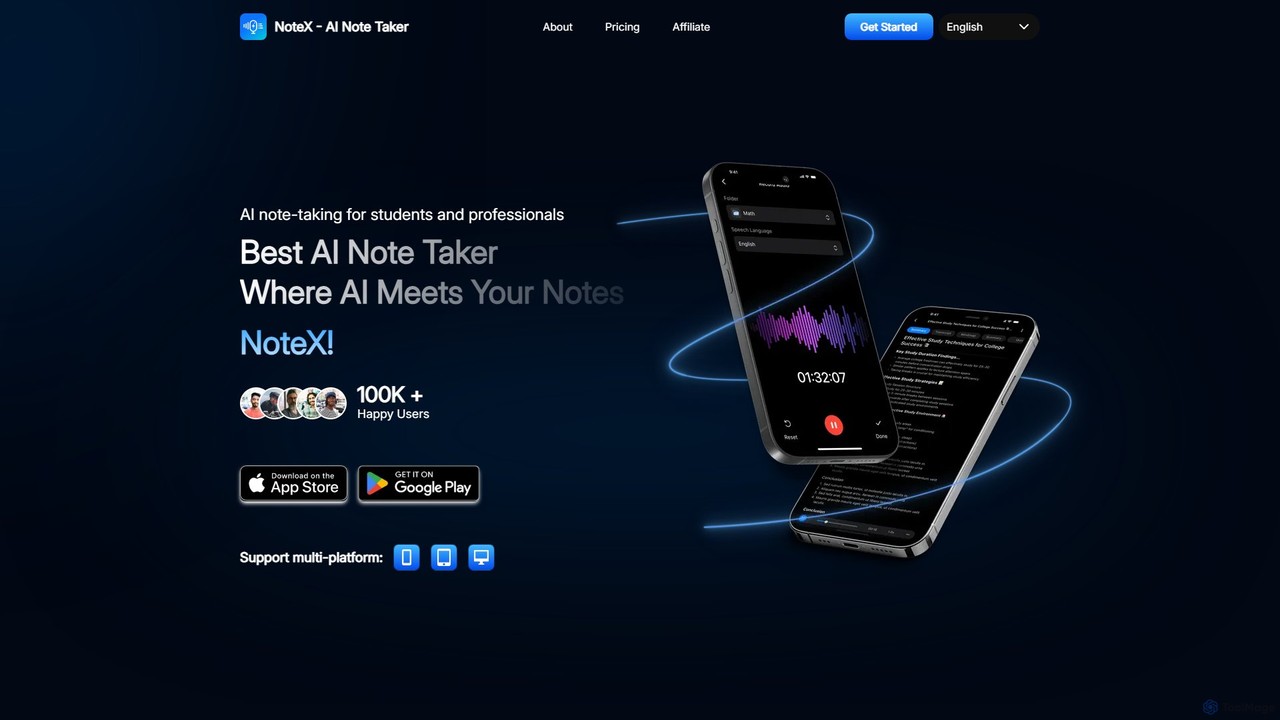
NoteX
NoteX is an AI-powered note-taking application designed for students and professionals. It automatically transcribes audio and video, generates intelligent summaries, and creates mind maps, quizzes, and flashcards from your notes. With cross-device sync and support for over 100 languages, NoteX streamlines information capture, enhances learning, and boosts productivity.
Transcription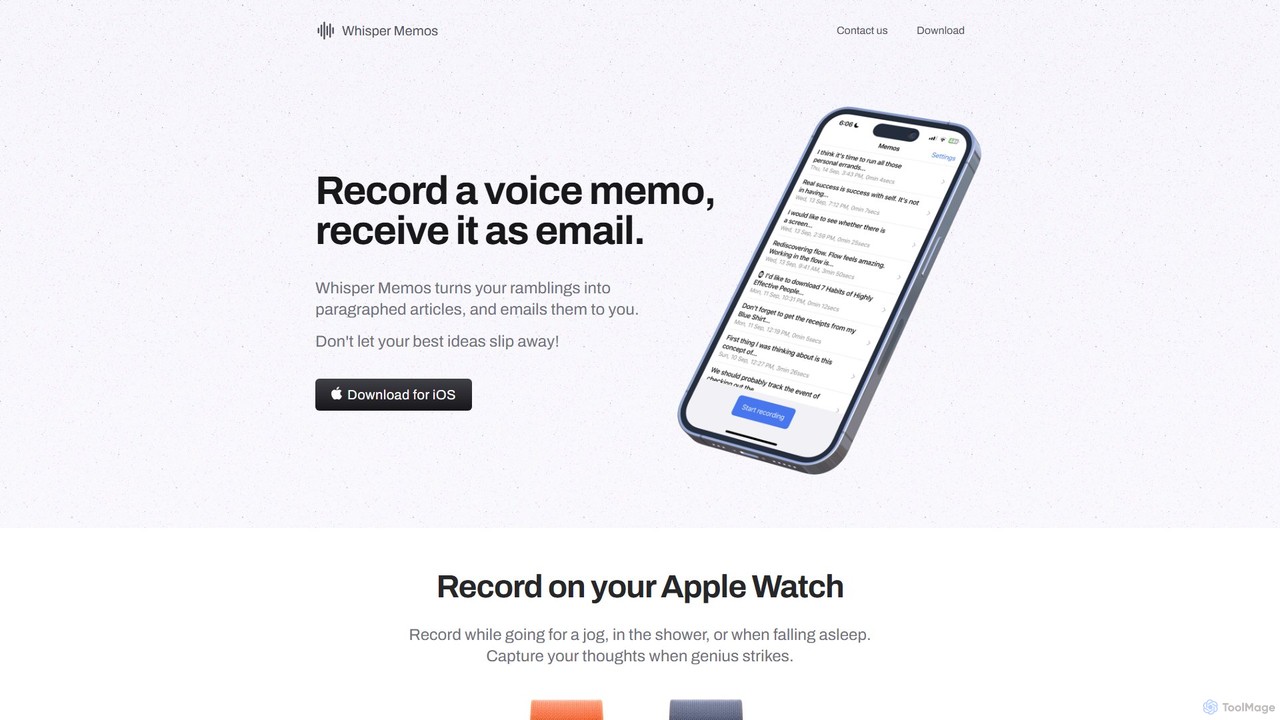
Whisper Memos
Whisper Memos is an iOS and Apple Watch app that captures your voice memos, uses AI (GPT-4) to transcribe and format them into structured articles, and delivers them directly to your email. It's designed for effortless, on-the-go idea capture, ensuring you never lose a fleeting thought.
Transcription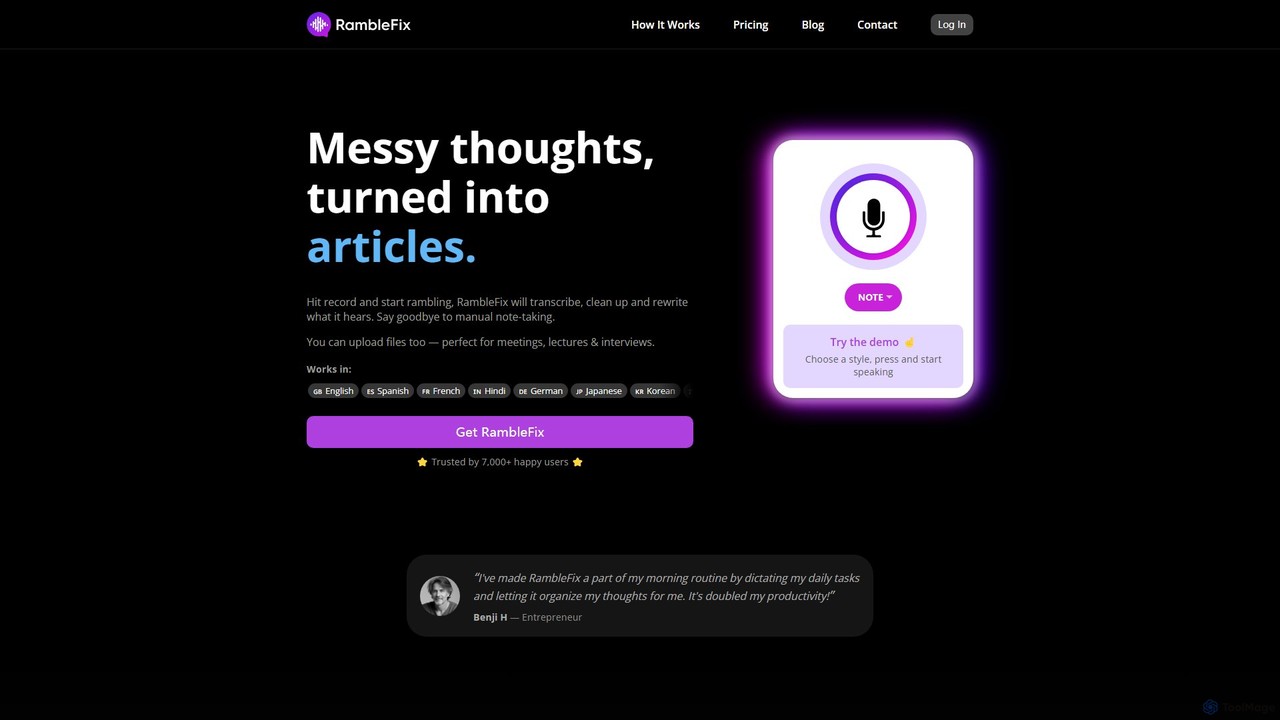
RambleFix
RambleFix is an AI-powered tool that transforms your scattered voice notes and ramblings into structured, polished text. Simply record your thoughts or upload an audio file, and the AI will transcribe, clean up, and rewrite your content into articles, emails, social posts, or organized lists. It supports over 30 languages, making it perfect for boosting productivity, overcoming writer's block, and creating content effortlessly.
Transcription
AudioNote
AudioNote is an AI-powered tool that transforms your spoken ideas and audio recordings into structured, professional text. It accurately transcribes voice notes and uses AI to summarize, organize, and even rewrite your content. Supporting over 30 languages, it's perfect for capturing fleeting thoughts, drafting content, and boosting productivity without typing.
Transcription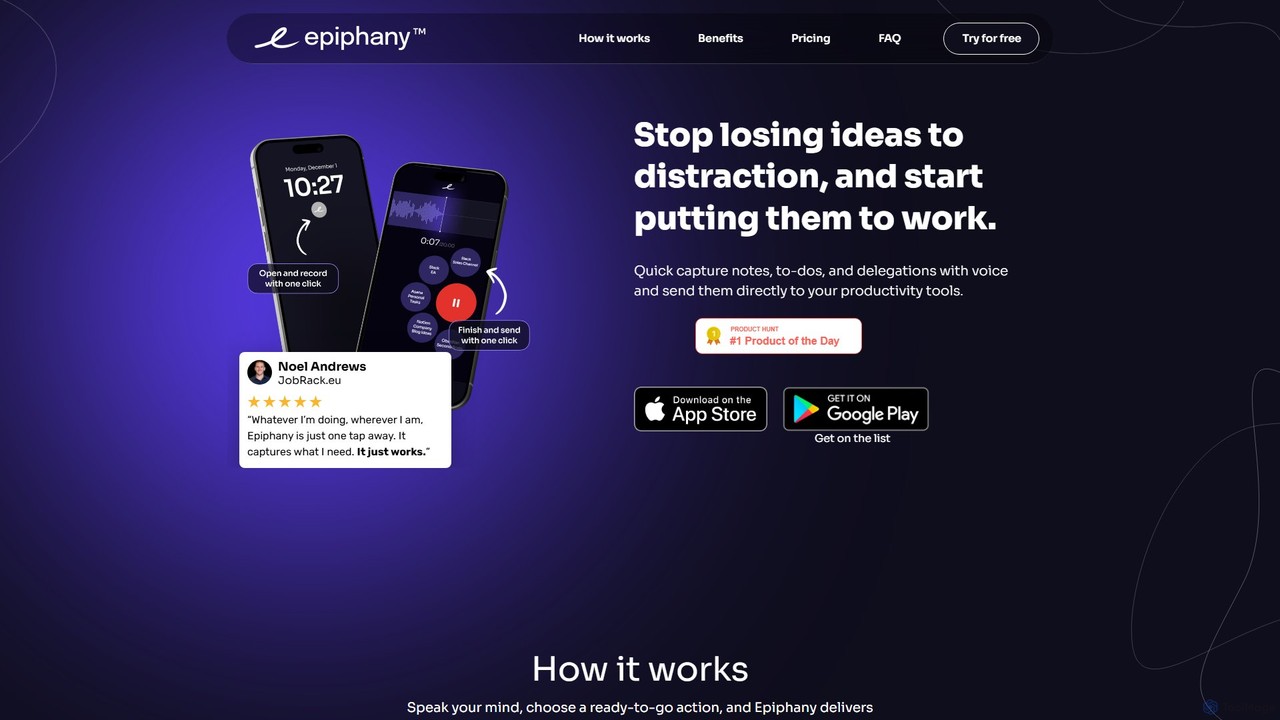
epiphanyvoice
epiphanyvoice is a frictionless voice-to-action app for iPhone and Apple Watch. It allows you to instantly capture fleeting ideas, notes, to-dos, and delegations with your voice and send them directly to your favorite productivity tools, eliminating context switching and ensuring no thought is ever lost.
Ios Apps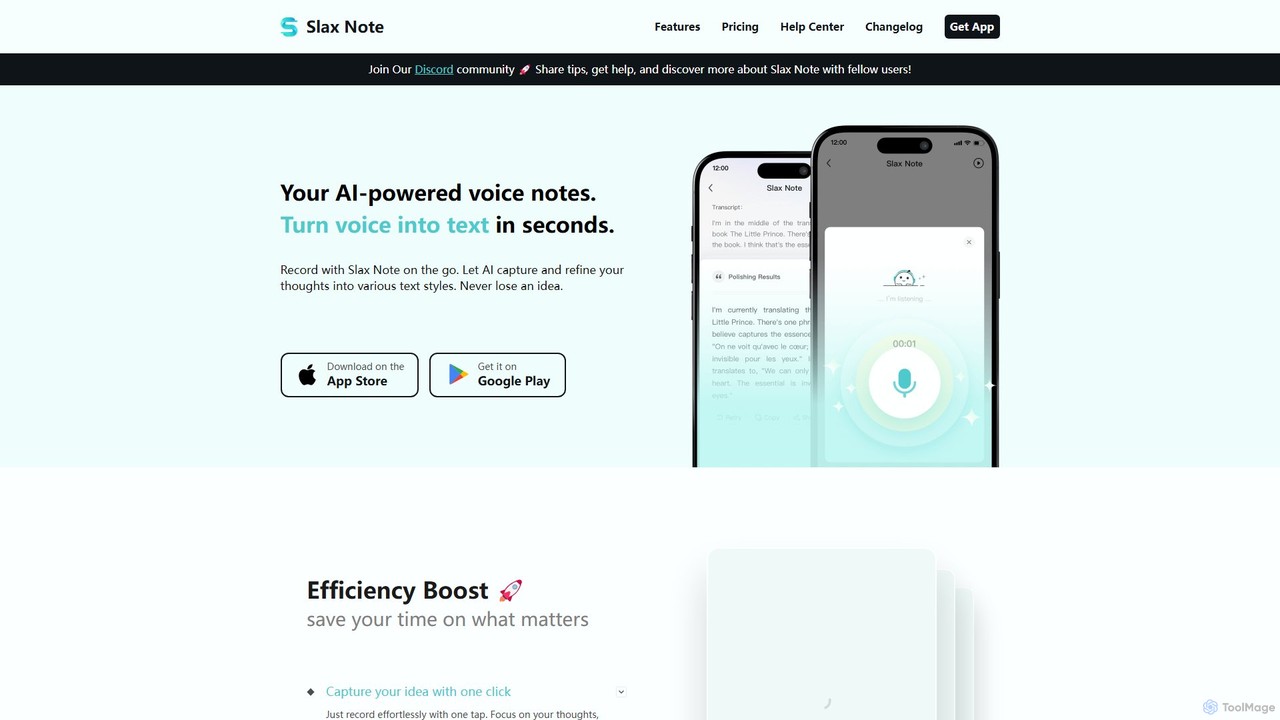
Slax Note
Slax Note is an AI-powered voice notes app that transforms your speech into structured, polished text. Effortlessly capture ideas on the go, and let AI transcribe, summarize, and reformat your thoughts into various styles. Ideal for content creators, professionals, and students to boost productivity.
Transcription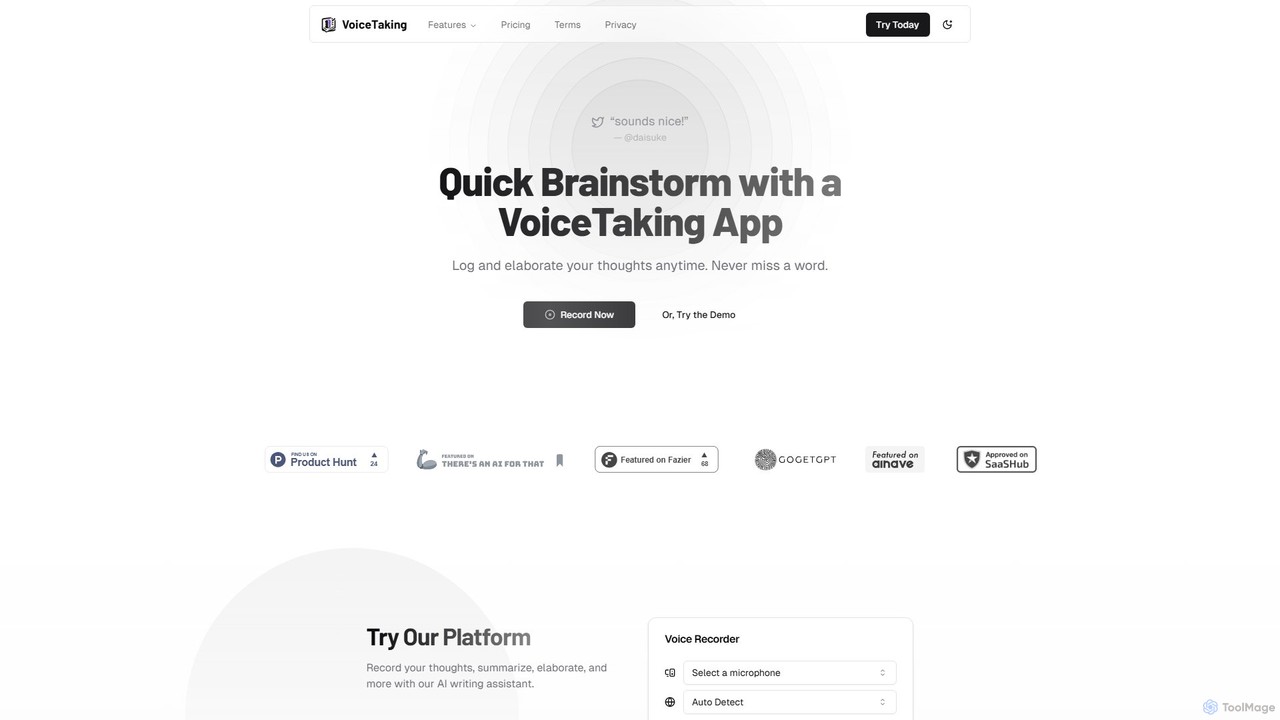
VoiceTaking
VoiceTaking is an AI-powered platform that transforms spoken ideas into structured text. It combines high-accuracy voice transcription with a Notion-like editor and an AI writing assistant, allowing users to record, transcribe, summarize, and elaborate on their thoughts seamlessly. It's designed for quick brainstorming, efficient note-taking, and asynchronous team collaboration.
Transcription
Voice Inbox Comments (0)
Sign in to comment.
Sign inNo comments yet.