Ai Models Best in category 1 results Speech To Text AI Tool

Popular AI tools in the Speech To Text field of Ai Models include Gabber, etc., helping you quickly improve efficiency.

Gabber

Gabber

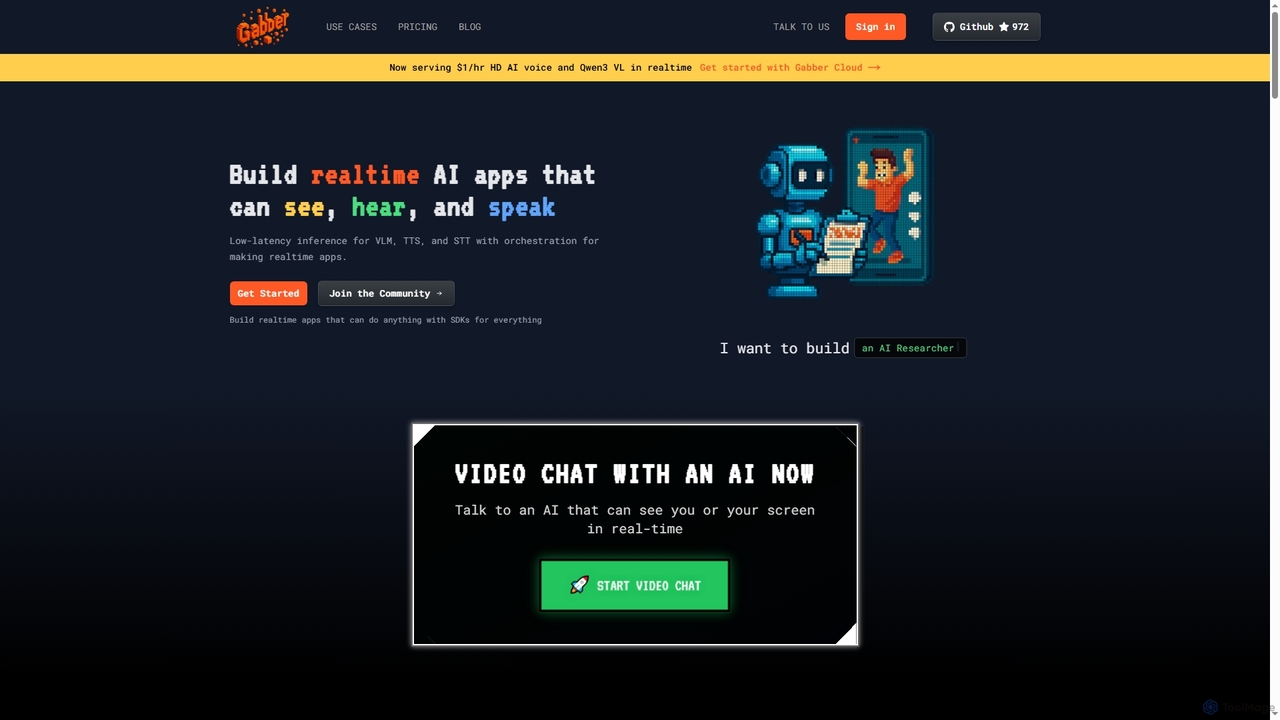
Gabber is a powerful platform for building real-time, multimodal AI applications that can see, hear, and speak. It …

5.1K

About Speech To Text

Speech To Text tools are a class of AI models that automatically convert spoken language from audio or video into written text. Leveraging advanced Automatic Speech Recognition (ASR) technology, these tools analyze audio signals to identify words and phrases with high accuracy. They are essential for making audio and video content searchable, improving accessibility for individuals with hearing impairments, and automating data entry from voice commands. Key capabilities often include real-time transcription, speaker identification, and support for numerous languages and dialects.

Core Features

  • High-Accuracy Transcription: Converts speech into text with a low word error rate (WER), even in noisy environments.
  • Speaker Diarization: Identifies and labels different speakers within a single audio recording.
  • Real-time Processing: Transcribes audio streams live, enabling applications like live captioning for events and meetings.
  • Multi-Language & Dialect Support: Recognizes and accurately transcribes speech from a wide range of global languages and regional accents.
  • Punctuation & Formatting: Automatically adds punctuation, capitalization, and paragraph breaks to enhance readability.

Use Cases

Speech To Text technology is widely adopted across various industries. In media, journalists and content creators use it to quickly transcribe interviews and video footage. In customer service, call centers analyze conversation transcripts for quality assurance and sentiment analysis. The healthcare sector utilizes it for medical dictation, allowing clinicians to document patient notes efficiently. It's also fundamental for creating accessible educational content, such as lecture transcripts.

How to Choose

When selecting a Speech To Text tool, first evaluate its accuracy for your specific language, dialect, and audio environment. Determine if you need real-time transcription or batch processing for pre-recorded files. For developers, the availability and documentation of an API for integration are crucial. Also, consider the pricing model—whether it's per-minute, subscription-based, or pay-as-you-go—and ensure the provider's data security policies meet your compliance requirements, especially for sensitive information.

Speech To TextUse Cases

1

Transcribing Interviews for Journalism and Content Creation

Journalists, podcasters, and video creators often conduct hours of interviews that need to be converted into text. A Speech To Text tool automates this process, saving significant time compared to manual transcription. By uploading an audio or video file, a creator receives a full, time-stamped transcript within minutes. This allows them to quickly search for key quotes, edit content more efficiently, and create articles, show notes, or video scripts. The speaker diarization feature is particularly useful for distinguishing between the interviewer and the interviewee.

2

Generating Meeting Minutes and Action Items

For business professionals, keeping accurate records of meetings is crucial. Real-time Speech To Text tools can transcribe entire meetings as they happen. This creates an immediate, searchable record of all discussions, decisions, and action items. After the meeting, the transcript can be quickly reviewed and summarized into formal minutes, ensuring no critical details are missed. This improves team alignment, accountability, and provides a valuable reference for those who couldn't attend the meeting.

3

Automating Subtitle and Caption Creation for Videos

Video accessibility and engagement are significantly enhanced by subtitles. Manually creating them is a tedious task. Speech To Text tools can analyze the audio track of a video and automatically generate a time-coded subtitle file (like an SRT file). This file can then be uploaded directly to platforms like YouTube or Vimeo. This not only makes content accessible to deaf and hard-of-hearing audiences but also improves SEO and allows viewers to watch videos in sound-sensitive environments.

4

Analyzing Customer Service Calls for Quality Assurance

Call centers generate vast amounts of audio data daily. Speech To Text APIs can be integrated into call center software to automatically transcribe every customer interaction. Support managers can then search these transcripts for keywords related to customer complaints, product issues, or agent performance. This data is invaluable for training agents, identifying trends in customer sentiment, ensuring compliance with regulations, and ultimately improving the overall customer experience.

5

Voice-Controlled Applications and IoT Devices

Developers use Speech To Text APIs as a core component for building voice-activated applications. This includes virtual assistants, in-car navigation systems, and smart home devices. The API captures the user's spoken command, converts it to text, and then the application processes this text to perform an action, such as playing a song, setting a reminder, or turning on the lights. The accuracy and low latency of real-time transcription are critical for a seamless user experience in these interactive systems.

6

Medical and Legal Dictation and Documentation

In professions like healthcare and law, accurate documentation is paramount and legally required. Doctors, nurses, and lawyers use Speech To Text software to dictate notes, patient reports, or legal briefs directly into their systems. This is significantly faster than typing and allows them to capture detailed information while it's fresh in their minds. Specialized models trained on medical or legal terminology are often used to ensure high accuracy for industry-specific jargon, improving efficiency and reducing documentation errors.

Speech To TextFrequently Asked Questions