ToolMage
Sign in

Best 3 Virtual Assistant for Chatbots

Popular Virtual Assistant in Chatbots include Woebot Health, AI Health Mind, and T4lky, helping you work more efficiently.

AI Health Mind
Freemium

AI Health Mind

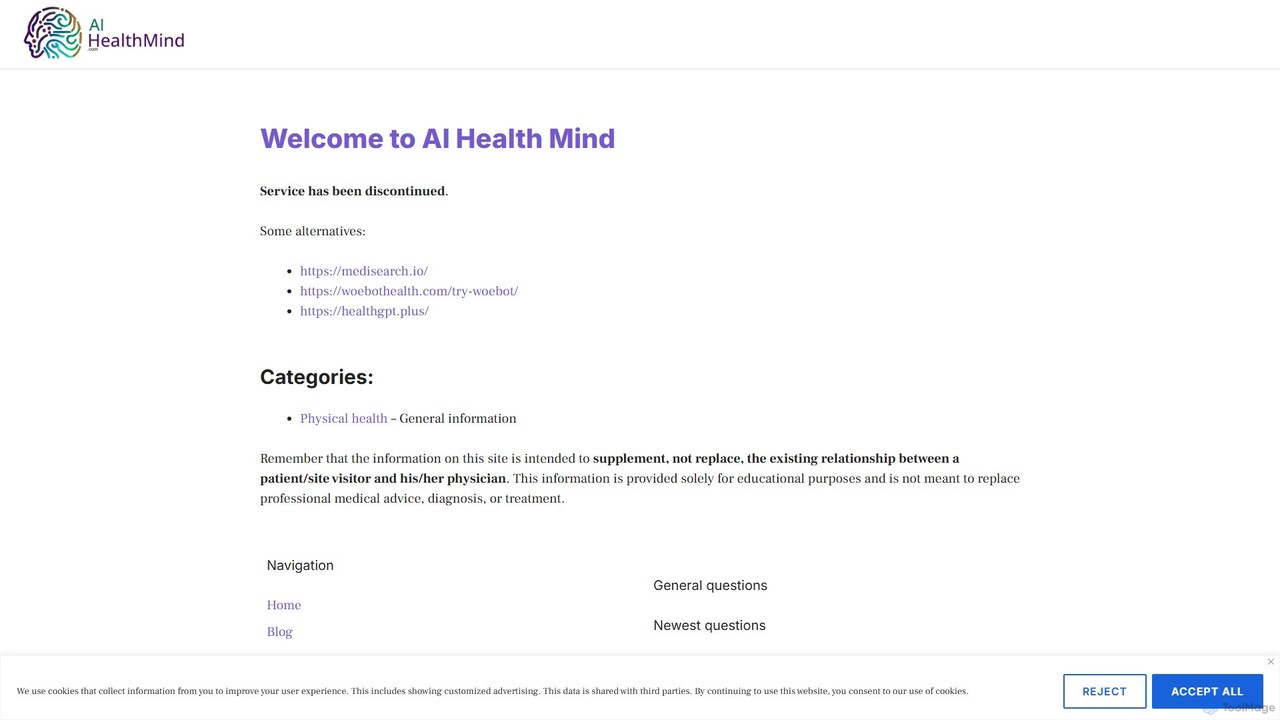
AI Health Mind is an AI-powered mental wellness companion. It offers a 24/7 conversational chatbot, personalized wellness plans based on CBT and mindfulness, intelligent mood tracking, and guided exercises to help users manage stress, anxiety, and improve overall emotional well-being in a private and accessible way.

Virtual Assistant
Visits 3.8KFavorites 115Likes 97
Woebot Health
Freemium

Woebot Health

Woebot Health is an AI-powered chatbot designed to provide accessible, 24/7 mental health support. Using principles from Cognitive Behavioral Therapy (CBT), it engages users in supportive conversations, helping them track their mood, learn coping skills, and manage feelings of anxiety, stress, and sadness in a private, secure environment.

Virtual Assistant
Visits 100.5KFavorites 107Likes 95
T4lky
Free

T4lky

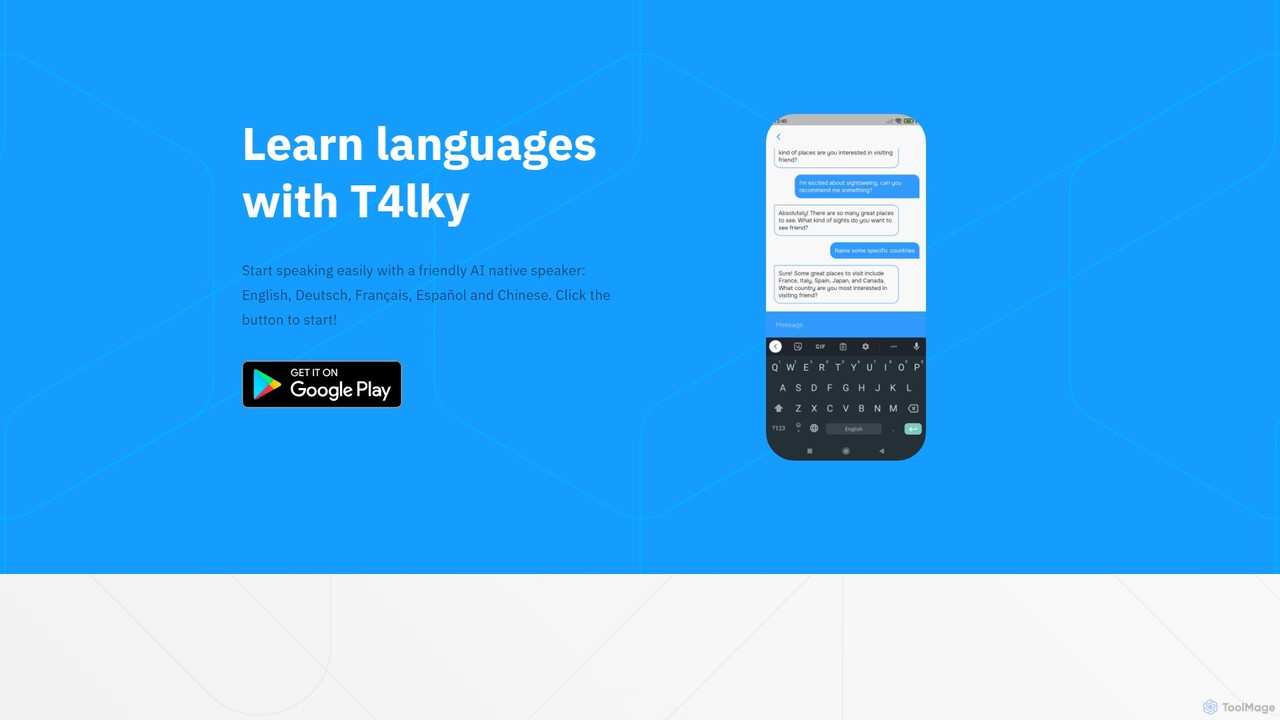
T4lky is a free AI-powered language learning tool designed to help you practice speaking. Engage in natural conversations with a friendly AI native speaker in English, German, French, Spanish, or Chinese. T4lky understands you even if you make mistakes or use your native language, providing a safe, judgment-free environment to build your confidence and fluency anytime, anywhere.

Virtual Assistant
Visits 3.4KFavorites 112Likes 104

About Virtual Assistant

A Virtual Assistant is an AI-powered application designed to perform tasks and manage services for an individual user proactively. Unlike general chatbots that primarily react to queries, these assistants leverage deep integration with calendars, emails, and other personal data to anticipate needs and automate complex workflows. They function as personalized productivity partners, capable of scheduling meetings, managing travel plans, and providing timely information. Their key strength lies in contextual awareness and the ability to execute multi-step actions across various platforms.

Core Features

  • Proactive Task Execution: Initiates actions based on user habits, calendar events, or incoming emails without explicit commands.
  • Deep Personalization: Learns user preferences, contacts, and routines to provide highly relevant assistance and recommendations.
  • Multi-Platform Integration: Connects with and controls various apps and services, such as calendars, email clients, travel booking sites, and smart home devices.
  • Natural Language Understanding (NLU): Processes complex, conversational requests and understands the underlying intent and context.

Use Cases

Virtual Assistants are widely used by busy professionals, executives, and individuals seeking to optimize their daily routines. In a business context, they assist with managing schedules, filtering important emails, and setting reminders for project deadlines. For personal use, they excel at planning trips, managing household tasks, and providing quick access to information like weather or news updates.

How to Choose

When selecting a Virtual Assistant, consider its integration ecosystem—ensure it supports the apps and services you use daily. Evaluate its platform availability (desktop, mobile, smart speakers) to match your workflow. Assess its privacy policy and data handling practices carefully. Finally, consider the complexity of tasks it can handle, from simple reminders to multi-step workflow automation.

Featured tool rankings

Virtual Assistant use cases

1

Automated Meeting Scheduling and Management

For busy professionals and executives, coordinating schedules for meetings is a time-consuming task. A Virtual Assistant automates this entire process. A user can state a request like, 'Schedule a 30-minute call with Jane Doe for next week.' The assistant then accesses the user's calendar, finds mutual availability with the contact, sends invitations, and handles rescheduling if necessary. This eliminates back-and-forth emails and reduces administrative overhead, freeing up valuable time for strategic work.

2

Intelligent Email Triage and Response Drafting

Project managers and team leads often face an overwhelming influx of emails. A Virtual Assistant can intelligently triage the inbox by identifying and prioritizing important messages from key stakeholders or related to urgent tasks. It can archive promotional emails, flag items requiring action, and even draft context-aware replies for routine inquiries. For example, it can summarize a long email thread and suggest a concise response, allowing the user to review and send it in seconds, significantly improving communication efficiency.

3

Personalized Travel Planning and Booking

For frequent travelers, planning trips involves juggling flights, accommodations, and transportation. A Virtual Assistant simplifies this by acting as a personal travel agent. Based on a user's preferences and past travel history, it can research flight options, compare hotel prices, and suggest itineraries. A user can give a command like, 'Find me a round-trip flight to Tokyo for the first week of May and a hotel near Shibuya.' The assistant will then present curated options, handle the booking process across different websites, and add all confirmations to the user's calendar.

4

Daily Briefing and Information Synthesis

Individuals starting their day, such as consultants or researchers, need a quick overview of relevant news, market changes, and their schedule. A Virtual Assistant can prepare a personalized daily briefing. It synthesizes information from various sources: it summarizes top news headlines in specific industries, provides stock market updates for a user's portfolio, reviews the day's calendar appointments, and flags urgent emails. This consolidated report is delivered via voice or text, providing a comprehensive and efficient start to the day without needing to check multiple apps.

5

Smart Home Device Control and Automation

For homeowners, managing an ecosystem of smart devices can be fragmented. A Virtual Assistant acts as a central command hub. Users can issue voice commands like, 'Good morning,' to trigger a routine that turns on the lights, starts the coffee maker, and plays their favorite news podcast. It can also manage security by allowing users to remotely check smart locks or view security camera feeds. This centralized control simplifies home management and creates automated routines that adapt to the user's lifestyle, enhancing both convenience and security.

6

Project Task Tracking and Reminders for Teams

While not a full project management tool, a Virtual Assistant can serve as a personal accountability partner for small teams or freelancers. A user can dictate tasks and deadlines, such as 'Remind me to follow up with the design team on Friday.' The assistant integrates this into the user's calendar and to-do list. It can also be configured to send reminders to a shared communication channel. This helps individuals stay on top of their responsibilities and ensures that important follow-ups are not missed, complementing more formal project management systems.

Virtual Assistant FAQ

What is an AI Virtual Assistant?

An AI Virtual Assistant is a software agent that can perform tasks or services for an individual based on commands or questions. Unlike simple chatbots, they are proactive and deeply integrated with a user's personal data, such as calendars, emails, and contacts. Their primary purpose is to automate personal and professional tasks, from scheduling meetings and managing travel to controlling smart home devices, acting as a centralized productivity hub.

How is a Virtual Assistant different from a standard Chatbot?

The key difference lies in proactivity and scope. A standard Chatbot is typically reactive, designed to answer questions or handle simple tasks within a specific domain (e.g., customer support). A Virtual Assistant is proactive and personalized, designed to manage a user's life. Key distinctions include:

  • Scope: Chatbots are domain-specific; Virtual Assistants operate across many apps and services.
  • Initiative: Chatbots react to user input; Virtual Assistants can initiate actions based on context (e.g., reminding you to leave for a meeting based on traffic).
  • Integration: Virtual Assistants have deep access to personal data like calendars and emails to perform complex, personalized tasks.

How do I choose the right AI Virtual Assistant?

Choosing the right Virtual Assistant depends on your specific needs and digital ecosystem. Consider these factors:

  • Ecosystem Integration: Does it work seamlessly with the apps you use most (e.g., Google Workspace, Microsoft 365, Slack)?
  • Platform Availability: Is it available on all your devices, including your phone, computer, and smart speakers, for consistent access?
  • Task Complexity: Can it handle multi-step commands and complex workflows, or is it limited to simple tasks like setting timers?
  • Privacy Policy: Review how the provider collects, stores, and uses your personal data, as these assistants require significant access to be effective.

What are the key features of a modern Virtual Assistant?

Modern Virtual Assistants go beyond simple voice commands. Key features include proactive assistance (suggesting actions based on your context), deep integration with third-party apps for task execution (like ordering food or booking a ride), personalization based on user history, and multi-modal interaction (accepting input via text, voice, and sometimes images). They also possess strong natural language understanding to handle complex, conversational queries rather than just rigid commands.

Who can benefit most from using a Virtual Assistant?

While anyone can benefit, certain groups find Virtual Assistants particularly valuable. This includes busy professionals and executives who need to optimize their schedule and manage communications efficiently. Small business owners and freelancers can use them to handle administrative tasks without hiring staff. Additionally, individuals with mobility challenges or those who want to create a highly automated smart home environment gain significant convenience and control from these tools.