Code Best in category 2 results Developer Tools AI Tool

Popular AI tools in the Developer Tools field of Code include Chapple、Quasi, etc., helping you quickly improve efficiency.

Quasi

Quasi

Quasi is an all-in-one AI creation marketplace designed to make content generation easy and accessible. It offers a …

2.5K
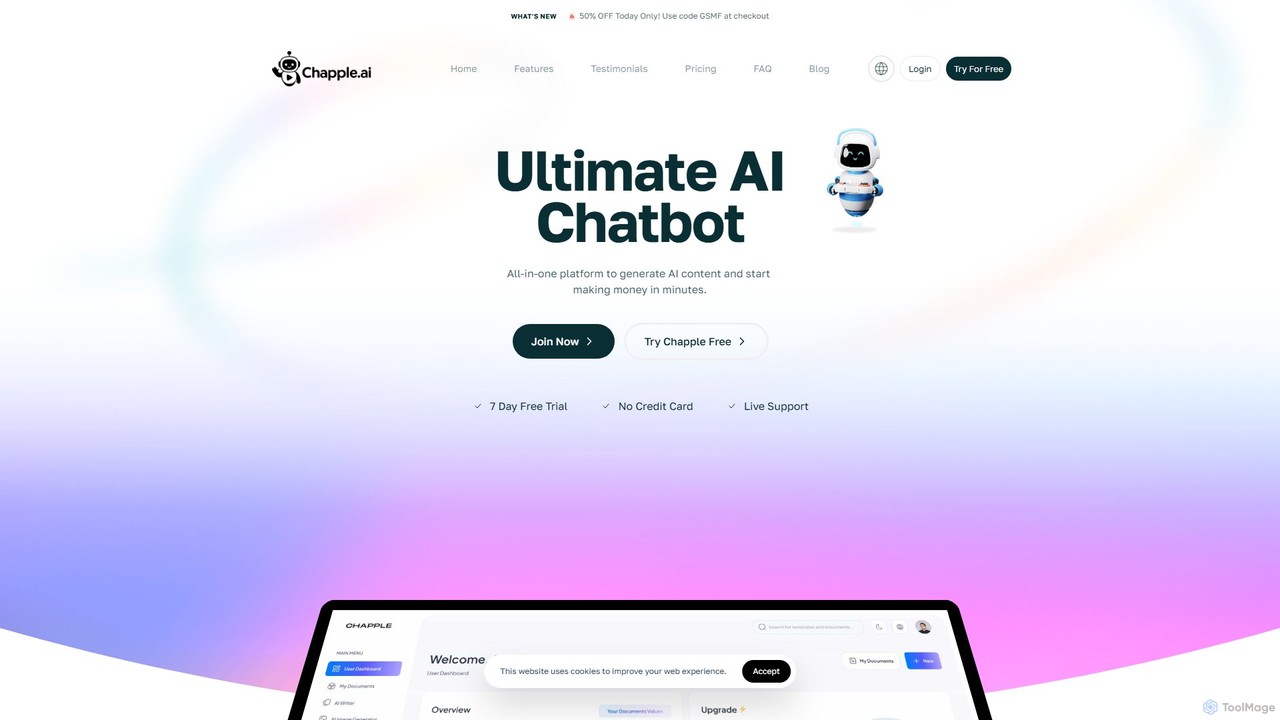
Chapple

Chapple

Chapple is a comprehensive AI-powered platform offering a vast suite of tools for content creation, marketing, business, and …

5.7K

About Developer Tools

AI Developer Tools are a specialized class of software that leverages artificial intelligence to assist professionals throughout the entire software development lifecycle (SDLC). Unlike code assistants focused solely on writing code, these tools use machine learning to analyze codebases, predict bugs, automate testing, and optimize infrastructure. They serve to accelerate development sprints, enhance code quality, and streamline complex processes like debugging, deployment, and documentation. This holistic approach empowers developers to focus on high-level problem-solving and innovation rather than on repetitive or error-prone tasks.

Core Features

  • Intelligent Debugging: Automatically analyzes stack traces and logs to identify the root cause of errors and suggest potential fixes.
  • Automated Test Generation: Creates comprehensive unit, integration, and end-to-end tests by analyzing code logic and behavior.
  • CI/CD Pipeline Optimization: Identifies bottlenecks in continuous integration and deployment workflows and recommends improvements for speed and reliability.
  • Automated Code Documentation: Generates clear, context-aware documentation for functions, classes, and APIs, keeping it synchronized with the code.
  • Infrastructure as Code (IaC) Assistance: Helps write, validate, and secure cloud infrastructure configurations in tools like Terraform or CloudFormation.

Use Cases

These tools are primarily used by software developers, DevOps engineers, QA testers, and engineering managers. They are integral to modern agile development, large-scale enterprise software maintenance, and cloud-native application development, helping teams maintain high velocity and quality standards.

How to Choose

When selecting an AI Developer Tool, consider its compatibility with your technology stack (e.g., Python, Java, Go). Evaluate its integration capabilities with your existing toolchain, including IDEs (VS Code, JetBrains), version control systems (Git), and CI/CD platforms (GitHub Actions, Jenkins). Assess whether you need a point solution for a specific task like testing or a comprehensive platform covering the full SDLC. Finally, carefully review its security and data privacy policies regarding your source code.


Developer ToolsUse Cases

1

Automate Unit Test Generation for a New Feature

A backend developer is tasked with building a new API endpoint in a Node.js application. Instead of manually writing dozens of unit tests, they use an AI Developer Tool. The tool scans the new controller and service files, understands the logic, and automatically generates a comprehensive suite of Jest tests. It covers successful cases, validation errors, and edge cases like null inputs, achieving over 80% code coverage in minutes. This process ensures robustness and significantly reduces the time spent on test creation, allowing the developer to move on to the next feature faster.

2

Perform Root Cause Analysis of a Production Bug

A DevOps engineer receives an alert for a critical memory leak in a production service. Instead of manually sifting through gigabytes of logs and metrics, they feed the error logs, stack traces, and relevant performance metrics into an AI debugging tool. The tool correlates the data points, identifies anomalous patterns leading up to the crash, and pinpoints the exact commit and function that introduced the leak. It presents a summary report explaining how the faulty code interacts with other services to cause the issue, reducing the mean time to resolution (MTTR) from hours to under 30 minutes.

3

Optimize a CI/CD Pipeline for Faster Builds

An engineering team notices their build and deployment times have been steadily increasing, slowing down their release cycle. They connect an AI Developer Tool to their GitHub Actions workflow. The tool analyzes historical run data and identifies several inefficiencies: a slow dependency installation step, tests that could be run in parallel, and inefficient Docker layer caching. It provides concrete suggestions, such as using a caching mechanism for dependencies and restructuring the test jobs. After implementing the changes, the team reduces their average pipeline duration by 40%, enabling faster feedback and more frequent deployments.

4

Generate API Documentation for a Microservice

A developer has just finished creating a new microservice in Python with FastAPI. To ensure other teams can use it, they need to provide clear documentation. They use an AI Developer Tool that integrates with their IDE. The tool parses the source code, including function signatures, type hints, and docstrings. It then automatically generates a complete OpenAPI (Swagger) specification file. The generated documentation includes endpoint descriptions, request/response models, and authentication requirements, all inferred from the code. This saves the developer several hours of tedious manual work and ensures the documentation is always accurate and in sync with the latest code.

5

Refactor Legacy Code with AI Assistance

A senior engineer is tasked with modernizing a large, aging Java codebase. They use an AI Developer Tool to perform a comprehensive analysis. The tool identifies 'code smells' such as overly complex methods, large classes, and duplicated logic. For each issue, it suggests specific refactoring patterns, like 'Extract Method' or 'Introduce Parameter Object'. It can even automatically apply some of these refactorings, generating the modified code for review. This AI-guided approach helps the engineer systematically improve code quality, reduce technical debt, and make the legacy system more maintainable without introducing new bugs.

6

Validate and Secure Terraform Configurations

A cloud engineer is responsible for provisioning AWS infrastructure using Terraform. Before applying any changes, they use an AI-powered developer tool to scan their configuration files. The tool checks for common security vulnerabilities, such as publicly accessible S3 buckets or unrestricted security group rules. It also identifies performance anti-patterns and suggests cost optimization opportunities, like recommending smaller instance types based on projected usage. This proactive validation step acts as an automated peer review, catching potential issues before they reach production and ensuring the infrastructure is secure, compliant, and cost-effective.

Developer ToolsFrequently Asked Questions