ZenMulti
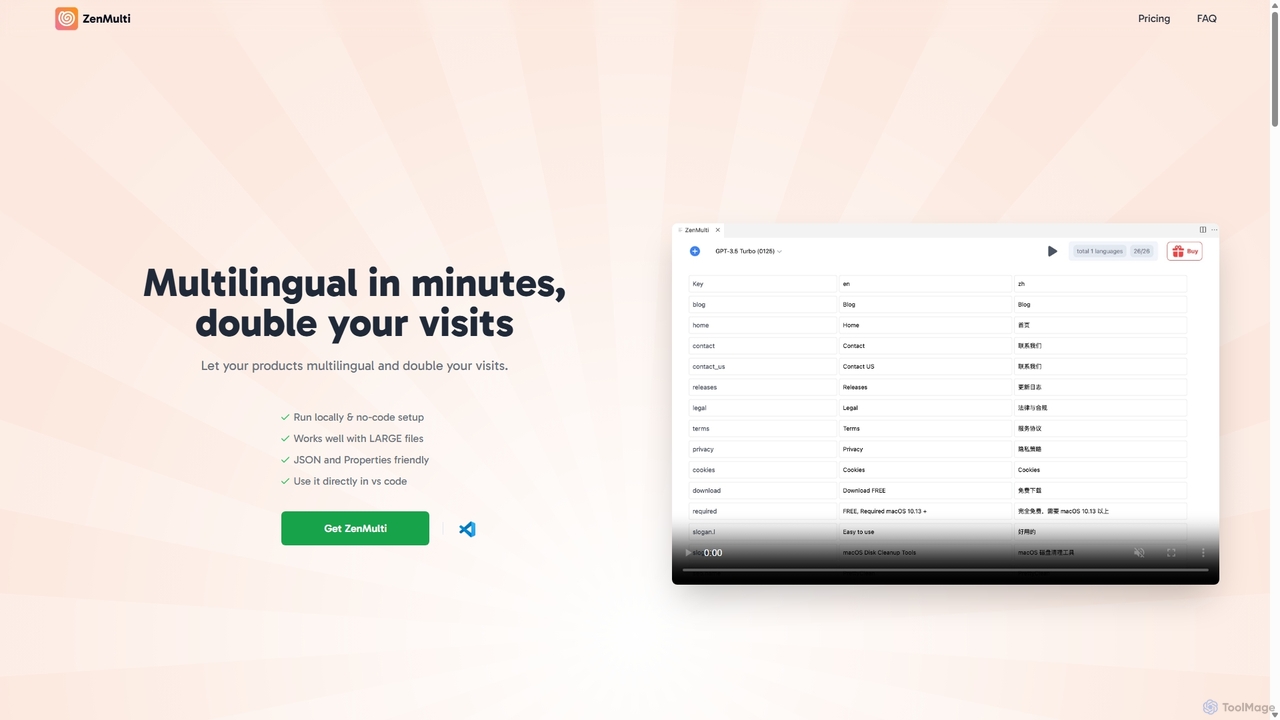
ZenMulti is an AI-powered VS Code extension designed for developers to effortlessly translate application resource files (like JSON …
ZenMulti is an AI-powered VS Code extension designed for developers to effortlessly translate application resource files (like JSON and .properties) into multiple languages. It streamlines the localization (i18n) process with a simple, no-code setup, running locally for enhanced privacy and speed. It's a one-time purchase tool for lifetime use.
XcodeChatGPT
XcodeChatGPT is a powerful AI-powered code assistant that integrates directly into Xcode. It supercharges Swift development by helping …
XcodeChatGPT is a powerful AI-powered code assistant that integrates directly into Xcode. It supercharges Swift development by helping developers write, debug, refactor, and understand code faster. Generate code snippets, get explanations, and resolve errors without leaving your IDE.
Traycer
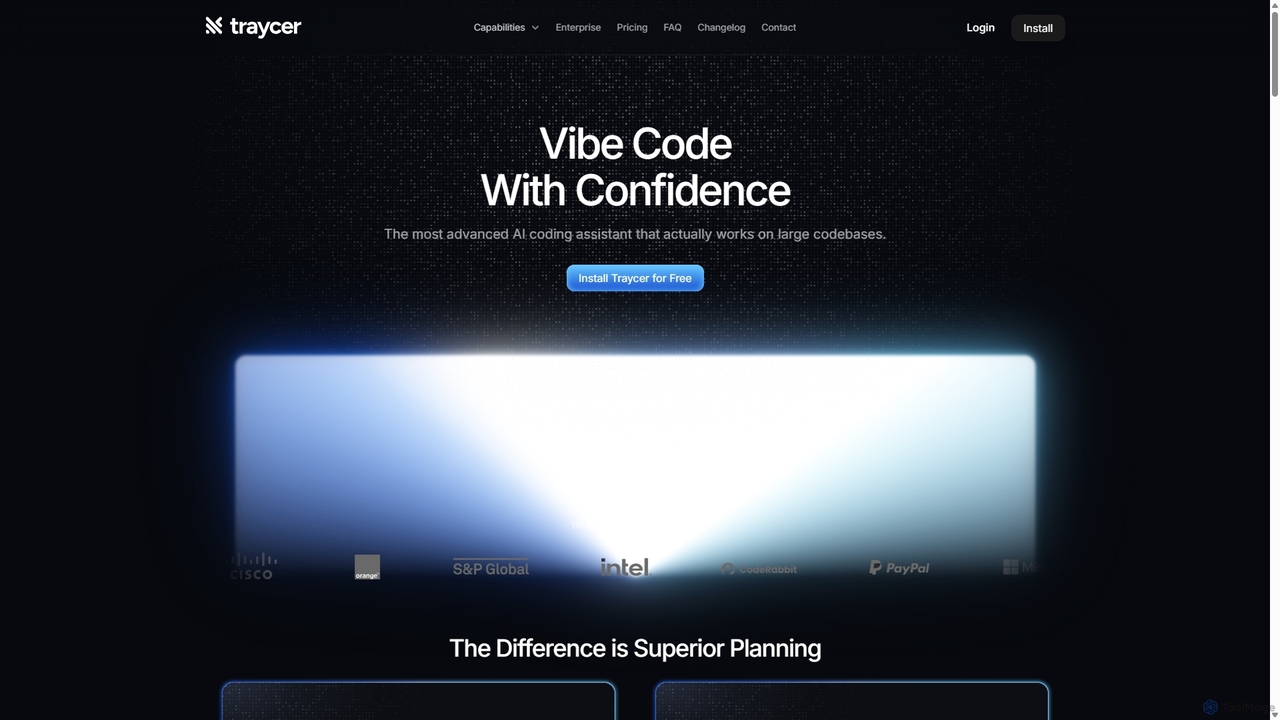
Traycer is an advanced AI coding assistant designed for large codebases. It champions a "Plan First, Code Second" …
Traycer is an advanced AI coding assistant designed for large codebases. It champions a "Plan First, Code Second" approach, generating detailed, actionable plans before writing any code. It integrates with popular AI agents like Copilot and Claude, verifies changes, and offers automated code reviews to streamline development, improve code quality, and significantly boost productivity for individual developers and teams.
WindChat
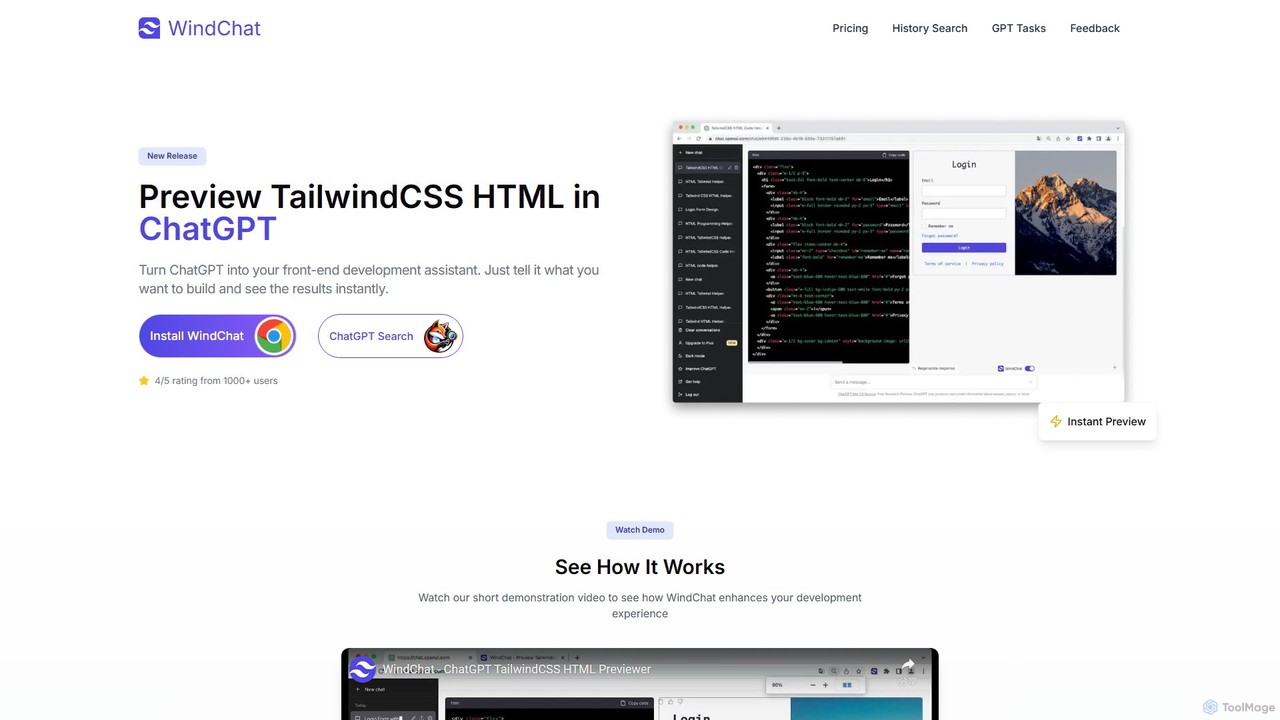
WindChat is a powerful browser extension that transforms ChatGPT into a front-end development powerhouse. It allows developers, designers, …
WindChat is a powerful browser extension that transforms ChatGPT into a front-end development powerhouse. It allows developers, designers, and students to instantly preview HTML, React, and Tailwind CSS code directly within the ChatGPT interface. By providing real-time rendering, it dramatically speeds up prototyping, mockups, and the learning process. Simply describe the UI you want, and WindChat brings the generated code to life, eliminating the need to switch between your editor and browser.

codimite
Codimite is an AI-powered coding assistant designed to accelerate the software development lifecycle. It acts as a pair …
Codimite is an AI-powered coding assistant designed to accelerate the software development lifecycle. It acts as a pair programmer, helping developers write, debug, and optimize code faster with features like intelligent code completion, natural language-to-code generation, and automated bug fixing, integrating directly into your favorite IDE.

Codeium
Codeium is a free, AI-powered toolkit for developers, offering lightning-fast code completion and an in-editor chat assistant. As …
Codeium is a free, AI-powered toolkit for developers, offering lightning-fast code completion and an in-editor chat assistant. As a leading alternative to GitHub Copilot, it supports over 70 languages and integrates with more than 40 IDEs to accelerate software development.
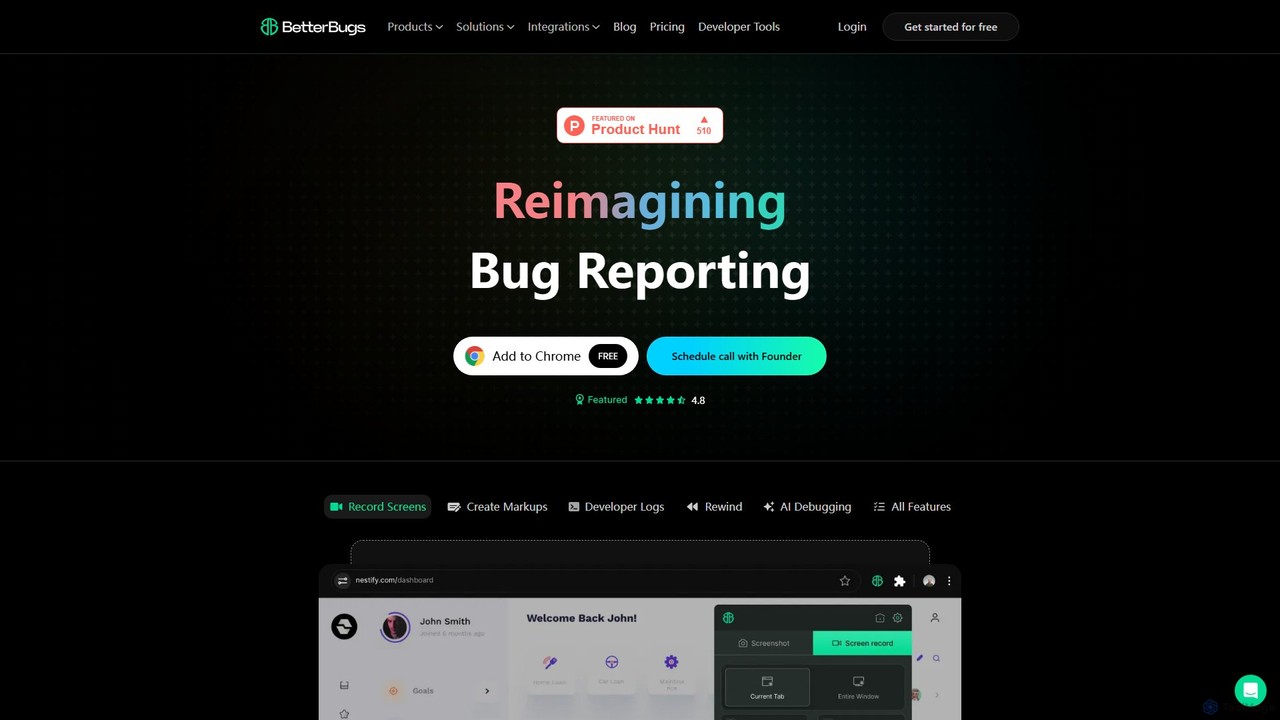
BetterBugs
BetterBugs is an AI-powered bug reporting tool that helps development and QA teams capture precise, context-rich bug reports …
BetterBugs is an AI-powered bug reporting tool that helps development and QA teams capture precise, context-rich bug reports with a single click. It automatically includes screen recordings, annotations, and comprehensive developer logs (console logs, network requests) to streamline the debugging process and accelerate bug resolution.
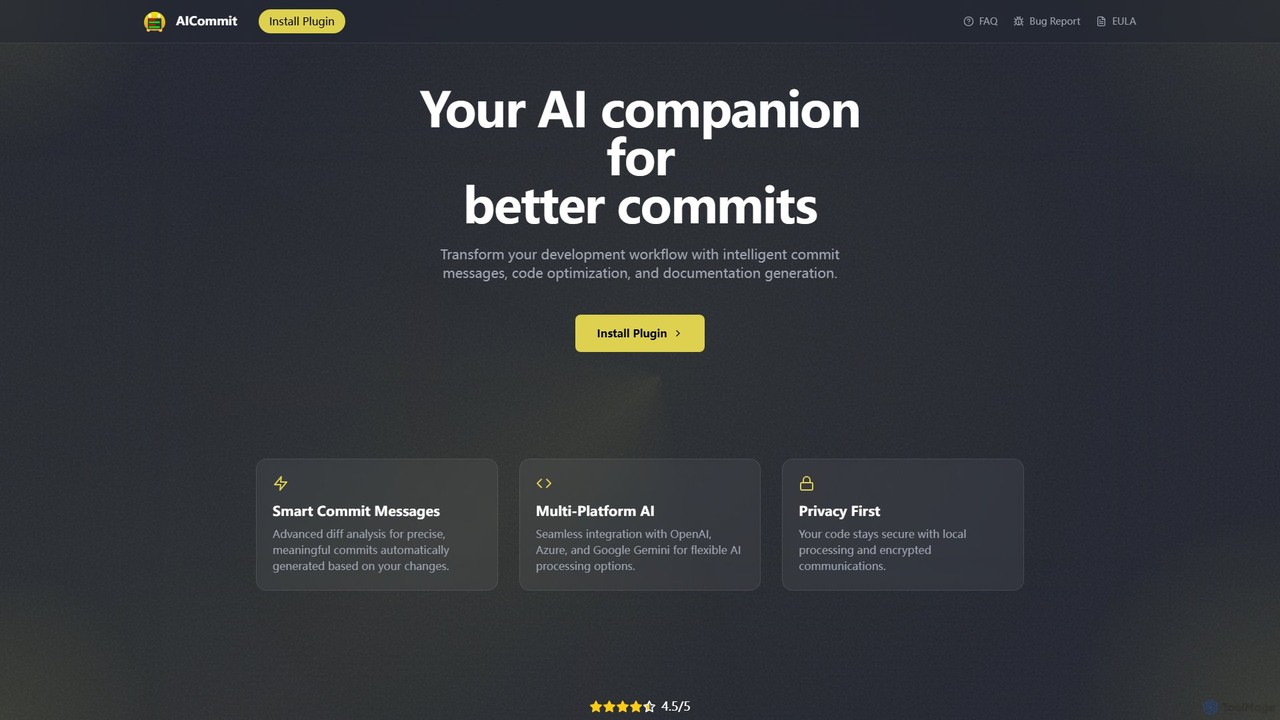
AICommit
AICommit is an intelligent IDE plugin that transforms your development workflow by automatically generating precise and meaningful Git …
AICommit is an intelligent IDE plugin that transforms your development workflow by automatically generating precise and meaningful Git commit messages. It analyzes your code changes and uses AI models from OpenAI, Azure, or Google Gemini to create high-quality commits, saving you time and improving repository clarity.
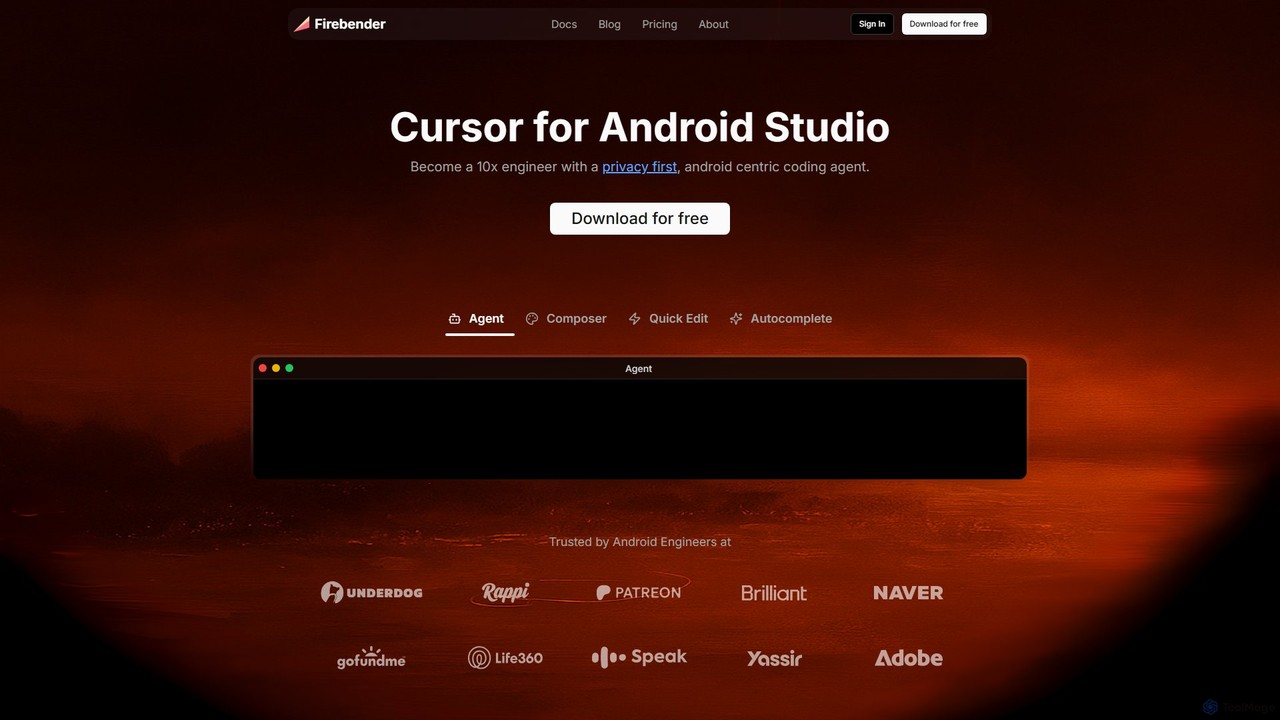
Firebender
Firebender is a privacy-first, AI-powered coding agent for Android Studio and IntelliJ. Designed to be the 'Cursor for …
Firebender is a privacy-first, AI-powered coding agent for Android Studio and IntelliJ. Designed to be the 'Cursor for Android Studio', it enhances developer productivity with features like an autonomous coding agent, smart autocomplete, and rapid code editing, all specialized for Android and Kotlin development.
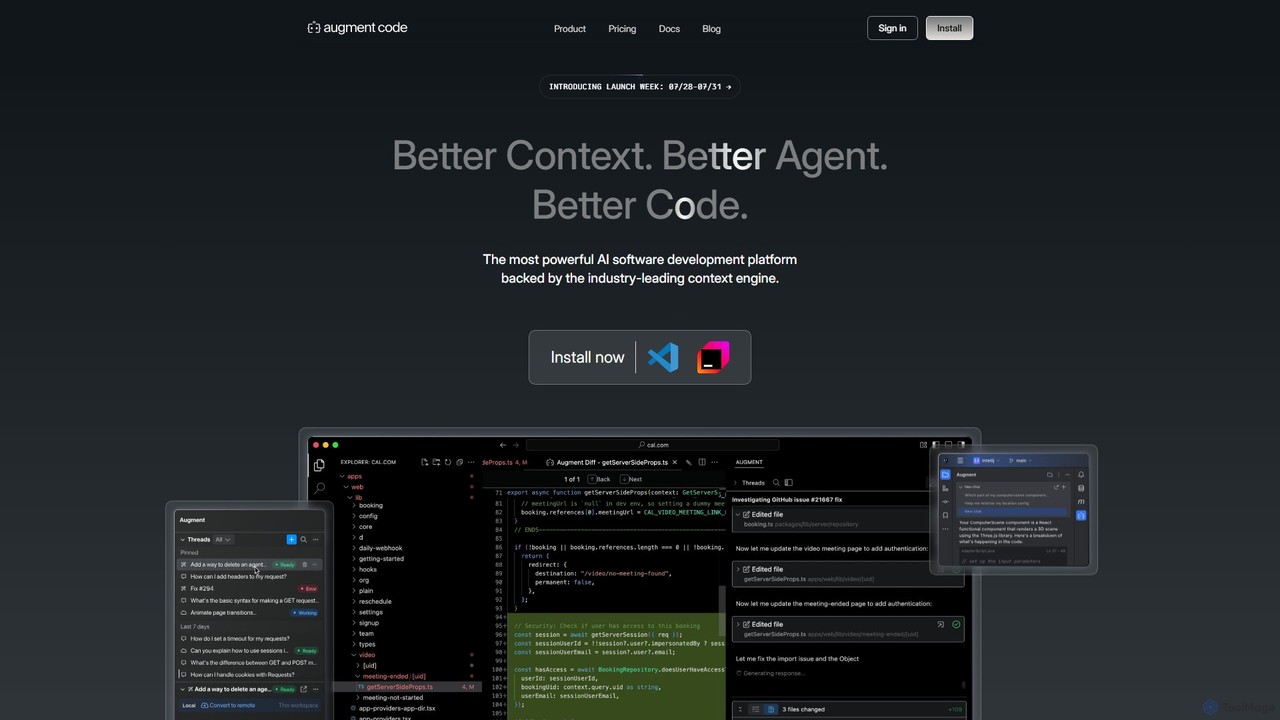
Augment Code
Augment Code is an advanced AI software development platform featuring autonomous agents and a powerful context engine. It …
Augment Code is an advanced AI software development platform featuring autonomous agents and a powerful context engine. It integrates into your IDE to help you plan, build, and ship production-ready code faster, with a strong focus on enterprise-grade security and deep codebase understanding.
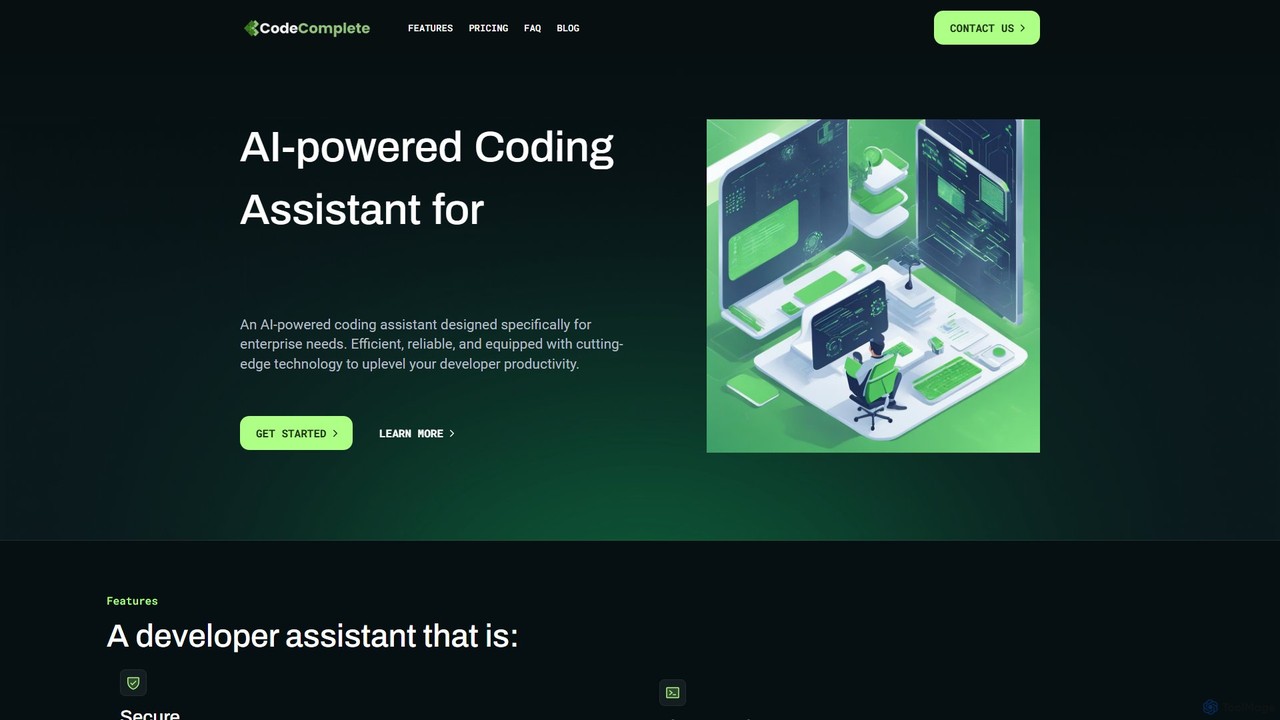
CodeComplete
CodeComplete is an enterprise-grade AI coding assistant designed for maximum security, efficiency, and customization. It offers self-hosting options …
CodeComplete is an enterprise-grade AI coding assistant designed for maximum security, efficiency, and customization. It offers self-hosting options (on-premise or VPC), fine-tuning on your private codebase, and a comprehensive suite of tools including code generation, automated testing, and documentation to enhance developer productivity.
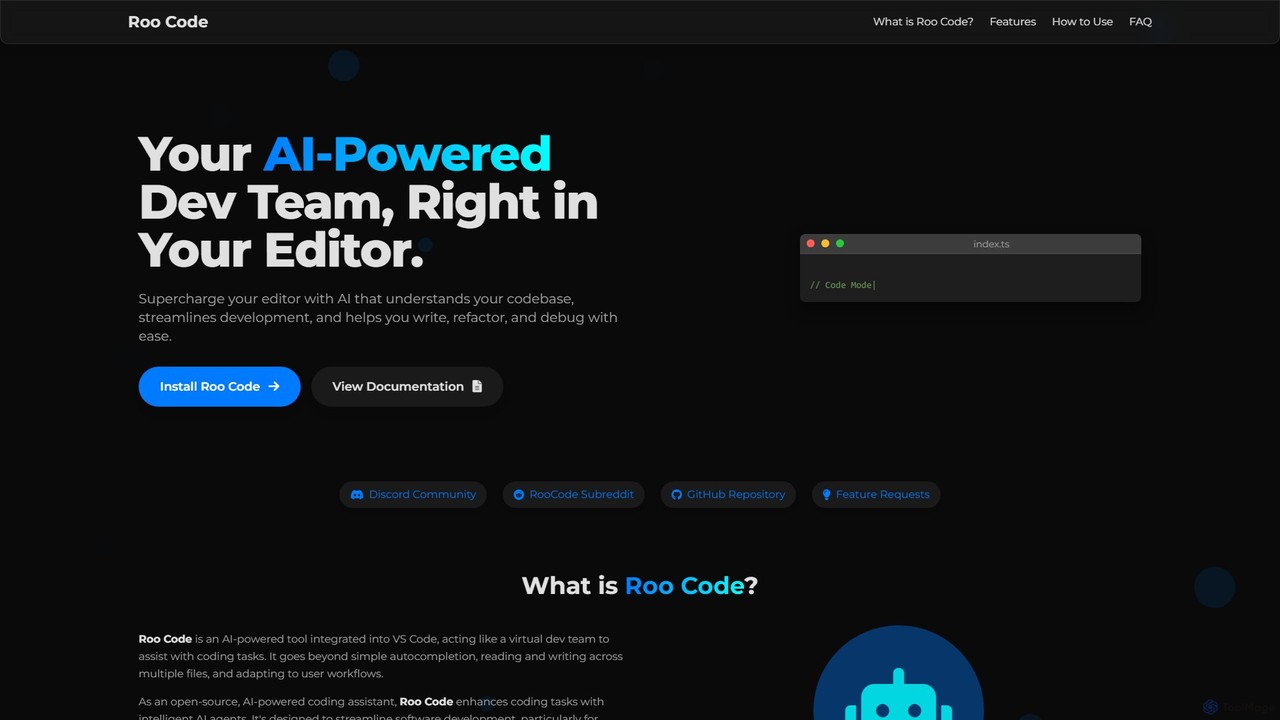
Roo Code
Roo Code is an open-source, AI-powered development assistant integrated directly into VS Code. It acts as a virtual …
Roo Code is an open-source, AI-powered development assistant integrated directly into VS Code. It acts as a virtual dev team, understanding your entire codebase to help with complex coding, multi-file refactoring, and intelligent debugging, while supporting various AI models.
About Code
AI Code tools are intelligent assistants designed to accelerate the software development lifecycle. These tools leverage large language models (LLMs) trained on vast codebases to understand context, suggest completions, and even generate entire functions from natural language prompts. They primarily serve to enhance developer productivity, reduce manual errors, and improve overall code quality. By automating repetitive tasks like writing boilerplate code and generating tests, they allow developers to focus on complex problem-solving and architectural design.
Core Features
- Intelligent Code Completion: Provides context-aware suggestions for variables, functions, and entire code blocks, going beyond simple autocompletion.
- Code Generation: Translates natural language descriptions or comments into functional code snippets in various programming languages.
- Debugging and Error Detection: Analyzes code to identify potential bugs, logical errors, and security vulnerabilities, often suggesting concrete fixes.
- Code Refactoring and Optimization: Suggests improvements to existing code for better readability, performance, and maintainability.
- Automated Documentation: Generates comments and documentation for functions and classes, explaining their purpose and usage.
Use Cases
AI Code tools are widely adopted by software developers, data scientists, and students. In agile development teams, they speed up feature implementation and prototyping. For data scientists, they simplify the process of writing complex data analysis scripts and machine learning models. Students and new programmers use them as learning aids to understand syntax and programming patterns more quickly.
How to Choose
When selecting an AI Code tool, consider its integration with your preferred Integrated Development Environment (IDE), such as VS Code or JetBrains. Evaluate the breadth of its programming language and framework support to ensure it matches your tech stack. Assess the accuracy and relevance of its suggestions, as model performance varies. Finally, review the tool's privacy policy, especially regarding how it handles your proprietary code for security and confidentiality.
CodeUse Cases
Accelerate Backend API Development
A backend developer is tasked with creating a new set of RESTful API endpoints for a user management module. Instead of writing all the boilerplate code for database connections, request validation, and response formatting manually, the developer uses an AI Code tool. They write a simple comment like 'create a POST endpoint to register a new user with email and password'. The AI assistant generates a complete, functional code block, including error handling and status codes. This process reduces development time for a single endpoint from 30 minutes to less than 5, allowing the developer to build and test the entire module significantly faster.
Generate Comprehensive Unit Tests
A software engineer has just completed a complex function for calculating shipping costs based on weight, distance, and user subscription level. To ensure its reliability, they need to write extensive unit tests. Using an AI Code tool, they highlight the function and prompt it to 'generate unit tests for this function, covering edge cases like zero weight, negative distance, and premium subscription'. The tool instantly produces a test suite with multiple test cases, including valid inputs, invalid inputs, and boundary conditions. This automates a tedious but critical task, improves test coverage, and helps catch bugs early in the development cycle.
Refactor Legacy Code for Modernization
A maintenance team is working on a legacy application with outdated, hard-to-read code. A senior developer needs to refactor a large, monolithic function into smaller, more manageable pieces. They paste the old function into their IDE and ask the AI assistant to 'refactor this function into smaller, single-responsibility functions and add type hints'. The AI breaks down the logic, creates several new, well-named functions, and updates the original call site. This not only improves code quality and maintainability but also serves as a learning tool, demonstrating modern coding practices to the team and reducing the technical debt of the application.
Translate Code Between Programming Languages
A company is migrating a critical service from Python to Go to improve performance. A developer, who is an expert in Python but new to Go, needs to translate a complex data processing library. Instead of a manual, line-by-line translation, they use an AI Code tool. They provide the Python code and ask the AI to 'translate this Python code to idiomatic Go'. The tool generates the equivalent Go code, correctly mapping data structures and control flows while adhering to Go's conventions. The developer can then review and refine the output, drastically reducing the time and learning curve associated with the language migration project.
Generate SQL Queries from Natural Language
A data analyst needs to pull specific data for a quarterly report but is not an expert in SQL. They need to find 'the top 5 customers by total sales in the EU region for Q2 2023, excluding returns'. Instead of struggling with complex joins and subqueries, they type this request into an AI Code tool that supports SQL generation. The tool instantly produces a well-structured and optimized SQL query. This empowers non-technical or less-technical users to interact with databases directly, democratizes data access, and saves significant time for both the analyst and the data engineering team they might otherwise have to consult.
Explain and Document Complex Code
A junior developer joins a team and is assigned to work on a critical but poorly documented microservice. They encounter a complex algorithm they don't understand. Instead of interrupting a senior team member, they highlight the code block and ask the AI Code tool to 'explain this code step-by-step'. The AI provides a clear, natural language explanation of the code's logic, purpose, and variable states. The developer then asks the tool to 'generate docstring comments for this function'. The tool creates detailed comments explaining the function's parameters, return value, and any exceptions it might raise. This accelerates onboarding and promotes a culture of better documentation.