ToolMage
Sign in

Best 3 Filmmaking AI tools for Creative Tools

Popular Filmmaking AI tools in Creative Tools include Ray3, Filmgine, and AIStudio247, helping you work more efficiently.

AIStudio247
Paid

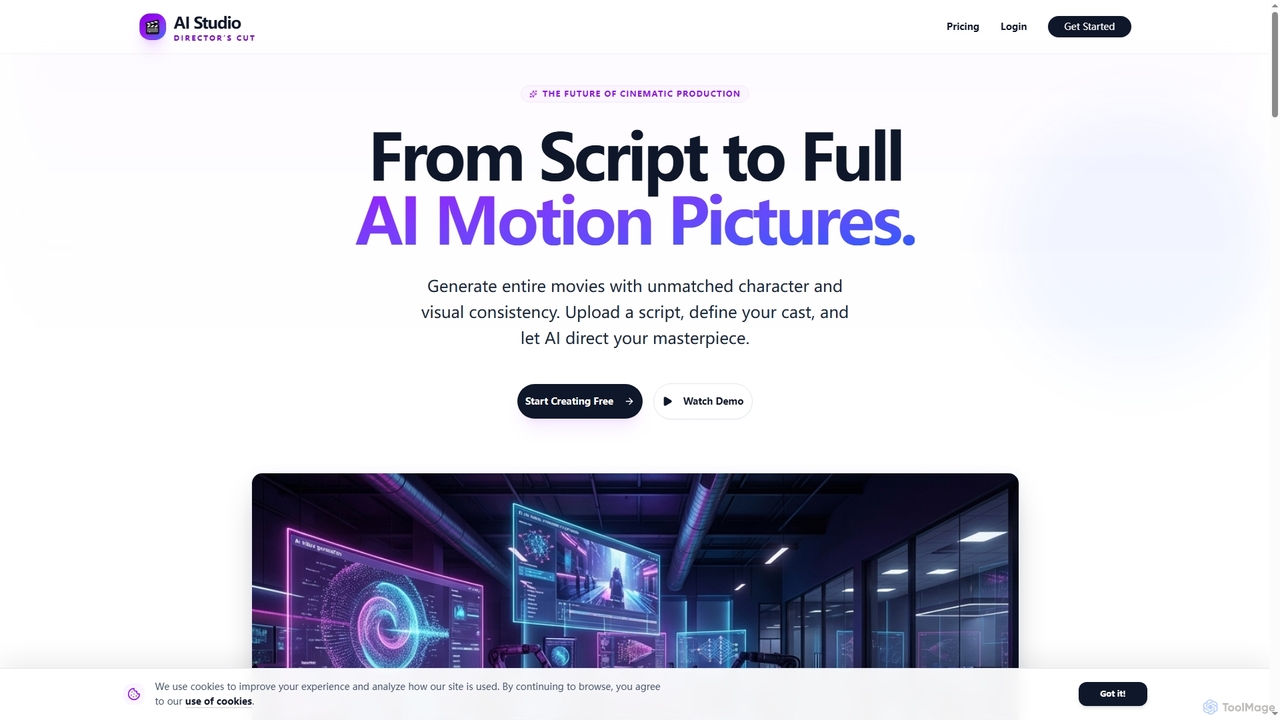
AIStudio247

AIStudio247 is an advanced AI movie generator that transforms scripts into full cinematic productions with unparalleled character and visual consistency. Leveraging Actor Lock™ technology and diverse artistic styles, it empowers creators to produce high-quality videos, from 720p to 4K, without extensive filmmaking or editing expertise.

Movie Production
Visits 4.2KFavorites 23Likes 27
Filmgine
Freemium

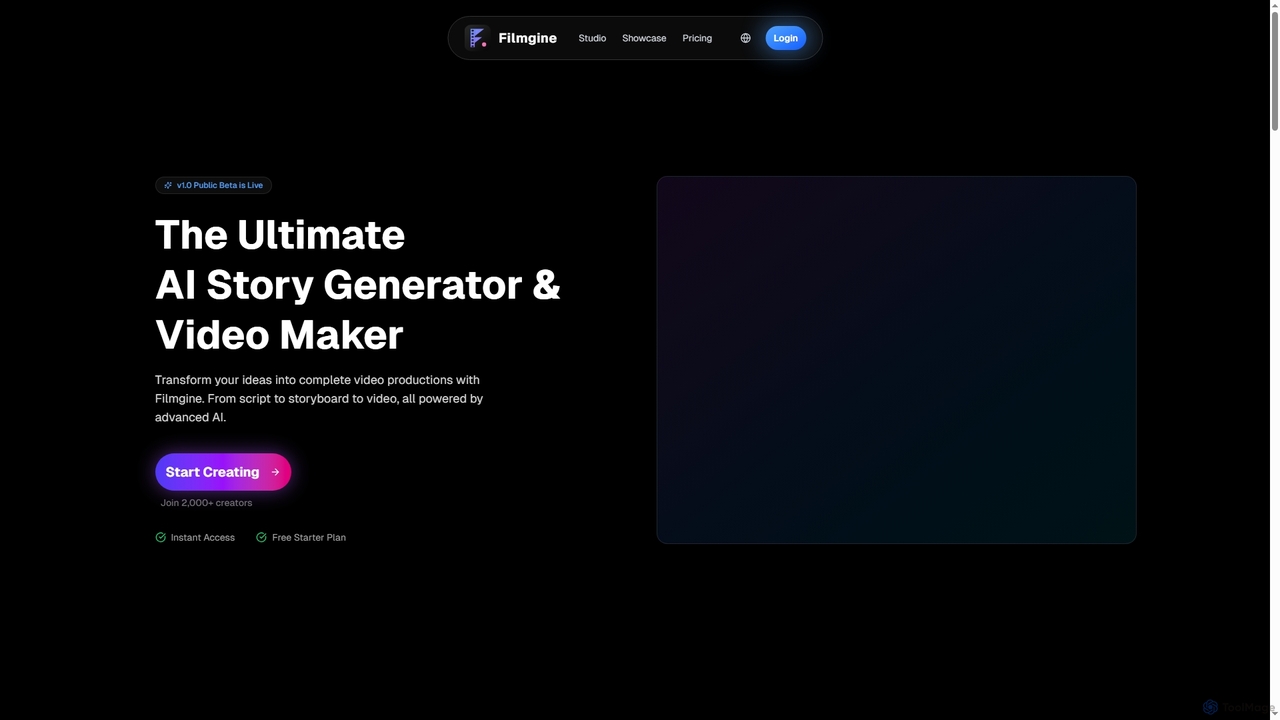
Filmgine

Filmgine is an ultimate AI story generator and video maker that transforms creative ideas into complete video productions. It streamlines the filmmaking process from script to storyboard to dynamic video, all powered by advanced AI, making professional content creation accessible and efficient for creators of all levels.

3D
Visits 4.7KFavorites 17Likes 26
Ray3
Freemium

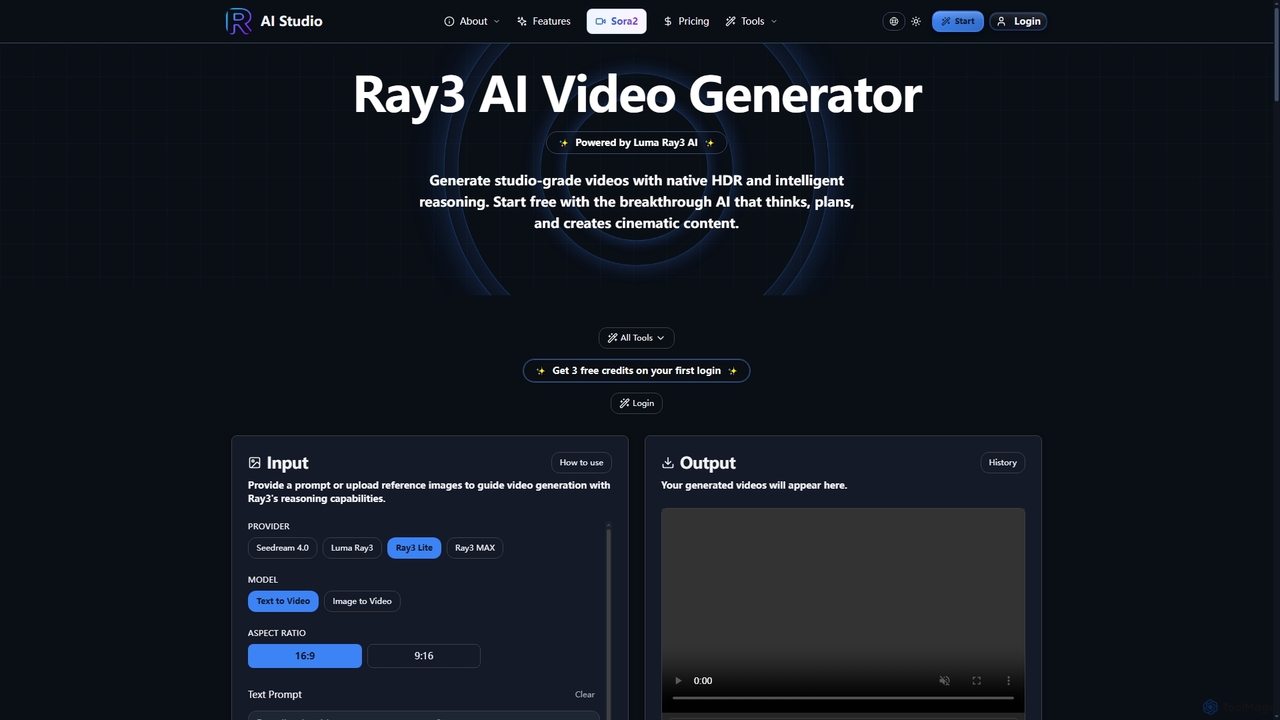
Ray3

Ray3 is the world's first reasoning AI video model, powered by Luma AI, capable of generating studio-grade videos with native HDR. It understands complex prompts, plans sophisticated sequences, and offers rapid iteration through Draft Mode, making professional video creation accessible and efficient.

Reasoning Ai
Visits 47.2KFavorites 133Likes 136

About Filmmaking

AI Filmmaking tools are a specialized category of creative software that leverages artificial intelligence to streamline and enhance the entire movie production pipeline, from initial concept to final cut. These tools utilize advanced models like generative video, natural language processing (NLP), and computer vision to automate or assist in tasks such as scriptwriting, storyboarding, editing, and visual effects. Their primary value lies in democratizing the creation process, significantly reducing production time and costs, and offering new creative possibilities for filmmakers at all levels. This allows creators to focus more on storytelling and artistic vision rather than tedious technical tasks.

Core Features

  • AI Scriptwriting & Analysis: Generates plot ideas, character dialogues, and scene descriptions, while also analyzing scripts for pacing, structure, and emotional tone.
  • Generative Storyboarding & Pre-visualization: Creates visual storyboards, animatics, and concept art directly from text prompts or script scenes.
  • Automated Video Editing: Intelligently analyzes raw footage to suggest cuts, identify the best takes, remove silences, and assemble a rough cut automatically.
  • AI-Powered VFX & Color Grading: Simplifies complex visual effects like rotoscoping, object removal, and motion tracking, and applies consistent color styles based on reference images or descriptions.
  • Synthetic Media Generation: Creates realistic voiceovers, dubbing in multiple languages, and generates custom sound effects or entire video sequences from scratch.

Use Cases

These tools are widely used by independent filmmakers to produce high-quality projects on a budget, advertising agencies for rapid concept prototyping, and large studios for efficient pre-visualization and post-production workflows. Social media content creators also use them to accelerate their video editing and production cycles.

How to Choose

When selecting an AI filmmaking tool, consider its specific function within your workflow (e.g., pre-production vs. post-production). Evaluate the quality and controllability of the AI output, its integration capabilities with standard software like Adobe Premiere or DaVinci Resolve, and the pricing model—whether it's a subscription or a pay-per-use credit system.

Featured tool rankings

Filmmaking use cases

1

Rapid Prototyping of Commercial Concepts

An advertising creative director needs to pitch multiple video concepts to a client with a tight deadline. Instead of spending days with a full team, they use AI filmmaking tools to transform simple text briefs into compelling visual presentations. The AI generates different script variations, creates stylized storyboards for each, and even produces short animated video clips (animatics) to showcase the pacing and tone. This allows the client to visualize the final ad clearly, leading to faster feedback and approvals, and reducing pre-production costs significantly.

2

Generating Custom B-Roll and Establishing Shots

A documentary filmmaker is working on a project about future cities but lacks the budget for expensive CGI or location shoots. They need specific shots like 'a drone shot flying through a bustling futuristic metropolis at sunset.' Using a text-to-video AI generator, they can create high-resolution, photorealistic video clips that precisely match their creative vision. This provides unique, custom B-roll that seamlessly integrates with their filmed footage, elevating the production value without the high cost of traditional methods.

3

Automating Rough Cuts for Content Creators

A YouTuber who produces long-form interview or tutorial videos spends hours sifting through raw footage to find the best parts. By using an AI editing tool, they can upload all their clips, and the software automatically transcribes the audio, removes long pauses and filler words (like 'ums' and 'ahs'), and creates a 'paper edit' based on the text. It can also identify the most engaging takes, assembling a coherent rough cut in minutes. This cuts the initial editing time by up to 80%, freeing the creator to focus on creative storytelling, graphics, and sound design.

4

AI-Assisted Script Breakdown for Production Planning

An independent film producer receives a 120-page script and needs to create a detailed breakdown for budgeting and scheduling. Manually, this is a meticulous and time-consuming task. They use an AI script analysis tool that reads the entire screenplay and automatically tags and lists every element: characters, locations, props, costumes, and even potential VFX shots. The tool generates comprehensive reports that form the foundation of the production plan, ensuring accuracy and saving days of manual labor.

5

Creating Multilingual Dubbing for Global Release

A film production company wants to distribute its latest movie in several international markets. Traditional dubbing is expensive and can result in voice performances that don't match the original actor's tone. They use an AI voice cloning and translation tool. The platform analyzes the original actor's voice, translates the dialogue, and generates a new audio track in the target language that retains the original vocal characteristics and emotional inflection. The AI also ensures the new dialogue is properly lip-synced, enabling a high-quality global release at a fraction of the cost.

6

Simplifying Complex Rotoscoping for Visual Effects

An indie VFX artist is tasked with integrating a CGI character into a scene with a real actor. This requires rotoscoping—manually tracing the actor frame by frame to create a mask, a process that can take days. The artist uses an AI-powered rotoscoping tool that leverages computer vision to automatically identify and track the actor's silhouette throughout the shot. It generates a precise mask in a matter of minutes, allowing the artist to immediately start compositing the visual effects, dramatically accelerating the post-production workflow.

Filmmaking FAQ

What are AI Filmmaking tools?

AI Filmmaking tools are software applications that use artificial intelligence to assist or automate various stages of film and video production. Unlike traditional software, which provides manual controls, these tools can generate content like scripts or video clips from text, automatically edit footage, or simplify complex tasks like visual effects. They act as intelligent assistants for creators, covering pre-production (scripting, storyboarding), production (AI camera systems), and post-production (editing, color grading, sound design).

How do I choose the right AI filmmaking tool?

To choose the right tool, consider these four key factors:

  • Production Stage: Identify which part of your workflow needs help. Do you need a scriptwriter for pre-production, an automated editor for post-production, or a video generator for B-roll?
  • Quality and Control: Assess the output quality (e.g., video resolution, realism) and how much creative control the tool offers. Some are fully automated, while others allow for fine-tuning.
  • Integration: Check if the tool can export files or integrate directly with your primary editing software, such as Adobe Premiere Pro, Final Cut Pro, or DaVinci Resolve.
  • Pricing Model: Compare costs. Some tools have monthly subscriptions, while others operate on a credit-based system where you pay per video generation or minute of processing.
What is the difference between AI Filmmaking tools and traditional video editors?

The primary difference lies in automation and generation. Traditional video editors like Adobe Premiere or Final Cut Pro are manual toolsets; you make every cut, apply every effect, and grade every color yourself. AI Filmmaking tools, on the other hand, perform tasks automatically. For example, an AI tool can generate a storyboard from a script, while in a traditional workflow, you would draw it manually. They are often used together: an AI tool might create a rough cut, which is then imported into a traditional editor for final polishing and creative refinement.

Can AI completely replace human filmmakers?

Currently, AI is not positioned to replace human filmmakers but rather to augment their capabilities. AI excels at handling repetitive, data-driven, and time-consuming tasks, freeing up human creators to focus on the core creative aspects of storytelling, emotional nuance, and artistic direction. While AI can generate impressive visuals or suggest edits, the final vision, context, and emotional impact of a film still rely heavily on human creativity and decision-making. AI acts as a powerful co-pilot, not the pilot.

What are the main functions of AI in the filmmaking process?

AI performs several key functions across the filmmaking pipeline:

  • Generation: Creating new content from scratch, such as writing scripts, generating dialogue, composing music, creating storyboards, or even rendering entire video clips from text prompts.
  • Automation: Taking over repetitive tasks, such as transcribing dialogue, removing silences from footage, performing basic color correction, and automatically generating rough edits.
  • Enhancement: Improving existing media by upscaling video resolution, reducing noise, stabilizing shaky footage, and simplifying complex visual effects processes like rotoscoping and object removal.