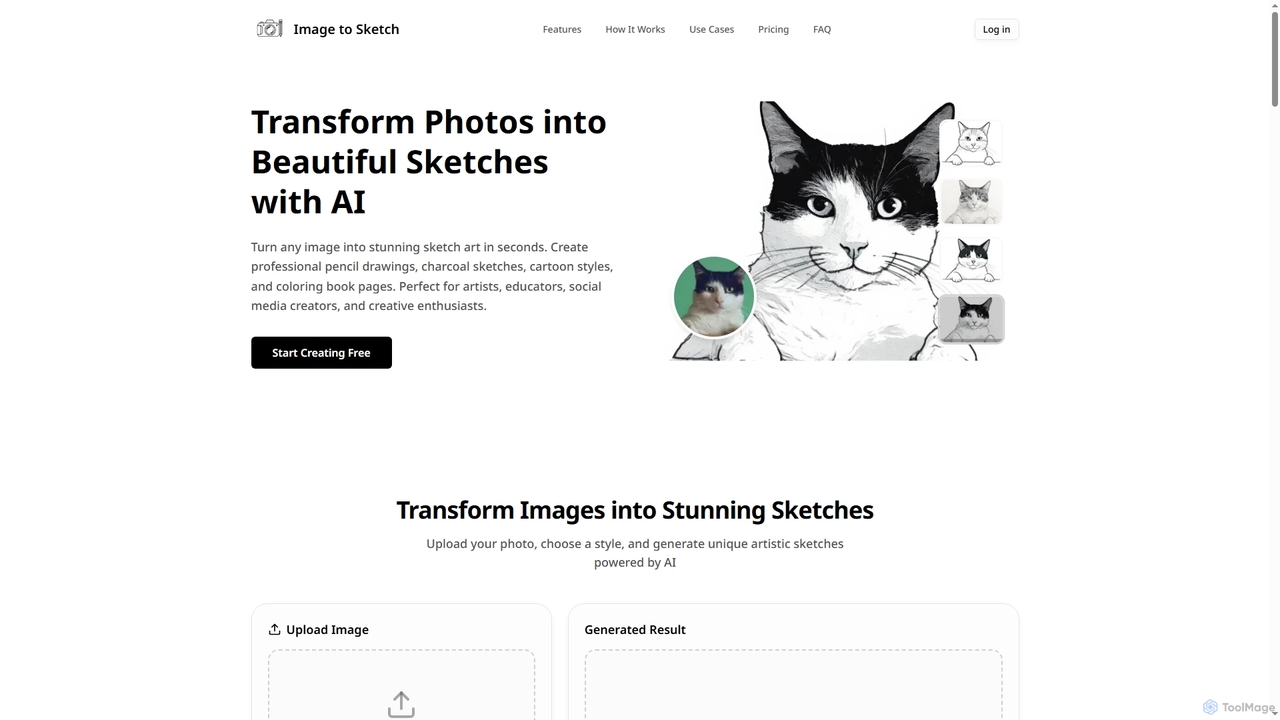
Photo Effects AI tools are specialized applications that leverage artificial intelligence to transform and enhance the visual appearance of images. These tools utilize advanced AI algorithms, such as neural networks and deep learning, to intelligently apply artistic styles, filters, and various visual modifications. They enable users to effortlessly add creative flair, correct imperfections, or completely reimagine photographs, democratizing professional-grade image manipulation for everyone from casual users to creative professionals. As a sub-category of Creative Tools, they focus specifically on aesthetic transformations rather than general image generation or editing.
Core Features
- Artistic Style Transfer: Apply the unique artistic style of a famous painting or image to your own photographs.
- Intelligent Filters & Presets: Automatically enhance mood, atmosphere, or specific visual characteristics with AI-driven filters.
- Advanced Color Grading: Precisely adjust color balance, tones, and saturation to achieve desired visual aesthetics.
- Background & Object Manipulation: Add dynamic effects to backgrounds, change lighting, or apply specific visual treatments to subjects.
- Creative Overlays & Textures: Integrate unique textures, light leaks, or graphic overlays to add depth and artistic flair.
Use Cases
Photo Effects AI tools are invaluable for anyone looking to quickly elevate their visual content. Content creators use them to generate eye-catching social media posts, applying trending filters or artistic styles to their photos. Marketers leverage these tools to create compelling visuals for campaigns, ensuring brand consistency and visual appeal. Photographers can experiment with different artistic interpretations of their shots, while individuals can transform personal memories into unique artworks or simply enhance everyday photos with professional-looking effects.
How to Choose
When selecting an AI Photo Effects tool, consider the variety and quality of effects offered, ensuring they align with your creative vision. Evaluate the ease of use and user interface, as intuitive controls can significantly streamline your workflow. Check for output resolution and file format support, especially if you require high-quality prints or specific digital formats. Additionally, assess the processing speed and whether the tool offers real-time previews, which are crucial for efficient experimentation and iteration. Finally, compare pricing models and integration capabilities with other creative software you might use.