Picture Me
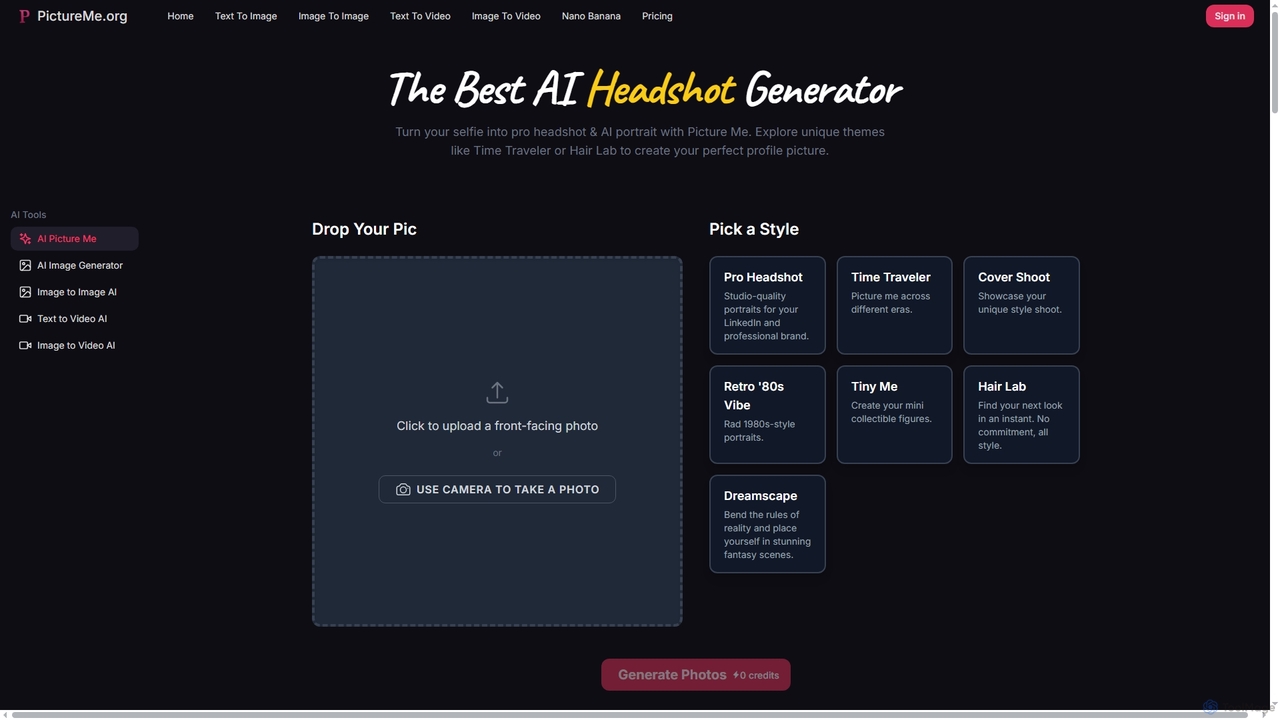
Picture Me is an innovative AI platform that transforms your photos into professional headshots and creative portraits, and …
Picture Me is an innovative AI platform that transforms your photos into professional headshots and creative portraits, and generates images and videos from text or existing images. It offers a seamless user experience with diverse styles and advanced AI models.
About Video Editing
AI Video Editing tools are applications that leverage artificial intelligence to automate and accelerate the video creation process. They utilize machine learning models for tasks like automatic scene detection, transcription, and generating video from text prompts. This enables creators and marketers to produce high-quality videos more efficiently, often without extensive technical skills. These tools are particularly effective for repurposing long-form content into engaging short-form clips for social media.
Core Features
- Smart Cutting & Scene Detection: Automatically identifies engaging moments, removes silences, or segments clips based on scene changes.
- Automated Transcription & Subtitles: Generates accurate, time-synced subtitles from video audio, often with translation capabilities.
- Text-to-Video Generation: Creates video sequences from simple text descriptions, scripts, or existing articles.
- AI-Powered Enhancement: Applies intelligent color correction, audio noise reduction, and video stabilization with minimal user input.
- Voice Cloning & AI Dubbing: Replaces or adds voiceovers in different languages while preserving the original speaker's vocal characteristics.
Use Cases
These tools are widely adopted by social media managers, content marketers, educators, and corporate trainers. They are ideal for rapidly creating promotional videos, educational tutorials, social media shorts from podcasts or webinars, and internal communication videos.
How to Choose
When selecting an AI video editor, first identify your primary need: editing existing footage or generating new video from text. Evaluate the accuracy of its transcription and translation. Also, consider export quality and resolutions, platform (web-based for collaboration vs. desktop for power), and the pricing model, which may be based on export minutes or feature access.
Video EditingUse Cases
Automated Social Media Clip Creation
A content marketer needs to promote a one-hour webinar across social media. Instead of manually scrubbing through the footage to find highlights, they upload the video to an AI video editor. The tool automatically transcribes the entire session, identifies key topics and engaging questions, and suggests 5-7 short, vertical video clips perfect for Instagram Reels and TikTok. The marketer can then quickly add branded captions and export all clips in under 15 minutes, saving hours of manual editing work.
Rapid Video Ad Prototyping
An e-commerce startup wants to test different ad creatives for a new product. Using a text-to-video AI tool, their marketing team writes five different short scripts highlighting various product features. The AI generates five distinct video ads in minutes, complete with stock footage, voiceovers, and background music. This allows them to A/B test multiple concepts on a small budget before investing in a full-scale video production, significantly accelerating their campaign testing cycle.
Multilingual Content Localization
A global corporation needs to distribute a training video to its teams in Japan, Germany, and Spain. They use an AI video tool with voice cloning and dubbing features. The tool first transcribes the original English audio and generates accurate subtitles. Then, it translates the script into the target languages and uses a clone of the original speaker's voice to create natural-sounding dubs. This process reduces localization costs and turnaround time from weeks to just a few hours, ensuring consistent messaging across all regions.
Converting Podcasts to Engaging Videos
A podcaster wants to expand their reach to YouTube. They upload their audio-only episode to an AI video editor. The tool automatically generates dynamic audiograms, adds relevant stock footage and images based on the conversation's keywords, and creates accurate subtitles. It also identifies key segments and suggests them as standalone short clips. This transforms a static audio file into a visually stimulating video, making the content more discoverable and shareable on video-centric platforms without requiring any filming.
Automated Educational Tutorial Cleanup
An online course instructor records a 30-minute software tutorial. The raw recording contains many pauses, filler words like 'um' and 'ah', and some background noise. Using an AI video editor, they can automatically remove all filler words and shorten awkward silences with a single click. The tool's AI audio enhancement feature also cleans up the background noise, resulting in a crisp, professional-sounding tutorial. This automated process polishes the final video in minutes, a task that would have taken over an hour of meticulous manual editing.
Refining Real Estate Video Tours
A real estate agent shoots a property walkthrough on their smartphone. The footage is a bit shaky and the lighting is inconsistent between rooms. They upload the clips to an AI video editor. The AI stabilization feature smooths out the shaky movements, creating a professional, gimbal-like effect. The AI color correction tool automatically balances the exposure and color temperature across all clips, making the entire tour look consistent and visually appealing. This elevates the quality of a smartphone video to a professional level with minimal effort.