ToolMage
Sign in

Best 4 Image Generation AI tools for Creativity

Popular Image Generation AI tools in Creativity include Askie, iChatWithGPT, OwnAI, and Faune, helping you work more efficiently.

Askie
Freemium

Askie

Askie is an AI-powered educational app designed for children, offering a safe and engaging learning environment. It features real-time voice chat powered by GPT-5 and creative image generation using Google's Nano Banana AI. With age-adaptive content, parental controls, and COPPA compliance, Askie helps children learn through conversation and creativity while ensuring their safety and privacy.

Voice Assistant
Visits 11.6KFavorites 113Likes 95
Faune
Freemium

Faune

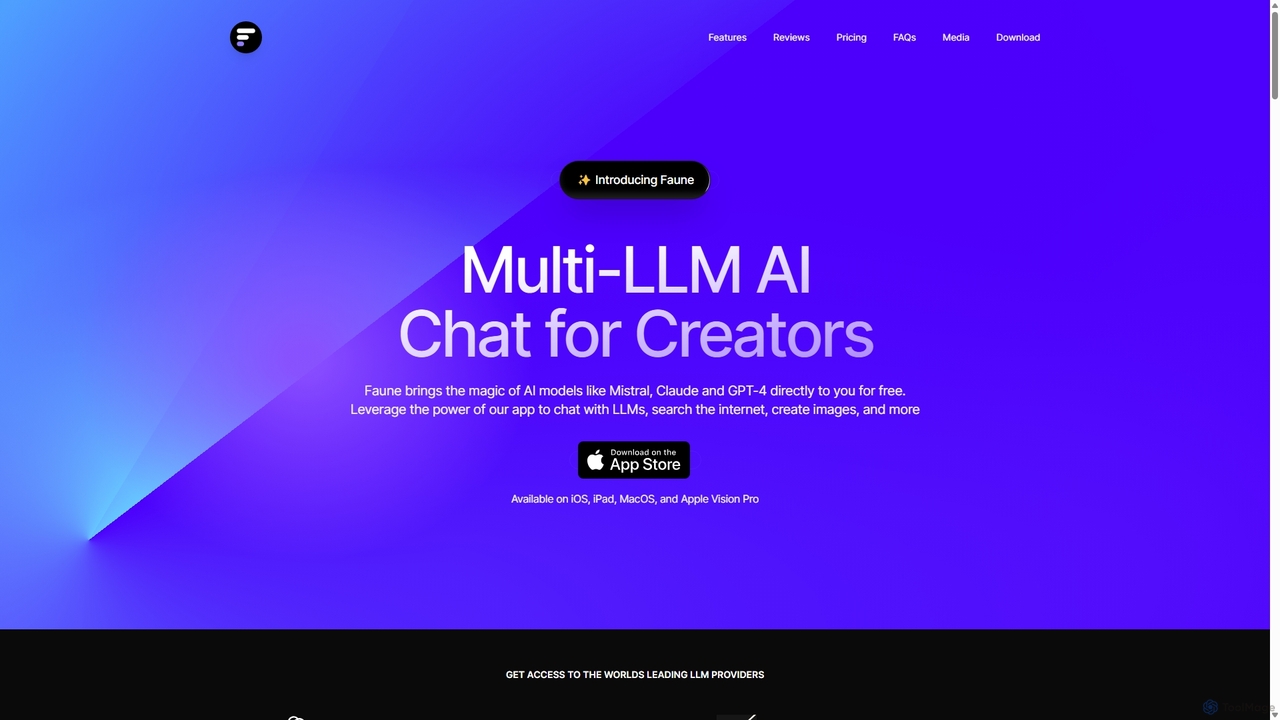
Faune is a privacy-focused, multi-LLM AI chat application for Apple devices. It offers free access to leading models like GPT-4o, Claude, and Mistral, along with features like internet search, image generation, and a unique chat editor. No account is required, ensuring anonymous and secure conversations.

Multi Model
Visits 3.4KFavorites 104Likes 95
iChatWithGPT
Freemium

iChatWithGPT

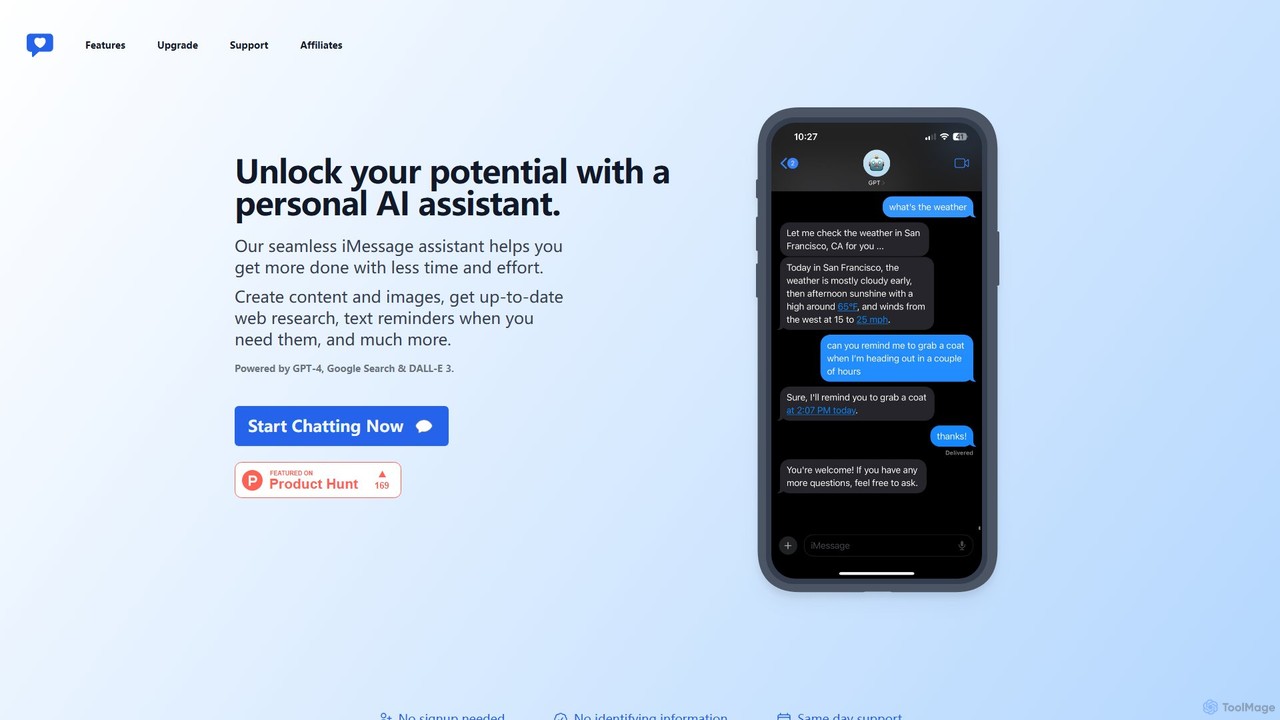
A personal AI assistant integrated directly into iMessage, powered by GPT-4, DALL-E 3, and Google Search. Create content, generate images, get real-time web research, and set text reminders without leaving your messaging app. Accessible across the entire Apple ecosystem.

Chatbot
Visits 8KFavorites 125Likes 107
OwnAI
Freemium

OwnAI

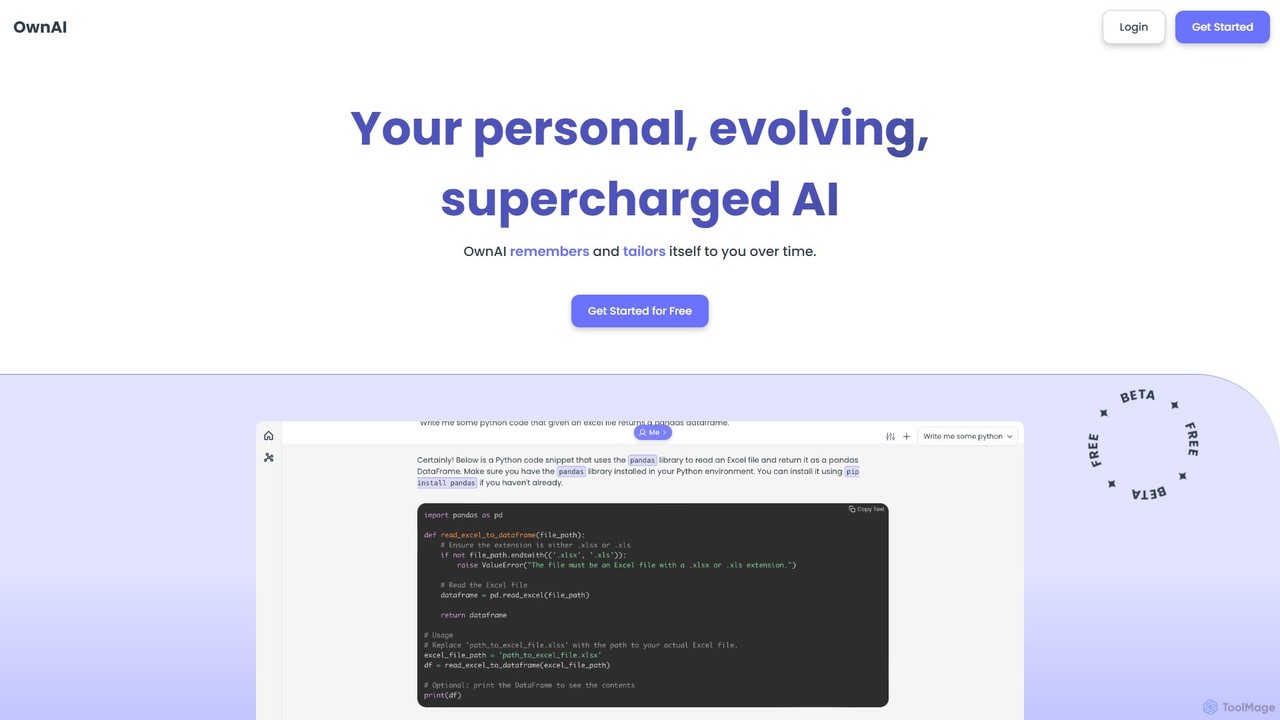
OwnAI is a personal, evolving AI companion that remembers your conversations and tailors itself to you over time. It integrates advanced features like a persistent memory system, free image generation, web search, and multi-modal interactions to provide a deeply personalized and supercharged AI experience.

Personalized Chat
Visits 3.4KFavorites 148Likes 126

About Image Generation

Image Generation tools are a class of software that uses artificial intelligence to create novel visual content from textual descriptions or other inputs. These tools typically leverage advanced models like diffusion or GANs to interpret prompts and synthesize highly detailed and diverse images. They empower creators, marketers, and designers to rapidly visualize concepts, produce unique marketing assets, and explore artistic styles without needing traditional artistic skills. The technology enables the creation of everything from photorealistic portraits to fantastical landscapes in seconds.

Core Features

  • Text-to-Image Generation: Creates original images based on detailed written descriptions (prompts).
  • Image-to-Image Transformation: Modifies an existing image using a text prompt as guidance for changes.
  • Style Control: Allows users to specify artistic styles, such as photorealistic, anime, cartoon, or oil painting.
  • Advanced Parameter Tuning: Provides control over aspect ratio, negative prompts, seed numbers, and generation steps for fine-tuning results.
  • Inpainting & Outpainting: Intelligently fills in missing parts of an image or extends its canvas beyond the original borders.

Use Cases

These tools are widely adopted in digital marketing for creating ad creatives and social media content. Designers and artists use them for rapid concept art, mood board creation, and character design. Content creators also leverage them to generate unique blog post illustrations, YouTube thumbnails, and presentation visuals, significantly speeding up the creative workflow.

How to Choose

When selecting an Image Generation tool, consider the output quality and realism it offers. Evaluate the diversity of available styles and the model's ability to accurately interpret complex prompts. Also, assess factors like generation speed, the pricing model (e.g., credit-based vs. subscription), and whether it provides API access for integration. Finally, review the terms of service regarding commercial usage rights for the generated images.

Featured tool rankings

Image Generation use cases

1

Create Ad Creatives for Social Media Campaigns

A social media manager needs to produce a high volume of visually distinct ads for a new product launch. Instead of relying on stock photos, they use an AI Image Generation tool. By inputting prompts like 'a sleek, futuristic product on a marble podium with neon lighting, photorealistic,' they can generate dozens of unique ad visuals in minutes. They can further refine these by specifying aspect ratios for different platforms (e.g., 1:1 for posts, 9:16 for Stories), reducing creative production time by over 70% and enabling A/B testing of multiple visual concepts simultaneously.

2

Visualize Concepts for Product Design

An industrial designer is in the early stages of developing a new electronic device. To quickly explore different forms and aesthetics, they use an AI image generator. They input descriptive prompts like 'ergonomic handheld device, matte black finish, minimalist design inspired by Dieter Rams, studio lighting.' The AI generates a variety of visual interpretations, allowing the designer to iterate on ideas much faster than traditional sketching or 3D modeling. This process helps in presenting multiple tangible concepts to stakeholders for feedback, accelerating the decision-making process for the product's final design direction.

3

Generate Unique Illustrations for Blog Posts

A content creator runs a blog about fantasy literature and needs custom header images for each article. Hiring an illustrator for every post is not feasible. By using an AI image generator, they can create unique, style-consistent artwork. For an article about dragons, they might use a prompt like 'a majestic golden dragon sleeping on a pile of books, digital art, epic fantasy style.' This provides a high-quality, relevant image instantly. It allows the blogger to maintain a strong visual identity for their brand and enhance reader engagement without incurring significant costs or delays, ensuring every article has a compelling visual hook.

4

Prototype Game Character and Environment Art

A concept artist at a small game studio is tasked with developing the visual style for a new sci-fi game. To rapidly generate a wide range of ideas, they use an AI image generator. They can create character concepts with prompts like 'female cyborg warrior, intricate glowing armor, cyberpunk city background, cinematic lighting.' For environments, they might use 'alien jungle, bioluminescent plants, towering crystal structures.' This allows the art team to quickly establish a visual direction and create a mood board with dozens of high-quality concepts in a single day, a task that would traditionally take weeks of manual drawing and painting.

5

Design Virtual Clothing and Fabric Patterns

A fashion designer is exploring new textile patterns for an upcoming collection. Using an AI image generator with pattern-making capabilities, they can generate countless unique designs. By providing prompts like 'seamless art deco pattern with floral motifs, gold and emerald green, high resolution,' the AI produces tileable patterns ready for digital printing on fabric. This method allows for rapid experimentation with color palettes, styles, and motifs, bypassing the time-consuming process of manual pattern design. The designer can visualize hundreds of fabric options in hours, helping to finalize the collection's core aesthetic efficiently.

6

Generate Realistic Architectural Renderings

An architect needs to present a new building design to a client. Instead of spending days creating detailed 3D models and renders, they use an AI image generator as a rapid visualization tool. They can input a basic sketch or a detailed description like 'modern minimalist house, concrete and glass facade, surrounded by a lush forest, evening light, photorealistic 8k.' The AI generates several high-fidelity renderings in different lighting conditions and material finishes. This allows the architect to communicate their vision more effectively and incorporate client feedback in near real-time, significantly shortening the conceptual design phase.

Image Generation FAQ

What is an AI Image Generator?

An AI Image Generator is a tool that uses artificial intelligence, particularly deep learning models like diffusion or GANs, to create new images from text prompts. Users describe the image they want to see in words, and the AI interprets this description to generate a unique visual. These tools can produce a wide range of styles, from photorealistic photos to paintings and cartoons. They are a core part of the 'Creativity' toolset, focusing specifically on the synthesis of entirely new visual content rather than the modification of existing files.

How do I choose the right AI Image Generator?

Choosing the right tool depends on your specific needs. Consider the following factors:

  • Image Quality & Style: Does the tool excel at the style you need (e.g., photorealism, anime, abstract)? Review its gallery of examples.
  • Ease of Use: Is the interface intuitive? Some tools are simple prompt-based interfaces, while others offer advanced controls that require more learning.
  • Cost: Compare pricing models. Some offer free tiers, while others use a credit system or a monthly subscription. Determine what fits your budget and usage frequency.
  • Commercial Rights: Check the terms of service carefully. Ensure you have the right to use the generated images for your intended purpose, especially for commercial projects.
  • Community and Support: A strong user community can be a great resource for learning prompting techniques and getting support.
What's the difference between an AI Image Generator and an AI Image Editor?

The primary difference lies in their core function: creation versus modification. An AI Image Generator creates entirely new images from scratch based on text prompts. An AI Image Editor, on the other hand, uses AI to enhance or alter existing images.

  • Image Generators: Focus on synthesis (e.g., text-to-image). Their purpose is to bring a new concept to life. They are part of the 'Creativity' category because they produce novel content.
  • Image Editors: Focus on manipulation (e.g., object removal, background replacement, upscaling). Their purpose is to improve or change a pre-existing photo.

While some tools are starting to blend these capabilities, a generator's main job is to create, while an editor's is to refine.

What kind of images can I create with AI Image Generators?

The possibilities are vast and constantly expanding. You can create a wide variety of visual content, including:

  • Photorealistic Images: Lifelike portraits, landscapes, and product shots that are often indistinguishable from real photographs.
  • Digital Art & Illustrations: Artwork in countless styles, such as fantasy, sci-fi, anime, cartoon, and abstract art.
  • Concept Art: Designs for characters, environments, and props for games, films, and other media.
  • Logos and Icons: Basic graphic design elements for branding and user interfaces.
  • Architectural Visualizations: Renderings of building exteriors and interiors.

The quality and type of image depend heavily on the specific AI model being used and the detail provided in the text prompt.

Can I use AI-generated images for commercial purposes?

The ability to use AI-generated images commercially depends entirely on the terms of service of the specific tool you use. Some platforms grant you full ownership and commercial rights to the images you create, while others may have restrictions, especially on free plans. It's crucial to read the licensing agreement for each service. Additionally, the legal landscape around AI-generated content and copyright is still evolving globally. For high-stakes commercial projects, consulting with a legal professional is always a recommended practice to ensure compliance and mitigate risk.