
Crm Best in category 1 results Automation AI Tool

Popular AI tools in the Automation field of Crm include DryMerge, etc., helping you quickly improve efficiency.

DryMerge

DryMerge

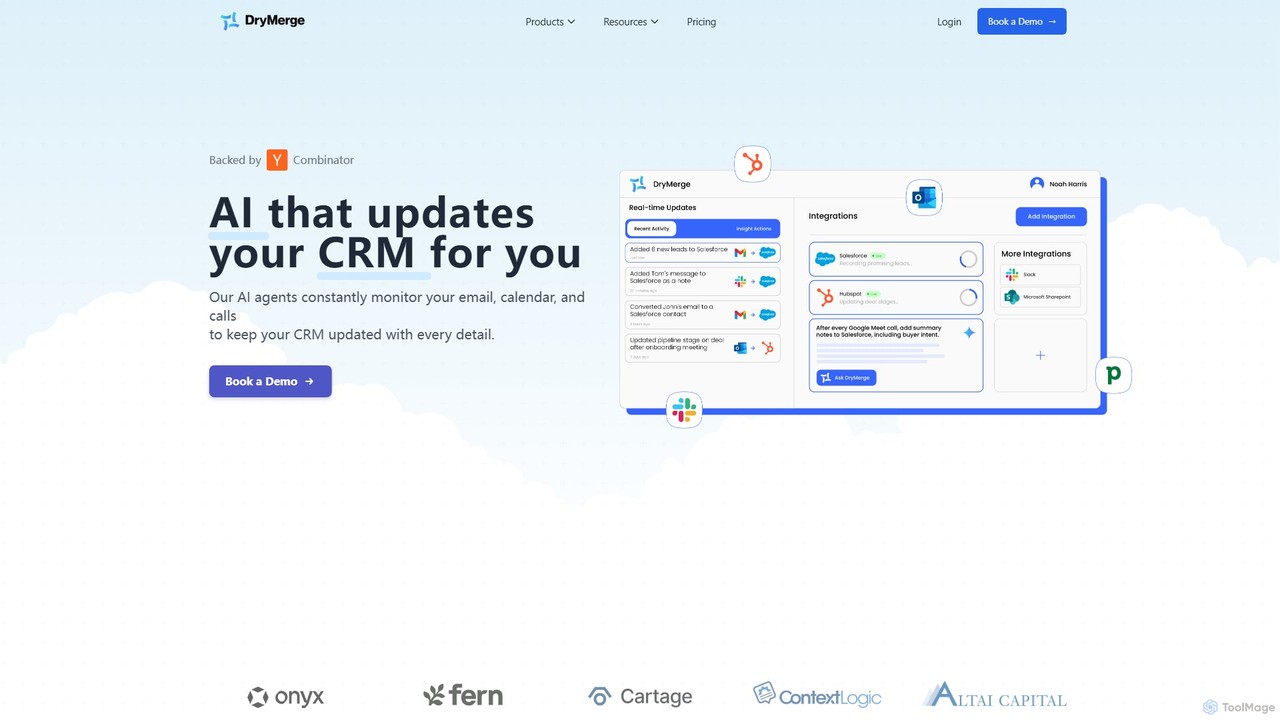
DryMerge is an AI-powered platform that automatically updates your CRM by monitoring emails, calendars, and calls. It captures …

9.8K

About Automation

CRM Automation tools are a specialized category of software designed to streamline repetitive tasks within a Customer Relationship Management (CRM) system. These tools operate on a trigger-and-action basis, automatically executing predefined workflows based on customer behavior or data changes. This allows sales, marketing, and service teams to focus on high-value interactions by automating processes like lead nurturing, email follow-ups, and data entry. The primary value lies in increasing efficiency, ensuring consistent communication, and improving the overall customer journey without manual intervention.

Core Features

  • Workflow Builder: Visually design multi-step automation sequences based on triggers, conditions, and actions.
  • Automated Email & SMS Sequences: Send personalized messages to contacts at scheduled intervals or based on their behavior.
  • Lead Scoring & Routing: Automatically assign scores to leads based on their profile and engagement, and route them to the appropriate sales representative.
  • Task & Activity Automation: Create and assign tasks, log calls, and update records automatically when certain criteria are met.
  • Data Synchronization: Keep customer data consistent across integrated applications by automating data entry and updates.

Use Cases

CRM Automation is crucial for businesses aiming to scale their customer management. Sales teams use it to automate lead follow-ups and pipeline management. Marketing departments leverage it for drip campaigns and segmenting audiences. Customer service teams apply it to automate ticket creation and satisfaction surveys, ensuring timely and consistent support.

How to Choose

When selecting a CRM Automation tool, first evaluate its integration capabilities with your existing CRM platform. Assess the complexity and flexibility of the workflow builder—can it handle your specific business logic? Consider the range of available triggers and actions. Finally, examine the analytics and reporting features to measure the effectiveness of your automated campaigns and workflows.

AutomationUse Cases

1

Automate Lead Nurturing Email Sequences

A marketing manager for a SaaS company needs to nurture new leads who sign up for a free trial. Using a CRM Automation tool, they create a workflow that triggers when a new trial user is added. The system automatically sends a series of five personalized emails over 14 days. The sequence includes welcome information, feature highlights, usage tips, and a final offer to upgrade. This process ensures every lead receives consistent, timely communication, increasing trial-to-paid conversion rates without manual effort from the marketing team.

2

Automate Sales Task Creation and Assignment

A sales director wants to ensure no high-value lead is missed. They set up an automation rule in their CRM: when a lead's score surpasses 100 (indicating high engagement), the system automatically creates a 'Follow-up Call' task. The task is then assigned to the lead's owner with a due date of 24 hours. An email notification is also sent to the sales representative. This eliminates the risk of human error in monitoring lead scores and ensures prompt action is taken on the most promising opportunities, directly impacting sales pipeline velocity.

3

Streamline Customer Onboarding Process

A customer success manager at an e-learning platform uses automation to guide new customers. When a customer makes their first purchase, a workflow is initiated. It automatically enrolls them in an introductory course, sends a welcome email with login details, and schedules a series of check-in emails over the first month. It also creates a task for a success manager to personally call the customer after 7 days. This automated yet personalized onboarding ensures customers feel supported and understand how to get value from the platform, reducing churn.

4

Automate Post-Service Feedback Collection

A support team lead for an e-commerce store wants to measure customer satisfaction after each interaction. They configure an automation where, 24 hours after a support ticket is marked as 'Closed', the system sends an email to the customer with a link to a short satisfaction survey (CSAT). The survey response is automatically logged back into the customer's contact record in the CRM. This provides a continuous stream of feedback, helps identify areas for service improvement, and flags dissatisfied customers for proactive follow-up.

5

Manage Subscription Renewals Automatically

For a subscription-based business, an account manager sets up a workflow to handle renewals. The automation triggers 30 days before a customer's subscription expiry date. It sends a series of reminder emails at 30, 15, and 3 days before expiry. If the customer has a credit card on file, it attempts to auto-renew on the expiry date. If the renewal fails, it automatically creates a task for the account manager to contact the customer personally. This system minimizes revenue loss from forgotten renewals and frees up account managers' time.

6

Automate Data Entry from Web Forms

A real estate agency uses a 'Contact Us' form on their website to capture new leads. Instead of manually transferring this data, they use a CRM automation. When a visitor submits the form, the tool automatically creates a new contact record in the CRM, populating fields like name, email, phone, and inquiry details. The automation also assigns the new lead to an agent based on the property's zip code and sends an automated 'Thank You' email to the prospect. This ensures immediate data capture, rapid lead assignment, and instant engagement, improving the chances of conversion.

AutomationFrequently Asked Questions