ToolMage
Sign in

Best 1 Ai Agent AI tools for Developer Tools

Popular Ai Agent AI tools in Developer Tools include mlnative, helping you work more efficiently.

Paid

mlnative

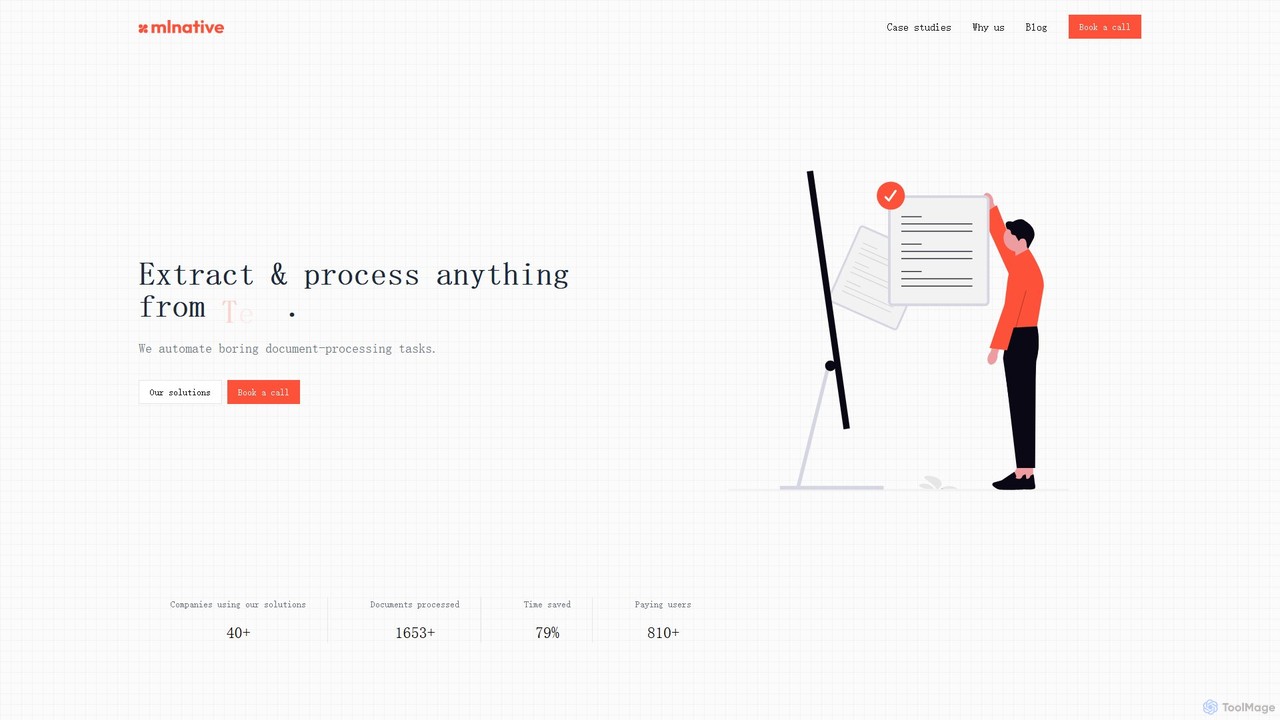
mlnative provides custom AI solutions to automate complex document processing tasks and build production-ready AI agents. They specialize in creating tailored models for data extraction, workflow automation, and industry-specific challenges, focusing on ROI and data privacy.

Data Extraction
Visits 5.6KFavorites 94Likes 100

About Ai Agent

AI Agents are a class of developer tools that create autonomous systems to perceive environments, make decisions, and execute multi-step tasks to achieve goals. Unlike simple API calls, these agents leverage Large Language Models (LLMs) for reasoning, planning, and using other tools to complete complex workflows. They are primarily used to build applications that can automate research, manage software development cycles, or orchestrate business processes with minimal human intervention. This grants developers the ability to create more dynamic and intelligent automated solutions.

Core Features

  • Autonomous Operation: Executes complex, multi-step tasks from a high-level objective without constant human guidance.
  • Planning and Reasoning: Decomposes a large goal into a sequence of smaller, manageable sub-tasks.
  • Tool Integration (Tool Use): Utilizes external APIs, databases, or code functions to interact with the outside world and gather information.
  • Memory and Context: Maintains short-term and long-term memory to learn from interactions and inform future decisions.

Use Cases

AI Agents are primarily used by developers and automation engineers. For instance, in software development, an agent can be tasked with fixing a bug, where it reads the ticket, navigates the codebase, writes tests, and proposes a fix. In business automation, an agent could manage customer onboarding by sending emails, updating CRM records, and scheduling follow-up meetings based on user responses.

How to Choose

When selecting an AI Agent tool or framework, consider its integration capabilities with your existing tech stack (e.g., GitHub, Slack, databases). Evaluate the level of customization and control it offers over the agent's reasoning process. Also, assess the supported programming languages, the robustness of its memory management system, and the availability of community support or enterprise-level documentation.

Featured tool rankings

Ai Agent use cases

1

Automated Software Debugging and Patching

A software developer uses an AI Agent to accelerate bug resolution. After receiving a bug report from a tool like Jira, the developer provides the agent with the ticket ID and access to the codebase on GitHub. The agent autonomously reads the report, analyzes the relevant code files, writes and runs tests to replicate the issue, and identifies the root cause. It then generates a potential code patch, creates a pull request with a summary of its findings, and assigns it to the developer for review, reducing manual debugging time significantly.

2

Autonomous Market Research and Report Generation

A business analyst tasks an AI Agent with researching competitors' pricing strategies for a new product category. The agent is given a list of competitors and the product type. It then autonomously browses competitor websites, scrapes pricing data, searches for recent press releases or news articles about their pricing, and analyzes user reviews for mentions of value. Finally, the agent compiles all gathered information into a structured report with key findings, charts, and a summary, delivering it to the analyst's inbox.

3

Proactive DevOps and Cloud Infrastructure Management

A DevOps engineer configures an AI Agent to monitor a cloud environment using tools like AWS CloudWatch or Datadog. The agent's goal is to maintain system stability. When it detects an anomaly, such as a sudden spike in CPU usage on a server, it doesn't just send an alert. It autonomously investigates by checking application logs, analyzing recent deployments via the GitHub API, and querying performance metrics. Based on its findings, it might automatically scale up resources, roll back a problematic deployment, or create a detailed incident report for the on-call engineer.

4

Complex Business Process Automation (BPA)

An operations manager uses a no-code AI Agent builder to automate employee onboarding. The agent is triggered when a new employee is added to the HR system. It then performs a series of actions across different platforms: it creates user accounts in Slack and Google Workspace using their APIs, assigns introductory training modules in the company's learning management system (LMS), and schedules a welcome meeting with the manager by checking their calendar availability. The agent handles the entire multi-step workflow, ensuring a consistent and efficient onboarding experience.

5

Personalized Customer Service Agent

An e-commerce company deploys an AI Agent on its website chat. Unlike a simple chatbot, this agent can access the user's order history and the company's product database via APIs. When a customer asks, "Where is my latest order?", the agent retrieves the tracking information and provides a real-time update. If the customer then asks, "What accessories would go well with the product I bought?", the agent analyzes the past purchase, queries the product catalog for compatible items, and offers personalized recommendations, creating a seamless and intelligent customer interaction.

6

Automating Content Creation and Social Media Scheduling

A content marketer uses an AI Agent to streamline their workflow. They provide the agent with a topic, such as "Benefits of AI in Marketing." The agent first performs web research to gather key points and statistics. Then, it uses a writing tool to generate a draft blog post. After the marketer approves the draft, the agent creates several social media snippets from the post, finds relevant hashtags, and schedules them for publication across Twitter and LinkedIn for the upcoming week using their respective APIs, automating the entire content lifecycle from research to distribution.

Ai Agent FAQ

What is an AI Agent?

An AI Agent is an autonomous software program designed to achieve specific goals by performing multi-step tasks. Unlike a simple script that follows a fixed set of instructions, an AI Agent uses a reasoning engine (often an LLM) to plan its actions, use external tools like APIs or databases, and adapt its approach based on new information. Think of it as an automated worker that can be given a high-level objective, like "research competitor pricing," and it will figure out the necessary steps to complete it.

How is an AI Agent different from a standard API or automation script?

The key difference is autonomy and reasoning. A standard API call or script executes a specific, predefined task (e.g., 'get user data' or 'send an email'). An AI Agent operates at a higher level of abstraction. You give it a goal, and it decides which APIs to call, in what order, and with what parameters to achieve that goal. It can handle errors, retry steps, and change its plan dynamically, whereas a simple script would fail or require manual intervention if an unexpected situation occurs.

How do I choose the right AI Agent tool or framework?

Choosing the right tool depends on your technical expertise and project needs. Consider the following factors:

  • Ease of Use: Are you a developer comfortable with code-heavy frameworks (like LangChain or AutoGen), or do you need a no-code/low-code platform?
  • Integration Ecosystem: Does it have pre-built integrations for the tools you use daily (e.g., Slack, GitHub, Salesforce)?
  • Customization and Control: How much control do you have over the agent's decision-making process, memory, and the LLM it uses?
  • Deployment and Scalability: How will you deploy the agent? Does the tool support cloud deployment, on-premise solutions, and can it handle a large volume of tasks?
What are the core components of an AI Agent's architecture?

Most AI Agents are built around a core loop or architecture that includes three key components:

  • Planning: The agent uses a large language model (LLM) to break down a high-level goal into a sequence of executable steps. This involves reasoning about the best course of action.
  • Memory: Agents need memory to keep track of past actions, observations, and conversations. This can be short-term (for the current task) or long-term (for learning across tasks).
  • Tool Use: This is the agent's ability to interact with the outside world. Tools are functions or APIs that allow the agent to perform actions like searching the web, reading a file, or calling another service.
Who are AI Agent tools primarily for?

AI Agent tools cater to a range of users, but they are most commonly used by:

  • Software Developers: To build autonomous features into applications, automate coding tasks like debugging and testing, and create complex workflow orchestrations.
  • Data Scientists & Analysts: To automate data collection from multiple sources, perform complex analysis, and generate reports.
  • Automation Engineers & DevOps: To create intelligent monitoring systems, automate incident response, and manage cloud infrastructure proactively.
  • Tech-Savvy Business Users: With the rise of no-code platforms, business professionals can now build agents to automate their own departmental workflows, such as marketing campaigns or sales outreach.