ToolMage
Sign in

Best 4 Asset Creation AI tools for Developer Tools

Popular Asset Creation AI tools in Developer Tools include Appicons.ai, CandyIcons, Game Generator, and picogen.io, helping you work more efficiently.

CandyIcons
Freemium

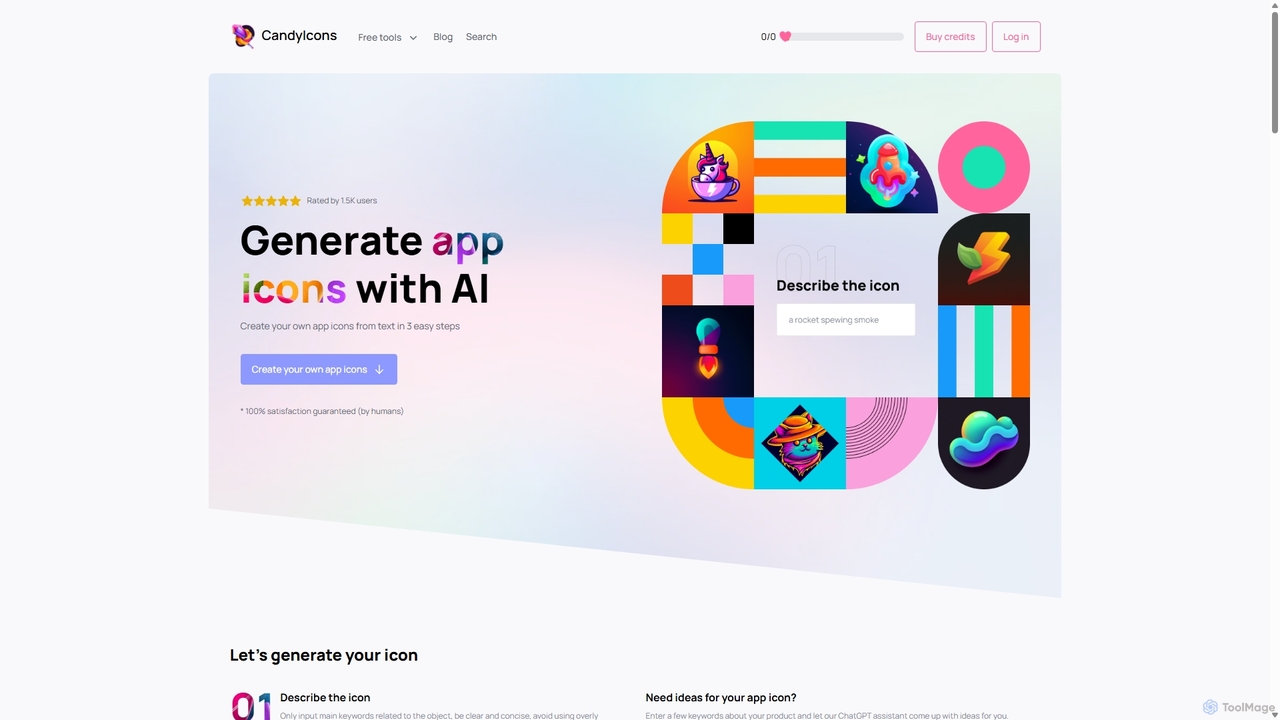
CandyIcons

CandyIcons is an AI-powered app icon generator that creates stunning, unique icons from simple text descriptions. In just three easy steps, users can describe an icon, choose colors, and select from various styles to generate professional-grade icons for apps and websites, with full ownership rights.

Icon Generation
Visits 19.7KFavorites 144Likes 156
Appicons.ai
Paid

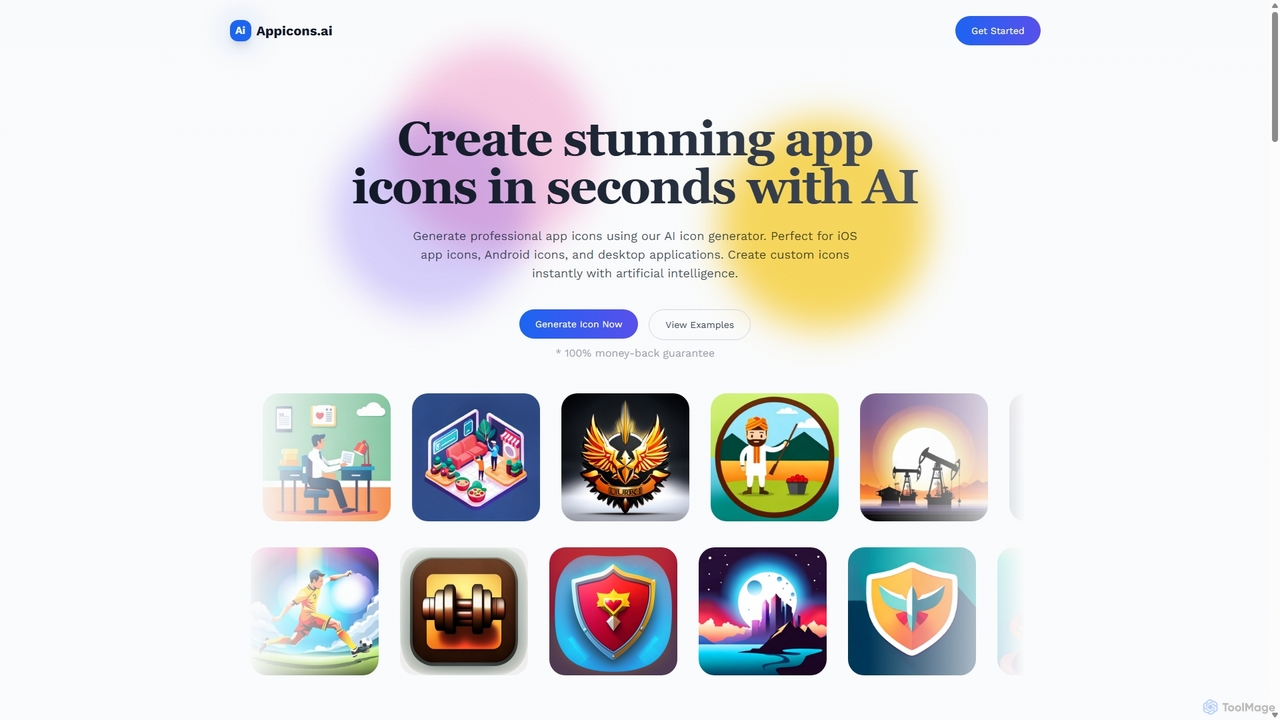
Appicons.ai

Appicons.ai is an AI-powered platform designed for developers and designers to instantly generate professional and unique app icons. It supports iOS, Android, and desktop applications, streamlining the design process from hours to seconds with features like GPT-enhanced prompts and integrated editing tools.

Icon Generation
Visits 50.9KFavorites 102Likes 98
picogen.io
Freemium

picogen.io

picogen.io is an AI-powered image generation platform designed for creating high-quality, unique icons, logos, and other small visual assets. By leveraging advanced generative models, it allows users to produce custom graphics from simple text prompts, streamlining the design process for developers, marketers, and creators. It's ideal for generating app icons, website favicons, and other specific design elements quickly and efficiently.

Logo Design
Visits 3.5KFavorites 124Likes 119
Game Generator
Freemium

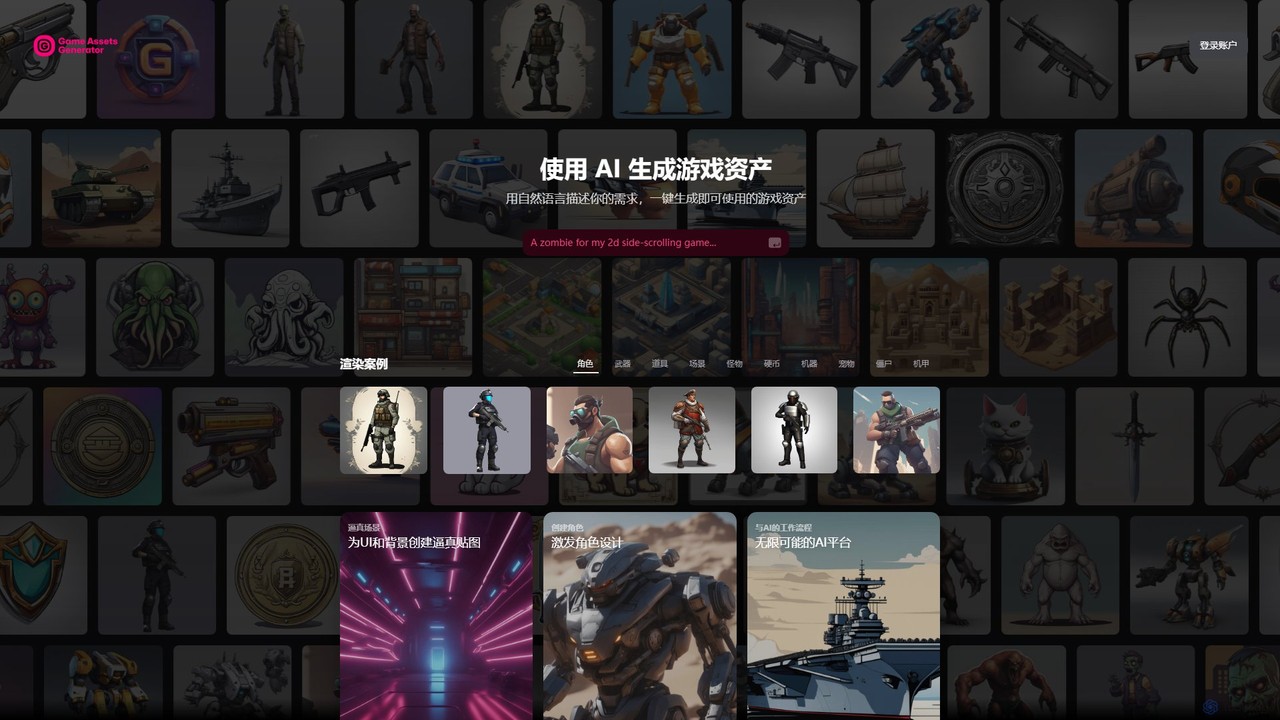
Game Generator

An AI-powered tool for game developers to generate high-quality, royalty-free 2D game assets from simple text descriptions. It streamlines the creation of characters, props, and environments, making it ideal for indie developers and small teams to accelerate their workflow and bring their creative visions to life without needing extensive art resources.

Asset Creation
Visits 3.5KFavorites 110Likes 99

About Asset Creation

Asset Creation tools are a specialized category of AI developer tools that automate the generation of digital assets for software, games, and virtual environments. They leverage generative models to create items like 3D models, textures, sound effects, and music from text prompts or simple parameters. This process dramatically accelerates development cycles by reducing the need for manual asset design, allowing for rapid prototyping and iteration. These tools empower developers to populate complex scenes and test ideas quickly, often without deep artistic expertise.

Core Features

  • Text-to-Asset Generation: Creates 3D models, textures, or audio directly from natural language descriptions.
  • Procedural Content Generation (PCG): Generates vast amounts of content like levels, terrains, and objects based on algorithmic rules.
  • Style and Variation Control: Allows users to define specific artistic styles and generate numerous variations of a single asset.
  • API and Plugin Integration: Offers APIs or direct plugins for seamless integration into game engines (like Unity, Unreal) and development workflows.

Use Cases

These tools are primarily used by game developers, VR/AR creators, and simulation engineers. For instance, an indie game developer can quickly generate placeholder 3D models for prototyping, while a large studio can create thousands of unique environmental textures to build a rich, non-repetitive game world.

How to Choose

When selecting an Asset Creation tool, consider the specific asset types you need (e.g., 3D models, audio, textures). Evaluate its integration capabilities with your existing toolchain, such as game engine plugins. Assess the level of customization and control it offers over the generated assets, and carefully review the licensing terms for commercial use.

Featured tool rankings

Asset Creation use cases

1

Rapid Prototyping for Indie Game Development

An indie game developer needs to quickly create placeholder assets to test a new game mechanic. Instead of spending days modeling basic characters and environments, they use a text-to-3D asset creation tool. By inputting prompts like 'low-poly sci-fi crate' or 'simple humanoid character model,' they generate dozens of usable assets in minutes. This allows them to build a playable prototype immediately, focusing on gameplay validation and iteration rather than being blocked by art production.

2

Generating Diverse and Seamless Game Textures

A level designer for a large open-world game needs to create a vast library of textures for different biomes. Using an AI texture generator, they can input a base image or a description like 'mossy cobblestone path, seamless, 4K' to generate high-quality, tileable textures. The tool allows them to create hundreds of variations (e.g., more moss, different crack patterns, wet versions) instantly. This ensures the game world feels visually rich and non-repetitive without requiring an artist to manually paint each texture variation.

3

Creating Background Music and Sound Effects

A solo developer creating a mobile application needs ambient background music and UI sound effects. Lacking a budget for a composer, they use an AI music and sound generation tool. They specify the mood ('calm, ambient, electronic'), duration, and tempo to generate several royalty-free music tracks. For UI sounds, they input prompts like 'short, crisp click sound' or 'positive notification chime' to get a consistent set of sound effects. This allows them to add a professional audio layer to their app without any audio engineering skills.

4

Populating Virtual Worlds for VR/AR Simulations

A developer building a VR training simulation for industrial equipment needs to create a realistic factory environment. Manually creating hundreds of unique assets like pipes, valves, and machinery is time-consuming. Using an AI asset creation tool with API access, they programmatically generate variations of these assets directly within their development environment. They can specify parameters like size, wear-and-tear level, and material type to quickly populate the virtual factory, making it feel authentic and detailed with a fraction of the manual effort.

5

Automated UI Icon and Element Generation

A front-end developer is building a web application that requires a large set of custom icons. To ensure consistency and save time, they use an AI icon generator. They define a style guide within the tool (e.g., 'line art, 2px stroke, rounded corners') and then generate icons by simply typing their function, such as 'user profile icon,' 'settings gear,' or 'logout arrow.' The AI produces a complete, stylistically coherent icon set in SVG format, ready to be implemented, eliminating the need to manually design or search for each icon individually.

6

Creating Character and Prop Variations for Concepting

A 3D artist is tasked with designing multiple concepts for a new game character. They create a base model and then use an AI asset tool to generate variations. By providing prompts like 'add futuristic armor,' 'change clothing to medieval style,' or 'generate 10 color variations,' the tool rapidly produces a wide range of concepts. This allows the art director and design team to review many different possibilities early in the production pipeline, facilitating faster decision-making and creative exploration without the high cost of manual iteration.

Asset Creation FAQ

What are AI Asset Creation tools?

AI Asset Creation tools are specialized software within the developer tools category designed to programmatically generate digital assets. Unlike general art generators, they focus on creating assets ready for use in development pipelines, such as game-ready 3D models, seamless textures, sound effects, and UI elements. They use generative AI models to translate text prompts or parameters into functional assets, significantly speeding up workflows for game developers, VR creators, and software engineers.

How do AI Asset Creation tools differ from general AI Art Generators?

The key difference lies in their output and purpose. General AI art generators primarily produce 2D images for visual consumption. AI Asset Creation tools, as a subset of developer tools, are optimized for development workflows. Their outputs are often in specific, usable formats (e.g., .fbx for 3D models, .wav for audio, seamless .png for textures) and may include technical data like UV maps or proper topology. They also frequently offer API access for integration directly into game engines or applications, a feature rarely found in consumer-facing art generators.

How to choose the right AI Asset Creation tool for game development?

When selecting a tool for game development, focus on these factors:

  • Engine Integration: Check for official or community-supported plugins for your game engine (e.g., Unity, Unreal Engine) to streamline your workflow.
  • Asset Performance: Ensure the tool generates optimized assets, such as 3D models with reasonable polygon counts and textures with appropriate resolutions, to avoid performance issues.
  • Format Support: Verify that it exports to formats compatible with your engine and toolchain.
  • Commercial Licensing: Carefully review the licensing terms to ensure you have the rights to use the generated assets in a commercial product.
What are the main benefits of using AI for asset creation?

Using AI for asset creation offers several key advantages for developers. The primary benefit is a massive increase in speed, enabling rapid prototyping and iteration that would be impossible with manual methods. It also significantly reduces costs associated with hiring specialized artists or purchasing asset packs. Furthermore, it enhances creativity by allowing developers to quickly generate and explore a wide variety of asset variations. Finally, it democratizes content creation, empowering small teams or solo developers to produce high-quality assets without extensive artistic skills.

Who are the primary users of AI Asset Creation tools?

The primary users are professionals and hobbyists involved in digital content creation, especially within technical fields. This includes:

  • Game Developers: From indie developers prototyping ideas to large studios populating vast game worlds.
  • VR/AR Creators: For building immersive environments and interactive objects.
  • Software and Web Developers: For generating UI elements, icons, and placeholder content.
  • Technical Artists: Who bridge the gap between art and programming, using these tools to automate content pipelines.