Developer Tools Best in category 1 results Cloud Computing AI Tool

Popular AI tools in the Cloud Computing field of Developer Tools include K8Studio, etc., helping you quickly improve efficiency.

K8Studio

K8Studio

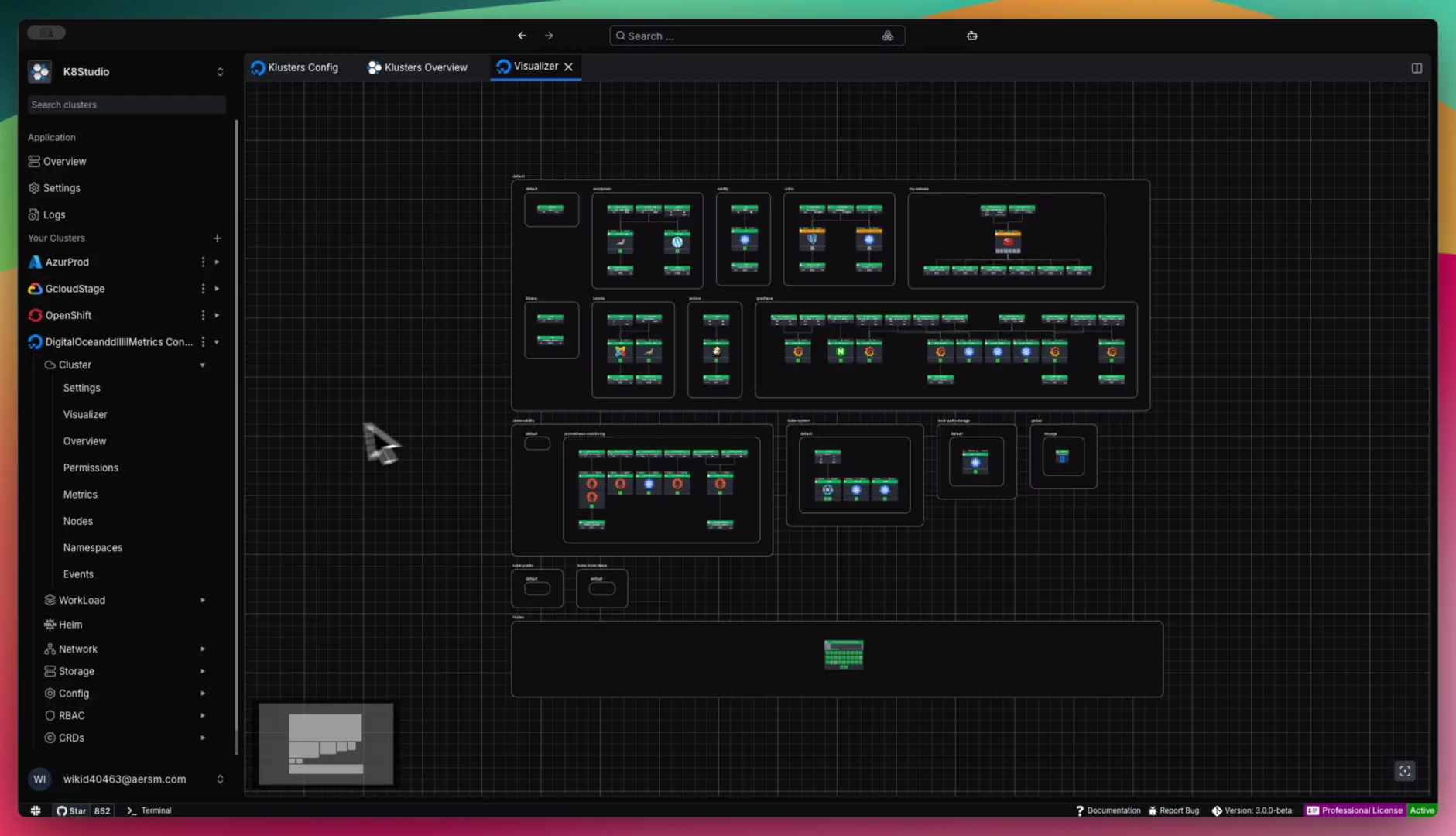
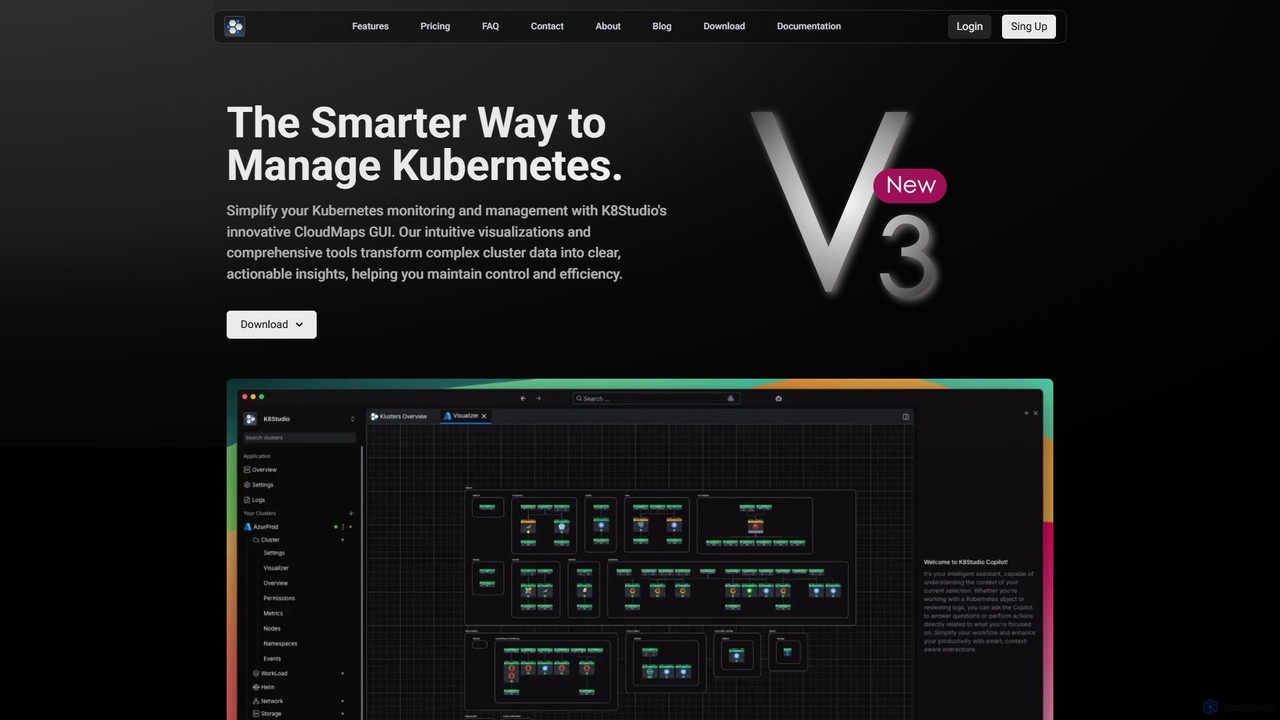
K8Studio is an advanced Kubernetes UI designed for DevOps, DevSecOps, and SRE teams. It simplifies cluster management with …

9.6K

About Cloud Computing

Cloud Computing refers to the on-demand delivery of IT resources—including servers, storage, databases, networking, software, analytics, and intelligence—over the Internet with pay-as-you-go pricing. As a vital component within Developer Tools, it enables developers to build, deploy, and scale applications rapidly without managing physical infrastructure. This paradigm offers unparalleled flexibility, scalability, and cost-efficiency for modern software development and operations.

Core Features

  • Infrastructure as a Service (IaaS): Provides virtualized computing resources over the internet, including virtual machines, storage, and networks, giving developers maximum control.
  • Platform as a Service (PaaS): Offers a complete development and deployment environment in the cloud, with resources that enable developers to build, run, and manage applications without the complexity of infrastructure.
  • Serverless Computing: Allows developers to run code without provisioning or managing servers, automatically scaling and charging only for compute time consumed.
  • Containerization Services: Manages and orchestrates containerized applications (like Docker and Kubernetes) for consistent deployment across various environments.
  • Managed Databases: Provides fully managed database services, abstracting away administrative tasks like patching, backups, and scaling.

Applicable Scenarios

Cloud Computing is indispensable for startups needing to scale rapidly, enterprises modernizing legacy applications, and developers building global-scale services. It supports agile development, continuous integration/continuous deployment (CI/CD) pipelines, and the deployment of microservices architectures across various industries.

How to Choose

When selecting a Cloud Computing solution, consider the required service model (IaaS, PaaS, Serverless), the provider's ecosystem and integration capabilities with existing tools, security and compliance certifications, and the pricing structure. Evaluate scalability options, global reach, and the level of managed services offered to match your team's operational capacity and technical expertise.

Cloud ComputingUse Cases

1

Deploying Scalable Web Applications

A web development team uses cloud computing platforms (PaaS or IaaS) to host their high-traffic e-commerce application. They leverage auto-scaling features to automatically adjust computing resources based on user demand, ensuring consistent performance during peak sales events and reducing costs during off-peak hours. This allows them to focus on feature development rather than server management.

2

Building Serverless APIs for Mobile Backends

A mobile app developer creates backend APIs using serverless functions (e.g., AWS Lambda, Azure Functions). This approach eliminates the need to provision or manage servers, allowing the developer to focus solely on writing code for API endpoints. The cloud provider automatically scales the functions to handle varying loads from mobile users, reducing operational overhead and ensuring high availability for the app's backend services.

3

Containerized Microservices Deployment

A DevOps team uses cloud container orchestration services (e.g., Kubernetes on AWS EKS, Azure AKS, Google GKE) to deploy and manage their microservices architecture. By containerizing applications, they achieve consistent environments from development to production. The cloud platform handles the underlying infrastructure, scaling, and networking for their containers, streamlining the CI/CD pipeline and improving application resilience and portability.

4

Data Analytics and Machine Learning Workloads

Data scientists and engineers leverage cloud computing for intensive data analytics and machine learning tasks. They utilize scalable cloud storage for large datasets and powerful virtual machines or specialized GPU instances for training complex AI models. Cloud-native data warehousing and processing services enable them to run complex queries and derive insights from vast amounts of data efficiently, without the upfront investment in high-performance hardware.

5

Disaster Recovery and Backup Solutions

IT administrators implement robust disaster recovery (DR) and backup strategies using cloud computing. They replicate critical data and applications to geographically dispersed cloud regions, ensuring business continuity in case of a localized outage. Cloud storage offers cost-effective, scalable, and highly durable options for long-term backups, significantly reducing the recovery time objective (RTO) and recovery point objective (RPO) compared to traditional on-premise solutions.

6

Cost Optimization for Cloud Infrastructure

FinOps teams and cloud architects utilize cloud computing's detailed billing and monitoring tools to optimize infrastructure costs. They analyze resource utilization, identify idle or over-provisioned resources, and implement strategies like reserved instances, spot instances, or serverless architectures to reduce spending. This proactive cost management ensures that cloud resources are used efficiently, aligning IT spending with business value and avoiding unnecessary expenditures.

Cloud ComputingFrequently Asked Questions