ToolMage
Sign in

Best 1 Coding Practice AI tools for Developer Tools

Popular Coding Practice AI tools in Developer Tools include QSet.io, helping you work more efficiently.

QSet.io
Freemium

QSet.io

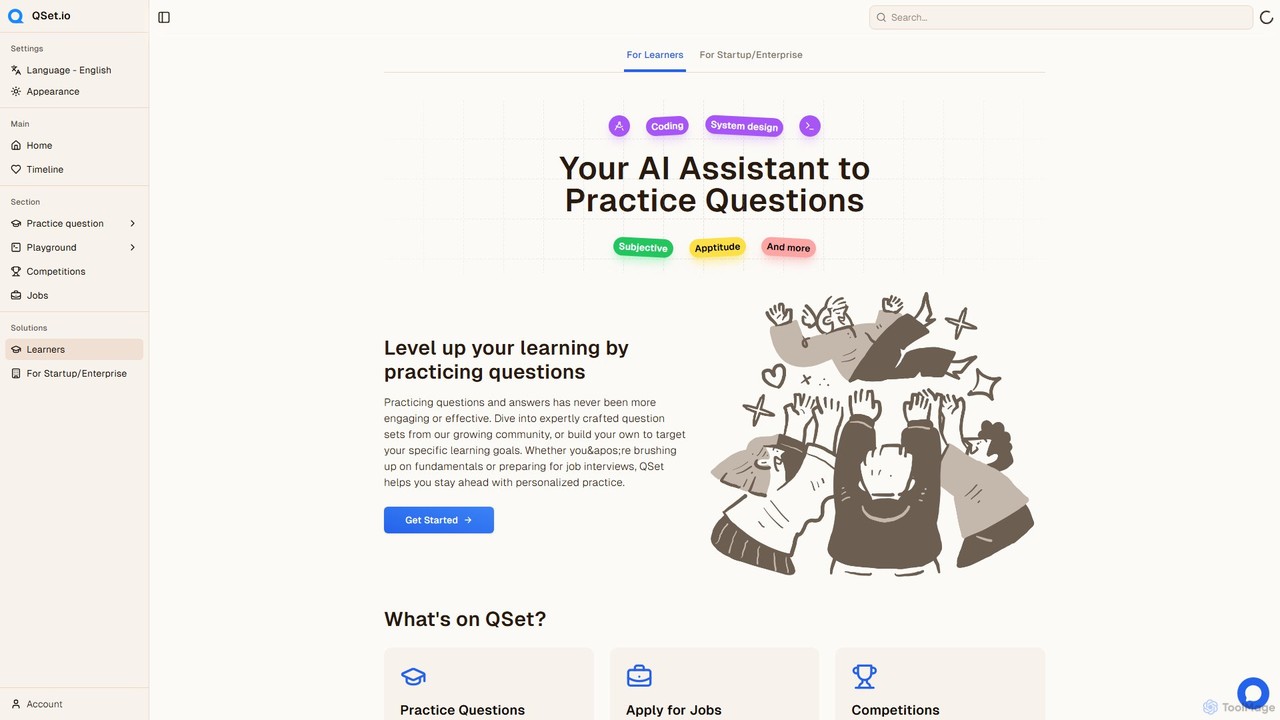
QSet.io is an AI-powered platform for interactive learning and interview preparation. It allows users to practice with a vast library of question sets, receive instant AI feedback, and create their own custom quizzes for coding, system design, and more. It also connects job seekers with companies through skill-based assessments.

Coding Practice
Visits 6.8KFavorites 168Likes 161

About Coding Practice

Coding Practice tools are specialized platforms that leverage artificial intelligence to create dynamic and personalized programming exercises. They analyze user code in real-time to provide instant feedback on logic, style, and efficiency, going beyond simple syntax checks. These tools help developers of all levels master new languages, prepare for technical interviews, and reinforce complex concepts through adaptive learning paths. Their key advantage lies in offering a tailored practice environment that identifies and targets individual weaknesses, making them a powerful component within the broader Developer Tools ecosystem.

Core Features

  • AI-Powered Problem Generation: Creates unique coding challenges tailored to specific skills and difficulty levels.
  • Real-time Code Analysis: Offers instant, detailed feedback on correctness, performance, and code quality.
  • Personalized Learning Paths: Adapts the sequence and difficulty of exercises based on user performance.
  • Conceptual Explanations: Breaks down complex algorithms and data structures with AI-generated examples.
  • Mock Interview Simulation: Simulates realistic technical interviews with AI-driven questions and performance feedback.

Use Cases

These tools are widely used by computer science students for mastering coursework, job seekers preparing for interviews at tech companies, and experienced developers looking to learn a new programming language or framework efficiently. Educational institutions and coding bootcamps also integrate them to provide scalable, personalized practice for their students, ensuring a consistent and effective learning experience.

How to Choose

When selecting a tool, consider the breadth of supported programming languages and frameworks. Evaluate the depth and quality of the AI feedback—does it go beyond syntax to cover algorithmic efficiency and best practices? Also, assess the platform's focus, whether it's geared more towards interview preparation, general skill-building, or specific domains like data science. Finally, check for integration capabilities with popular IDEs to streamline your workflow.

Coding Practice use cases

1

Preparing for Technical Interviews

A software engineer preparing for interviews at top tech companies uses an AI coding practice tool to tackle realistic problems. The platform simulates an interview environment, providing algorithm and data structure challenges commonly asked by specific companies. The AI offers real-time feedback on code efficiency (Big O notation), identifies edge cases the user missed, and suggests alternative, more optimal solutions. This targeted practice helps the engineer build confidence and systematically address weaknesses before the actual interviews.

2

Learning a New Programming Language

A developer experienced in Python wants to learn Rust. They use an AI practice tool that generates a personalized learning path. It starts with basic syntax exercises and gradually introduces more complex concepts like ownership and borrowing. When the developer makes a mistake common for Python programmers (e.g., assuming garbage collection), the AI not only corrects the code but also explains the underlying Rust-specific paradigm. This contextual feedback accelerates the learning process significantly compared to static tutorials.

3

Mastering Data Structures & Algorithms

A computer science student uses an AI tool to deepen their understanding of complex algorithms like Dijkstra's or A*. Instead of just solving a static problem, the AI generates variations of the problem with different constraints. It visualizes the algorithm's execution step-by-step and provides AI-generated explanations for each decision. If the student's implementation is inefficient, the AI suggests specific optimizations and explains why they improve performance, solidifying theoretical knowledge with practical application.

4

Onboarding Junior Developers

A tech lead uses an AI coding practice platform to create a custom onboarding curriculum for new junior developers. They select modules focused on the company's tech stack and coding standards. The platform provides a structured environment for juniors to practice and receive immediate, consistent feedback, freeing up senior developers' time. The lead can track progress through a dashboard, identifying areas where a new hire might need additional mentorship, ensuring a smoother and more standardized onboarding process for the entire team.

5

Assessing Candidates in Hiring Process

A hiring manager uses an AI coding practice tool for technical screening. Instead of a simple take-home test, candidates are given access to the platform for a timed session. The AI not only grades the correctness of the solution but also analyzes the candidate's problem-solving process, code quality, and efficiency. The manager receives a detailed report that provides deeper insights than a simple pass/fail score, helping them make more informed decisions about which candidates to advance to the next interview stage.

6

Supplementing University Coursework

A university professor incorporates an AI coding practice tool into their 'Data Structures' course. The tool is configured to align with the weekly syllabus. After each lecture, students are assigned AI-generated practice problems that reinforce the concepts taught. The AI provides instant, personalized feedback, allowing students to learn from their mistakes immediately without waiting for a teaching assistant. This creates a scalable, interactive lab environment that complements traditional lectures and improves overall student comprehension and retention.

Coding Practice FAQ

What are AI Coding Practice tools?

AI Coding Practice tools are interactive platforms designed to help users improve their programming skills through AI-driven exercises and feedback. Unlike static problem sets, these tools use AI to generate personalized challenges, analyze code in real-time for errors and inefficiencies, and provide tailored explanations. They often create adaptive learning paths that adjust to a user's strengths and weaknesses, making them effective for interview preparation, learning new languages, and mastering complex computer science concepts.

How do AI Coding Practice tools differ from traditional platforms like LeetCode?

The primary difference is the level of personalization and feedback. Traditional platforms like LeetCode offer a vast, static library of problems with community-sourced solutions. AI Coding Practice tools, in contrast, provide:

  • Dynamic Problem Generation: They can create new, unique problems tailored to your skill level.
  • Real-time, Granular Feedback: They analyze your specific code as you write it, offering suggestions on logic, style, and efficiency, not just whether it passes test cases.
  • Adaptive Learning: They track your performance to identify weak spots and suggest specific topics or problems to work on next.
  • Conceptual Explanations: Many can explain why a particular solution is better or break down the underlying concepts for you.

In essence, traditional platforms are like a large problem book, while AI tools act more like a personalized tutor.

How should I choose the best AI Coding Practice tool for my needs?

Choosing the right tool depends on your goals. Consider these factors:

  • Primary Goal: Are you preparing for interviews, learning a new language, or strengthening fundamentals? Some tools specialize in mock interviews, while others offer broad, curriculum-based learning.
  • Language and Framework Support: Ensure the platform supports the specific technologies you want to practice.
  • Quality of Feedback: Look for tools that provide deep insights beyond simple correctness, such as code complexity analysis (Big O), style suggestions, and security vulnerability checks.
  • User Experience: A clean, intuitive interface with a good code editor is crucial for a productive practice session. Check if it offers integrations with IDEs like VS Code.
Are these tools suitable for complete beginners?

Yes, many AI Coding Practice tools are excellent for beginners. Their key advantage is the ability to provide immediate, step-by-step guidance that a beginner might not get from a book or video tutorial. They can create a structured learning path starting from the very basics (e.g., 'What is a variable?') and gradually increase in complexity. The instant feedback loop helps correct misconceptions early on before they become ingrained habits. However, beginners should look for platforms specifically designed with a beginner-friendly curriculum and clear, non-technical explanations.

Can AI Coding Practice tools replace human mentors or instructors?

AI Coding Practice tools are best viewed as powerful supplements, not replacements, for human mentors. While they excel at providing instant, scalable, and consistent feedback on technical execution, they currently lack the nuanced understanding, industry experience, and motivational skills of a human instructor. A mentor can offer career advice, explain complex trade-offs in a real-world project context, and provide personalized encouragement. The ideal learning environment often combines the tireless, data-driven practice from an AI tool with the wisdom and guidance of an experienced human mentor.