Developer Tools Best in category 1 results Game Engine AI Tool

Popular AI tools in the Game Engine field of Developer Tools include Tempest AI, etc., helping you quickly improve efficiency.

Tempest AI

Tempest AI

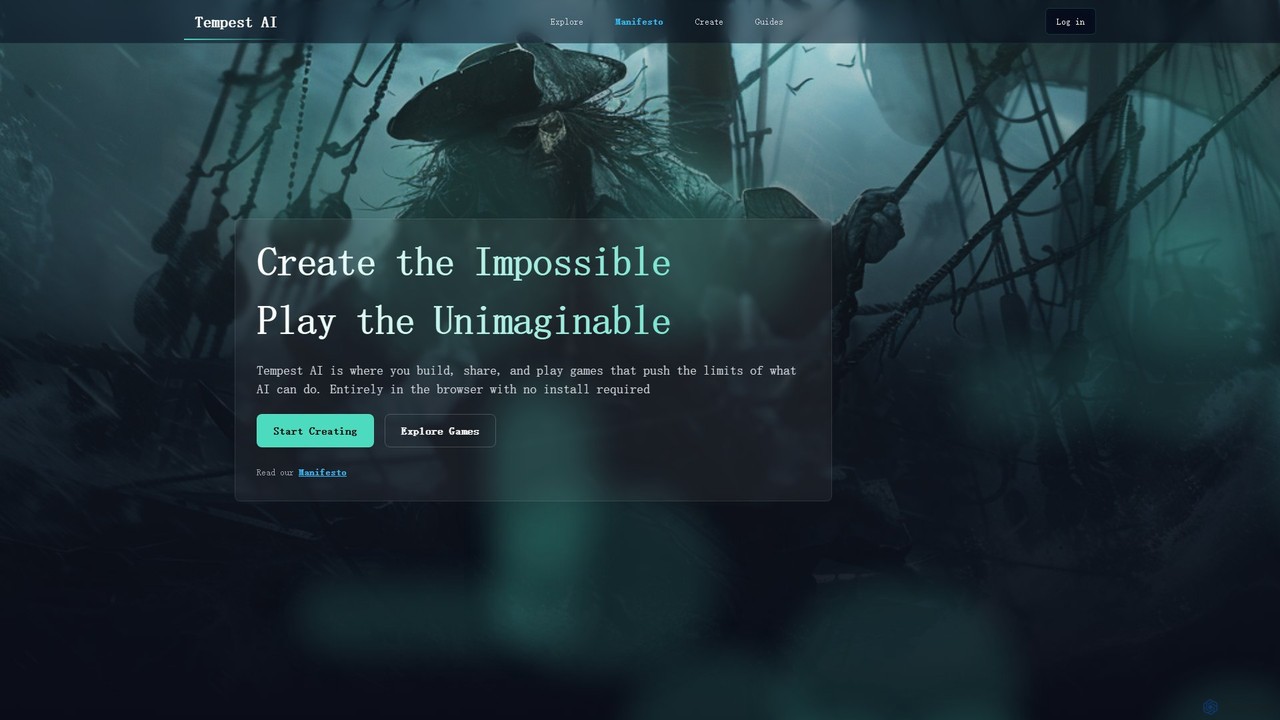
Tempest AI is a revolutionary browser-based game creation engine that empowers creators to build, share, and play dynamic …

2.2K

About Game Engine

Game Engines are integrated software development environments that provide a comprehensive suite of tools for creating video games and interactive experiences. They streamline the entire game development process, from asset creation and scripting to rendering, physics simulation, and deployment across various platforms. Modern game engines empower developers to build complex virtual worlds, implement intricate game logic, and deliver high-performance interactive applications with efficiency.

Core Features

  • Rendering System: Manages graphics, visual effects, lighting, and shading to display game worlds.
  • Physics Engine: Simulates realistic physical interactions, collisions, and object behaviors.
  • Scripting/Programming Interface: Allows developers to write game logic, character behaviors, and interactive elements.
  • Asset Management: Provides tools to import, organize, and optimize 3D models, textures, audio, and animations.
  • Level Editor: Enables designers to build, arrange, and populate game scenes and environments visually.
  • Deployment Tools: Facilitates exporting and packaging games for different target platforms like PC, consoles, and mobile devices.

Applicable Scenarios

Game engines are indispensable for a wide range of interactive content creation. Independent developers leverage them for rapid prototyping and full game production, while large studios utilize their robust features for complex AAA titles. Beyond gaming, they are crucial for developing immersive VR/AR training simulations, interactive architectural visualizations, and educational applications, offering powerful tools for real-time 3D rendering and interaction.

How to Choose

Selecting a game engine involves considering several key factors. Evaluate the engine's target platform support (PC, console, mobile, web) to match your distribution goals. Assess its feature set, including specific needs like advanced AI, networking, or VR capabilities. Consider the learning curve, available documentation, and the strength of its community support. Finally, compare licensing models and overall cost implications to ensure it aligns with your project budget and long-term strategy.

Game EngineUse Cases

1

Developing an Independent 2D Platformer Game

A solo game developer aims to create a charming 2D platformer for PC and mobile. Using a game engine, they can efficiently design levels with intuitive editors, implement character movement and enemy AI using visual scripting or C, and manage all game assets like sprites and sound effects. The engine's built-in deployment tools allow for easy export to target platforms, significantly reducing development time and technical hurdles for a small team.

2

Producing a High-Fidelity 3D Open-World RPG

A large game studio is developing an ambitious 3D open-world role-playing game with vast environments and complex systems. A powerful game engine provides the necessary tools for advanced graphics rendering, realistic physics, and sophisticated AI pathfinding for NPCs. Teams of artists, programmers, and designers can collaborate within the engine's integrated environment, utilizing its robust asset pipelines, animation tools, and performance optimization features to deliver a visually stunning and immersive experience.

3

Creating Immersive VR Training Simulations

An enterprise client requires a virtual reality training simulation for complex machinery operation. A game engine is used to build a highly interactive 3D environment, allowing trainees to manipulate virtual controls and experience realistic scenarios without physical risk. The engine's VR development tools, real-time rendering capabilities, and physics simulations enable the creation of engaging and effective training modules that accurately mimic real-world conditions, enhancing learning outcomes.

4

Generating Interactive Architectural Walkthroughs

An architectural firm wants to present building designs to clients through interactive real-time walkthroughs rather than static renders. By importing CAD models into a game engine, designers can create fully explorable 3D environments with realistic lighting, textures, and material properties. Clients can then navigate the proposed spaces, open doors, and even change material finishes on the fly, providing a much more engaging and informative presentation experience than traditional methods.

5

Developing Educational Games for K-12 Students

An educational content creator is developing a series of interactive learning games for elementary school students. A user-friendly game engine allows them to focus on pedagogical design rather than complex coding. They can easily integrate educational content, create engaging mini-games, and implement feedback mechanisms. The engine's ability to deploy to web browsers or tablets makes the learning games accessible to a wide student audience, fostering interactive and fun education.

6

Rapid Prototyping for Game Jams and Concept Testing

During a game jam or initial concept phase, a small team needs to quickly prototype game ideas to test core mechanics and user engagement. A game engine's rapid iteration capabilities, visual scripting options, and extensive asset libraries enable developers to build playable prototypes within hours or days. This allows for quick validation of design choices, gathering early feedback, and making informed decisions before committing to full-scale development, saving significant resources.

Game EngineFrequently Asked Questions