
Developer Tools Best in category 1 results Linters & Formatters AI Tool

Popular AI tools in the Linters & Formatters field of Developer Tools include Ultracite, etc., helping you quickly improve efficiency.

Free
Ultracite

Ultracite

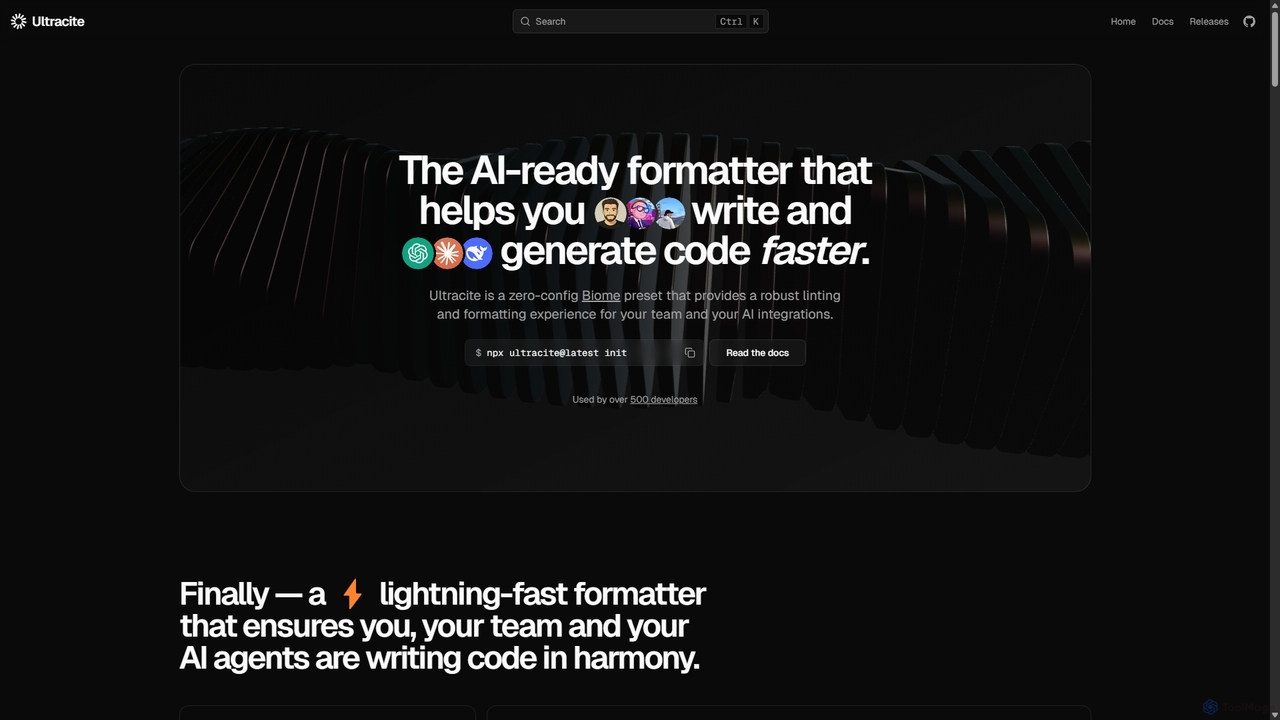
Ultracite is a lightning-fast, zero-config code formatter and linter built on Biome. It's designed to ensure consistent code …

19.6K

About Linters & Formatters

Linters & Formatters are essential AI-powered developer tools designed to enhance code quality, consistency, and maintainability. These tools leverage static analysis to automatically identify potential errors, enforce coding standards, and reformat code according to predefined style guides. By automating code review processes, they help development teams reduce bugs, improve readability, and ensure a uniform codebase across projects.

Core Features

  • Syntax Error Detection: Automatically identifies common programming mistakes and potential bugs before runtime.
  • Style Guide Enforcement: Ensures code adheres to specific formatting rules and best practices, like indentation, naming conventions, and line length.
  • Automated Code Formatting: Instantly restructures code to match a consistent style, eliminating manual adjustments.
  • Complexity Analysis: Highlights overly complex code sections that might be difficult to understand or maintain.
  • Security Vulnerability Detection: Pinpoints potential security flaws or insecure coding patterns.

Use Cases

Linters and formatters are widely adopted in professional software development environments. They are crucial for maintaining high code quality in large-scale projects, facilitating seamless collaboration among developers, and ensuring compliance with industry coding standards. These tools are integrated into IDEs and CI/CD pipelines to provide immediate feedback and prevent inconsistent code from being committed.

How to Choose

When selecting a linter or formatter, consider its compatibility with your programming languages and development environment. Evaluate its configurability to match your team's specific style guides and its integration capabilities with your IDE, version control, and CI/CD systems. Performance, community support, and the availability of custom rule sets are also important factors for long-term usability and effectiveness.

Linters & FormattersUse Cases

1

Enforcing Team Coding Standards

Development teams use linters and formatters to automatically apply a consistent coding style across all projects. This ensures that every line of code, regardless of who wrote it, adheres to the team's agreed-upon guidelines, significantly reducing merge conflicts related to formatting and improving code readability for all members.

2

Automating Code Review in CI/CD Pipelines

DevOps engineers integrate linters and formatters into their Continuous Integration/Continuous Deployment (CI/CD) pipelines. Before code is merged or deployed, these tools automatically scan for errors and style violations, failing builds if issues are found. This proactive approach catches problems early, saving significant time and resources in later development stages.

3

Improving Code Quality in Open-Source Projects

Maintainers of open-source projects leverage linters and formatters to ensure high code quality and consistency from diverse contributors. By defining a clear set of rules, these tools help new contributors quickly adapt to the project's coding style, making their submissions easier to review and integrate, thus fostering a more collaborative environment.

4

Refactoring Legacy Codebases for Maintainability

Developers working on older, less consistent codebases use formatters to quickly standardize the code's appearance without altering its logic. Linters can then identify potential bugs, deprecated functions, or security vulnerabilities within the refactored code, making the legacy system easier to understand, maintain, and extend.

5

Accelerating Onboarding for New Developers

Companies utilize linters and formatters to accelerate the onboarding process for new developers. Instead of spending extensive time learning specific coding styles manually, new hires receive instant feedback from these tools, helping them quickly adopt the team's conventions and contribute effectively from day one, reducing the learning curve.

6

Detecting Potential Bugs and Security Flaws

Security-conscious development teams employ advanced linters to scan code for common security vulnerabilities like SQL injection risks, cross-site scripting (XSS) flaws, or improper handling of sensitive data. This automated detection acts as a crucial first line of defense, identifying and flagging potential exploits before they can be introduced into production systems.

Linters & FormattersFrequently Asked Questions