Developer Tools Best in category 1 results Mockup AI Tool

Popular AI tools in the Mockup field of Developer Tools include PrettyShot, etc., helping you quickly improve efficiency.

PrettyShot

PrettyShot

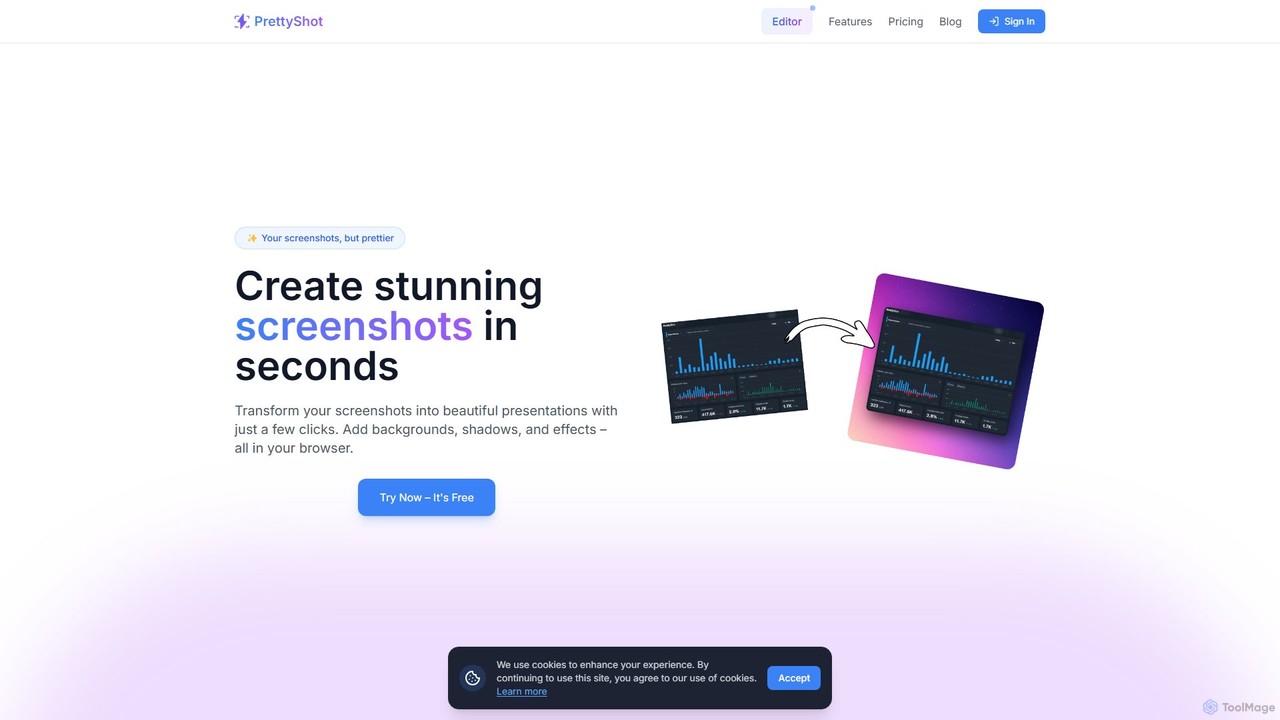
An online tool to transform ordinary screenshots into beautiful, professional presentations and marketing visuals. Add stunning backgrounds, device …

571

About Mockup

AI Mockup tools are applications that use artificial intelligence to rapidly generate visual prototypes and product presentations. They typically transform text descriptions, wireframes, or simple images into high-fidelity designs and realistic scenes. This technology accelerates the design-to-development workflow, allowing teams to visualize concepts and create marketing assets with remarkable speed. By automating repetitive design tasks, these tools enable creators to focus on ideation and iteration.

Core Features

  • Text-to-Mockup Generation: Creates detailed mockups for apps, websites, or products directly from natural language prompts.
  • Scene Creation: Automatically places product images or app screenshots into realistic lifestyle or device settings.
  • Automated Content Population: Intelligently fills design layouts with relevant placeholder text and images.
  • Style & Theme Variation: Generates multiple design alternatives with different color palettes, fonts, and layouts from a single input.
  • Sketch & Wireframe Conversion: Transforms low-fidelity drawings or wireframes into polished, high-fidelity user interface designs.

Use Cases

These tools are widely used by UI/UX designers, product managers, marketers, and developers. Common applications include rapid prototyping of mobile apps and websites, creating compelling product showcases for e-commerce, generating consistent marketing visuals for social media campaigns, and visualizing brand assets on merchandise like apparel or packaging.

How to Choose

When selecting an AI Mockup tool, consider the primary type of mockup you need (e.g., UI/UX, product, social media). Evaluate the supported input formats (text, image, sketch) and the quality and customizability of the output. Also, check for integration capabilities with other design software and assess the pricing model based on your usage volume and feature requirements.

MockupUse Cases

1

Rapid UI Prototyping from Text

A product manager needs to quickly visualize a new feature for a mobile app. Instead of waiting for the design team, they use an AI Mockup tool and enter a prompt like: 'Create a user profile screen for a fitness app with a dark theme, showing statistics for weekly steps, calories burned, and active minutes.' The AI generates several high-fidelity design options in seconds. This allows the team to discuss layouts, components, and user flow immediately, significantly shortening the feedback loop and accelerating the development cycle.

2

Generating E-commerce Product Mockups

An online store owner wants to launch a new line of custom-printed t-shirts. Manually creating mockups for each design on different models and colors is time-consuming. Using an AI Mockup tool, they upload their design file once. The tool automatically generates a gallery of realistic images showing the t-shirt on various models, in different settings, and with multiple color options. This process reduces content creation time from hours to minutes, enabling faster product launches and providing a rich set of visuals for marketing materials and product pages.

3

Creating Social Media Marketing Visuals

A social media manager needs to create a consistent stream of engaging visuals to promote a new mobile app. They use an AI Mockup tool to place screenshots of their app into a variety of device frames (phones, tablets) and lifestyle backgrounds. They can generate dozens of variations for different platforms like Instagram, Facebook, and Twitter in a short amount of time. This ensures a professional and cohesive look across all marketing channels without needing advanced graphic design skills or expensive photoshoots, boosting engagement and brand recognition.

4

Converting Hand-Drawn Sketches to Digital Designs

A UX designer quickly sketches out several ideas for a new website layout during a brainstorming session. To present these concepts professionally, they take photos of the sketches and upload them to an AI Mockup tool. The AI analyzes the drawings, identifies UI elements like buttons, text boxes, and image placeholders, and converts them into clean, digital wireframes or even fully-styled mockups. This bridges the gap between analog ideation and digital production, allowing for faster iteration and clearer communication with stakeholders and developers.

5

Visualizing Data in Application Interfaces

A developer is building a dashboard for a financial analytics platform and needs to design a compelling data visualization component. They use an AI Mockup tool with a prompt like 'a dashboard widget showing a line chart of stock performance over 30 days, with a green and red color scheme'. The tool not only generates the visual layout but also populates it with realistic-looking sample data. This helps the developer and product team to evaluate the effectiveness of the data display before writing any complex front-end code, ensuring the final product is both functional and user-friendly.

6

Generating App Store and Play Store Screenshots

A mobile developer is preparing to launch their app and needs high-quality, persuasive screenshots for the Apple App Store and Google Play Store. Using an AI Mockup tool, they upload their app's raw screenshots. The tool automatically places them into professional templates that include device frames, compelling background colors or images, and stylized marketing text. They can generate a full set of screenshots for multiple device sizes (e.g., iPhone, iPad, Android phones) in minutes, ensuring a polished and attractive store listing that can significantly improve conversion rates.

MockupFrequently Asked Questions