ToolMage
Sign in

Best 2 Modeling AI tools for Developer Tools

Popular Modeling AI tools in Developer Tools include Qlerify and Siml.ai, helping you work more efficiently.

Siml.ai
Freemium

Siml.ai

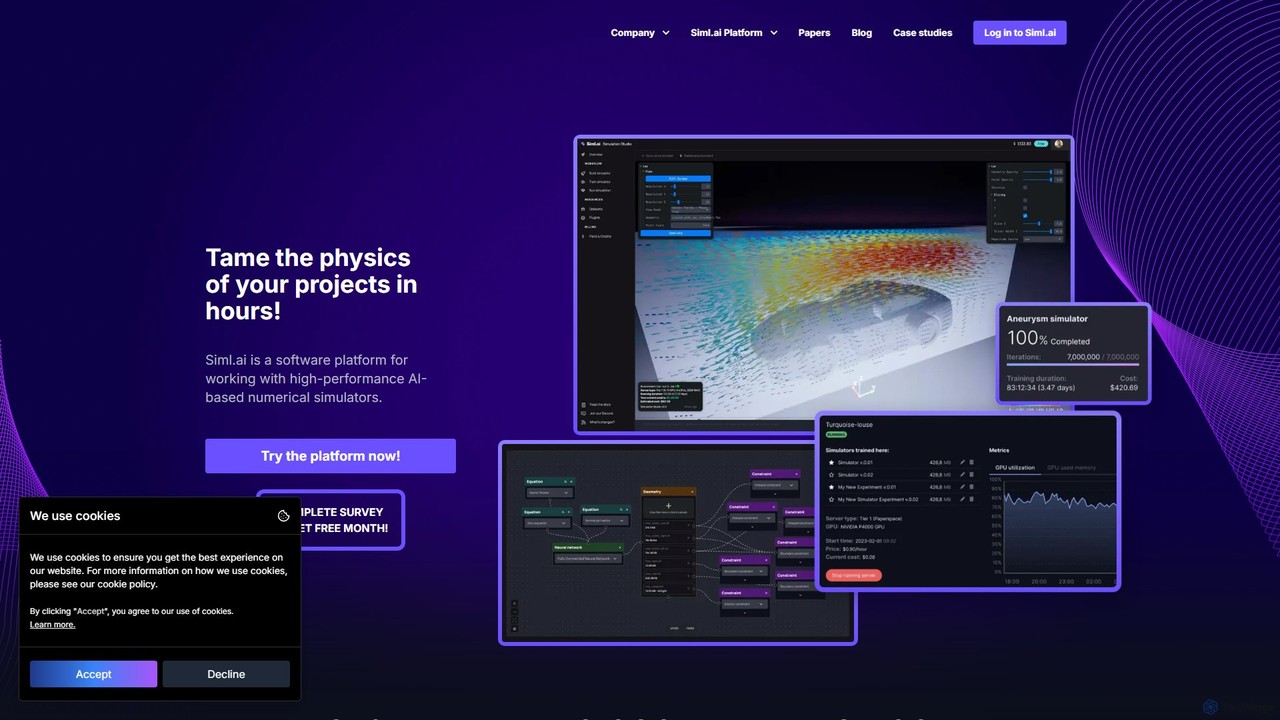
Siml.ai is an AI-powered software platform designed for high-performance physics simulations. It enables engineers and researchers to train AI models that accelerate simulations by up to 100,000x, transforming weeks of computation into hours. The web-based platform allows for the creation of interactive, real-time digital twins with high-fidelity visualization, democratizing access to advanced scientific simulation tools.

Modeling
Visits 5.9KFavorites 122Likes 118
Qlerify
Freemium

Qlerify

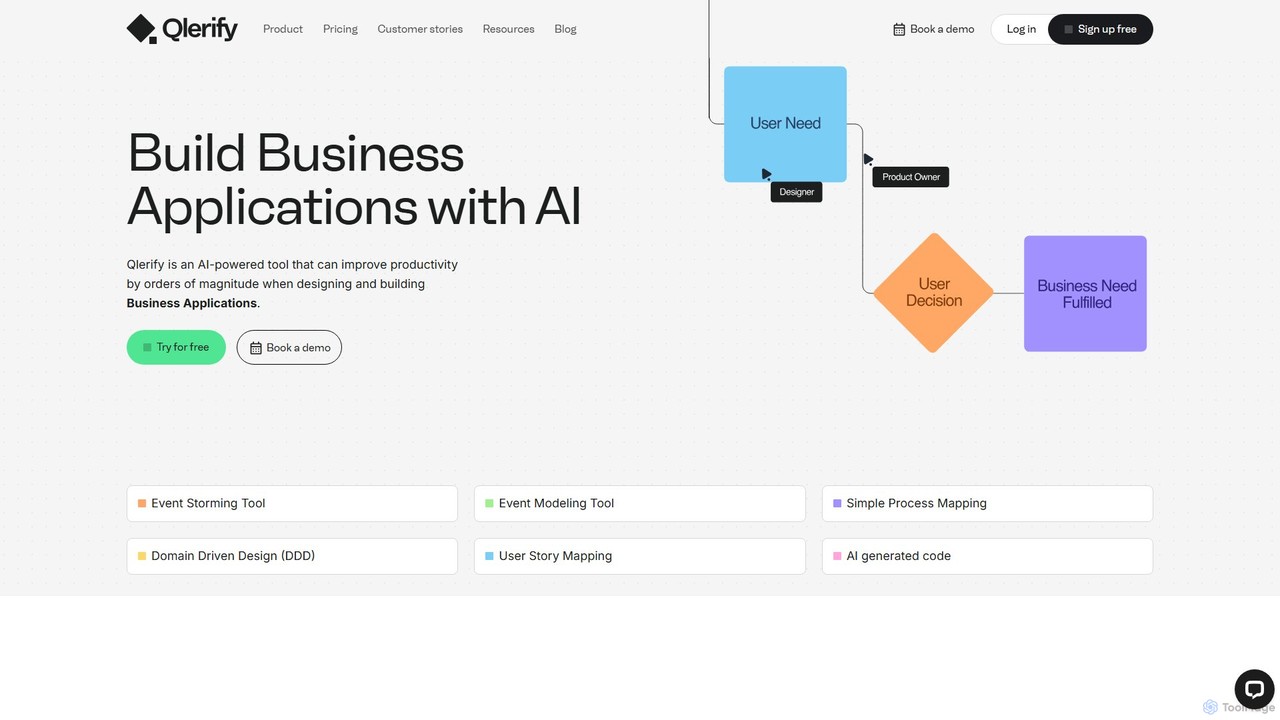
Qlerify is an AI-powered software modeling platform designed to bridge the gap between business and IT. It uses methodologies like Domain-Driven Design (DDD) and Event Storming to visually map business processes, automatically generate domain models, and produce high-quality code, significantly accelerating software development and improving project alignment.

Process Management
Visits 12KFavorites 139Likes 143

About Modeling

AI Modeling tools are specialized platforms within the developer toolkit designed for creating, training, and deploying machine learning models. These tools provide a structured environment that manages the entire model lifecycle, from data experimentation to production-ready API endpoints. They are essential for developers and data scientists looking to build custom AI solutions that can analyze data, make predictions, or generate content. By offering features like experiment tracking and automated tuning, these platforms accelerate the development of robust and scalable AI applications.

Core Features

  • Model Training & Tuning: Provides environments and automation for training models and optimizing their hyperparameters for peak performance.
  • Experiment Tracking: Logs and compares different training runs, including metrics, parameters, and code versions, ensuring reproducibility.
  • Model Registry & Versioning: A central repository to manage, version, and stage models throughout their lifecycle from development to production.
  • One-Click Deployment: Simplifies the process of deploying trained models as scalable and secure API endpoints for real-time inference.
  • Collaborative Workspaces: Enables teams of data scientists and engineers to work together on projects with shared resources and data.

Use Cases

AI Modeling tools are primarily used by data scientists, machine learning engineers, and AI researchers. They are critical in industries like finance for building fraud detection systems, in healthcare for creating diagnostic models from medical imaging, and in e-commerce for developing personalized recommendation engines. Any organization aiming to leverage its data to create predictive or analytical capabilities will benefit from these platforms.

How to Choose

When selecting an AI Modeling tool, consider the supported machine learning frameworks (e.g., TensorFlow, PyTorch). Evaluate its scalability and whether it fits your deployment needs (cloud, on-premise, or edge). Assess the MLOps capabilities for automation and monitoring. Finally, consider the user interface and whether it caters to your team's skill level, offering low-code options or a code-first experience.

Featured tool rankings

Modeling use cases

1

Build a Custom Fraud Detection System

A data scientist at a fintech company uses an AI modeling platform to develop a real-time fraud detection system. They upload historical transaction data, experiment with various algorithms like Gradient Boosting and Neural Networks, and use the platform's experiment tracking to compare model performance. The best-performing model is then deployed via a single click as a secure API. This system analyzes new transactions in milliseconds, reducing fraudulent losses by over 60% while minimizing false positives that inconvenience legitimate customers.

2

Develop a Medical Image Analysis Model

An AI researcher in a healthcare institution leverages a modeling tool to train a computer vision model for detecting anomalies in MRI scans. The platform helps manage large datasets of images and provides pre-built architectures like U-Net for segmentation tasks. Using the tool's distributed training capabilities, the researcher trains the model across multiple GPUs, significantly reducing training time. The resulting model, once validated, can assist radiologists by highlighting potential areas of concern, leading to faster and more accurate diagnoses.

3

Create a Personalized Product Recommendation Engine

An ML engineer at an e-commerce company is tasked with improving product recommendations. Using a modeling platform, they build and train a collaborative filtering model on user purchase history. The platform's model registry allows them to version control different models as they experiment with new features and architectures. After A/B testing through the platform's deployment features, the new model is rolled out, resulting in a 15% increase in click-through rates on recommended products and a significant uplift in average order value.

4

Fine-Tune a Language Model for Customer Support

A developer aims to build a specialized chatbot for a software company. Instead of training from scratch, they use a modeling platform to fine-tune a pre-trained large language model (LLM) like BERT on their company's technical documentation. The platform simplifies the process of data preparation and managing the fine-tuning jobs. The resulting model, deployed as a chatbot, can understand and answer complex, domain-specific user questions with high accuracy, reducing the load on human support agents by 40%.

5

Implement Predictive Maintenance for Manufacturing

An industrial data analyst uses an AI modeling tool to predict equipment failures on a factory floor. They feed sensor data (temperature, vibration, pressure) into the platform to train a time-series forecasting model. The tool's collaborative features allow them to work with domain experts to engineer relevant features. The deployed model continuously monitors equipment health and sends alerts when it predicts a high probability of failure, allowing the maintenance team to perform proactive repairs, reducing unplanned downtime by 30% and extending equipment lifespan.

6

Optimize Supply Chain Logistics with Demand Forecasting

A logistics company's data science team uses a modeling platform to build a demand forecasting model. By integrating historical sales data, weather patterns, and economic indicators, they train a model that predicts product demand across different regions with over 95% accuracy. The platform's versioning system helps them track model improvements over time. The forecasts from the deployed model are used to optimize inventory levels and transportation routes, leading to a 20% reduction in storage costs and a 15% improvement in on-time delivery rates.

Modeling FAQ

What are AI Modeling tools?

AI Modeling tools are comprehensive software platforms that help developers and data scientists manage the end-to-end lifecycle of a machine learning model. They provide integrated environments for data preparation, model training, evaluation, deployment, and monitoring. Unlike simple code libraries, these tools offer a structured workflow, experiment tracking for reproducibility, and simplified pathways to put models into production as APIs or integrated applications.

How to choose the right AI Modeling tool?

Choosing the right tool depends on several factors. Consider the following:

  • Framework Support: Ensure it supports the ML frameworks your team uses, like TensorFlow, PyTorch, or scikit-learn.
  • Scalability: Evaluate its ability to handle large datasets and complex models, including options for distributed training on GPUs or TPUs.
  • MLOps Features: Look for robust capabilities in experiment tracking, model versioning, automated deployment (CI/CD), and performance monitoring.
  • Ease of Use: Determine if your team needs a low-code/no-code interface for faster prototyping or a code-first, notebook-based environment for maximum flexibility.
  • Integration: Check its ability to integrate with your existing data sources, cloud storage, and application infrastructure.
What's the difference between AI Modeling platforms and Data Science notebooks like Jupyter?

Data Science notebooks (e.g., Jupyter, Google Colab) are excellent for interactive exploration, prototyping, and visualization. However, they often lack the structure needed for production-level work. AI Modeling platforms build upon this by providing a complete, managed environment. They add critical features like automated experiment tracking, model registries for versioning, one-click deployment, and monitoring, which are essential for creating reproducible, scalable, and maintainable AI systems in a team setting.

What are the key stages in the AI modeling process?

The AI modeling process typically follows a lifecycle managed by these tools:

  1. Data Preparation: Ingesting, cleaning, and transforming raw data into a format suitable for training.
  2. Model Training: Using an algorithm and the prepared data to train a model. This involves running experiments with different parameters.
  3. Model Evaluation: Assessing the model's performance on unseen data using various metrics to ensure it's accurate and reliable.
  4. Model Tuning: Optimizing the model's hyperparameters to improve its performance.
  5. Deployment: Making the validated model available for use, often as an API endpoint.
  6. Monitoring: Continuously tracking the model's performance in production to detect drift or degradation over time.
Who are the primary users of AI Modeling tools?

The primary users of AI Modeling tools are technical professionals involved in creating AI solutions. This includes:

  • Data Scientists: Who use these platforms for experimenting with different models, analyzing data, and validating hypotheses.
  • Machine Learning Engineers: Who focus on building, deploying, and maintaining production-grade ML systems, leveraging the MLOps capabilities of these tools.
  • AI Researchers: Who need reproducible environments to conduct experiments and compare the performance of novel algorithms.
  • Software Developers: Who are increasingly using these platforms to integrate AI capabilities into their applications without needing deep ML expertise.