ToolMage
Sign in

Best 2 Network AI tools for Developer Tools

Popular Network AI tools in Developer Tools include Prompt AI Tools and MyIP.ai, helping you work more efficiently.

MyIP.ai
Free

MyIP.ai

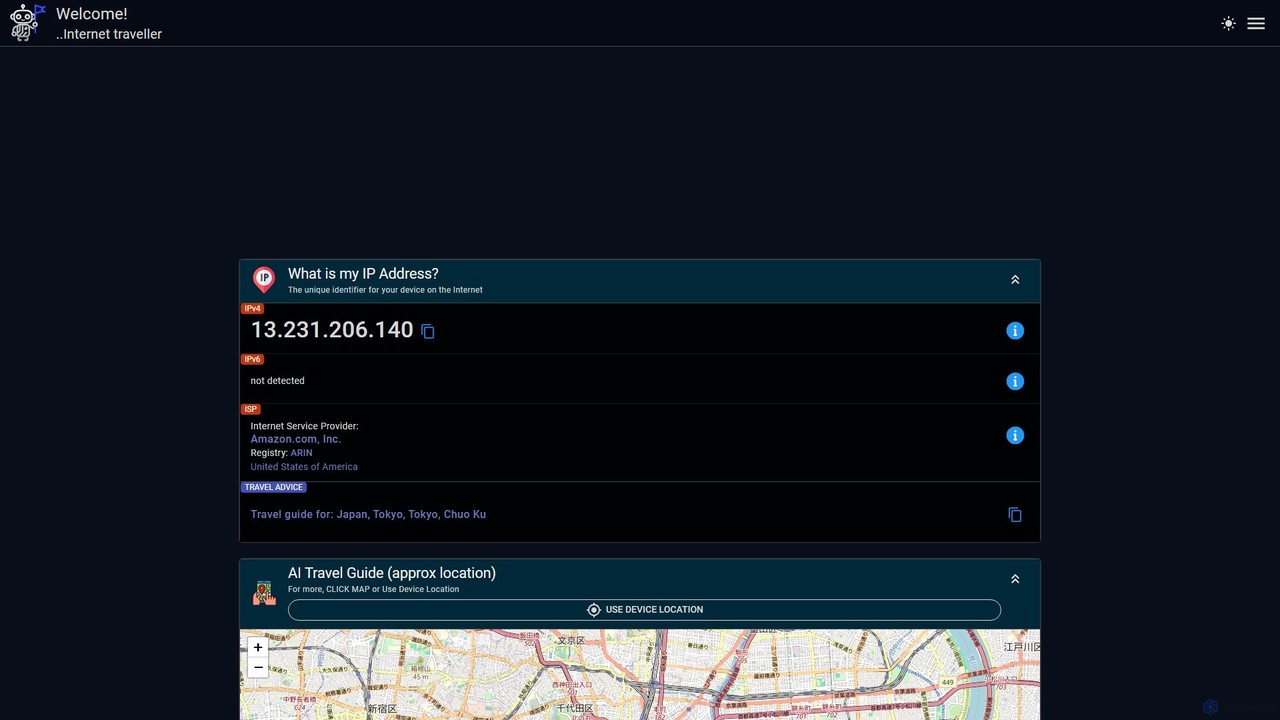
MyIP.ai is a dual-function tool that provides detailed IP address and network information while also acting as an AI-powered travel companion. It instantly detects your IPv4/IPv6, ISP, and location, and uses this data to generate personalized travel guides and itineraries for your current or any desired location.

Network
Visits 3.5KFavorites 107Likes 113
Prompt AI Tools
Free

Prompt AI Tools

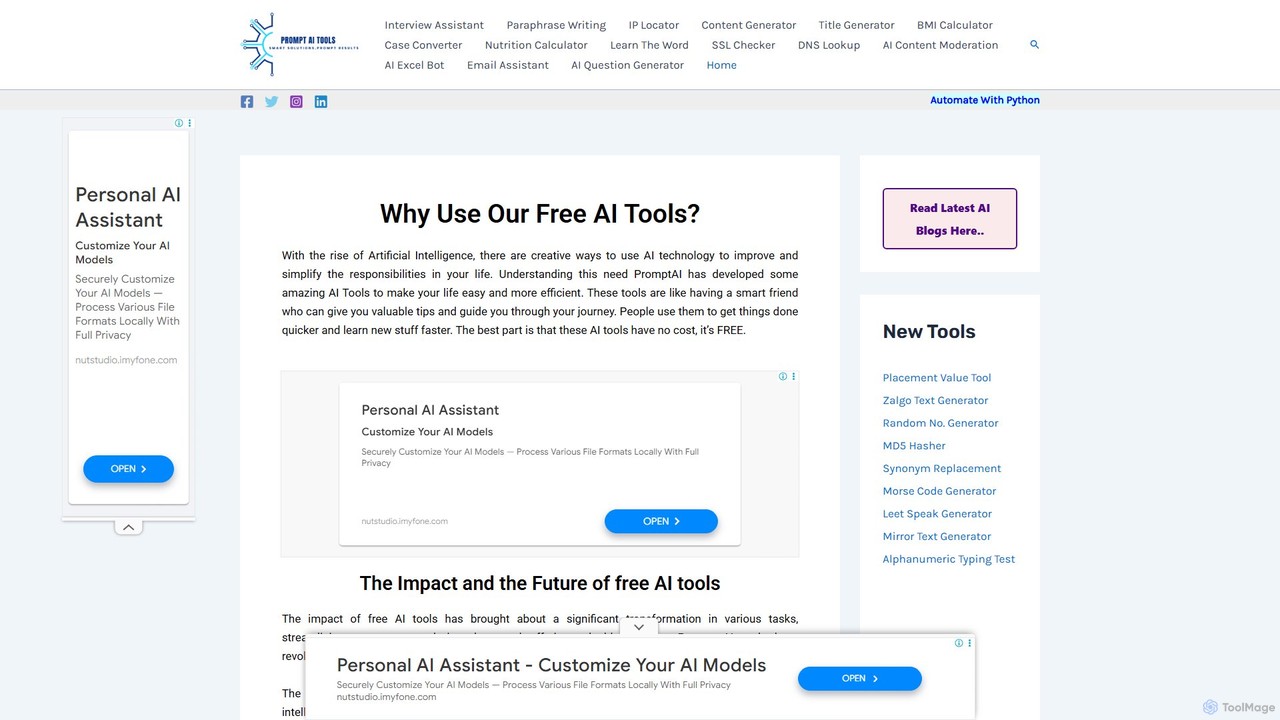
A comprehensive suite of free online AI and utility tools designed to enhance productivity and creativity. It offers a wide range of functions, including content generation, text paraphrasing, email assistance, and various developer and network utilities, all accessible without any cost or registration.

Network
Visits 3.9KFavorites 146Likes 126

About Network

AI Network tools are a specialized class of developer software that leverage machine learning to analyze, manage, and secure computer networks. These tools process vast amounts of network data, such as traffic flows, logs, and performance metrics, to identify patterns, predict issues, and automate complex tasks. Their primary value lies in transforming reactive network management into a proactive, intelligent, and automated process, significantly improving reliability and security. This approach allows developers and operations teams to build and maintain more resilient and efficient application infrastructures.

Core Features

  • AI-Powered Anomaly Detection: Automatically identifies unusual traffic patterns or behaviors that deviate from the norm, signaling potential security threats or performance degradation.
  • Predictive Analytics: Forecasts future network states, such as potential bottlenecks, device failures, or bandwidth shortages, enabling preemptive action.
  • Intelligent Traffic Routing: Dynamically optimizes data paths based on real-time conditions to reduce latency and improve application responsiveness.
  • Automated Root Cause Analysis (RCA): Rapidly pinpoints the source of network problems by correlating events across multiple data sources, reducing troubleshooting time.
  • Security Threat Intelligence: Uses machine learning models to detect sophisticated and zero-day threats that traditional signature-based systems might miss.

Use Cases

These tools are essential for DevOps engineers, Site Reliability Engineers (SREs), network administrators, and cybersecurity analysts. They are widely adopted in industries with complex IT environments, such as cloud service providers, financial services, e-commerce platforms, and telecommunications, to ensure high availability and performance of critical services.

How to Choose

When selecting an AI Network tool, consider its integration capabilities with your existing monitoring stack (e.g., Prometheus, Splunk). Evaluate the scalability to handle your network's data volume and the specificity of its AI models for your primary use case (e.g., security vs. performance). Also, assess the deployment model (SaaS vs. on-premise) and the level of model transparency or explainability provided.

Featured tool rankings

Network use cases

1

Proactive Security Threat Detection

A cybersecurity analyst for a financial services firm uses an AI Network tool to monitor enterprise traffic in real-time. The tool establishes a baseline of normal network behavior and uses anomaly detection to flag a subtle, low-and-slow data exfiltration pattern that traditional rule-based firewalls and IDS systems missed. The AI provides a detailed alert with the affected devices and suspicious destinations, allowing the security team to isolate the threat and prevent a major data breach before significant damage occurs.

2

Optimizing Cloud Application Performance

A DevOps team managing a microservices-based application on a public cloud platform notices intermittent latency issues. They deploy an AI Network tool that analyzes traffic flows between services. The AI model identifies inefficient routing paths and network policy misconfigurations that cause unnecessary data hops. Based on these insights, the tool recommends specific changes to their cloud network configuration. After implementing the suggestions, the team observes a 25% reduction in inter-service latency, leading to a faster and more reliable user experience.

3

Predictive Maintenance for Network Hardware

A network engineer at a large telecommunications company is responsible for maintaining thousands of routers and switches. They use an AI Network tool that ingests performance telemetry from all devices. The tool's predictive model analyzes subtle performance degradation patterns and environmental data. It flags a specific core router as having an 85% probability of hardware failure within the next 7 days. This allows the engineer to schedule a preemptive replacement during a planned maintenance window, preventing a major service outage that would have affected thousands of customers.

4

Automating Network Troubleshooting

A junior Site Reliability Engineer (SRE) receives an alert for high application latency. Instead of manually checking dozens of dashboards and logs, they consult the AI Network tool. The tool's root cause analysis engine has already correlated the application alert with a spike in packet loss on a specific network switch and a corresponding increase in CPU load on a database server. It presents a clear timeline of events and identifies a recent network policy change as the most likely trigger. This reduces the mean time to resolution (MTTR) from hours to just a few minutes.

5

Dynamic Bandwidth Allocation for Media Streaming

A content delivery network (CDN) provider for live sports streaming uses an AI Network tool to manage bandwidth. The tool's predictive model analyzes historical viewership data and real-time social media trends to forecast demand for major events. As a championship game begins, the system automatically reallocates bandwidth from less active regions to the high-demand servers. This dynamic allocation ensures a high-quality, buffer-free streaming experience for millions of concurrent viewers, while optimizing the provider's bandwidth costs.

6

Network Configuration Compliance and Auditing

A cloud architect in a highly regulated industry (like healthcare) needs to ensure all network configurations comply with security policies (e.g., HIPAA). They use an AI Network tool to continuously scan their cloud environment. The tool compares deployed configurations against a set of predefined compliance rules. It automatically flags any deviations, such as an overly permissive firewall rule or an unencrypted data path. This automates the auditing process, provides continuous compliance monitoring, and generates reports for auditors, saving significant manual effort and reducing risk.

Network FAQ

What are AI Network tools?

AI Network tools are advanced software solutions that apply machine learning and artificial intelligence to network management and security. Unlike traditional tools that rely on predefined rules and thresholds, AI tools learn from network data to proactively identify anomalies, predict potential failures, and automate complex troubleshooting tasks. They are designed to help developers, SREs, and network administrators manage the complexity and scale of modern IT infrastructures, from data centers to multi-cloud environments.

How do AI Network tools differ from traditional Network Monitoring tools?

The key difference lies in proactivity and intelligence. Traditional tools are primarily reactive; they monitor against set thresholds (e.g., CPU > 90%) and alert when these are breached. AI Network tools are proactive. They learn the normal 'rhythm' of a network and can detect subtle deviations and unknown patterns that may indicate a future problem or a sophisticated threat. Furthermore, AI tools often provide automated root cause analysis, whereas traditional tools typically require manual correlation of data by an engineer to find the problem's source.

How to choose the right AI Network tool?

Choosing the right tool depends on your specific needs. Consider the following factors:

  • Data Sources: Ensure the tool can ingest data from your critical systems, such as cloud provider flow logs, device telemetry, packet captures, and application logs.
  • Use Case Focus: Some tools specialize in security (threat detection), while others focus on performance (latency optimization). Choose one that aligns with your primary goal.
  • Integration: Check for integrations with your existing observability stack (e.g., Splunk, Datadog) and automation tools (e.g., Ansible, Terraform).
  • Deployment Model: Decide whether a SaaS solution or an on-premise deployment better fits your security and data governance requirements.
What are the main benefits of using AI in network management?

The primary benefits include:

  • Proactive Problem Resolution: AI can predict issues like hardware failures or performance bottlenecks before they impact users, shifting from reactive firefighting to proactive maintenance.
  • Enhanced Security: Machine learning models can detect novel and sophisticated threats (like zero-day attacks) that evade traditional signature-based security tools.
  • Increased Operational Efficiency: By automating root cause analysis and routine tasks, AI frees up skilled engineers to focus on strategic initiatives rather than time-consuming troubleshooting.
  • Improved Performance: AI-driven optimization of traffic routing and resource allocation leads to lower latency and a better end-user experience for applications.
Who are the typical users of AI Network tools?

AI Network tools are primarily used by technical professionals responsible for the health and performance of IT infrastructure. Key user roles include:

  • DevOps Engineers and SREs: Who use these tools to ensure the reliability and performance of applications in production, especially in complex cloud-native environments.
  • Network Administrators/Engineers: Who manage and troubleshoot the underlying network hardware and software in data centers and corporate networks.
  • Cybersecurity Analysts: Who leverage AI for advanced threat detection, investigation, and response, identifying malicious activity that other tools might miss.
  • Cloud Architects: Who use these tools to design, validate, and continuously optimize network architectures in public and hybrid cloud environments.