ToolMage
Sign in

Best 2 Planning AI tools for Developer Tools

Popular Planning AI tools in Developer Tools include CostGPT AI and Nodus AI, helping you work more efficiently.

Nodus AI
Freemium

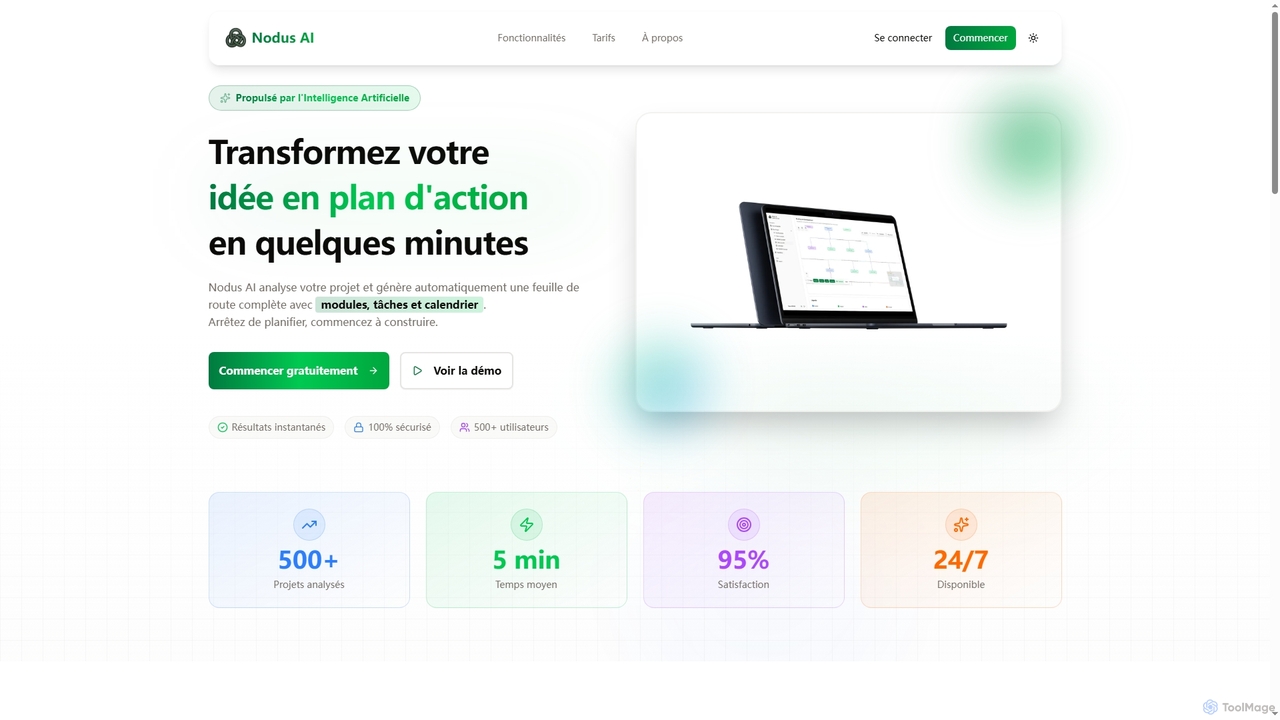
Nodus AI

Nodus AI is an AI-powered platform that transforms project ideas into comprehensive action plans in minutes. It analyzes your specifications to automatically generate interactive mind maps, structured to-do lists, predictive calendars, and technical architecture, streamlining the entire planning process for developers.

Automation
Visits 9KFavorites 136Likes 127
CostGPT AI
Freemium

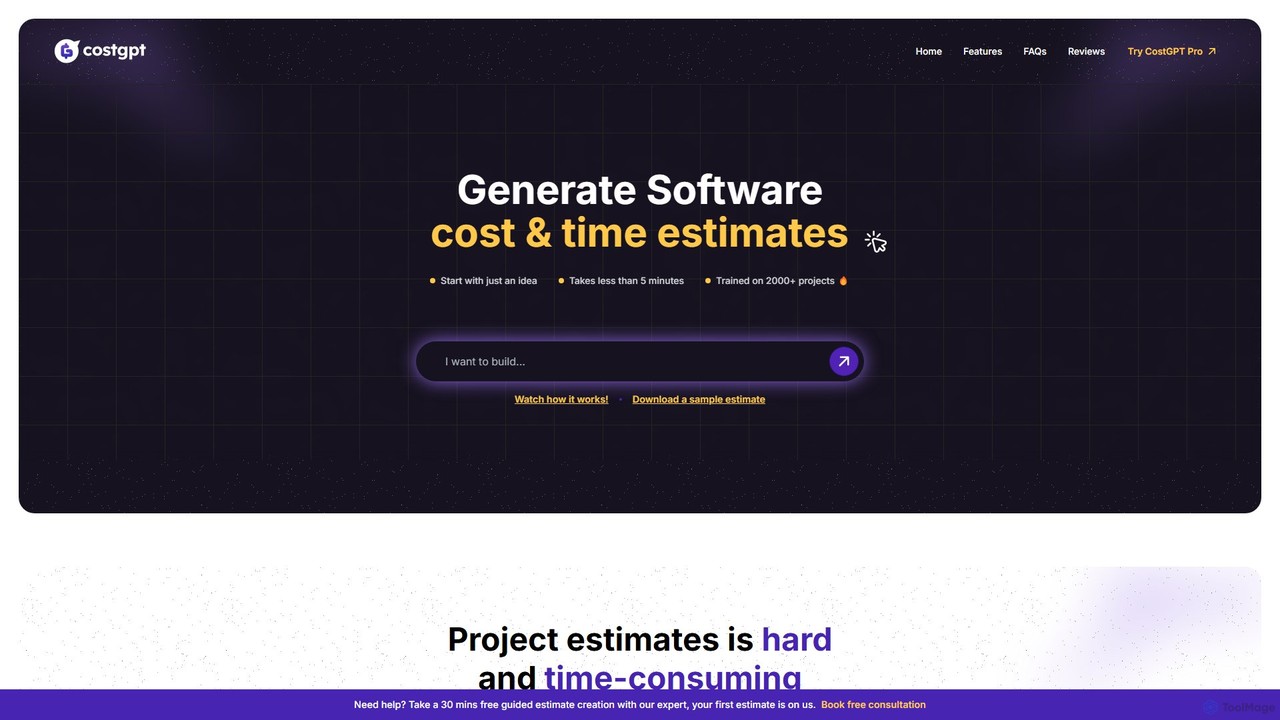
CostGPT AI

CostGPT AI is an intelligent tool that generates comprehensive software project estimates from a simple idea. In minutes, it provides detailed cost breakdowns, timelines, feature lists, user stories, and sprint plans. Trained on over 2,000 projects, it offers data-driven insights to help entrepreneurs, project managers, and agencies plan with confidence and accuracy, transforming a concept into a viable project roadmap.

Finance
Visits 10.5KFavorites 157Likes 156

About Planning

AI Planning tools are a specialized category of developer tools that use machine learning to automate and optimize software project planning. They analyze historical project data, code dependencies, and team capacity to generate realistic timelines, allocate resources intelligently, and proactively identify potential risks. This enables development teams to create more accurate roadmaps, improve sprint efficiency, and increase the predictability of project delivery.

Core Features

  • Predictive Scheduling: Automatically generates project timelines and sprint plans by learning from past performance and task complexity.
  • Risk Assessment: Identifies potential bottlenecks, delays, and integration conflicts before they impact the project.
  • Resource Optimization: Recommends the best developer for a task based on skills, availability, and past performance.
  • Automated Dependency Mapping: Analyzes codebases and project boards to visualize and manage dependencies between tasks and teams.

Applicable Scenarios

These tools are particularly valuable for agile development teams managing complex sprints, product managers building long-term roadmaps, and engineering leads overseeing large-scale projects with multiple interdependencies. They are used in enterprise software development, game development, and any environment where accurate forecasting and efficient resource allocation are critical.

Selection Criteria

When choosing an AI Planning tool, consider its integration capabilities with your existing stack (e.g., Jira, GitHub, GitLab). Evaluate the transparency of its predictive models, its ability to scale with your team's size, and the quality of its data analysis and reporting features. Also, assess the learning curve and the level of customization available to fit your specific workflow.

Planning use cases

1

Automating Agile Sprint Planning

A Scrum Master for a software team uses an AI Planning tool to prepare for the next sprint. By connecting the tool to their Jira backlog and GitHub repository, the AI analyzes the team's historical velocity, estimates the effort for upcoming user stories based on code complexity, and identifies potential dependency conflicts. The tool then suggests an optimized sprint backlog that maximizes value delivery while respecting the team's capacity. This process reduces manual planning time by hours and leads to more realistic and achievable sprint goals.

2

Generating Data-Driven Project Roadmaps

A Product Manager needs to create a six-month roadmap for a new product module. Instead of relying solely on intuition, they input the high-level epics and desired outcomes into an AI Planning tool. The tool analyzes similar past projects, market data, and resource availability to generate a draft roadmap with suggested timelines, feature sequencing, and key milestones. It also provides 'what-if' scenario modeling, allowing the manager to see the impact of changing priorities or adding resources, resulting in a more defensible and realistic strategic plan.

3

Proactively Identifying Project Risks

An Engineering Manager is overseeing a complex project involving multiple microservices. They use an AI Planning tool to continuously scan their project boards and code repositories. The AI identifies a critical task on the critical path that is falling behind schedule and flags a high-risk dependency between two teams that wasn't explicitly documented. It alerts the manager with a detailed explanation of the potential impact, allowing them to intervene early, facilitate communication between the teams, and reallocate resources to mitigate the risk before it causes a major delay.

4

Optimizing Developer Task Assignment

A tech lead needs to assign a dozen new tasks for the upcoming week. Instead of manually assigning them based on general knowledge, they use an AI Planning tool. The tool analyzes each task's requirements (e.g., language, framework, complexity) and compares them against each developer's historical performance, recent workload, and skill profile inferred from past commits. It then recommends an optimal assignment list that balances workload, leverages individual strengths, and even suggests pairing opportunities for knowledge sharing, leading to faster completion times and higher code quality.

5

Forecasting Accurate Project Completion Dates

A CTO needs to provide stakeholders with a reliable completion date for a major release. They use an AI Planning tool that runs Monte Carlo simulations based on the team's historical data, current progress, and identified risks. The tool generates a probabilistic forecast, such as an '85% chance of completion by July 15th', rather than a single, often inaccurate, date. This data-driven approach allows the CTO to communicate expectations more transparently and make informed decisions about scope or resource adjustments to meet deadlines.

6

Managing Cross-Team Dependencies

A program manager coordinates a feature that requires work from three different teams: frontend, backend, and infrastructure. They use an AI Planning tool to map out the dependencies between each team's tasks. The tool visualizes the entire workflow, automatically highlighting the critical path and potential integration points. If a task in the backend team is delayed, the tool immediately recalculates the impact on the frontend and infrastructure timelines and notifies all relevant stakeholders, preventing last-minute surprises and enabling proactive coordination.

Planning FAQ

What are AI Planning tools in the context of developer tools?

AI Planning tools are advanced software that use machine learning algorithms to automate and optimize project management for development teams. Unlike traditional tools that simply track progress, AI planning tools analyze historical data to predict timelines, identify risks, suggest resource allocations, and automate scheduling. They act as an intelligent layer on top of existing developer tools like Jira or GitHub to make planning more data-driven and predictive.

How do AI Planning tools differ from traditional project management software like Jira or Asana?

The key difference is prediction versus tracking. Traditional tools like Jira are excellent systems of record for tracking tasks, bugs, and workflow status. AI Planning tools enhance them by adding a predictive layer. They ingest data from these traditional tools to forecast outcomes, optimize plans, and identify risks that are not obvious from manually reviewing a project board. In short, traditional tools tell you 'where you are', while AI tools help predict 'where you're going' and 'how to get there faster'.

What kind of data do AI Planning tools need to be effective?

To be effective, AI Planning tools typically require access to historical and real-time data from your development ecosystem. Key data sources include:

  • Project Management Systems (e.g., Jira, Azure DevOps): For task descriptions, story points, statuses, and sprint history.
  • Version Control Systems (e.g., GitHub, GitLab): For commit history, pull requests, code changes, and developer activity.
  • Communication Tools (e.g., Slack): Some advanced tools can analyze communication patterns to gauge team alignment and potential blockers.
The more comprehensive and high-quality the data, the more accurate the tool's predictions and recommendations will be.

Who benefits most from using AI Planning tools?

While the entire development organization can benefit, specific roles see the most direct advantages:

  • Project/Program Managers: Gain accurate forecasting, automated reporting, and proactive risk alerts, saving significant time.
  • Product Managers: Can build more realistic, data-backed roadmaps and better manage stakeholder expectations.
  • Engineering Leads/Managers: Can optimize resource allocation, identify technical bottlenecks early, and improve team velocity.
  • Executives/CTOs: Receive reliable, high-level insights into project health and delivery predictability for better strategic decision-making.

How should I choose the right AI Planning tool for my team?

Choosing the right tool depends on your specific needs. Consider these factors:

  • Integrations: Does it seamlessly connect with your existing toolchain (Jira, GitHub, Slack, etc.)?
  • Focus Area: Does the tool specialize in what you need most, such as roadmap planning, sprint optimization, or risk analysis?
  • Scalability: Can it handle the size and complexity of your projects and teams?
  • Transparency: How well does the tool explain its predictions? Look for 'explainable AI' features that build trust.
  • Ease of Use: Is the interface intuitive for your team, and what is the required setup effort?
Start by identifying your biggest planning pain point and look for a tool that directly addresses it.