ToolMage
Sign in

Best 2 Platform As A Service (Paas) AI tools for Developer Tools

Popular Platform As A Service (Paas) AI tools in Developer Tools include Float16.cloud and Prediction Guard, helping you work more efficiently.

Prediction Guard
Paid

Prediction Guard

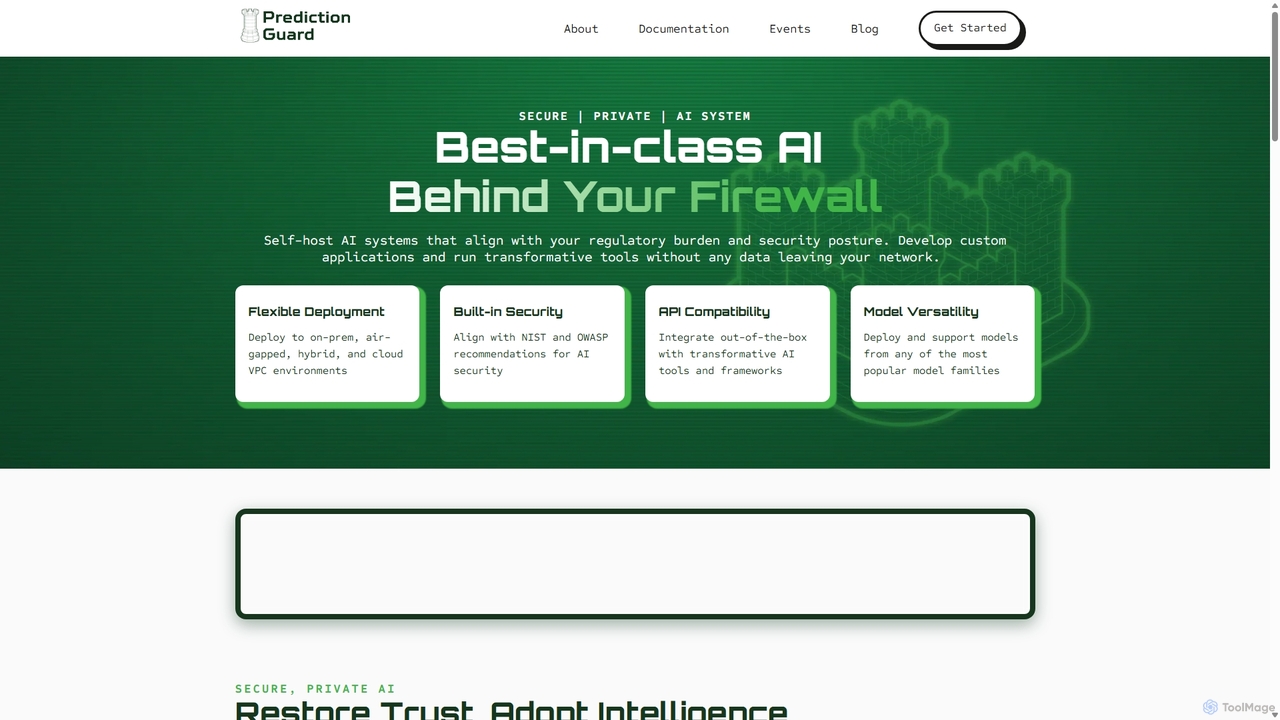
Prediction Guard is an enterprise-grade AI platform that allows organizations to deploy, manage, and scale large language models (LLMs) securely behind their own firewall. It offers flexible deployment options, including on-premise, air-gapped, and private cloud, ensuring complete data privacy and control. With an OpenAI-compatible API, it enables seamless integration with existing tools and frameworks like LangChain and LlamaIndex, making it ideal for regulated industries such as healthcare, defense, and finance.

Platform As A Service (Paas)
Visits 8.5KFavorites 114Likes 122
Float16.cloud
Freemium

Float16.cloud

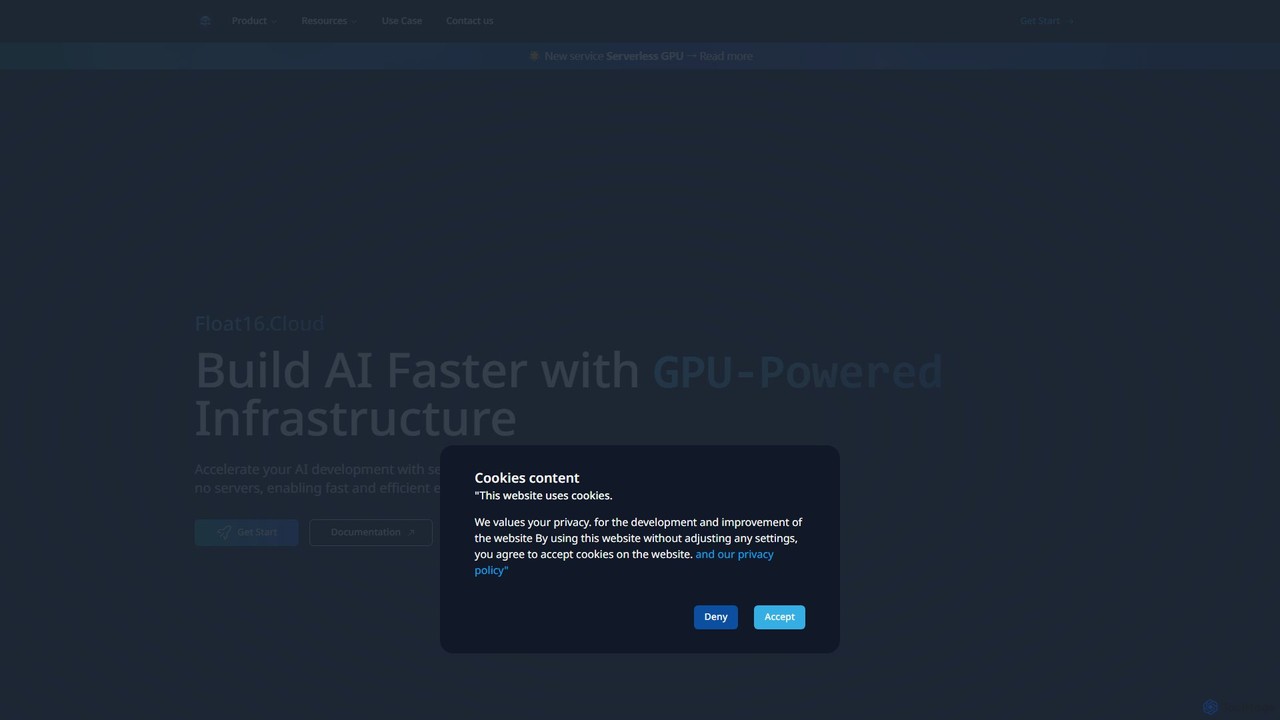
Float16.cloud is a serverless GPU platform designed to accelerate AI development. It provides instant access to high-performance H100 GPUs with per-second billing, zero setup, and no cold starts. Developers can deploy open-source LLMs, train models, and run AI workloads directly from Python scripts without managing infrastructure.

Platform As A Service (Paas)
Visits 19.4KFavorites 142Likes 143

About Platform As A Service (Paas)

Platform as a Service (PaaS) is a cloud computing model that provides a complete environment for developing, testing, deploying, and managing applications. These platforms abstract away the underlying infrastructure, such as servers, storage, and networking, allowing developers to focus solely on writing code and building features. PaaS solutions offer a ready-to-use framework that includes operating systems, middleware, databases, and development tools, significantly accelerating the application lifecycle. This approach streamlines development workflows and enhances productivity by automating infrastructure management.

Core Features

  • Managed Infrastructure: The provider manages servers, virtualization, storage, and networking, freeing developers from infrastructure concerns.
  • Application Runtimes: Pre-configured environments for various programming languages and frameworks like Java, Python, Node.js, and .NET.
  • Integrated Development Tools: A suite of tools for source code control, building, testing, and deployment (CI/CD).
  • Scalability and High Availability: Built-in mechanisms for automatic scaling of resources and failover to ensure application performance and uptime.
  • Middleware Services: Access to managed services like databases, message queues, caching, and identity management.

Use Cases

PaaS is widely used by software development teams in startups and large enterprises for building web and mobile applications, developing APIs, and modernizing legacy systems. It is particularly valuable for organizations adopting Agile and DevOps methodologies, as it facilitates rapid iteration and continuous delivery. Data science teams also leverage PaaS to build and deploy machine learning models with integrated data processing and analytics services.

How to Choose

When selecting a PaaS solution, consider the supported programming languages and frameworks to ensure compatibility with your tech stack. Evaluate the platform's scalability options and performance guarantees to meet your application's demands. Assess the ecosystem of available add-ons and managed services, such as databases and AI tools. Finally, analyze the pricing model (e.g., pay-as-you-go, subscription) and understand the potential for vendor lock-in.

Platform As A Service (Paas) use cases

1

Accelerate Web Application Development

A startup team needs to launch a Minimum Viable Product (MVP) quickly to test a market idea. By using a PaaS, they bypass weeks of server configuration and environment setup. Developers can immediately push code from their Git repository, and the PaaS automatically builds, deploys, and runs the application. This allows the team to focus entirely on feature development and user feedback, reducing the time-to-market from months to weeks.

2

Build Scalable APIs and Microservices

A mobile development company is building a backend for their new application, expecting fluctuating user loads. They use a PaaS to deploy their backend as a set of microservices. The platform's auto-scaling feature automatically adjusts resources based on real-time traffic, ensuring smooth performance during peak hours without over-provisioning costs during quiet periods. Integrated services like managed databases and authentication simplify the backend architecture, allowing developers to build robust APIs faster.

3

Implement a CI/CD Pipeline for DevOps

A DevOps team aims to automate their software delivery process. They leverage a PaaS that integrates directly with their source code repository. Every time a developer commits new code, the PaaS automatically triggers a pipeline that builds the code, runs automated tests, and deploys it to a staging environment. This continuous integration and continuous delivery (CI/CD) setup streamlines the release cycle, improves code quality through automated testing, and allows for more frequent and reliable deployments.

4

Modernize a Legacy Enterprise Application

An enterprise wants to move a monolithic, on-premise application to the cloud to improve scalability and reduce maintenance costs. They use a PaaS to re-platform the application. Developers break down the monolith into smaller, containerized services and deploy them on the PaaS. The platform manages the container orchestration, networking, and security, while the company benefits from a pay-as-you-go pricing model and eliminates the need to manage physical servers, leading to significant operational savings.

5

Host a Backend for an IoT Solution

An IoT company needs a reliable and scalable backend to ingest and process data from thousands of connected devices. Building this infrastructure from scratch would be complex and time-consuming. Instead, they use a PaaS which provides managed message queues for data ingestion and scalable compute instances for data processing. This allows the engineering team to focus on the application logic for device management and data analytics, rather than on the underlying infrastructure required to handle high-volume data streams.

6

Create a Data Processing and Analytics Environment

A data science team needs an environment to build and run complex data analysis models. They choose a PaaS that offers integrated big data services and machine learning frameworks. This allows them to easily provision data processing clusters, connect to various data sources, and deploy machine learning models as APIs. The PaaS handles the complexity of managing distributed systems, enabling the team to analyze large datasets and derive insights more efficiently without needing dedicated infrastructure engineers.

Platform As A Service (Paas) FAQ

What is Platform as a Service (PaaS)?

Platform as a Service (PaaS) is a cloud computing service model where a third-party provider delivers a platform for customers to develop, run, and manage applications without the complexity of building and maintaining the infrastructure. PaaS provides the operating system, middleware (like databases and web servers), and development tools, allowing developers to focus exclusively on their application's code and functionality.

What is the main difference between PaaS, IaaS, and SaaS?

The difference lies in the level of management provided by the cloud vendor. Here's a simple breakdown:

  • IaaS (Infrastructure as a Service): Provides fundamental computing resources like virtual servers, storage, and networking. You manage the OS, middleware, and application.
  • PaaS (Platform as a Service): Builds on IaaS by also providing the OS, middleware, and runtime environments. You only manage your application and data.
  • SaaS (Software as a Service): Delivers a complete, ready-to-use software application over the internet. The vendor manages everything.

In short, IaaS is for infrastructure administrators, PaaS is for developers, and SaaS is for end-users.

What are the key benefits of using a PaaS?

Using a PaaS offers several significant advantages for development teams. The primary benefit is increased development speed, as teams can skip infrastructure setup and focus directly on coding. It also reduces operational complexity and costs, since the provider handles server maintenance, security patching, and updates. Furthermore, PaaS solutions provide easy scalability to handle traffic spikes and offer access to advanced tools and services (like AI/ML and analytics) that would be difficult to implement from scratch.

Who is the primary user of PaaS tools?

The primary users of PaaS tools are software developers, application development teams, and DevOps engineers. These professionals use PaaS to build, deploy, and manage applications more efficiently. It is ideal for any organization, from startups to large enterprises, that wants to accelerate its software development lifecycle and reduce the burden of infrastructure management on its technical teams.

How do I choose the right PaaS provider?

Choosing the right PaaS provider depends on your specific needs. Key factors to consider include:

  • Language and Framework Support: Ensure the platform supports your preferred technology stack (e.g., Python, Java, Node.js).
  • Ecosystem and Services: Evaluate the availability of integrated services like databases, caching, and CI/CD tools.
  • Scalability and Performance: Check the provider's auto-scaling capabilities and performance benchmarks.
  • Pricing Model: Compare costs, whether it's pay-as-you-go, tiered, or a flat rate, and look for hidden fees.
  • Vendor Lock-in: Consider how easy it would be to migrate your application to another platform in the future.