ToolMage
Sign in

Best 1 Refactoring AI tools for Developer Tools

Popular Refactoring AI tools in Developer Tools include Refact, helping you work more efficiently.

Freemium

Refact

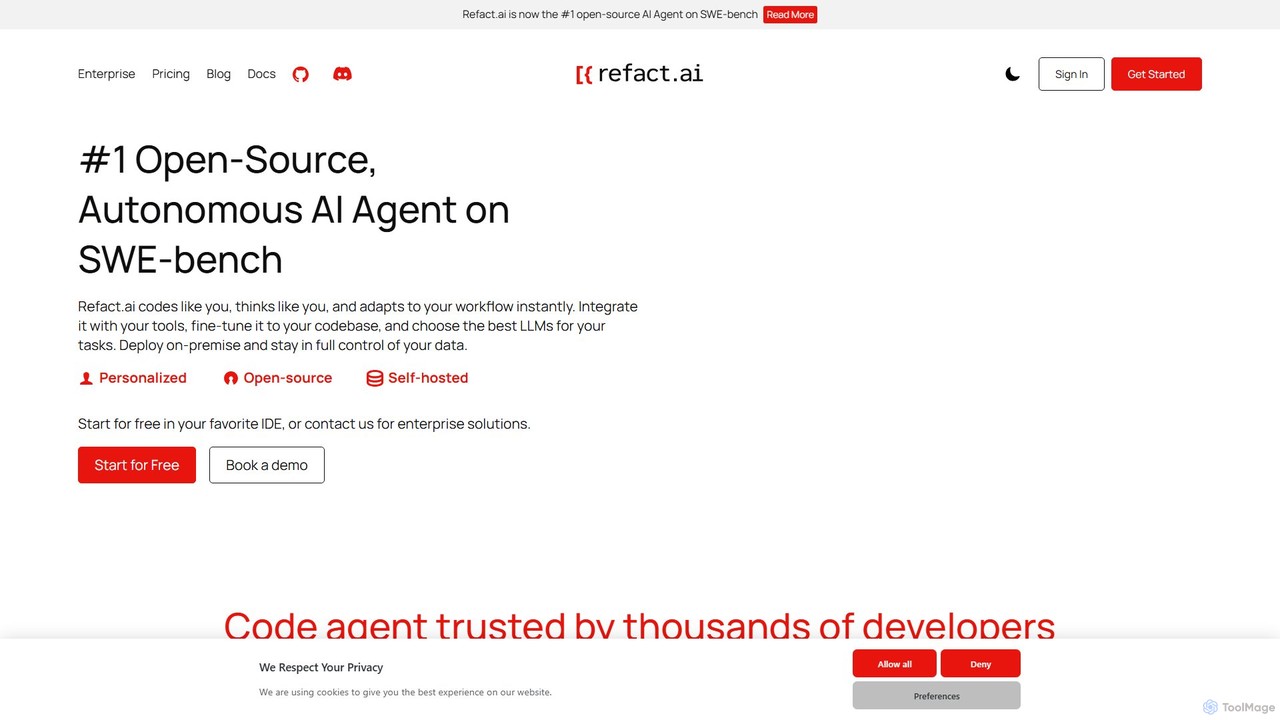
Refact is an open-source, self-hostable, and autonomous AI coding agent. It integrates into your IDE to act as a digital twin, automating coding tasks, providing context-aware completions and chat, and adapting to your codebase for maximum productivity and data privacy.

Code Assistant
Visits 116.2KFavorites 99Likes 101

About Refactoring

AI Refactoring tools are a specialized class of developer utilities that use artificial intelligence to analyze, restructure, and improve existing source code. They leverage machine learning models to understand code context, identify complex patterns or "code smells," and automatically suggest meaningful improvements. The primary value of these tools is to enhance code quality, maintainability, and performance while significantly reducing the manual effort required to manage technical debt. This intelligent automation helps development teams modernize legacy systems and enforce consistent coding standards across large codebases.

Core Features

  • Intelligent Code Analysis: Identifies anti-patterns, code smells, and overly complex logic that traditional linters might miss.
  • Automated Restructuring: Suggests and applies changes like method extraction, variable renaming, and logic simplification without altering external functionality.
  • Language-Specific Optimization: Provides tailored recommendations based on the best practices and idioms of specific programming languages like Python, Java, or JavaScript.
  • Technical Debt Reduction: Quantifies and prioritizes technical debt, offering actionable steps to resolve it systematically.
  • Context-Aware Renaming: Suggests more descriptive and consistent names for variables, functions, and classes based on their usage throughout the codebase.

Use Cases

These tools are invaluable for software development teams working on large, long-lived projects. They are frequently used in enterprises to modernize legacy applications, by agile teams to maintain code health during sprints, and by individual developers to improve the quality of their contributions before code review.

How to Choose

When selecting an AI Refactoring tool, consider its language and framework support, integration with your existing IDE and CI/CD pipeline, the sophistication of its analysis engine, and its ability to provide clear, actionable suggestions with explanations. Also, evaluate its customization options for team-specific coding standards and the security of its code processing.

Featured tool rankings

Refactoring use cases

1

Modernizing a Legacy Monolithic Application

A software architect at a financial institution is tasked with breaking down a 10-year-old Java monolith into microservices to improve scalability. Manually untangling dependencies is a monumental task. Using an AI Refactoring tool, the architect can automatically scan the entire codebase to identify logical domain boundaries and tightly coupled components. The tool suggests specific code extractions, creates new service interfaces, and refactors database calls, reducing the migration project timeline and minimizing the risk of introducing bugs during the process.

2

Improving Code Readability for Team Onboarding

A senior developer is preparing a complex module for a new team member to take over. The existing code is functional but difficult to understand due to inconsistent naming and long, complex methods. Before the handover, the developer uses an AI Refactoring tool to analyze the module. The tool suggests renaming variables and functions to be more descriptive (e.g., 'd' to 'elapsedTimeInDays'), and breaks down a 100-line method into several smaller, single-purpose functions. This automated cleanup makes the code self-documenting, significantly speeding up the new member's onboarding process.

3

Enforcing Coding Standards in a CI/CD Pipeline

A DevOps engineer aims to automate code quality checks to maintain consistency across a large team. They integrate an AI Refactoring tool into their CI/CD pipeline. Now, whenever a developer pushes new code, the tool automatically scans it for deviations from the team's coding standards, such as improper variable naming or overly complex conditional logic. It can automatically create a pull request with the suggested refactorings or post them as comments for the developer to review. This proactive approach prevents technical debt from accumulating and frees up senior developers' time during code reviews.

4

Optimizing Performance of a Critical Code Path

A backend developer identifies a performance bottleneck in a data processing service that is causing slow API responses. The critical code path involves complex loops and inefficient data structures. By feeding this section of code to an AI Refactoring tool, the developer receives suggestions to replace a nested loop with a more efficient map-based lookup and to use a more suitable data structure for the task. The tool not only suggests the code changes but also explains the performance implications. Implementing these changes results in a significant reduction in execution time, improving the API's responsiveness.

5

Simplifying Complex Logic Before Adding New Features

A product team needs to add a new pricing tier to their e-commerce platform. The developer assigned to the task finds that the existing pricing calculation logic is a convoluted series of nested if-else statements, making it risky to modify. Instead of manually untangling it, she uses an AI Refactoring tool. The tool analyzes the logic and suggests refactoring it into a strategy pattern or a simpler lookup table. This simplifies the core logic, making it easy and safe to add the new pricing tier without breaking existing functionality. The refactoring also makes future modifications much simpler.

6

Generating Unit Tests After Refactoring

After performing a major refactoring of a critical service, a developer needs to ensure that no functionality was broken. The existing test suite has poor coverage for the modified areas. The developer uses an advanced AI Refactoring tool that also has test generation capabilities. By pointing the tool to the refactored code, it analyzes the new structure and logic, automatically generating a suite of unit tests that cover the key execution paths and edge cases. This saves hours of manual test writing and provides a high degree of confidence that the refactoring was successful and regression-free.

Refactoring FAQ

What are AI Refactoring tools?

AI Refactoring tools are advanced developer utilities that use artificial intelligence, particularly machine learning models, to analyze and improve existing source code. Unlike traditional tools that rely on simple, predefined rules, AI-powered versions understand the code's context and intent. This allows them to identify complex issues like poor readability, inefficient logic, and structural flaws known as "code smells." They then automatically suggest or apply changes to restructure the code, making it cleaner, more efficient, and easier to maintain without altering its external behavior.

How do AI Refactoring tools differ from traditional static analysis tools?

The key difference lies in context and intelligence. Traditional static analysis tools (linters) primarily check for syntax errors and adherence to stylistic rules based on a fixed set of patterns. AI Refactoring tools go much further:

  • Contextual Understanding: AI tools analyze the entire codebase to understand the purpose of a function or variable, allowing for more meaningful suggestions like better variable names.
  • Complex Pattern Recognition: They can identify deeper architectural issues and "code smells" that are not simple rule violations, such as overly complex logic that could be simplified.
  • Automated Solutions: While linters often just flag problems, AI tools actively suggest and can often automatically apply the code changes to fix them.
  • Learning and Adaptation: Some advanced AI tools can learn from a team's existing codebase to adapt their suggestions to a specific coding style.

In short, static analysis tools are like grammar checkers, while AI Refactoring tools are like experienced editors who help improve the structure and clarity of the writing.

How do you choose the right AI Refactoring tool?

Selecting the right AI Refactoring tool depends on your specific needs. Consider these key factors:

  • Language and Framework Support: Ensure the tool fully supports your project's programming languages (e.g., Python, Java, TypeScript) and frameworks (e.g., React, Django).
  • IDE and CI/CD Integration: A good tool should integrate seamlessly into your existing workflow, whether as an IDE plugin (like for VS Code or JetBrains) or as a step in your CI/CD pipeline (like GitHub Actions).
  • Quality of Suggestions: Evaluate the relevance and accuracy of the refactoring suggestions. Does it provide clear explanations for why a change is recommended? Some tools offer trial periods to test this.
  • Customization: Check if you can configure the tool to follow your team's specific coding standards and style guides.
  • Security and Privacy: Understand how the tool processes your code. Does it send code to the cloud or process it locally? Ensure its security practices align with your company's policies.
What are the main benefits of using AI for code refactoring?

Using AI for code refactoring offers several significant benefits over manual or traditional methods:

  • Increased Efficiency: AI can analyze thousands of lines of code and suggest improvements in seconds, drastically reducing the time developers spend on manual code cleanup.
  • Improved Code Quality: By consistently identifying and fixing code smells, AI helps maintain a high standard of code quality, improving readability, maintainability, and reducing bugs.
  • Proactive Technical Debt Management: Integrating these tools into the development workflow helps catch and fix issues early, preventing the accumulation of technical debt that can slow down future development.
  • Knowledge Sharing: The explanations provided with AI suggestions can serve as a learning tool for junior developers, helping them understand best practices and common anti-patterns.
  • Consistency Across Teams: AI tools can enforce a single, consistent coding standard across large and distributed development teams, which is often difficult to achieve manually.
Is the code modified by AI Refactoring tools safe and reliable?

Generally, yes. Reputable AI Refactoring tools are designed with safety as a primary concern. They operate on a core principle of refactoring: changing the internal structure without altering the external, observable behavior. Here's how they ensure reliability:

  • Behavior Preservation: The algorithms are specifically trained to propose changes that are behavior-preserving. They focus on structure, clarity, and efficiency, not on changing the logic's outcome.
  • Developer in the Loop: Most tools do not apply changes blindly. They present suggestions for a developer to review, approve, or reject. This keeps a human expert in control of the final code.
  • Integration with Testing: The best practice is to use these tools in conjunction with a comprehensive test suite. After applying a refactoring, running tests confirms that no functionality has been broken, providing a crucial safety net.
  • Incremental Changes: Tools often suggest small, atomic changes that are easy to understand and verify, reducing the risk of introducing complex bugs.

While no tool is perfect, when used correctly as an assistant within a solid development process that includes code reviews and automated testing, AI refactoring tools are a safe and highly effective way to improve codebases.