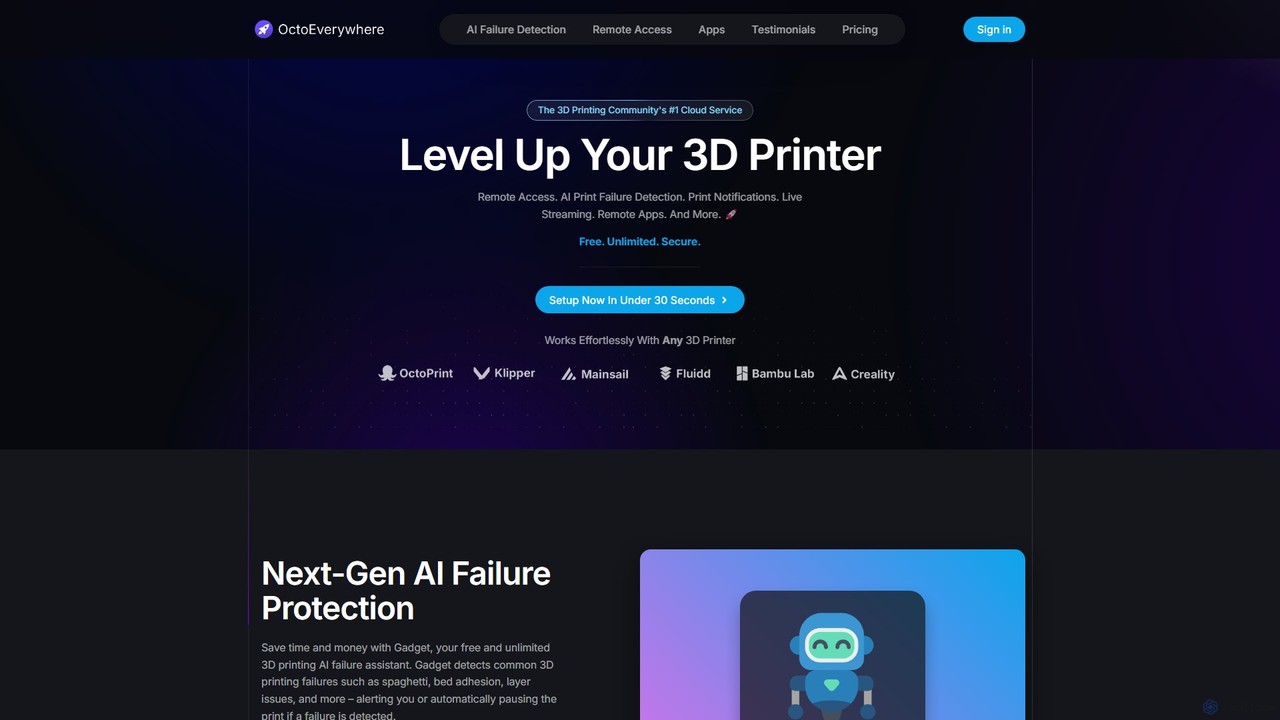
AI Remote Access tools are a class of software that provides secure control over remote computers, enhanced by artificial intelligence. These tools utilize machine learning for functions like automated diagnostics, intelligent session analysis, and predictive security, moving beyond simple screen sharing. This enables IT professionals and developers to resolve issues faster, proactively monitor system health, and secure connections more effectively. They are a crucial component in modern IT support and remote development workflows within the broader Developer Tools ecosystem.
Core Features
- Intelligent Session Analysis: AI automatically transcribes, summarizes, and flags key events from recorded remote sessions for quick review.
- Automated Diagnostics: Deploys AI-driven scripts to identify and resolve common system errors without manual intervention.
- Predictive Anomaly Detection: Uses machine learning to monitor connection patterns and user behavior, identifying potential security threats in real-time.
- Adaptive Stream Optimization: Dynamically adjusts streaming quality based on network conditions to ensure a smooth, low-latency user experience.
- Natural Language Commands: Allows users to execute complex commands on the remote machine using simple text or voice prompts.
Applicable Scenarios
These tools are primarily used by IT support teams, DevOps engineers, system administrators, and managed service providers (MSPs). For example, an IT helpdesk can use AI analysis to quickly find the root cause of a user's problem from a session recording. DevOps teams can automate routine maintenance on remote servers, while MSPs can proactively monitor hundreds of client systems for security anomalies and performance issues.
Selection Criteria
When choosing an AI Remote Access tool, evaluate the depth of its AI capabilities—does it offer analysis, automation, or both? Scrutinize its security protocols, including end-to-end encryption and AI-based threat detection. Assess its integration potential with your existing IT service management (ITSM) platforms and development environments. Finally, test its performance and latency under realistic network conditions to ensure reliability.