Developer Tools Best in category 2 results Resource Hub AI Tool

Popular AI tools in the Resource Hub field of Developer Tools include Indie Goodies、AI News Hub, etc., helping you quickly improve efficiency.

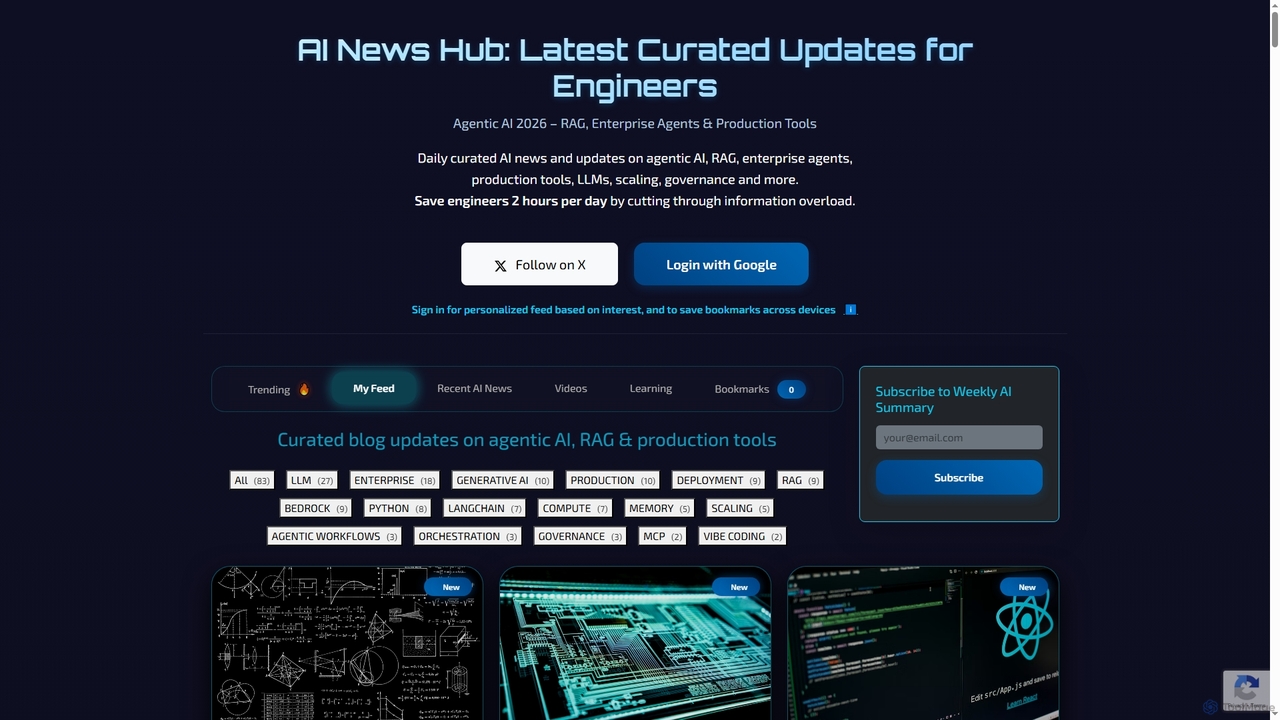
AI News Hub

AI News Hub

AI News Hub is a comprehensive platform providing real-time AI announcements, curated blog updates on agentic AI, RAG, …

2.2K
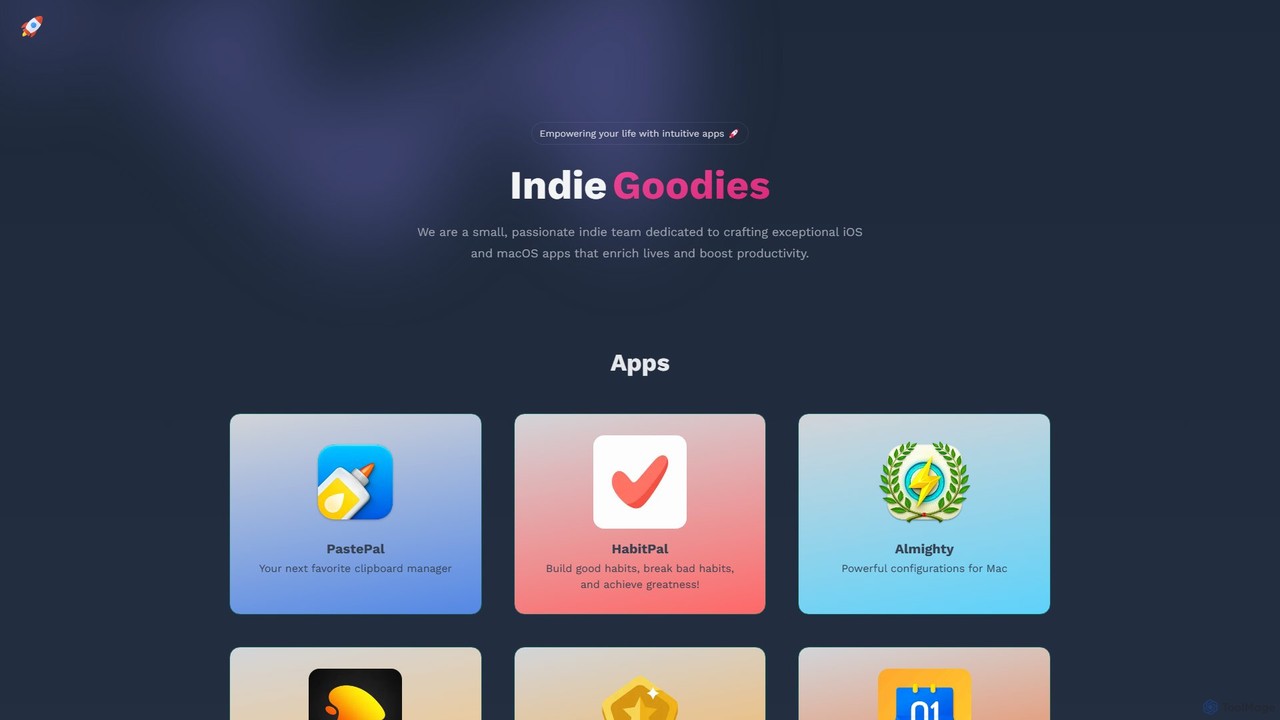
Indie Goodies

Indie Goodies

A comprehensive platform by an indie team, offering a suite of high-quality macOS & iOS apps and curated …

48.8K

About Resource Hub

An AI Resource Hub is a centralized platform providing developers with essential building blocks for creating AI applications. These hubs offer curated collections of pre-trained models, APIs, SDKs, and datasets, which significantly accelerate the development lifecycle. By providing ready-to-use components, they enable developers to integrate advanced AI capabilities like natural language processing or computer vision without building models from scratch. This approach is invaluable for rapid prototyping, academic research, and scaling AI features in production environments.

Core Features

  • Pre-trained Models: Access a library of models for various tasks (e.g., text classification, object detection) that can be used directly or fine-tuned.
  • APIs & SDKs: Provides well-documented Application Programming Interfaces (APIs) and Software Development Kits (SDKs) for seamless integration into existing applications.
  • Curated Datasets: Offers high-quality, labeled datasets for training, validating, and benchmarking machine learning models.
  • Comprehensive Documentation: Includes detailed tutorials, code samples, and best-practice guides to lower the entry barrier for developers.

Use Cases

AI Resource Hubs are primarily used by software developers, machine learning engineers, and data scientists. They are essential in scenarios like building a proof-of-concept for a new AI-powered feature, where speed is critical. Researchers also leverage these hubs to access standardized datasets for benchmarking algorithm performance. Additionally, teams use them to integrate third-party AI services, saving significant development time and resources.

How to Choose

When selecting an AI Resource Hub, first evaluate the quality and diversity of its assets; ensure the models and datasets are up-to-date and relevant to your needs. Second, assess the clarity and completeness of the documentation and the availability of community or enterprise support. Third, verify that the provided APIs and SDKs are compatible with your existing technology stack. Finally, carefully review the licensing terms for models and datasets, as well as the pricing structure for API usage, to ensure it aligns with your project's budget and legal requirements.

Resource HubUse Cases

1

Rapid Prototyping of an AI Feature

A startup's mobile developer needs to quickly build a proof-of-concept for a new feature that identifies plant species from user-submitted photos. Instead of spending months developing a computer vision model, they use an AI Resource Hub. They integrate a pre-trained plant recognition API with just a few lines of code. Within a week, they have a working prototype to present to investors, demonstrating the feature's viability and accelerating their funding timeline significantly.

2

Fine-tuning a Language Model for Customer Support

A data scientist at an e-commerce company wants to build a specialized chatbot. They access an AI Resource Hub to download a powerful, general-purpose large language model (LLM). They also find a curated dataset of customer service conversations specific to their industry. By fine-tuning the base LLM with this specific data, they create a highly accurate chatbot that understands industry jargon and customer intent, reducing response times and improving customer satisfaction without the massive cost of training a model from scratch.

3

Benchmarking Algorithms for Academic Research

A university research group is developing a new algorithm for image segmentation. To prove its effectiveness, they need to compare it against existing state-of-the-art methods. They use an AI Resource Hub to access standardized benchmark datasets like COCO or Cityscapes. This allows them to conduct fair and reproducible experiments. The hub also provides pre-trained versions of established models, which they use as a baseline for comparison, saving them weeks of setup and training time and strengthening the credibility of their research paper.

4

Integrating Voice Commands into a Mobile App

A developer for a productivity app wants to add voice command functionality. Building a speech-to-text engine is complex and resource-intensive. Instead, they browse an AI Resource Hub and find a lightweight Speech-to-Text SDK designed for mobile devices. The SDK's clear documentation and code samples allow for a quick and straightforward integration. Within days, users can create tasks and set reminders using their voice, significantly improving the app's accessibility and user experience with minimal development overhead.

5

Onboarding New Developers to an AI Stack

A tech lead is responsible for training junior developers on the company's AI-driven platform. To accelerate their learning, the lead directs them to a specific AI Resource Hub. This hub provides comprehensive tutorials and interactive code samples for the exact APIs the company uses. New hires can experiment in a sandbox environment, follow best-practice guides, and quickly understand how to leverage the platform's AI capabilities. This structured learning path reduces the onboarding time from months to weeks and ensures consistency in development practices.

6

Creating Diverse Assets for a Marketing Campaign

A marketing team needs a wide variety of images and text for a new product launch campaign across different social media platforms. Instead of hiring multiple freelancers, they use a Resource Hub that provides access to various generative AI models via APIs. They use a text-to-image model to generate hundreds of unique visual concepts and a language model to create diverse ad copy variations. This allows the team to A/B test different creative assets efficiently, identify the most effective combinations, and optimize their campaign performance at a fraction of the traditional cost.

Resource HubFrequently Asked Questions