Developer Tools Best in category 1 results Software Testing AI Tool

Popular AI tools in the Software Testing field of Developer Tools include MagicPod, etc., helping you quickly improve efficiency.

MagicPod

MagicPod

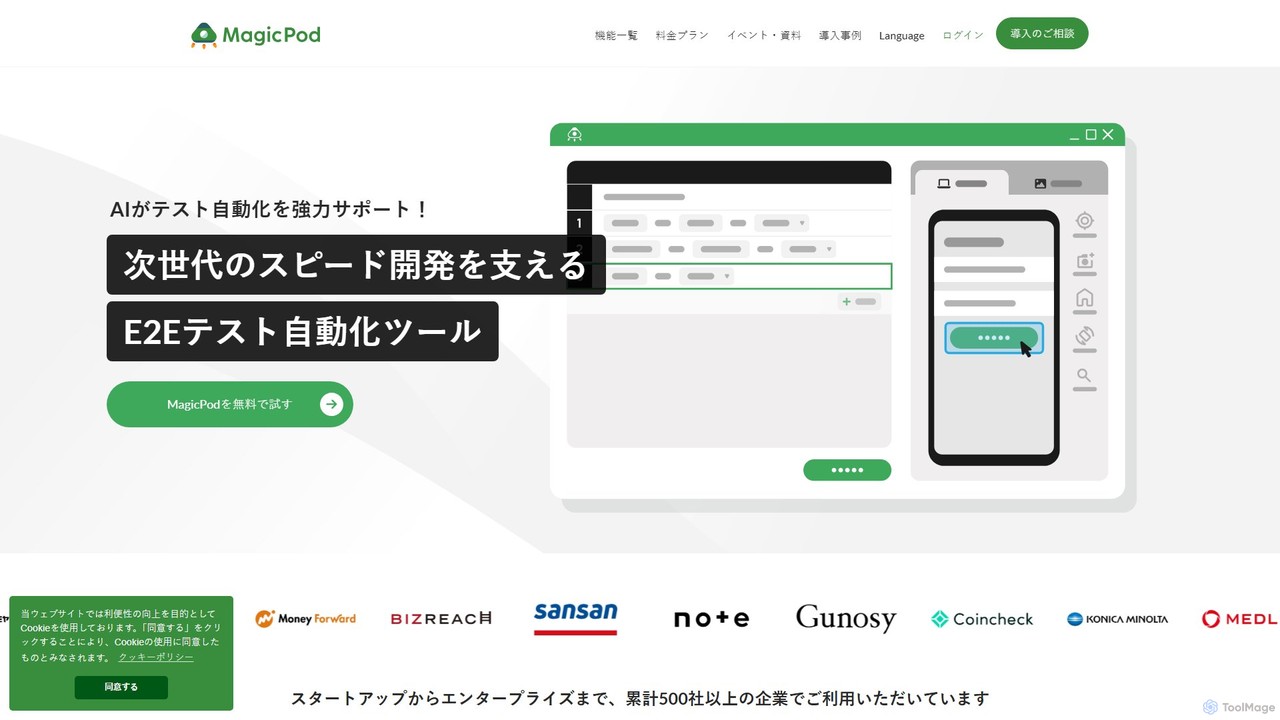
MagicPod is an AI-powered, no-code test automation platform for web and mobile applications. It enables teams to easily …

48.6K

About Software Testing

AI Software Testing tools are a category of developer utilities that leverage artificial intelligence to automate and enhance the quality assurance process. These tools use machine learning models to autonomously generate test cases, identify bugs, and predict potential failure points in code. Their primary value lies in accelerating release cycles, increasing test coverage, and detecting complex issues that manual testing might miss. They represent a significant evolution from traditional script-based automation by adding intelligence and adaptability to testing workflows.

Core Features

  • AI-Powered Test Generation: Automatically creates comprehensive test scripts and data based on application analysis.
  • Autonomous UI Testing: Employs AI agents to navigate and interact with user interfaces like a human would, discovering user paths and errors.
  • Visual Regression Analysis: Uses computer vision to intelligently detect meaningful visual bugs in UIs, ignoring minor, insignificant pixel shifts.
  • Smart Bug Triage: Automatically categorizes, prioritizes, and suggests root causes for detected bugs, speeding up debugging.
  • Self-Healing Tests: Automatically adapts test scripts when the application's UI changes, reducing maintenance overhead.

Use Cases

These tools are essential for agile and DevOps teams aiming for continuous integration and delivery (CI/CD). They are widely used in web and mobile application development to ensure functionality, performance, and user experience before deployment. E-commerce platforms, SaaS products, and enterprise software companies rely on AI testing to maintain high-quality standards under rapid development cycles.

How to Choose

When selecting an AI Software Testing tool, first evaluate its integration capabilities with your existing CI/CD pipeline (e.g., Jenkins, GitHub Actions). Consider the types of testing it supports—UI, API, performance—and whether it aligns with your application's technology stack. Assess the intelligence of its test generation and self-healing capabilities, which determine how much manual intervention is required. Finally, review the pricing model, whether it's based on test runs, users, or application complexity.

Software TestingUse Cases

1

Automating End-to-End UI Regression Testing

A QA engineer for a SaaS application needs to ensure new features don't break existing functionality. Instead of manually writing and updating hundreds of brittle test scripts, they use an AI testing tool. The tool's AI agent explores the application, automatically creates robust end-to-end test flows, and runs them after every code commit. This reduces the regression testing time from days to hours and automatically adapts tests when the UI changes, saving significant maintenance effort.

2

Generating Comprehensive API Test Suites

A backend developer is building a complex microservices architecture. To ensure API reliability, they use an AI tool that analyzes the OpenAPI specification. The tool automatically generates thousands of valid and invalid test cases, covering edge cases, parameter combinations, and security vulnerabilities. This uncovers bugs in the API logic and data validation that would be tedious and time-consuming to find manually, ensuring robust inter-service communication.

3

Identifying Visual Bugs in a Component Library

A front-end team maintains a large design system with hundreds of UI components. To prevent visual inconsistencies across different browsers and devices, they integrate an AI visual testing tool into their CI pipeline. After each component update, the tool captures screenshots and uses computer vision to compare them against the baseline. It intelligently flags only meaningful visual regressions like broken layouts or incorrect colors, ignoring dynamic content changes, thus eliminating false positives.

4

Accelerating Mobile App Testing Cycles

A mobile app development team needs to test their application on dozens of different Android and iOS devices. Using an AI-powered tool, they can write one abstract test that the AI executes intelligently across all target devices. The AI handles device-specific quirks and screen resolutions, identifies performance bottlenecks, and reports crashes with detailed logs. This allows the team to achieve broad device coverage without the overhead of maintaining separate test suites for each device.

5

Performing Intelligent Load Testing

A DevOps engineer for an e-commerce site needs to prepare for a major sales event. They use an AI load testing tool that analyzes real user traffic patterns to generate realistic load scenarios. Instead of simple, repetitive requests, the AI simulates complex user journeys, such as searching, adding items to a cart, and checking out. This helps identify performance bottlenecks under real-world conditions and ensures the platform remains stable during peak traffic periods.

6

Streamlining Bug Reporting and Triage

A project manager in a software company struggles with poorly written bug reports from manual testers. An AI testing tool automatically captures detailed information for every failure, including video recordings of the test run, browser console logs, network requests, and step-by-step reproduction instructions. It then uses AI to group duplicate bugs and suggest potential root causes, allowing developers to fix issues faster and reducing the back-and-forth communication between QA and development teams.

Software TestingFrequently Asked Questions