Developer Best in category 1 results Utilities AI Tool

Popular AI tools in the Utilities field of Developer include askeygeek, etc., helping you quickly improve efficiency.

askeygeek

askeygeek

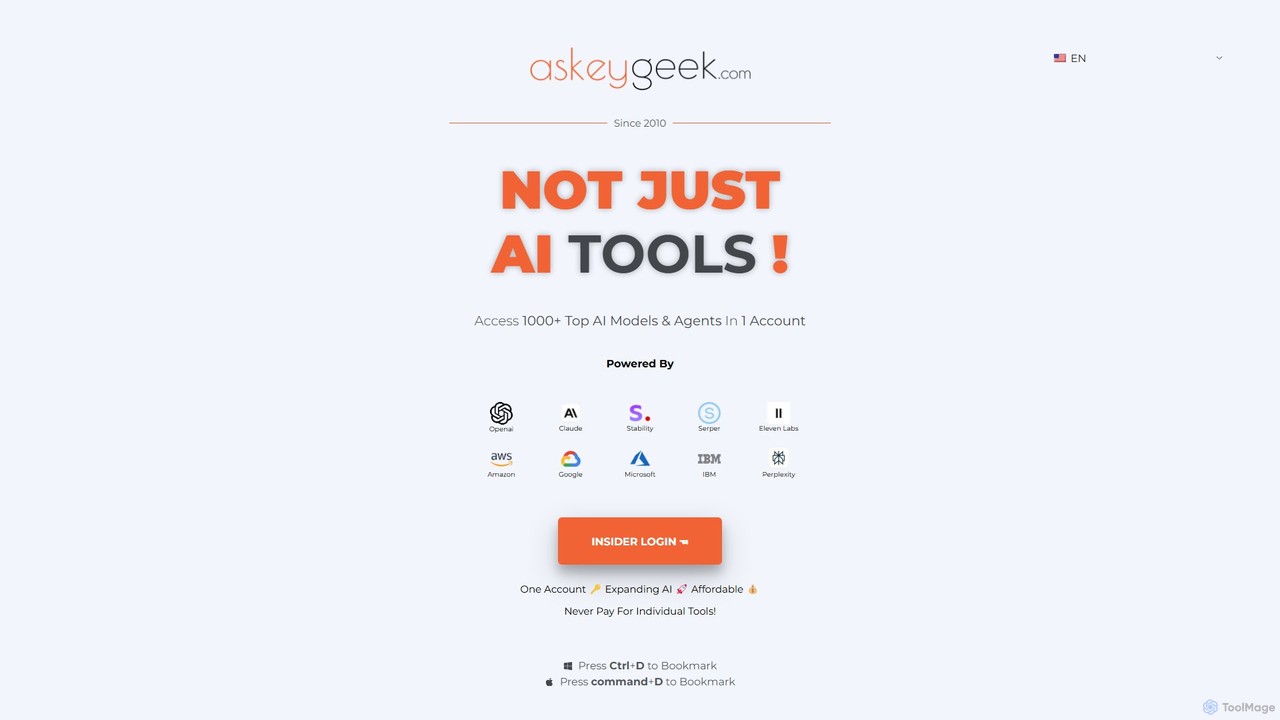
askeygeek is an all-in-one AI productivity platform offering access to over 1000 top AI models (from OpenAI, Claude, …

7.4K

About Utilities

AI Utilities are specialized developer tools designed to perform specific, reusable functions that support the software development lifecycle. They encapsulate complex AI operations, such as data formatting, API abstraction, or code analysis, into simple, easy-to-integrate components. The primary value of these utilities is to accelerate development workflows by automating repetitive tasks, allowing developers to focus on core application logic instead of foundational AI infrastructure. Unlike comprehensive platforms, these tools excel at executing a single, well-defined task with high efficiency.

Core Features

  • API Abstraction: Provides simplified wrappers or SDKs to streamline interactions with complex AI models and services.
  • Data Processing: Automates tasks like data cleaning, format conversion, and pre-processing required for AI model inputs.
  • Workflow Automation: Offers scripts and tools to automate common development steps, such as testing, environment configuration, or deployment checks.
  • Code Analysis & Optimization: Uses AI to analyze source code for potential bugs, performance bottlenecks, or style inconsistencies, and suggests improvements.
  • Synthetic Data Generation: Creates realistic, artificial data for testing, training, or demonstration purposes without compromising real user privacy.

Use Cases

AI Utilities are frequently used by software developers, data scientists, and DevOps engineers. For instance, a developer might use a utility to quickly integrate a third-party AI service via a simplified API wrapper. A data scientist could use another to automate the cleaning of a large dataset before model training. DevOps teams can leverage these tools to create AI-driven monitors that analyze logs for anomalies.

How to Choose

When selecting an AI Utility, consider its specificity: does it solve your exact problem effectively? Evaluate its integration capabilities, including compatibility with your existing programming languages, frameworks, and cloud environment. Thorough documentation and active community or commercial support are crucial for smooth implementation. Finally, assess its performance, scalability, and pricing model to ensure it aligns with your project's technical and budgetary requirements.

UtilitiesUse Cases

1

Automating Data Pre-processing for Machine Learning

A data scientist is tasked with training a new classification model but faces a large, raw dataset with inconsistent formatting and missing values. Instead of writing complex custom scripts, they use an AI utility tool. This tool automatically identifies data types, normalizes numerical values, fills in missing data using statistical methods, and converts the entire dataset into a clean, model-ready format. This process reduces manual data preparation time from days to just a few hours, ensuring data quality and consistency for more accurate model training.

2

Simplifying LLM API Integration in Web Apps

A web developer wants to add a natural language search feature to their e-commerce site, powered by a large language model (LLM). Directly using the LLM's native API involves complex authentication, request structuring, and error handling. They opt for an AI utility library that acts as a wrapper. With this utility, they can make a simple function call like `search('blue running shoes')` and the library handles the entire API interaction in the background. This abstraction saves significant development time and reduces the complexity of their application code, allowing for faster feature deployment.

3

AI-Powered Code Refactoring and Analysis

A software engineering team is working on a legacy codebase that is difficult to maintain. They integrate an AI utility into their IDE and CI/CD pipeline. This tool continuously analyzes their code, identifying complex functions that can be simplified, detecting potential null pointer exceptions, and suggesting more efficient algorithms for certain tasks. By following the AI's recommendations, the team systematically improves code quality, reduces technical debt, and catches bugs before they reach production, leading to a more stable and maintainable application.

4

Generating Synthetic Data for Robust Testing

A QA engineer needs to test an application's handling of diverse user profiles, but using real customer data is prohibited due to privacy regulations. They use an AI utility for synthetic data generation. By providing a schema, the tool generates thousands of realistic yet entirely fictional user records, including names, addresses, purchase histories, and edge cases like invalid email formats or unusually long names. This allows the QA team to perform comprehensive testing across a wide range of scenarios, ensuring the application is robust without compromising data privacy.

5

Automating Environment Configuration and Setup

A DevOps engineer is responsible for creating consistent development environments for a large team. Manually writing and maintaining Dockerfiles or Vagrant scripts for different microservices is time-consuming and error-prone. They use an AI utility that analyzes a project's `package.json` or `requirements.txt` file, infers the necessary system dependencies and optimal configurations, and automatically generates a standardized Dockerfile. This ensures every developer has an identical, optimized environment, reducing 'works on my machine' issues and streamlining the onboarding process for new team members.

6

Real-time Log Analysis for Anomaly Detection

A backend developer is managing a critical API service that must maintain high uptime. To proactively identify issues, they integrate an AI log analysis utility. This tool connects to their logging stream and uses machine learning to establish a baseline of normal activity. It then monitors the logs in real-time, automatically flagging unusual error patterns, sudden spikes in latency, or security-related anomalies that might indicate a problem. This allows the developer to investigate and resolve potential issues before they escalate into a service outage, improving overall system reliability.

UtilitiesFrequently Asked Questions