ToolMage
Sign in

Best 3 Ai Tools for Development

Popular Ai Tools in Development include Get Claude Skills, Readit, and OpenPrompt, helping you work more efficiently.

Get Claude Skills
Free

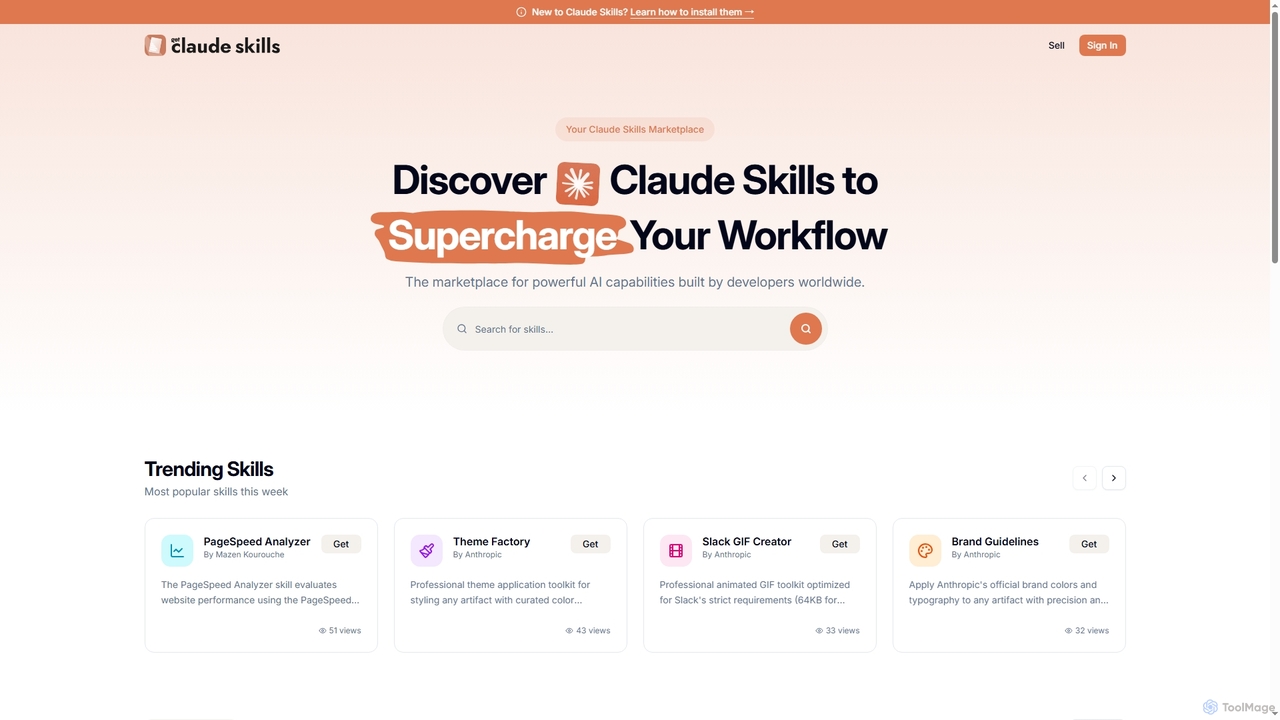
Get Claude Skills

Get Claude Skills is a dynamic marketplace for discovering and sharing powerful AI capabilities designed to enhance workflows with Claude AI. It offers a diverse range of specialized tools, from performance analysis and design systems to advanced content generation and productivity suites, all built by developers to extend Claude's functionality.

Strategy
Visits 10.3KFavorites 133Likes 153
Readit
Freemium

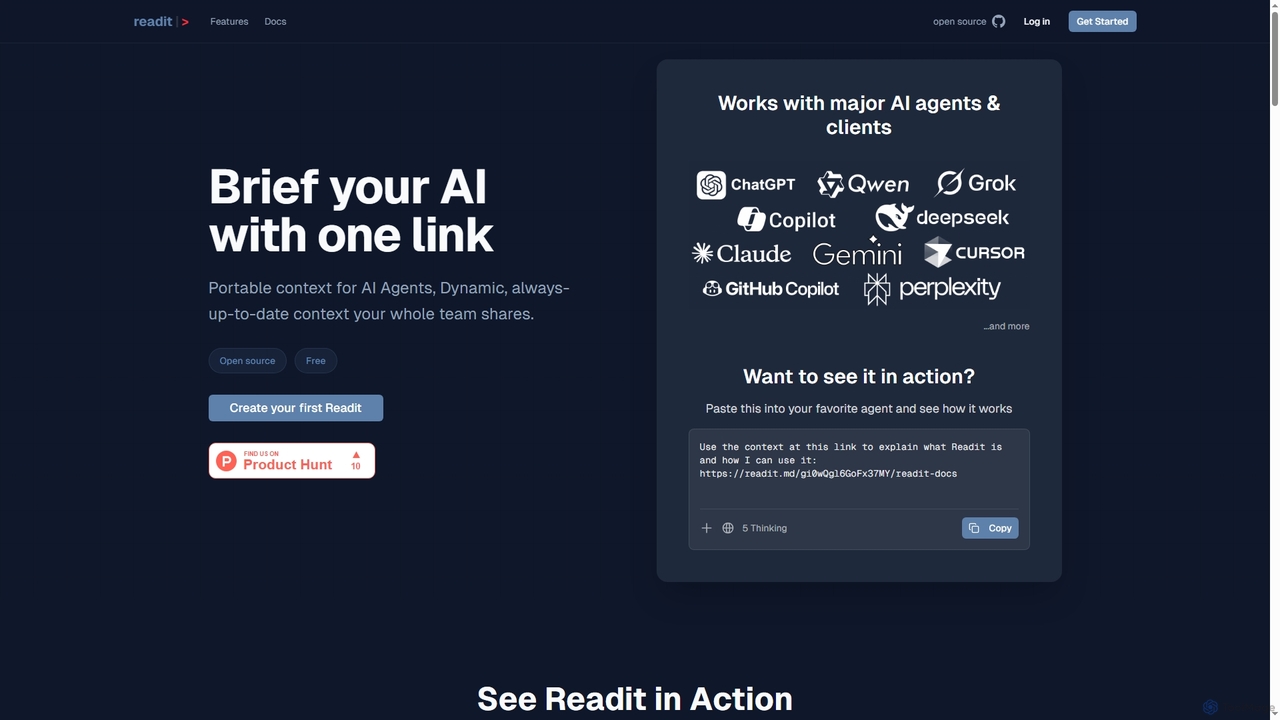
Readit

Readit is an open-core platform providing portable, dynamic, and always-up-to-date context for AI agents and teams. It centralizes instructions, files, and references into a single shareable link, eliminating the need for repetitive copy-pasting and ensuring consistent knowledge across different AI tools and collaborators.

Prompt Engineering
Visits 10.2KFavorites 113Likes 124
OpenPrompt

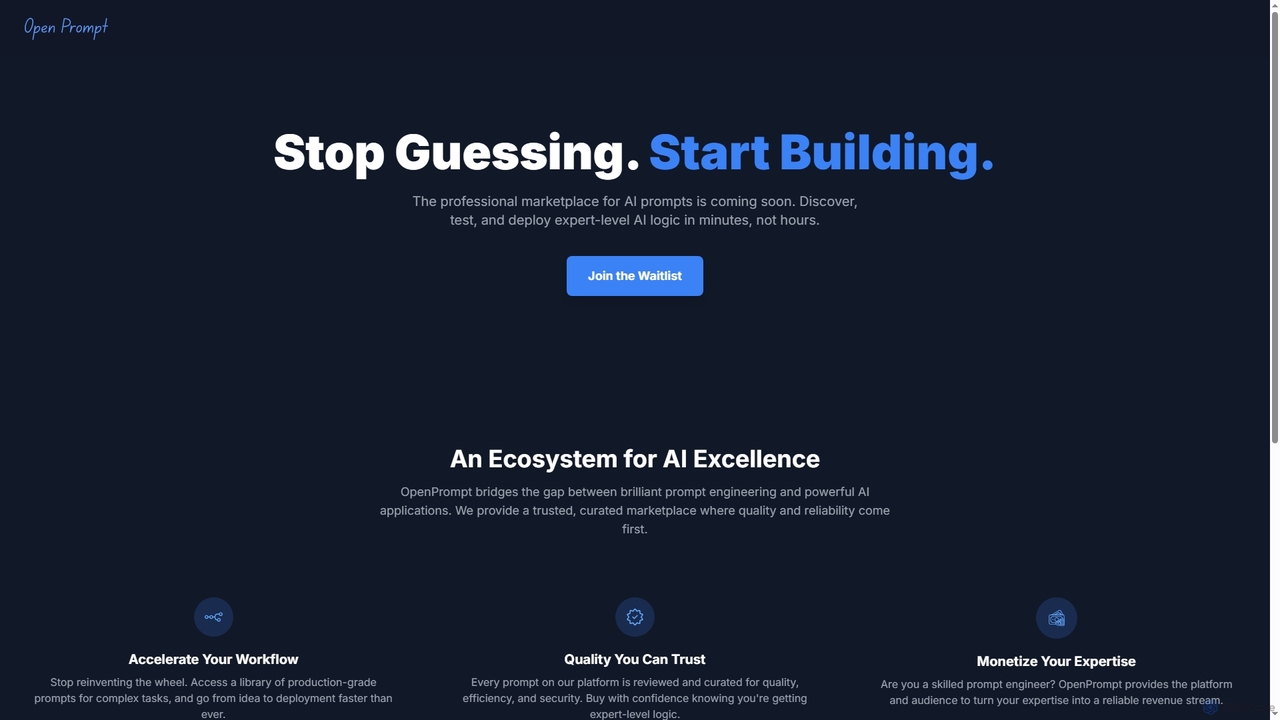
OpenPrompt

OpenPrompt is an upcoming professional marketplace designed for discovering, testing, and deploying expert-level AI prompts. It connects brilliant prompt engineering with powerful AI applications, offering a curated library of production-grade prompts to accelerate AI workflow and enable prompt engineers to monetize their expertise.

Prompt Engineering
Visits 6.5KFavorites 151Likes 145

About Ai Tools

AI Tools are specialized software solutions that integrate artificial intelligence to enhance and automate various stages of the software development lifecycle. These tools leverage machine learning, natural language processing, and advanced algorithms to assist developers, improve code quality, and accelerate project delivery. They transform traditional development workflows by providing intelligent assistance, from initial coding to testing and deployment.

Core Features

  • Code Generation & Completion: Automatically generates code snippets, functions, or even entire components based on natural language prompts or existing code context.
  • Intelligent Debugging: Identifies potential errors, suggests fixes, and provides explanations for complex bugs, streamlining the troubleshooting process.
  • Automated Testing: Creates and executes unit, integration, and end-to-end tests, ensuring code reliability and reducing manual testing efforts.
  • Code Refactoring & Optimization: Analyzes code for inefficiencies and suggests improvements for performance, readability, and maintainability.
  • API Design Assistance: Helps design robust APIs and automatically generates documentation, accelerating integration and collaboration.

Use Cases

AI Tools are indispensable for software engineers, data scientists, and DevOps professionals seeking to optimize their development workflows. They are used in rapid prototyping, maintaining large codebases, and ensuring high-quality software delivery across various industries, including fintech, healthcare, and e-commerce.

How to Choose

When selecting AI Tools for development, consider their compatibility with your existing IDEs and programming languages, the accuracy and relevance of their AI models, and their ability to integrate seamlessly into your CI/CD pipelines. Evaluate the level of customization offered, security features for sensitive code, and the overall impact on team productivity and code quality.

Ai Tools use cases

1

Automated Boilerplate Code Generation

Software developers can use AI tools to automatically generate repetitive boilerplate code, such as class definitions, getters/setters, or basic API endpoints, from simple natural language descriptions or function signatures. This significantly reduces manual coding time and ensures consistency across projects, allowing developers to focus on complex logic and innovation.

2

Intelligent Bug Detection and Resolution

During the debugging phase, AI tools analyze code in real-time to detect subtle bugs, potential vulnerabilities, or performance bottlenecks that might be missed by human review. They provide context-aware suggestions for fixes, explain the root cause of errors, and even offer alternative code implementations, accelerating the debugging process for engineers.

3

Automated Test Case Creation

Quality assurance engineers and developers leverage AI to automatically generate comprehensive unit, integration, and end-to-end test cases for new or existing codebases. The AI analyzes code logic and requirements to create relevant test scenarios, improving test coverage and ensuring software reliability without extensive manual test writing.

4

Smart Code Refactoring and Optimization

Experienced developers utilize AI tools to identify areas in their codebase that can be refactored for better readability, maintainability, or performance. The AI suggests optimized algorithms, simplifies complex logic, or recommends design pattern improvements, helping teams maintain high code quality standards and reduce technical debt over time.

5

Accelerated API Development and Documentation

Backend developers can use AI tools to accelerate the design and implementation of APIs. The AI can suggest optimal API endpoints, data models, and request/response structures based on project requirements. Furthermore, it automatically generates up-to-date API documentation (e.g., OpenAPI specifications), ensuring clear communication and easier integration for consuming services.

6

Personalized Learning and Skill Development

Junior developers or those learning new languages/frameworks can benefit from AI tools that provide personalized coding tutorials, explain complex concepts, or offer real-time feedback on their code. These tools act as an intelligent mentor, helping developers quickly grasp new skills, understand best practices, and improve their coding proficiency.

Ai Tools FAQ

What are AI Tools for Development?

AI Tools for Development are software applications that integrate artificial intelligence capabilities, such as machine learning and natural language processing, to assist and automate tasks across the software development lifecycle. They aim to enhance developer productivity, improve code quality, and accelerate project delivery by providing intelligent assistance in coding, testing, debugging, and deployment.

How do AI Tools enhance the software development process?

AI Tools significantly enhance development by automating repetitive tasks like boilerplate code generation, suggesting intelligent code completions, and identifying potential bugs early. They also improve code quality through automated refactoring suggestions, accelerate testing by generating test cases, and streamline documentation, allowing developers to focus on more complex and creative problem-solving.

What key features should I look for when choosing AI Development Tools?

When selecting AI development tools, prioritize features like robust code generation and completion, intelligent debugging capabilities with clear explanations, comprehensive automated testing, and effective code refactoring suggestions. Also, consider integration with your existing IDEs and version control systems, support for your primary programming languages, and strong security protocols for code privacy.

Are AI-generated code reliable and secure for production environments?

AI-generated code can be highly reliable and secure, but it requires human oversight and review, especially for production environments. While AI tools can produce efficient and correct code, developers must validate its logic, adherence to security best practices, and performance. Integrating AI-generated code into a robust CI/CD pipeline with automated testing and security scanning is crucial for ensuring its production readiness.

What's the difference between general AI tools and AI Tools specifically for Development?

General AI tools encompass a broad range of applications, from image generation and content writing to data analysis and customer service. In contrast, AI Tools specifically for Development are tailored to address the unique challenges and workflows of software engineering. They focus on tasks like code generation, debugging, testing, and project management, directly impacting the software development lifecycle rather than broader AI applications.