AppForceStudio
AppForceStudio is a next-generation, AI-powered platform that transforms your app ideas into reality. It simplifies the entire app …
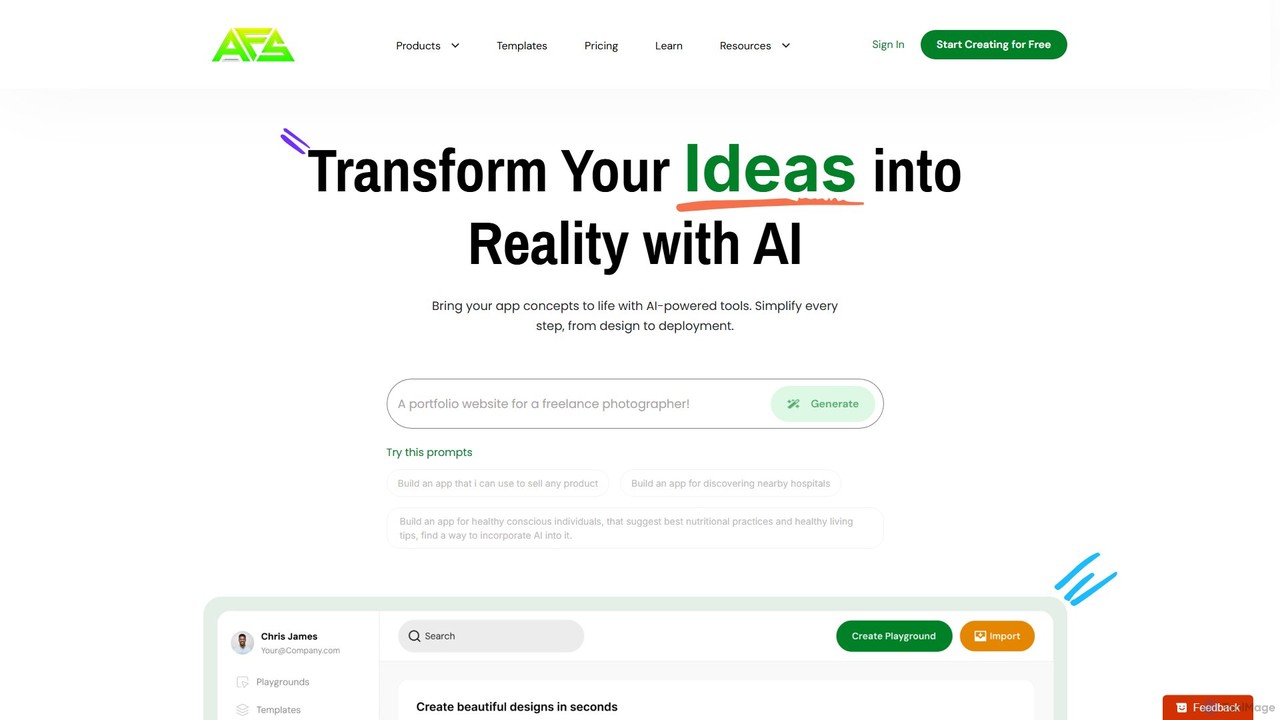
AppForceStudio is a next-generation, AI-powered platform that transforms your app ideas into reality. It simplifies the entire app creation process, from design and storyboarding to code generation and deployment. Ideal for solo founders, small businesses, and development teams, it enables users to build professional, market-ready iOS and Android apps with or without coding experience.
Quick Snack
Quick Snack is an experimental AI tool that enables you to build native React Native mobile apps through …
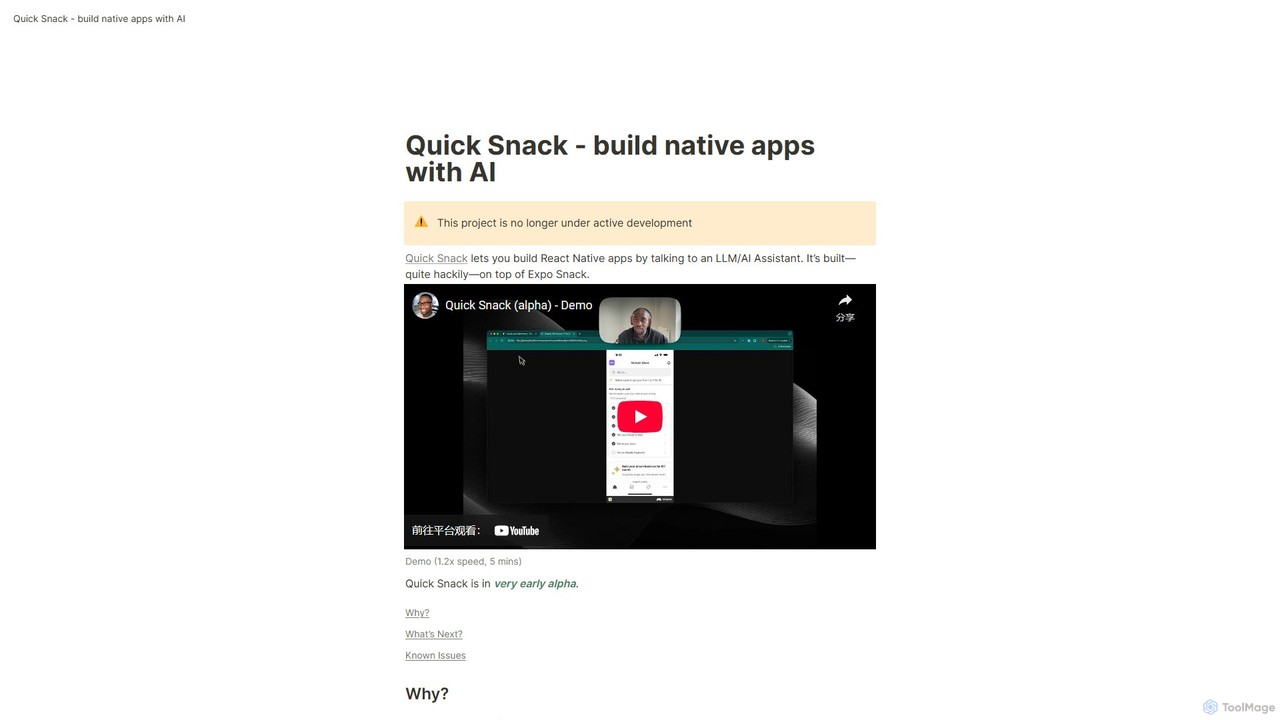
Quick Snack is an experimental AI tool that enables you to build native React Native mobile apps through a conversational interface. By simply describing the UI and functionality you want, the AI assistant generates the necessary code. Built on Expo Snack, it's designed for rapid prototyping and testing mobile app ideas. Please note, this project is an early-stage alpha and is no longer under active development.
About Mobile App
AI Mobile Apps are applications for smartphones and tablets that integrate artificial intelligence to deliver advanced, context-aware functionalities. These tools leverage on-device or cloud-based AI models to perform tasks like real-time image analysis, natural language processing, and personalized content generation. Their primary value lies in making powerful AI capabilities portable and accessible anywhere, directly utilizing device features like cameras and microphones. This transforms everyday tasks, from content creation to information retrieval, into seamless mobile experiences.
Core Features
- On-Device Processing: Executes AI tasks directly on the smartphone for faster response times and enhanced data privacy, without needing a constant internet connection.
- Camera and Sensor Integration: Utilizes the device's camera for computer vision tasks like object recognition, text translation, and augmented reality.
- Personalized User Experience: Adapts content, recommendations, and interface elements based on user behavior and context.
- Voice and Natural Language Interaction: Enables users to control the app and input data using voice commands and conversational language.
Use Cases
AI Mobile Apps are widely used by content creators for on-the-go video and photo editing, travelers for real-time language translation, and students for interactive learning. Professionals also use them for tasks like transcribing meetings, scanning documents with OCR, and managing tasks with intelligent assistants.
How to Choose
When selecting an AI Mobile App, consider its platform compatibility (iOS or Android) and its ability to function offline. Evaluate the app's data privacy policy to understand how your information is used. Also, assess the pricing model—whether it's a one-time purchase, a subscription, or a freemium model with in-app purchases—to ensure it aligns with your budget and usage needs.
Mobile AppUse Cases
On-the-Go Social Media Content Creation
A social media manager needs to create an engaging post while attending an event. Using an AI mobile app, they take a photo and use an AI feature to instantly remove background clutter and enhance the lighting. They then use a built-in AI writer to generate several catchy caption options and relevant hashtags based on the image content. The entire process, from photo editing to caption writing, is completed in under five minutes on their phone, allowing them to publish timely, high-quality content without a laptop.
Real-Time Language Translation for Travelers
An international traveler is trying to read a restaurant menu in a language they don't understand. They open an AI translation app on their phone and point the camera at the menu. The app uses Optical Character Recognition (OCR) and machine translation to overlay the translated text directly onto the live camera view in real-time. This allows the traveler to understand the menu items instantly, make an informed choice, and even use the app's voice translation feature to communicate their order to the waiter, breaking down communication barriers.
AI-Powered Meeting Summaries and Notes
A project manager attends back-to-back meetings and struggles to keep track of decisions and action items. They use an AI transcription app on their phone to record the meeting audio. Immediately after the meeting, the app provides a full, speaker-labeled transcript. More importantly, its AI generates a concise summary highlighting key discussion points, decisions made, and a clear list of action items with assigned individuals. This allows the manager to quickly share meeting outcomes with the team, saving hours of manual note-taking and ensuring everyone is aligned.
Smart Photo and Document Organization
A freelance designer has thousands of inspiration images and client documents saved on their phone, making it difficult to find specific files. They install an AI-powered gallery or file manager app. The app automatically analyzes the content, tagging photos with keywords like 'logo design', 'minimalist', or 'blue color palette', and uses OCR to make the text within scanned documents searchable. Now, instead of scrolling endlessly, the designer can simply type 'invoice from Client X' or 'red logo ideas' to instantly find the exact files they need, streamlining their workflow.
Personalized Learning and Skill Development
A student wants to learn a new language during their daily commute. They use an AI-powered language learning app that goes beyond simple flashcards. The app listens to their pronunciation and provides real-time feedback using speech recognition. It creates personalized quizzes that focus on words or grammar rules they struggle with, identified through machine learning. This adaptive learning path ensures their practice time is highly efficient, helping them master the language faster than with traditional, one-size-fits-all methods.
Quick Problem Solving for Developers
A software developer is away from their desk and thinks of a solution to a coding problem. They need to quickly draft and verify a code snippet. Using an AI assistant mobile app, they describe the function they need in natural language, for example, 'Write a Python function to parse a JSON file and return all keys'. The AI generates the code snippet instantly. They can then ask follow-up questions like 'Add error handling for a missing file' to refine the code. This allows them to capture and validate ideas on the go, maintaining productivity even when not at their primary workstation.