ToolMage
Sign in

Best 2 Saas Tools for Development

Popular Saas Tools in Development include Zhujn and MailUi, helping you work more efficiently.

Paid

Zhujn

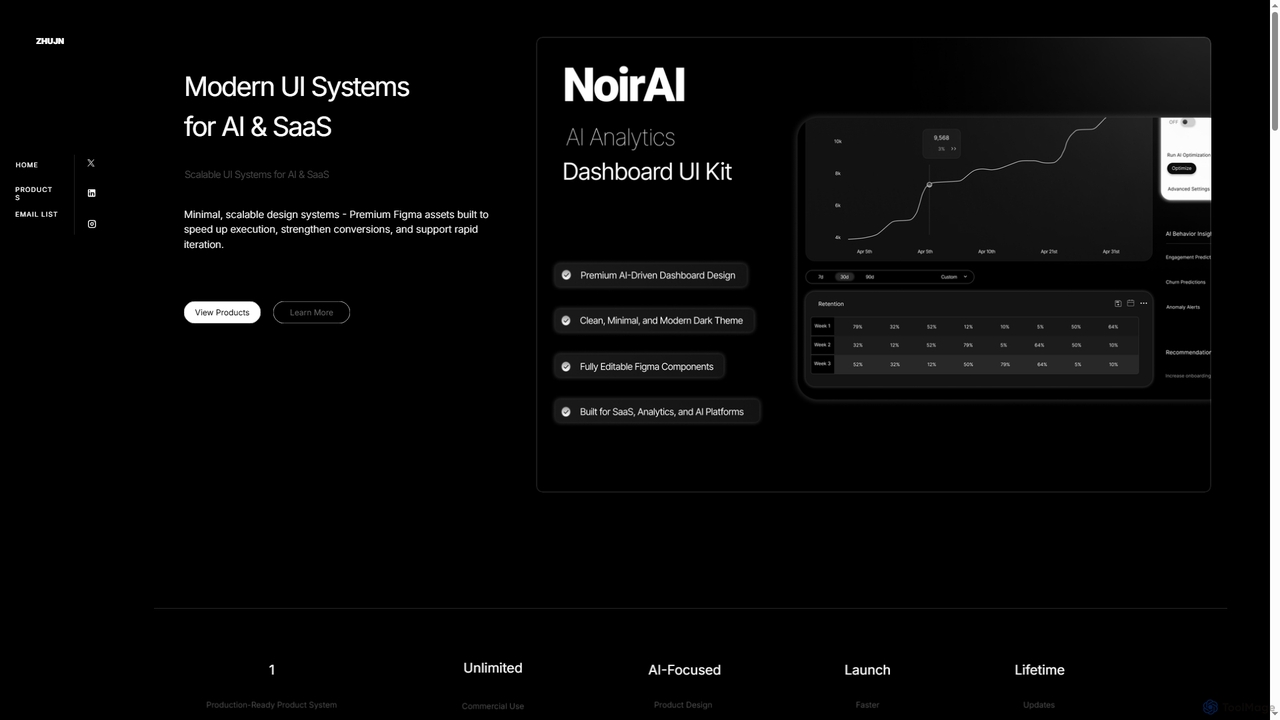
Zhujn offers premium, scalable UI systems and Figma assets specifically designed for AI and SaaS products. It helps founders, designers, and developers accelerate product launches, reduce development overhead, and create high-converting user interfaces for intelligence-powered applications.

Ui Kits
Visits 3.5KFavorites 22Likes 19
Freemium

MailUi

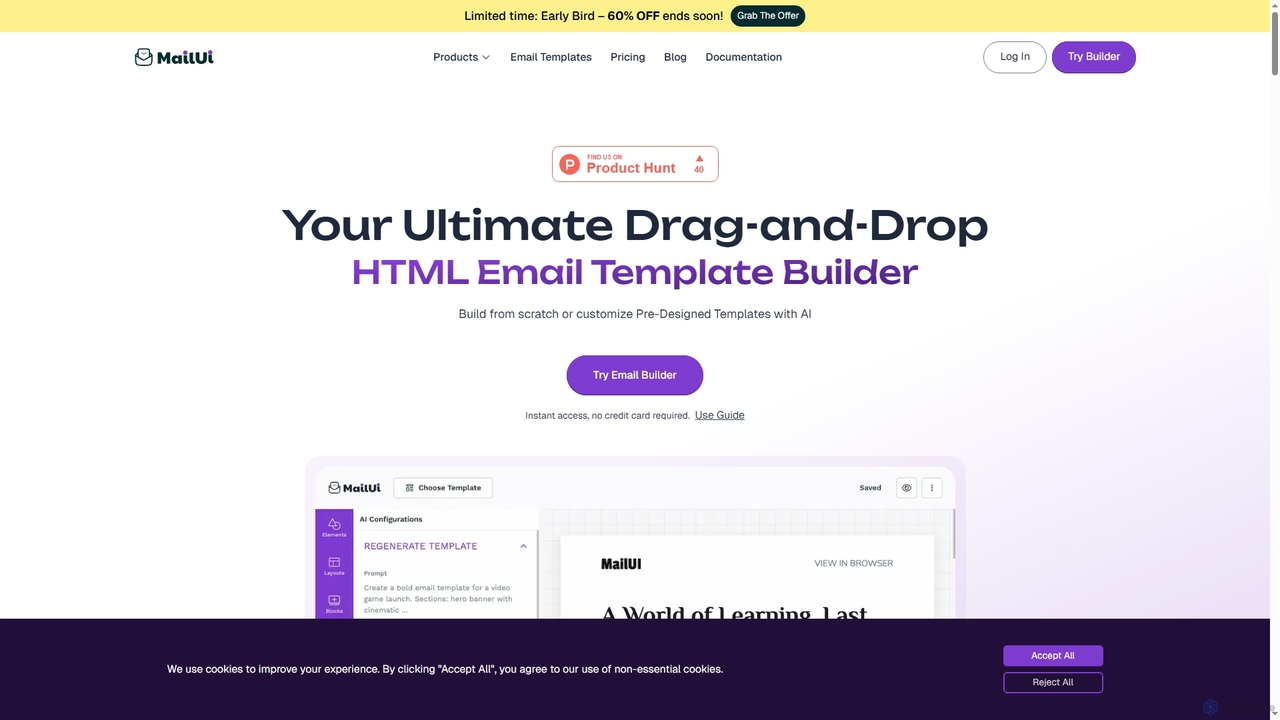
MailUi is an AI-powered email template builder designed for seamless integration into any platform. It enables users to create, customize, and send professional, responsive email templates directly within their applications using a drag-and-drop interface, reusable content blocks, and AI-assisted content generation.

Email Design
Visits 3.5KFavorites 115Likes 116

About Saas Tools

SaaS Tools (Software as a Service) are cloud-based applications delivered over the internet on a subscription basis, eliminating the need for local installation and maintenance. In the context of development, these tools provide ready-to-use platforms and services that streamline various stages of the software development lifecycle, from coding and testing to deployment and monitoring. They empower developers and teams with scalable, accessible, and often AI-enhanced solutions, fostering agility and reducing operational overhead.

Core Features

  • Cloud Accessibility: Access tools from anywhere with an internet connection, facilitating remote and distributed team collaboration.
  • Subscription Model: Pay-as-you-go or tiered pricing, offering flexibility and cost predictability without large upfront investments.
  • Automatic Updates & Maintenance: Vendors manage infrastructure, security, and software updates, ensuring tools are always current and secure.
  • Scalability & Elasticity: Easily scale resources up or down based on project demands, optimizing performance and cost efficiency.
  • API Integration: Seamlessly connect with other development tools and services, creating integrated workflows and ecosystems.

Applicable Scenarios

SaaS tools are indispensable for modern development teams, from startups to large enterprises. They are widely used for managing project workflows, hosting version control systems, automating CI/CD pipelines, and providing specialized development environments. Remote development teams heavily rely on SaaS solutions for real-time collaboration and access to shared resources without geographical constraints.

How to Choose

When selecting SaaS development tools, consider their specific functionality and how well they align with your project's needs. Evaluate integration capabilities with existing systems, ensuring a smooth workflow. Assess the vendor's security protocols and compliance certifications. Finally, compare pricing models, scalability options, and the level of customer support offered to ensure long-term viability and value.

Featured tool rankings

Saas Tools use cases

1

Streamlining CI/CD Pipelines

Development teams leverage SaaS-based CI/CD platforms to automate the entire software delivery process. Developers commit code, and the SaaS tool automatically triggers builds, runs tests, and deploys applications to various environments. This significantly reduces manual effort, accelerates release cycles, and ensures consistent quality across deployments, allowing teams to focus on innovation rather than infrastructure management.

2

Facilitating Remote Team Collaboration

Distributed development teams utilize SaaS project management and communication tools to maintain seamless collaboration. Features like shared code repositories, real-time document editing, video conferencing, and task tracking enable team members to work together effectively regardless of their physical location. This enhances productivity and ensures all stakeholders are aligned on project progress and requirements.

3

Rapid Prototyping and Deployment

Startups and agile teams use SaaS low-code/no-code platforms or specialized development environments to quickly build and deploy prototypes or minimum viable products (MVPs). These tools abstract away complex infrastructure, allowing developers to focus on application logic and user experience. This drastically shortens time-to-market, enabling faster iteration and validation of new ideas.

4

Automating Code Quality and Security Scans

Developers integrate SaaS code analysis tools into their workflows to automatically identify bugs, vulnerabilities, and code smells. These tools scan repositories during development or CI/CD stages, providing immediate feedback and actionable insights. This proactive approach helps maintain high code quality, enhances application security, and reduces technical debt over time without requiring dedicated security experts.

5

Managing API Development and Testing

Teams building microservices or public APIs rely on SaaS API management platforms for design, documentation, testing, and monitoring. These tools provide environments to define API specifications, generate documentation, simulate requests, and track performance. They ensure API consistency, reliability, and security, crucial for robust inter-application communication and external integrations.

6

Performance Monitoring and Error Tracking

Operations and development teams deploy SaaS application performance monitoring (APM) and error tracking tools to gain real-time insights into their applications' health and user experience. These tools collect metrics on response times, resource utilization, and error rates, alerting teams to issues before they impact users. This enables quick diagnosis and resolution of problems, ensuring high availability and performance.

Saas Tools FAQ

What are SaaS Tools in the context of development?

SaaS Tools in development are cloud-hosted software applications that provide specific functionalities for the software development lifecycle, accessible via a web browser. They eliminate the need for local installation, maintenance, and infrastructure management. Key characteristics include subscription-based pricing, automatic updates, scalability, and remote accessibility, enabling teams to focus on coding and innovation rather than IT operations.

How do SaaS development tools differ from traditional on-premise software?

SaaS development tools are hosted and managed by a third-party vendor, accessed over the internet, and typically operate on a subscription model. Traditional on-premise software, conversely, is installed and maintained locally on a company's own servers, requiring significant upfront investment and ongoing IT resources. SaaS offers greater flexibility, scalability, and reduced operational burden, while on-premise provides full control over data and infrastructure.

What are the main benefits of using SaaS tools for software development?

The primary benefits include reduced upfront costs and operational expenses due to the subscription model and vendor-managed infrastructure. SaaS tools offer enhanced accessibility and collaboration for distributed teams, automatic updates ensuring access to the latest features and security patches, and superior scalability to adapt to changing project demands. They allow development teams to accelerate time-to-market and focus on core product innovation.

How can I choose the right SaaS tool for my development team?

To choose the right SaaS tool, first identify your team's specific needs and workflow requirements. Evaluate the tool's core features, ensuring they align with your development process. Consider its integration capabilities with your existing tech stack, security standards, and data privacy policies. Finally, assess the vendor's reliability, customer support, and pricing structure to find a solution that offers long-term value and scalability.

Are SaaS development tools secure for sensitive code and data?

Many reputable SaaS development tools prioritize security, implementing robust measures like end-to-end encryption, multi-factor authentication, and regular security audits. Vendors often comply with industry standards (e.g., ISO 27001, SOC 2) and offer data residency options. However, it's crucial for teams to thoroughly vet a vendor's security practices, understand their data handling policies, and ensure compliance with their own organizational and regulatory requirements before adoption.