ToolMage
Sign in

Best 1 Saas Builder AI tools for Ecommerce

Popular Saas Builder AI tools in Ecommerce include SellerAI, helping you work more efficiently.

SellerAI
Paid

SellerAI

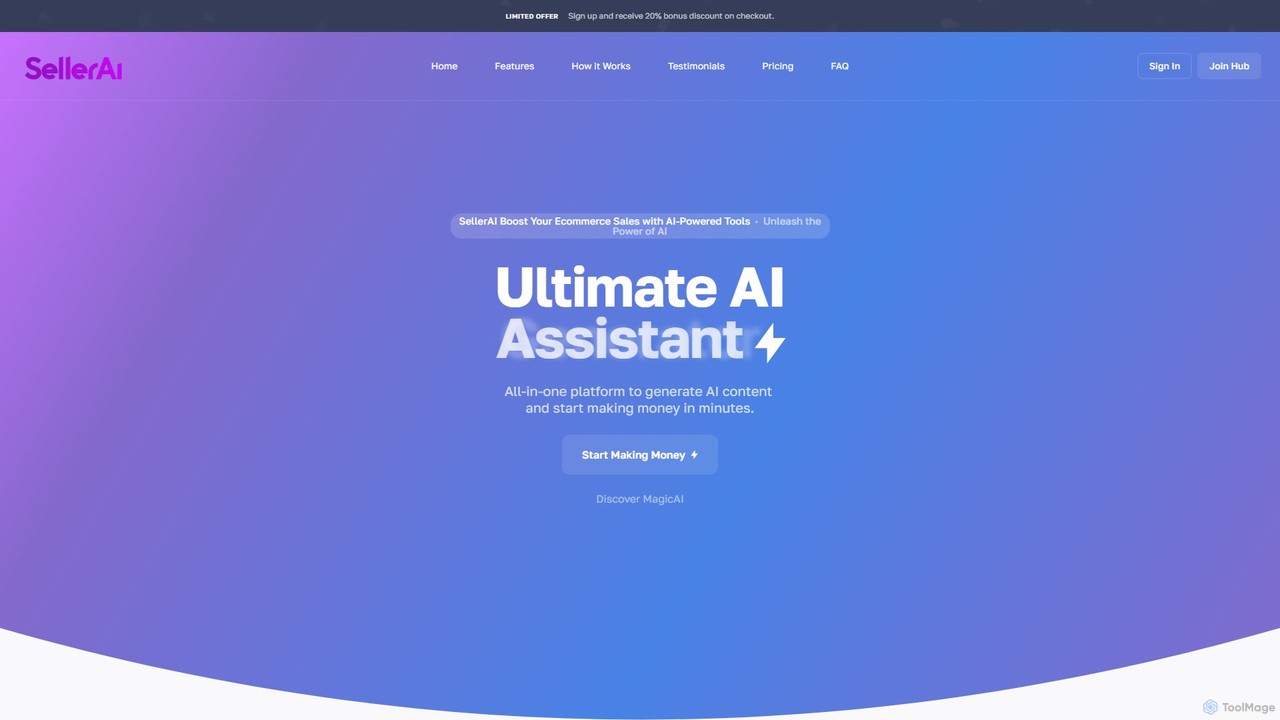
SellerAI is an all-in-one platform that empowers entrepreneurs and agencies to build and launch their own AI-powered e-commerce tools. Generate high-quality text, images, and code, or deploy intelligent chatbots. The platform includes payment gateway integration, a customizable dashboard, and multi-lingual support, allowing you to create a monetizable AI SaaS business in minutes.

Chatbots
Visits 4.9KFavorites 127Likes 130

About Saas Builder

SaaS Builders are platforms designed to streamline the creation, deployment, and management of Software as a Service (SaaS) applications, often with minimal coding. These tools provide a visual development environment, pre-built components, and backend infrastructure to accelerate the entire development lifecycle. They empower entrepreneurs and developers to build and launch functional web applications, from internal tools to customer-facing products, much faster than traditional coding methods. This approach significantly lowers the technical barrier and financial cost of entry into the software market.

Core Features

  • Visual Development Interface: Build application UIs and logic using drag-and-drop editors and visual workflow builders.
  • Backend & Database Management: Automatically handle user authentication, data storage, and server-side logic without complex setup.
  • Subscription & Billing Integration: Natively connect with payment gateways like Stripe to manage user subscriptions, plans, and payments.
  • One-Click Deployment & Hosting: Publish and host the application on scalable infrastructure with a single click, managing updates seamlessly.
  • API & Third-Party Integrations: Easily connect your application to other services and APIs to extend its functionality.

Use Cases

SaaS Builders are ideal for startups creating a Minimum Viable Product (MVP), businesses developing custom internal tools, and entrepreneurs launching niche micro-SaaS products. For example, a marketing agency could build a custom client portal for reporting, or a small business could create a specialized project management tool tailored to its unique workflow, all without hiring a large development team.

How to Choose

When selecting a SaaS Builder, consider the platform's scalability and performance limits to ensure it can support user growth. Evaluate its integration capabilities with essential third-party services you rely on. Compare the balance between no-code simplicity and low-code flexibility based on your team's technical skills. Finally, analyze the pricing model, considering costs associated with user numbers, database usage, and feature tiers.

Featured tool rankings

Saas Builder use cases

1

Build a Startup MVP to Validate an Idea

An entrepreneur has an idea for a new project management SaaS but lacks the funds for a full development team. Using a SaaS Builder, they can create a Minimum Viable Product (MVP) in weeks instead of months. They use the visual editor to design the user interface for tasks, projects, and team collaboration. The built-in database handles all project data and user accounts, and Stripe integration is configured to test subscription models. This allows them to launch quickly, gather real user feedback, and demonstrate traction to potential investors without a significant upfront investment.

2

Develop a Custom Internal Tool for a Business

An operations manager at a mid-sized e-commerce company needs a custom tool to track returns and manage inventory restocking. Off-the-shelf solutions are too expensive or don't fit their specific workflow. Using a low-code SaaS Builder, a tech-savvy employee builds a custom application. It includes forms for logging returns, a database to track item status, and automated workflows that notify the warehouse team when a product needs to be restocked. The tool integrates with their existing Shopify store via API, creating a seamless internal process that reduces manual data entry and minimizes errors.

3

Launch a Niche Micro-SaaS Product

A freelance marketer identifies a common problem for podcasters: managing guest outreach and scheduling. They decide to build a micro-SaaS to solve this. Using a no-code SaaS Builder, they create a platform where podcasters can create outreach templates, track communication with potential guests, and connect their calendars for easy scheduling. The builder's subscription management features allow them to offer tiered pricing plans. Within a month, they launch a fully functional product to a niche audience, generating a new recurring revenue stream without writing a single line of code.

4

Create a Client Portal for an Agency

A digital marketing agency struggles with inefficient communication, using emails and spreadsheets to share reports and get approvals from clients. They use a SaaS Builder to create a secure client portal. Each client gets a unique login to a personalized dashboard showing their key marketing metrics, project timelines, and pending approvals. The agency can upload reports directly, and clients can leave feedback or approve assets within the platform. This centralizes communication, improves client experience, and saves the agency team hours of administrative work each week.

5

Build a Subscription-Based Content Platform

A subject matter expert wants to monetize their knowledge by creating a members-only platform with exclusive video courses and articles. Instead of stitching together multiple plugins on a standard website, they use a SaaS Builder. They design a clean interface for content delivery, set up user registration and profiles, and integrate a payment system to handle monthly and annual subscriptions. The platform allows them to manage members, drip content over time, and create a community forum, providing a professional and seamless experience for their paying subscribers from day one.

6

Automate a Marketplace or Directory Website

A community organizer wants to create a local directory of freelance service providers. Manually managing listings in a spreadsheet is not scalable. They use a SaaS Builder to create a dynamic directory website. Providers can sign up, create their own profiles, and manage their listings. The platform includes features for user reviews, search and filtering by service category, and a secure messaging system for clients to contact providers. This automates the entire process of listing management and user interaction, allowing the organizer to focus on growing the community rather than on administrative tasks.

Saas Builder FAQ

What is a SaaS Builder?

A SaaS Builder is a software platform that enables users to create, launch, and manage their own Software as a Service (SaaS) applications with little to no coding. They provide visual interfaces, pre-built components for features like user authentication and payments, and handle backend infrastructure like databases and hosting. Essentially, they are tools for building other software tools, significantly reducing development time and cost.

How do SaaS Builders differ from website builders like Wix or Squarespace?

The key difference lies in functionality and purpose. Website builders are designed primarily for creating content-focused websites like blogs, portfolios, and simple online stores. SaaS Builders, on the other hand, are designed for creating complex web applications. They provide robust backend capabilities, including user management, complex databases, and custom business logic, which are necessary for a full-fledged software product but generally absent in standard website builders.

Do I need coding skills to use a SaaS Builder?

Not necessarily. SaaS Builders fall into two main categories: no-code and low-code.

  • No-code builders are designed for non-technical users and allow you to build applications using purely visual interfaces.
  • Low-code builders are for users with some development knowledge. They offer visual tools for speed but also allow you to write custom code to extend functionality and create more complex solutions.
You can choose a platform that matches your technical skill level.

How should I choose the right SaaS Builder for my project?

Choosing the right SaaS Builder depends on several factors. First, assess your project's complexity and scalability needs. Second, consider your own technical skills to decide between a no-code or low-code platform. Third, evaluate the builder's integration capabilities to ensure it can connect with other tools you use. Finally, analyze the pricing structure to make sure it aligns with your budget and business model as you grow. It's often wise to start with a small project to test the platform's limits and ease of use.

Can I build a scalable, enterprise-level application with a SaaS Builder?

Yes, many modern SaaS Builders are designed for scalability and can support enterprise-level applications. They often run on robust cloud infrastructure like AWS and offer features such as dedicated servers, advanced security compliance, and performance monitoring. However, for extremely high-performance or specialized applications, there might still be a trade-off compared to a fully custom-coded solution. It's crucial to check the performance benchmarks and scalability options of a specific platform before committing to it for a large-scale project.