Education Best in category 1 results Art AI Tool

Popular AI tools in the Art field of Education include ArtistAssistApp, etc., helping you quickly improve efficiency.

ArtistAssistApp

ArtistAssistApp

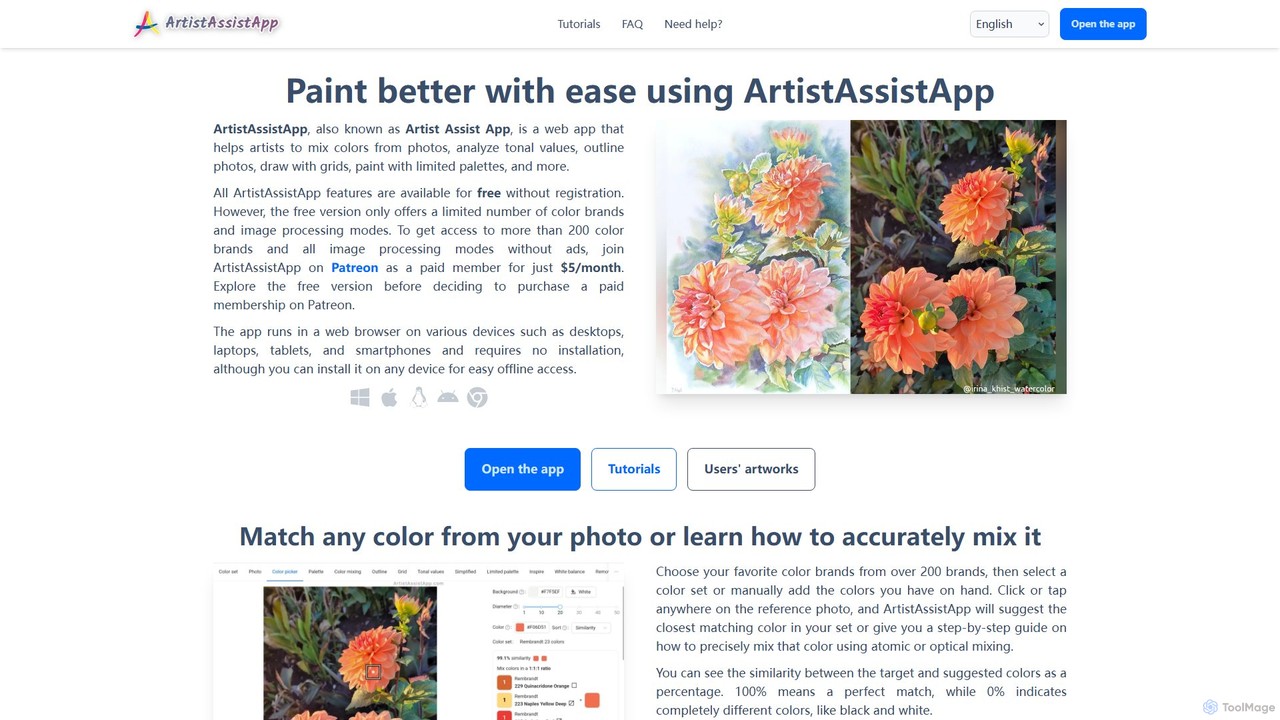
An all-in-one web app for artists to improve painting and drawing. It offers tools for color mixing from …

31.9K

About Art

AI Art tools in education are a category of intelligent applications designed to enhance the learning, creation, and appreciation of art through artificial intelligence. These tools leverage machine learning, computer vision, and generative AI to offer personalized artistic guidance, facilitate creative exploration, and provide interactive learning experiences. They empower students, educators, and art enthusiasts to delve deeper into art history, experiment with diverse artistic styles, and develop their creative skills in innovative ways.

Core Features

  • Personalized Art Feedback: AI analyzes student artwork, offering constructive criticism and suggestions for improvement based on artistic principles.
  • Generative Art Prompts: Tools generate unique creative prompts, themes, or starting points to inspire students and overcome creative blocks.
  • Art Style Transfer & Exploration: Users can apply the stylistic elements of famous artworks to their own creations or explore how different styles transform an image.
  • Interactive Art History Guides: AI-powered platforms provide dynamic tours of art movements, artists, and masterpieces, often with contextual analysis and visual comparisons.
  • Skill Development Workshops: Offer guided exercises and tutorials, adapting difficulty based on user progress and performance in various artistic techniques.

Applicable Scenarios

Art students utilize these tools for skill refinement and concept generation, while art educators employ them to deliver personalized instruction and create engaging curriculum content. Museums and cultural institutions can also use them to develop interactive exhibits and educational resources, making art history more accessible and engaging for visitors of all ages.

How to Choose

When selecting AI Art tools for education, consider the specific learning objectives—whether it's skill development, art history exploration, or creative ideation. Evaluate the tool's AI capabilities, such as the accuracy of feedback or the diversity of generative outputs. Assess its integration with existing educational platforms and the level of user-friendliness for both students and educators. Finally, review privacy policies and data security, especially when used with student data.

ArtUse Cases

1

Personalized Feedback for Student Artwork

An art student uploads their painting or drawing to an AI art education tool. The AI analyzes elements like composition, color theory, and perspective, providing instant, objective feedback and suggesting specific areas for improvement, helping the student refine their technique more effectively than traditional methods alone.

2

Generating Creative Prompts for Art Classes

An art educator uses an AI tool to generate a diverse set of unique and inspiring prompts for a class project. Instead of generic themes, the AI can create prompts tailored to specific art movements, materials, or conceptual challenges, sparking student creativity and encouraging exploration of new ideas.

3

Interactive Exploration of Art History Styles

A history student studying Renaissance art uses an AI platform to interactively explore the characteristics of the period. The tool might allow them to apply Renaissance stylistic elements to modern photos, compare artworks side-by-side with AI-generated analyses, or take virtual tours of historical art sites with AI commentary.

4

Experimenting with Digital Art Styles and Techniques

A digital art enthusiast or student wants to experiment with different artistic styles without extensive manual effort. They use an AI art tool to apply the styles of famous artists (e.g., Van Gogh, Picasso) to their own digital sketches, quickly visualizing how various aesthetics transform their work and understanding stylistic nuances.

5

Developing Art Appreciation Resources for Museums

A museum educator employs AI art tools to create engaging educational content for visitors. This could involve generating simplified explanations of complex artworks, creating interactive quizzes about art movements, or even developing AI-guided audio tours that adapt to a visitor's interests and pace.

6

Overcoming Creative Blocks with AI Ideation

A graphic design student facing a creative block for a new project utilizes an AI art ideation tool. By inputting keywords or initial concepts, the AI generates a range of visual ideas, mood boards, or abstract compositions, providing fresh perspectives and helping the student kickstart their design process.

ArtFrequently Asked Questions