

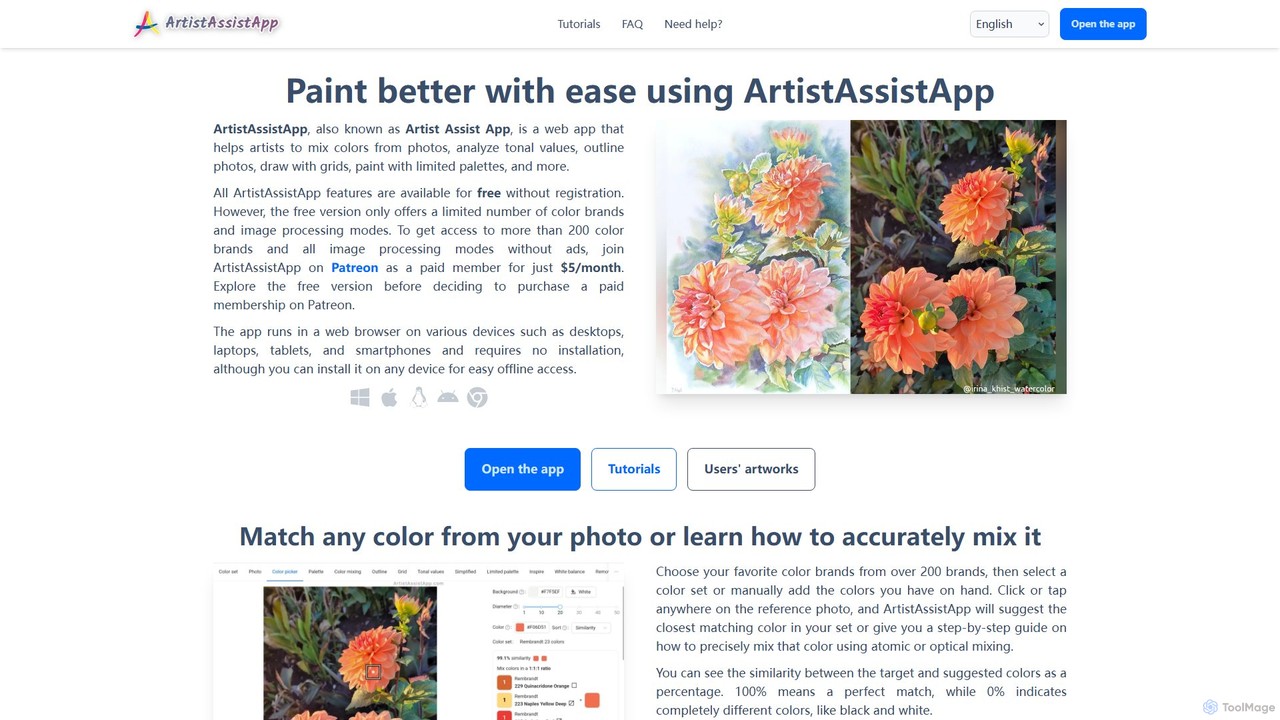
ArtistAssistApp Overview
ArtistAssistApp is a comprehensive web-based application designed to be an indispensable assistant for artists of all levels, from beginners to professionals. It aims to simplify complex artistic processes, enhance creativity, and improve the final quality of artworks. The app runs directly in a web browser on any device (desktop, tablet, smartphone) and can be installed for offline access, ensuring your tools are always available. It prioritizes user privacy by performing all image processing locally on the device, meaning your photos are never uploaded to a server.
The core philosophy of ArtistAssistApp is to bridge the gap between a reference photo and the final artwork. It provides a suite of powerful tools that address common challenges artists face, such as accurate color mixing, maintaining proportions, understanding values, and achieving color harmony. Whether you work with oil, acrylic, watercolor, gouache, pastels, or colored pencils, this app has features tailored to your medium.
How to use ArtistAssistApp
Using ArtistAssistApp is designed to be intuitive. The general workflow is as follows:
- Open the App: Navigate to the ArtistAssistApp website on your preferred device. No installation or registration is required to start using the free features.
- Upload a Reference Photo: Import the image you want to work from.
- Create Your Color Set: Select your art medium (e.g., watercolor, oil paint) and choose from over 200 supported brands. Add the specific colors you own to create a personal digital palette.
- Use the Tools:
- Color Picker & Mixer: Click anywhere on your reference photo. The app will suggest the closest color match from your palette or provide a step-by-step recipe for mixing the exact hue using atomic (physical) or optical (glazing) mixing techniques.
- Grid Method: Overlay a customizable grid (e.g., square, 3x3 with diagonals) on your photo to help you accurately transfer the drawing to your canvas or paper.
- Outline Generator: Convert your photo into a clean line drawing, which you can print and trace.
- Tonal Value Analyzer: View your reference photo as a grayscale value sketch to better understand light, shadow, and contrast.
- Limited Palette Simulator: Choose a limited set of colors (up to 7) to see how your reference would look, helping you create a harmonious painting.
- Photo Editor: Adjust white balance, correct perspective, and remove backgrounds from photos of your finished paintings for a professional presentation online. - Save and Sync: The app saves your color sets and palettes locally. You can also sync them across devices using a link or QR code.
Core Features of ArtistAssistApp
- Advanced Color Mixing: Based on the Kubelka-Munk theory, it simulates realistic physical paint mixing. It provides precise recipes for mixing any color from a photo using your specific paint brands.
- Palette Management: Create, save, and manage custom color palettes for different projects. Supports over 200 brands across various mediums like watercolor, oil, acrylic, pastels, and pencils.
- Drawing Aids: Features a versatile grid generator and a one-click photo-to-outline converter to ensure accurate proportions and compositions.
- Value and Composition Tools: Includes a tonal value analyzer to study light and shadow, a photo simplifier to focus on major shapes, and a limited palette tool to ensure color harmony.
- Artistic Style Transfer: Apply various artistic styles, including those of famous masters like Van Gogh and Monet, to your photos for inspiration.
- Photo Finishing Tools: Correct perspective, adjust white balance and saturation, and automatically remove backgrounds from photos of your artwork.
- Offline Accessibility: Can be installed as a Progressive Web App (PWA) on any device (Windows, macOS, iOS, Android) for full functionality without an internet connection.
- Privacy-Focused: All image processing is done locally in your browser. Your images are never uploaded or stored on external servers.
Use Cases for ArtistAssistApp
For Beginner Artists: Flattens the learning curve by providing clear guidance on color mixing and drawing accurately, building confidence and fundamental skills.
For Experienced Artists: Streamlines the workflow by automating tedious tasks like color matching and creating underdrawings, allowing more time for creative expression.
For Digital Artists Transitioning to Traditional Art: Bridges the gap between digital tools (like color pickers) and the physical world of paint mixing.
For Art Tutors and Students: An excellent educational tool for demonstrating color theory, composition, and value principles in a practical, hands-on way.
Specific Art Projects: Ideal for creating realistic portraits, detailed botanical illustrations, complex landscapes, and still lifes where color and proportional accuracy are key.
Advantages of ArtistAssistApp
The primary advantage is its ability to save artists time, money, and frustration. By digitally experimenting with color mixes, you avoid wasting expensive physical paints. The drawing aids ensure a strong foundation for your paintings, reducing errors in proportion and composition. The app is incredibly versatile, supporting a wide range of traditional media. Its cross-platform availability and offline mode make it a reliable tool in any studio environment. Finally, its commitment to privacy is a significant benefit in an age of data concerns.
Pricing and Plans
ArtistAssistApp operates on a freemium model:
- Free Tier: Access to all core app features without registration. This includes one color brand per art medium, fast outline and background removal modes, and modern artistic styles.
- Patreon Membership ($5/month): Unlocks the full potential of the app. This includes access to over 200 color brands, high-quality outline and background removal modes, artistic styles of famous artists, style transfer from custom images, and an ad-free experience. Membership can be canceled at any time.
Traffic
Latest traffic
Status
Monthly traffic trend
- 2025-9: 16.1K
- 2026-1: 42.3K
- 2026-2: 29.0K
- 2026-3: 33.7K
- 2026-4: 29.2K
- 2026-5: 29.1K
Geography
Top 5 countries / regions
- 🇿🇦South Africa33.0%
- 🇺🇸United States24.2%
- 🇩🇪Germany17.9%
- 🇧🇷Brazil13.4%
- 🇮🇹Italy11.5%
Top keywords
| Keyword | Cost per click |
|---|---|
| app that let you figure out paint mixture | $0.00 |
| artistassistapp | $1.31 |
| artistassistapp, | $0.00 |
| regolare la prospettiva | $0.00 |
| アウトラインスケッチソフト | $0.00 |
ArtistAssistApp Alternatives
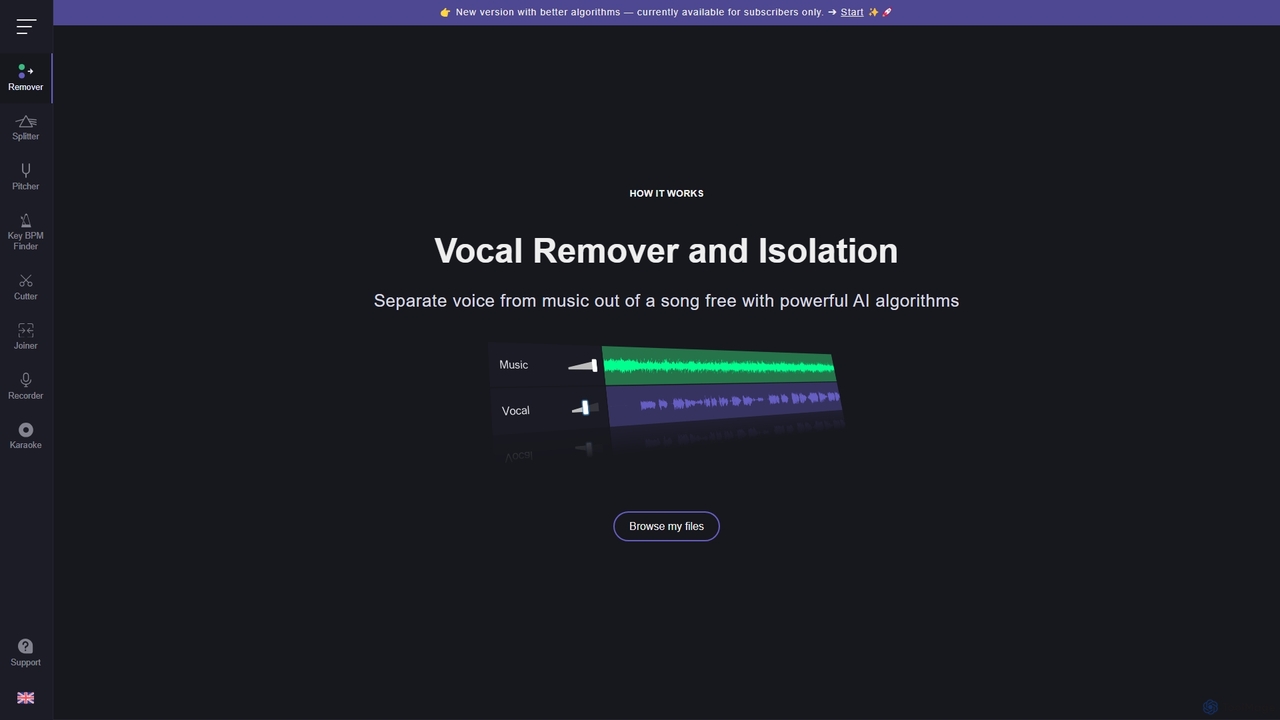
Vocal Remover
An AI-powered suite of audio tools that allows users to separate vocals from music, isolate instruments, change pitch and tempo, and analyze song keys and BPM. Ideal for musicians, DJs, producers, and karaoke enthusiasts to create karaoke tracks, acapellas, and remixes.
Generative Audio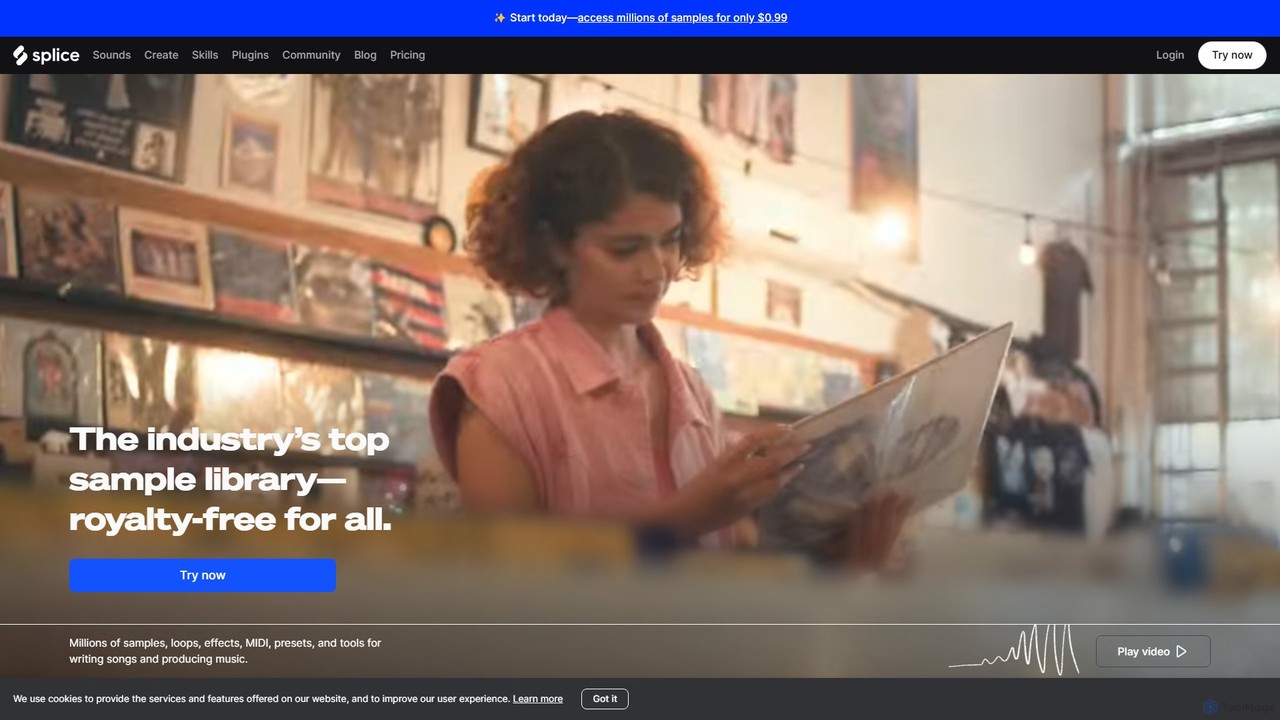
Splice
Splice is a cloud-based music creation platform offering a vast, royalty-free library of millions of samples, loops, and presets. It features AI-powered tools for sound discovery, seamless DAW integration, exclusive plugins, and a rent-to-own marketplace for top music software, empowering producers of all levels.
Music Production
Kling AI
Kling AI is a next-generation AI creative productivity platform, specializing in high-quality video and image generation. It empowers creators and developers with advanced tools like text-to-video, image-to-video, fine-grained motion control, and a robust API, transforming creative ideas into stunning visual realities.
Api
Mureka
Mureka is a powerful AI music generator that creates unique, professional-quality songs, melodies, and lyrics. Featuring multiple advanced models like the self-critiquing O1 and the emotionally resonant V7, it offers an end-to-end music production solution. Generate multi-lingual vocals, authentic instrumentals, and full tracks up to 5.5 minutes, making it ideal for musicians, content creators, and developers.
Music Generation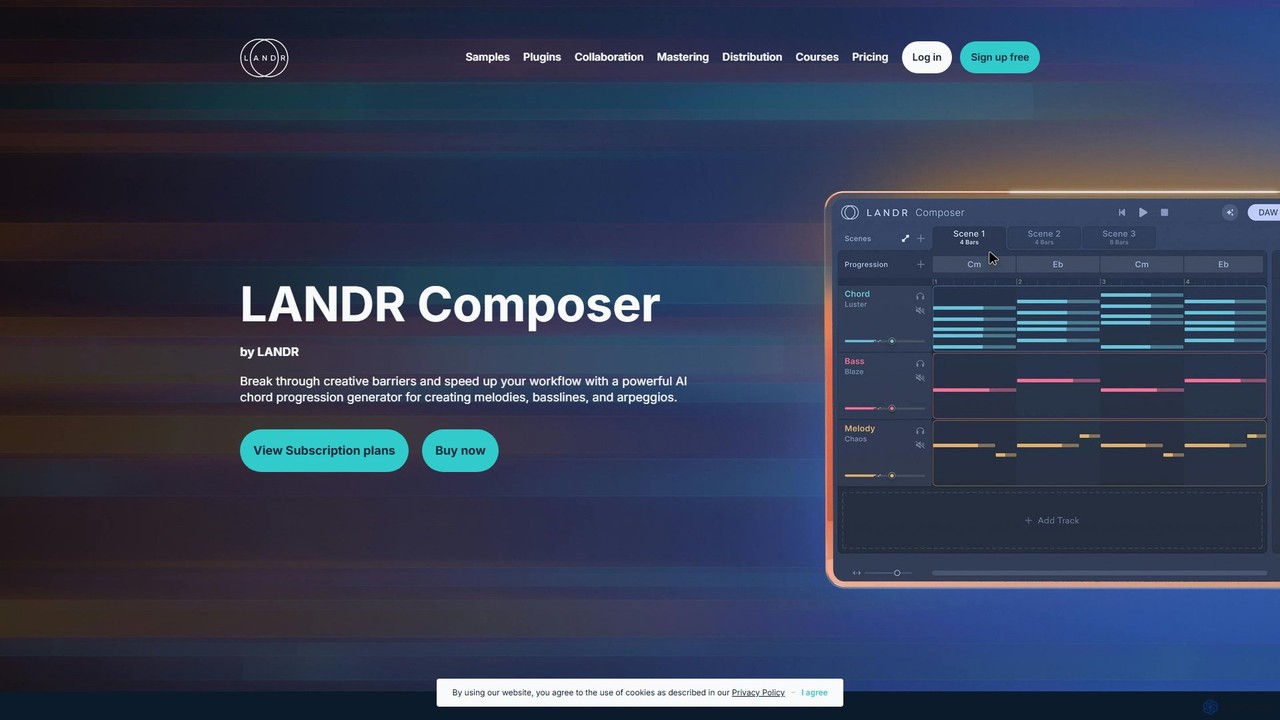
LANDR Composer
LANDR Composer is a powerful AI plugin that generates inspiring chord progressions, melodies, basslines, and arpeggios. It's designed to break through creative barriers and accelerate the music production workflow for artists of all skill levels, integrating seamlessly with any DAW.
ProductionArtistAssistApp Categories
ArtistAssistApp Embed Widget
Copy this embed code to place the badge on your blog, article, or product site and send readers directly to this ToolMage detail page.

Related AI tools
Instapainting
Instapainting is a platform that connects you with professional artists to transform your photos into 100% handmade paintings. Choose from various mediums like oil, watercolor, or pencil. Collaborate directly with artists, request unlimited revisions, and receive a unique, physical piece of art. It's the perfect service for creating personalized gifts, portraits, and timeless home decor.
Commissioned Art
Khroma
Khroma is an AI-powered color tool for designers that learns your personal aesthetic preferences. By training a neural network with colors you like, it generates an infinite number of unique and beautiful color palettes, which can be viewed as typography, gradients, or on custom images. It's a powerful assistant for discovering, searching, and saving color combinations for any design project.
Generative Art
The Good Ai
An AI-powered essay writer and assistant designed to help students and writers overcome writer's block. It generates well-structured essays, outlines, and provides advanced editing tools like grammar checking, AI autocomplete, and an AI detector to ensure originality. It's trained on millions of high-quality essays to produce accurate and unique content for a wide range of academic subjects.
Student Tools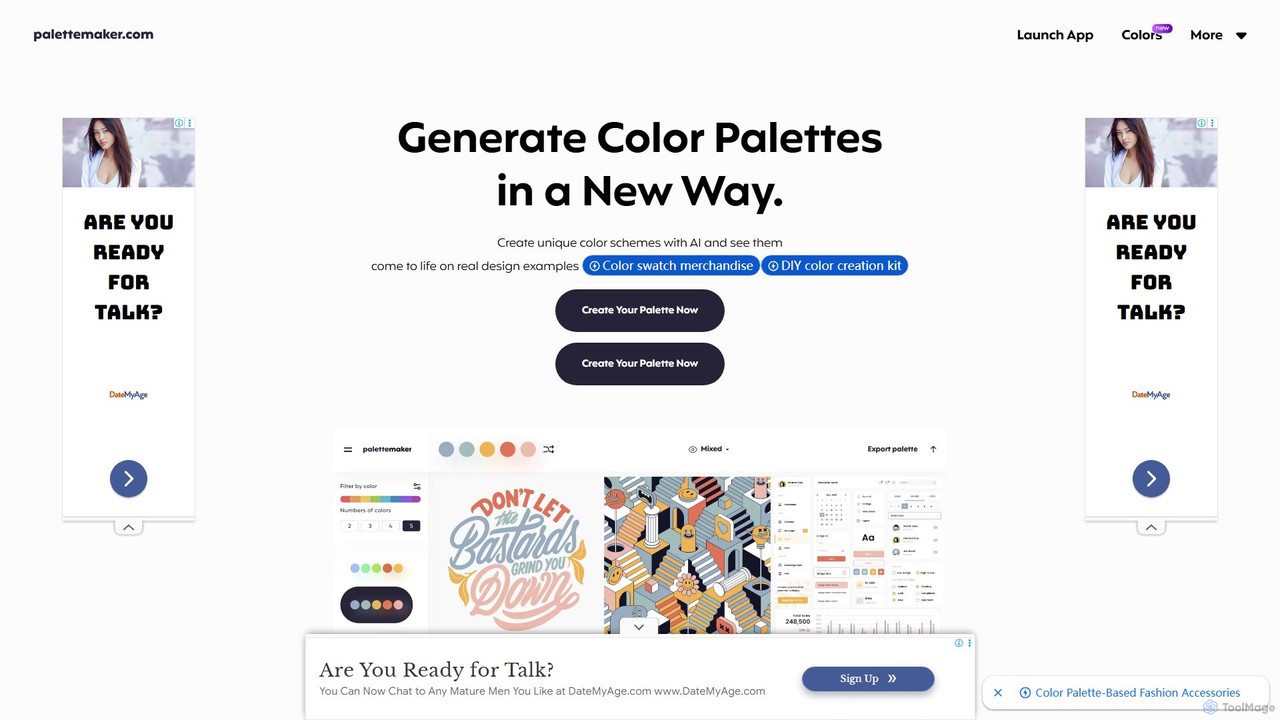
PaletteMaker
PaletteMaker is a free, AI-powered color palette generator that allows designers and creatives to create and instantly preview color schemes on real-world design mockups. It supports various creative fields like UI/UX, branding, and illustration, offering powerful export options for professional workflows.
Inspiration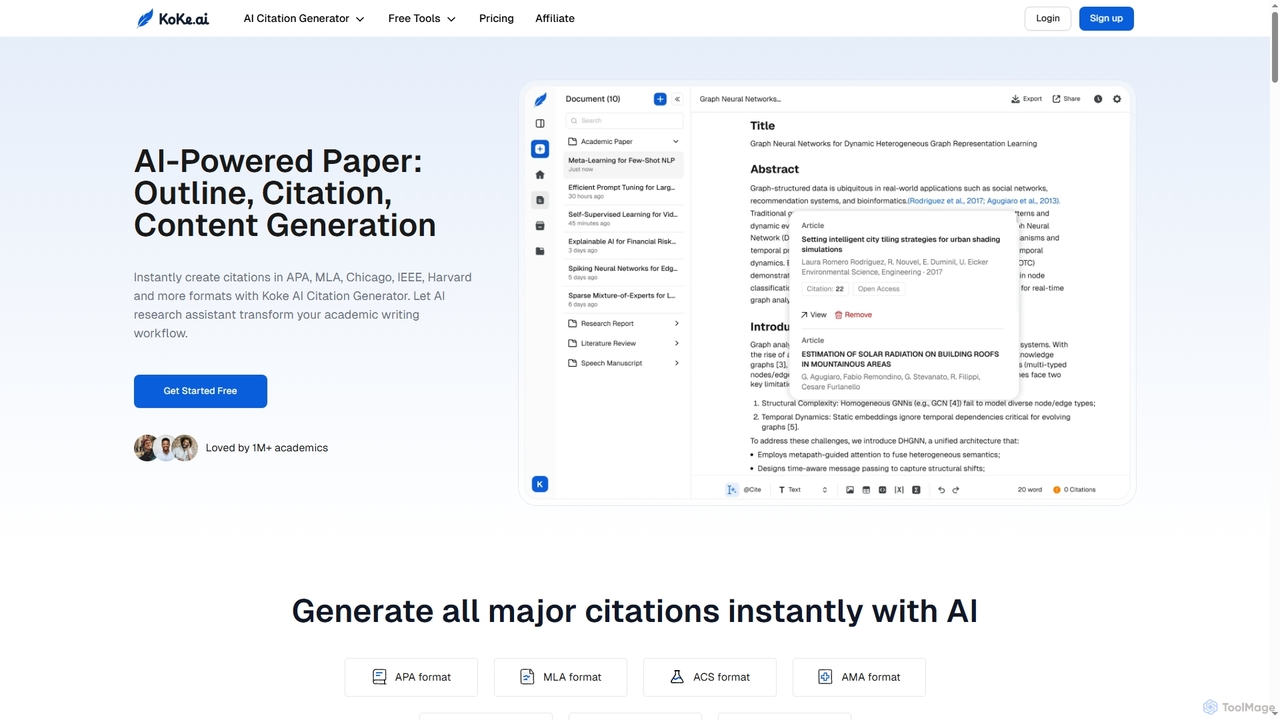
Koke
Koke is an AI-powered academic writing assistant that streamlines the entire paper creation process. It offers an instant citation generator for APA, MLA, Chicago, IEEE, and Harvard styles, an outline generator, and advanced content generation tools for sentences, paragraphs, and research questions. Koke helps students and academics write smarter, manage references, and refine drafts efficiently.
Citation Generator
Petalica Paint
Petalica Paint is an AI-powered web tool that automatically colors line art and sketches. It offers multiple coloring styles and allows users to add color hints for customized results. The tool can also extract clean line art from photos, making it a versatile assistant for artists, illustrators, and hobbyists.
Drawing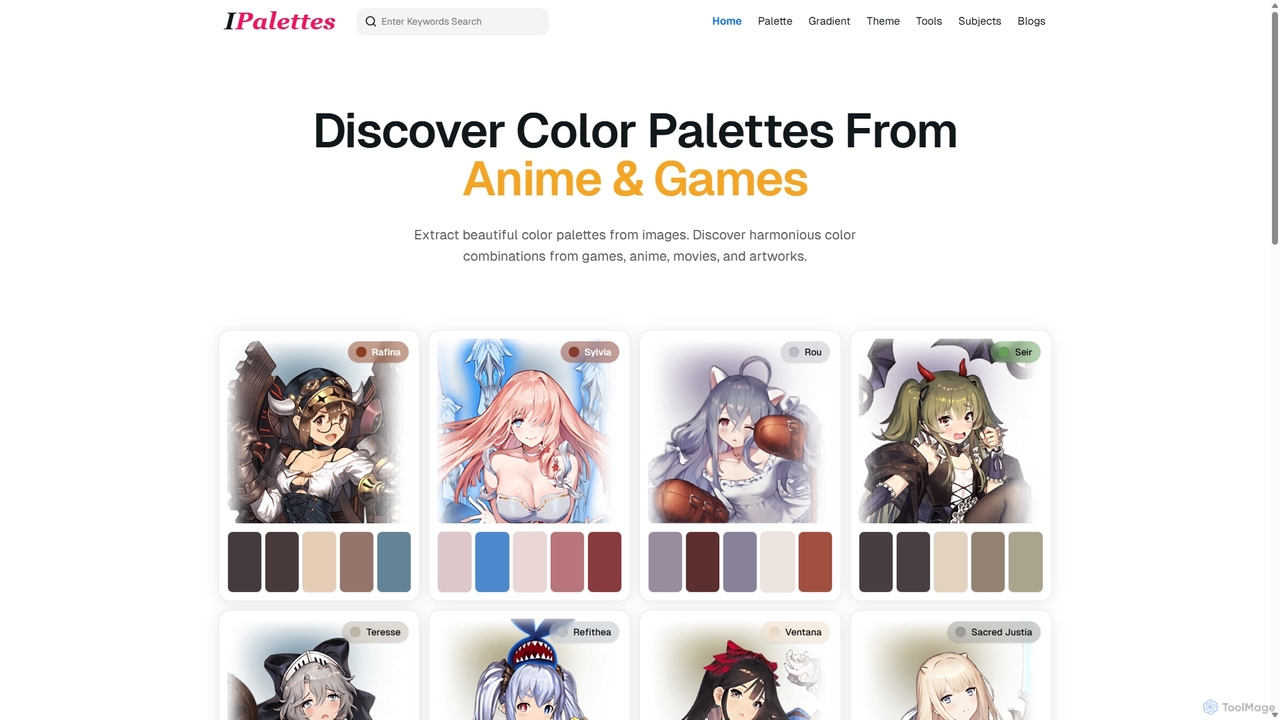
Ipalettes
Ipalettes is an AI-powered suite of tools for designers and developers, offering instant generation of color palettes, gradients, and shadcn/ui themes from simple text prompts. Discover unique color combinations and draw inspiration from a vast library derived from games, anime, and art.
Color Palette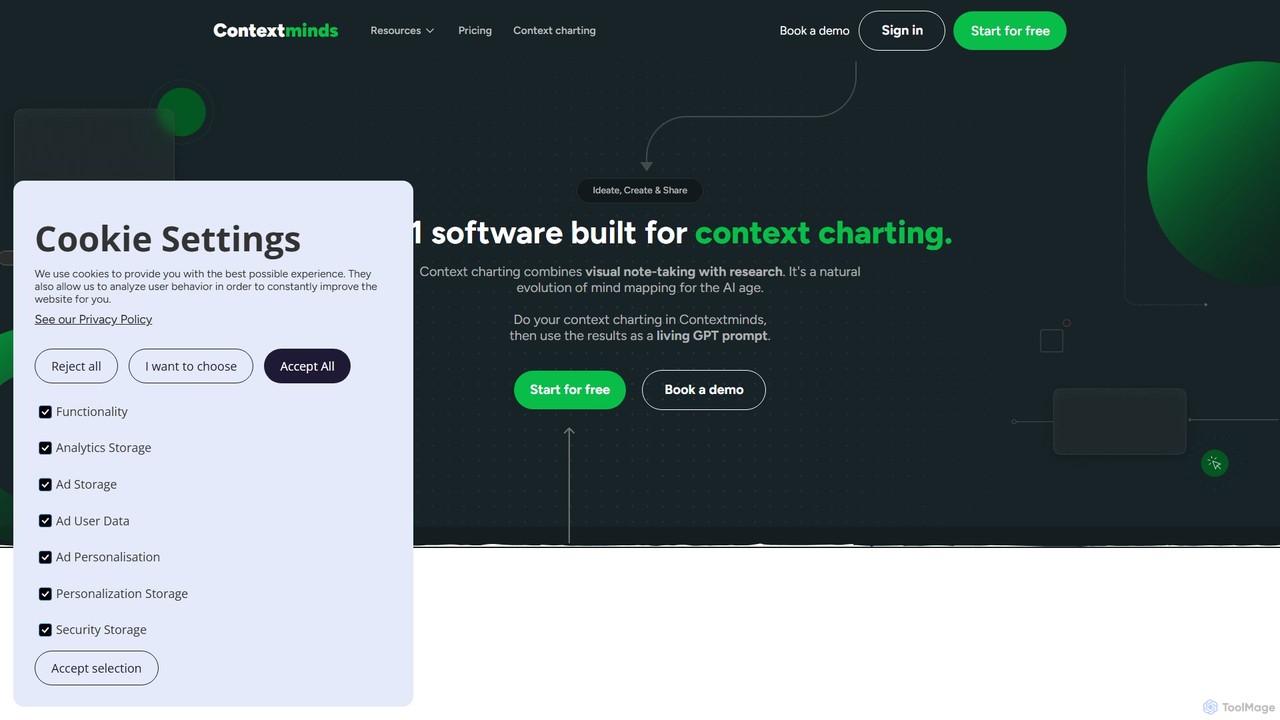
Contextminds
Contextminds is an AI-powered visual research and content planning tool. It uses the 'context charting' method to help users brainstorm, organize ideas, discover related topics and keywords, and build comprehensive content outlines on an infinite visual canvas.
Outline Generation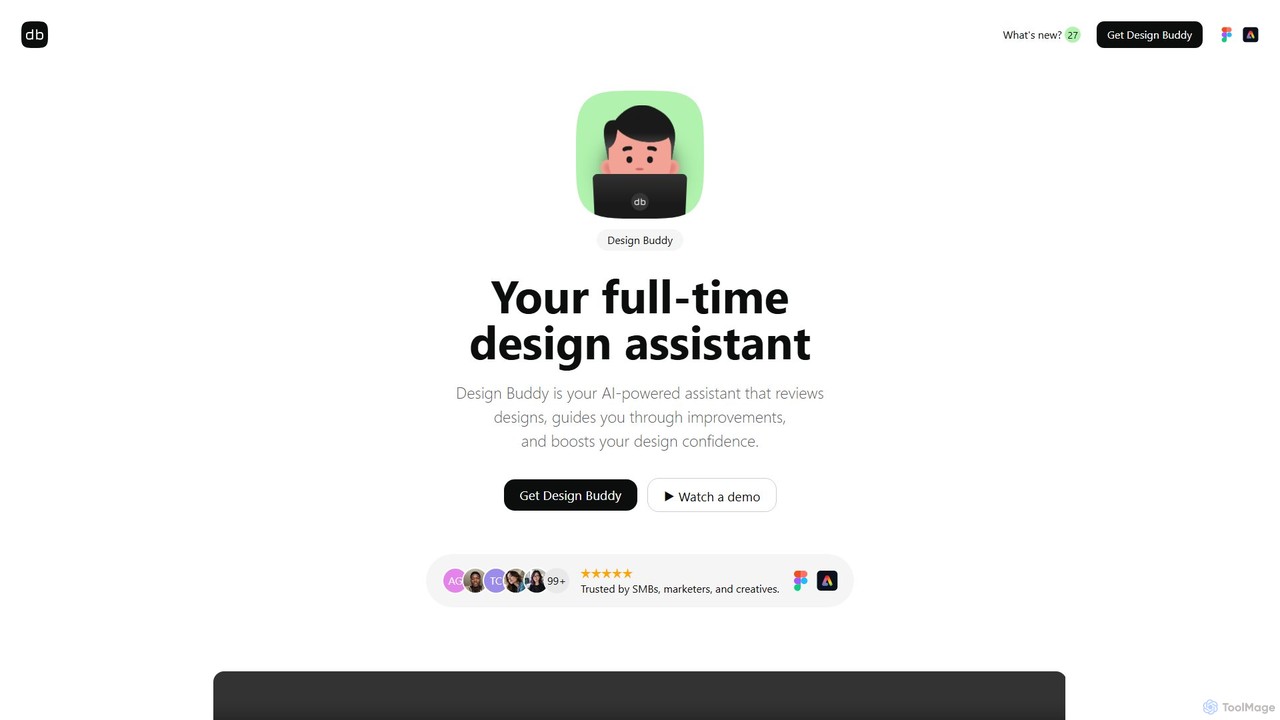
Design Buddy
Design Buddy is an AI-powered plugin for Figma and Adobe Express that acts as a full-time design assistant. It provides instant, insightful reviews on your designs, covering layout, color, typography, and accessibility, helping you improve your work and boost your design confidence.
Developer Tools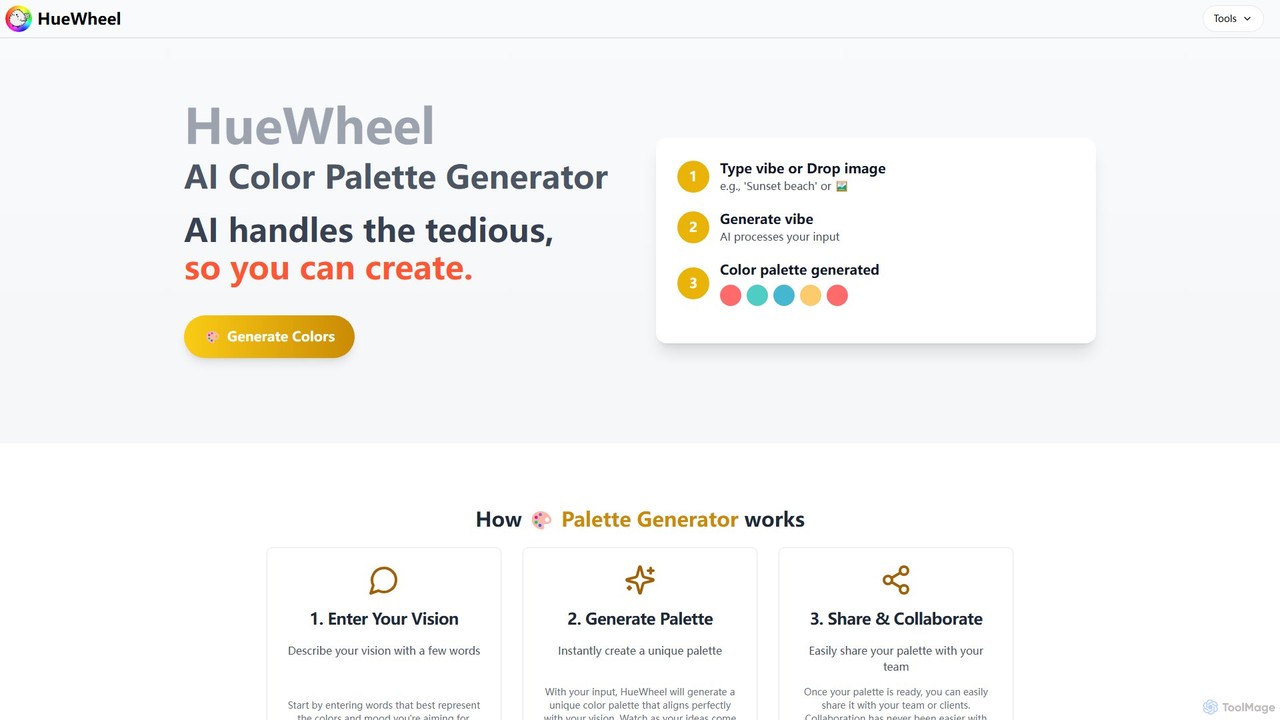
huewheel
huewheel is an AI-powered color palette generator that creates stunning color combinations from natural language descriptions or image uploads. It's designed for designers, developers, and creatives to quickly find harmonious and trending palettes. The platform includes a comprehensive Color Studio for fine-tuning, a Mockup Generator for previews, and a community gallery for endless inspiration.
Inspiration
SoulCanvas
SoulCanvas is a unique AI art journal that transforms your daily moods and thoughts into beautiful, unique illustrations. It combines the therapeutic practice of journaling with the power of generative art, allowing you to visually document your emotional journey and connect with a supportive community.
Generative Art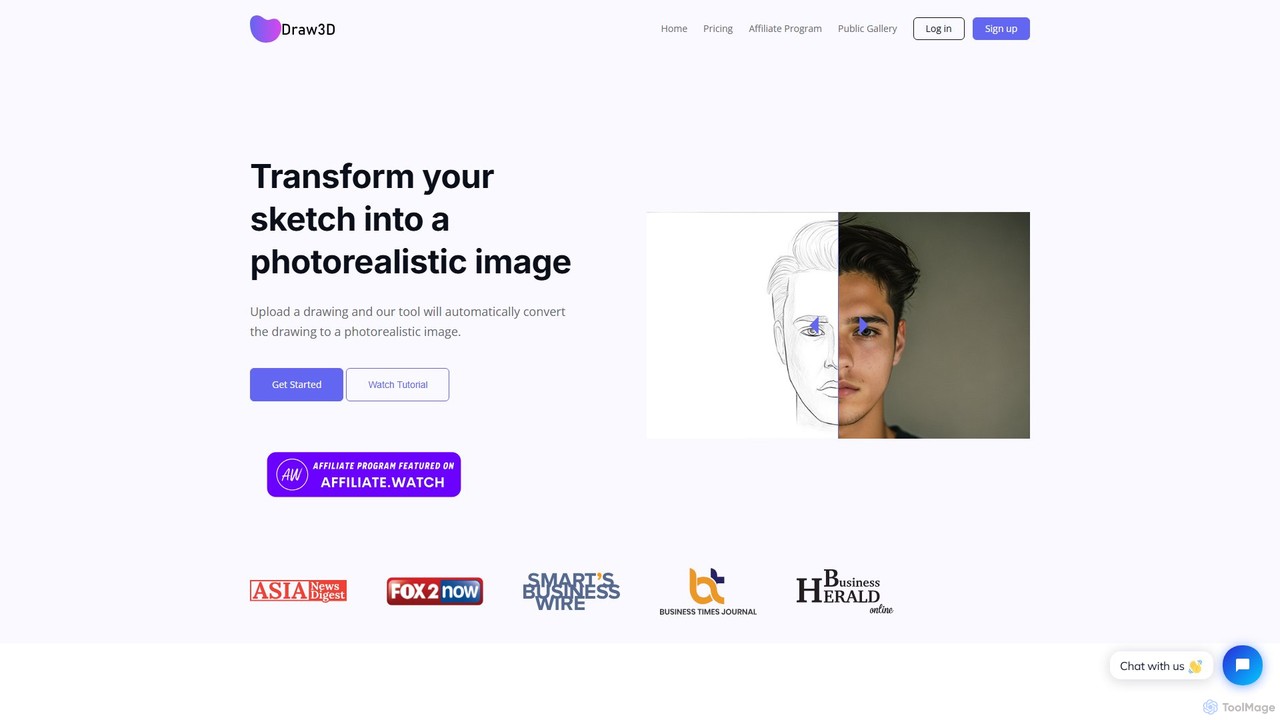
Draw3D
Draw3D is a powerful AI tool that transforms your sketches into photorealistic images. It can handle detailed drawings of landscapes, animals, and objects, bringing your creative ideas to life instantly. It also features unique sculpture-to-photo conversion, a 4x image upscaler, and a built-in editor for a complete creative workflow.
Drawing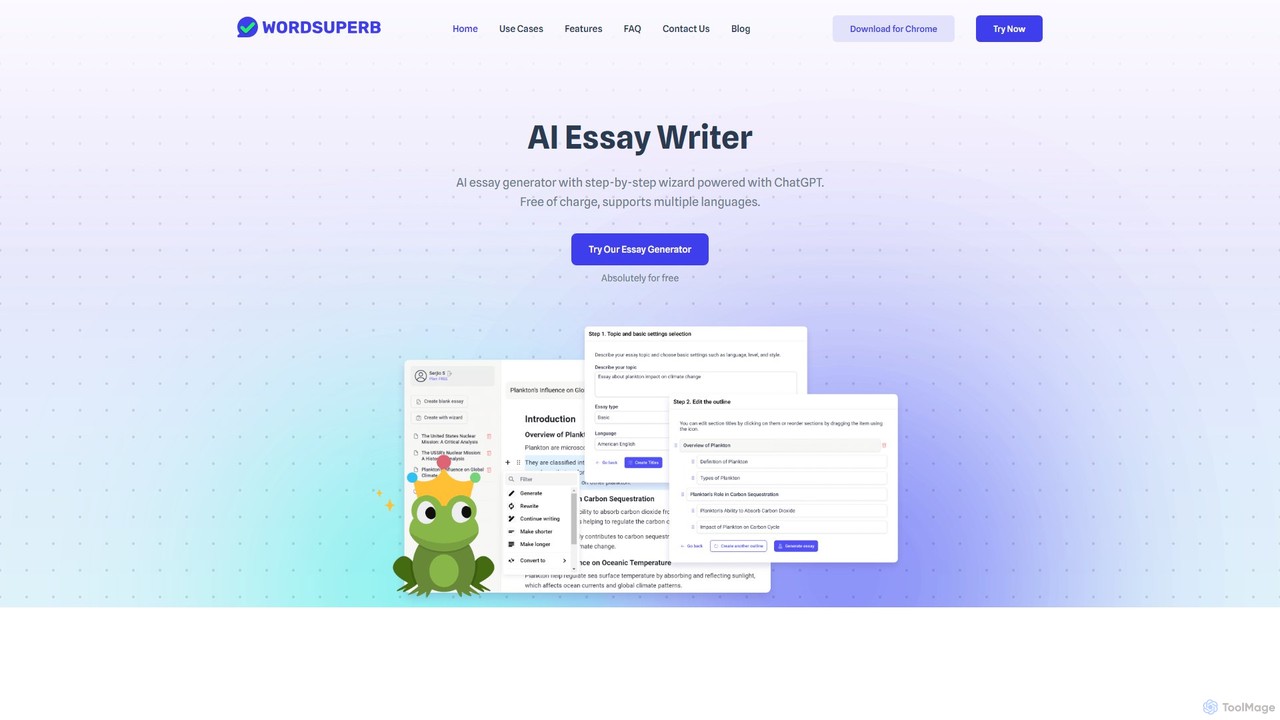
Wordsuperb
Wordsuperb is an AI-powered essay writer available as a Chrome extension. It helps students craft high-quality essays in seconds using a step-by-step wizard. Features include title and outline generation, a research reference finder, grammar and style optimization, and citation management. It supports multiple languages and aims to streamline the writing process, allowing users to focus on creativity and argumentation.
Academic Assistance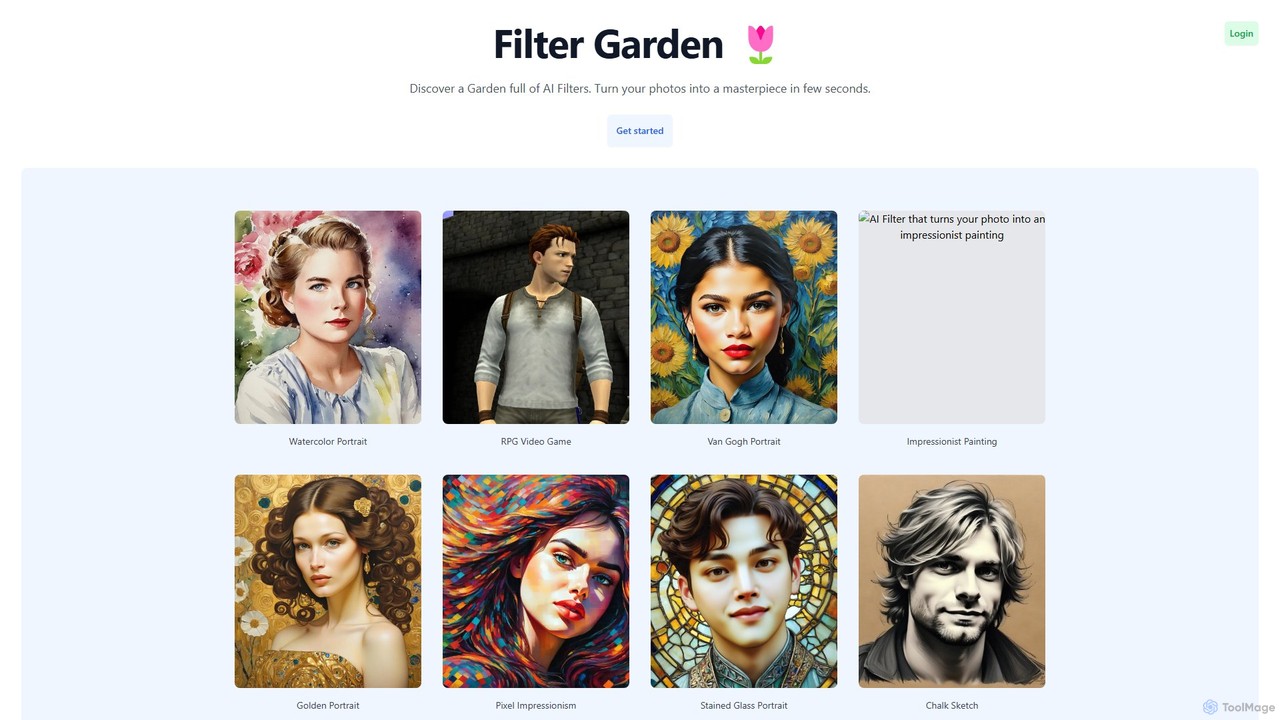
Filter Garden
Filter Garden is an AI-powered platform that transforms your photos into stunning works of art in seconds. Explore a vast collection of artistic filters, from watercolor and impressionism to RPG and pixel art, and unleash your creativity with a single click. Ideal for social media, artists, and personal projects.
Generative Art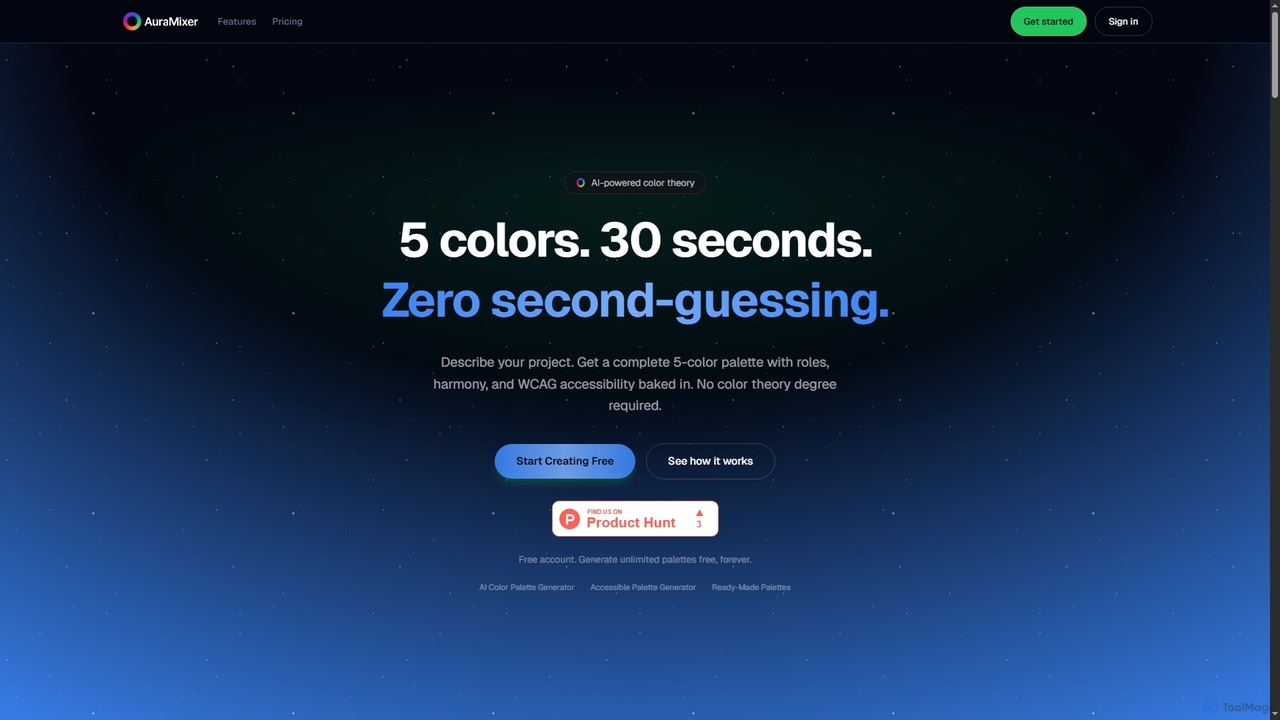
Aura Mixer
Aura Mixer is an AI-powered color palette generator that creates professional, accessible 5-color palettes in seconds. It applies real color theory, ensuring WCAG AA compliance and balanced color distribution for UI/UX design, web development, and branding projects.
Design Tools
ArtistAssistApp Comments (0)
Sign in to comment.
Sign inNo comments yet.