Education Best in category 4 results Guides AI Tool

Popular AI tools in the Guides field of Education include Sexpositions.club、NSFW Senpai、Vidstar、Mindd Wave, etc., helping you quickly improve efficiency.

Free
Mindd Wave

Mindd Wave

Mindd Wave is a specialized digital marketing blog and insights platform led by SEO Manager Shubham Singh. It …

2.7K
Vidstar

Vidstar

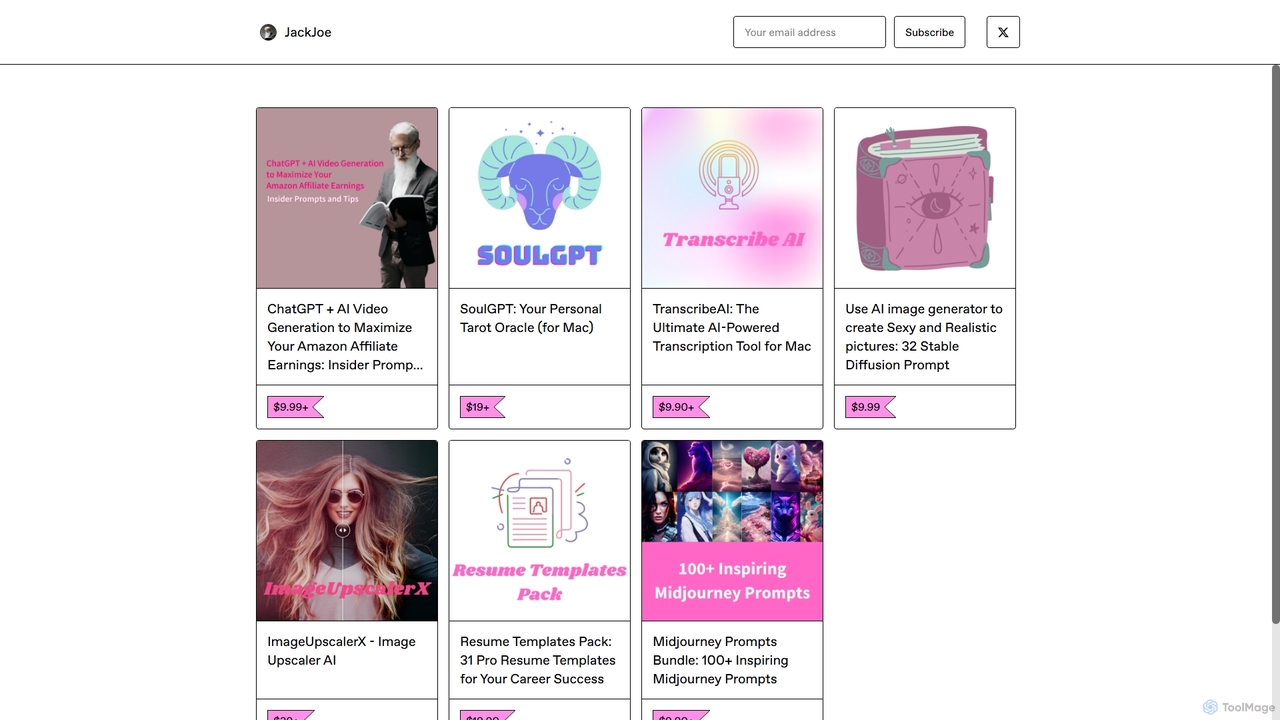
Vidstar is a comprehensive guide and prompt pack for Amazon affiliates. It teaches how to leverage ChatGPT and …

2.8K
Free
NSFW Senpai

NSFW Senpai

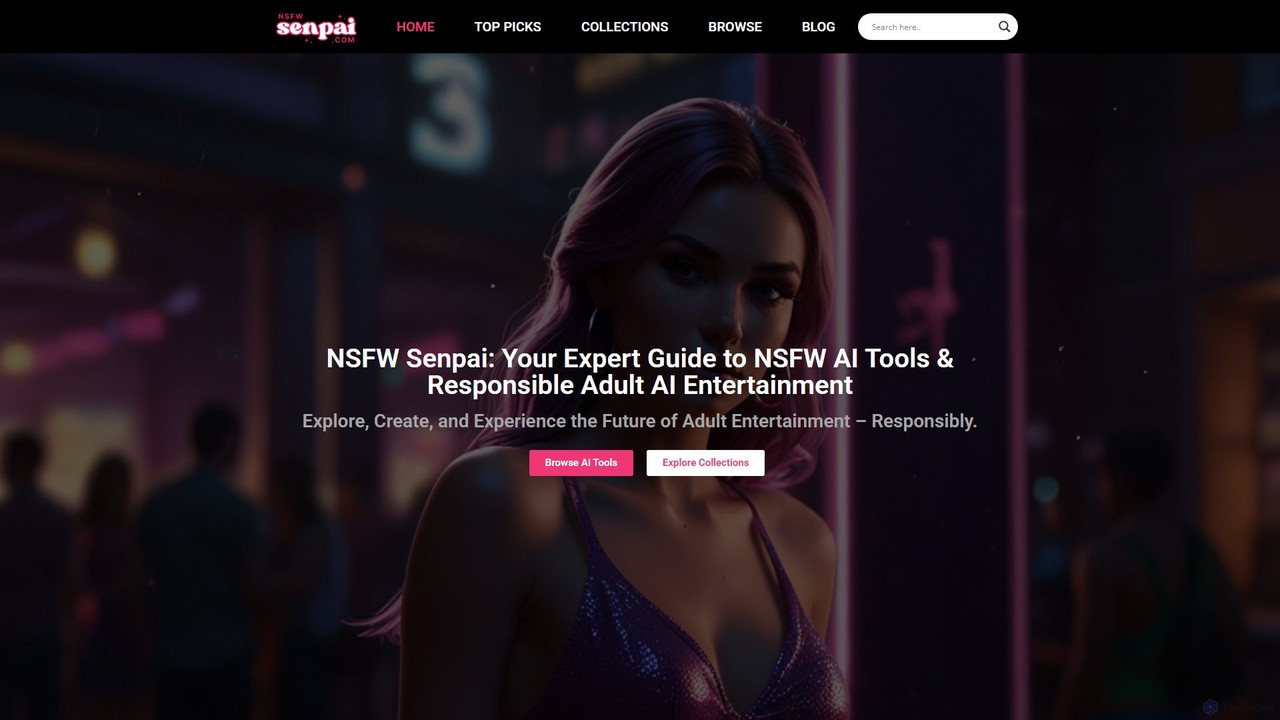
NSFW Senpai is your expert guide and directory for the world of NSFW AI tools. It offers curated …

3.8K
Free
Sexpositions.club

Sexpositions.club

An extensive online encyclopedia featuring over 475 sex positions with detailed descriptions, illustrations, and safety ratings. Designed for …

776.0K

About Guides

AI Guides are interactive tools that generate personalized, step-by-step instructions and tutorials to help users master a skill or complete a complex task. Leveraging natural language processing, these tools create dynamic learning paths, breaking down processes into manageable, interactive steps. They are widely used for software onboarding, technical troubleshooting, and academic learning, offering real-time, adaptive support. Unlike static articles or videos, AI Guides can respond to user queries and adjust the content based on individual progress.

Core Features

  • Personalized Path Generation: Creates unique instructional sequences based on a user's skill level and specific goals.
  • Interactive Step-by-Step Instructions: Presents information in an actionable format with checklists, prompts, and interactive elements.
  • Contextual Q&A: Allows users to ask questions about a specific step and receive instant, relevant clarifications.
  • Progress Tracking and Adaptation: Monitors user completion and adjusts the guide's difficulty or focus accordingly.

Use Cases

These tools are valuable in corporate training for employee onboarding and standardizing procedures. In the SaaS industry, they provide in-app user guidance to improve feature adoption. Educators and content creators use them to build engaging, interactive tutorials for students and hobbyists learning complex subjects or DIY projects.

How to Choose

When selecting an AI Guide tool, evaluate its specialization; some excel at technical software guides while others are better for general knowledge. Assess the level of interactivity—from simple text to complex simulations. Consider its integration capabilities for embedding within your own applications, and check for customization options to tailor the content and branding to your specific needs.

GuidesUse Cases

1

Interactive Software Onboarding for New Users

A SaaS company aims to reduce early-stage user churn by improving its onboarding process. Instead of static video tutorials, they use an AI Guide tool to create an interactive, in-app walkthrough. The guide prompts new users to complete key actions, provides real-time tips, and uses a conversational interface to answer questions like 'how do I create a report?'. This personalized experience helps users reach their 'aha' moment faster, significantly improving activation rates and reducing the load on customer support teams.

2

Generating Technical DIY Project Instructions

An electronics hobbyist wants to share a complex DIY project, like building a custom keyboard. A simple blog post can be confusing. They use an AI Guide tool to structure the project. They input the steps, component list, and common pitfalls. The tool generates an interactive guide with 3D models for assembly steps, checklists for parts, and a troubleshooting section where users can describe a problem (e.g., 'a key is not working') and get targeted advice. This makes the project accessible to a wider audience and improves the quality of the creator's content.

3

Standardizing Complex Internal Workflows

An operations manager needs to ensure all team members follow a precise, multi-step process for compliance reporting. Traditional documentation is often ignored or misinterpreted. They use an AI Guide platform to create a digital Standard Operating Procedure (SOP). The guide walks employees through each step, requires them to check off completed tasks, and provides links to necessary templates. If a rule is ambiguous, an employee can ask the guide for clarification, ensuring consistency and reducing errors that could lead to compliance issues.

4

Personalized Study Plans for Students

A student preparing for a major exam feels overwhelmed by the amount of material. They use an AI Guide focused on education. The student inputs their exam syllabus and indicates their confidence level for each topic. The AI generates a personalized study schedule, breaking down complex subjects into smaller, manageable lessons. Each lesson includes interactive quizzes. Based on quiz performance, the guide dynamically adjusts the schedule, allocating more time to weaker areas and ensuring comprehensive preparation without the stress of manual planning.

5

Creating Patient-Friendly Medical Guides

A healthcare clinic needs to provide clear pre-surgery instructions to patients. To reduce anxiety and improve compliance, they use an AI Guide tool. The clinic inputs the medical procedure details, and the tool translates complex terminology into simple, easy-to-understand language. It creates a step-by-step guide with daily reminders sent to the patient's phone, covering diet restrictions, medication schedules, and arrival information. Patients can also ask the guide simple questions, reducing non-urgent calls to the clinic and empowering them in their own care.

6

Dynamic Troubleshooting for Field Technicians

A company with a team of field service technicians needs to improve first-time fix rates for complex machinery. Instead of static PDF manuals, technicians use an AI Guide on a tablet. When facing an issue, the technician inputs the machine model and error code. The guide provides an interactive troubleshooting tree, asking diagnostic questions and suggesting next steps based on the technician's input. It can display relevant schematic diagrams or short video tutorials for specific repair actions, significantly speeding up the diagnostic and repair process.

GuidesFrequently Asked Questions