
ToolMage
Sign in

Best 1 Machine Learning AI tools for Education

Popular Machine Learning AI tools in Education include Teachable Machine, helping you work more efficiently.

Teachable Machine
Free

Teachable Machine

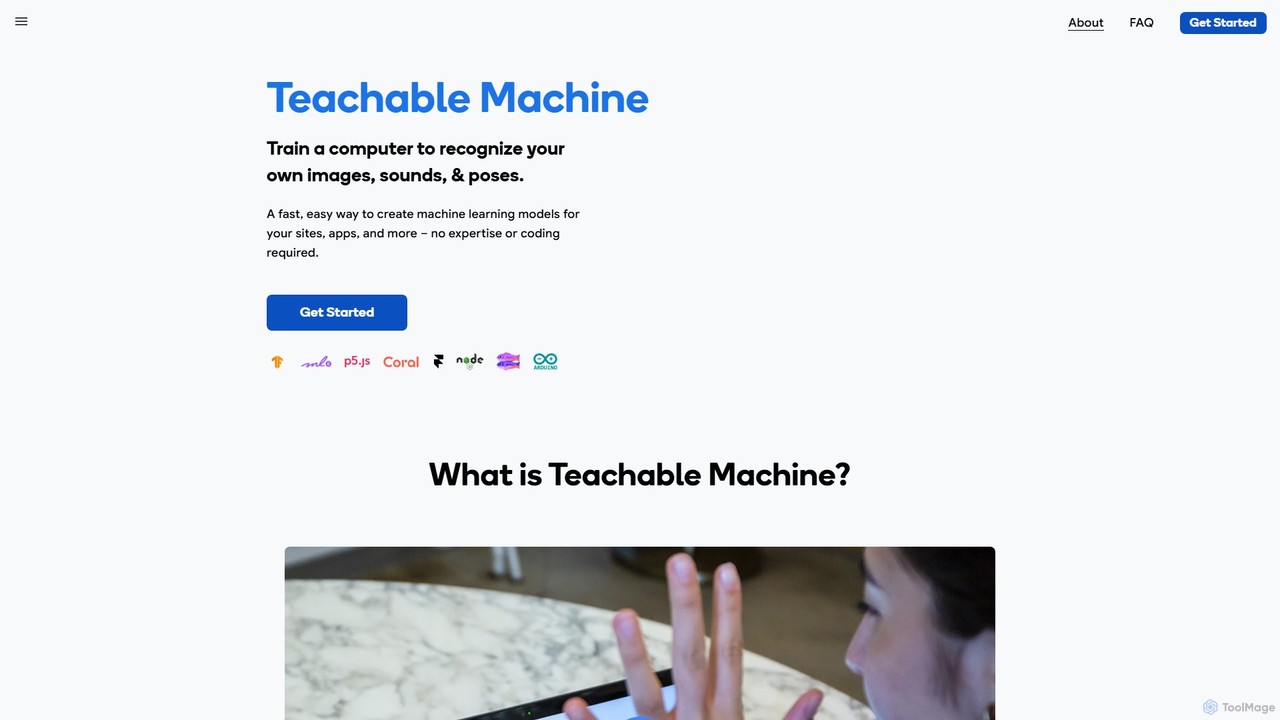
A fast, easy, web-based tool by Google that allows anyone to train a computer to recognize their own images, sounds, and poses. Create machine learning models for your sites, apps, and more without any expertise or coding required. It's a hands-on way to explore ML concepts.

No Code Platform
Visits 740.1KFavorites 82Likes 83

About Machine Learning

Machine Learning tools are educational platforms and software designed to help users learn, build, and experiment with algorithms that enable systems to learn from data. These tools often provide visual interfaces, pre-built datasets, and interactive environments to simplify the complex processes of model training and evaluation. They are essential for students, researchers, and aspiring data scientists to gain practical skills and understand theoretical concepts without the steep initial setup of professional environments. By abstracting away some of the underlying code, these platforms accelerate the learning curve for data analysis and predictive modeling.

Core Features

  • Visual Model Builder: Drag-and-drop interfaces to construct and visualize machine learning pipelines.
  • Integrated Notebooks: Environments like Jupyter for interactive coding, documentation, and visualization.
  • Pre-loaded Datasets: Access to classic datasets for practice and experimentation without data sourcing hurdles.
  • Model Evaluation Metrics: Automated calculation and visualization of key performance indicators like accuracy, precision, and recall.
  • Simplified Deployment: Options to deploy trained models as APIs for testing and demonstration purposes.

Use Cases

These tools are primarily used in academic and self-learning settings. University students use them for data science courses and capstone projects. Researchers leverage them for rapid prototyping and experimentation. Self-taught developers and data enthusiasts use them to build portfolios and compete in data science competitions.

How to Choose

When selecting a Machine Learning tool for education, consider your current skill level; some tools are no-code and ideal for beginners, while others require Python or R proficiency. Evaluate the availability of tutorials and community support. Also, check the pricing model, as many platforms offer free or student-discounted tiers suitable for learning.

Machine Learning use cases

1

Building a First Classification Model

A university student in a 'Data Science 101' course uses a visual ML tool to understand the fundamentals of classification. They upload a customer churn dataset, use drag-and-drop modules for data cleaning and feature selection, and connect them to a logistic regression algorithm. The tool automatically visualizes the confusion matrix and ROC curve, helping the student interpret the model's performance without writing complex code. This hands-on experience solidifies their understanding of the end-to-end machine learning workflow.

2

Prototyping a Research Hypothesis

A postgraduate researcher in social sciences needs to test if there's a correlation between online discourse and public opinion trends. Using an ML platform with integrated notebooks, they quickly load text data, apply pre-trained sentiment analysis models, and train a simple regression model. This allows for rapid iteration and validation of their hypothesis before committing to a full-scale, code-intensive research project, saving weeks of development time.

3

Teaching an Interactive AI Workshop

A corporate trainer hosts a workshop to upskill marketing analysts in predictive analytics. They use a cloud-based ML environment where each participant gets a pre-configured workspace with datasets and guided exercises. The trainer can monitor progress and demonstrate concepts like A/B testing model performance in real-time. The interactive nature of the tool keeps participants engaged and ensures they can apply what they've learned directly to business problems.

4

Developing a Personal Portfolio Project

An aspiring data scientist wants to build a project for their portfolio to showcase their skills to potential employers. They use an ML tool to create a movie recommendation engine. They leverage a public dataset, experiment with collaborative filtering and content-based filtering algorithms, and deploy the final model as a simple web API using the tool's simplified deployment feature. This creates a tangible, demonstrable project that highlights their practical ML capabilities.

5

Exploring Computer Vision Concepts

A computer science enthusiast is curious about computer vision. They use an ML learning platform that offers pre-trained models like YOLO or ResNet. They can upload their own images to see object detection and image classification in action. The platform's tutorials guide them through the process of fine-tuning a model on a small, custom dataset, providing an accessible entry point into a complex and fascinating AI subfield.

6

Competing in a Data Science Competition

A team of students participates in a data science competition. They use a collaborative ML platform that allows them to share notebooks, track experiments, and version their models. The platform's powerful GPU resources accelerate the training of complex models like Gradient Boosting or Neural Networks. This collaborative and high-performance environment enables them to efficiently iterate on their solutions and compete effectively against other teams.

Machine Learning FAQ

What are educational Machine Learning tools?

Educational Machine Learning tools are software platforms designed to make learning and applying ML concepts more accessible. They simplify complex tasks like data preprocessing, model training, and evaluation, often through visual interfaces or guided coding environments. Their primary goal is to help students, educators, and beginners build practical skills and intuition for data science without getting bogged down by complex software setup or advanced programming.

How do I choose the right Machine Learning tool for learning?

To choose the right tool, first assess your technical skill. For absolute beginners, no-code or low-code platforms with visual builders are ideal. If you know Python, choose a tool with integrated Jupyter notebooks. Second, consider your learning goal: are you focused on a specific area like NLP or computer vision? Some tools specialize. Finally, look for strong community support, comprehensive documentation, and a generous free tier or student plan.

What is the difference between using an ML tool and coding from scratch?

Using an ML tool abstracts away much of the boilerplate code and infrastructure setup, allowing you to focus on the ML workflow and concepts. Coding from scratch in a library like Scikit-learn or TensorFlow gives you more granular control and a deeper understanding of the underlying mechanics. For learning, starting with a tool is effective for grasping the big picture, while coding from scratch is essential for becoming a professional practitioner.

What key features define a good Machine Learning tool for beginners?

A good beginner-friendly ML tool should have several key features. A visual, drag-and-drop interface is crucial for understanding workflows. It should include a library of pre-loaded, clean datasets for immediate practice. Interactive tutorials and guided projects are essential for structured learning. Finally, clear visualizations for model performance metrics (like confusion matrices and feature importance plots) help demystify how models are evaluated.

Who should use these Machine Learning education tools?

These tools are ideal for a wide range of users focused on learning and development. This includes university students in STEM, business, or social science fields; researchers who need to apply data analysis without being programming experts; professionals looking to transition into data science roles; and hobbyists or self-learners who want to build personal projects and explore the capabilities of AI.