Fun Best in category 4 results Kids AI Tool

Popular AI tools in the Kids field of Fun include Artemis AI、Dailos、StoryPear、wondertales, etc., helping you quickly improve efficiency.

StoryPear

StoryPear

StoryPear is an AI-powered platform for creating and exploring interactive audio stories. Designed for children, parents, and educators, …

3.7K
Artemis AI

Artemis AI

Artemis AI is an innovative application that uses artificial intelligence to create personalized bedtime stories for children. It …

5.0K
Dailos

Dailos

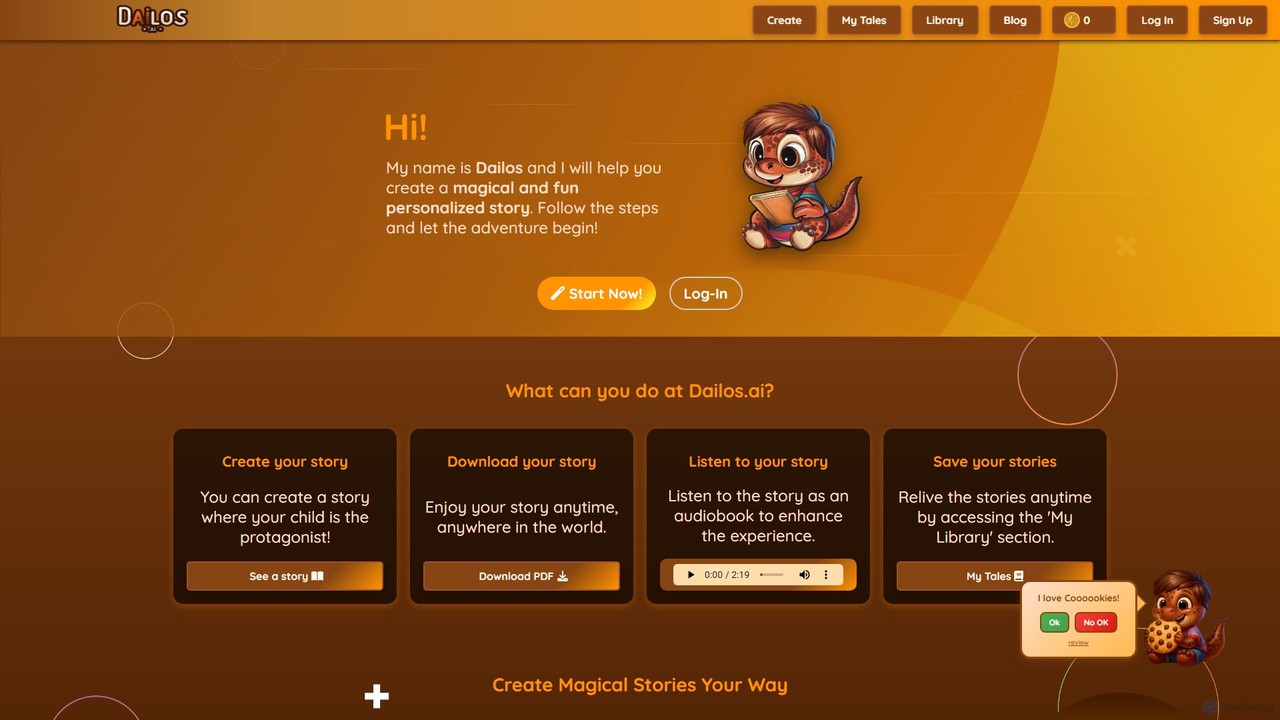
Dailos is an AI-powered platform designed to create magical and personalized children's stories. It allows users to make …

4.6K
wondertales

wondertales

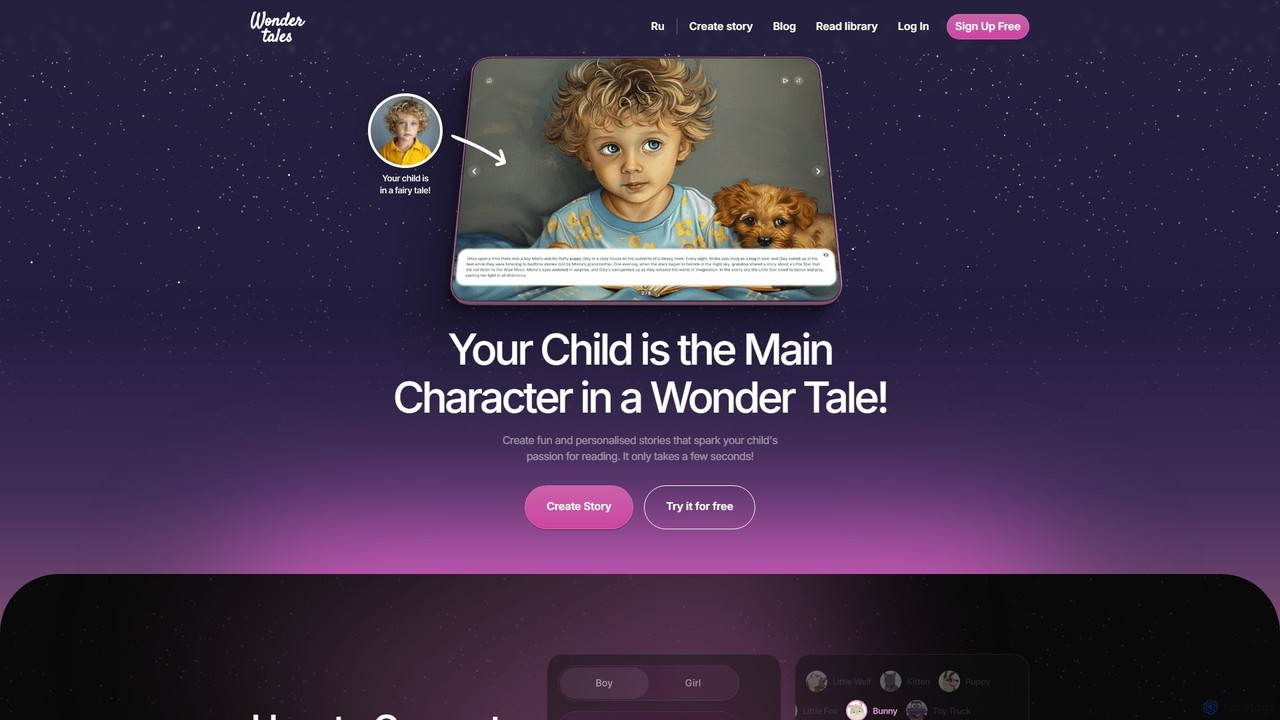
Wondertales is an AI-powered platform that creates personalized fairy tales where your child is the hero. Generate unique …

2.7K

About Kids

AI Kids tools are applications designed to provide engaging, educational, and creative experiences for children in a safe, controlled environment. These tools leverage technologies like natural language processing and image generation, but with simplified interfaces and guided workflows suitable for young users. They function as interactive partners that can generate stories, create art from doodles, or offer personalized learning challenges. The primary goal is to make advanced technology accessible and fun, fostering creativity and problem-solving skills from an early age.

Core Features

  • Interactive Story Generation: Creates unique stories based on a child's prompts, often allowing them to be the main character.
  • Art & Drawing Assistance: Transforms simple sketches or descriptions into detailed, colorful illustrations.
  • Personalized Learning Companions: AI tutors or game characters that adapt to a child's learning pace and offer tailored challenges.
  • Safe Content Filtering: Employs robust, built-in safety protocols to ensure all generated content is age-appropriate.
  • Gamified Educational Activities: Turns learning subjects like math or language into interactive and rewarding games.

Use Cases

These tools are widely used by parents at home to supplement learning and provide creative outlets. Educators in primary schools integrate them into lesson plans to increase student engagement. Children also use them independently for constructive and imaginative play, exploring their creativity in a secure digital space.

How to Choose

When selecting an AI Kids tool, prioritize age-appropriateness by checking the recommended user age. Scrutinize the tool's privacy policy and parental control features to ensure child safety. Evaluate the educational value and its alignment with learning objectives. Finally, ensure the user interface is intuitive and easy for a child to navigate with minimal adult supervision.

KidsUse Cases

1

Creating a Personalized Bedtime Story

A parent looking for a new way to engage their child during story time uses an AI story generator. They input key elements like their child's name, favorite animal (a unicorn), and a location (a magical castle). The AI tool instantly weaves these elements into a unique, coherent narrative with illustrations. This process not only creates a special story that captivates the child but also encourages their participation in the creative process, as they can suggest new plot points for the AI to incorporate.

2

Transforming Doodles into Digital Art

A child who loves to draw uses an AI art tool to bring their imagination to life. They draw a simple sketch of a spaceship on a tablet. With one click, the AI tool analyzes the lines and shapes, transforming the basic doodle into a detailed, professionally-styled digital painting of a spaceship soaring through the cosmos. This provides instant gratification and encouragement, helping the child visualize their ideas in a more advanced form and inspiring them to continue exploring their artistic talents without being limited by their technical drawing skills.

3

Interactive Homework Helper for Math

A student struggling with fractions uses an AI-powered educational tool. Instead of just showing the correct answer, the AI acts as a personal tutor. It breaks down the problem into smaller, visual steps, asks guiding questions to help the student find the solution themselves, and offers similar practice problems. If the student gets stuck, the AI provides hints rather than direct answers. This adaptive learning approach builds confidence and ensures a deeper understanding of the concept compared to traditional homework sheets.

4

Learning a New Language with an AI Pal

A child begins learning Spanish using an AI language app. The app features an animated character that engages the child in simple, spoken conversations. The child can ask the character questions like "What is your favorite color?" in Spanish, and the AI provides a response and asks a question back. The tool uses speech recognition to provide gentle feedback on pronunciation. This gamified, conversational practice makes language learning feel like playing with a friend rather than studying, increasing motivation and retention.

5

Designing a Character for a School Project

For a creative writing class, a student needs to invent a character. Using an AI character generator, they input traits like "brave knight," "friendly dragon companion," and "lives in a crystal cave." The AI generates several visual interpretations of the character and a short backstory. This visual and narrative starting point helps overcome creative blocks, allowing the student to more easily visualize their hero and develop a richer, more detailed story for their assignment.

6

Safe and Curious Online Exploration

A young child is curious about animals and asks their parent, "Why do zebras have stripes?" Instead of searching a standard browser, the parent uses a kid-safe AI chatbot. The chatbot provides a simple, accurate, and age-appropriate answer, perhaps with a fun fact or a related question like, "Did you know no two zebras have the same stripes?" This creates a safe, curated environment for exploration where the child's curiosity is encouraged without the risk of encountering inappropriate content or complex, hard-to-understand information.

KidsFrequently Asked Questions