
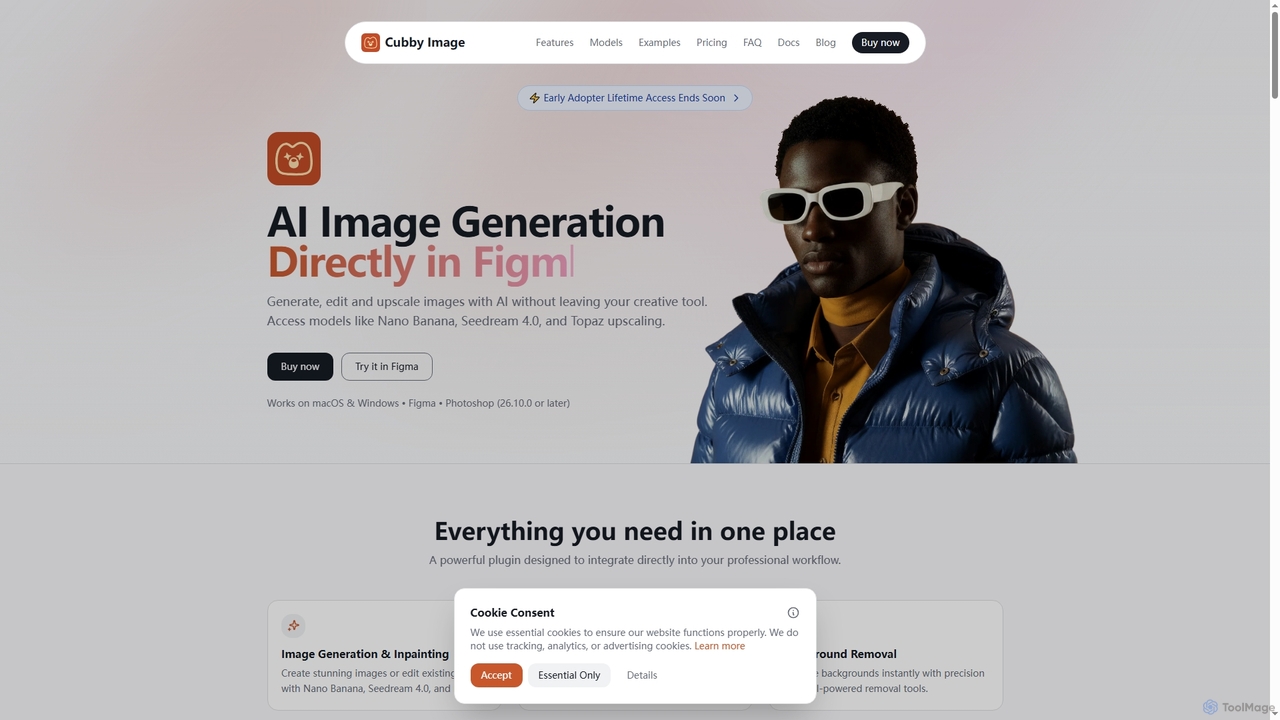
Cubby Image
Cubby Image is an AI image generation plugin that integrates directly into Adobe Photoshop and Figma. It enables …
Cubby Image is an AI image generation plugin that integrates directly into Adobe Photoshop and Figma. It enables users to generate, edit, upscale, and remove backgrounds from images using state-of-the-art AI models like Nano Banana and Seedream 4.0, all within their familiar creative workflow. Users connect their own API keys for full control over costs and privacy.
About Generative Ai
Generative AI tools for image editing use artificial intelligence to create new visual content or fundamentally alter existing images from text prompts. These tools are built on advanced deep learning models, such as diffusion or GANs, which synthesize entirely new pixels rather than just modifying existing ones. This capability allows users to generate unique artwork, photorealistic scenes, and abstract concepts that were previously impossible or time-consuming to create. They represent a paradigm shift in digital creativity, moving from pure manipulation to co-creation with AI.
Core Features
- Text-to-Image Generation: Creates detailed images from simple text descriptions.
- Inpainting & Outpainting: Intelligently fills in missing parts of an image or extends its canvas with contextually relevant content.
- Image-to-Image Transformation: Modifies an existing image based on a new text prompt or style reference.
- Object Replacement/Addition: Seamlessly adds or replaces objects within a scene while maintaining consistent lighting and perspective.
- Style Transfer: Applies the artistic style of one image to the content of another.
Use Cases
These tools are widely used by graphic designers, concept artists, and marketers. For instance, a marketing team can generate unique ad visuals without costly photoshoots. A game developer can rapidly prototype character and environment concepts. Content creators can produce eye-catching thumbnails and social media posts that stand out.
How to Choose
When selecting a Generative AI tool, consider the quality and style of the AI model, as different models excel at photorealism versus artistic styles. Evaluate the level of control offered, such as negative prompts and parameter tuning. Also, check the output resolution, generation speed, and the platform's pricing model (e.g., subscription vs. credits) and terms for commercial use.
Generative AiUse Cases
Generate Unique Marketing Visuals
A marketing manager for a new beverage brand needs compelling visuals for a social media campaign. Instead of relying on generic stock photos, they use a Generative AI tool. By inputting prompts like 'a vibrant, splashing bottle of fruit soda on a tropical beach at sunset, photorealistic,' they can generate dozens of high-quality, unique images in minutes. This process allows for rapid A/B testing of different visual concepts and saves thousands of dollars in photography and licensing fees, resulting in a more distinctive and engaging brand presence online.
Rapid Prototyping for Concept Art
A concept artist working on a sci-fi video game needs to design a new alien creature. They start with a rough digital sketch. Using an image-to-image generation tool, they upload the sketch and use text prompts like 'biomechanical alien, glowing blue veins, metallic carapace, detailed 4K' to generate multiple detailed variations. This allows the artist to explore dozens of design directions in a single afternoon, a task that would have taken days of manual painting. The AI acts as a creative partner, accelerating the ideation phase and helping finalize a compelling design much faster.
Extend and Reimagine Existing Photos
A photographer has a great portrait shot, but the framing is too tight. Using the 'outpainting' feature, they can extend the canvas in any direction. The AI analyzes the existing image and generates a natural-looking extension, whether it's more of a cityscape background or a continuation of a forest scene. This technique can transform a vertical photo into a horizontal banner or simply give the subject more breathing room. It provides a powerful way to fix compositional issues or creatively repurpose images without needing to reshoot.
Create Virtual Product Photoshoots
An e-commerce store owner sells custom furniture but lacks the budget for professional photoshoots in various settings. They take a clean photo of their product on a white background. Using an inpainting or object placement tool, they can select the product and generate new backgrounds around it, such as 'a modern minimalist living room with natural light' or 'a rustic cabin interior'. The AI automatically adjusts lighting and shadows for realism. This allows them to showcase their products in dozens of virtual environments, increasing customer appeal at a fraction of the cost of traditional photography.
Generate Abstract Art and Textures
A digital artist or a game texture designer wants to create unique, seamless patterns and abstract backgrounds. Instead of using complex filters or drawing by hand, they can use text prompts to generate these assets. For example, a prompt like 'surreal watercolor nebula, swirling galaxies of gold and teal, seamless pattern' can produce a tileable texture for a 3D model or a beautiful background for a website. This method provides an endless source of creative inspiration and allows for the production of highly specific and original artistic elements that are difficult to achieve with conventional methods.
Personalize Avatars and Profile Pictures
A user wants a unique profile picture for their social media or gaming accounts. They can upload a selfie and use an AI tool to transform it into various styles. With prompts like 'turn me into a Pixar character,' 'reimagine as a cyberpunk hero,' or 'oil painting portrait style,' the AI generates personalized avatars that reflect their personality. This is far more creative than using simple filters and allows individuals without artistic skills to create a high-quality, custom digital identity that stands out from the crowd.