Image Editing Best in category 2 results Generative Editing AI Tool

Popular AI tools in the Generative Editing field of Image Editing include 4FashionAI、Nano Banana AI, etc., helping you quickly improve efficiency.

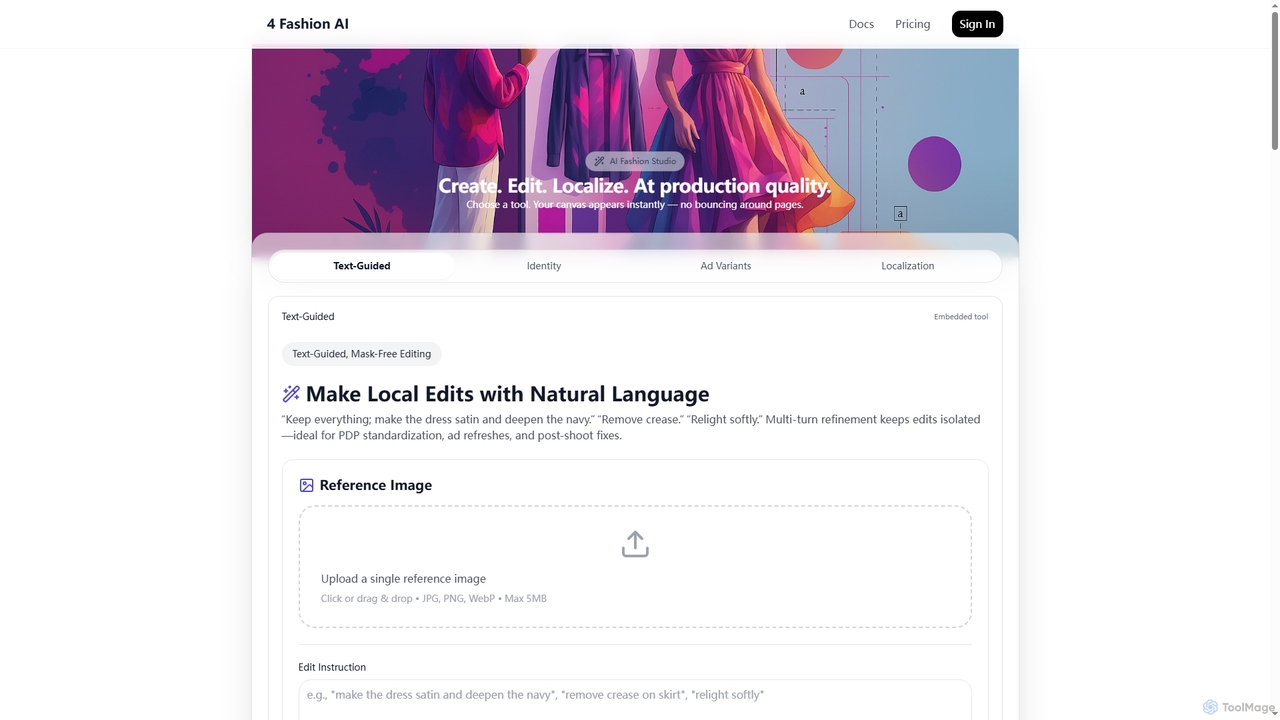
4FashionAI

4FashionAI

4FashionAI is an advanced AI platform for the fashion industry, offering tools for virtual try-on, outfit generation, and …

6.4K
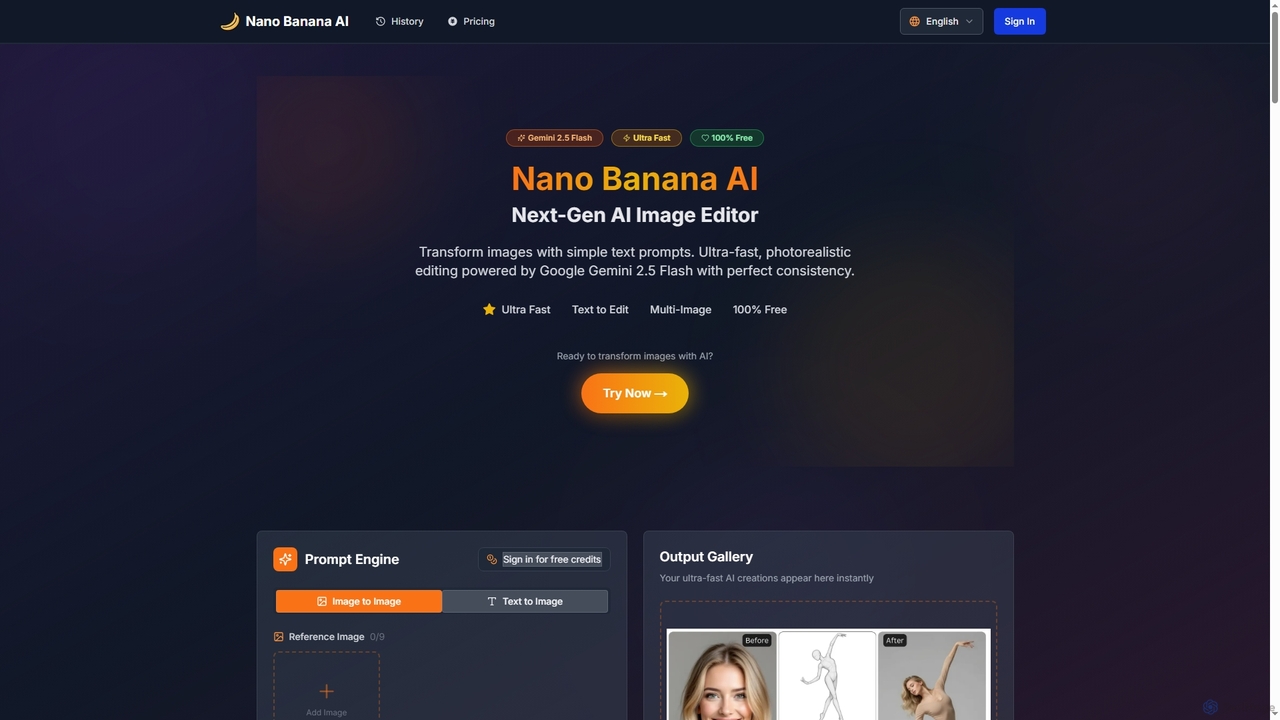
Nano Banana AI

Nano Banana AI

Nano Banana AI is an advanced AI image editor powered by Google Gemini 2.5 Flash, enabling users to …

2.7K

About Generative Editing

Generative Editing tools are a specialized class of image editors that use artificial intelligence to create, remove, or transform content within an image from text prompts or contextual analysis. Unlike traditional editors that manipulate existing pixels, these tools leverage generative models to synthesize entirely new visual elements that seamlessly blend with the original picture. This allows users to perform complex tasks like adding objects, extending backgrounds (outpainting), or removing distractions with remarkable realism. They represent a significant advancement in image manipulation, shifting the focus from manual pixel adjustment to intuitive, prompt-based content creation.

Core Features

  • Generative Fill: Adds, extends, or removes content from images non-destructively, using simple text prompts to generate realistic results.
  • Object Removal & Inpainting: Intelligently erases unwanted objects or imperfections and realistically reconstructs the background behind them.
  • Outpainting (Canvas Extension): Expands the borders of an image by generating new content that logically continues the existing scene.
  • Text-to-Texture Generation: Applies new textures or patterns to selected areas of an object based on a textual description.
  • Context-Aware Replacement: Replaces selected objects with new, AI-generated ones that match the original image's lighting, perspective, and style.

Use Cases

Generative Editing is widely used by marketing professionals to create campaign visuals, e-commerce managers to stage product photos, and photographers to perform advanced retouching and restoration. Content creators use it to quickly adapt images for different social media formats, while designers leverage it for rapid concept exploration and ideation, significantly reducing the time required for complex manual edits.

How to Choose

When selecting a Generative Editing tool, evaluate the quality and realism of the generated content. Consider the tool's integration with your existing workflow, such as plugins for Adobe Photoshop. Also, assess the user interface's intuitiveness, the precision of selection tools, and the level of control you have over the final generated output. The processing speed and pricing model are also important factors.

Generative EditingUse Cases

1

Enhance E-commerce Product Photography

An e-commerce manager needs to update product photos for a new seasonal campaign without conducting an expensive photoshoot. Using a Generative Editing tool, they select the background of an existing product image and enter a text prompt like 'a warm, festive holiday background with soft lights'. The AI generates a new, high-quality background that matches the product's lighting and perspective. This allows them to create dozens of campaign-specific images in minutes, saving significant time and budget while increasing the visual appeal of their online store.

2

Expand Images for Social Media Formats

A content creator has a great horizontal photograph but needs to post it as a vertical story on Instagram. Instead of awkwardly cropping the image, they use the 'Outpainting' feature. They extend the canvas vertically, and the AI generates new content at the top and bottom that seamlessly continues the original scene, whether it's more sky, a continuing landscape, or an extended building. This process transforms a landscape-oriented photo into a perfectly fitting portrait-oriented image in seconds, maintaining the integrity and composition of the original shot.

3

Remove Distractions from Real Estate Photos

A real estate agent has photos of a property, but they contain distracting elements like parked cars, clutter, or outdated furniture. Using the object removal feature of a Generative Editing tool, the agent simply selects the unwanted items. The AI removes them and intelligently fills in the space with a realistic background, such as extending the lawn where a car was parked or creating a clean wall where clutter was present. This results in cleaner, more appealing property listings that help potential buyers visualize the space's true potential, leading to faster sales.

4

Rapidly Ideate for Creative Concepts

A graphic designer is brainstorming concepts for an advertisement. They start with a stock photo of a city street. Using Generative Fill, they can quickly test different ideas. They select a billboard and prompt 'a futuristic neon advertisement for a new soda'. Then, they select a car and prompt 'transform into a vintage convertible'. This allows for rapid, non-destructive experimentation with complex visual ideas that would traditionally take hours of manual photo manipulation. The designer can generate multiple variations to present to a client, dramatically accelerating the creative process.

5

Restore and Repair Old Photographs

A user has a scanned copy of a cherished old family photograph that is torn and has missing pieces. Using a generative inpainting feature, they select the damaged areas, including the tear and the missing corner. The AI analyzes the surrounding pixels and content of the photo—such as patterns on clothing or textures in the background—and generates new content to seamlessly repair the damage. The result is a fully restored photograph that looks as if it were never damaged, preserving a valuable memory without requiring professional restoration skills.

6

Create Realistic Fashion Mockups

A fashion designer wants to visualize a new fabric pattern on a dress from a recent photoshoot without creating a physical sample. They select the dress in the photo and use a text-to-texture feature, prompting 'a vintage floral pattern with small red roses'. The Generative Editing tool applies the new pattern to the dress, realistically conforming to the folds, shadows, and lighting of the fabric. This allows the designer to create dozens of realistic digital mockups with different patterns and colors in a fraction of the time it would take to do manually or with physical samples.

Generative EditingFrequently Asked Questions