ToolMage
Sign in

Best 2 Generative Image AI tools for Image Editing

Popular Generative Image AI tools in Image Editing include FixArt and Image to Image, helping you work more efficiently.

FixArt
Freemium

FixArt

FixArt is a comprehensive AI-powered creative hub offering free, unrestricted tools for generating stunning videos and images. Transform static photos into dynamic animations, convert text into captivating videos, reimagine existing images, or create visuals from scratch—all without sign-up or content filters, delivering professional-grade results in 4K.

Digital Art
Visits 74.8KFavorites 13Likes 12
Image to Image
Freemium

Image to Image

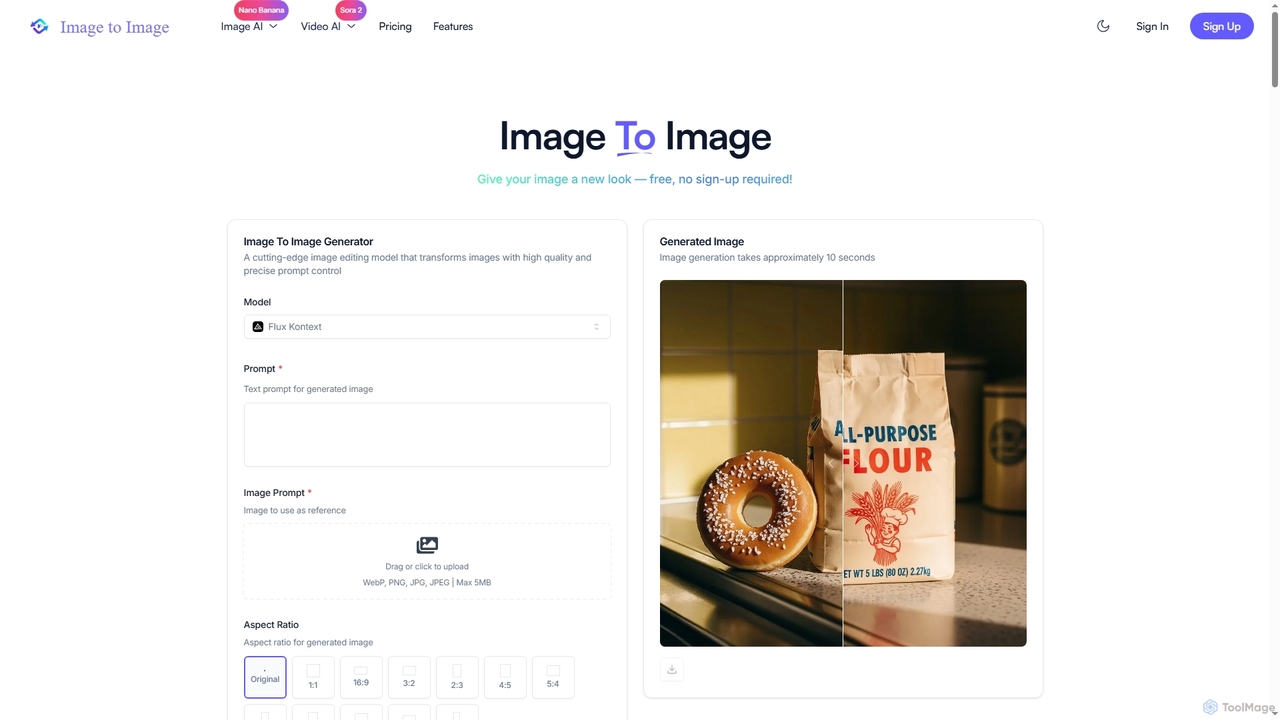
Image to Image is an all-in-one AI creative suite that transforms existing images, generates new visuals from text, and creates dynamic videos from both images and text. It offers high-fidelity outputs, multiple AI models, and a user-friendly interface for artists, designers, marketers, and content creators.

Creative Suite
Visits 22.1KFavorites 105Likes 100

About Generative Image

Generative Image tools are AI-powered applications that create entirely new visual content from various inputs, such as descriptive text prompts, rough sketches, or existing images. Leveraging advanced deep learning models like diffusion models and Generative Adversarial Networks (GANs), these tools synthesize unique graphics, illustrations, and photos that never existed before. They empower creators, marketers, and developers to rapidly visualize concepts, produce bespoke visuals, and explore creative possibilities with unprecedented speed and flexibility, fundamentally transforming the landscape of digital content creation within the broader field of image editing.

Core Features

  • Text-to-Image Generation: Synthesize high-quality, diverse images directly from descriptive text prompts, enabling users to manifest abstract ideas into visual form.
  • Image-to-Image Transformation: Modify or re-imagine existing images based on new prompts, style transfers, or structural guidance, offering creative control over visual elements.
  • Style Transfer: Apply the artistic style of one image (e.g., a famous painting) to the content of another, creating unique visual blends and artistic interpretations.
  • Inpainting & Outpainting: Intelligently fill in missing parts of an image or extend its boundaries with contextually relevant, AI-generated content, seamlessly expanding visual narratives.
  • Variations Generation: Produce multiple diverse versions of a generated or uploaded image, offering a range of creative alternatives and facilitating iterative design processes.

Applicable Scenarios

These tools are invaluable for professionals across various sectors, from graphic design and digital marketing to entertainment and product development. They enable graphic designers to quickly prototype ideas for logos or branding, marketers to generate unique campaign visuals tailored to specific audiences, and game developers to create diverse concept art and textures efficiently. Generative Image tools significantly streamline the ideation process, reduce reliance on generic stock photography, and open new avenues for highly personalized and original visual content creation, complementing traditional image editing workflows.

How to Choose

When selecting a Generative Image tool, consider the quality and realism of its output, evaluating how well it translates prompts into desired visuals and handles intricate details. Assess the flexibility and control offered by its prompt engineering interface, including options for negative prompts, seed control, and upscaling. Furthermore, examine the specific feature set, such as advanced image-to-image capabilities, 3D generation, or video synthesis. Finally, evaluate the pricing model, commercial licensing terms for generated assets, and the speed of image generation to ensure it aligns with your project requirements, budget, and workflow efficiency needs.

Featured tool rankings

Generative Image use cases

1

Rapid Concept Art & Design Iteration

Game developers, product designers, and architects can leverage Generative Image tools to rapidly visualize and iterate on design concepts. By inputting textual descriptions or rough sketches, they can generate multiple diverse visual options for characters, environments, or product prototypes in minutes. This accelerates the ideation phase, allowing teams to explore a wider range of creative directions and refine their vision much faster than traditional manual methods, significantly reducing development time and costs.

2

Creating Unique Marketing & Advertising Visuals

Marketing specialists, advertisers, and social media managers frequently need fresh, engaging visuals for campaigns. Generative Image tools allow them to create custom images for ads, banners, and social media posts based on specific campaign themes, target demographics, or product features. This capability helps brands stand out from competitors, reduces reliance on generic stock photos, and ensures visual content is precisely tailored to maximize engagement and conversion rates, all while maintaining brand consistency.

3

Personalized Content for Bloggers & Creators

Content creators, bloggers, and small business owners often struggle to find unique and relevant visuals for their articles, social media, or websites. Generative Image tools enable them to produce bespoke illustrations, featured images, or background graphics that perfectly match their content's tone and theme. By simply describing the desired image, they can generate original visuals that enhance engagement, maintain a consistent brand aesthetic, and avoid copyright issues associated with stock imagery, making their content more distinctive.

4

E-commerce Product Mockups & Variations

E-commerce sellers and product photographers can utilize Generative Image tools to create diverse product mockups and variations without the need for expensive photoshoots or complex staging. By uploading a product image and providing prompts, they can place the product in various realistic or stylized environments (e.g., a handbag on a Parisian street, a watch in a luxury setting). This allows for cost-effective visual merchandising, enabling businesses to present their products in countless appealing contexts and generate multiple angles or color variations quickly, enhancing online store appeal.

5

Storyboarding & Visual Storytelling for Media

Filmmakers, animators, and comic artists can significantly streamline their pre-production process using Generative Image tools for storyboarding and visual storytelling. By inputting scene descriptions, character actions, and desired settings, they can quickly generate visual panels or keyframes. This capability allows for rapid visualization of narrative sequences, helping to communicate visual ideas effectively to team members, refine scene compositions, and explore different artistic styles before committing to full production, saving considerable time and resources.

6

Generating Educational & Explanatory Graphics

Educators, technical writers, and instructional designers can use Generative Image tools to create custom diagrams, illustrations, and visual aids that simplify complex concepts. Instead of relying on generic stock images or spending hours on manual design, they can describe the abstract idea or specific process, and the AI will generate clear, engaging visual representations. This improves comprehension, makes learning materials more accessible and engaging for students or trainees, and allows for highly specific visual content tailored to unique educational needs.

Generative Image FAQ

What are Generative Image tools?

Generative Image tools are AI-powered applications that create entirely new images from various inputs like text prompts or existing visuals. They leverage advanced deep learning models, such as diffusion models, to synthesize unique graphics, illustrations, and photos that have never existed before. Their core purpose is to empower users to rapidly visualize concepts, produce bespoke visuals, and explore creative possibilities with unprecedented speed and flexibility, transforming digital content creation.

How do Generative Image tools work?

Generative Image tools primarily work by taking a user's input, often a text prompt, and processing it through complex AI models, such as diffusion models or Generative Adversarial Networks (GANs). These models have been trained on vast datasets of images and their corresponding descriptions, allowing them to understand visual concepts. When a prompt is given, the AI iteratively refines a random noise pattern or an existing image until it matches the described content, synthesizing a completely new and unique visual output.

What's the difference between Generative Image and traditional Image Editing tools?

The fundamental difference lies in their core function: Generative Image tools create entirely new visual content from scratch based on prompts, synthesizing images that didn't exist before. In contrast, traditional Image Editing tools modify, enhance, or manipulate existing images. While editing tools focus on refining or altering pre-existing visuals (e.g., cropping, color correction, retouching), generative tools are about pure creation and ideation, offering the ability to manifest abstract concepts into novel visual forms.

What are the main features of Generative Image tools?

Generative Image tools offer several key features. These include Text-to-Image Generation, where users create visuals from descriptive text prompts; Image-to-Image Transformation, which modifies existing images based on new prompts or styles; and Style Transfer, applying artistic styles from one image to another. Additionally, many tools provide Inpainting and Outpainting for intelligently filling or extending image boundaries, and Variations Generation to produce multiple diverse versions of an image, enhancing creative flexibility.

How do I choose the best Generative Image tool for my needs?

To choose the best Generative Image tool, first assess the quality and realism of its output, ensuring it meets your aesthetic standards. Consider the flexibility of its prompt engineering, including options for negative prompts, seed control, and upscaling, which offer greater creative control. Evaluate the specific feature set, such as advanced image-to-image capabilities, 3D generation, or video synthesis, if relevant to your projects. Finally, examine the pricing model, commercial licensing terms for generated assets, and the speed of image generation to align with your budget and workflow efficiency.