Image Editing Best in category 2 results Image Generation AI Tool

Popular AI tools in the Image Generation field of Image Editing include kolors_virtual_try_on、Clothona, etc., helping you quickly improve efficiency.

Clothona

Clothona

Clothona is an AI-powered virtual try-on companion that lets you visualize countless outfits on your own photo. Simply …

3.4K
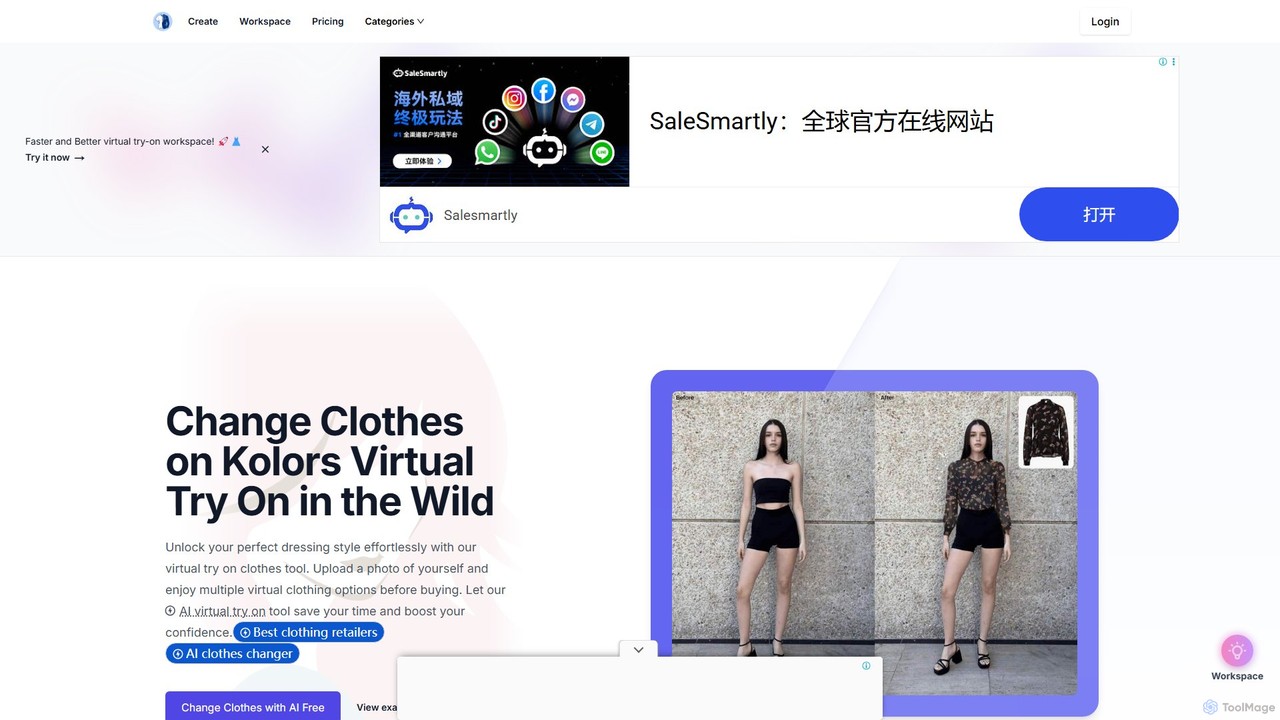
kolors_virtual_try_on

kolors_virtual_try_on

Kolors Virtual Try On is an AI-powered tool that allows users to virtually try on clothes on any …

4.5K

About Image Generation

AI Image Generation tools create entirely new, original images from text descriptions or other inputs. They utilize advanced deep learning models, such as diffusion or GANs, to translate human language into unique visual content. This technology empowers creators, marketers, and designers to rapidly produce high-quality visuals, concept art, and illustrations without needing manual artistic skills or relying on stock photography. Their key advantage lies in generating limitless variations and styles on demand, accelerating creative workflows.

Core Features

  • Text-to-Image Generation: Creates images based on detailed textual descriptions (prompts).
  • Image-to-Image Transformation: Modifies an existing image based on a text prompt or style reference.
  • Inpainting & Outpainting: Fills in missing parts of an image or extends its boundaries with AI-generated content.
  • Style Control: Allows users to specify artistic styles, such as photorealistic, anime, or abstract.
  • Parameter Adjustment: Provides fine-grained control over aspects like aspect ratio, seed, and generation steps.

Use Cases

These tools are widely used by marketing teams for creating unique ad creatives, by designers for rapid concept visualization, and by content creators for generating custom blog or video thumbnails. Game developers also use them to prototype character and environment designs, accelerating the pre-production pipeline.

How to Choose

When selecting an Image Generation tool, consider the output quality and realism, the diversity of supported artistic styles, the level of control offered through prompting and parameters, and the pricing model (e.g., subscription vs. per-image credits). Ease of use is also a key factor for non-technical users to achieve desired results efficiently.

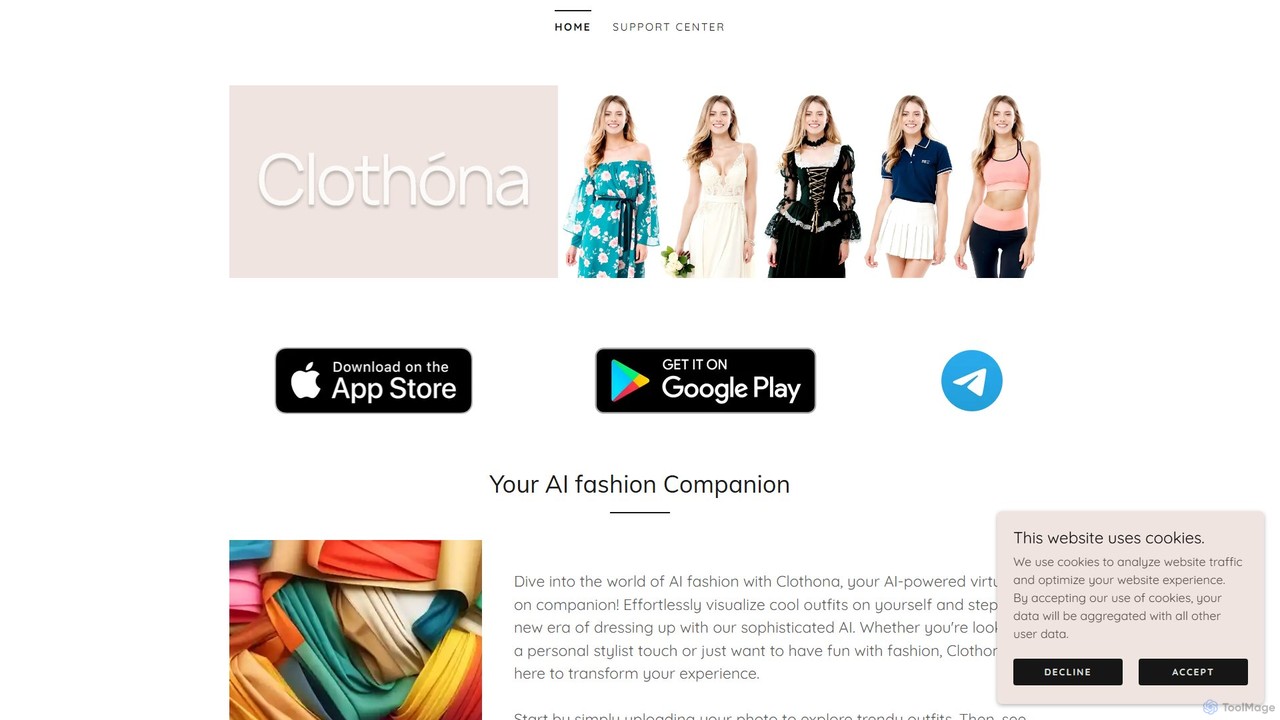
Image GenerationUse Cases

1

Creating Unique Marketing & Ad Creatives

A marketing manager needs fresh visuals for a new social media campaign but has a limited budget for photoshoots. Using an AI Image Generation tool, they input prompts describing the product, target audience, and desired mood (e.g., 'a futuristic sneaker on a neon-lit street in Tokyo, photorealistic'). The tool generates dozens of high-resolution, royalty-free images in minutes. This allows the team to A/B test different visual concepts and increase ad engagement without the high cost and long lead times of traditional production.

2

Rapid Concept Art for Game Development

A concept artist for a video game studio is tasked with designing a new fantasy character. Instead of sketching dozens of variations by hand, they use an Image Generation tool to quickly explore ideas. By providing a base description like 'elven warrior with glowing armor, holding a crystal sword, forest background,' they can generate multiple character designs in various styles. This process accelerates the initial ideation phase, providing a rich set of visual references for the final design and saving hours of manual work.

3

Generating Illustrations for Digital Content

A blogger writing an article about sustainable energy needs a compelling header image. Instead of searching through generic stock photo libraries, they use an AI generator to create a custom illustration. They enter a prompt like 'solar panels on a modern rooftop with a vibrant sunset, digital art style.' The result is a unique, relevant image that perfectly matches the article's theme, enhancing the content's visual appeal and originality without copyright concerns.

4

Visualizing Architectural & Interior Designs

An architect wants to show a client different stylistic options for a building's facade. They upload a basic 3D model or sketch into an image-to-image generator. Then, they apply text prompts like 'modernist style with concrete and glass,' 'art deco style with bronze details,' or 'biophilic design with vertical gardens.' The tool generates realistic renderings of these concepts, enabling the client to visualize the final look and make informed decisions much faster than traditional rendering methods would allow.

5

Prototyping Product Designs and Mockups

A product designer is developing a new line of backpacks. To test different materials and colors, they use an AI Image Generation tool. They can upload a simple sketch of the backpack and use prompts to generate photorealistic mockups, such as 'canvas backpack in olive green, leather straps, in a forest setting' or 'nylon backpack in bright orange, on a hiker's back.' This allows for rapid iteration and feedback on product aesthetics before creating physical prototypes, saving time and material costs.

6

Creating Personalized Avatars and Art

An individual user wants a unique profile picture for their social media accounts. They can use an AI Image Generator to create a custom avatar. By uploading a photo of themselves and providing a prompt like 'turn me into a cyberpunk character' or 'reimagine in a Van Gogh painting style,' they can generate a personalized and artistic image that reflects their personality. This offers a creative and fun way to produce digital art for personal use without needing artistic skills.

Image GenerationFrequently Asked Questions